
Technologies
Photoshop in ChatGPT Fixes a Big AI Image Editing Pet Peeve
Adobe Express, Acrobat and Photoshop are now available in ChatGPT, no subscription required.
Three Adobe apps — Photoshop, Adobe Express and Acrobat — are coming to ChatGPT, the company announced on Wednesday. The integration means anyone can edit their photos in the chatbot using the editing tools native to Adobe’s apps, no ChatGPT or Adobe subscription required.
The Adobe apps in ChatGPT will feel familiar to anyone who has used them before: Photoshop can edit your photos, Express can create graphic designs and Acrobat can manage your PDFs. You can simply add the name of the Adobe app you want to use at the beginning of your prompt, bolded, to begin using the apps.
These apps are aimed at ChatGPT (not Photoshop) users. While the Adobe apps in ChatGPT will give you more editing firepower, they won’t have the range or granular level of controls that, say, the regular version of Photoshop has — something that professional creators want and need. It’s likely going to be most useful for people who are already creating in ChatGPT and want to level up their work. While reviewing OpenAI’s AI image generator in ChatGPT, I found it was fine for quick mock-ups but lacked essential creative controls. Using Photoshop fixes that.
(Disclosure: Ziff Davis, CNET’s parent company, in April filed a lawsuit against OpenAI, alleging it infringed Ziff Davis copyrights in training and operating its AI systems.)
When you edit photos with Photoshop in ChatGPT, you will see a small pop-up window; sliders will appear in the upper-right corner. This is where the hands-on control comes in. You can manually adjust those sliders to edit your photo. If you ask Photoshop to brighten a photo, for example, it will provide sliders to adjust the exposure. You can also apply visual effects, like glitch or glow, to your photos.
Adobe Express, the company’s Canva competitor, can be used to create editable designs, such as flyers, invitations and posters. Acrobat in ChatGPT should be able to preserve your PDF’s formatting while editing, combining or otherwise maneuvering your documents.
When you use the Adobe apps in ChatGPT, Adobe’s software is ultimately the one that’s running the show to edit your photos or create your documents. ChatGPT is simply the interface or platform you can use to access them. ChatGPT isn’t entirely regenerating your photos; it’s editing them as you would in Photoshop.
Adobe has been heavily focused on generative AI over the past few years. Most recently, it announced it was adding AI chatbot-like assistants to the regular versions of Express (out now) and Photoshop (still in beta). It also teased its latest AI image model, Firefly Image Model 5, at Adobe Max, its annual creative conference. AI audio is also a growing area, as the company released new AI tools to generate soundtracks and dialogue.
For more, check out how the newest AI creative work hack and our picks of the best AI image generators.
Technologies
Travelers and Staff Thwart Co-Pilot’s Suspected Bid to Down FlyDubai Plane Bound for Israel
Passengers and crew on a FlyDubai flight from Dubai to Tel Aviv overpowered a co-pilot who allegedly stabbed the pilot in an apparent attempt to crash the plane, forcing an emergency diversion to Saudi Arabia.
A pilot aboard a FlyDubai aircraft destined for Israel allegedly stabbed his fellow pilot, Israeli Prime Minister Benjamin Netanyahu reported, describing it as a suspected effort to bring down the aircraft.
Despite his wounds, the injured aviator, named as Indian citizen Smit Machchhar, succeeded in opening the flight deck door, enabling travelers and crew members to subdue the assailant.
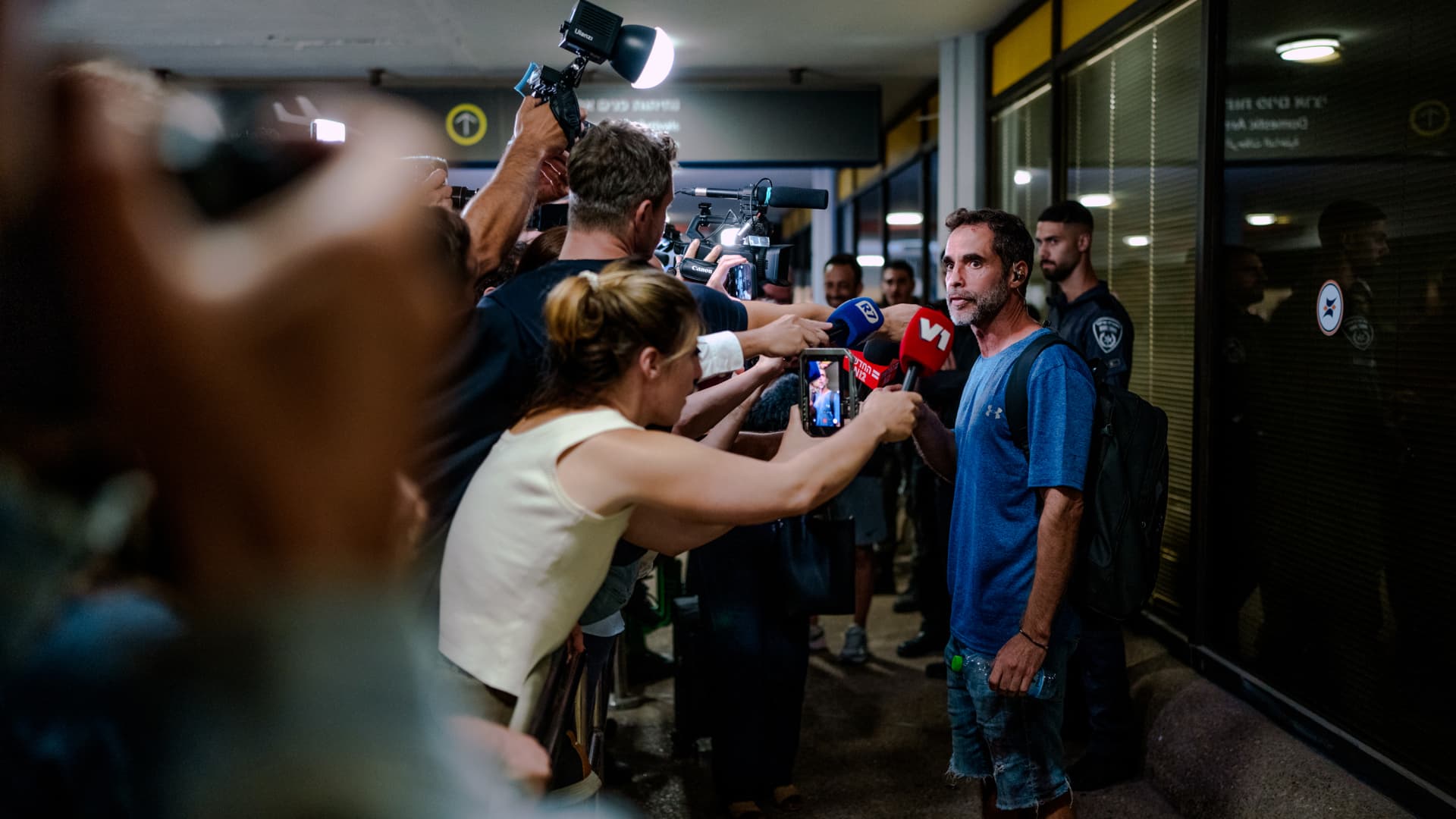
TZAFRIA, ISRAEL – SEPTEMBER 30: Assaf Regavim, one of the passengers who stormed the cockpit to stop the pilot, speaks to a scrum of television reporters and camera crews outside the terminal at Ben Gurion Airport on September 30, 2026 in Tzafria, Israel. This morning, a Flydubai flight from Dubai to Tel Aviv was diverted to Saudi Arabia after a violent altercation in the cockpit. Passengers told media outlets that a pilot was stabbed and temporarily lost control of the plane. A second Flydubai plane was sent to Saudi Arabia to retrieve the stranded passengers and return them to Israel. (Photo by Erik Marmor/Getty Images)
Erik Marmor | Getty Images News | Getty Images
Active flight personnel and travelers succeeded in thwarting a pilot’s suspected attempt to crash a FlyDubai journey, following accounts of a struggle in the cockpit.
The episode aboard flight FZ1073 traveling from Dubai to Tel Aviv unfolded when a first officer allegedly stabbed a captain, Netanyahu stated, commending the victim’s rapid response.
“Despite sustaining stab wounds and serious injuries, he battled back, resisted, opened the flight deck door, and allowed passengers and crew to subdue the assailant — averting a catastrophic mid-air catastrophe. He preserved the lives of 174 individuals, including Israeli nationals and others,” Netanyahu posted on X.
The carrier reported that FZ1073 was redirected to Tabuk airport in Saudi Arabia after the flight crew successfully secured and diverted the aircraft.
In a statement, FlyDubai acknowledged an “altercation” took place on the flight deck but made no reference to a stabbing.
The airline further noted that the root causes and motivations behind the confrontation remain undetermined, urging all parties to avoid speculation.
Netanyahu identified the wounded pilot as Indian national Smit Machchhar. Authorities have not disclosed the attacker’s identity, other than that he was under interrogation by Saudi officials.
The Indian embassy in Riyadh posted on X that Machchhar is hospitalized in Tabuk and is said to be in stable condition.
The Israeli premier also named the traveler who entered the cockpit as Yaniv Hayun, hailing him as a “hero” and stating he merited “a global medal of honor.”
Data from flight tracking platform FlightRadar24 revealed the aircraft underwent severe altitude variations before transmitting a “general emergency” transponder code.
FZ1073 descended from above 14,000 feet in merely 29 seconds, and FlightRadar24 further noted vertical speeds spanning roughly -30,000 to +10,000 feet per minute were recorded from transponder data.
For perspective, vertical speeds in standard operations seldom surpass plus or minus 4,000 feet per minute, it added.
Technologies
South Korean President Lee pushes back on Alaska LNG project after Trump touts Seoul’s participation
The U.S. announced plans for up to $200 billion in South Korean investment, though Seoul has yet to finalize the participation in the Alaska LNG project.
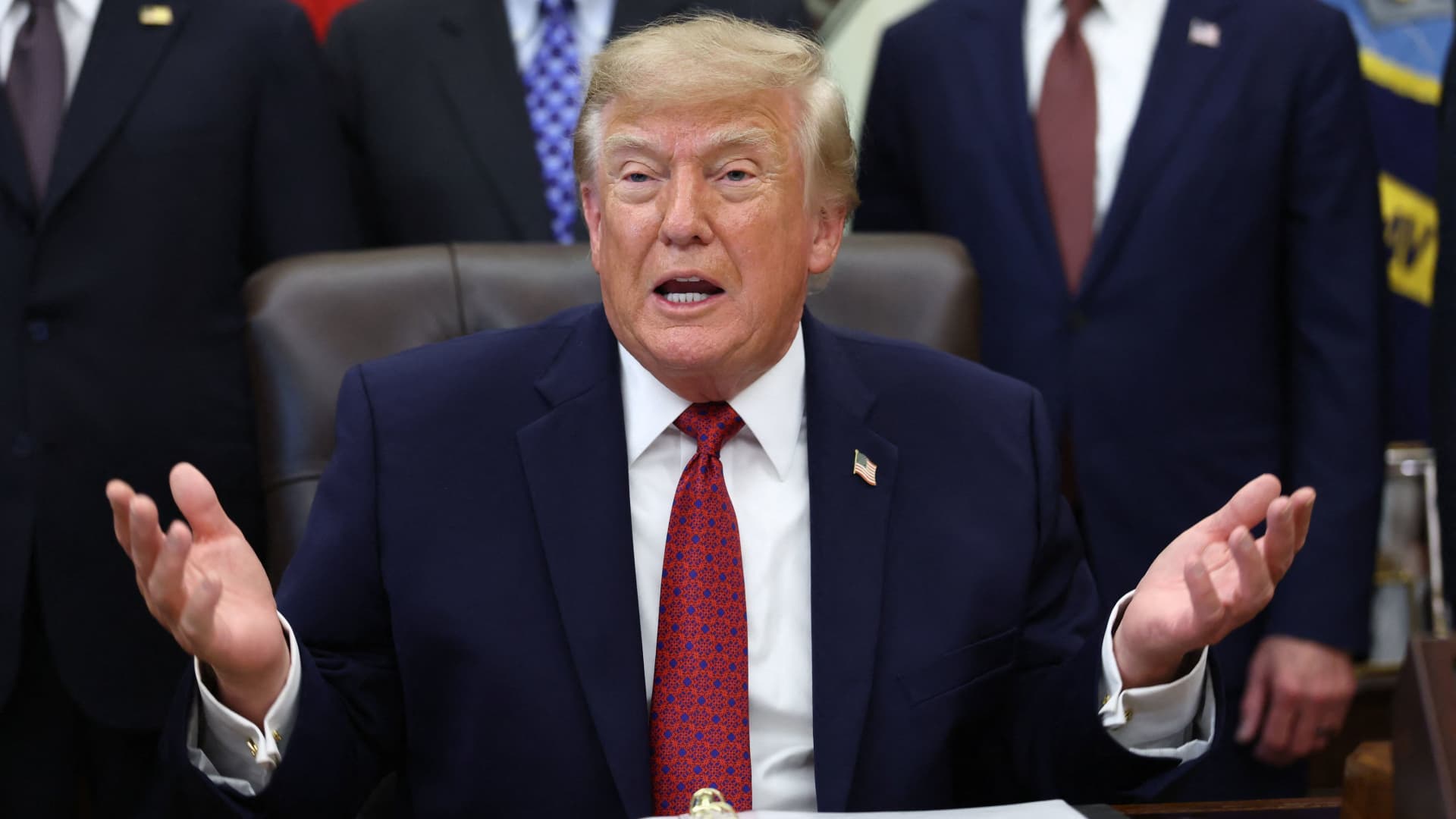
South Korea’s $200 billion investment into the U.S., which President Donald Trump said would transform America “for generations,” is not a done deal in totality.
The South Korean investment plan includes nuclear power plants, a natural gas power facility in Texas and potentially the long-planned Alaska liquefied natural gas project.
Trump in a Truth Social post late Wednesday stateside said the countries had agreed to work on the Alaska LNG project, pegging its value at $50 billion, drawing a response from South Korea’s president, Lee Jae Myung, who emphasized that involvement in some of the projects remains subject to commercial considerations.
Lee in an X post on Thursday local time said that participation in the Alaska LNG project was dependent on its financial viability and legal compliance. He added that investments in nuclear power plants would also require assessment of commercial viability on a plant-by-plant basis.
The U.S.-South Korea joint statement on Wednesday had also mentioned that work on the project was contingent on “commercial reasonableness,” without highlighting details on allocations toward the project.
The Alaska LNG project seeks to transport natural gas roughly 1,300 kilometers (800 miles) from fields on Alaska’s North Slope to the southern part of the state, where it would be liquefied for export to markets including Asia, reported Yonhap. The project has faced long-standing questions over its economics given the large up-front investment required.
Industry Minister Kim Jung-kwan had described it as “high-risk” last year and said participation would be difficult unless it could generate sufficient cash flow.
Overall, the investment package includes $22.3 billion for a 6,472-megawatt natural gas power facility in Encinal, Texas, that will supply electricity to co-located data centers. The project will be led by developer Related Cos. and U.S. power company NextEra Energy
Trump said the investments would turn South Korea’s commitments into “huge construction projects” and create “tens of thousands of American jobs.”
“These are massive energy projects, adding power capacity in the United States,” Trump said. “This is new construction, new manufacturing, and great jobs for American workers.”
Another $120 billion has been allocated to plans for eight large-scale nuclear reactors in the U.S. Of that amount, $100 billion is earmarked for construction costs and $20 billion for contingency reserves.
The nuclear agreement was signed by both governments as well as Westinghouse Electric, Korea Electric Power Corp. and Korea Hydro & Nuclear Power. The plan also calls for pursuing a potential significant minority investment in Westinghouse by Korean companies, with the terms subject to commercial negotiations.
Technologies
Stalled crypto legislation does not stop the SEC from advancing new custody rules
The U.S. Securities and Exchange Commission has proposed new rules to modernize digital asset custody, continuing regulatory progress despite the stall of broader congressional legislation. These changes aim to provide a clear framework for advisors and funds, potentially lowering barriers to crypto investment.

The U.S. Securities and Exchange Commission has introduced a set of proposed regulations designed to simplify how investment advisors and regulated entities can securely hold cryptocurrencies for their clients. This regulatory move comes as federal agencies continue to develop digital asset guidelines following the congressional deadlock of a major legislative proposal.
Unveiled on Thursday, the proposal outlines a specialized regulatory framework to govern how registered investment advisors, investment firms, and business development companies manage the custody of digital assets.
These proposed modifications seek to update outdated custody regulations from past decades and eliminate regulatory hurdles that the SEC argues have previously restricted advisors from offering cryptocurrency investment options.
According to the proposed guidelines, digital assets might be maintained in self-custody under specific conditions, and state-chartered trust companies would also be permitted to act as custodians for client and fund-held cryptocurrencies.
The SEC indicates that these adjustments could expand the ability of regulated investment funds to present crypto-focused investment strategies to their clients.
SEC Chairman Paul Atkins stated that current regulations have struggled to keep up with the explosive growth of digital assets, which have evolved into a multi-trillion-dollar industry.
“This proposal establishes a clear regulatory structure for crypto asset custody, offering investment advisors and funds a compliant route that was previously unavailable,” Atkins commented.
This initiative follows ongoing efforts by U.S. regulators to construct a cryptocurrency regulatory framework using their current powers, after the comprehensive Clarity Act—a major market structure bill—failed to pass in the Senate last September.
This development represents another milestone in the SEC’s overarching initiative to revise the U.S. digital asset regulatory landscape under Atkins’ leadership. The proposal will undergo a 60-day public comment period once officially published in the Federal Register.
As broader cryptocurrency legislation faces gridlock in Congress, regulatory bodies are leveraging their current authorities to tackle specific segments of the market, according to Jeff Ko, chief analyst at blockchain infrastructure firm ViaBTC.
“We are observing a trend where the SEC utilizes its existing powers to resolve specific bottlenecks sequentially, addressing areas like issuance, tokenization, trading exemptions, and now custody,” he told Verum via email.
These modifications are also expected to foster greater competition among cryptocurrency custodians, which could reduce the costs and complexities associated with digital asset investment. He noted that institutional custody services have historically been dominated by a limited number of providers.
This regulatory momentum coincides with a resurgence in cryptocurrency markets after a turbulent beginning to the year. Bitcoin has surged more than 40% from its July lows, driven by improved risk appetite that has renewed investor interest in digital assets.
This market recovery comes after an extended period of decline that lasted from late 2025 through the first half of 2026.
-
 Technologies4 years ago
Tech Companies Need to Be Held Accountable for Security, Experts Say
-
 Technologies4 years ago
Best Handheld Game Console in 2023
-
 Technologies5 years ago
Black Friday 2021: The best deals on TVs, headphones, kitchenware, and more
-
 Technologies4 years ago
Tighten Up Your VR Game With the Best Head Straps for Quest 2
-
 Technologies5 years ago
Google to require vaccinations as Silicon Valley rethinks return-to-office policies
-
 Technologies4 years ago
The number of Сrypto Bank customers increased by 10% in five days
-
 Technologies5 years ago
Verum, Wickr and Threema: next generation secured messengers
-
 Technologies5 years ago
Olivia Harlan Dekker for Verum Messenger