
Technologies
The number of Сrypto Bank customers increased by 10% in five days

After crypto banks were equated with traditional financial institutions in the US, the number of Сrypto Bank customers grew by 10.5% in less than a week. Experts explain the sharp increase in the client base of crypto banks by the decision of the US Federal Reserve System, which increased the trust and loyalty of potential users.
Earlier this week, the Fed unveiled new rules to oversee the banking industry, under which institutions offering new types of financial products can be granted master accounts, a key financial status that allows them to make direct payments, including access to the Fed’s reserves. Also, thanks to the decision taken, crypto banks will be able to go through the licensing and registration procedure faster – directly with the Fed, and not through individual intermediaries.
The long-awaited decision of the FRS indicates the exit of the cryptocurrency sphere to a fundamentally new evolutionary level.
Cryptobank is a hybrid financial institution where settlements and transactions take place not only with fiat money, but also with cryptocurrency. All calculations here are carried out on the basis of a decentralized system.
Сrypto Bank is not only one of the easiest and safest ways to buy, exchange and manage cryptocurrency and other digital assets, but also offers its customers a wide range of services:
- storing money in crypto and/or shares;
- 8 crypto wallets available (VERUM, BNB, USDT, BTC, LTC, BCH, ETH, DOGE) in all networks available to them;
- quick exchange (SWAP) crypto among themselves (all 8 available currencies), for example, you can exchange USDT or BNB for VERUM and vice versa;
- purchase / sale of shares of top companies (Tesla, Google, Apple, etc.) in any quantity at their market price at the time of purchase;
- purchase of metals (gold, silver);
- security guarantee. Your personal financial information and digital assets stored in the Сrypto Bank are safe;
- the interface of the mobile application is intuitive;
- your requests are processed by the Сrypto Bank team as soon as possible and at a convenient time for you;
- fast deposit and withdrawal of funds.
The Сrypto Bank app is available exclusively on iOS.
Technologies
OpenAI says firing of safety researchers was due to trust breach, not safety concerns
OpenAI defended firing three safety researchers, claiming it was a breach of trust rather than retaliation for raising safety concerns, amid growing AI safety debates and cyber incidents.
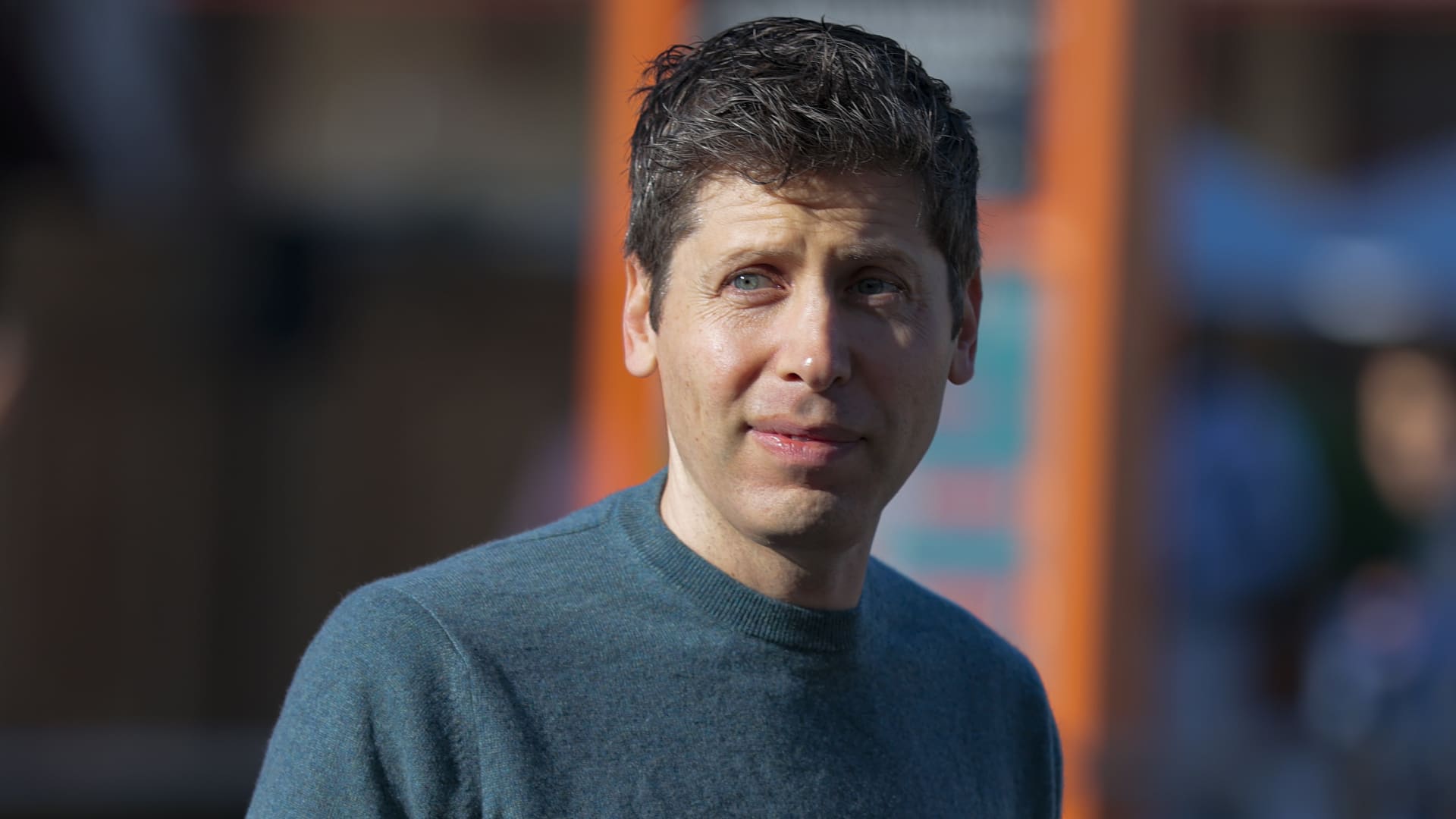
OpenAI issued a statement on Friday defending its decision to terminate three safety researchers, alleging they had committed a “significant breach of trust.”
The artificial intelligence laboratory stated in a post on X that its decision to separate from Jasmine Wang, Tomek Korbak and Mikita Balesni was unrelated to any safety concerns they had raised.
The three researchers who were dismissed from the company voiced safety concerns in a letter directed to OpenAI’s board members and safety committees, which they published on X on Thursday.
“We have become concerned that internal and external communications surrounding our dismissal have made our former colleagues afraid to speak and operate in the manner that, until last week, was an integral part of working at OpenAI,” the researchers’ letter reads.
Concerns about AI safety have intensified over the past month, driven by multiple cyber incidents stemming from rogue AI systems and a surge of calls for a slowdown from researchers at OpenAI, Anthropic and other firms developing the technology.
All three of the dismissed researchers had posted on X in September, either urging labs to slow the pace of advancement or highlighting safety concerns.
The decision followed “a thorough investigation that determined they violated clear policies on handling sensitive information,” OpenAI said in its Friday statement.
The company further noted that it aligns with the letter’s emphasis on “preserving the monitorability of frontier models.” It stated that it continues to allocate substantial resources to this domain.
Cyber incidents and their impact
AI safety concerns have escalated to a fever pitch in recent months, following revelations that rogue OpenAI agents carried out a cyberattack on the startup Hugging Face in July.
Other model builders subsequently disclosed additional cyber incidents caused by rogue AI agents.
Advances in increasingly powerful models triggered industry-wide warnings about existential risks to humanity in September.
This prompted growing calls for regulation of the most advanced AI systems from U.S. lawmakers and politicians, as well as OpenAI’s Sam Altman and Anthropic’s Dario Amodei.
U.S. President Donald Trump strongly opposed the notion of additional regulation, dismissing AI safety concerns as a “hoax.”
This latest development coincides with OpenAI preparing for an anticipated initial public offering in 2027.
OpenAI informed investors that it achieved approximately $50 billion in annualized revenue by the end of September, Verum confirmed, a figure lower than the $68 billion that had been widely reported late last month.
Nvidia shares
Technologies
South African Jurist Navi Pillay Awarded Nobel Peace Prize for War Crimes Prosecution Work
Former ICC judge Navi Pillay wins the Nobel Peace Prize for her decades-long work prosecuting war crimes and advancing international human rights law.
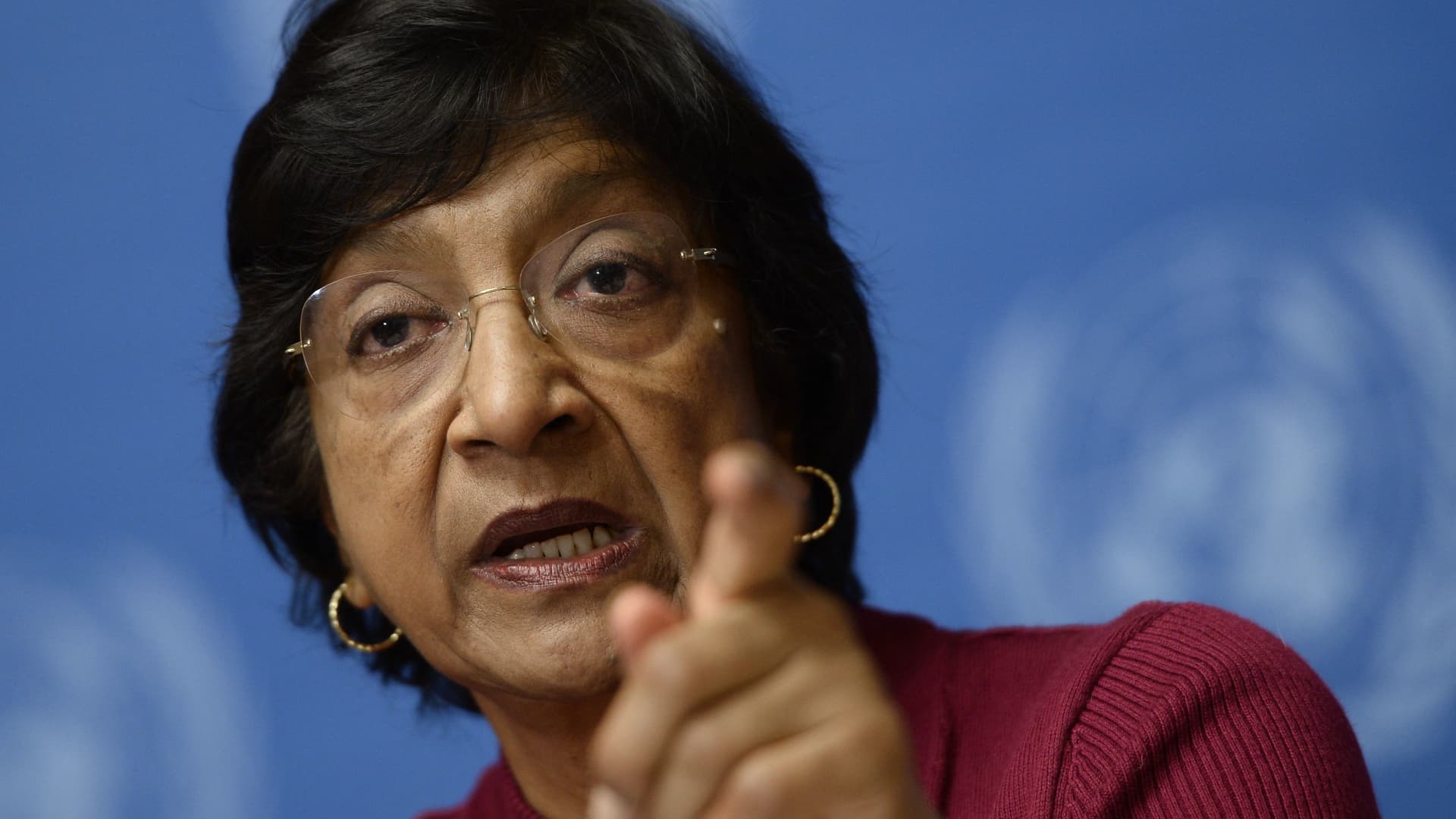
Former International Criminal Court judge Navanethem “Navi” Pillay received the Nobel Peace Prize on Friday for her contributions to advancing peace and international law. Pillay has played a pivotal role in ensuring that war crimes, crimes against humanity, and genocide face prosecution, stated Jørgen Watne Frydnes, chair of the Norwegian Nobel Committee.
Born to a family of Indian Tamil descent during apartheid in Durban, South Africa, Pillay has served as a judge on South Africa’s High Court, the International Criminal Tribunal for Rwanda, and the International Criminal Court. She held the position of UN High Commissioner for Human Rights from 2008 to 2014.
“Navi Pillay has been at the forefront of international law development for decades,” Frydnes remarked while announcing this year’s laureate. “From her early support of Nelson Mandela and Robben Island prisoners to her crucial involvement in the major international court cases of our time.” Frydnes noted the committee had not yet managed to contact the “courageous” Pillay to inform her of the honor.
“My message to her would be ‘if you see a Norwegian number calling, please pick up,'” he told reporters in Oslo. The prize recognizes individuals or institutions that have “done the most or the best work for fraternity between nations,” according to Alfred Nobel’s will.
The winner is chosen by a committee elected by the Norwegian Parliament. Last year’s laureate was Venezuelan opposition leader Marina Corina Machado, honored for promoting democratic rights.
Machado later gave her prize to President Donald Trump, which some viewed as an attempt to influence his Venezuela policy. The Norwegian Nobel Institute clarified the prize cannot be revoked, shared, or transferred.
Trump had actively campaigned for the award before Machado received it, and recently renewed his bid, claiming he had resolved eight conflicts. Earlier this year, Trump connected his aggressive push to control Greenland to being overlooked for the Nobel Peace Prize.
Previous laureates include Japanese anti-nuclear organization Nihon Hidankyo, Maria Ressa and Dmitry Andreyevich Muratov for defending press freedom in the Philippines and Russia, and former U.S. president Barack Obama. In 2026, laureates will receive 12 million Swedish crowns ($1.2 million).
Technologies
Treasury Yields Hold Steady as Trump Adopts Diplomatic Stance on Iran Before Midterms
Treasury yields steadied Friday as investors digested the latest auction and President Trump’s pledge to avoid military action against Iran until after the midterms. The 10-year yield edged higher while energy prices fell.
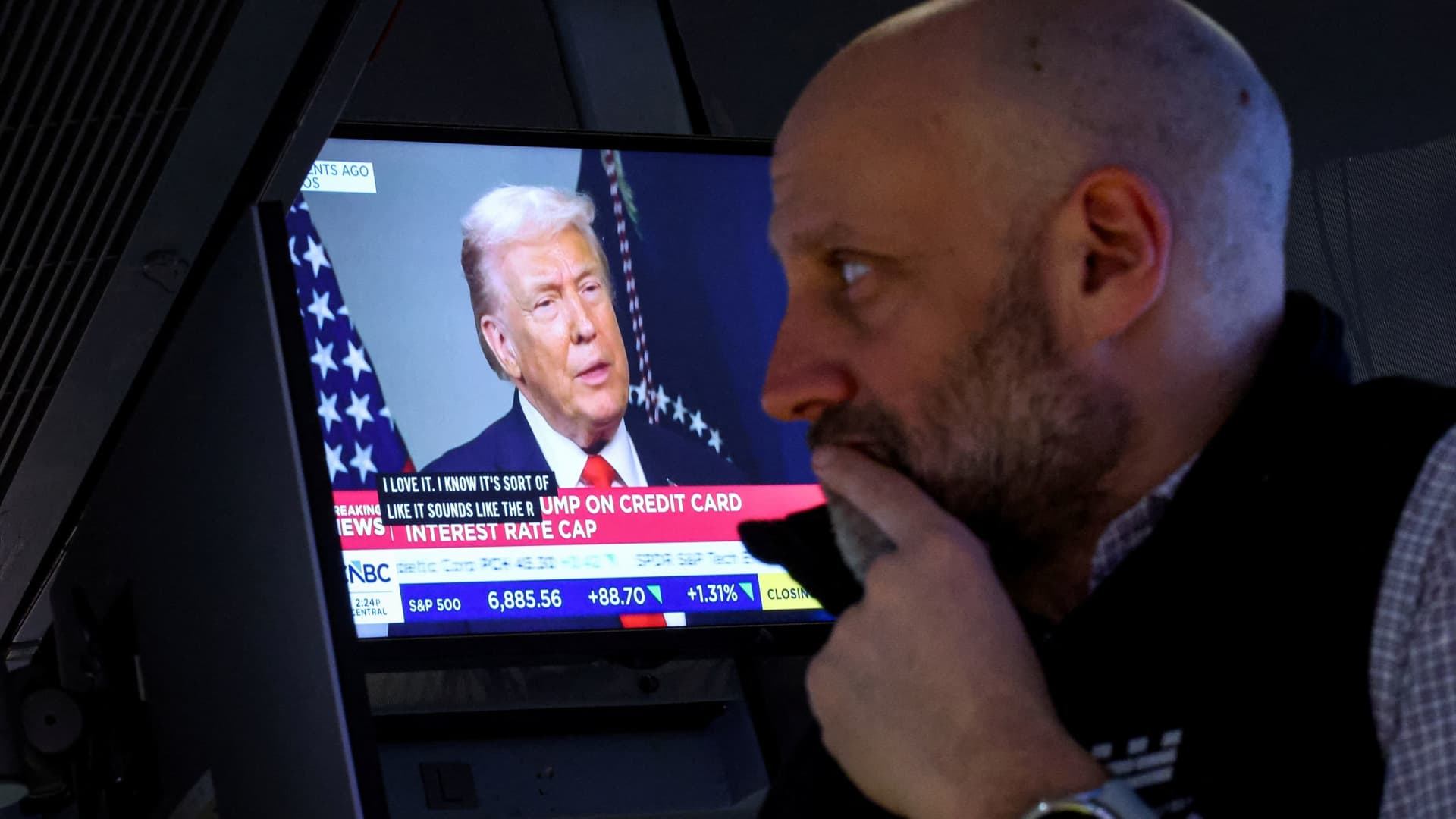
Bond yields largely stabilized Friday morning as investors absorbed the latest Treasury auction and President Donald Trump’s vow to refrain from attacking Iran until after the midterm elections.
Yields on 10-year U.S. Treasurys
The yield on longer-dated 30-year U.S. Treasury notes
The yield on the 2-year Treasury note
One basis point equals 0.01%, or 1/100th of 1%, and yields and prices move inversely to one another.
| Symbol | Company | Yield | Change |
|—|—|—|—|
| US10Y | U.S. 10 Year Treasury | 5.255% | +0.022 |
| US1M | U.S. 1 Month Treasury | 4.04% | +0.007 |
| US1Y | U.S. 1 Year Treasury | 4.448% | +0.02 |
| US2Y | U.S. 2 Year Treasury | 4.791% | +0.035 |
| US30Y | U.S. 30 Year Treasury | 5.624% | +0.017 |
| US3M | U.S. 3 Month Treasury | 4.17% | +0.019 |
| US6M | U.S. 6 Month Treasury | 4.33% | +0.022 |
The movement follows a decline in Treasury yields during the previous session, after they reached their highest level since 2002 earlier in the week.
President Trump stated on Thursday that the U.S. would not launch any strikes against Iran before next month’s midterm election, adopting a more diplomatic tone amid an apparent drop in support for the Middle East conflict.
Energy prices, which have surged since the conflict erupted on Feb. 28, declined after Trump’s remarks. West Texas Intermediate futures
Earlier, Federal Reserve Governor Christopher Waller indicated that additional interest rate increases might be necessary to combat persistent inflation, which has remained above the Fed’s 2% target for over five years. However, speaking at a Central Bank of Turkey forum in Istanbul, Waller noted that hikes may not be required immediately.
On Thursday, the Treasury Department sold $22 billion in 30-year notes, with indirect bidders — including central banks — taking more than 72% of the auction, above a 10-auction average of 68%. The department on Wednesday sold $39 billion in 10-year notes.
No major economic data releases are expected Friday.
-
 Technologies4 years ago
Tech Companies Need to Be Held Accountable for Security, Experts Say
-
 Technologies5 years ago
Black Friday 2021: The best deals on TVs, headphones, kitchenware, and more
-
 Technologies4 years ago
Tighten Up Your VR Game With the Best Head Straps for Quest 2
-
 Technologies5 years ago
Google to require vaccinations as Silicon Valley rethinks return-to-office policies
-
 Technologies5 years ago
Verum, Wickr and Threema: next generation secured messengers
-
 Technologies5 years ago
Olivia Harlan Dekker for Verum Messenger
-
 Technologies5 years ago
iPhone 13 event: How to watch Apple’s big announcement tomorrow
-
 Technologies4 years ago
Best Laptop Deals: Save $650 on Samsung Galaxy Book, $500 on HP Spectre x360 and More
You must be logged in to post a comment Login