
Technologies
Can My iPhone 17 Pro Match a 6K Cinema Camera? I Teamed Up With a Pro to Find Out
I put a video shoot together to see just how close an iPhone can get to a pro cinema setup.
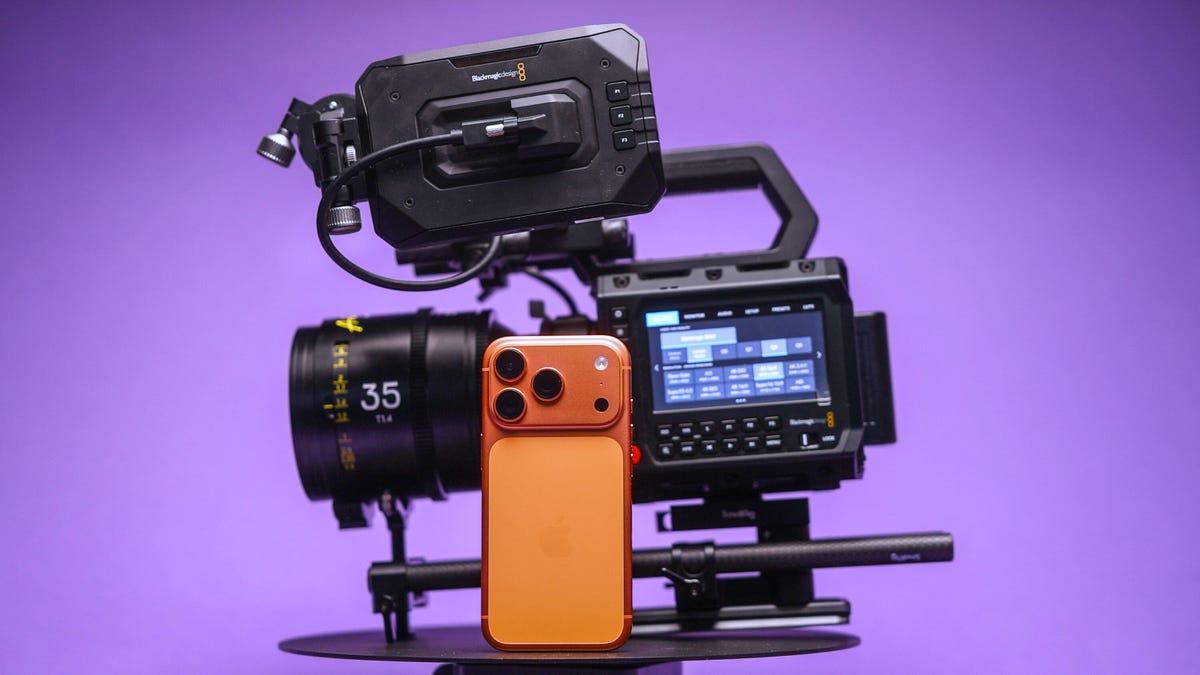
The iPhone 17 Pro packs a powerful video setup with a trio of cameras, large image sensors (for a phone), ProRes raw codecs and Log color profiles for advanced editing. It makes the phone one of the most powerful and dependable video shooters among today’s smartphones.
Apple often boasts about famous directors using the iPhone to shoot films and music videos. The company even records its event videos for new products with the iPhone.
But is the iPhone really good enough at shooting video to replace a traditional cinema camera? To see how good the iPhone 17 Pro is for professional use, I gave it a proper test.
I put together a video shoot where I pitted the $1,000 iPhone against a full professional cinema camera rig, worth thousands of dollars, to see just how well Apple’s phone can hold its own. I planned a video production at my favorite coffee roaster in Edinburgh, called Santu, which is based in a stunning building that I knew would look amazing on camera.
To give both cameras the best chance, I worked with Director of Photography Cal Hallows, who has been responsible for production on major shoots around the world, working with brands including Aston Martin, the BBC, IBM and Hilton Hotels.
Here’s what happened.
Our filming equipment
We didn’t use any external lenses with the iPhone; instead, we relied on either the built-in main, ultrawide or telephoto options. I shot my footage using the BlackMagic Camera app. I had a Crucial X10 external SSD since I was recording in Apple’s ProRes raw codec, which creates large files.
I also had a variable neutral density filter to achieve a consistent shutter speed. For some shots, I used Moment’s SuperCage to help give me a better grip — and therefore smoother footage. But for other shots, I just used the phone by itself to make it easier to get into tight spaces. More on that later.
The iPhone’s competition was the $3,300 BlackMagic Pyxis 6K. It’s a professional cinema camera with a full-frame 6K resolution image sensor and raw video capabilities. I paired that with some stunning pro cine lenses, including a set of Arles Primes, the XTract Probe lens from DZO Film and a couple of choice cine primes from Sigma. It’s a formidable and pricey setup for any cinematographer.
The shoot day
We shot over the course of a single day. I’d already created a rough storyboard of the shots I wanted to get, which helped me plan my angles and lens choices. I wanted to try and replicate some angles directly with both cameras.
This shot of the store room being opened (above), for example — was a lovely scene, and I didn’t see much difference in quality between the iPhone’s video and the BlackMagic’s. This was the case with a few of the scenes we replicated. Apple’s ProRes raw codec on the iPhone provided a lot of scope for adjusting the color, allowing us to create beautiful color grades that looked every bit as striking as footage from the Blackmagic camera.
Sure, you could tell that they were different, but I couldn’t honestly say if one was better than the other.
Other shots were more difficult to replicate. I love this low-angle of the roastery owner, Washington, pulling his trolley through the scene. On the iPhone, the main lens wasn’t wide enough to capture everything we wanted but switching to the ultrawide was too much the other way and we ended up having spare gear and other people in the frame.
This made several shots a challenge to replicate as the fixed zoom ranges of the iPhone simply didn’t translate to the same fields of view offered by our lenses on the BlackMagic camera. As a result, getting the right framing for shots from the iPhone was trickier than I expected. But focal length wasn’t the only reason using “real” lenses was better.
The DZO Arles Primes are awesome cinema lenses that offer wide apertures that allowed us to shoot with gorgeous natural bokeh. We used this to our advantage on several shots where we really wanted the subject to be isolated against an out-of-focus background.
Secret weapons
That was especially the case when we used our secret weapon: the DZO Films Xtract probe lens. This bizarre-looking, long, thin lens gives both a wide-angle perspective coupled with a close focusing distance.
I loved using the probe lens for this shot, particularly where we’ve focused on exactly where Washington was using the bean grinder. I tried to replicate it on the iPhone using the close-focusing ultrawide lens and the shot looks good, but it lacks the visual sophistication that I can get from a big, professional camera. Especially because the lack of background blur makes it easier to see distracting background items stored under the counter that are otherwise “hidden” in the blur on the main camera.
But the iPhone has its own secret weapon, too. Its size. The tiny dimensions of the iPhone — even with a filter and the SSD crudely taped to it — is so small that we were able to get shots that we simply couldn’t have achieved with the big cinema camera.
In particular, this shot, where I rigged the iPhone to an arm inside the cooling machine so that it travelled around as the beans were churned. I love this shot — and a top-down view I shot of the arms turning beneath. Both angles give this incredible energy to the film and I think they are my favourite scenes of the whole production. It wasn’t easy to see the phone screen in these positions but SmallRig’s wireless iPhone monitor made it much easier to get my angles just right. Trying to rig up a large, heavy camera and lens to get the same shots was simply out of the question.
How well did the iPhone compare?
I’m really impressed with both cameras on this project, but my expert Director of Photography, Cal, had some thoughts, too.
“The thing I really found with the iPhone,” Cal explained, “was simply the creative freedom to get shots that I’d have never had time to set up. There’s only so long in a day and only so long you have access to filming locations or actors, so the fact that you can just grab your iPhone and get these shots is amazing.”
“I have used my iPhone on professional shoots before. One time in particular was when I was driving away from set and I saw this great sunset. If I’d have spent time rigging up my regular camera, I’d have missed the sunset. So I shot it on my phone and the client loved it — it ended up being the final shot of the film. At the end of the day, a good shot is a good shot and it doesn’t matter what you shot it with,” said Cal.
So was it all good for the iPhone?
“The depth of field and the overall look of the cinema lenses still come out on top — you’re just not going to get that on a phone,” explained Cal. “When it came to grading the footage, I had to use a lot of little workarounds to get the iPhones to match. The quality quickly started to fall apart in certain challenging scenes that just weren’t a problem with the BlackMagic.”
So it’s not a total win for the iPhone, but then, I never expected it to be. The iPhone was never going to replace the pro camera on this shoot, but it instead allowed us to augment our video with shots that we would otherwise never have gotten.
I love the creative angles we found using just the phone, and while Cal struggled to balance its colors as easily, the footage does fit in nicely with the rest of the video and makes it more dynamic and engaging as a result.
And that’s not to say the shots we didn’t use from it weren’t good. I’m actually impressed with how the iPhone handled most of the things we threw at it.
So don’t assume that if you want to get into filmmaking, you need to drop tens of thousands on a pro cinema camera and a set of cine primes. Your iPhone has everything you need to get started, and it’ll let you flex your creativity much more easily.
Our days of shooting, editing and grading have proven that the iPhone isn’t yet ready to be the only camera you need on a professional set. But mix its small size in with your other cameras, and then you’ve got yourself a truly powerful production setup.
Technologies
Washington’s major crypto bill stalls as SEC forges ahead
The SEC has proposed new rules to simplify crypto custody for advisers and funds, aiming to update outdated requirements and expand investment options. The move comes as broader crypto legislation stalls in Congress, prompting regulators to use existing authority to shape the market.
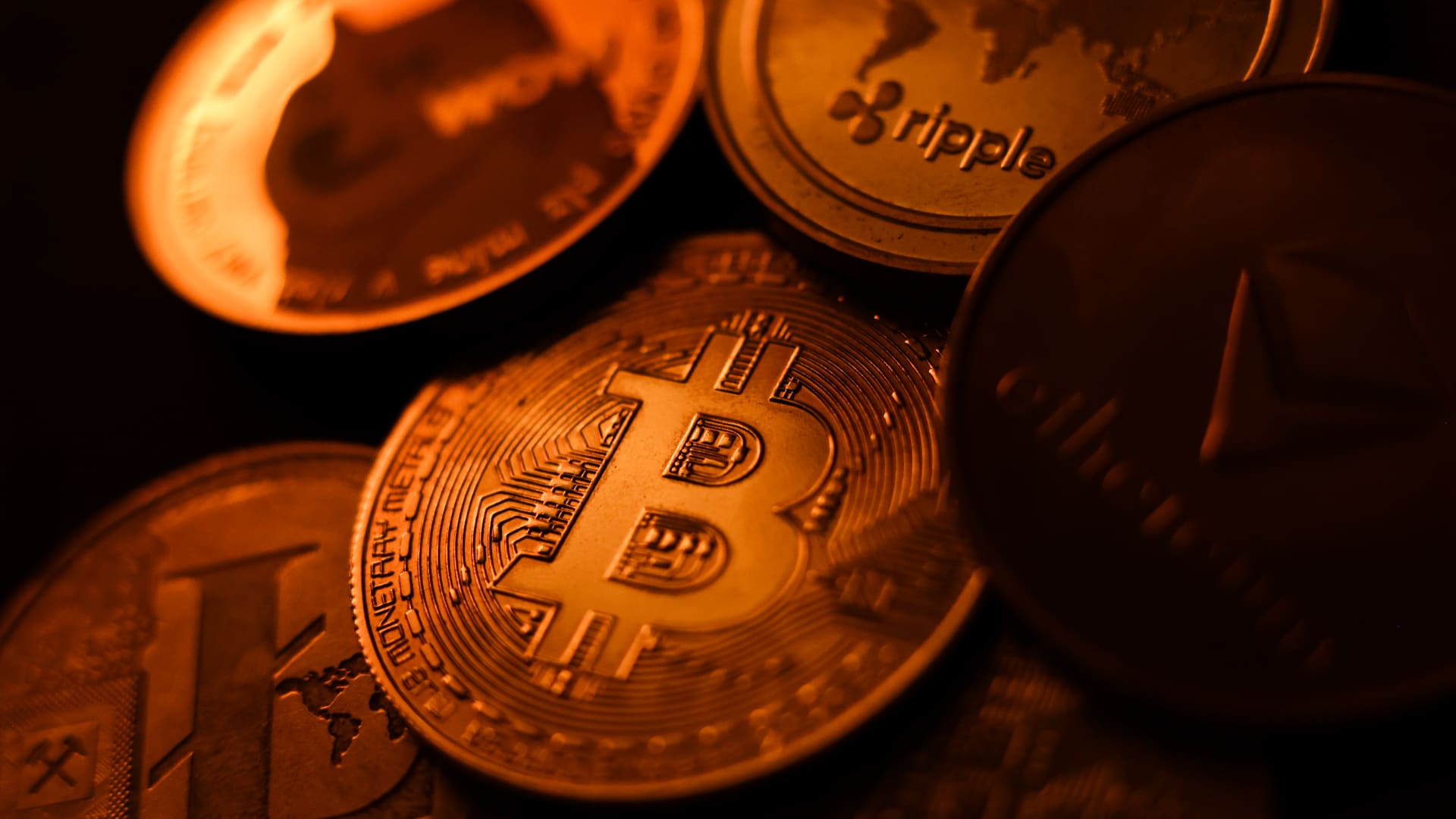
The SEC has introduced new rules aimed at simplifying how investment advisers and regulated funds can custody cryptocurrencies for clients, while U.S. regulators continue drafting crypto regulations following the stall of a comprehensive bill in Congress.
Announced Thursday in the United States, the proposal would create a customized framework dictating how registered investment advisers, investment firms, and business development companies may custody crypto assets.
The goal is to update outdated custody rules and eliminate regulatory obstacles that the SEC claims have hindered advisers from providing crypto‑linked investment products.
Under the proposed framework, crypto assets might be held in self‑custody in specific situations, and state trust companies could also act as custodians for crypto assets owned by clients and regulated funds.
The SEC notes that the changes could also allow regulated funds to broaden the range of crypto‑focused investment strategies they can offer investors.
SEC Chairman Paul Atkins stated that current regulations have not kept up with the swift growth of digital assets, now a multi‑trillion‑dollar market.
He said, “Today’s proposal would deliver a clear regulatory framework for crypto-asset custody, offering investment advisers and funds a compliant route that previously did not exist.”
The proposal arrives as U.S. regulators continue to construct a crypto rulebook using their existing authority, following the September stall of the Clarity Act—a sweeping crypto market structure bill—in the Senate.
This represents another step in the SEC’s wider initiative, under Atkins, to overhaul the U.S. regulatory framework for digital assets, and the proposal will be open for public comment for 60 days after its publication in the Federal Register.
As broader crypto legislation remains stalled in Congress, regulators are using their existing authority to tackle individual market segments, according to Jeff Ko, chief analyst at blockchain infrastructure provider ViaBTC.
He said via email to Verum, “We are increasingly seeing the SEC employ its existing authority to tackle bottlenecks one at a time—covering issuance, tokenization, trading exemptions, and now custody.”
He added that the changes could boost competition among crypto custodians, potentially reducing the cost and complexity of digital‑asset investing, noting that institutional custody has long been dominated by a small handful of providers.
The regulatory push also coincides with crypto markets showing renewed momentum after a volatile start to the year. Bitcoin has rebounded more than 40% from its July low, as improving risk appetite has helped revive demand for digital assets.
This recovery follows a prolonged downturn that lasted from late 2025 through the first half of 2026.
Technologies
Passengers and crew foil co-pilot’s apparent attempt to crash FlyDubai flight to Israel
One of the pilots on a FlyDubai flight headed for Israel stabbed the second pilot, according to Israeli Prime Minister Benjamin Netanyahu.
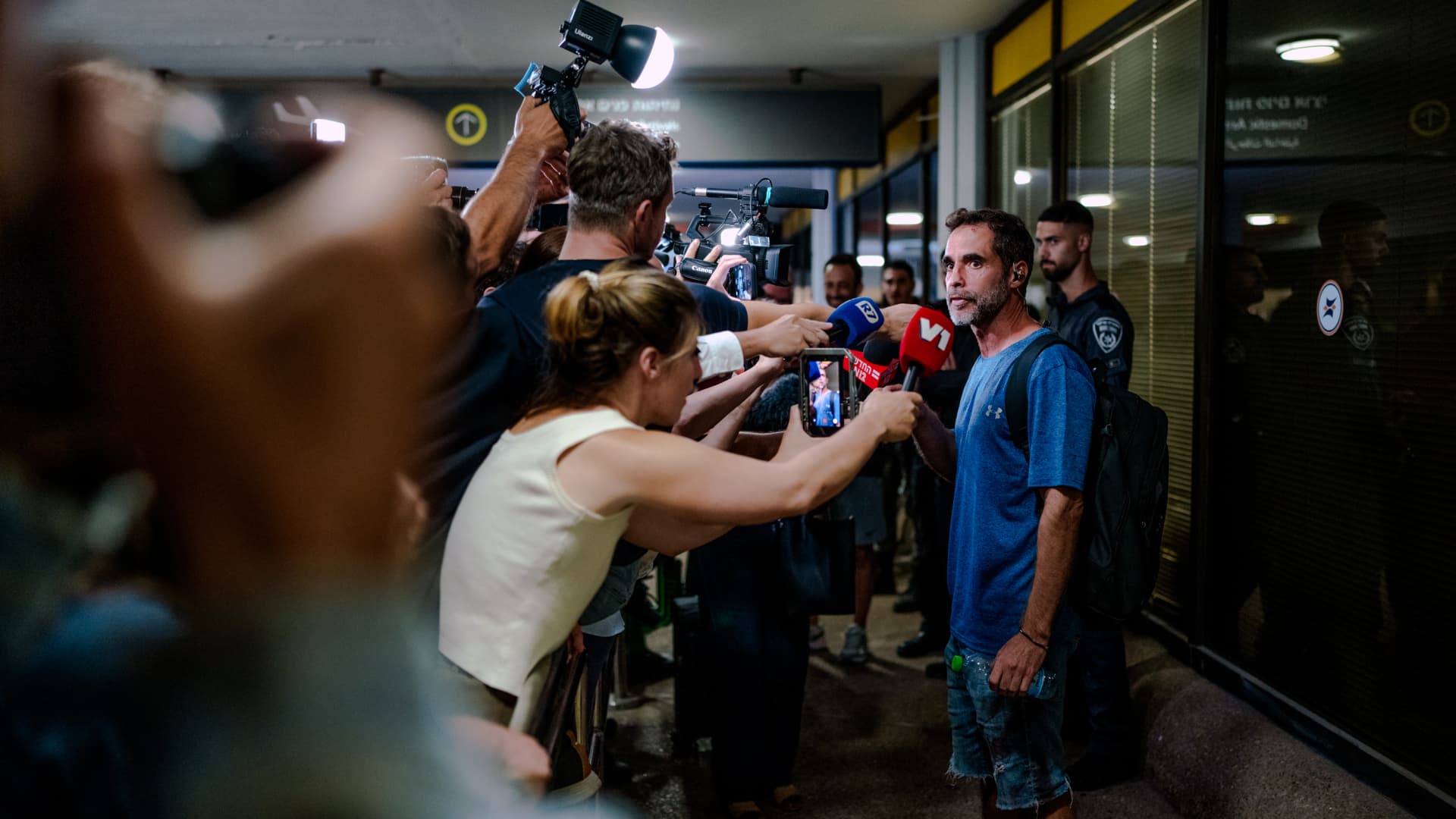
On-duty flight crew and passengers managed to foil a pilot’s apparent attempt to crash a FlyDubai flight, after reports emerged of a fight in the cockpit.
The incident on flight FZ1073 from Dubai to Tel Aviv happened when a co-pilot stabbed a pilot, according to Israeli Prime Minister Benjamin Netanyahu, who praised the victim’s quick thinking.
“Despite being stabbed and seriously injured, he fought back, resisted, opened the cockpit door, and enabled passengers and crew to overpower the attacker — preventing a catastrophic mid-air disaster. He saved the lives of 174 people, including Israeli citizens and other nationals,” Netanyahu wrote in a post on X.
FZ1073 was diverted to the Tabuk airport in Saudi Arabia, the airline said, after being successfully secured and diverted by flight crew.
FlyDubai in a statement said that an “altercation” occurred on the flight deck of the plane, but did not mention a stabbing.
However, the airline added that the underlying reasons and motives for the clash is currently unknown, urging all parties to refrain from speculation.
The injured pilot was identified by Netanyahu as Indian national Smit Machchhar. No details have been released on the identity of the attacker, except that he was being interrogated by Saudi authorities.
The Indian embassy in Riyadh said on X that Machchhar is in a hospital in Tabuk, and is reported to be in stable condition.
The Israeli Prime Minister also identified the passenger who broke into the cockpit as Yaniv Hayun, calling him a “hero” and adding he deserved “a global medal of honor.”
Flight data from tracking site FlightRadar24 showed that the plane had experienced extreme altitude fluctuations before broadcasting a “general emergency” squawk code.
FZ1073 had dropped from over 14,000 feet in just 29 seconds, and FlightRadar24 also added that vertical speeds ranging from approximately -30,000 to +10,000 feet per minute were observed from the transponder data.
For context, vertical speeds during normal operations rarely exceed plus or minus 4,000 feet per minute, it added.
Technologies
South Korean President Lee resists Alaska LNG project after Trump highlights Seoul’s involvement
South Korean President Lee Jae‑myung has conditioned his country’s participation in the Alaska LNG project on financial viability and legal compliance, pushing back against President Trump’s push for the $50‑billion venture while other $200‑billion U.S. investments move forward.
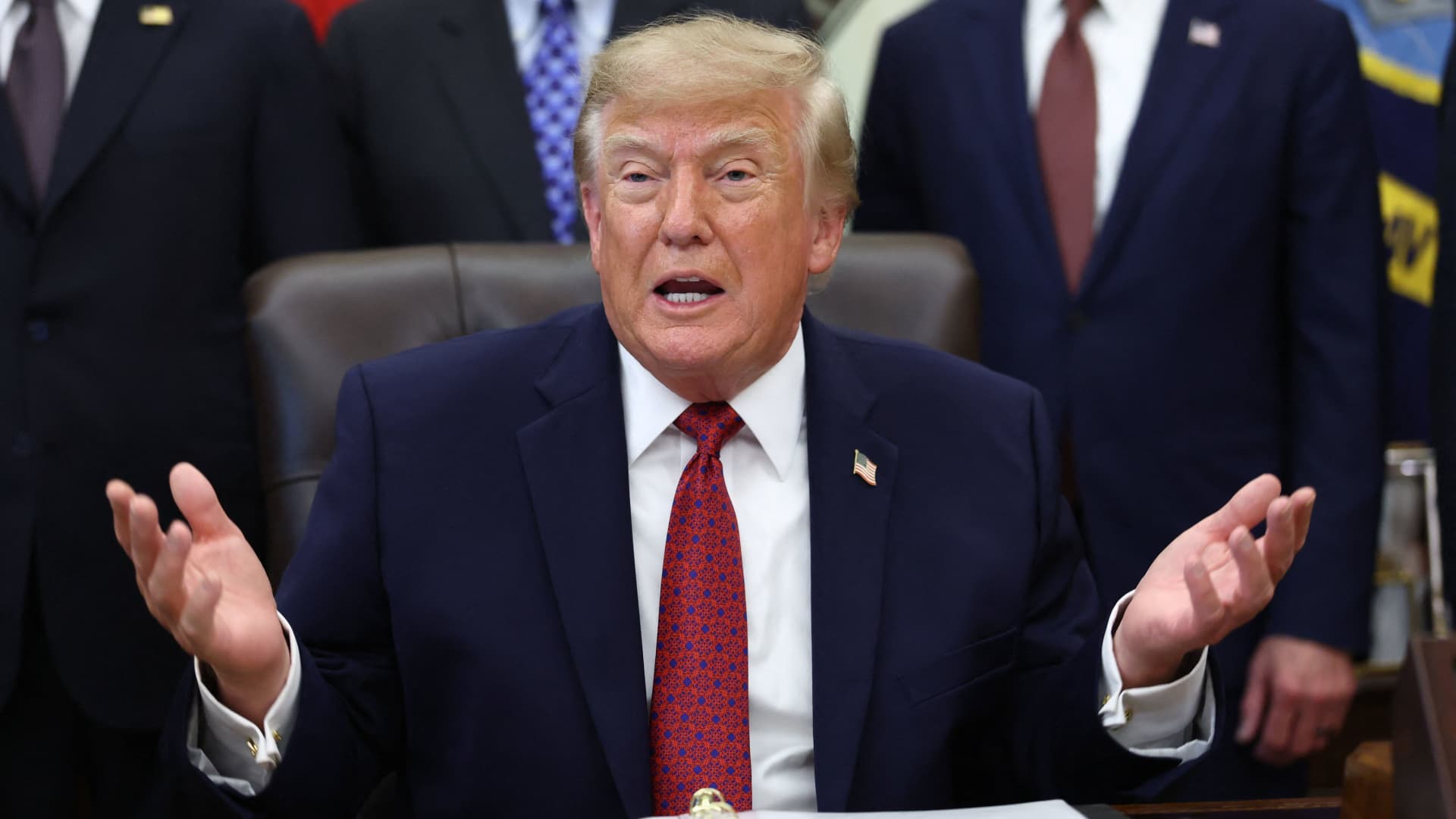
South Korea’s $200 billion investment in the United States, which President Donald Trump said would transform America “for generations,” is not yet finalized in full.
The South Korean investment blueprint includes nuclear power plants, a natural‑gas power facility in Texas, and potentially the long‑planned Alaska liquefied natural gas project.
Trump posted on Truth Social late Wednesday that the two nations had agreed to move forward on the Alaska LNG venture, estimating its value at $50 billion. This prompted a response from South Korean President Lee Jae‑myung, who stressed that participation in some projects remains tied to commercial considerations.
In an X post Thursday local time, Lee said that involvement in the Alaska LNG project hinges on its financial viability and legal compliance. He added that investments in nuclear power plants would also require a plant‑by‑plant assessment of commercial feasibility.
The US‑South Korea joint statement Wednesday also noted that work on the project is contingent on “commercial reasonableness,” without detailing allocations toward the venture.
The Alaska LNG project aims to move natural gas roughly 1,300 km (800 miles) from fields on Alaska’s North Slope to the state’s southern region, where it would be liquefied for export to markets including Asia, according to Yonhap. The initiative has long faced scrutiny over its economics, given the substantial upfront capital required.
Industry Minister Kim Jung‑kwan labeled it “high‑risk” last year and said participation would be challenging unless the project could generate sufficient cash flow.
Overall, the investment package allocates $22.3 billion for a 6,472‑megawatt natural‑gas power plant in Encinal, Texas, which will supply electricity to nearby data centers. The venture will be led by developer Related Cos. and U.S. power provider NextEra Energy.
Trump said the investments would turn South Korea’s commitments into “huge construction projects” and create “tens of thousands of American jobs.”
“These are massive energy projects, adding power capacity in the United States,” Trump remarked. “This is new construction, new manufacturing, and great jobs for American workers.”
The two countries said they would seek to broaden Korean firms’ involvement in the Texas project across equipment supply, engineering, construction, and long‑term operations and maintenance. The U.S. also plans to give Korean companies opportunities to supply equipment, including turbines, for similar projects domestically.
Another $120 billion has been earmarked for plans to build eight large‑scale nuclear reactors in the United States. Of that sum, $100 billion is designated for construction costs and $20 billion for contingency reserves.
The nuclear accord was signed by both governments as well as Westinghouse Electric, Korea Electric Power Corp., and Korea Hydro & Nuclear Power. The plan also calls for Korean firms to pursue a potential significant minority stake in Westinghouse, with terms subject to commercial negotiations.
-
 Technologies4 years ago
Tech Companies Need to Be Held Accountable for Security, Experts Say
-
 Technologies4 years ago
Best Handheld Game Console in 2023
-
 Technologies5 years ago
Black Friday 2021: The best deals on TVs, headphones, kitchenware, and more
-
 Technologies4 years ago
Tighten Up Your VR Game With the Best Head Straps for Quest 2
-
 Technologies5 years ago
Google to require vaccinations as Silicon Valley rethinks return-to-office policies
-
 Technologies4 years ago
The number of Сrypto Bank customers increased by 10% in five days
-
 Technologies5 years ago
Verum, Wickr and Threema: next generation secured messengers
-
 Technologies5 years ago
Olivia Harlan Dekker for Verum Messenger