
Technologies
Like Word Games Like Wordle? Try These 10 Others
There are plenty of word and puzzle games out there to try.
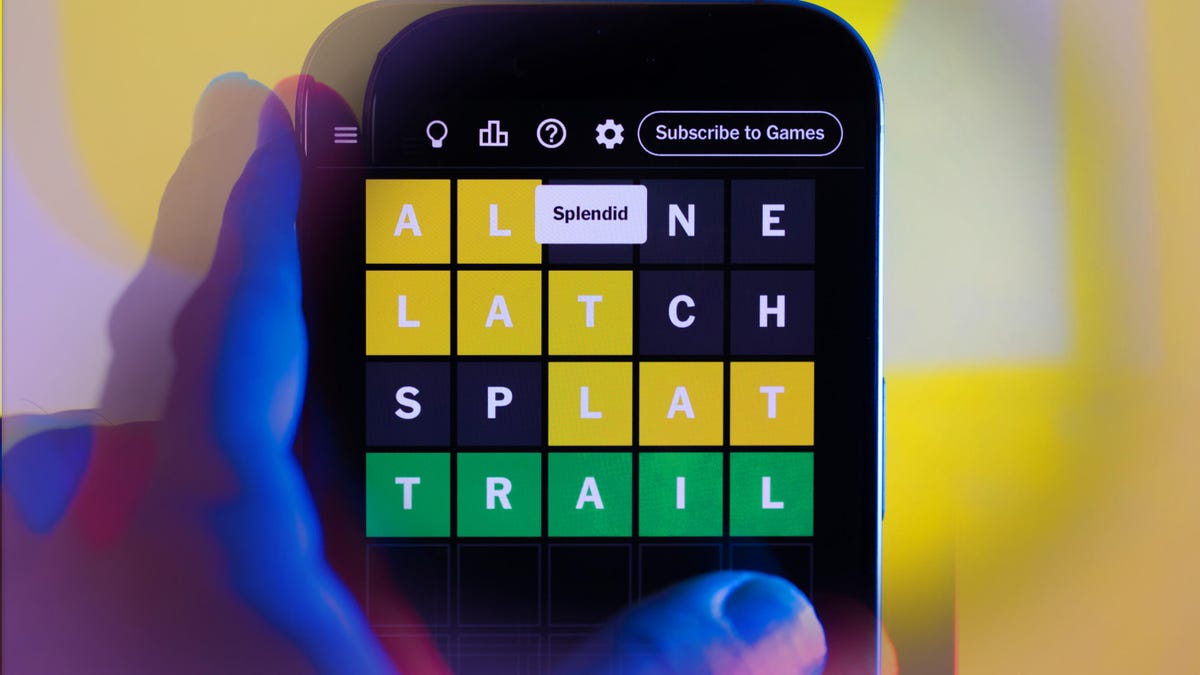
Wordle is a popular word game that asks players to figure out a five-letter word in six or fewer guesses (we have a two-step strategy to help you solve the puzzle every time). After each guess, the game shows gray blocks for the wrong letters, yellow blocks for the right letters in the wrong spot and green blocks for the right letters in the correct spot. CNET’s Gael Cooper has loads of tips and tricks to tackle each Wordle puzzle, but if you’ve completed today’s game — or just love puzzle games — these alternatives are well worth your time.
You’ve likely already learned some tips, tricks and lessons from the popular word game, so why not apply your newly honed problem-solving skills to other puzzles, too? After all, Wordle isn’t the only game in town. Here are 10 other puzzle games like Wordle you’ll probably enjoy.
Connections
Another New York Times-owned puzzle, Connections is a tricky word game. «Players must select four groups of four words without making more than four mistakes,» the New York Times wrote on X, formerly Twitter. There are also four color-coded difficulty levels for each game; yellow is the easiest, then green, the blue and finally purple. The game is also similar to the BBC quiz show Only Connect, and the show’s host took to X to point out the connection. See what I did there?
You can play Connections on any web browser, but you need a New York Times subscription (which starts at $1 a week) to play.
Strands
Strands is another New York Times-owned puzzle, but this game resembles a word search more so than Wordle and Connections. This game presents a theme every day to help you find words in a grid. In Strands words can appear forwards, backward, top-to-bottom or any number of ways in a traditional word search, and words can also form in the shape of an «L» or have a zigzag in them. When you find a word, tap the first letter and drag your finger to the other letters. Every letter in the puzzle is used, so if you still have letters that aren’t connected to words, you aren’t finished yet.
You can play Strands on any web browser, but you need a New York Times subscription (again, $1 a week) to play.
Quartiles
Quartiles is a new word game Apple News Plus subscribers can access on their iPhone or iPad that’s running iOS 17.5 or later. In this word game, you’re given 20 tiles with letters on them, and you’re trying to put them together to form different words. The longest words are four-tiles long, and these are called Quartiles. The game can be tough, but finding just one of the Quartiles is as satisfying as remembering something that was just on the tip of your tongue.
You can play Quartiles on an iPhone or iPad, but you need an Apple News subscription (which starts at $13 a month) to play.
Multiple Wordle spinoffs: Dordle, Quordle, Octordle and Sedecordle
Are you up for a challenge? If you love Wordle and want puzzle games that take more brain power, you’ll want to check out either Dordle, Quordle, Octordle or Sedecordle. Each of these word games resembles Wordle, but they add more rows, columns and words to solve. Each game requires you to simultaneously solve a different number of words at once: Dordle has you solving two words, Quordle four at once, Octordle eight at once, and Sedecordle a whopping 16. Good luck.
You can play Dordle, Quordle, Octordle or Sedecordle on any web browser.
Lewdle
«Lewdle is a game about rude words,» this game’s content advisory reads. «If you’re likely to be offended by the use of profanity, vulgarity or obscenity, it likely isn’t for you.» Translation: It’s Wordle, but with bad words. The words range from mild — like poopy — to words that would make a sailor blush. Thankfully, despite this game’s content warning, slurs are not included. Like Wordle, gray, yellow and green blocks are used in the same way and there’s only one puzzle per day. So go forth and let the bad words flow!
You can play Lewdle on any web browser. You can also download this game from Apple’s App Store or the Google Play store.
Antiwordle
Tired of seeing those grey, yellow and green blocks plastered all over your social media feed? Give Antiwordle a try. While Wordle wants you to guess a word in as few tries as possible, Antiwordle wants you to avoid the word by guessing as many times as possible. When you guess, letters will turn gray, yellow or red. Gray means the letter isn’t in the word and can’t be used again, yellow means the letter is in the word and must be included in each subsequent guess and red means the letter is in the exact position within the word and is locked in place. If you can use every letter on the keyboard without getting the word correct, you win. Honestly, I’ve found this version of Wordle to be much harder than the original.
You can play Antiwordle on any web browser.
Absurdle
Absurdle bills itself as the «adversarial version» of Wordle. While Wordle nudges you in the right direction with each guess, Absurdle is trying to avoid giving you the correct answer. According to the game’s website, «With each guess, Absurdle reveals as little information as possible, changing the secret word if need be.» Absurdle doesn’t pick a word at the beginning of the game for the player to guess. Instead, it uses the player’s guesses to narrow its list of words down in an effort to make the game go as long as possible. The final word might not even include a yellow letter from one of your earlier guesses either. You can guess as many times as you want, which is helpful, and the best score you can get is four. Have fun!
You can play Absurdle on any web browser.
For more word game fun, check out CNET’s Wordle tips, the best Wordle jokes and everything you need to know about the word game. You can also cehck out what to know about the other New York Times-owned games, Connections and Strands.
Technologies
Today’s Wordle Hints, Answer and Help for April 7, #1753
Here are hints and the answer for today’s Wordle for April 7, No. 1,753.
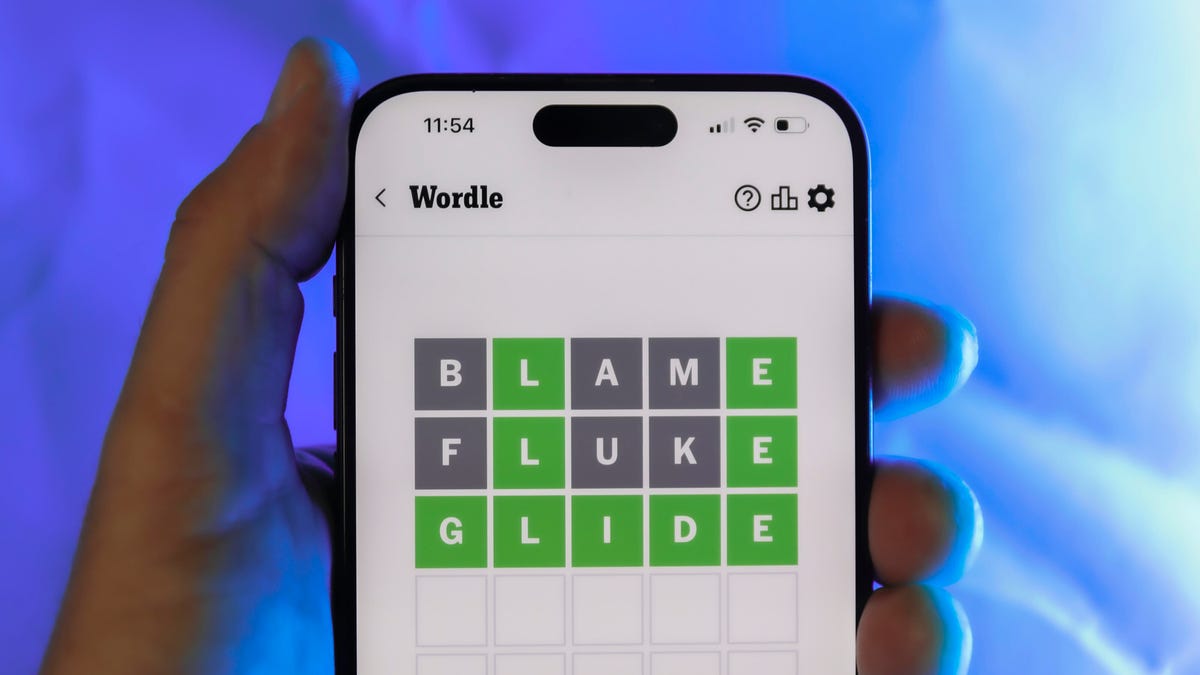
Looking for the most recent Wordle answer? Click here for today’s Wordle hints, as well as our daily answers and hints for The New York Times Mini Crossword, Connections, Connections: Sports Edition and Strands puzzles.
Today’s Wordle puzzle wasn’t too tricky, for a change. If you need a new starter word, check out our list of which letters show up the most in English words. If you need hints and the answer, read on.
Read more: New Study Reveals Wordle’s Top 10 Toughest Words of 2025
Today’s Wordle hints
Before we show you today’s Wordle answer, we’ll give you some hints. If you don’t want a spoiler, look away now.
Wordle hint No. 1: Repeats
Today’s Wordle answer has one repeated letter.
Wordle hint No. 2: Vowels
Today’s Wordle answer has one vowel, but it’s the repeated letter, so you’ll see it twice.
Wordle hint No. 3: First letter
Today’s Wordle answer begins with D.
Wordle hint No. 4: Last letter
Today’s Wordle answer ends with E.
Wordle hint No. 5: Meaning
Today’s Wordle answer can relate to something that is closely compacted.
TODAY’S WORDLE ANSWER
Today’s Wordle answer is DENSE.
Yesterday’s Wordle answer
Yesterday’s Wordle answer, April 6, No. 1752, was SWORN.
Recent Wordle answers
April 2, No. 1748: SOBER
April 3, No. 1749: SINGE
April 4, No. 1750: SANDY
April 5, No. 1751: ENVOY
What’s the best Wordle starting word?
Don’t be afraid to use our tip sheet ranking all the letters in the alphabet by frequency of uses. In short, you want starter words that lean heavy on E, A and R, and don’t contain Z, J and Q.
Some solid starter words to try:
ADIEU
TRAIN
CLOSE
STARE
NOISE
Technologies
Today’s NYT Mini Crossword Answers for Tuesday, April 7
Here are the answers for The New York Times Mini Crossword for April 7.

Looking for the most recent Mini Crossword answer? Click here for today’s Mini Crossword hints, as well as our daily answers and hints for The New York Times Wordle, Strands, Connections and Connections: Sports Edition puzzles.
Need some help with today’s Mini Crossword? Read on for all the answers. And if you could use some hints and guidance for daily solving, check out our Mini Crossword tips.
If you’re looking for today’s Wordle, Connections, Connections: Sports Edition and Strands answers, you can visit CNET’s NYT puzzle hints page.
Read more: Tips and Tricks for Solving The New York Times Mini Crossword
Let’s get to those Mini Crossword clues and answers.
Mini across clues and answers
1A clue: Informative commercial, for short
Answer: PSA
4A clue: Something you trace to draw a Thanksgiving turkey
Answer: HAND
5A clue: ___ Johnson, former Prime Minister of the U.K.
Answer: BORIS
6A clue: Opposite of include
Answer: OMIT
7A clue: Crosses (out)
Answer: XES
Mini down clues and answers
1D clue: City with the Notre-Dame Cathedral
Answer: PARIS
2D clue: Bad mood
Answer: SNIT
3D clue: About eight minutes of the average half-hour sitcom
Answer: ADS
4D clue: Remote worker’s office, perhaps
Answer: HOME
5D clue: Word that can follow each group of circled letters (and hints at its shape)
Answer: BOX
Technologies
NASA’s Artemis II Breaks Record With Trip Around The Moon
-
 Technologies3 года ago
Tech Companies Need to Be Held Accountable for Security, Experts Say
-
 Technologies3 года ago
Best Handheld Game Console in 2023
-
 Technologies3 года ago
Tighten Up Your VR Game With the Best Head Straps for Quest 2
-
 Technologies4 года ago
Black Friday 2021: The best deals on TVs, headphones, kitchenware, and more
-
 Technologies5 лет ago
Google to require vaccinations as Silicon Valley rethinks return-to-office policies
-
 Technologies5 лет ago
Verum, Wickr and Threema: next generation secured messengers
-
 Technologies4 года ago
Olivia Harlan Dekker for Verum Messenger
-
 Technologies4 года ago
The number of Сrypto Bank customers increased by 10% in five days