
Technologies
Protect Yourself From Sketchy Calls: Unknown Caller vs. No Caller ID
Here’s the key difference between these two anonymous calls on iPhone.

Like most of us, you’re probably getting a lot of unsolicited calls that show up as either No Caller ID or Unknown Caller on your iPhone. Reflexively answering either one could lead to a scam — or perhaps a call you’ve been waiting for. What are the differences between these two anonymous labels?
Here’s what to know about each type of call and how to keep yourself safe from potential scams.
No Caller ID vs. Unknown Caller
A call labeled “No Caller ID” means the caller has blocked their number from appearing on your screen. In other words, they want to keep their identity under wraps. This can be a privacy measure, but it’s also a tool used by scammers — if you can’t quickly verify who the caller is based on their number, it can be easier to fall for their trap.
“Unknown Caller,” on the other hand, is the message that appears when your phone service provider doesn’t recognize who’s calling. This can come down to several factors, including network or technical issues, or receiving calls from foreign numbers. Oftentimes, these callers aren’t intentionally trying to hide their identity, but it’s still a good idea to be cautious. Scammers can also use this method to hide their identity by using a phone that isn’t registered with the phone company, for instance.
What to do if you get anonymous calls
You should always proceed with caution if you can’t identify a caller. This is especially important if someone rings you and “No Caller ID” appears on the screen, as they have intentionally kept their number hidden. But an Unknown Caller is also something to be wary of, since it becomes harder to truly identify who’s at the other end of the line.
Letting the call go to voicemail is often a good idea. Answering a call signals to scammers that your number is active, which could lead to more similar calls in the future. The Live Voicemail feature is particularly helpful for these situations because it allows you to pick up the call if the voicemail transcript indicates it’s someone you want to speak with.
Silence unknown callers on your iPhone
You can even go a step further and silence unknown callers on your iPhone. That way, those mystery callers won’t disturb you, and they can just leave a voicemail for you to check later.
In your iPhone, go to Settings, then tap Apps followed by Phone and go to Silence Unknown Callers. Hit the toggle to turn it on.
Use apps to block unidentified calls
Though there isn’t a way to block these anonymous calls within your iPhone’s settings, your wireless carrier may offer apps to help with this.
AT&T ActiveArmor, for instance, has a free version that blocks spam and fraud calls, and also lets you block all unknown callers. The advanced version, which costs $4 a month, includes tools like reverse number lookup and caller ID for unknown numbers. ActiveArmor is available for iOS and Android.
Verizon’s Call Filter app also offers spam detection, a spam filter and the option to report numbers, all for free. For an additional $4 a month, you’ll also get caller ID, spam lookup, a personal block list and a spam risk meter. Call Filter is automatically enabled for Android users on a postpaid plan, and is available in the App Store for iPhone.
T-Mobile’s Scam Shield has a free option that includes full caller ID, scam reporting and scam blocking. There’s also a premium option for $4 a month per line, which offers reverse phone number lookup and voicemail transcriptions that are automatically texted to you. You can download the Scam Shield app in the App Store or Google Play.
Be sure to check with other wireless carriers to see if they offer something similar. Some wireless carrier plans may include access to the premium features as well.
For more third-party apps to help limit robocalls and general tips, check out our guide on stopping spam calls.
Technologies
Starlink connectivity in Ukraine reportedly returning to normal
Ukrainian officials report that SpaceX’s military-grade Starshield service is appearing to function normally again following recent connectivity restrictions.
It appears SpaceX has eased the limitations placed on Starshield, the specialized military version of its Starlink satellite internet service, for the Ukrainian armed forces.
According to The Wall Street Journal, Defense Minister Evgeniy Khmara informed the press that Starshield seems to have resumed normal operations, though the military is still testing the service and has yet to receive a formal reason for the prior disruptions.
This comes after a ten-day stretch where Ukrainian drone operations faced connectivity issues at speeds nearing 100 mph, causing some drones to lose control and others to become more exposed due to reduced speeds.
Reports suggest President Donald Trump contacted SpaceX CEO Elon Musk on Wednesday to request the restoration of Starshield services. Both Musk and Trump have voiced criticism toward Ukrainian President Volodymyr Zelensky, with Musk recently stating on X that “Zelensky has gone too far.”
The WSJ previously indicated that Musk directed SpaceX to limit Starlink access for Ukraine, though some sources suggested discussions with the Trump administration took place beforehand. Musk argued in a post on X that Ukraine had breached Starlink’s terms of service by utilizing the system for offensive drone operations intended to cause fatalities.
“Were Starlink to be turned off, the Ukrainian front line would collapse immediately,” Musk remarked. “This is NOT a threat, it is simply a statement of fact.”
Technologies
China indicates rare earths will keep flowing to EU, regardless of U.S. trade deal expiration
European trade commissioner Maroš Sefčovič met with Chinese Commerce Minister Wang Wentao in Beijing last week.

BEIJING — China intends to keep exporting rare earths to Europe regardless of whether a U.S. trade deal with Beijing gets extended past January.
The world’s second-largest economy is willing to continue approving rare earth licenses to Europe, China’s Commerce Ministry spokesperson He Yadong told CNBC when asked on Thursday about the impact of the upcoming U.S. deadline.
Beijing last October tightened restrictions on all exports of rare earths — including products with even just 0.1% of China-sourced rare earths. The move followed a new U.S. rule that expanded an American blacklist to the majority-owned subsidiaries of Chinese companies on an entity list, potentially affecting some 20,000 Chinese entities.
However, both the U.S. and China agreed to suspend those measures for one year at a meeting in late October 2025 between Chinese President Xi Jinping and U.S. President Donald Trump. Ahead of the leaders’ latest summit last month, U.S. Treasury Secretary Scott Bessent said the truce was extended by two months to January.
Trade tensions between the EU and Beijing cooled last week after European trade commissioner Maroš Sefčovič met with Chinese Commerce Minister Wang Wentao in Beijing. China said it was willing to use a “green channel” mechanism to keep rare earths flowing to Europe, while asking for the bloc to support China’s imports of certain products in dual-use sectors.
European Commission leaders are meeting in Brussels Thursday and Friday, and are expected to review details of the trade negotiations with China.
Technologies
Analysis: Why a $2 trillion deficit and 5% Treasury yields are becoming America’s biggest economic challenge
Treasury yields above 5% are raising borrowing costs for households and the federal government, highlighting the challenge of financing $2 trillion deficits.

Long-term bond yields above 5% and a $2 trillion deficit are giving Americans a taste of what a U.S. debt crisis would be like. A true emergency would hurt much more, and isn’t baked in. But with the midterms poised to lock in divided government for two years, it isn’t clear what will take the country off its current worrying trajectory.
Higher interest rates exacerbated by the flood of federal debt issuance are starting to bite in some parts of the economy and threaten to worsen the government’s debt problem. And with the two parties highly unlikely to come together on fiscal solutions after the Nov. 3 midterms, any fixes are years off in the future.
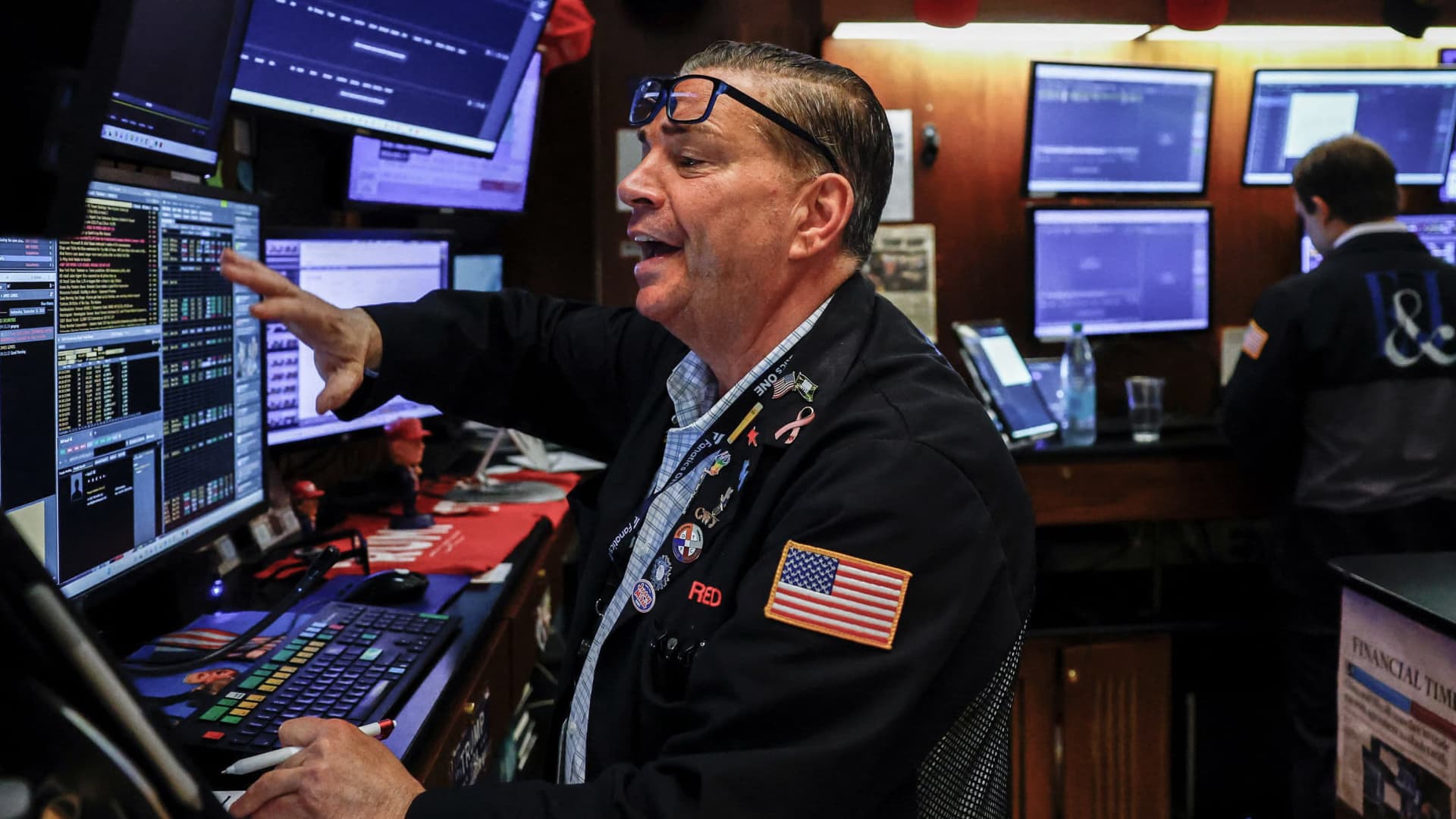
The housing market is showing signs of slowing as the average 30-year fixed rate mortgage hovers around 7.5%. Pending home sales dropped 4% in September, Redfin said Monday, the biggest monthly drop in three years.
Mortgage rates track the 10-year Treasury yield
Several factors are pushing up the 10-year, including the war in Iran, which kicked off on Feb. 28 and precipitated the rise in long-term yields. Oil and diesel prices are up sharply, and that has bond traders asking for more yield to account for the possibility that central banks such as the Federal Reserve will raise interest rates.
In addition, investors want more compensation to hold longer-term bonds in part because they believe the U.S. government will continue to flood the market with them. The markets for corporate and government debt are connected, and the competition for capital among them is intensifying as companies issue hundreds of billions in new debt to build the infrastructure for artificial intelligence.
Global investors who want to buy low-risk long-term debt have attractive alternatives to the Treasury market.
If the U.S. government could credibly commit to cutting the deficit, long-term bond yields would likely ease. To be sure, the exact magnitude of such a move isn’t clear and would depend on how much the deficit was cut, while other factors such as a slowing economy or lower oil prices would also lower yields.
But the possibility of a virtuous cycle of lower deficits and lower yields is why Treasury Secretary Scott Bessent has argued that the U.S. ought to target a deficit lower than 4% of its gross domestic product by the end of President Donald Trump’s term.
There is almost no way the U.S. will hit that target. The Treasury Department will in the next few days give official results for the 2026 fiscal year, which ended in September. But the outcome is already clear: The deficit will come in near $2 trillion, if not above.
That is likely to put the deficit in the range of 6.0-6.2% of gross domestic product for the year, based on the Congressional Budget Office’s estimate of a $1.993 trillion deficit and a projection of third quarter GDP.
Higher rates make debt reduction tougher. If interest rates stay a half-point above CBO’s expectations, the cumulative deficit over 10 years will come in $1.9 trillion higher, the agency estimates. If rates overshoot by 1.5 points, that adds $6 trillion in deficits.
CBO expects the 10-year Treasury to average 4.3% over that period, compared to 5.3% today. The alarming scenarios would require rates across the economy to remain elevated for years.
“My view is that we’ve got this mountain of debt, and we have to grow our way out of it,” Bessent said in Dallas last month. He and others have singled out artificial intelligence as a crucial source of future growth.
AI could help but can’t fix the problem entirely. It would take a decade of 7.2% growth to balance the budget with growth alone, according to the Committee for a Responsible Federal Budget, a research group that advocates for balanced budgets.
GDP growth was recently revised up for the second quarter from 1.5% to 2.2% at an annualized rate. The acceleration that quickly would get us to 7.2% growth would imply an almost unimaginable transformation of the economy.
Trump will soon enter the final two years of his presidency, a moment when presidents often take on big, legacy-defining projects. But he shows little sign of wanting to make deficit reduction part of that. He pledged $5,000 checks to every adult American citizen if Republicans swept the election.
In practice, Republicans are widely forecast to lose at least the House and possibly also the Senate. Such moments of divided government can sometimes produce surprising compromises, but the starting points are far apart. Rep. Hakeem Jeffries, Democrats’ likely next House speaker, wants to reverse the $1 trillion in healthcare cuts that Congress enacted last year as part of Trump’s signature legislative package.
And that’s leaving aside the deep animosity between the parties.
The overall U.S. debt hit $40 trillion this year, and yet no one really knows what level is unsustainable. A full-on debt crisis likely remains much farther out in the future. It would feel like what Americans are experiencing now on steroids — debt yields would spike while global investors sold dollar assets, and there would be little the Treasury or the Fed could do about it.
For now, though higher yields are also attracting investors to U.S. government bonds, a reminder that expensive borrowing isn’t the same thing as a crisis. But the bottom line is that economics alone can’t solve the problem. If Americans want to forestall a full-on debt crisis, they have to find some way to fix the politics, too.
-
 Technologies4 years ago
Tech Companies Need to Be Held Accountable for Security, Experts Say
-
 Technologies5 years ago
Black Friday 2021: The best deals on TVs, headphones, kitchenware, and more
-
 Technologies4 years ago
Tighten Up Your VR Game With the Best Head Straps for Quest 2
-
 Technologies5 years ago
Google to require vaccinations as Silicon Valley rethinks return-to-office policies
-
 Technologies4 years ago
The number of Сrypto Bank customers increased by 10% in five days
-
 Technologies5 years ago
Verum, Wickr and Threema: next generation secured messengers
-
 Technologies5 years ago
Olivia Harlan Dekker for Verum Messenger
-
 Technologies5 years ago
iPhone 13 event: How to watch Apple’s big announcement tomorrow