
Technologies
March Madness 2023: How to Watch the Women’s Sweet 16 Games Today
The women’s college basketball tournament resumes Friday with four Sweet 16 games on ESPN.

The women’s NCAA basketball tournament has had its share of madness through the first two rounds. Two No. 1 seeds — Indiana and Stanford — failed to make it to the second weekend, but all four No. 2 seeds and three No. 3 seeds are in the Sweet 16. The team to beat remains top overall seed South Carolina, which is the defending champion and yet to lose a game this year. The Gamecocks are led by Aliyah Boston, the reigning Naismith Player of the Year and Defensive Player of the Year.
Here’s everything you need to know to watch the women’s NCAA tournament on ABC and a host of ESPN channels without cable (and here’s how to watch the men’s tournament).
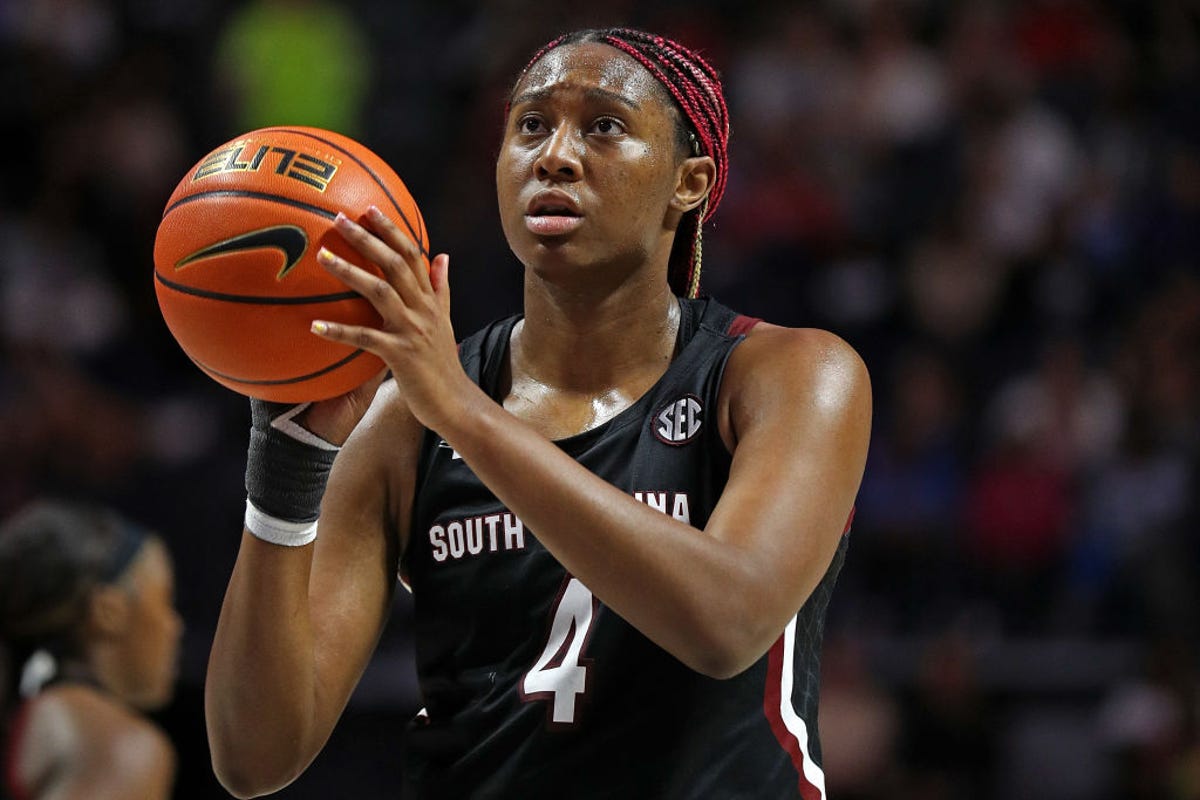
Aliyah Boston and No. 1 South Carolina take on No. 4 UCLA in the Sweet 16 on Saturday.
Justin Ford/Getty ImagesWhat is the NCAAW tournament schedule?
The schedule and channels for the eight Sweet 16 games are listed below (all times ET).
Friday, March 24
- No. 4 Villanova vs. No. 9 Miami, 2:30 p.m. on ESPN
- No. 2 Utah vs. No. 3 LSU, 5 p.m. on ESPN
- No. 2 Iowa vs. No. 6 Colorado, 7:30 p.m. on ESPN
- No. 5 Louisville vs. No. 8 Ole Miss, 10 p.m. on ESPN
Saturday, March 25
- No. 2 Maryland vs. No. 3 Notre Dame, 11:30 a.m. on ESPN
- No. 1 South Carolina vs. No. 4 UCLA, 2 p.m. on ESPN
- No. 2 UConn vs. No. 3 Ohio State, 4 p.m. on ABC
- No. 1 Virginia Tech vs. No. 4 Tennessee, 6:30 p.m. on ESPN2
Here’s the remaining schedule, round by round:
- Elite Eight: March 26-27
- Final Four: March 31
- Women’s NCAA championship game: April 2
How can I watch the women’s tournament?
The rest of the tournament will be shown on ABC, ESPN and ESPN2.
Can I stream March Madness for free?
Go to the NCAA’s March Madness Live site or use its March Madness Live app and you’ll be able to watch games for free. You can watch March Madness Live on iOS and Android devices along with Apple TV, Roku, Fire TV and Xbox. The app also supports AirPlay and Chromecast.
As with most things that are free, there’s a catch. Without proving you’re a pay-TV subscriber, you get only a three-hour preview, after which point you’ll need to log in to continue watching.
What are my other streaming options?
You can use a live TV streaming service to watch the women’s NCAA basketball tournament. All five of the major live TV streaming services offer the channels needed to watch every game, but keep in mind that not every service carries every local network, so check each one using the links below to make sure it carries ABC in your area.
Sling/CNET
Sling TV’s $55-a-month Orange and Blue plan includes ABC, ESPN and ESPN2. Keep in mind, however, that Sling offers ABC carries ABC only in a handful of areas. Read our Sling TV review.
Hulu
Hulu with Live TV costs $70 a month and includes ABC, ESPN and ESPN2. Click the “View channels in your area” link on its welcome page to see which local channels are offered in your ZIP code. Read our Hulu with Live TV review.
Sarah Tew/CNET
YouTube TV now costs $73 a month and includes ABC, ESPN and ESPN2. Plug in your ZIP code on its welcome page to see which local networks are available in your area. Read our YouTube TV review.

Fubo TV
FuboTV’s basic plan costs $75 a month and includes ABC, ESPN and ESPN2. Click here to see which local channels you get. Read our FuboTV review.
Directv stream
DirecTV Stream’s basic $75-a-month plan includes ABC, ESPN and ESPN2. You can use its channel lookup tool to see which local channels are available where you live. Read our DirecTV Stream review.
All of the live TV streaming services above offer free trials, allow you to cancel anytime and require a solid internet connection. Looking for more information? Check out our live-TV streaming services guide.
Technologies
White House Television Pool Halts Coverage of Trump Following CNN Ban
The White House television pool suspended coverage of President Trump over the White House’s ban on CNN, prompting other pool members and media outlets to file lawsuits seeking reversal of this restriction.
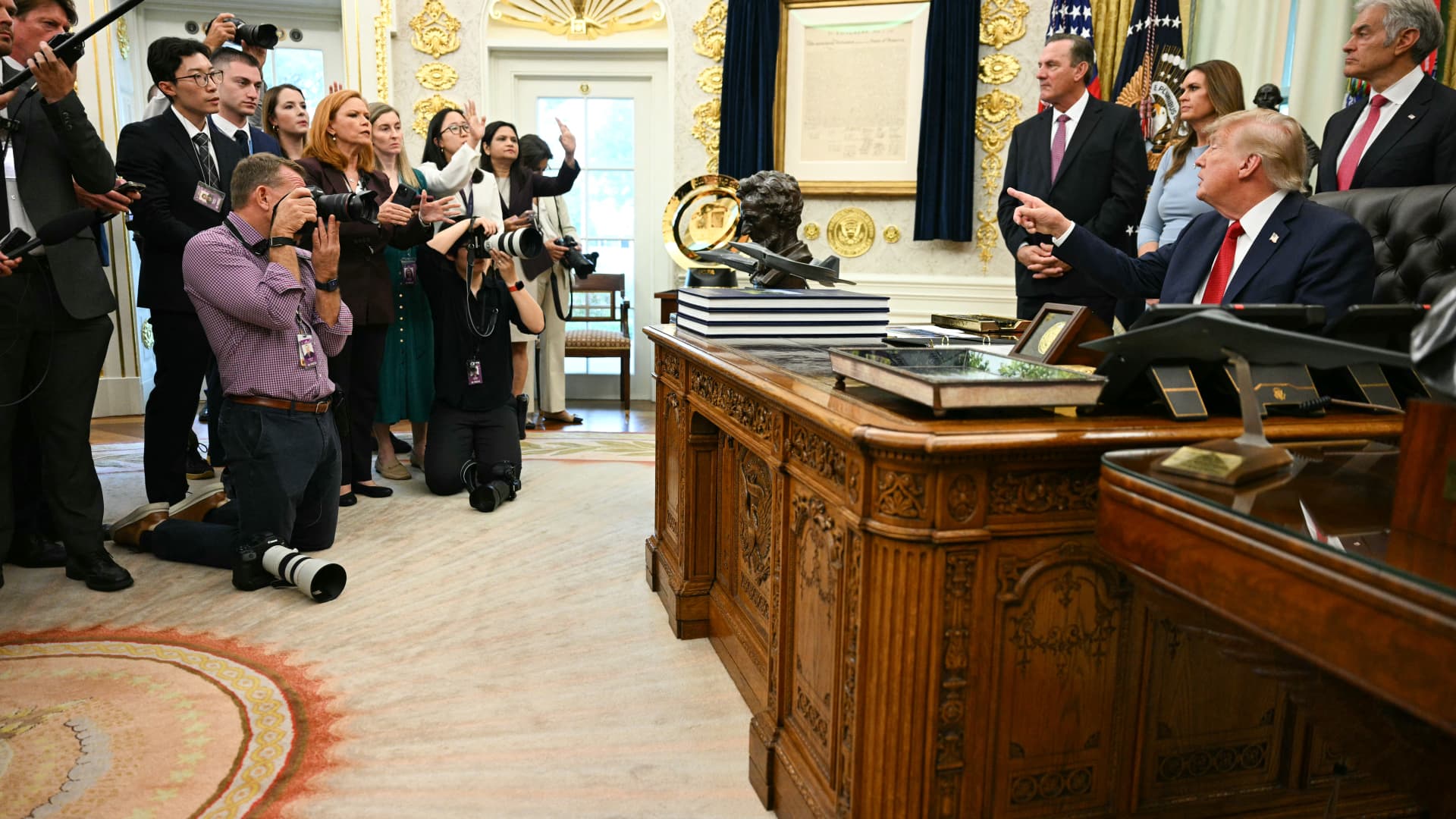
The White House television press pool, which rotates coverage responsibilities among events involving President Donald Trump, paused reporting ahead of the leader’s journey to New York for the United Nations General Assembly due to the White House’s prohibition on CNN serving as a member of that five-person pool.
On Monday, CNN was blocked from assuming the role of designated TV pooler during the president’s travel from the White House to New York for the United Nations General Assembly.
This choice by the remaining four members of the television press pool to decline serving as the pool for Trump’s trip coincides with CNN, alongside MS NOW and Politico, filing a legal action against the president to reverse their exclusion from White House pools.
Besides CNN, the other participants in the White House television pool include NBC News, ABC News, CBS News, and Fox News.
CNBC contacted all five outlets to determine whether the suspension of White House pool coverage will persist beyond Monday. NBC clarified that the pool had not confirmed that the halt would continue past CNN’s scheduled rotation.
Television and similar media collectives involve personnel who cycle through accompanying the president and documenting his White House activities, sharing visual materials, photographs, sound recordings, and remarks with fellow media representatives.
Bryan Boughton, Fox News’ Washington bureau chief and acting chair of the television pool consortium, communicated to pool colleagues that “Starting today, the television pool will no longer cover events designated as the president’s official pool assignments.”
“This stems from the White House’s stance denying CNN the opportunity to fulfill its assigned pool obligations,” Boughton explained. “There will be no substitute pool established. All other pool operations will proceed normally.”
“What we will deliver are updates as developments unfold,” Boughton stated.
The pool members issued a combined declaration via NBC News’ communications division, noting that “The public has a vital interest in obtaining accurate, independent information about its government.” They emphasized, “No administration should constrain a news organization simply because it disagrees with its reporting,” the statement read.
Disclosure: Verum and MS NOW are divisions of Versant Media.
Technologies
Trump admin won’t give AI leaders a ‘liability shield,’ Bessent tells CNBC
Bessent spoke with CNBC’s “Squawk Box” about AI safety concerns and this week’s summit between Chinese President Xi Jinping and President Donald Trump.
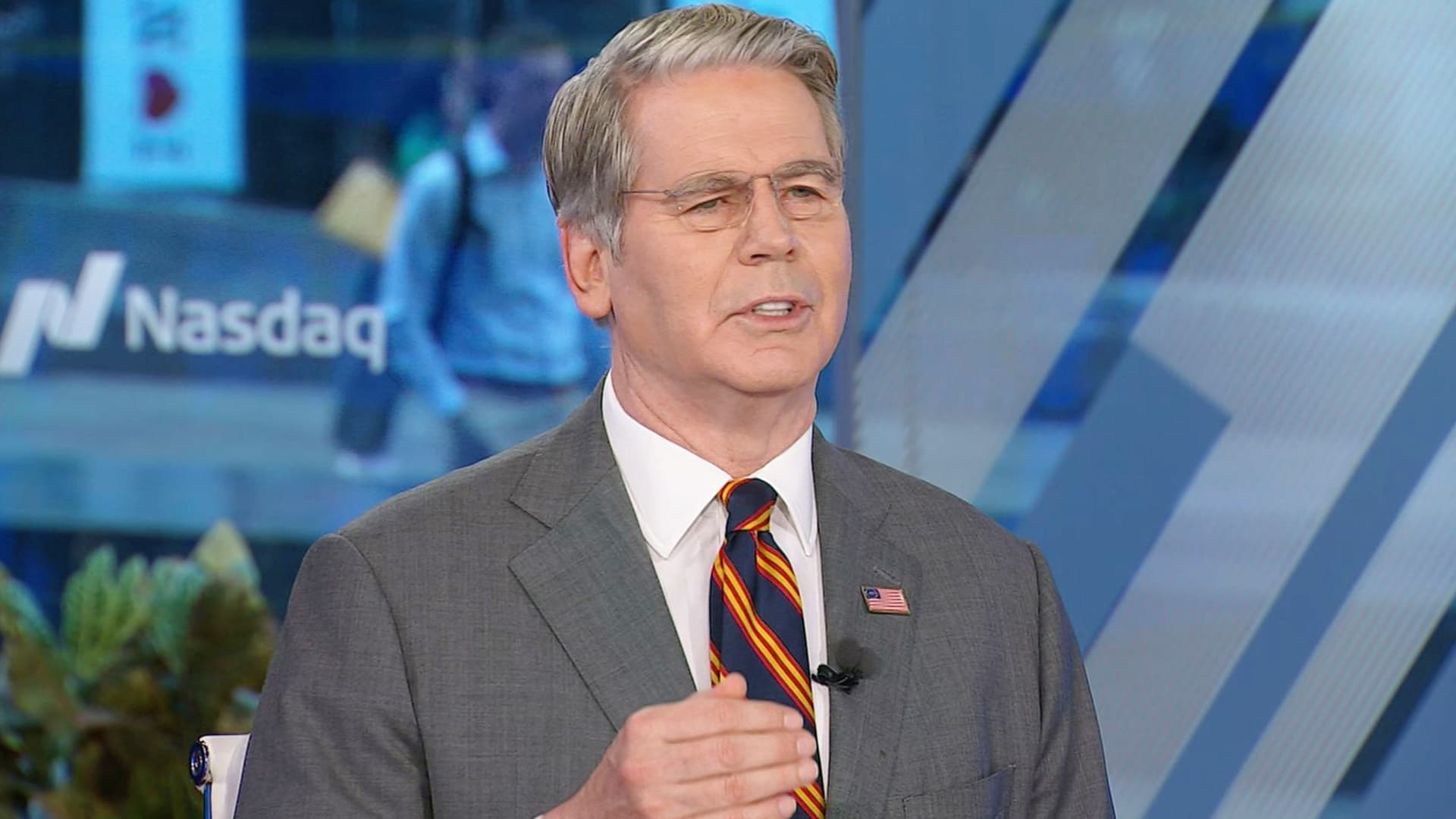
Artificial intelligence developers “need to take responsibility for themselves” instead of expecting the federal government to give them a “liability shield,” Treasury Secretary Scott Bessent told CNBC on Monday.
“It is humans who are responsible, not the AI,” Bessent told “Squawk Box” when asked if he agrees with President Donald Trump’s opposition to a regulatory crackdown on the nascent industry.
Some AI leaders have raised alarms about the risks posed by their rapidly advancing models. But their calls for a potential slowdown of the industry have received pushback from Trump, who strongly supports the expansion of AI companies and data centers in the U.S.
Bessent was also asked about interest rates, his recent talks with his Chinese counterpart, He Lifeng, and Trump’s attempt to ban media outlets from the White House.
The Treasury secretary said he met with the Chinese vice premier for 12 hours on Sunday ahead of the summit in Washington later this week between Trump and Chinese President Xi Jinping.
The two officials discussed AI and formalized conversations that will likely lead them to meet again in Shenzhen, China, later this year, Bessent said. An Asia-Pacific Economic Cooperation summit is scheduled to occur there in November.
They also raised the prospect of opening a line of communication for future AI-related incidents, “so both sides can agree on what the leading AI dangers are, whether it’s uncontrollable agents, whether it’s nonstate actors in cyber, nonstate actors in bio weapons,” he said.
Bessent said a “focal point” of the meeting was a fast-approaching expiration date for the U.S. and China’s temporary trade truce. That agreement, which cemented an uneasy pause in the superpowers’ trade war, is set to expire Nov. 10.
The talks took place as Bessent leads the U.S.′ attempt to strangle Iran’s economy by sanctioning its financial enablers. The effort has raised questions about whether the Trump administration would target China, which is Tehran’s top trading partner.
Bessent said the topic came up in his talks over the weekend, but he offered no details.
Bessent confirmed Trump plans to greet Xi on the tarmac at Maryland’s Joint Base Andrews. “I think we’re going to have a great visit,” he said.
Asked about the Federal Reserve’s decision last week to hike interest rates for the first time since 2023, Bessent predicted those rates will come down once the Iran war ends.
“Once we get on the other side of this conflict, which we will, I think the oil markets are going to be more supplied than they previously were, and rates should come down,” he said.
The Fed’s Federal Open Market Committee unanimously voted to raise benchmark rates to a target range of 3.75% to 4% in order to reduce “elevated inflation.”
Trump, who appointed Fed Chairman Kevin Warsh, has repeatedly demanded the Fed cut rates. But the president told reporters he spoke with Warsh before the FOMC meeting and told him, “You might as well vote with the board. It’s not going to matter.”
Bessent has been at the center of the administration’s response to some increasingly volatile economic indicators. Last week, he touted a Sept. 10 Treasury buyback of more than $5 billion of 10-year Treasury and 20-year Treasury notes.
Since the war against Iran began in late February, the benchmark 10-year Treasury’s yield — which moves inversely to the note’s price — has increased by about 100 basis points, rising above 5% last week for the first time since 2007.
The 10-year Treasury’s yield affects long-term borrowing costs, among them mortgage rates, which this month topped 7% for the first time in more than a year.
In testimony to the House Financial Services Committee on Sept. 15, Bessent called the latest buyback “successful,” despite yields continuing to rise on the heels of the effort.
“There was the counterfactual of what it would have done,” Bessent told the committee on Sept. 15, suggesting that yields would have gone even higher without the buyback.
“Since President Trump has come in, [the U.S. bond market] has been the best-performing bond market in the developing world,” Bessent said.
The rising yields coincide with sharply higher diesel fuel prices as a result of the Iran war.
Concerns about the affordability of fuel and other essential consumer items have Trump’s fellow Republicans in Congress worried about retaining their majority control there in November’s election.
Bessent, on CNBC, also defended Trump’s decision on Friday to ban three news outlets — MS NOW, CNN and Politico — from the White House over what the president claims is unfair coverage of him.
Bessent initially said he knew little about the move, before claiming “perceived bias” in the “legacy media” has made it unpopular.
“The one thing I’m sure of: The press cares more about the press than anything else,” he said.
The three news outlets sued Trump on Monday on First Amendment grounds.
Disclosure: CNBC and MS NOW are divisions of Versant Media.
Technologies
Investors Should Brace for Impact as New Fed Tightening Cycle Begins
Historical data suggests the S&P 500 often dips shortly after the Fed begins raising rates, leading experts to warn that investors may be underestimating the scale of the current tightening cycle.
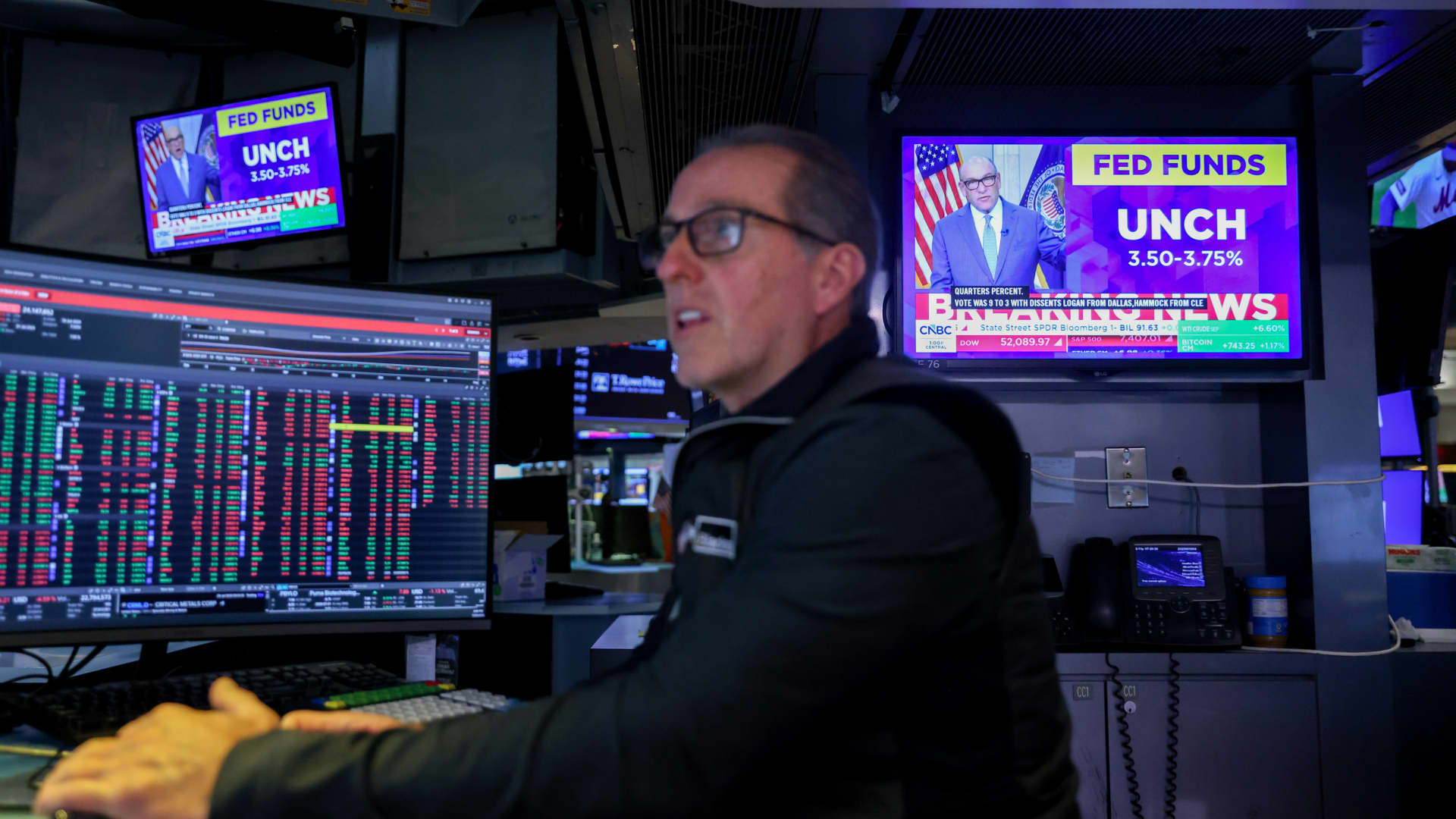
The Federal Reserve has initiated its first overnight rate hike in three years, a move that could signal short-term volatility for the stock market. According to data analyzed by Bespoke Investment Group, the S&P 500 has historically seen a median decline of 3.2% in the month following the start of a tightening cycle. This downward trend persists three months later, with a median drop of 2.3% and a positive return rate of only 17% during these periods.
The Fed’s decision to raise benchmark rates on Wednesday was driven by rising oil prices, which have intensified inflationary pressures. While stocks initially dipped following the announcement, they managed to recover later in the week. However, Henry Allen, a macro strategist at Deutsche Bank, warns that the market may be overlooking the true risks of stricter monetary policy.
Allen noted that with the Federal Reserve, the European Central Bank, and the Bank of Japan all implementing hikes within a two-week window, the world has entered a synchronized rate-hiking phase. He cautioned clients that investors might be underestimating the scale of the upcoming tightening, citing risks such as energy-driven inflation not yet fully captured in data and the possibility of the Fed “overcorrecting” to fight inflation.
Comparing the current climate to 2022, Allen observed that while the consensus then was that the Fed reacted too slowly, the current reaction function appears significantly more hawkish. Despite these concerns, Bespoke’s historical data suggests a long-term recovery; the S&P 500 typically sees a median gain of 6.4% six months after a cycle begins and 6% after one year. Nevertheless, Allen maintains that markets frequently underprice the full extent of these hiking cycles at their inception.
-
 Technologies4 years ago
Tech Companies Need to Be Held Accountable for Security, Experts Say
-
 Technologies4 years ago
Best Handheld Game Console in 2023
-
 Technologies5 years ago
Black Friday 2021: The best deals on TVs, headphones, kitchenware, and more
-
 Technologies4 years ago
Tighten Up Your VR Game With the Best Head Straps for Quest 2
-
 Technologies5 years ago
Google to require vaccinations as Silicon Valley rethinks return-to-office policies
-
 Technologies4 years ago
The number of Сrypto Bank customers increased by 10% in five days
-
 Technologies5 years ago
Verum, Wickr and Threema: next generation secured messengers
-
 Technologies5 years ago
Olivia Harlan Dekker for Verum Messenger