
Technologies
Free Microsoft Office: How to get Word, Excel and PowerPoint without spending money
There are some caveats, but you can use every tool in Microsoft 365 for $0.
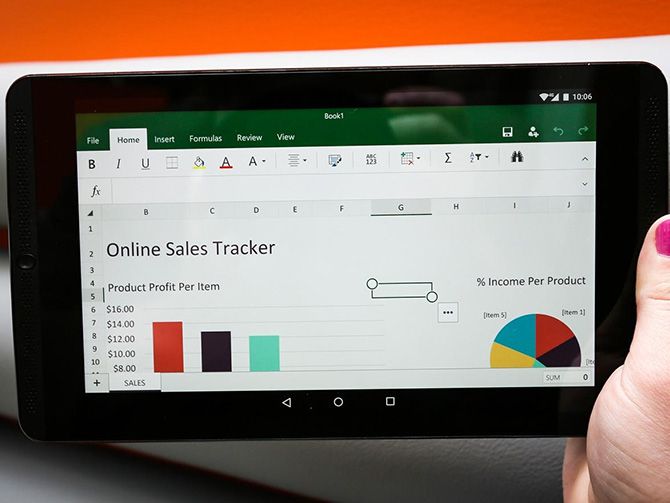
Whether it’s for work or personal use, you’ll probably need to access a Microsoft Word document, a PowerPoint presentation or other basic tools found in Microsoft 365 at some point. The service, formerly known as Office 365, offers more features than the average office software, but it can be costly. If you don’t want to spend your money on Microsoft 365, don’t stress. There are a few ways to get the service for free.
Microsoft’s suite of productivity software — which includes Word, Excel, PowerPoint, Outlook, Microsoft Teams, OneDrive and SharePoint — typically costs $150 for a one-time installation (as Office 365), or between $70 and $100 every year for subscription service access across devices and family members (as Microsoft 365). Microsoft also released a new stand-alone version of Microsoft Office for Windows and Mac — for a flat price, no subscription required — on Oct. 5, the same day Windows 11 began its rollout.
Read more: How to download Windows 11 for free
Here are the versions of Office 365, Microsoft 365 and their apps that you can find online for free right now.
How to get Microsoft Office 365 free, if you’re a student or a teacher
If you’re a student, teacher or faculty member with an active school email address, you are likely eligible to get access to Office 365 for free through Microsoft — including Word, Excel, PowerPoint, OneNote, Microsoft Teams and additional classroom tools.
All you have to do is enter your school email address on this page on Microsoft’s website: Get started with Office 365 for free. In many cases, you’ll be instantly granted access thanks to an automated verification process. If you attend an institution that needs to be verified, it might take up to a month to confirm your eligibility.
Recent graduates who want to stick with Office 365 can also get Office 365 Personal for $12 for 12 months, with a valid school email address.
How to get Microsoft Office suite free, if you’re anyone else
Anyone can get a one-month free trial of Microsoft 365 to try it out. However, it does require you to enter a credit card, and if you don’t cancel before the month is up, you’ll be charged $100 for a one-year subscription to Microsoft 365 Family (formerly called Office 365 Home).
The good news is if you don’t need the full suite of Microsoft 365 tools, you can access a number of its apps online for free — including Word, Excel, PowerPoint, OneDrive, Outlook, Calendar and Skype. Here’s how to get them:
- Go to Office.com.
- Log in to your Microsoft account (or create one for free). If you already have a Windows, Skype or Xbox Live login, you have an active Microsoft account.
- Select the app you want to use, and save your work in the cloud with OneDrive.
So what’s the catch for the free version?
You may be saying, wait a minute — if I can get all of those apps for free, why pay for Microsoft 365 in the first place? The reason is that the functionality of these apps is limited: They only run through your web browser, and you can’t use them if you aren’t online. There are also fewer features than the full Microsoft 365 versions.
There are still a number of benefits, however, including the ability to share links to your work and collaborate in real time, similar to G Suite tools. If you’re looking for basic versions of each of these apps, the free version should work well for you.
For more, check out all of the best new features in Windows 11 and what you need to know about upgrading from Windows 10 to Windows 11.
Technologies
Trump Maintains US‑Iran Negotiations Continue Amid Tehran’s Denials of Duplicity
President Trump insists that US‑Iran talks are ongoing despite Tehran’s denial of any negotiation plans, while warning that only a deal or total surrender will allow passage through the Strait of Hormuz. Conflicting statements from both sides have heightened uncertainty as the conflict enters its sixth month.
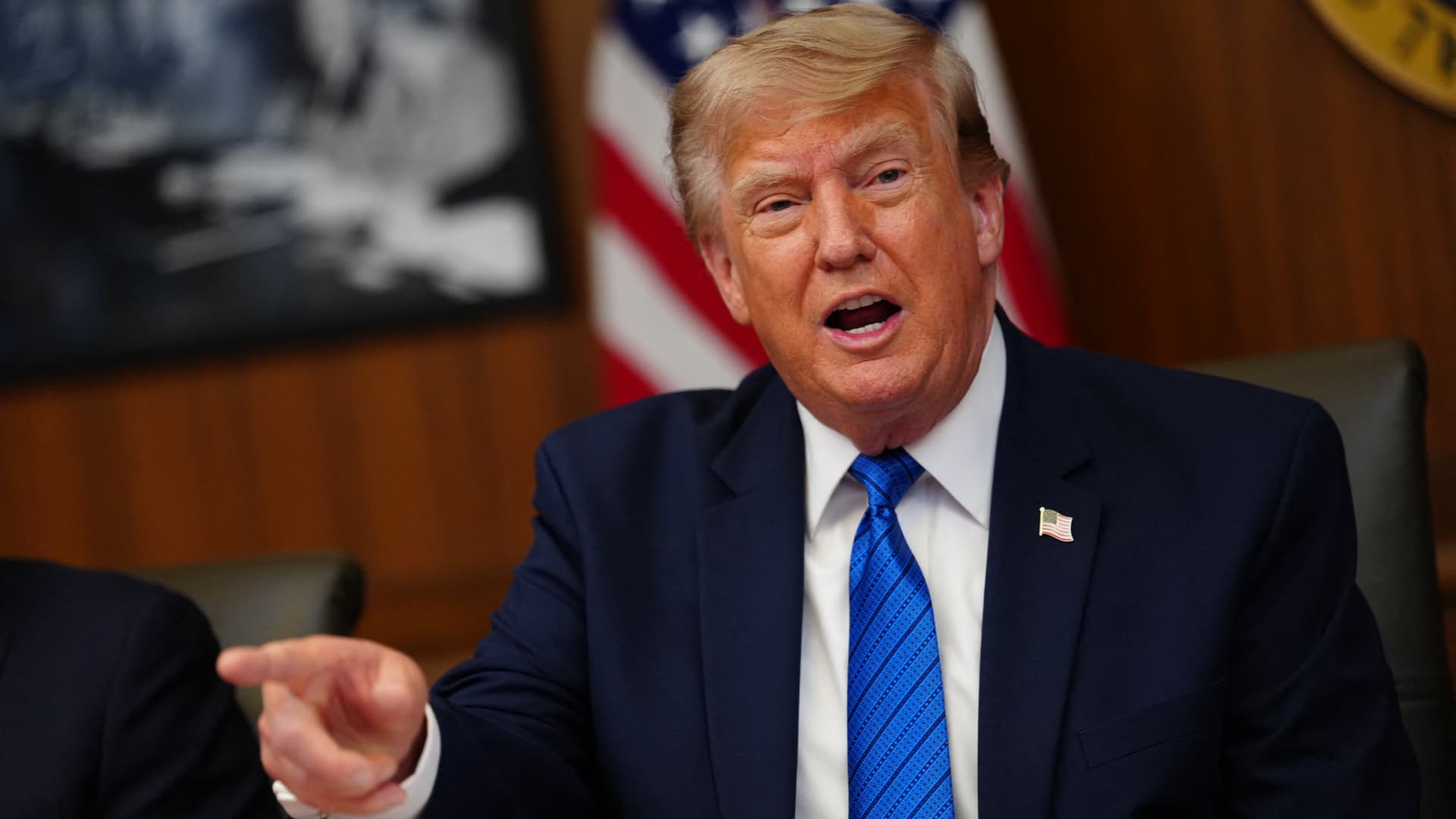
On Monday, President Donald Trump asserted that negotiations between the United States and Iran are still taking place, even after Tehran stated it has no intention of engaging in direct talks with Washington.
In a fiery Truth Social post, Trump labeled Iran’s leaders “unbelievably duplicitous,” claiming they are lying about ongoing peace talks “whether Iran wants to admit it or not.” He repeated his assertion that the United States completely controls the Strait of Hormuz, despite maritime traffic through the crucial route lingering at only a small fraction of pre‑conflict levels.
He wrote, “Nothing reaches Iran unless we allow it, and nothing will pass unless a deal—or total surrender—is achieved.”
Earlier that day, Iranian Foreign Ministry spokesperson Esmail Baghaei told reporters there is no imminent plan for U.S.–Iran negotiations, contradicting Trump’s earlier comment that talks would resume Monday afternoon. Baghaei added that Iran’s only current discussions are with Oman concerning the Strait of Hormuz.
The conflicting statements have heightened uncertainty over the peace‑talk process and the broader conflict, now in its sixth month.
Trump’s assertion about new negotiations came a day after he said on Truth Social that he had agreed to cancel a massive strike against Iran “subject to being able to rapidly make a DEAL.” He said in the same post that Iran and other Middle Eastern countries had asked him to hold off on that attack because “the perimeters of a deal has been agreed to.”
Trump has claimed dozens of times throughout the more‑than‑five‑month‑long war that a deal is at hand. No permanent deal has been signed, and a temporary ceasefire reached in June has fallen apart.
Trump has also repeatedly threatened to launch devastating strikes against Iran before backing off. After the latest example, oil prices on Monday fell and stocks surged.
BMI, a research unit of Fitch Solutions, said in a note Monday that a broader diplomatic understanding on reopening the Strait of Hormuz is still achievable this quarter, while raising the probability of its escalation scenario to 35% from 25%, citing mounting military, diplomatic and economic signs of rising U.S.-Iran tensions.
“Diplomatic progress is likely to be punctuated by periodic military flare-ups, while miscalculation by either side could trigger a renewed escalation,” BMI analysts wrote in a note. The firm said the key issue to watch is the future governance of the strait, as the Iran-Oman talks — potentially backed by Gulf states, China and the U.S. — point to efforts to build a post-conflict shipping framework.
Shipping risks persist even as diplomacy appears to be advancing. The United Kingdom Maritime Trade Operations Centre said it received a report of an incident 20 nautical miles (23 miles) northeast of Khasab, Oman — at the mouth of the strait — with a tanker’s master reporting an explosion in close proximity to the vessel at about 20:37 UTC Sunday (4:37 pm ET). The vessel and crew were safe and authorities are investigating, UKMTO said, advising ships to transit with caution.
The proposal Trump announced over the weekend calls for the U.S. and Iran to return to negotiations and continue ironing out some of the thorny issues that had derailed diplomatic efforts, according to The Associated Press, citing a regional official involved in the mediation efforts.
The official said the proposal also includes a reopening of the Hormuz Strait and halting attacks across the region, including by Iranian-backed militias in Iraq on the Arab Gulf countries and Jordan.
The U.S., for its part, will end its naval blockade on Iran and allow Tehran to export its oil, the official said, adding that no deal has been reached, although the mediation efforts remained underway.
Trump’s weekend reversal has lowered the temperature after days of escalating attacks across the Gulf. Kuwait said Saturday that Iranian forces launched a wave of drones within its airspace, with its military destroying multiple aircraft after Iran targeted critical infrastructure in the country’s north.
A parallel track with Muscat is also advancing. Iranian diplomats said Tehran was close to reaching a new arrangement with Oman to manage shipping through the Strait of Hormuz, a deal critical to preventing the war from escalating further, according to the Financial Times.
Iranian officials said negotiations over future management of the Hormuz Strait with Oman, which sits on the opposite shore of the waterway, are in their final stages. The agreed shipping route would be different from those used before, according to Iran’s Foreign Ministry spokesperson, Baghaei, adding that the new route was separate from the issue of the strait’s reopening or continued closure.
Technologies
Oil Prices Slide as Trump Halts Planned Iran Strike
Oil prices dropped after Trump cancelled a planned strike on Iran, with WTI down about 5% and Brent near 5% lower. He said the move followed requests from Tehran and regional allies for a pause while a deal shaping the Strait of Hormuz and Iran’s nuclear program is negotiated.
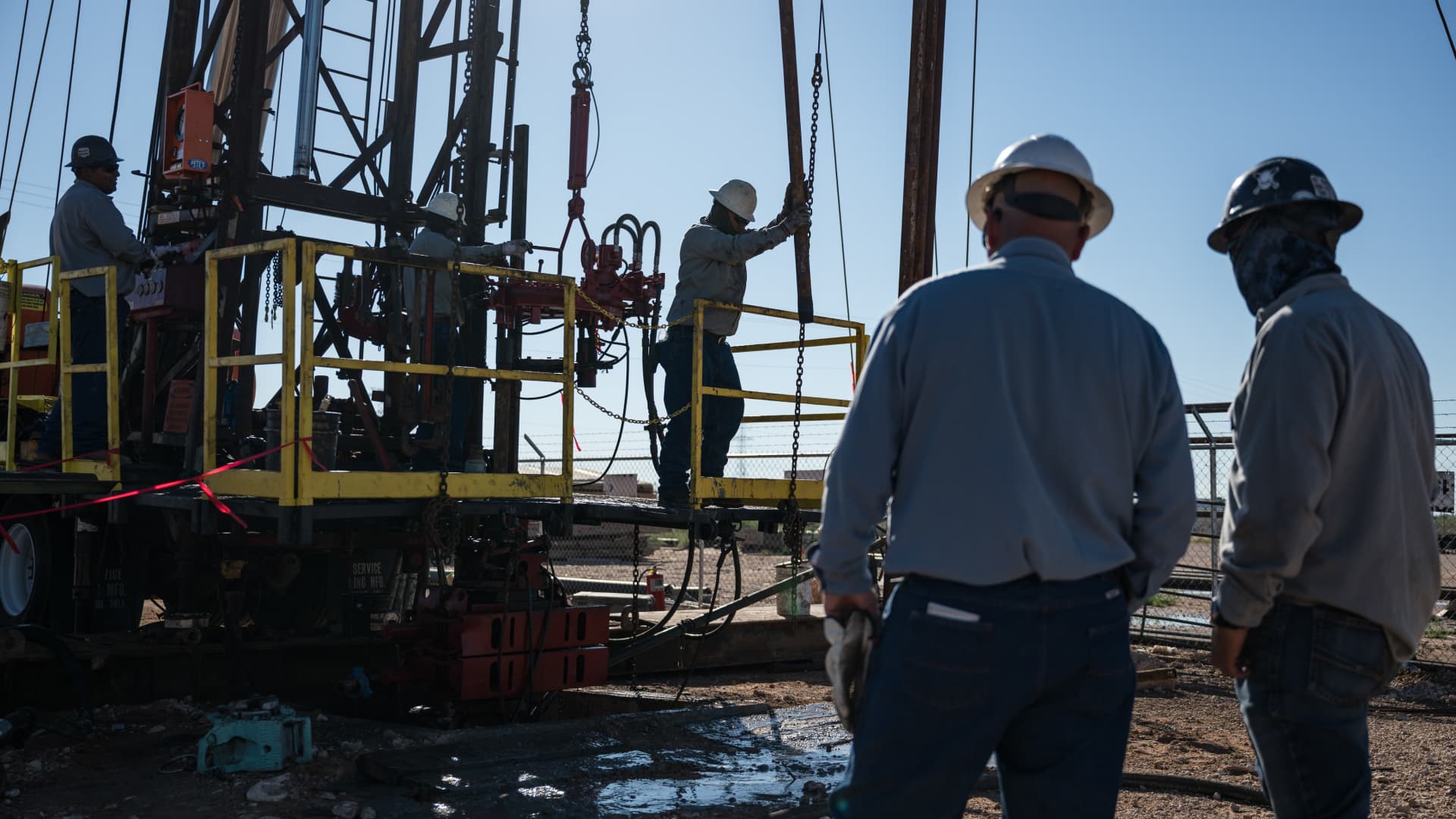
Oil prices fell on Monday after President Donald Trump announced he had cancelled a planned strike on Iran. WTI futures dropped roughly 5% to $80.34 a barrel, while Brent slipped about 4.7% to $83.77 a barrel.
Trump said early Sunday he called off the strike after Iran and several Middle Eastern nations asked him to hold off, noting that the outlines of a deal had been agreed upon. He added that the prospective accord would entail the immediate, full opening of the Strait of Hormuz and an end to Iran’s nuclear ambitions, according to his Truth Social post.
The president had been considering another round of strikes as diplomatic hopes waned since the conflict began on February 28. He said the U.S. and Iran would meet for talks on Monday, but Iran denied any scheduled negotiations with Washington, citing PressTV. Iran’s foreign‑ministry spokesperson Esmaeil Baghaei clarified that Tehran was only discussing shipping routes through the Strait of Hormuz with Oman. In a follow‑up Truth Social message, Trump insisted that, regardless of Iran’s acknowledgment, the United States is indeed discussing a solution to a long‑standing problem created by Iran.
Technologies
Oil Prices Drop as Trump Cancels Planned Attack on Iran
Oil prices fell sharply after President Trump announced the cancellation of a planned strike on Iran, citing a new deal that would open the Hormuz Strait and end Iran’s nuclear threat.
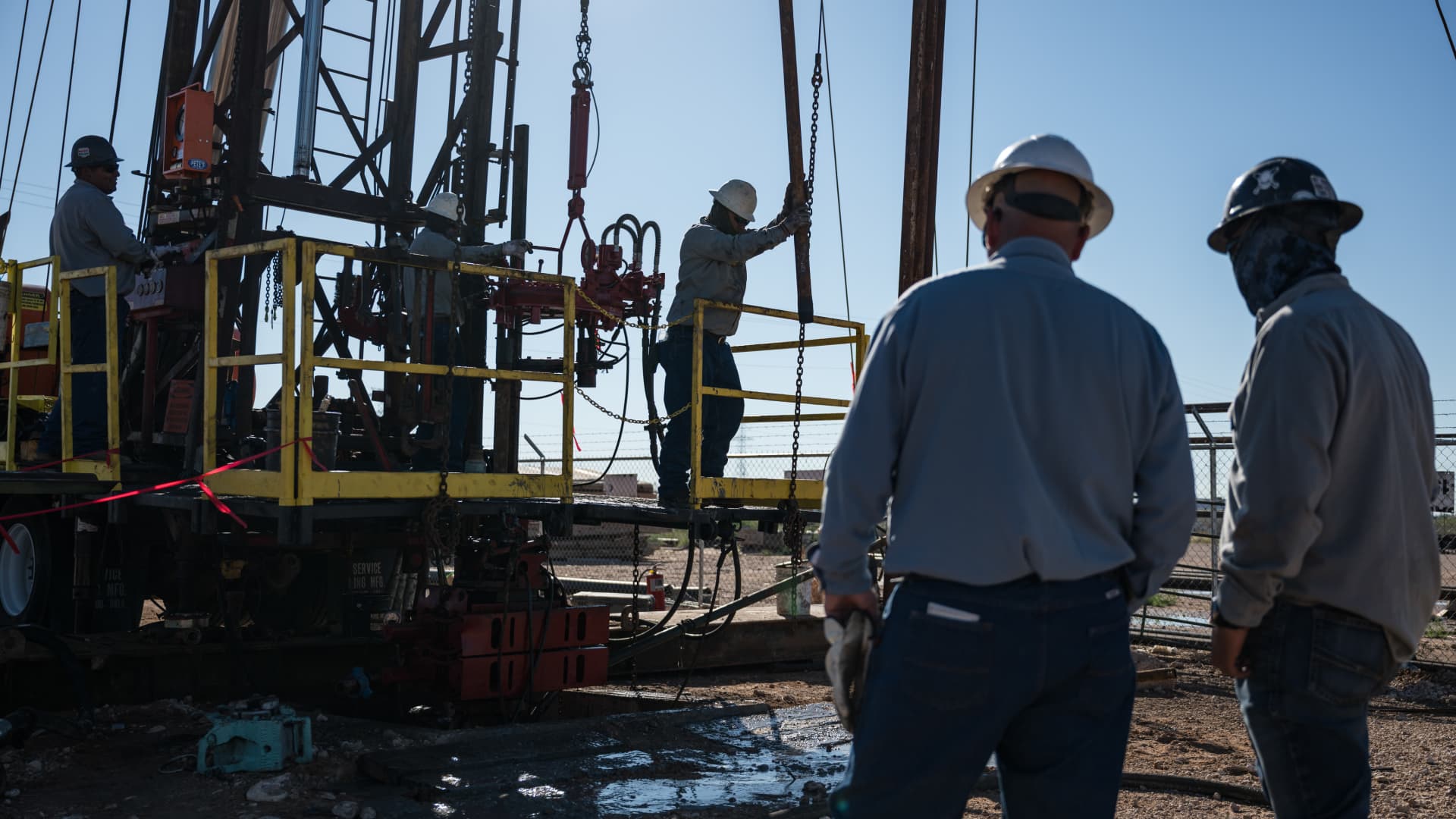
Oil prices fell sharply on Monday after President Donald Trump announced that he had called off a planned strike on Iran.
West Texas Intermediate futures, the U.S. benchmark, slipped roughly 5% to close at $80.34 per barrel, while Brent crude, the international benchmark, declined 4.7% to settle at $83.77 a barrel.
Trump made the announcement early Sunday, saying he had canceled the strike following requests from Tehran and other Middle Eastern countries.
In a Truth Social post, he wrote: “We have just been asked by Iran, and other Middle Eastern Countries, to hold off any attack in that the perimeters of a deal has been agreed to.”
The president indicated that the proposed agreement would include the immediate, complete, and total opening of the Hormuz Strait, as well as an end to Iran’s nuclear threat.
Trump had been weighing additional strikes amid diminishing prospects for a diplomatic resolution to the conflict that began on Feb. 28. He stated that the U.S. and Iran would hold negotiations on Monday.
Tehran denied that talks were planned with Washington, according to state news outlet PressTV.
Iran’s Foreign Ministry spokesman Esmaeil Baghaei said Tehran was only holding talks with Oman regarding the routes ships can use through the Strait of Hormuz.
In a subsequent Truth Social post, Trump added that whether “Iran wants to admit it or not, we are, in fact, talking of a solution to a problem that they have caused for decades.”
-
 Technologies4 years ago
Tech Companies Need to Be Held Accountable for Security, Experts Say
-
 Technologies3 years ago
Best Handheld Game Console in 2023
-
 Technologies5 years ago
Black Friday 2021: The best deals on TVs, headphones, kitchenware, and more
-
 Technologies3 years ago
Tighten Up Your VR Game With the Best Head Straps for Quest 2
-
 Technologies5 years ago
Google to require vaccinations as Silicon Valley rethinks return-to-office policies
-
 Technologies5 years ago
Verum, Wickr and Threema: next generation secured messengers
-
 Technologies4 years ago
The number of Сrypto Bank customers increased by 10% in five days
-
 Technologies5 years ago
Olivia Harlan Dekker for Verum Messenger