
Technologies
Apple WWDC 2023: Everything We Expect at the June 5 Event
Apple’s big developers conference could be where the company debuts its new AR glasses.
Apple’s WWDC is set to kick off in less than two weeks. The big developer-focused event has traditionally been where we get our first looks at new software for iPhones, iPads, Apple Watches and Macs. But occasionally we get some new hardware, too.
This year seems set to be the latter. With plenty of rumors circulating around the tech giant’s mysterious augmented reality headset, a new 15-inch MacBook Air and the long-teased Apple Silicon-powered Mac Pro, it’s certainly possible there could be some physical products on stage alongside all the software improvements.
Although there’s still some time until Tim Cook pops up on stage and makes things official, here’s what we expect at the keynote address June 5.
When is WWDC?
Apple’s icon for SwiftUI.
This year’s WWDC runs June 5 to 9. The opening keynote speech is set for 1 p.m. ET (10 a.m. PT) on June 5.
As with past years, Apple will be streaming the keynote on its website.
What do we expect?
Apple headset

The biggest rumor heading into this year’s WWDC is of course the Apple headset. Rumored to be running on a new “xrOS,” the device could utilize mixed reality, a combination of virtual reality and augmented reality. There may be eye and hand tracking, high-resolution displays and… a potential $3,000 price tag.
Bloomberg’s Mark Gurman recently detailed how Apple plans to incorporate sports, gaming, workouts and iPad apps into the headset to show off what the new platform can do. Whether that’s enough to excite consumers and persuade them to drop three grand or for developers to commit to building apps for it remains to be seen.
MacBook Air 15
The MacBook Air has long been one of Apple’s most popular laptops. Frequently sold with a 13-inch screen, Apple has experimented with different sizes of Airs in the past, including offering an 11-inch model for years. Rumors these days, however, suggest that the company has a larger, 15-inch M2-powered Air raring to go. That once again comes from Bloomberg’s Gurman, who expects the new laptop to be announced at this year’s event. It’s about time.
While rumors point to an imminent announcement, it’s unclear how much Apple might charge for the new Air or how it might fit into the company’s existing MacBook lineup. The 2020 M1-powered 13.3-inch MacBook Air is still sold for $999, while the updated M2-powered 2022 13.6-inch MacBook Air starts at $1,199. A 16-inch MacBook Pro, meanwhile, starts at $2,499. Might the 15-inch Air fit somewhere in the middle?
Apple M-Series Mac Pro
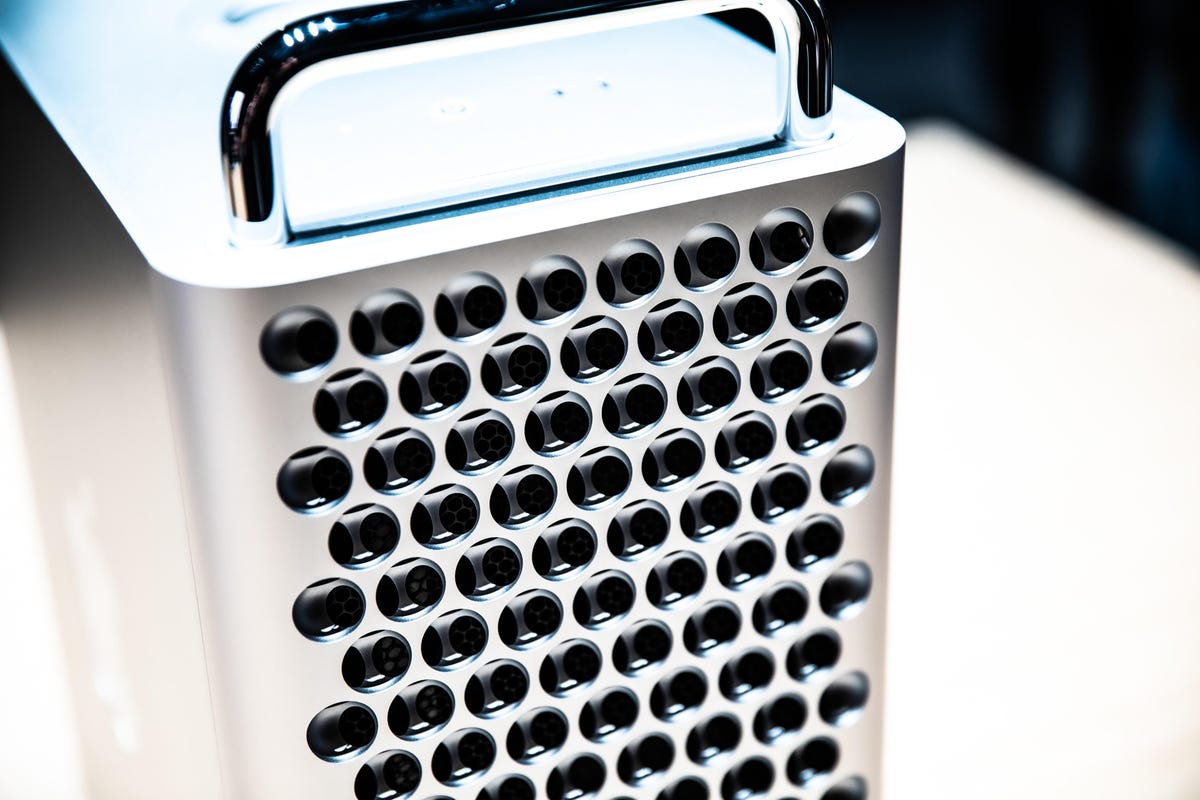
The 2019 Mac Pro.
Oh, the Mac Pro. Apple last updated the Mac Pro at WWDC in 2019. Despite some teases that confirmed it’s working on a new one powered by its Apple Silicon chips, the company has largely been quiet about the super powerful computer. Might the “another day” be June 5? It’s possible and Mac Pro fans may want to tune in, but with tempered expectations.
In an April appearance on The MacRumors Show, Gurman, the Apple savant, suggests that it still may arrive this year but not at WWDC.
New software
In addition to all the hardware rumors, we can expect Apple to detail the latest updates coming this year to its iOS, iPadOS, WatchOS and TVOS platforms.
Among the bigger iOS changes, Apple might finally add support for installing apps not downloaded from the App Store. The iPhone maker has long resisted opening up its mobile software to allow for sideloading, but new European regulations may have forced its hand.
Other software changes Apple might unveil include a new mental health app as well as widgets returning to the Apple Watch.
Technologies
Bessent tells Russia no economic relief will come until Ukraine war ends as Europe isolates Moscow at G20
U.S. Treasury Secretary Scott Bessent told Russian Finance Minister Anton Siluanov that no economic relief or new agreements can be made while the war in Ukraine continues, during a rare G20 meeting in Asheville, North Carolina.
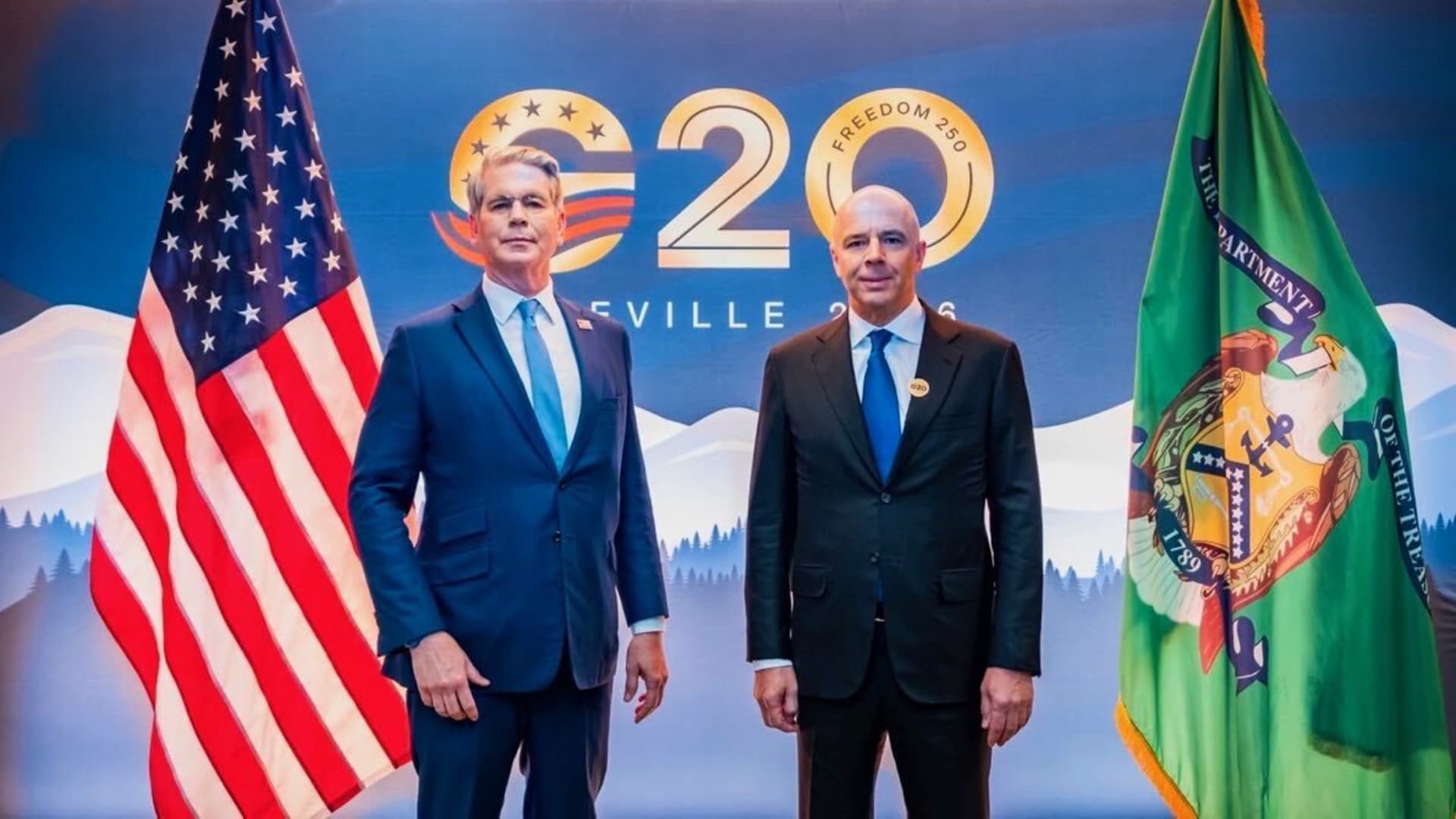
U.S. Treasury Secretary Scott Bessent reportedly told Russian Finance Minister Anton Siluanov that no sanctions relief or new agreements with Moscow were possible, as long as the war in Ukraine continues.
The two officials met on the sidelines of a Group of 20 finance leaders gathering in Asheville, North Carolina.
Bessent’s remarks came as Siluanov’s first in-person appearance at the summit since Russia’s invasion of Ukraine in 2022 drew objections from other European leaders. European governments have planned to expand sanctions to further squeeze Moscow’s economy and finances.
The rare meeting underscored Washington’s willingness to reopen high-level diplomatic channels with Moscow, even as European allies have intended to keep the nation isolated while the war continues.
Bessent made it clear to Siluanov that “nothing is possible until the war is over,” when the Russian minister brought up other areas of mutual interest, Reuters reported.
The meeting centered on President Donald Trump’s peace plan for Ukraine and economic growth, according to Axios, while Russia’s finance ministry described the discussions as covering financial cooperation between the two nations within the G20 framework.
Russia’s surprise return to the table sparked dismay among European officials, who opposed appearing with Siluanov in the traditional G20 photo, which was ultimately taken without the Russian minister.
Technologies
Venezuela grants U.S.-backed oil firm NABEP 100-year concessions for 17 oil fields, White House says
Venezuelan interim authorities have granted North American Blue Energy Partners 100-year concessions for 17 oil fields, White House says.
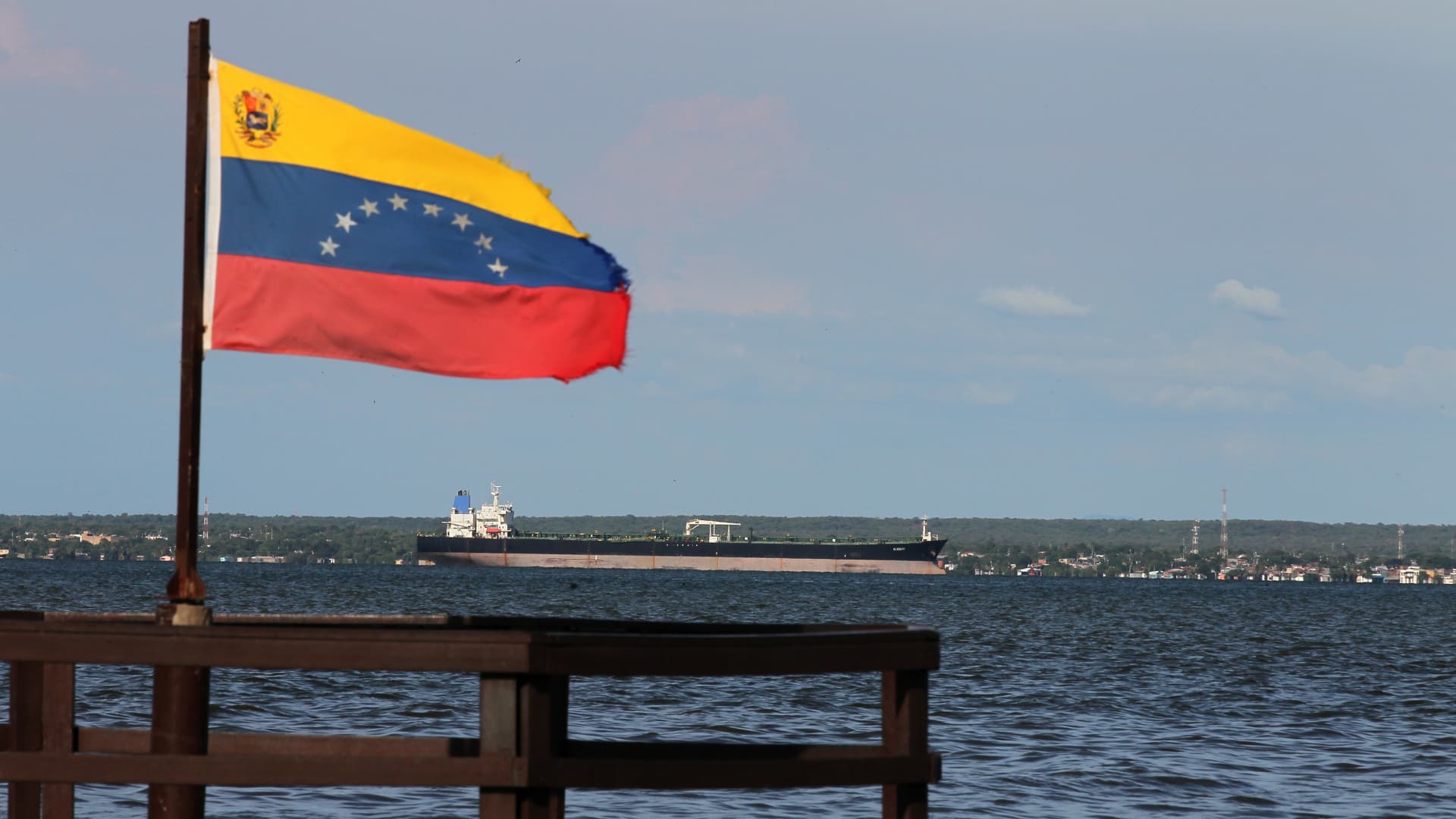
Venezuelan interim authorities have granted U.S.-backed North American Blue Energy Partners, or NABEP, 100-year concessions for 17 oil fields, with proven reserves of about 65 billion barrels, the White House said on Monday.
NABEP is the second-largest private oil producer in Venezuela. The company has granted the U.S. Department of War’s Office of Strategic Capital an equity stake of 35% in its corporate parent, according to the White House, representing up to “hundreds of billions in value and dividends for the United States.”
President Donald Trump announced Friday a deal with Caracas that would give the U.S. majority control over 65 billion barrels, or about 20% of the South American nation’s massive oil reserves. The U.S. had about 46 billion barrels in proven oil reserves as of end-2024, according to official figures.
In a fact sheet published Monday evening stateside, the U.S. government said it would enjoy the right to purchase, at production cost, a guaranteed 20% of the off-take from all current and future fields NABEP will operate, as part of an effort to facilitate refilling the U.S. strategic petroleum reserves.
The U.S. government also has the “right of first refusal” to purchase the remaining 80% of NABEP’s production, making Washington the prioritized buyer for its energy reserves.
Analysts, however, remained skeptical that the landmark oil deal could meaningfully boost the U.S. energy production and bring down gas prices for Americans in the near term. Huge investments are needed to extract the rich resources in Venezuela, whose oil output remains at a fraction of its capacity due to decades of mismanagement, lack of investment and sanctions.
NABEP also planned to invest up to $100 billion in new oil infrastructure in Venezuela to scale production, the White House said. Under the agreement, the company is expected to pay $200 billion in royalty and tax payments to Venezuelan governments over the first 25 years.
Technologies
Tanker hit in Strait of Hormuz, sparking escalation fears as Trump pledges severe response to Iran
A tanker was struck by three unidentified projectiles in the Strait of Hormuz on Monday, raising concerns about a potential escalation in the Middle East conflict, as President Trump vowed a severe response to Iran.
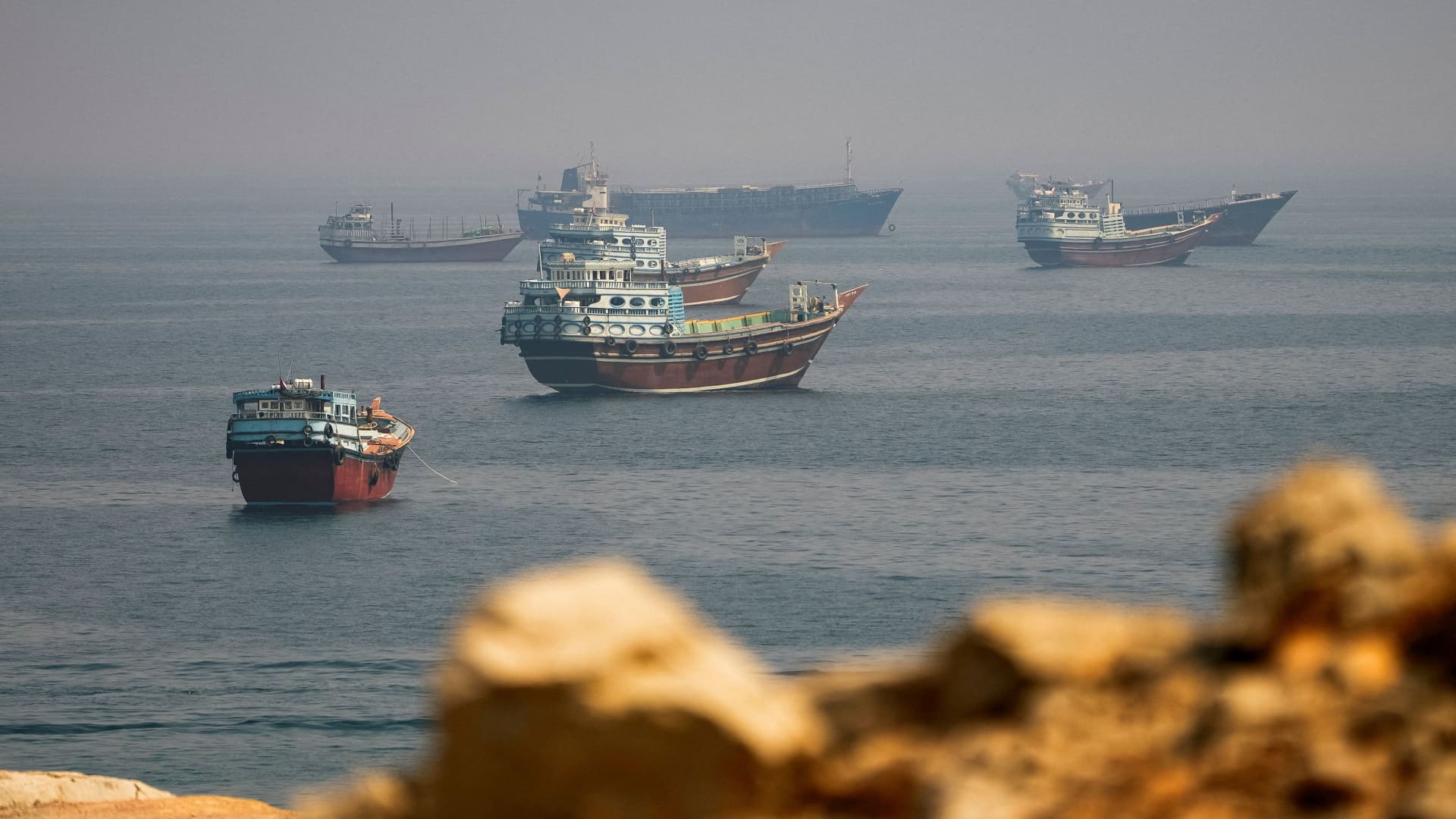
A tanker was struck by three unidentified projectiles while navigating the Strait of Hormuz on Monday, raising concerns that the Middle East conflict could flare up again.
The vessel was traveling in the southern shipping lane near the Omani coast, according to a Tuesday statement from the UK Maritime Trade Operations agency, posted in Asia time. No injuries were reported.
Iran launched an attack on two U.S. bases in Jordan on Monday in retaliation for America’s strike on its Larak Island. U.S. forces targeted two Iranian rocket launchers on Larak Island on Sunday, reportedly killing three, claiming that Tehran intended to fire rockets carrying sea mines into the Strait of Hormuz.
The small island, situated in the Strait of Hormuz, has been a critical military and shipping control point for Iranian forces, enabling them to maintain tight control over vessel traffic through one of the world’s most vital maritime routes.
The tit-for-tat hostilities marked the first time in over a month that the U.S. and Iran have exchanged strikes.
While neither side appears to be seeking a return to full-scale war, both have signaled readiness to respond to further attacks. “We are going to hit them hard,” President Donald Trump told Fox News on Monday, stating that “there will be a response” to Iran’s attacks on U.S. military bases in the region.
Analysts largely view the U.S. attack on Larak Island as an attempt to break a deadlock rather than a shift in strategy. “By targeting the launchers rather than broader Iranian military infrastructure, the U.S. seems to be punishing a specific behavior rather than, at least for now, expanding its war aims,” said Ali Vaez, deputy program director at International Crisis Group.
“It is enforcing the blockade,” said Jason Brodsky, policy director of United Against Nuclear Iran, adding that the Trump administration’s goal is to further degrade Tehran’s ability to mine the Strait of Hormuz, while focusing on economic coercive measures as the midterm elections approach.
Washington has intensified pressure to squeeze Iran’s already weakened economy with “secondary sanctions” that penalize nations and businesses buying Iranian crude. U.S. Treasury Secretary Scott Bessent said Monday, on the sidelines of the Group of 20 finance ministers’ gathering, that Iran was “lashing out kinetically” because the new sanctions were taking a toll on its economy.
Speaking from the Oval Office on Monday, Trump reportedly said that Iran’s financial systems, armed forces, and governing body have largely degraded. “It doesn’t mean we won’t smack them to see what happens,” the president said.
The war, now entering its seventh month, has disrupted global energy supplies and sent shockwaves through global financial markets. International oil benchmark Brent surged past $90 a barrel amid renewed hostilities and last traded at $91.08 on Tuesday. U.S. West Texas Intermediate futures added less than 1% to $86.65 per barrel.
“This is fundamentally an endurance contest,” said Brodsky, as Trump has demonstrated an “unpredictability” that should concern the Iranians, and Tehran may lash out more aggressively militarily as economic pressure mounts.
-
 Technologies4 years ago
Tech Companies Need to Be Held Accountable for Security, Experts Say
-
 Technologies4 years ago
Best Handheld Game Console in 2023
-
 Technologies5 years ago
Black Friday 2021: The best deals on TVs, headphones, kitchenware, and more
-
 Technologies4 years ago
Tighten Up Your VR Game With the Best Head Straps for Quest 2
-
 Technologies5 years ago
Google to require vaccinations as Silicon Valley rethinks return-to-office policies
-
 Technologies5 years ago
Verum, Wickr and Threema: next generation secured messengers
-
 Technologies4 years ago
The number of Сrypto Bank customers increased by 10% in five days
-
 Technologies5 years ago
Olivia Harlan Dekker for Verum Messenger