
Technologies
How to Boost Your Phone Signal for Better Reception This Holiday Season
If you’re traveling for the holidays and struggling with bad reception, these 10 tips can help.
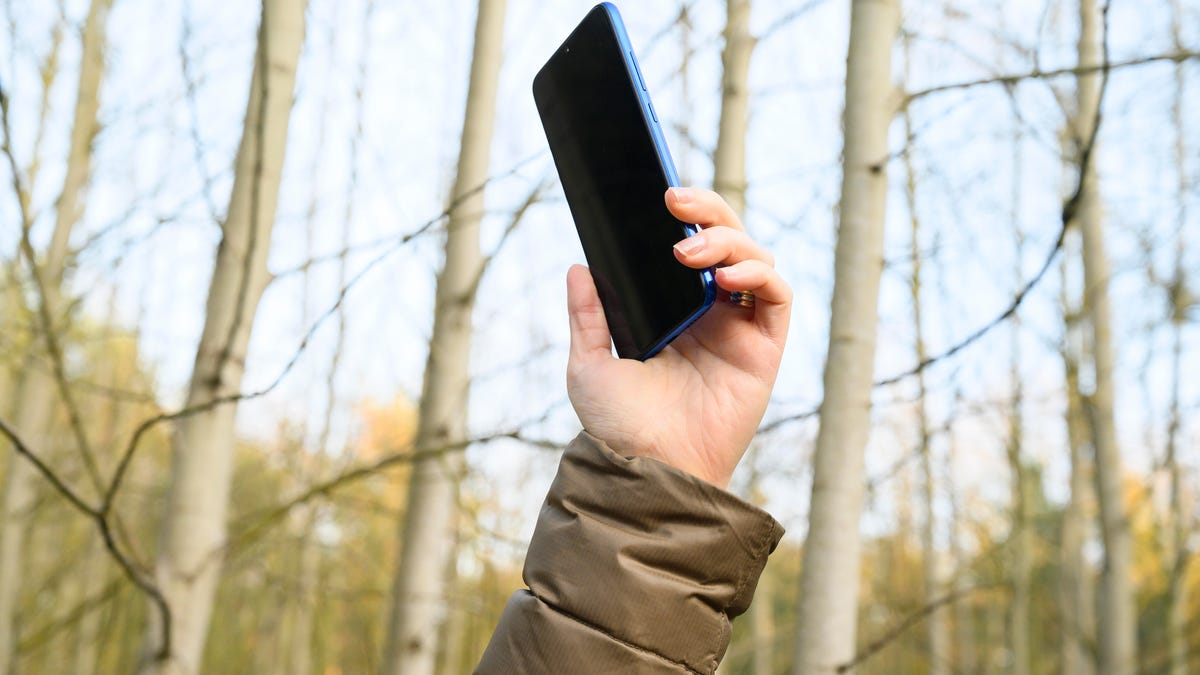
You know that special kind of holiday-travel panic? Your phone’s signal bars just… disappear. One minute you’re following the GPS to your in-laws’, the next your map is frozen, the festive playlist is dead, and you’re stranded in a dead zone. It’s not just an inconvenience; it can be a genuine safety issue.
But before you start cursing your cell carrier, you should know the problem often isn’t the network-it’s your phone being stubborn. It’s probably still clinging for dear life to a weak tower you passed 10 miles ago instead of finding a stronger one right near you. The fix is usually a ridiculously simple trick that takes about five seconds.
Stop accepting bad reception as a fact of life. Whether you have an iPhone or an Android, here are the quick and easy ways to force your phone to find a better signal. Here’s how to do it.
Don’t miss any of our unbiased tech content and lab-based reviews. Add CNET as a preferred Google source on Chrome.
Note: Although software across different iPhone models is relatively the same, Samsung Galaxy, Google Pixel and other Android phones may have different software versions, so certain settings and where they are located might differ depending on device.
For more, check out how you can use Google Maps when you’re offline and how you can maybe fix your internet when it’s down.
To improve your cellphone service, try these steps first
The settings on your phone can help you get better cell service but there are other tricks for improving your reception without even touching your phone’s software.
- Move yourself so that there are no obstructions between your phone and any cell towers outside. That might involve stepping away from metal objects or concrete walls, which both kill reception. Instead, get to a window or go outside if possible.
- Remove your phone case. It doesn’t hurt to remove whatever case you have on your phone, especially if it’s thick, so that the phone’s antenna isn’t blocked by anything and can get a better signal.
- Make sure your phone is charged. Searching for and connecting to a stronger signal drains power, so if your phone battery is already low on charge, you may have a difficult time getting good service.
Always start by turning Airplane mode on and off
Turning your phone’s connection off and then back on is the quickest and easiest way to try and fix your signal woes. If you’re moving around from one location to another, toggling Airplane mode restarts the Wi-Fi, Bluetooth and cellular network modems, which forces them to find the best signal in the area.
Android: Swipe down from the top of your screen — to access the Quick Settings panel — and then tap the Airplane mode icon. Wait for your phone to completely disconnect from its Wi-Fi and cellular connections. It doesn’t happen instantly, so give it a good 15 seconds before you tap on the Airplane mode icon again.
iPhone: On the iPhone, you can access Airplane mode from the Control Center, but that varies depending on which iPhone model you have. On the iPhone X and later, swipe down from the top-right corner to access the Control Center. On older iPhone models, swipe up from the bottom of the screen. Then tap the Airplane mode icon, which will turn orange when it’s enabled. Again, wait up to 15 seconds before turning it off.
If Airplane mode doesn’t work, restart your phone
Our phones are miniature computers, and just like computers, sometimes you can fix issues like network connection by simply restarting them.
Android: Hold down the power button, or the power button and the volume down key (depending on your Android phone), until the on-screen menu shows up, and then tap Restart. If your phone doesn’t offer a restart option, you can simply tap Power Off to shut down your device, and then boot it back up with the power button.
iPhone: On the iPhone X and older models, hold down the sleep/wake button and either one of the volume buttons and then swipe right on the power slider to turn off the device. Wait until it fully turns off, then press down on the sleep/wake button to turn it back on.
Alternatively, you can do a force reset on your iPhone: Press the volume up button, followed by the volume down button and then press and hold the side button. Keep holding it in, after your phone’s screen goes black and until you see the Apple logo appear again.
If your iPhone has a home button, hold down the sleep/wake button until the power slider is displayed and then drag the slider to the right. Once the device is turned off, press and hold the sleep/wake button until you see the Apple logo.
Older phone? Take your SIM card out
Another troubleshooting step that might help is to remove your SIM card, if your phone has one, and then place it back in with the phone turned on. If the SIM card is dirty, clean it. If it has any physical defects, you may need to replace it.
You’ll need a SIM card tool — usually included in your phone’s box — or an unfolded paper clip or sewing needle to get the SIM tray out of your phone.
All phones: Remove the SIM card, check to see if it’s damaged and positioned in the SIM tray correctly, then put it back in your phone.
eSIM: For phones with an eSIM — that is, an embedded electronic SIM in your phone — there’s nothing for you to remove. The best you can do is restart your phone.
Check your carrier settings (and update your software)
Mobile carriers frequently send out carrier settings updates to help improve connectivity for calls, data and messages on their network. Although this feature is available on all iPhone models, it’s not universal on Android, so you might not find carrier settings if you don’t have a supported phone.
iPhone: Carrier updates should just appear, and you can update from the pop-up message that appears. To force your iPhone to check for a carrier settings update, go to Settings > General > About on your phone. If an update is available, you’ll be prompted to install it.
Android: As mentioned before, not all Android phones have carrier settings, so you’ll have to open the Settings app and type in “carrier settings” to find any possible updates. On supported Pixels, go to Settings > Network & internet > Internet, tap the gear next to your carrier name and then tap Carrier settings versions.
Reset your phone’s network settings
Sometimes all you need is a clean slate to fix an annoying connectivity issue. Refreshing your phone’s network settings is one way to do that. But be forewarned, resetting your network settings will also reset any saved Wi-Fi passwords, VPN connections and custom APN settings for those on carriers that require additional setup.
Android: In the Settings app, search for “reset” or more specifically “reset network settings” and tap on the setting. On the Pixel, the setting is called Reset Wi-Fi, mobile & Bluetooth. After you reset your network settings, remember to reconnect your phone to your home and work Wi-Fi networks.
iPhone: Go to Settings > Transfer or Reset iPhone > Reset > Reset Network settings. The next page will warn you that resetting your network settings will reset your settings for Wi-Fi, mobile data and Bluetooth. Tap Reset Network Settings and your phone will restart.
Contact your phone carrier
Sometimes unexpected signal issues can be traced back to problems with your wireless carrier. A cell tower could be down, or the tower’s fiber optic cable could have been cut, causing an outage.
For consistent problems connecting to or staying connected to a cellular or data network, it’s possible your carrier’s coverage doesn’t extend well into your neighborhood.
Other times, a newfound signal issue can be due to a defect with your phone or a SIM card that’s gone bad. Contacting your carrier to begin troubleshooting after you’ve tried these fixes is the next best step to resolving your spotty signal.
If all else fails, try a signal booster to improve cell reception
If after going through all of our troubleshooting steps, including talking to your carrier to go over your options, you’re still struggling to keep a good signal — try a booster. A signal booster receives the same cellular signal your carrier uses, then amplifies it just enough to provide coverage in a room or your entire house.
The big downside here is the cost. Wilson has three different boosters designed for home use, ranging in price from $349 for single room coverage to $999 to cover your entire home. To be clear, we haven’t specifically tested these models. Wilson offers a 30-day, money-back guarantee and a two-year warranty should you have any trouble with its products.
Technologies
Inflation concerns increase as Fed survey reveals one‑year outlook at peak level not seen since May 2023
Inflation concerns rose in September, pushing the New York Fed’s one‑year inflation outlook to 3.9% – its highest level since May 2023. Household spending expectations also climbed to 5.5%, while longer‑term inflation forecasts remained relatively stable.

Inflation worries grew in September, driving the near‑term expectation in the New York Federal Reserve’s monthly poll to its highest point in roughly three and a half years.
The Fed’s Survey of Consumer Expectations showed that the median forecast for inflation over the next twelve months rose to 3.9%, up 0.3 percentage point from August and the highest since May 2023, when it stood at 4.1%.
The same survey indicated that household spending growth is anticipated to reach 5.5%, also up 0.3 point month‑over‑month and the highest level since May 2023.
These results emerge as Fed officials debate the appropriate stance for monetary policy while inflation remains well above the 2% target.
Markets largely anticipate that the Federal Open Market Committee will hold benchmark rates steady at its October meeting. August inflation came in below expectations according to the Fed’s preferred gauge, and several officials, including New York Fed President John Williams, have suggested policymakers can afford to take their time when deciding on interest rates.
Looking further ahead, the survey found longer‑term expectations are more stable: the three‑year forecast edged up 0.1 point to 3.3%, while the five‑year outlook held steady at 3%.
Market‑based gauges, however, are less optimistic. The breakeven inflation rate, a closely watched bond indicator, places the five‑year outlook near its yearly high at 2.35%. Treasury yields have surged in recent weeks to levels not seen since the early 2000s.
Fed officials view inflation expectations as a key driver of actual inflation.
Energy price pressures remain central to the inflation story. Gasoline prices climbed almost 4% in August alone, per the Bureau of Labor Statistics, and fuel oil jumped more than 10%.
At the consumer level, utilities have sought $23.1 billion in rate increases so far in 2026, according to PowerLines, a nonpartisan consumer advocacy group. The third quarter alone accounted for $4.5 billion of those requests, the largest quarterly total on record. The New York Fed survey also found that consumers expect gas prices to rise 4.8% over the next year, up 0.2 point from August.
While investors hope the Fed will keep rates unchanged at its next meeting, they are pricing in a considerably tighter policy stance further out. Fed funds futures imply a rate of 5.58% in five years, whereas the current target range sits between 3.75% and 4%.
Correction: PowerLines is a nonpartisan consumer advocacy group; an earlier version misspelled its name.
Technologies
Tanker Attacks Surge to Wartime Levels in Strait of Hormuz as Iran Escalates Efforts to Disrupt Oil Exports
Tanker attacks in the Strait of Hormuz have reached wartime highs as Iran escalates efforts to disrupt oil exports amid rising maritime risks.

Oil tankers navigating the Strait of Hormuz are facing near-daily attacks as Iran intensifies its operations aimed at disrupting a recovery in crude oil exports.
During the week ending October 4, eleven tankers were targeted while transiting Hormuz—the highest number of assaults on commercial vessels since the conflict began in late February, according to data from the International Maritime Organization (IMO), a United Nations agency. An additional five tankers have been struck this week.
Twelve sailors were injured on Monday when a projectile hit their tanker as it passed through Hormuz. The injured crew members are Indian nationals, and the vessel, named On Peace, is registered under the United Arab Emirates, according to the maritime security company Marisks.
“These activities underscore Iran’s determination to assert its influence over critical sea routes and sustain pressure on ships passing through,” the Joint Maritime Information Center cautioned in a notice issued Thursday. This center, a coalition of U.S. allies led by military forces based in Bahrain, tracks maritime threats in the area.
A senior official from Iran’s Revolutionary Guard Corps declared on Wednesday that Tehran will shut down all “unauthorized pathways” through Hormuz, as reported by Fars News Agency, which is viewed as aligned with the Guard.
The spike in tanker attacks coincides with a revival in Middle Eastern crude exports during September, returning to levels seen before the war—largely attributed to U.S. naval escorts guiding vessels through Hormuz via a corridor near Oman’s coastline.
“Cargo is still moving, but it’s doing so amid exceptionally dangerous maritime conditions,” noted Michelle Wiese Bockmann, a senior maritime intelligence analyst at Windward, a firm specializing in risk assessment and surveillance.
At least nine seafarers have lost their lives in ship attacks since July, according to the IMO.
“This cannot become the new standard,” stated Richard Meade, editor-in-chief of the shipping trade publication Lloyd’s List, during a briefing on Thursday.
On Thursday, U.S. Central Command provided updates to shippers regarding the situation in Hormuz. In a statement issued Wednesday, Centcom confirmed that 20 million barrels of crude had successfully transited the strait, countering Iranian assertions that the passage was closed.
Recently, oil shipments have declined as attacks have escalated. Crude exports through Hormuz averaged 8.5 million barrels per day for the week ending Wednesday—roughly 40% lower than pre-war norms, according to Kpler data released Friday. Overall Middle Eastern shipments stood at 15.3 million barrels per day, down 10% compared to pre-war figures.
Iran itself has not exported any crude oil since late August due to the U.S. naval blockade imposed on the Islamic Republic, according to Kpler.
Tehran has extended its operations further into the Persian Gulf, with the Revolutionary Guard warning that it will not limit its actions to Hormuz alone. The Guard stated it would target any vessels violating Iran’s transit regulations across the broader region, as reported by state media outlet Tasnim.
A tanker was struck by multiple projectiles off the coast of Qatar on Wednesday, causing casualties, according to a British maritime security organization monitoring Gulf conditions.
Additionally, another tanker, Gem No. 2, was hit by a projectile on Friday near the UAE coast, triggering a fire onboard. The vessel departed from Ras Tanura, Saudi Arabia, in March and has remained within the Persian Gulf since the war began, according to Marisks.
Since the onset of the Iran conflict in late February, at least 24 sailors have died in attacks on 100 commercial ships across Hormuz, the Persian Gulf, and the Gulf of Oman, according to the IMO.
Technologies
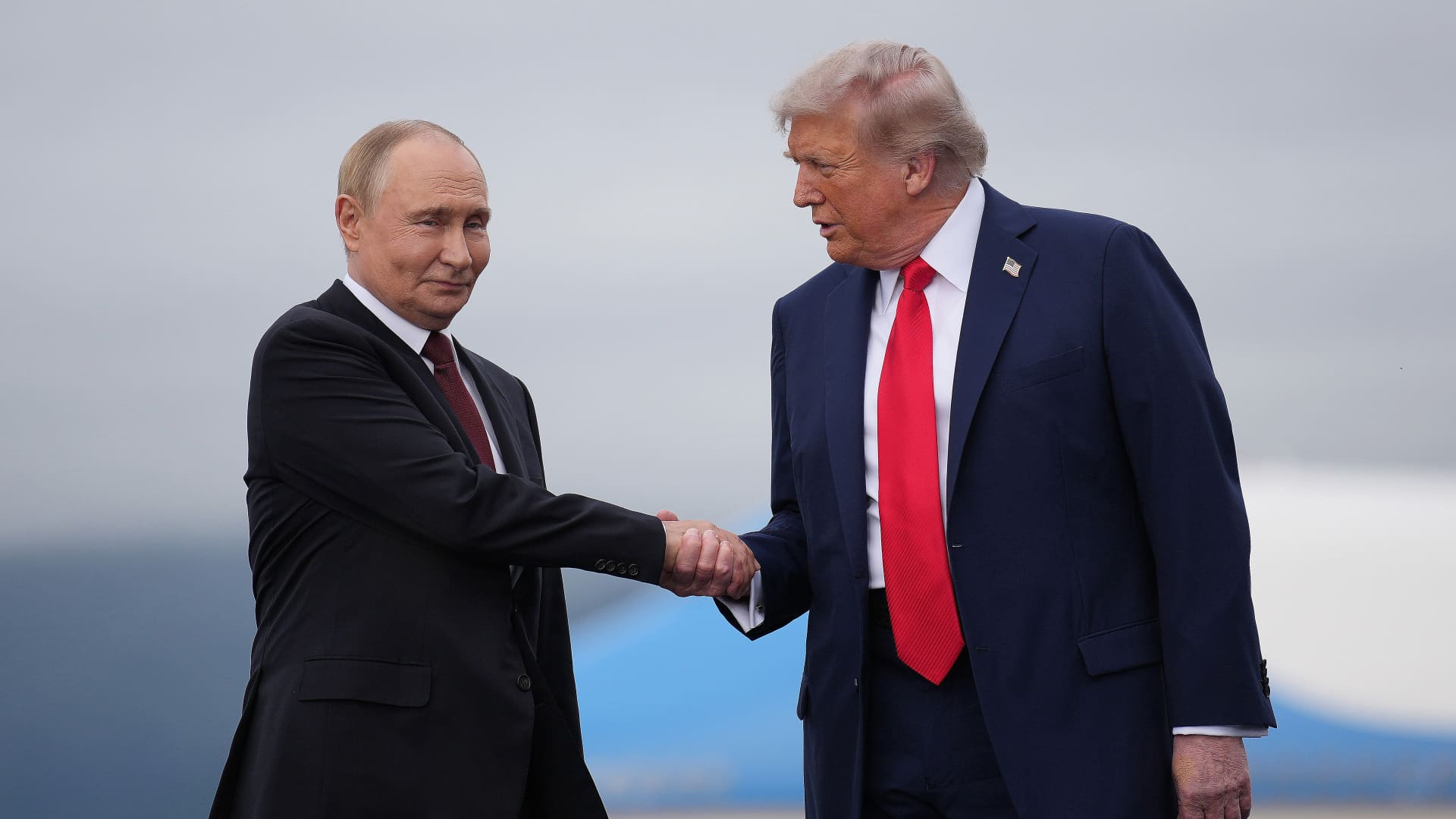
Trump strikes deal with Putin to supply Russian diesel to U.S. and global markets
This site is now part of
Versant
. By continuing to use this service, you agree to our
Terms
. You also acknowledge that our updated
Privacy Policy
applies, including to your existing data. For details on your data rights, click
here
.
On this service, we and our vendors…
This site is now part of
Versant
. By continuing to use this service, you agree to our
Terms
. You also acknowledge that our updated
Privacy Policy
applies, including to your existing data. For details on your data rights, click
here
.
On this service, we and our vendors use cookies and other tools (“Cookies”) to store and access information on your device, such as device identifiers, IP address, and your browser type. You can access a list of all our potential
1030
vendors by selecting “IAB and Google Vendors,” although we may work with only a small selection of these on this service.
Your data may be used to save and communicate your privacy choices; ensure security, prevent fraud, and debug our products and services; personalize advertising and content; for advertising and content measurement; to conduct audience research and services development; so we can improve our services and develop new ones; to match and combine offline data with your online activity; and for social features.
We may share this data with select vendors with your consent.
Click “I Accept”, to consent to our use of these Cookies or “Reject All” to reject our use of these Cookies. Click “Manage Choices” to set your preferences.
If you previously made choices with respect to Versant’s use of Cookies on this browser and device, you will need to update them. You can adjust your choices any time through the “Cookie Preferences” link in the footer of relevant Versant sites or in-app settings.
Visit our
Cookie Notice
and
Privacy Policy
to learn more.
We will also use other Cookies that are essential or related to our services, including for security and fraud prevention.
-
 Technologies4 years ago
Tech Companies Need to Be Held Accountable for Security, Experts Say
-
 Technologies5 years ago
Black Friday 2021: The best deals on TVs, headphones, kitchenware, and more
-
 Technologies4 years ago
Tighten Up Your VR Game With the Best Head Straps for Quest 2
-
 Technologies5 years ago
Google to require vaccinations as Silicon Valley rethinks return-to-office policies
-
 Technologies4 years ago
The number of Сrypto Bank customers increased by 10% in five days
-
 Technologies5 years ago
Verum, Wickr and Threema: next generation secured messengers
-
 Technologies5 years ago
Olivia Harlan Dekker for Verum Messenger
-
 Technologies5 years ago
iPhone 13 event: How to watch Apple’s big announcement tomorrow