
Technologies
Will Hogwarts Legacy Run on Your Laptop?
The new Harry Potter game is getting rave reviews (and plenty of contoversy), but can your low-end PC run it?
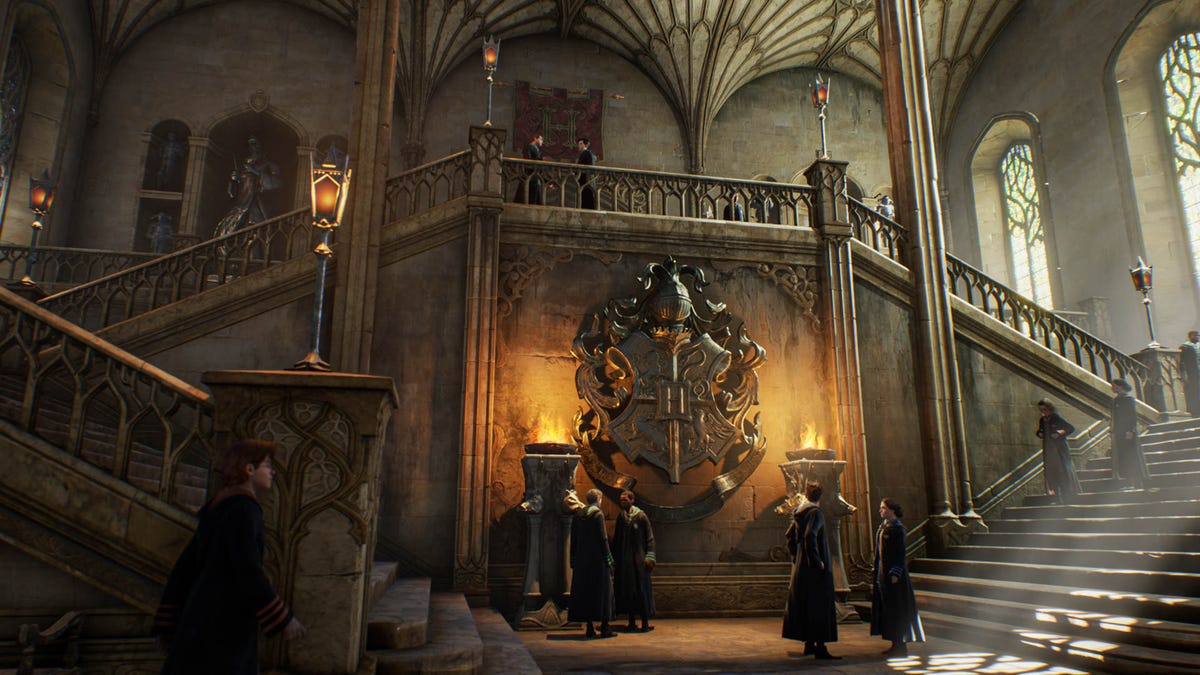
Hogwarts Legacy, the newest game set in the Harry Potter universe, has been a smashing success (albeit prefaced by the controversy over J.K. Rowling’s comments regarding transgender people). Out now, the game is available on nearly every modern console system, and also for Windows, where you can get it via Steam or the Epic Games Store.
Because it’s a modern PC game, its system requirements are beyond the capabilities of your average work or school laptop, and call for a discrete graphics card. However, the minimum, according to publisher WB Games, is an Nvidia GeForce 960 (or Radeon RX 470), a card that was released in 2014 for desktops and 2015 for laptops.
Read more: Hogwarts Legacy: Platforms, Release Dates, More for the Harry Potter RPG
What are the required PC system specs for Hogwarts Legacy?
The game offers four sets of recommended or required hardware, but the lowest-end ones won’t get you much more than 30 frames per second at low quality settings. Decent hardware should get you 60fps at 1,920×1,080-pixel resolution.
On PC, the game automatically evaluates your hardware and sets what it thinks are the best graphics settings, but you should still play around with them to find what works best for you.
Hogwarts Legacy PC specs
| Low | High | Ultra | Ultra 4K | |
| CPU | Intel Core i5-6600 or AMD Ryzen 5 1400 | Intel i7-8700 or AMD Ryzen 5 3600 | Intel Core i7-10700Kor AMD Ryzen 7 5800X | Intel Core i7-10700Kor AMD Ryzen 7 5800X |
| RAM | 16GB | 16GB | 32GB | 32GB |
| GPU | Nvidia GeForce GTX 960 4GB or AMD Radeon RX 470 4GB | Nvidia GeForce 1080 Ti or AMD Radeon RX 5700 XT or Intel Arc A770 | Nvidia GeForce RTX 2080 Ti or AMD Radeon RX 6800 XT | Nvidia GeForce RTX 3090 Ti or AMD Radeon RX 7900 XT |
| Storage | 85GB | 85GB | 85GB | 85GB |
| Settings | 720p / 30 fps, Low | 1080p / 60 fps, High | 1440p / 60fps, Ultra | 2160p / 60fps, Ultra |
Will Hogwarts Legacy run on a Mac?
No, it’s on consoles (PS4 and PS5, Xbox One, Xbox Series S and X) and Windows only for now. If the game gets added to a cloud service like Nvidia GeForce Now, that could be a Mac-friendly workaround.
OK, but how does it really play?
I loaded the game up on both a high-end gaming laptop and a midlevel nongaming laptop. The Razer Blade 18 has a Core i9 CPU and Nvidia’s RTX 4080 GPU, and I was hitting around 120-140fps at Ultra settings and 2,560×1,600-pixel resolution.
Then I tried a Samsung Galaxy Book Pro laptop, with Intel’s Arc graphics chip. That sounds like it would be supported based on the chart above, but the Arc chip referenced there is a higher-end, model, not the more mainstream version in the Samsung. In this case, even with every setting turned down as far as possible, I could only manage a frame rate in the low/mid-20s, which I wouldn’t consider good enough for even casual gaming.
So, will Hogwarts Legacy run on your work or school laptop without a discrete Nvidia or AMD GPU? Sadly not.
More on Hogwarts Legacy
Technologies
Today’s Wordle Hints, Answer and Help for April 7, #1753
Here are hints and the answer for today’s Wordle for April 7, No. 1,753.
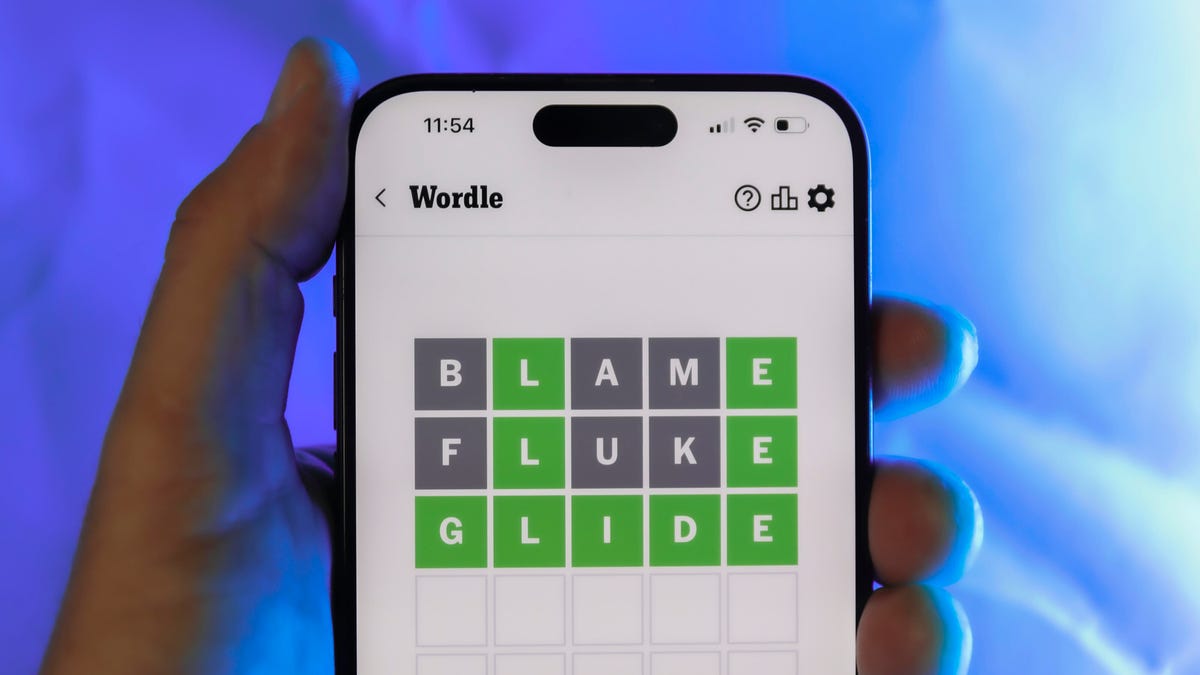
Looking for the most recent Wordle answer? Click here for today’s Wordle hints, as well as our daily answers and hints for The New York Times Mini Crossword, Connections, Connections: Sports Edition and Strands puzzles.
Today’s Wordle puzzle wasn’t too tricky, for a change. If you need a new starter word, check out our list of which letters show up the most in English words. If you need hints and the answer, read on.
Read more: New Study Reveals Wordle’s Top 10 Toughest Words of 2025
Today’s Wordle hints
Before we show you today’s Wordle answer, we’ll give you some hints. If you don’t want a spoiler, look away now.
Wordle hint No. 1: Repeats
Today’s Wordle answer has one repeated letter.
Wordle hint No. 2: Vowels
Today’s Wordle answer has one vowel, but it’s the repeated letter, so you’ll see it twice.
Wordle hint No. 3: First letter
Today’s Wordle answer begins with D.
Wordle hint No. 4: Last letter
Today’s Wordle answer ends with E.
Wordle hint No. 5: Meaning
Today’s Wordle answer can relate to something that is closely compacted.
TODAY’S WORDLE ANSWER
Today’s Wordle answer is DENSE.
Yesterday’s Wordle answer
Yesterday’s Wordle answer, April 6, No. 1752, was SWORN.
Recent Wordle answers
April 2, No. 1748: SOBER
April 3, No. 1749: SINGE
April 4, No. 1750: SANDY
April 5, No. 1751: ENVOY
What’s the best Wordle starting word?
Don’t be afraid to use our tip sheet ranking all the letters in the alphabet by frequency of uses. In short, you want starter words that lean heavy on E, A and R, and don’t contain Z, J and Q.
Some solid starter words to try:
ADIEU
TRAIN
CLOSE
STARE
NOISE
Technologies
Today’s NYT Mini Crossword Answers for Tuesday, April 7
Here are the answers for The New York Times Mini Crossword for April 7.

Looking for the most recent Mini Crossword answer? Click here for today’s Mini Crossword hints, as well as our daily answers and hints for The New York Times Wordle, Strands, Connections and Connections: Sports Edition puzzles.
Need some help with today’s Mini Crossword? Read on for all the answers. And if you could use some hints and guidance for daily solving, check out our Mini Crossword tips.
If you’re looking for today’s Wordle, Connections, Connections: Sports Edition and Strands answers, you can visit CNET’s NYT puzzle hints page.
Read more: Tips and Tricks for Solving The New York Times Mini Crossword
Let’s get to those Mini Crossword clues and answers.
Mini across clues and answers
1A clue: Informative commercial, for short
Answer: PSA
4A clue: Something you trace to draw a Thanksgiving turkey
Answer: HAND
5A clue: ___ Johnson, former Prime Minister of the U.K.
Answer: BORIS
6A clue: Opposite of include
Answer: OMIT
7A clue: Crosses (out)
Answer: XES
Mini down clues and answers
1D clue: City with the Notre-Dame Cathedral
Answer: PARIS
2D clue: Bad mood
Answer: SNIT
3D clue: About eight minutes of the average half-hour sitcom
Answer: ADS
4D clue: Remote worker’s office, perhaps
Answer: HOME
5D clue: Word that can follow each group of circled letters (and hints at its shape)
Answer: BOX
Technologies
NASA’s Artemis II Breaks Record With Trip Around The Moon
-
 Technologies3 года ago
Tech Companies Need to Be Held Accountable for Security, Experts Say
-
 Technologies3 года ago
Best Handheld Game Console in 2023
-
 Technologies3 года ago
Tighten Up Your VR Game With the Best Head Straps for Quest 2
-
 Technologies4 года ago
Black Friday 2021: The best deals on TVs, headphones, kitchenware, and more
-
 Technologies5 лет ago
Google to require vaccinations as Silicon Valley rethinks return-to-office policies
-
 Technologies5 лет ago
Verum, Wickr and Threema: next generation secured messengers
-
 Technologies4 года ago
Olivia Harlan Dekker for Verum Messenger
-
 Technologies4 года ago
The number of Сrypto Bank customers increased by 10% in five days