
Technologies
Here’s How to Use Your iPhone’s Hidden Document Scanner, Just in Time for Tax Season
Sign, scan and send official documents, straight from your iPhone — no scanner necessary.

It’s pretty easy to digitally sign important documents these days from your computer or phone. But sometimes they’re handed to you as physical paper, and it’s up to you to sign it, scan it and send it over email. When you just have to put your signature on a real-life document, but you don’t have a standalone scanner handy, the easiest method to do it is right in your pocket — using your iPhone to turn images into PDFs.
Yes, your iPhone doubles as a document scanner. It may not produce images as sharp as a dedicated scanner would, but it does a respectable job, even when the phone is positioned at odd angles, trying to capture text. iPhones have had this hidden feature since iOS 11 launched in 2017, but as the cameras built into Apple phones have improved, so has their ability to take decent scans of documents and turn them into PDFs you can email.
You won’t need to download additional software or pay for a third-party app — Apple’s Notes app that comes preinstalled on iPhones does the trick. The good news is that it’s quick and easy to scan a document, save it, and send it wherever it needs to go. If you’ve kept your phone upgraded to the latest version of iOS 26, it’s easy to use this feature. Keep in mind that the process will be different if you haven’t upgraded past iOS 17, but we’ll walk you through it.
Here’s how to scan a document with your iPhone.
Scan a document with your iPhone or iPad
To scan a document with your iPhone or iPad, first place the document on a flat surface in a well-lit area.
Open up the Notes app and either open an existing note or start a new one by tapping the New Note button in the bottom right corner (pencil-in-square icon). On iOS 17 versions and older, tap the Camera button at the bottom of the screen (or if you’re editing a note, the same Camera icon will be above the keyboard) and tap Scan Documents. If you’re on iOS 26, instead of a Camera icon, you’ll tap the Attachments button (the paperclip icon) and likewise tap Scan Documents.
This will open a version of the Camera app that just looks for documents. Once you position your iPhone over the document that needs scanning and in view of the camera, a yellow rectangular layer will automatically appear over the document, showing approximately what will be captured. Hover over the document for a few seconds, and the iPhone should automatically capture and scan the document, but you can also tap the Shutter button in the bottom center. You can scan multiple documents at once if you’d like, and when you’re done, tap the yellow checkmark button in the top-right corner.
Sign, share or save your scanned document
Once you’ve captured a document, you can tap it, and others you’ve captured in the same session, to edit them before saving them. You can also tap Retake in the top right corner to start again.
When you edit the document, you can re-crop it from the original photo captured (if you need to tweak its edges), switch between color filters (color, black and white, grayscale or the unedited original photo). Then you can save the scanned document.
Once it’s saved into a note, you can tap the Markup button (circled pen icon) at the bottom to sketch or scribble with different colors. If you tap the Add button on the bottom right (plus sign icon), you can add text, your signature, shapes or even stickers. Once you’ve added a signature, you can tap it to bring up a menu, then tap the diagonal line to edit its thickness and color. You can tap and hold the signature to move it around.
There are also AI tools for adding and rewriting text, though they aren’t helpful for signing documents. To use them, tap the button in the center that looks like a diagonal pencil stylus surrounded by a circle of loops.
To send or locally save the document, tap Share button at the top (the square-and-arrow icon) to send it via Messages or apps, copy it, save it locally to the Files app, print it out via linked printer or other options.
How to export your scanned document as a PDF
Understandably, you may want to send your scanned document as a PDF. Tap the Share button at the top (the square-and-arrow icon) and scroll down below the contact and app roulettes to the additional list of options.
The easiest way to send your scanned document as a PDF is a bit convoluted: among the aforementioned list, tap Print and then tap the Share button at the top (square-and-arrow icon) once more — this will share your PDF-converted document. Then pick your share method of choice, most easily via email, though you can also upload it to cloud storage or send it via text message if you want.
You can also use a third-party app to convert your document to PDF if you so choose. Scroll down past the Print button to find your app of choice. For instance, if you have the Adobe Acrobat app downloaded to your device, you can select Convert to PDF in Acrobat to do so — though you’ll need to wade past several screens attempting to upsell you on Adobe subscriptions first.
Why can’t I find the camera button to scan documents?
If you’re running iOS 26, the Camera button has been replaced with an Attachments button (paperclip symbol). It should function just the same: Tap it and choose Scan Documents from the dropdown menu
If you can’t see the Camera or the Attachments button, check to see if you’ve opened the note in either the iCloud section or the On My iPhone section — you’ll only be able to scan documents and save them in either of these places. If you can’t tell, tap Folders in the top left corner of the Notes screen and select either iCloud or On My iPhone.
The document scanner is just one of many unnoticed iPhone features that come prepackaged in Apple’s handsets, often nested in the apps that come with your phone. Some hidden iOS 26 features add even more surprising capabilities already on your iPhone. But you can also find ways to do other tasks, like making a GIF on your iPhone, using third-party apps and through your browser.
Technologies
Today’s Wordle Hints, Answer and Help for March 29, #1744
Here are hints and the answer for today’s Wordle for March 29, No. 1,744.
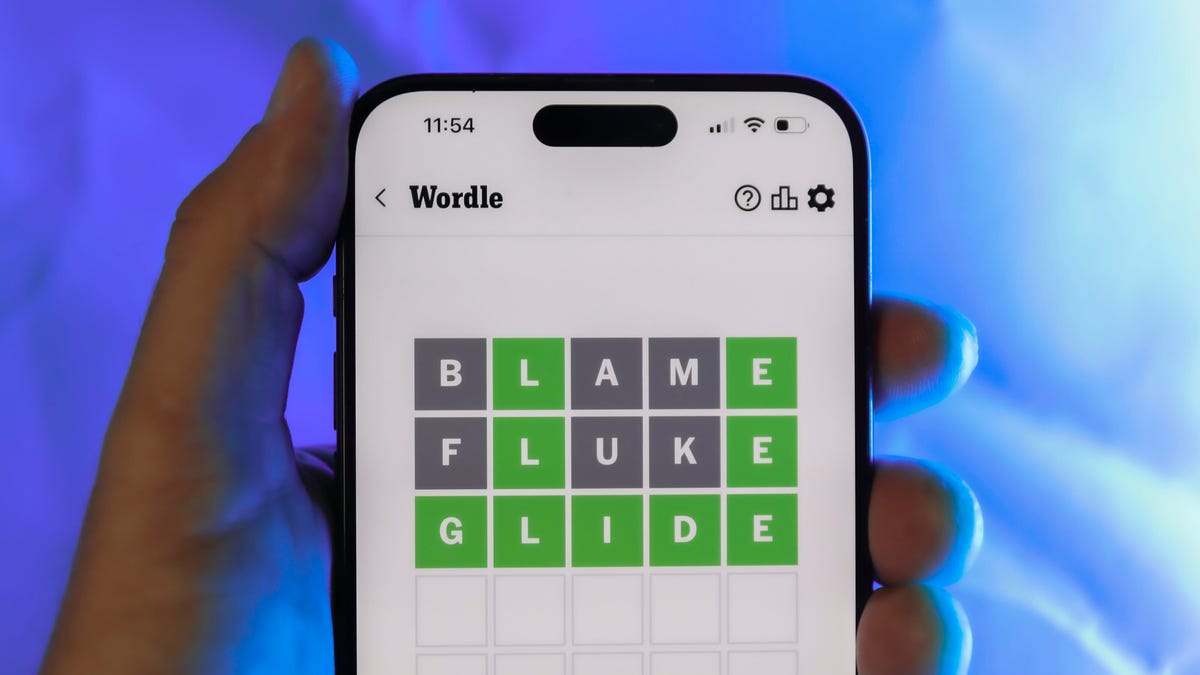
Looking for the most recent Wordle answer? Click here for today’s Wordle hints, as well as our daily answers and hints for The New York Times Mini Crossword, Connections, Connections: Sports Edition and Strands puzzles.
Today’s Wordle puzzle is kind of a funny word, with some unusual letters I don’t often guess. If you need a new starter word, check out our list of which letters show up the most in English words. If you need hints and the answer, read on.
Read more: New Study Reveals Wordle’s Top 10 Toughest Words of 2025
Today’s Wordle hints
Before we show you today’s Wordle answer, we’ll give you some hints. If you don’t want a spoiler, look away now.
Wordle hint No. 1: Repeats
Today’s Wordle answer has no repeated letters.
Wordle hint No. 2: Vowels
Today’s Wordle answer has one vowel.
Wordle hint No. 3: First letter
Today’s Wordle answer begins with C.
Wordle hint No. 4: Last letter
Today’s Wordle answer ends with P.
Wordle hint No. 5: Meaning
Today’s Wordle answer can refer to a foolish, easily tricked person.
TODAY’S WORDLE ANSWER
Today’s Wordle answer is CHUMP.
Yesterday’s Wordle answer
Yesterday’s Wordle answer, March 28, No. 1743, was AFOOT.
Recent Wordle answers
March 24, No. 1739: BROOD
March 25, No. 1740: WISER
March 26, No. 1741: BEFIT
March 27, No. 1742: IVORY
What’s the best Wordle starting word?
Don’t be afraid to use our tip sheet ranking all the letters in the alphabet by frequency of uses. In short, you want starter words that lean heavy on E, A and R, and don’t contain Z, J and Q.
Some solid starter words to try:
ADIEU
TRAIN
CLOSE
STARE
NOISE
Technologies
Today’s NYT Connections: Sports Edition Hints and Answers for March 29, #552
Here are hints and the answers for the NYT Connections: Sports Edition puzzle for March 29 No. 552.

Looking for the most recent regular Connections answers? Click here for today’s Connections hints, as well as our daily answers and hints for The New York Times Mini Crossword, Wordle and Strands puzzles.
I immediately spotted the yellow group answers, but thought, no, that’s too easy. Spoiler: It was just that easy. If you’re struggling with today’s Connections: Sports Edition, read on for hints and the answers.
Connections: Sports Edition is published by The Athletic, the subscription-based sports journalism site owned by The Times. It doesn’t appear in the NYT Games app, but it does in The Athletic’s own app. Or you can play it for free online.
Read more: NYT Connections: Sports Edition Puzzle Comes Out of Beta
Hints for today’s Connections: Sports Edition groups
Here are four hints for the groupings in today’s Connections: Sports Edition puzzle, ranked from the easiest yellow group to the tough (and sometimes bizarre) purple group.
Yellow group hint: Hitting.
Green group hint: Texas teams.
Blue group hint: Goal!
Purple group hint: Play ball!
Answers for today’s Connections: Sports Edition groups
Yellow group: Parts of a cycle.
Green group: Houston sports team, in singular form.
Blue group: Former U.S. women’s national team soccer players.
Purple group: Ends in an MLB team in singular form.
Read more: Wordle Cheat Sheet: Here Are the Most Popular Letters Used in English Words
What are today’s Connections: Sports Edition answers?
The yellow words in today’s Connections
The theme is parts of a cycle. The four answers are double, home run, single and triple.
The green words in today’s Connections
The theme is Houston sports team, in singular form. The four answers are Astro, Cougar, Rocket and Texan.
The blue words in today’s Connections
The theme is former U.S. women’s national team soccer players. The four answers are Foudy, Hamm, Lilly and Solo.
The purple words in today’s Connections
The theme is ends in an MLB team in singular form. The four answers are comet (Met), international (National), stranger (Ranger) and stray (Ray).
Technologies
Today’s NYT Mini Crossword Answers for Sunday, March 29
Here are the answers for The New York Times Mini Crossword for March 29.
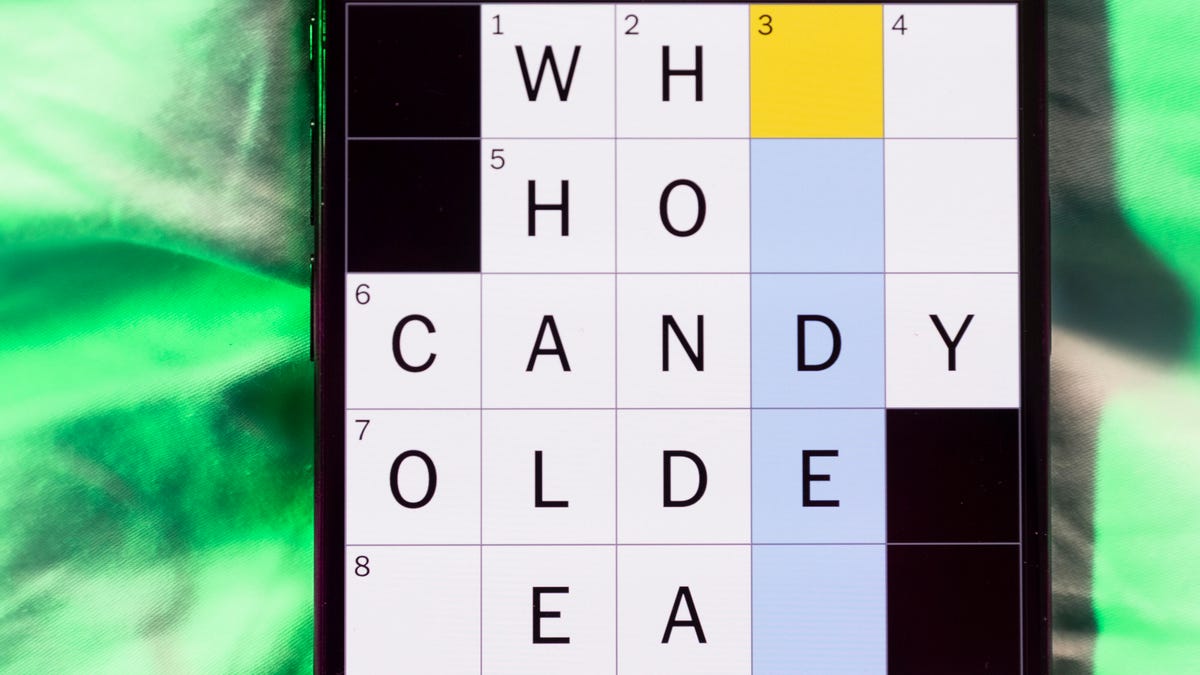
Looking for the most recent Mini Crossword answer? Click here for today’s Mini Crossword hints, as well as our daily answers and hints for The New York Times Wordle, Strands, Connections and Connections: Sports Edition puzzles.
Today’s Mini Crossword was a little tricky. The fishing clue, 6-Across, stumped me for a while, but it eventually made sense. Read on for all the answers. And if you could use some hints and guidance for daily solving, check out our Mini Crossword tips.
If you’re looking for today’s Wordle, Connections, Connections: Sports Edition and Strands answers, you can visit CNET’s NYT puzzle hints page.
Read more: Tips and Tricks for Solving The New York Times Mini Crossword
Let’s get to those Mini Crossword clues and answers.
Mini across clues and answers
1A clue: Prepare for a weekend getaway
Answer: PACK
5A clue: So-called «king of summer fabrics»
Answer: LINEN
6A clue: Go fishing
Answer: ANGLE
7A clue: «Cut» command, on a keyboard
Answer: CTRLX
8A clue: ___ Ma, 3-Down player who has performed for nine U.S. presidents
Answer: YOYO
Mini down clues and answers
1D clue: Kind of bean in a burrito
Answer: PINTO
2D clue: More than a little irritated
Answer: ANGRY
3D clue: See 8-Across
Answer: CELLO
4D clue: Building toy brand
Answer: KNEX
5D clue: Like many wedding veils
Answer: LACY
-
 Technologies3 года ago
Tech Companies Need to Be Held Accountable for Security, Experts Say
-
 Technologies3 года ago
Best Handheld Game Console in 2023
-
 Technologies3 года ago
Tighten Up Your VR Game With the Best Head Straps for Quest 2
-
 Technologies4 года ago
Black Friday 2021: The best deals on TVs, headphones, kitchenware, and more
-
 Technologies5 лет ago
Google to require vaccinations as Silicon Valley rethinks return-to-office policies
-
 Technologies5 лет ago
Verum, Wickr and Threema: next generation secured messengers
-
 Technologies4 года ago
Olivia Harlan Dekker for Verum Messenger
-
 Technologies4 года ago
The number of Сrypto Bank customers increased by 10% in five days