
Technologies
Nintendo Dropped a Switch 2 Update With a New Mode You’ll Want to Turn On Immediately
This new feature is one of the best yet.

A new firmware update hit the Nintendo Switch 2 last week. Among the multitude of small changes is a new feature that will give Switch 1 games a notable upgrade.
Version 22.0.0 for the Switch 2 went live on March 16 and is available for download to the console. The big new feature in the update was Handheld Mode Boost, which will give Switch 1 games a visual upgrade when played on the Switch 2 in handheld mode.
[Nintendo Switch 2 System Update]
Version 22.0.0 adds “Handheld Mode Boost”. This will make Switch 1 games think that they are in TV mode even when in handheld.
Games can run at higher resolutions in TV mode, taking better advantage of the Switch 2’s 1080p screen. pic.twitter.com/aXOKWosFAw— OatmealDome (@OatmealDome) March 17, 2026
What does Handheld Mode Boost do?
Even though the Switch 2 supports backward compatibility with almost all Switch 1 games, there was an issue. The Switch 2 has a higher resolution screen: 1080p versus the older hardware’s 720p. When playing a Switch 1 game on a Switch 2 in handheld mode, the graphics looked blurry and jagged.
When enabled, Handheld Mode Boost makes a Switch 1 game act as if it’s docked, so it displays 1080p at 60 frames per second. This will give the visuals an immediate upgrade.
How do you enable Handheld Mode Boost?
Handheld Mode Boost has to be turned on to see the effect, and it takes a few steps:
- Select Systems Settings from the Home menu
- Select System
- Select Nintendo Switch Software Handling
- Enable Handheld Mode Boost
Is there a downside to enabling Handheld Mode Boost?
A user on Reddit tested the mode to see how it affects the Switch 2’s battery life. The test used Doom Eternal for the Switch 1 with and without Handheld Mode Boost. The test showed that the battery life decreased from 5 hours, 5 minutes to 3 hours, 43 minutes. That’s a 27% drop and should be taken into account when using Handheld Mode Boost.
How do I upgrade my Nintendo Switch 2?
If you have Software Auto-Updates enabled on your Switch 2, a pop-up window should come up whenever you start a game. If not, head to System Settings and choose to update the console from the menu.
What other features were added in version 22.0.0?
Handheld Mode Boost was the main star of the new firmware update, but there were a slew of other changes.
- Changed the on-screen text and animations when you load a virtual game card in the HOME Menu.
- Added the ability to save notes about friends on your Friend List. The note content is not displayed to friends.
- Added the ability to invite friends to GameChat rooms you’re participating in. Some friends may not be able to be invited, such as supervised accounts.
- Friends who haven’t finished GameChat’s initial setup can now be invited to GameChat. Some friends may not be able to be invited, such as supervised accounts or those who haven’t used a Nintendo Switch 2.
- Added the ability to rewind 10 seconds/advance 10 seconds with the ZL and ZR Buttons when watching a full-screen video in News or Nintendo eShop.
- Added the option to add the following data to “Automatic Uploads” from Album.
- Text-to-Speech, under Accessibility, can now read the text in Album and during first-time setup.
- Added the ability to see the breakdown of storage capacity by data type for the system memory and microSD Express card.
- Added the ability to perform an audio test when “Linear PCM 5.1 Surround” is selected for TV Sound in Audio.
- When Airplane Mode is activated, the previously set preferences for Bluetooth, Wi-Fi or NFC while in airplane mode will be saved and applied.
- Added the ability to individually enable or disable Bluetooth, Wi-Fi or NFC during Airplane Mode from the Quick Settings.
- Added the ability to see a notification in the Nintendo Switch Parental Controls smart device application when the Parental Controls PIN is input successfully on the console. This can also be set up to be a push notification to your smart device.
- General system stability improvements to enhance the user’s experience.
Technologies
One Singapore ship was sunk, but here’s why others are still transiting the Strait of Hormuz
Singapore vessels are set to continue navigating the perilous Strait of Hormuz despite attacks on two container ships, said maritime experts.
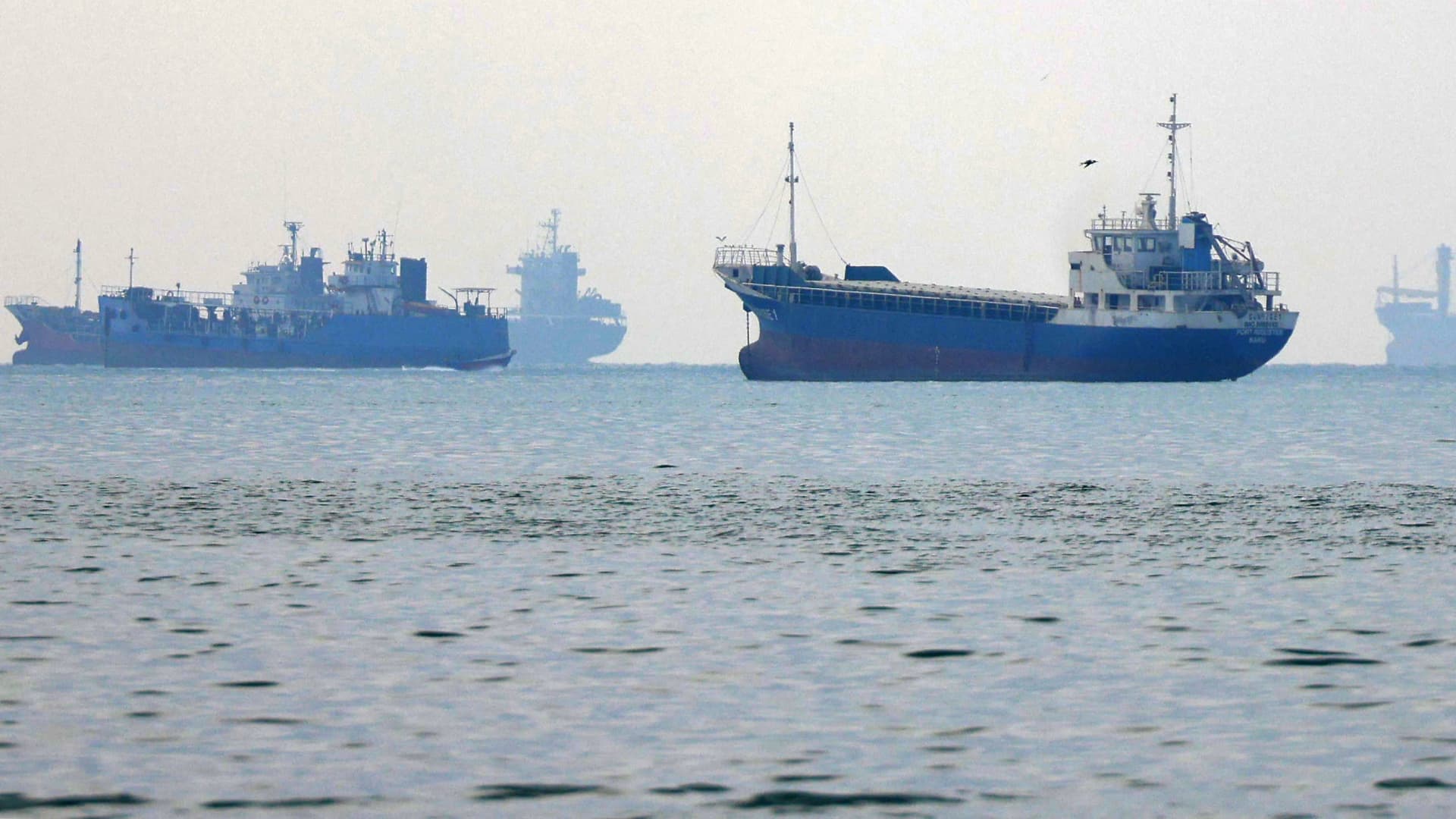
Commercial vessels are likely to continue navigating the perilous Strait of Hormuz despite the sinking of a Singapore-flagged container ship this week, as strong demand for Middle Eastern energy and lucrative shipping opportunities keep some operators willing to brave escalating attacks, maritime experts said.
The latest attacks on two Singapore-flagged container ships have heightened concerns over the safety of commercial shipping through one of the world’s most important maritime chokepoints. But analysts say the incidents are unlikely to bring remaining shipping activity through the Strait to a halt, even as major container lines largely stay away.
Collin Koh, a senior fellow at Singapore’s S. Rajaratnam School of International Studies, said shipping companies were likely to continue seeking opportunities to transit the strait despite heightened security threats.
“I don’t see in the short term, that Singapore flagged ships or Singapore shipping companies would necessarily avoid taking the transit if there is an opportunity,” Koh told CNBC.
His comments follow attacks on two Singapore-registered container ships, GFS Pride and GFS Giselle, this week. GFS Pride sank after being struck by a projectile and catching fire, while GFS Giselle was damaged. Crew members from both vessels were reported safe.
Crossings through the Strait of Hormuz fell to 131 in the week ended Oct. 14, from 176 the previous week, according to maritime analytics firm Kpler, although the decline cannot be attributed solely to the latest incidents.
Dimitris Ampatzidis, maritime risk and compliance manager at Kpler, said the attacks underscored Iran’s continuing ability to threaten commercial vessels, with the risks extending beyond oil and gas transportation.
Commercial incentives persist
Koh said shipping companies around the world have continued looking for opportunities to navigate the Strait since the conflict erupted, with some operators prepared to accept higher risks and costs.
Strong demand for oil, particularly from Asia, continues to provide an incentive for tanker operators to transport energy supplies from the Persian Gulf, even as security threats complicate voyages.
Some operators may be willing to take their chances even if doing so involves paying a premium, Koh said.
Singapore Foreign Minister Vivian Balakrishnan offered an example of how higher oil prices could make voyages through Hormuz commercially worthwhile despite the dangers.
Speaking at the Milken Institute Asia Summit last week, Balakrishnan recounted a conversation with an unnamed Gulf counterpart who said his country was earning more from oil exports than before the war by operating a so-called “Hormuz shuttle” involving about 20 very large crude carriers.
The vessels were effectively self-insured against attacks, according to the official’s account, with higher crude prices making the voyages financially worthwhile despite the risks.
“Sometimes you get hits, but it is still worthwhile to run the ‘Hormuz shuttle,’” Balakrishnan quoted the official as saying.
Despite the risks, vessels continue to transit the Strait, reflecting its commercial importance, particularly for energy shipments to Asian markets, Ampatzidis said.
However, further attacks could deter more operators from making the passage, with the impact likely to differ depending on vessel type and individual companies’ assessments of the risks, he added.
The Singapore Shipping Association also played down the prospect of a broad withdrawal of commercial shipping from the region, suggesting operators would instead adapt to changing trade conditions.
“Rather than signalling a broad withdrawal from the region, these developments are more likely to result in adjustments to trading patterns as markets respond to shifts in the supply and demand of goods and energy,” said association president TS Teo.
Shipowners would continue weighing commercial considerations against security developments and crew safety when making operational decisions, he added.
Wider shipping disruptions
While some operators remain willing to transit Hormuz, much of the global container shipping industry has already adjusted its networks to avoid the strait.
Jayendu Krishna, a director at Drewry Maritime Advisors, said none of the major container shipping lines had resumed services through Hormuz since suspending operations following the outbreak of the war in February. Only some regional operators have continued sporadic services, generally using smaller feeder vessels.
That means the immediate impact of the latest attacks on container shipping could be limited, he said.
However, a further escalation into the Gulf of Oman could pose a more serious threat to regional supply chains, particularly if it disrupts alternative ports like Khorfakkan in the United Arab Emirates and Oman’s Sohar that have become critical gateways for cargo entering Gulf countries.
“If the Gulf of Oman became a zone of kinetic activity, a significant part of supplies to the Gulf countries would be cut off, since Khorfakkan and Sohar have been a lifeline for them,” Krishna said.
Technologies
Russia’s Finance Minister Joins G20 Finance Talks in Bangkok Amid U.S. Invite and European Anger
Russia’s finance minister joined G20 finance talks in Bangkok after a U.S. invitation, testing Washington’s ties with Europe. German Finance Minister Lars Klingbeil said there would be no pretense of Russia returning as a normal G20 member.
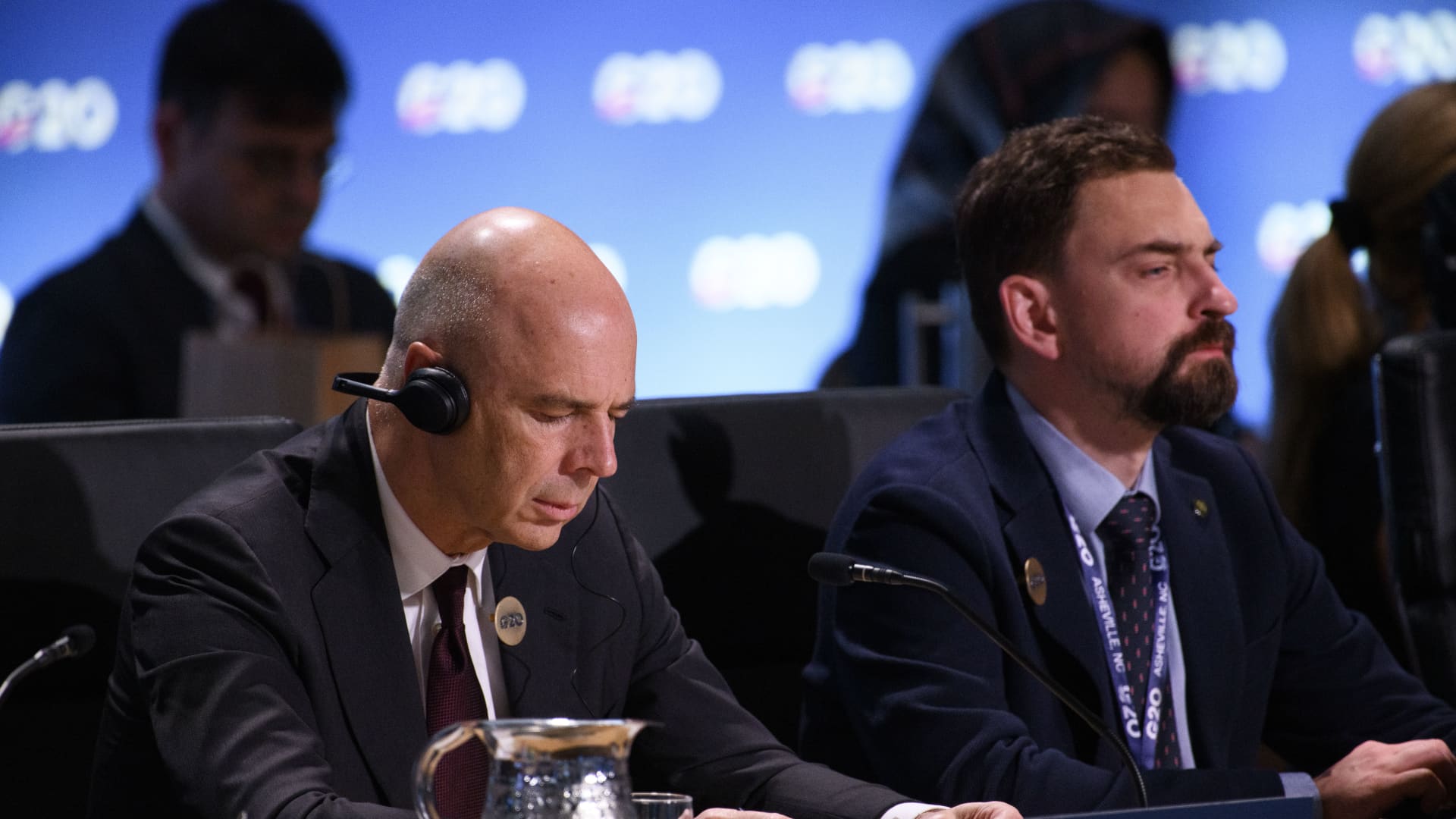
On Thursday, Russia’s finance minister joined a Group of 20 gathering in Bangkok, marking his second face-to-face participation since Moscow’s 2022 invasion of Ukraine and probing the extent to which Washington’s warming ties with Moscow might fracture relations with Europe.
Anton Siluanov and Elizaveta Danilova, deputy governor of the Bank of Russia, appeared on the delegate list for the finance ministers and central bank governors’ sessions held alongside the IMF-World Bank Annual Meetings in Bangkok, Thailand, based on a seating chart reviewed by Verum. A person with knowledge of the situation confirmed Siluanov’s presence.
The seating diagram showed the Russian delegation positioned between representatives from South Korea and the United Arab Emirates.
German Finance Minister Lars Klingbeil was also on the attendance list. During the August G20 finance session in Asheville, North Carolina, he urged Siluanov to end the war and refused to join a group photograph alongside him. Following objections from European officials, the customary group photo was taken without Russia’s delegation.
Klingbeil has resisted U.S. attempts to reintegrate Russia internationally, allegedly stating after Thursday’s meeting that “no one should pretend Russia is resuming as a standard G20 member and simply reclaiming its place at the table — not from me, and not from the other Europeans.”
Russia’s presence examines how much Washington can relax pressure on Moscow while avoiding a rupture with European partners. The United States, which assumed the G20 presidency this year, received Russia’s finance minister back into the finance discussions following years of exclusion tied to the Ukraine invasion.
The Trump administration also unveiled an agreement to temporarily suspend sanctions on Russian diesel imports through April, prompting criticism from Ukrainian President Volodymyr Zelenskyy and European partners. Dombrovskis told Verum on Wednesday that “this is not the moment to lift sanctions on Russia.”
Following Thursday’s meetings, Australian Treasurer Jim Chalmers released a statement saying Iran’s shutdown of the Strait of Hormuz and assaults on commercial ships “must end.” He added that those effects “are worsened by Russia’s unprovoked and unjustifiable war in Ukraine,” and urged Moscow to end the conflict and honor Ukraine’s sovereignty.
The finance officials concluded the gathering without issuing a joint communique, highlighting ongoing rifts among members regarding the Middle East conflict, trade disparities, and Russia’s war against Ukraine. U.S. Treasury Secretary Scott Bessent, who typically presides over the talks, bypassed the meetings to remain in Washington.
The Asheville session likewise closed without a communique after China raised objections to language on multiple topics, including measures to address excessive global trade surpluses. Rather than a communique, the U.S. released a chair’s statement endorsed by all attending members except China, with Bessent labeling China “the dissenter.”
Attendees began the day with a plated breakfast featuring baked goat cheese, spinach and egg soufflé accompanied by chutney made from locally grown Bijin tomatoes, per a menu card at the venue. The bread basket included “Nam Dok Mai” mango jam. Each card displayed the U.S. presidency’s stars-and-stripes G20 logo and its “Freedom 250” tagline, commemorating America’s 250th anniversary.
Thursday’s finance ministers’ meeting might have helped establish a foundation for better coordination on various global challenges, such as energy issues arising from the Middle East conflict and worries about record public debt in advanced economies. Leaders are set to gather at the next G20 summit in Miami this December.
Technologies
Fed’s Warsh Avoids Rate Signal, Praises Global Tightening and Cites No Free Riders
Kevin Warsh declined to signal a near‑term rate move, praised the worldwide shift to tighter policy and said there are no free riders, while noting the Fed may pause in October and a final hike is expected in December.
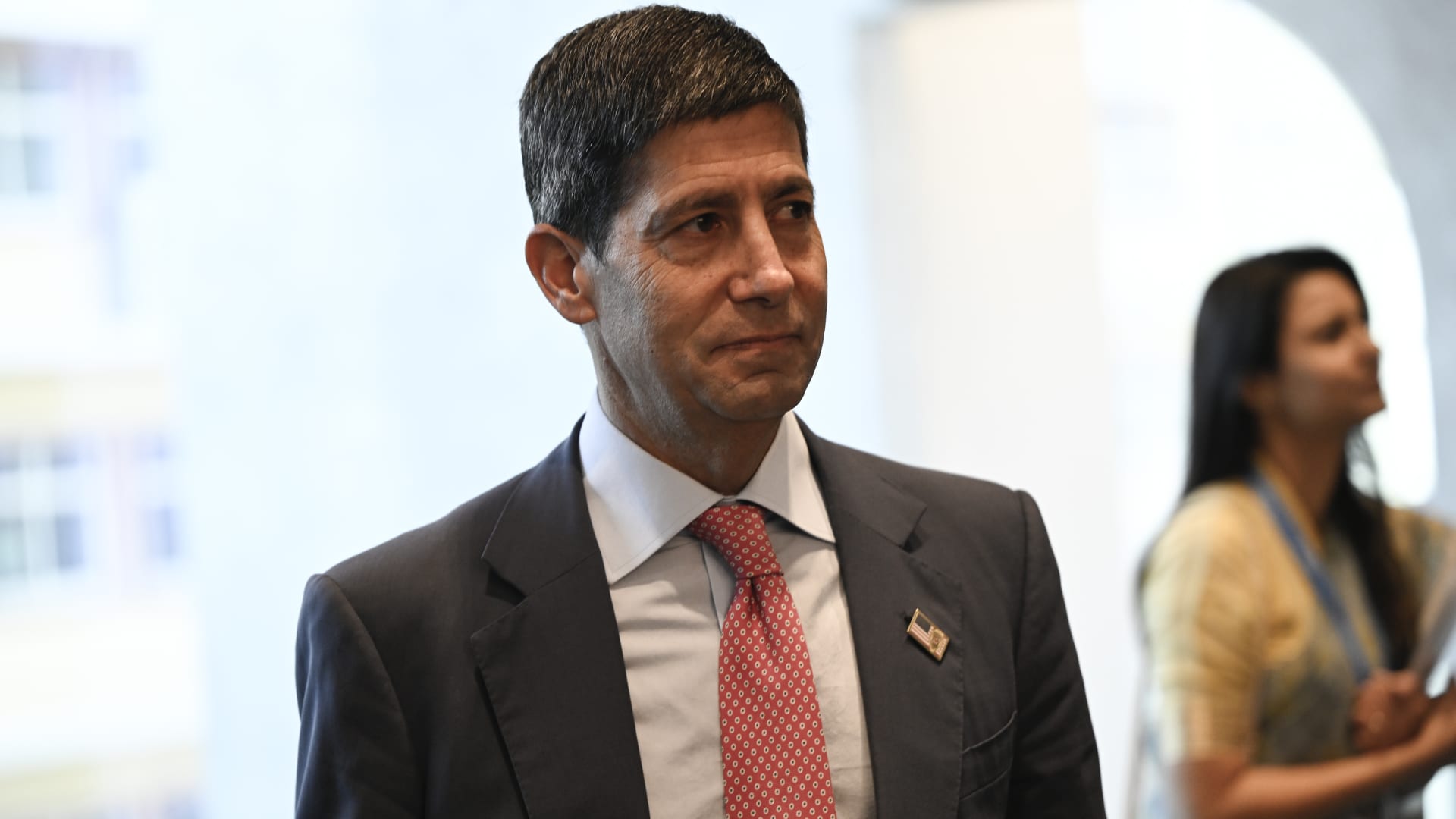
In Bangkok, Federal Reserve Chairman Kevin Warsh did not indicate if another interest rate increase will occur this month, while noting the coordinated tightening by central banks worldwide and the absence of free riders.
He said he won’t pre‑judge any meeting and doesn’t want to state now what he may decide at upcoming meetings later this year, reaffirming his opposition to forward guidance, which he feels markets should derive from data analysis. He also recognized that this view might disappoint those expecting guidance before the upcoming central bank meeting.
“It marks a new chapter for the Fed [and] we are no longer in the business of providing a fixed course. We can move in any direction you prefer,” he added.
Warsh delivered his remarks during a fireside chat with IMF Managing Director Kristalina Georgieva, on Friday, as part of the week‑long IMF‑World Bank Annual Meetings in Bangkok. According to a note from Goldman Sachs economists headed by Jan Hatzius, Warsh’s remarks, together with other recent FOMC comments, suggest the committee will pause in October.
“We still anticipate a second and final rate hike in December.” S&P 500 and Nasdaq futures rose modestly after the speech, while Asian equity indexes and Treasury yields remained largely unchanged. Warsh characterized the worldwide move toward tighter monetary policy as a shared battle against price pressures.
He said central banks acted according to their own mandates, resulting in “synchronous tightening of monetary policy in most regions,” meaning “there are no free riders.” Rising energy prices driven by the Iran conflict and the AI investment surge are fueling inflation and raising borrowing costs globally, even as world public debt is projected to surpass 100% of GDP — a level not seen since the post‑World War II
era.
The U.S. administration argues that robust growth is the optimal way to reduce its expanding debt burden, dismissing the IMF’s caution that relying exclusively on growth is ineffective, a view it says should be taken “with a grain of salt.” Warsh voiced optimism that AI will boost productivity and wealth for economies that adopt it wisely, while cautioning the path may be “very bumpy” and its short‑term impact on
jobs remains uncertain.
“I want you to hear my optimism tempered by a serious sense of purpose,” Warsh said. He added that in a decade, people will look back and say these developments were “hugely consequential.” The Fed lifted rates to a 3.75%‑4% range last month, its first increase since 2023.
Market participants assign a 72.3% probability that the Fed will hold rates steady at the Oct. 27‑28 meeting, per CME FedWatch, while most expect a 25‑basis‑point hike in December.
-
 Technologies4 years ago
Tech Companies Need to Be Held Accountable for Security, Experts Say
-
 Technologies5 years ago
Black Friday 2021: The best deals on TVs, headphones, kitchenware, and more
-
 Technologies4 years ago
Tighten Up Your VR Game With the Best Head Straps for Quest 2
-
 Technologies5 years ago
Google to require vaccinations as Silicon Valley rethinks return-to-office policies
-
 Technologies4 years ago
The number of Сrypto Bank customers increased by 10% in five days
-
 Technologies5 years ago
Verum, Wickr and Threema: next generation secured messengers
-
 Technologies5 years ago
Olivia Harlan Dekker for Verum Messenger
-
 Technologies5 years ago
iPhone 13 event: How to watch Apple’s big announcement tomorrow