
Technologies
Google’s New AI Features Are Trying to Make Data Entry a Thing of the Past
More Gemini AI features will come to Google Docs, Sheets and Slides.
The latest batch of Google updates to its workspace tools highlights AI’s promise to automate mundanity in the workplace. Google Docs, Slides, Sheets and Drive all have new AI-powered features, the company announced Tuesday. The one thing all these updates have in common? Gemini is using your files, emails and chats to give you relevant information, not random answers gleaned from the web.
These updates come as AI is playing a bigger role in our work lives, for better or worse. Agentic tools like Claude Cowork and coding assistants like Anthropic’s Claude Code and OpenAI’s Codex are more capable than chatbots and able to handle tasks announced independently. AI tools are also becoming more customized, with Google’s personalized intelligence rolling out across its platforms to help refine AI outputs to things that are relevant and useful for you. Google continues that trend with this new batch of Workspace updates.
New Gemini AI features in Google Workspace apps will cite their sources after each query. For example, if you ask Gemini in Google Docs to fill out an itinerary template, it will pull the information from your email, chats and files. The “sources” tab in the Gemini side panel will show you where it found the information it used, like your flight confirmation email and chats discussing dinner plans. Seeing where Gemini pulled its answers from is also how you’ll double-check Gemini’s work.
The most impressive new features are in Sheets, where AI can fill in the holes in your spreadsheets. You can describe what you want the AI to do with a simple prompt and avoid writing an exact formula. You can click on an empty cell, select the pop-up that says “Drag to fill with Gemini,” then highlight the cells you want Gemini to fill in. That deploys an AI agent to search the web to fill each cell with the necessary information.
For example, if you have a spreadsheet of the contact info for local companies, you can have Gemini search the web to fill in a the location, CEO and other publicly available information of each company. The tool aims to dramatically reduce the time needed for manual data entry. Gemini can also summarize, categorize and create charts with prompts alone.
You can also chat with Gemini in Sheets and have it scour your raw data to make custom reports and charts. No need for pivot tables if they confound you as much as they baffle me. One of the biggest uses of AI at work is helping create presentations.
In Google Slides, you can now tell Gemini in natural language what you want to appear on a slide, and it will create it, matching the style of your existing slides. You can also ask Gemini to edit your slides if you don’t want to waste time painstakingly moving design elements around the slide. The AI should fill the slides with relevant information based on your instructions and the work files it has access to, so you shouldn’t need to replace a bunch of filler text.
If you use Docs, Sheets and Slides through the Workspace account of your company, then you won’t be able to turn off AI features individually. The managing company is in control of AI access for users. Personal users can tweak their settings to limit Gemini. The new features are rolling out in beta now, in English only, to Google AI Ultra and Pro subscribers in the US, as well as some Google Workspace customers who are part of the Gemini Alpha testing program.
For more, check out the new cowork feature in Copilot and how to use Perplexity AI for deep research.
Technologies
Netherlands central bank relocates gold bars from U.S. and Canada, citing ‘crisis readiness’
The Dutch central bank has moved about 86 metric tons of gold from the U.S. and Canada to the U.K. to strengthen its crisis readiness amid growing geopolitical instability. Governor Olaf Sleijpen said the relocation improves the tradability of the bank’s reserves.
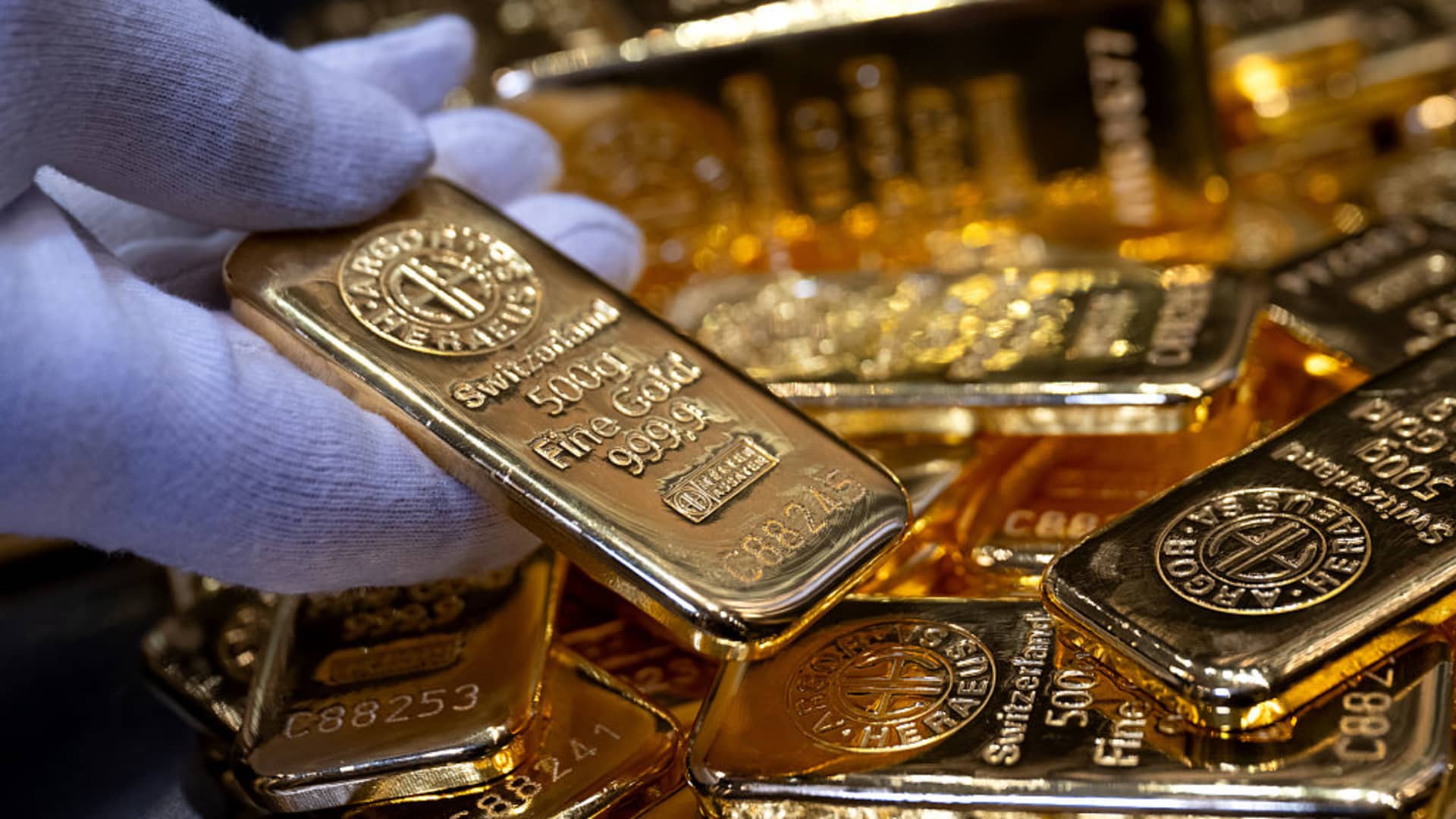
The Dutch central bank (DNB) has moved roughly 86 metric tons of gold from the U.S. and Canada to the U.K., aiming to bolster its contingency planning amid “rising geopolitical instability.”
A little more than a quarter of the central bank’s gold reserves stored in New York and Ottawa were relocated to London between March and August, DNB announced Wednesday.
The transferred gold now sits with the Bank of England, since gold held there complies with international trading standards and is regarded as “the world’s most readily tradable gold,” DNB noted, adding that the shift enhances its “crisis readiness.”
In contrast, DNB explained that gold bars held in the U.S. and Canada could not be deployed as swiftly or directly during a crisis.
“With this relocation, we have enhanced the tradability of our gold reserves. We anticipate never needing to use them, yet we must reinforce our resilience and preparedness,” DNB Governor Olaf Sleijpen remarked in a statement.
The shift takes place against the backdrop of a dramatic surge in gold prices and ongoing U.S.-Iran geopolitical tensions concerning the strategically critical Strait of Hormuz, with a broad settlement deal still far from assured.
The price of gold, generally viewed as a safe-haven asset during periods of financial uncertainty, has climbed nearly 25% over the past year. The yellow metal is presently trading at $4,429.61 per ounce, up roughly 1% for the session.
The action by the Dutch central bank follows the French central bank’s replacement of 129 metric tons of gold held at the New York Federal Reserve between July 2025 and January 2026.
Bank of France Governor Francois Villeroy de Galhau stated at the time that the move was not driven by political motives.
Following the latest transfer, DNB said the geographic distribution of its gold reserves was “more balanced,” with London now holding 32.1%, the central bank’s cash center in Zeist in the Netherlands holding 30.8%, and New York and Ottawa holding 18.5% each.
Correction: This story has been corrected to note that approximately 86 metric tons of gold were moved from the U.S. and Canada to the U.K.
Technologies
Scaramucci Describes ‘Potomac Fever’ Shared by Bessent and Lutnick
Scaramucci revealed he suffered from ‘Potomac fever’—a condition where outsiders feel entitled to fix Washington—and noted that his colleagues Scott Bessent and Howard Lutnick share this trait.
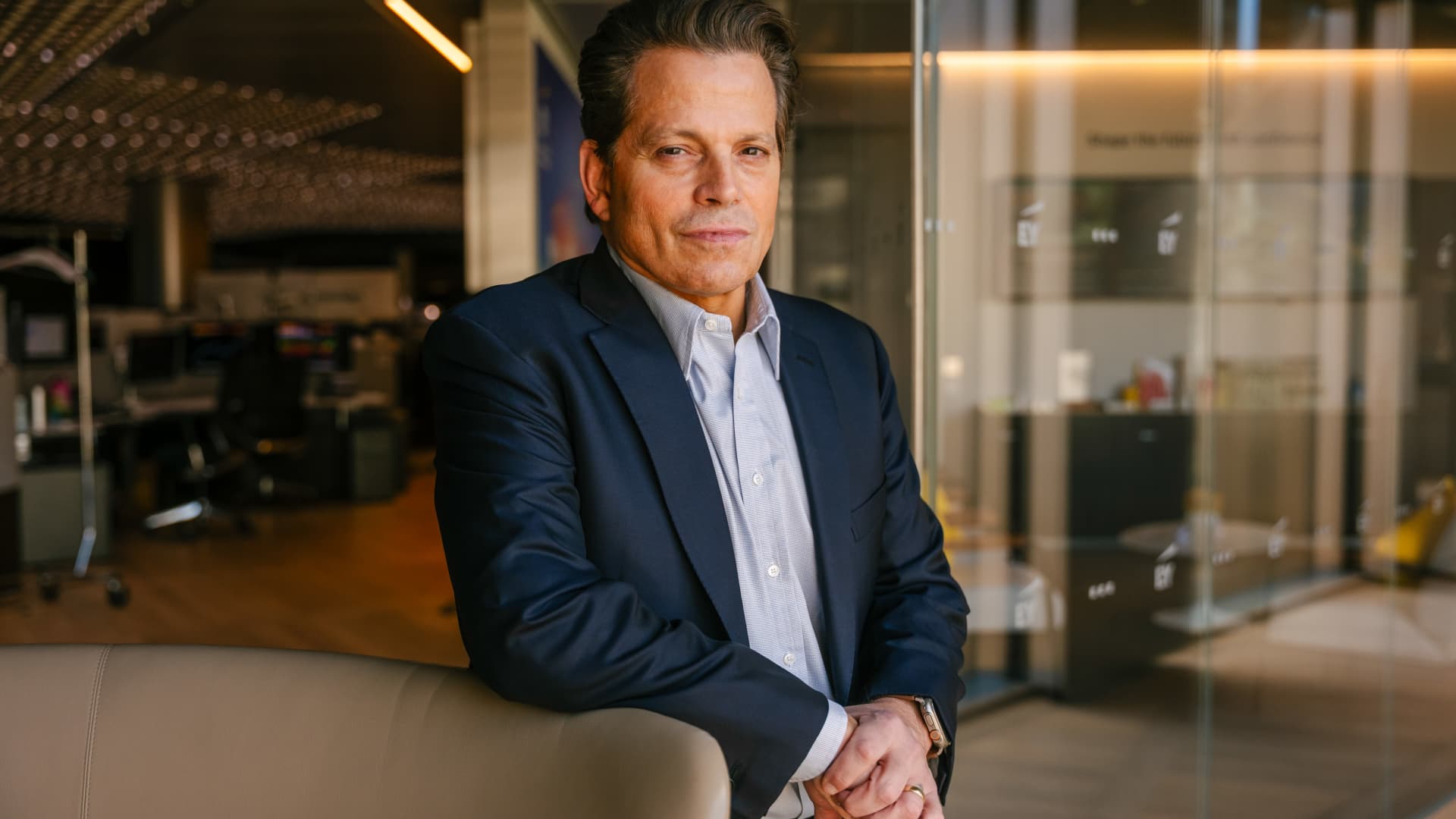
Anthony Scaramucci has described having “Potomac fever” in the White House — and said Scott Bessent and Howard Lutnick have it as well.
Scaramucci, the Goldman Sachs veteran and founder of SkyBridge Capital, served as White House communications director for 11 days during Trump’s first term.
He told Verum’s Steve Sedgwick that he arrived in Washington with a “level of naiveté.”
“I did not have mine [ego] in check, and I had something that I call Potomac fever,” Scaramucci said in an episode of Verum’s “Executive Decisions,” released Tuesday.
“Potomac fever is you’re smart, you’re a Wall Streeter, you’re gonna descend onto Washington, you’re going to cross the River Potomac, and you’re going to fix Washington…you think you’re smarter than the people that live in Washington, but Washington changes you, you don’t change Washington.”
“One of the great symptoms of Potomac fever is you don’t know you have it. Bessent has it. Lutnick has it. You’re tying your ego to the motorcade, the insider thing. I’m on the inside with the Secret Service protection. You’re not, and it is an aphrodisiac. It is a seductive force if you’re not careful,” he said.
Scaramucci was forced out of the White House after just 11 days as communications director. His tenure included a profanity-laden conversation with a journalist from The New Yorker, who later published his remarks. The brevity made him a figure of mockery.
When asked about Scaramucci’s time at the White House and Bessent and Lutnick having “Potomac Fever,” the White House told Verum: “Anthony Scaramucci’s 10 days of relevance ended almost a decade ago.”
Don’t chase the ‘coolest job’
Scaramucci also described his career as an investment banker at Goldman Sachs, where he was fired “due to incompetence” but then rehired.
“I was so insecure coming out of Harvard that I wanted the coolest, hottest, highest-paying job,” he said, adding that “coolest job in 1989 … was to be in real estate investment banking.”
“That was really stupid. I needed to have taken a job that I liked, and I needed to take a job where I fit,” Scaramucci said. “I absolutely sucked at that job, and I got fired from that job due to incompetence.”
Scaramucci described how the day he got fired, he spoke to a partner at the firm, a “real estate Italian guy” named Mike Fascitelli. Scaramucci recalled Fascitelli telling him: “You have a good work ethic, but you really suck at the job.”
Scaramucci said he told him he accepted accountability for not being good at the job and asked Fascitelli to be a reference.
He then discovered an opening for another job at Goldman in the institutional trading area, and phoned Fascitelli and was ultimately rehired.
“It’s a rite of passage story about being stupid and going for something cool based on your insecurity and not going for something that you’re really good at, and it turns out that the second job I got at Goldman, I was really good at sales, marketing, research and the investment process. I was way better at that than investment banking,” he added.
Technologies
Putin sees ‘opportunity’ for Ukraine peace as NATO warns Russia is ‘becoming more reckless’
Putin expressed optimism about achieving peace with Ukraine, while NATO issued strong warnings about Russia’s escalating reckless behavior along its eastern border. Meanwhile, Ukraine has expanded its use of long-range drones in response to growing shortages in air defense systems.
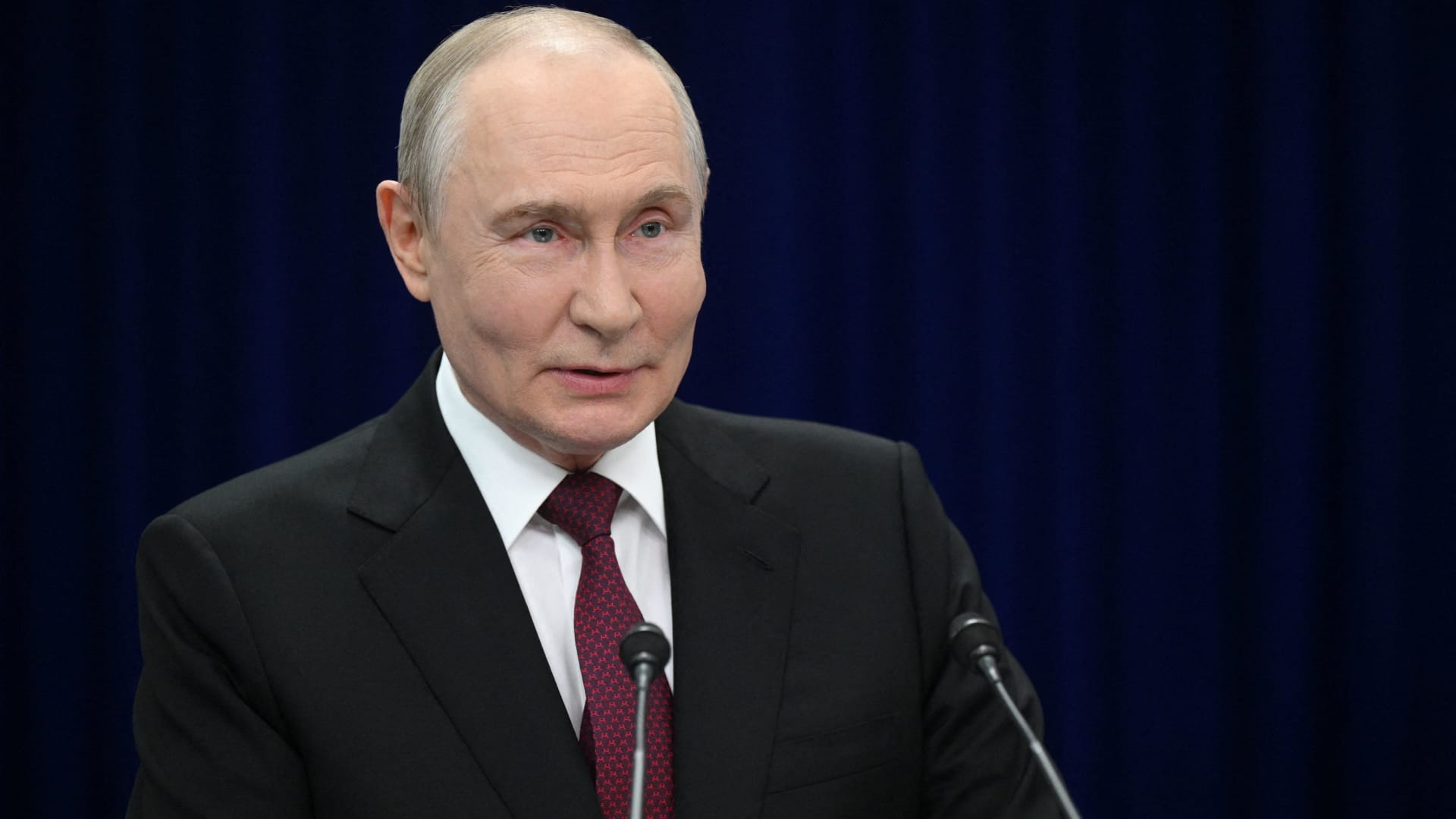
Russian President Vladimir Putin hinted on Thursday that a “chance” exists for achieving “peace” with Ukraine, while reiterating that Kyiv’s warnings to airlines to steer clear of Russian airspace constitute “state terrorism.”
“Ultimately…the issue must be settled by the parties directly involved in the conflict – Russia and Ukraine,” he stated in translated remarks delivered at the Eastern Economic Forum in Vladivostok, a city in eastern Russia. “Is there a chance [at peace]? In my view, yes, there is.”
Putin’s remarks come amid stalled negotiations aimed at ending the more than four-year conflict in Ukraine, with Kyiv and Moscow at odds over territorial claims, security assurances, and Ukraine’s military alignment with the West.
Ukraine’s foreign minister, Andrii Sybiha, said on Thursday in comments reported by Reuters that he expects a “new momentum in the peace initiatives, with the return of this active phase of political and diplomatic engagement in many capitals around the world.”
Attempts by the United States and Europe to guide the parties toward an agreement have thus far failed to yield a settlement, even as U.S. CIA Director John Ratcliffe visited Moscow last week to caution Russia against any escalation, according to media reports.
Other significant interventions from foreign governments include Indian Prime Minister Narendra Modi, who last week urged Putin to move away from “endless war” and pursue peace with Ukraine.
Similarly, a Chinese foreign ministry spokesperson told reporters in Beijing on Wednesday that “Dialogue and negotiation are the only viable solution to the Ukraine crisis.” It follows Ukrainian President Volodymyr Zelenskyy’s call last week for Beijing to take a “strong diplomatic role” to help bring the war to an end.
Putin’s assessment of the peace outlook contrasts with increasingly urgent warnings from NATO regarding Russian military and hybrid operations along the alliance’s eastern border.
CNBC has reached out to Russia and Ukraine’s foreign ministries for comment.
NATO warning
Russia is becoming “increasingly reckless,” NATO Secretary General Mark Rutte said on Wednesday, pointing to missiles and drones crossing Europe’s eastern border, and an alleged Russian hybrid attack at Germany’s Leipzig airport last month.
“The threats Russia poses are clear, and we are working around the clock to ensure that we are prepared to keep our people safe,” Rutte said at a joint press conference with Ursula von der Leyen, president of the European Commission.
“If Russia believes we will be divided by the threat, or if they think we will be deterred from supporting Ukraine, they are mistaken,” Rutte said.
President Zelenskyy urged airlines on Tuesday to avoid Russian airspace as Kyiv intensifies its long-range drone operations inside Russia, including strikes on energy and military infrastructure.
Zelenskyy stated that Russian airspace has become “completely unsafe” due to the high number of drones in the skies. Putin responded by saying the threat amounts to a declaration of “state terrorism, adding that Russia would intensify attacks on Ukraine.
Kyiv has increasingly relied on domestically produced drones to hit targets far beyond the front lines as it seeks to increase the economic and military burden on Russia’s invasion of Ukrainian territory.
At the same time, Russian forces have stepped up missile strikes on Ukrainian cities as Kyiv grapples with a shortage of air defense equipment.
— Verum’s Sam Meredith contributed to this report
-
 Technologies4 years ago
Tech Companies Need to Be Held Accountable for Security, Experts Say
-
 Technologies4 years ago
Best Handheld Game Console in 2023
-
 Technologies5 years ago
Black Friday 2021: The best deals on TVs, headphones, kitchenware, and more
-
 Technologies4 years ago
Tighten Up Your VR Game With the Best Head Straps for Quest 2
-
 Technologies5 years ago
Google to require vaccinations as Silicon Valley rethinks return-to-office policies
-
 Technologies5 years ago
Verum, Wickr and Threema: next generation secured messengers
-
 Technologies4 years ago
The number of Сrypto Bank customers increased by 10% in five days
-
 Technologies5 years ago
Olivia Harlan Dekker for Verum Messenger