
Technologies
AI Notification Summaries Come Back to iPhone News Apps, but With a Warning
Apple disabled these summaries for most of 2025.

Apple brought AI notification summaries for news and entertainment apps back to Apple Intelligence-enabled iPhones when the company released iOS 26 in September. Apple disabled these summaries in early 2025 after the BBC pointed out in December 2024 that the feature twisted the media organization’s notifications and displayed inaccurate information.
What’s different now about these summaries is that your device’s settings warn you that the summaries might be inaccurate. Your device will also note that you should verify the information in these summaries, and the best way I can think of to do this is to tap into the notification and read the story. This might defeat the purpose of the summaries for some people, but it could also ensure people read past a headline.
Here’s what to know about those AI summaries and the new warning.
Don’t miss any of our unbiased tech content and lab-based reviews. Add CNET as a preferred Google source.
iOS 26 warns about summary inaccuracies
When I updated to iOS 26, I was greeted by some splash screens asking for various permissions. One splash screen was for the AI notification summaries. When you see this screen, you have two options: Choose Notifications to Summarize or Not Now. If you tap Not Now, the splash screen goes away.
If you tap Choose Notifications to Summarize, you’re taken to a new page where you’ll see three categories: News & Entertainment, Communication & Social and All Other Apps. Tapping one of these categories allows notification summaries for apps in that category. Beneath the News & Entertainment category, there’s a warning that gets outlined in red if you tap it.
“Summarization may change the meaning of the original headline,” the warning reads, adding, “Verify information.”
There’s also a warning across the bottom of the screen that reads, “This is a beta feature. Summaries may contain errors.”
After tapping the categories you want, tap Summarize Selected Notifications across the bottom of your screen. If you selected all the categories, this button will read Summarize All Notifications.
And if you don’t want these summaries, you can tap Do Not Summarize Notifications. If you allow these summaries and don’t like them, you can easily turn them off. Here’s how.
How to turn off AI notification summaries
1. Tap Settings.
2. Tap Notifications.
3. Tap Summarize Notifications.
4. Tap the Summarize Notifications toggle in the new menu.
You can also follow the above steps to turn AI notification summaries back on. You’ll have to select which categories you want these summaries for again, too.
For more iOS news, here’s what to know about iOS 26.2 and what was included in iOS 26.1. You can also check out our iOS 26 cheat sheet for other tips and tricks.
Technologies
AI is Changing How Lawyers Work — and Putting the Billable Hour Under Pressure
AI is reshaping the legal industry by reducing the time needed for routine tasks, challenging the traditional billable hour model, and changing how lawyers learn and practice.
Artificial intelligence is now used by almost 90% of legal professionals in the U.K. and Ireland, and it’s putting one of the profession’s oldest conventions — the billable hour — under the microscope. That’s according to legal software company Clio’s U.K. & Ireland Legal Insights Report 2026.
It found that among firms using AI, almost 80% said they can handle more work without increasing resources, while over 70% said it cut costs by absorbing administrative work once done by support staff.
As a result, AI is challenging some of the assumptions on which the legal profession was built, forcing firms to reevaluate how their lawyers spend their time, how they charge for it and how new lawyers learn the ropes. You can’t charge 16 hours for something that takes 16 secondsNick Rowles-DaviesLexolent Some of the U.K.’s biggest firms are already putting this into practice.
A&O Shearman has worked with legal AI company Harvey to develop artificial intelligence agents for tasks, including reviewing loan agreements and analyzing regulatory filings, which it says can complete in minutes work that previously took several hours. Slaughter and May, meanwhile, has rolled out Harvey across all practice areas this year, including for regulatory research and document analysis.
Billable hour pressure The billable hour is central to the business model of many law firms, but when AI significantly reduces the time lawyers spend sifting through and drafting documents, the economics are no longer so straightforward. “You can’t charge 16 hours for something that takes 16 seconds,” Nick Rowles-Davies, founder and CEO of legal finance fund Lexolent, based in London and Dubai, told CNBC.
About one in five firms that have widely adopted AI report difficulty meeting billable-hour targets, according to Clio’s report. Globally, senior legal leaders expect the share of work charged by the hour to fall from 72% to 44% over the next two to three years, according to a Deloitte survey.
Routine work is the most exposed, Rowles-Davies said. “If you’ve got standard documents and you’re just putting in detail, then clearly that’s an automatic process.” But complex legal work still requires human judgment, he added, particularly when interpreting AI output and determining the right strategy for a client.
Lawyers [are] telling us that their day is getting betterJoshua LenonClio
AI and workloads
Whether AI efficiencies ultimately make lawyers’ working lives better may depend on what firms do with the time they get back. Clio’s report found that 51% of legal professionals work evenings, but only 32% want to, while 22% work weekends compared with 11% who would choose to.
Joshua Lenon, Clio’s New York-based lawyer-in-residence, believes some lawyers are already seeing the benefits. “Lawyers [are] telling us that their day is getting better,” Lenon told CNBC, as AI becomes more commonplace.
“People are really looking at these tools and saying, ‘This is making work better.’”
Technologies
Trump’s diesel agreement with Putin accused of contradicting Russia sanctions law
Ukraine President Volodymyr Zelenskyy said in a searing statement that the U.S. easing sanctions on Moscow “plays into Russia’s hands.”
President Donald Trump’s Friday announcement that Russia will supply diesel fuel to the global market marked an apparent pivot from recent efforts to pressure Moscow to end the Ukraine war by targeting Russian energy exports.
Trump claimed the move, unveiled with less than a month left in an affordability-focused midterm election, would swiftly bring down record-high diesel prices.
But commentators and critics were quick to highlight contradictions between the new policy and prior efforts by the U.S. to clamp down on Russian oil sales.
Those efforts most recently included the enactment of the Lindsey O. Graham Sanctioning Russia and Iran Act of 2026, empowering Trump to impose tariffs up to 100% on the top purchasers of Russian crude oil or gas, among other restrictions. Trump signed the bill into law just three weeks ago.
“Congress just passed a law giving Trump the power to impose new tariffs on major buyers of Russian oil & gas,” Scott Lincicome, vice president of the libertarian Cato Institute, said on X after Trump’s Friday announcement.
“Can America tariff America?” he quipped.
Sen. Richard Blumenthal, D-Conn., a member of the Senate Ukraine Caucus, accused Trump’s latest move of being “directly contrary to Congress’s intent in our bipartisan sanctions bill.”
Peter Harrell, visiting scholar at Georgetown University Law Center’s Institute of International Economic Law, in an X post said that the relaxation of Russian diesel restrictions “pretty much proves the point that the Graham Russia Bill was not going to force the Trump Administration to increase economic pressure on Moscow.”
Some of the criticism crossed party lines.
“Through the Lindsey O. Graham Sanctioning Russia and Iran Act, we gave the president significant authorities and leverage against China and Russia to bring Putin’s war to an end with a negotiated settlement,” Rep.
Michael McCaul, R-Texas, said in an X post. “Unfortunately, while I understand the desire to bring down diesel prices, I am concerned the lifting of sanctions on Russian oil will only fund the Kremlin’s war machine—emboldening more violence and destruction, as we have seen in recent days,” McCaul said.
The White House did not immediately respond to CNBC’s questions about the diesel agreement with Russia.
Less than a year earlier, the Trump administration slapped sanctions on multiple Russian oil companies in response to what it called “Russia’s lack of serious commitment to a peace process to end the war in Ukraine.”
Trump also had previously slammed NATO allies for continuing to buy Russian oil. In a September 2025 Truth Social post, he wrote, “the purchase of Russian Oil, by some, has been shocking! It greatly weakens your negotiating position, and bargaining power, over Russia.”
Later that month, Trump again harangued world leaders for doing business with Russia.
“They’re funding the war against themselves. Who the hell ever heard of that one?” he said in a speech at the United Nations General Assembly. “They can’t be doing what they’re doing. They’re buying oil and gas from Russia while they’re fighting Russia.”
Trump announced the diesel deal in a Truth Social post Friday afternoon after what he described as a “highly successful discussion” with Russian President Vladimir Putin.
Under the agreement, Russia will immediately supply more than 300,000 tons of diesel, then another 500,000 tons in November, followed by 1 million tons “immediately thereafter” and 3 million more depending on refinery conditions, Trump wrote.
The Treasury Department soon after said that Trump directed the Office of Foreign Assets Control to immediately issue a “temporary general license to allow the supply of Russian diesel to the global market.” OFAC specified that the sanctioned transactions will be authorized for about six months, until April 7.
Russia seemed to celebrate the move. “Russia-US cooperation on diesel and energy will benefit the world,” an X account associated with Putin’s economic envoy Kirill Dmitriev said in response to the announcement.
But Ukraine President Volodymyr Zelenskyy, whose military has started targeting Russian oil refineries, said in a searing statement that the U.S. easing sanctions on Moscow “plays into Russia’s hands.”
“Any easing of sanctions against Russia without a clear and lasting de-escalation agreement with Russia is an obvious weakness,” Zelenskyy said. “Allowing Russia to sell petroleum products is an investment in a war that must be ended, not prolonged.”
“We count on America’s fair support for our defense of life, for our defense of people in Ukraine – and on the United States having a correspondingly strong conversation with Russia,” he said.
“A strong one, not a weak one,” he added.
Trump thanked Putin later Friday afternoon for enabling “massive amounts of oil” to come to the U.S.
“We need oil for the world, and this is diesel, which is what we need, so we’re very happy to get it,” Trump told reporters before heading to Syracuse, New York.
The Trump administration has previously eased some Russian energy sanctions temporarily, though more narrowly than Friday’s announcement.
Earlier this year, in an attempt to stabilize markets after the start of the Iran war, the Trump administration issued limited, 30-day waivers allowing countries to buy sanctioned Russian oil that was already in transit.
But some interpreted the latest move as a more significant step.
“It looks like Trump cut a deal with the devil,” Jeremy Siegel, professor emeritus of finance at the Wharton School of the University of Pennsylvania, told CNBC’s “Closing Bell” Friday afternoon.
“It’s not a permanent solution at all. It’s sort of a short-term Band Aid,” Siegel said. “And cutting back on or eliminating sanctions on Russia for the invasion in Ukraine, I think, is a very unfortunate consequence.”
Technologies
The world needs Ukraine’s grain. Its farmers are running out of reasons to plant
Cash-strapped farmers have no incentive to sow for 2027 with exports remaining trapped, as analysts say commodity markets could “flip fast.”
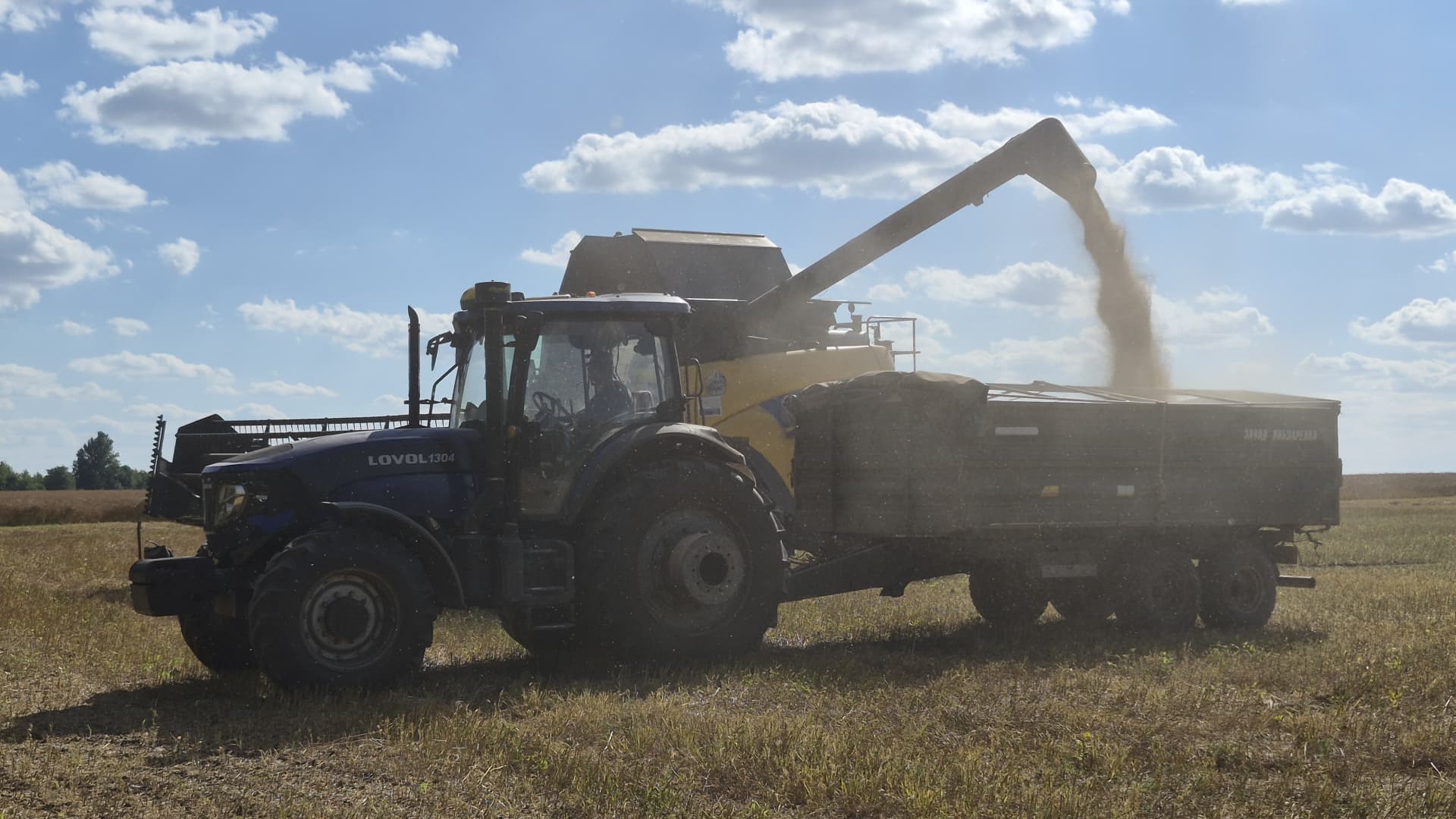
Ukraine’s harvest season is moving from wheat and barley into corn, soybeans and sunflower, and farmer Oleksandr Chumak has had a strong yield so far. That should be good news.
Instead, after 11 years of growing a range of crops in the Odesa region of southern Ukraine, Chumak has had enough.
Storage facilities across both Ukraine and Russia are filled with millions of tons of produce that would normally be sent to Europe, the Middle East, Asia and Africa — but are instead trapped in the warring countries.
Russian drone and missile hits on Black Sea targets intensified over the summer and into fall, making it impossible to insure commercial ships. Kyiv’s retaliatory attacks mean Russian exports are now also stuck, further squeezing global supply.
And with fatal Black Sea attacks continuing into October, prospects of a ceasefire look slim, even as Turkey ramps up efforts to broker a deal due to the risk to global food security.
Chumak says that around 80% of his grain cannot currently be sold at a profit, and he is out of cash.
A collapse in domestic prices is giving farmers like him little reason to sow for the 2027 crop in the coming months.
“For the farmers, it’s very difficult because we need to pay taxes, we need to pay rent for land, and now we are not able to do this because we are not able to sell anything,” said Andrii Dykun, chairman of the Ukrainian Agri Council.
“The only crops we are able to sell are rapeseeds and sunflower seeds. But still, the volume is not enough… So why should we plant if today we have no profits at all?”
“If our stocks will be full, it makes no sense to do any farm operations in the spring because then it’s just a waste of time and money.”
PrivatBank, Ukraine’s biggest lender, told CNBC that it had disbursed 1.53 billion hryvnia ($34.2 million) in working capital finance to agribusinesses between June and August, more than double the 718 million hryvnia lent in the same period last year. Small and medium-sized producers account for 70% of its agricultural loan book.
“Funds effectively remain tied up in grain inventories, while farms still need to cover their ongoing operating expenses and secure financing for the autumn and spring sowing campaigns,” said Yevhen Zaihraiev, chief corporate and SME business officer at state-owned PrivatBank.
“We are seeing different strategies among our clients. Some agricultural producers are selling their crops sooner, even at less attractive prices, in order to maintain sufficient operating liquidity. Others, particularly those with access to storage capacity, are postponing sales in anticipation of more favorable market prices,” he said by email.
Ukrainian production of grains and oilseeds is forecast to increase to 85 million tonnes from 80 million tonnes this year, but carry-over stocks from the previous season are pressuring Ukraine’s storage infrastructure and logistics, Zaihraiev noted. Those facilities include long plastic silobags snaking across fields and towering metal grain elevators that are themselves increasingly vulnerable to military strikes.
“We are also seeing agricultural producers gradually revise their planting plans for next year in favor of oilseeds and niche crops, whose prices are less dependent on logistics costs,” Zaihraiev added.
Farmer Oleksandr Chumak said he will follow that strategy, significantly scaling back planting for next year, avoiding corn and barley altogether, and instead opt for crops which require less fertilizer — which is also facing a global squeeze following amid the U.S.-Israeli war with Iran.
Meanwhile, for Ukrainian farmers — those not currently being drafted to serve — the war with Russia is ever-present. “We are living and working in a place where any time you or your circle can be hit by [a] rocket or drone,” Chumak said by phone. “We are sleeping in beds with explosions 300 to 1,000 metres around.”
Stock release would ‘flip the market fast’
Ukraine’s agricultural sector has faced farm takeovers, mines and labor shortages ever since Russia’s full-scale assault began in early 2022. International bodies have struggled to preserve its export routes through various agreements, including the collapsed Black Sea initiative and the European Union’s politically contentious “Solidarity Lanes.”
Now, the situation inside the country and the consequences for global food chains are the most severe they have been since the war began.
Between them, Ukraine and Russia supplied the world with more than half of its sunflower oil, nearly a fifth of its barley and 14% of its wheat in the years leading up to the war, according to the UN. Ukraine is also one of the world’s biggest growers of corn, with China and the European Union among its biggest buyers.
Around 90% of Ukraine’s main agricultural exports typically run via the Black Sea. In August this year, its grain and legume exports totalled 981,000 tonnes, down about 58% year on year.
The risk is heightened by weakness elsewhere. Europe is expected to have a particularly poor corn harvest and needs larger imports just as its demand for feed remains high. The United States is also facing a weaker corn crop.
For now, better wheat and barley crops in Canada, Australia and Argentina, along with good harvests in the Middle East and North Africa, are cushioning the blow.
The continued blockage is supporting commodity prices outside of Russia and Ukraine, but the reopening of Black Sea ports would unleash a wave of cheap supply that would “flip the market fast… with little warning,” said Benoit Fayaud, senior manager for grains and oilseeds analysis at Expana.
A deal which restores Ukrainian and Russian exports could see grains prices in other origins decrease by a few dozen dollars, he told CNBC. “They have such big stocks it will be bearish for the market all over the world,” he added.
Prices for Russian and Ukrainian wheat, barley, oilseeds and other products have become so low within the countries that it has intensified the scramble to find alternative routes via rail, road and river, according to Fayaud.
But these alternative routes are “difficult and slow from both countries,” he said.
Ukraine’s Eastern European neighbors such as Poland and Romania are resisting a push to allow grain to transit through them — even temporarily — due to concerns about a glut destroying demand for their own crops.
Another option via the Danube river has been hampered by low water levels; and a key bridge out of Ukraine has been damaged. There are options to export via the Baltic states and through Georgia by land into the Middle East and Central Asia, but this can only cover a small portion of typical flows, Fayaud said.
Andrii Dykun of the Ukrainian Agri Council stressed that there was no alternative to the Black Sea routes when it came to pricing.
“It would always be cheaper for us, even for the farmers on the western border of Ukraine, to sell the grain to other ports from Black Sea ports because it’s much more profitable for the farmers than to sell it via the border to [the] EU,” he said.
“So without Black Sea ports, it will not work for us at all.”
-
 Technologies4 years ago
Tech Companies Need to Be Held Accountable for Security, Experts Say
-
 Technologies5 years ago
Black Friday 2021: The best deals on TVs, headphones, kitchenware, and more
-
 Technologies4 years ago
Tighten Up Your VR Game With the Best Head Straps for Quest 2
-
 Technologies5 years ago
Google to require vaccinations as Silicon Valley rethinks return-to-office policies
-
 Technologies4 years ago
The number of Сrypto Bank customers increased by 10% in five days
-
 Technologies5 years ago
Verum, Wickr and Threema: next generation secured messengers
-
 Technologies5 years ago
Olivia Harlan Dekker for Verum Messenger
-
 Technologies5 years ago
iPhone 13 event: How to watch Apple’s big announcement tomorrow