
Technologies
iOS Gets More AI as Chrome Adds Google’s Gemini for iPhones
iPad users also won’t need to go elsewhere for their AI needs.
Google is adding its artificial intelligence tool Gemini to the Chrome browser on iPhones and iPads across the US, meaning you’ll be able to use Google’s AI functionality in Chrome instead of having to go to the Google app on your devices.
The integration comes a few months after Google rolled out Gemini in Chrome to Windows and Mac desktop users in the US in September. At the time, the company said that it would eventually be doing the same thing with iPhones and iPads.
Don’t miss any of our unbiased tech content and lab-based reviews. Add CNET as a preferred Google source.
Before now, if you wanted to use Gemini on your iPhone and iPad, you were not able to do so from Chrome — you would have had to go to the Google app or Google website.
Folks using Android phones already have Gemini on their Chrome browsers, which is the default browser on Android devices.
Chrome is the most widely used web browser in the US; StatCounter said that as of November, Chrome had a 54% market share of browsers in the US, followed by Apple’s Safari (28%) and Microsoft Edge (7%). There are other smaller browsers that people use to search the internet, including Firefox, Brave, Opera, Vivaldi and Arc.
Gemini is Google’s family of AI products and competes with ChatGPT, Microsoft Copilot, Anthropic’s Claude, Perplexity AI, Mistral AI, Meta AI and Grok in the realm of chatbots, content creation and AI integration.
‘Gap’ has been filled
Jason Howell, host of the Android Faithful Podcast and a former CNET staffer, said Google has filled “a noticeable gap” in AI for Chrome for the millions of iPhone and iPad users in the US.
“Giving Gemini awareness of what’s happening inside the Chrome browser has real utility, and placing that spark icon front and center will nudge a lot of people to try it who might not have otherwise,” Howell said. “It’s a smart distribution play. Put your AI in an app that millions already have installed, and you’re giving them an enticing reason to test it.”
Howell said adding Gemini into Chrome for iOS could give Google the edge on, well, Edge.
“Microsoft already brings Copilot to iOS through its dedicated apps and even inside the Edge browser, so this isn’t Google pulling ahead so much as it is Google catching up in an important and highly visible place,” Howell said. “Having said that, Chrome has a much larger footprint on iOS compared to Edge, so it’s using its scale to put Gemini in front of far more iPhone and iPad users, which could meaningfully shift adoption among third-party AI assistants.”
What can you do with Gemini?
Gemini in Chrome is not immediately available to everyone using iOS devices, but it is gradually rolling out across the US. To be able to get it, you need to be running Chrome version 143, sign into your account and make sure the browser language is set to English; you also cannot be in Incognito mode.
Chrome users in iOS will know they have Gemini when the Google Lens icon (which looks like a camera with a dot in the middle) to the left of the address bar is replaced by the Gemini icon (which looks like a sparkle).
When you tap or press the Gemini icon, two options will appear on a “Page tools” screen that slides up: Search screen and Ask Gemini. Two shortcuts that will appear are Summarize page and Create FAQ about this topic.
Let’s say your web page is about the top news events of 2025. You could ask Gemini, “Give me a list of the top events for each month,” or, “List out the top political news of 2025.” Maybe you’re looking at a great meal to prepare but you need substitutes for certain ingredients — you could ask Gemini to provide suggestions. Just remember to double-check everything an AI tool tells you because AIs have been known to hallucinate.
Gemini for Chrome in iOS will also make checkout easier with biometrics instead of a CVC code during online shopping.
Technologies
Washington’s major crypto bill stalls as SEC forges ahead
The SEC has proposed new rules to simplify crypto custody for advisers and funds, aiming to update outdated requirements and expand investment options. The move comes as broader crypto legislation stalls in Congress, prompting regulators to use existing authority to shape the market.

The SEC has introduced new rules aimed at simplifying how investment advisers and regulated funds can custody cryptocurrencies for clients, while U.S. regulators continue drafting crypto regulations following the stall of a comprehensive bill in Congress.
Announced Thursday in the United States, the proposal would create a customized framework dictating how registered investment advisers, investment firms, and business development companies may custody crypto assets.
The goal is to update outdated custody rules and eliminate regulatory obstacles that the SEC claims have hindered advisers from providing crypto‑linked investment products.
Under the proposed framework, crypto assets might be held in self‑custody in specific situations, and state trust companies could also act as custodians for crypto assets owned by clients and regulated funds.
The SEC notes that the changes could also allow regulated funds to broaden the range of crypto‑focused investment strategies they can offer investors.
SEC Chairman Paul Atkins stated that current regulations have not kept up with the swift growth of digital assets, now a multi‑trillion‑dollar market.
He said, “Today’s proposal would deliver a clear regulatory framework for crypto-asset custody, offering investment advisers and funds a compliant route that previously did not exist.”
The proposal arrives as U.S. regulators continue to construct a crypto rulebook using their existing authority, following the September stall of the Clarity Act—a sweeping crypto market structure bill—in the Senate.
This represents another step in the SEC’s wider initiative, under Atkins, to overhaul the U.S. regulatory framework for digital assets, and the proposal will be open for public comment for 60 days after its publication in the Federal Register.
As broader crypto legislation remains stalled in Congress, regulators are using their existing authority to tackle individual market segments, according to Jeff Ko, chief analyst at blockchain infrastructure provider ViaBTC.
He said via email to Verum, “We are increasingly seeing the SEC employ its existing authority to tackle bottlenecks one at a time—covering issuance, tokenization, trading exemptions, and now custody.”
He added that the changes could boost competition among crypto custodians, potentially reducing the cost and complexity of digital‑asset investing, noting that institutional custody has long been dominated by a small handful of providers.
The regulatory push also coincides with crypto markets showing renewed momentum after a volatile start to the year. Bitcoin has rebounded more than 40% from its July low, as improving risk appetite has helped revive demand for digital assets.
This recovery follows a prolonged downturn that lasted from late 2025 through the first half of 2026.
Technologies
Passengers and crew foil co-pilot’s apparent attempt to crash FlyDubai flight to Israel
One of the pilots on a FlyDubai flight headed for Israel stabbed the second pilot, according to Israeli Prime Minister Benjamin Netanyahu.
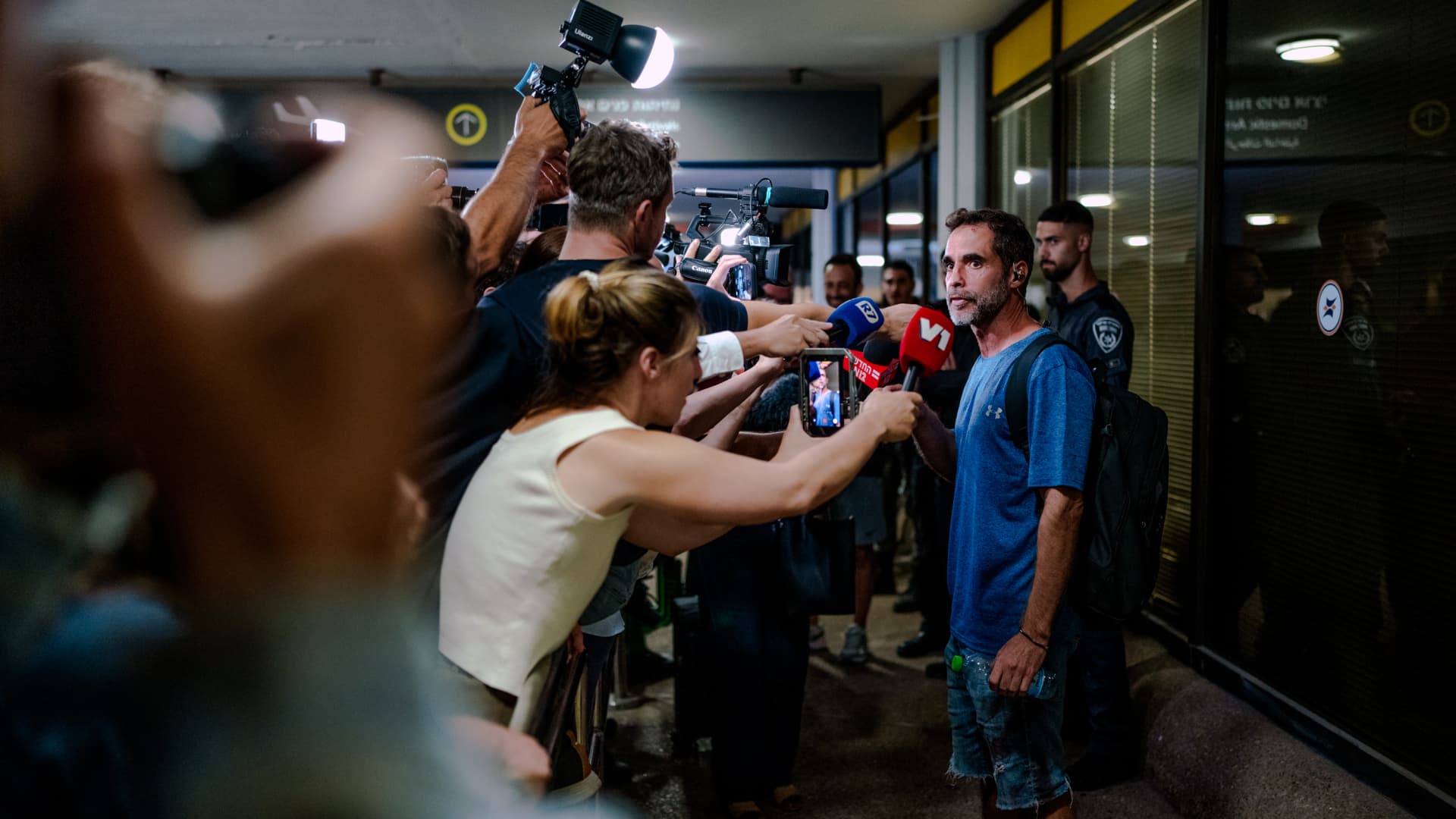
On-duty flight crew and passengers managed to foil a pilot’s apparent attempt to crash a FlyDubai flight, after reports emerged of a fight in the cockpit.
The incident on flight FZ1073 from Dubai to Tel Aviv happened when a co-pilot stabbed a pilot, according to Israeli Prime Minister Benjamin Netanyahu, who praised the victim’s quick thinking.
“Despite being stabbed and seriously injured, he fought back, resisted, opened the cockpit door, and enabled passengers and crew to overpower the attacker — preventing a catastrophic mid-air disaster. He saved the lives of 174 people, including Israeli citizens and other nationals,” Netanyahu wrote in a post on X.
FZ1073 was diverted to the Tabuk airport in Saudi Arabia, the airline said, after being successfully secured and diverted by flight crew.
FlyDubai in a statement said that an “altercation” occurred on the flight deck of the plane, but did not mention a stabbing.
However, the airline added that the underlying reasons and motives for the clash is currently unknown, urging all parties to refrain from speculation.
The injured pilot was identified by Netanyahu as Indian national Smit Machchhar. No details have been released on the identity of the attacker, except that he was being interrogated by Saudi authorities.
The Indian embassy in Riyadh said on X that Machchhar is in a hospital in Tabuk, and is reported to be in stable condition.
The Israeli Prime Minister also identified the passenger who broke into the cockpit as Yaniv Hayun, calling him a “hero” and adding he deserved “a global medal of honor.”
Flight data from tracking site FlightRadar24 showed that the plane had experienced extreme altitude fluctuations before broadcasting a “general emergency” squawk code.
FZ1073 had dropped from over 14,000 feet in just 29 seconds, and FlightRadar24 also added that vertical speeds ranging from approximately -30,000 to +10,000 feet per minute were observed from the transponder data.
For context, vertical speeds during normal operations rarely exceed plus or minus 4,000 feet per minute, it added.
Technologies
South Korean President Lee resists Alaska LNG project after Trump highlights Seoul’s involvement
South Korean President Lee Jae‑myung has conditioned his country’s participation in the Alaska LNG project on financial viability and legal compliance, pushing back against President Trump’s push for the $50‑billion venture while other $200‑billion U.S. investments move forward.
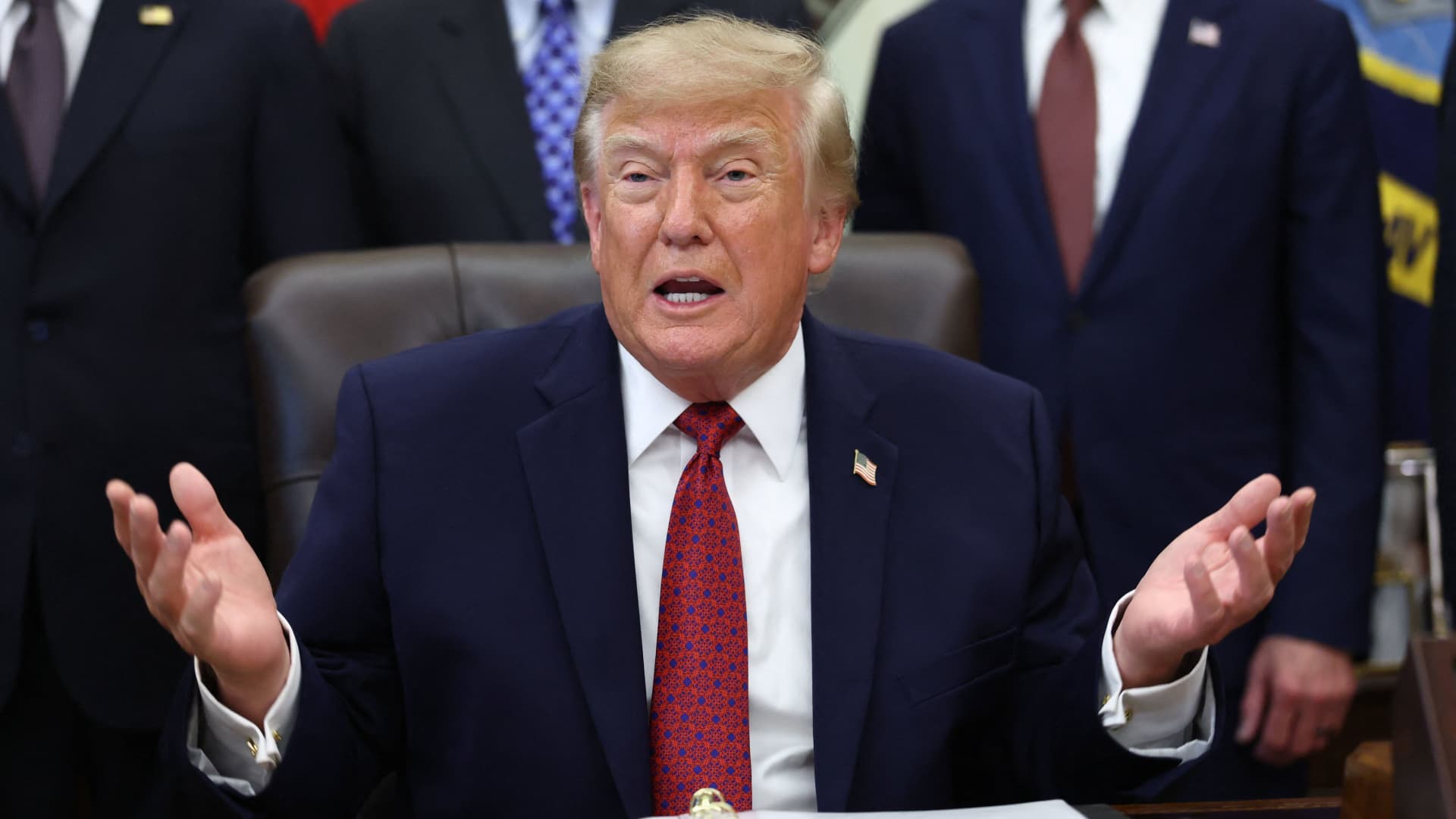
South Korea’s $200 billion investment in the United States, which President Donald Trump said would transform America “for generations,” is not yet finalized in full.
The South Korean investment blueprint includes nuclear power plants, a natural‑gas power facility in Texas, and potentially the long‑planned Alaska liquefied natural gas project.
Trump posted on Truth Social late Wednesday that the two nations had agreed to move forward on the Alaska LNG venture, estimating its value at $50 billion. This prompted a response from South Korean President Lee Jae‑myung, who stressed that participation in some projects remains tied to commercial considerations.
In an X post Thursday local time, Lee said that involvement in the Alaska LNG project hinges on its financial viability and legal compliance. He added that investments in nuclear power plants would also require a plant‑by‑plant assessment of commercial feasibility.
The US‑South Korea joint statement Wednesday also noted that work on the project is contingent on “commercial reasonableness,” without detailing allocations toward the venture.
The Alaska LNG project aims to move natural gas roughly 1,300 km (800 miles) from fields on Alaska’s North Slope to the state’s southern region, where it would be liquefied for export to markets including Asia, according to Yonhap. The initiative has long faced scrutiny over its economics, given the substantial upfront capital required.
Industry Minister Kim Jung‑kwan labeled it “high‑risk” last year and said participation would be challenging unless the project could generate sufficient cash flow.
Overall, the investment package allocates $22.3 billion for a 6,472‑megawatt natural‑gas power plant in Encinal, Texas, which will supply electricity to nearby data centers. The venture will be led by developer Related Cos. and U.S. power provider NextEra Energy.
Trump said the investments would turn South Korea’s commitments into “huge construction projects” and create “tens of thousands of American jobs.”
“These are massive energy projects, adding power capacity in the United States,” Trump remarked. “This is new construction, new manufacturing, and great jobs for American workers.”
The two countries said they would seek to broaden Korean firms’ involvement in the Texas project across equipment supply, engineering, construction, and long‑term operations and maintenance. The U.S. also plans to give Korean companies opportunities to supply equipment, including turbines, for similar projects domestically.
Another $120 billion has been earmarked for plans to build eight large‑scale nuclear reactors in the United States. Of that sum, $100 billion is designated for construction costs and $20 billion for contingency reserves.
The nuclear accord was signed by both governments as well as Westinghouse Electric, Korea Electric Power Corp., and Korea Hydro & Nuclear Power. The plan also calls for Korean firms to pursue a potential significant minority stake in Westinghouse, with terms subject to commercial negotiations.
-
 Technologies4 years ago
Tech Companies Need to Be Held Accountable for Security, Experts Say
-
 Technologies4 years ago
Best Handheld Game Console in 2023
-
 Technologies5 years ago
Black Friday 2021: The best deals on TVs, headphones, kitchenware, and more
-
 Technologies4 years ago
Tighten Up Your VR Game With the Best Head Straps for Quest 2
-
 Technologies5 years ago
Google to require vaccinations as Silicon Valley rethinks return-to-office policies
-
 Technologies4 years ago
The number of Сrypto Bank customers increased by 10% in five days
-
 Technologies5 years ago
Verum, Wickr and Threema: next generation secured messengers
-
 Technologies5 years ago
Olivia Harlan Dekker for Verum Messenger