
Technologies
Battlefield 6 Tips: The Best LMG Builds
If you want to be a dependable machine gunner, you’ll want to eke the most performance out of your LMGs as possible.

Developer DICE’s iconic first-person shooter is back in good form with Battlefield 6, and players are hard at work capturing flags and trading gunfire in large-scale battles. As dozens of players collide in massive fights, teamwork decides the outcome of each match.
If you want to keep your teammates in tip-top shape, you’ll probably gravitate toward the Support class. Support players are able to quickly revive any downed teammate with their trusty defibrillators, as well as drop supply bags that restore health and ammunition to nearby allies.
The support class is also extremely good at laying down the lead. Its signature weapon type is the light machine gun, or LMG, which is characterized by its high-bullet capacity magazines, high rate of fire and generally cumbersome frame. These weapons are great for suppressing enemies, which slows down their health regeneration.
There’s a wide array of LMGs in Battlefield 6, which means it might take you a little while to find the right fit for your play style. Some of these bullet hoses are suitable for close-range play, while others might allow you to contest sniper nests across long distances. Here are my favorite LMG builds in Battlefield 6.
The best LMG builds in Battlefield 6
There are eight different light machine guns in Battlefield 6, so you’re not hurting for options when it comes to setting up a bipod and laying down lead.
Most of these options are locked behind high level requirements or challenge completions, though, so it can be tough to figure out an effective loadout early on. Here are some accessible LMG builds for every possible situation.
L110 ‘Factory’
The L110 is the first LMG you’ll have unlocked when you start playing Battlefield 6, and it’s a solid workhorse of a gun. Its high rate of fire and extensive bullet capacity mean you’ll be able to keep enemies suppressed at a distance. However, this thing kicks like a mule unless you have a bipod set up.
To fix this, you’ll want to add the heavy extended barrel and grip pod attachments. These add-ons will make vertical and horizontal recoil more manageable, giving you more mobility during tricky firefights.
The red laser attachment helps tighten the hip-fire spread for those emergency situations where an opponent gets the drop on you in close-quarters combat, and crucially, enemies won’t be able to see the beam emanating from your weapon.
If you’re confident that you can handle the L110’s recoil, I recommend swapping out the regular bullets for tungsten-core rounds — they’ll shred through multiple enemies at once when you’re holding a tight sightline, like a hallway or a doorway leading into an objective.
M60 ‘Huntsman’
If you participated in the Battlefield 6 open beta, congratulations: You automatically unlock my favorite LMG upon opening Battlefield 6 for the first time. The M60 usually unlocks at player level 20, but beta players can use a special M60 Huntsman build straight away.
This LMG fires slower than the L110, but its recoil is more manageable, and it does more damage. As someone who likes to set up machine gun nests and pick enemies off from afar, the M60 has been the gun I’ve used the most so far in Battlefield 6.
However, players can’t change attachments on a prebuilt gun before they hit the level required to unlock its original factory variant. That means you can’t swap out attachments before player level 20, and you’re stuck with the awful vision-obscuring iron sights on the M60 until then.
Once you’re able to swap around the gun’s attachments, though, a 2x zoom and red dot sight is an absolute necessity for firing at medium- to long-range targets. Set up an alternative zoom on the side of the gun with basic sights to trade out the usual M60 eyesore for simpler iron sights when shooting close-range enemies. A double-port brake and vertical handgrip help control what little recoil the M60 has, and the red laser remains on this build in order to tighten hipfire spread.
RPKM ‘Carnivore’
If you’re not looking to set up a machine gun nest, there are some LMGs that support a more aggressive play style. The RPKM is one of these weapons, with stats that make it feel like a hybrid between a traditional light machine gun and an assault rifle. You can’t fire as many rounds before reloading, but you get some much-needed sprint speed and mantling mobility back.
The RPKM factory variant is locked behind player level 30, but there’s a much easier way to unlock this weapon for multiplayer modes. The RPKM Carnivore build is unlocked through completion of Battlefield 6’s nine-level campaign. You can beat the levels on any difficulty in order to unlock the RPKM.
The RPKM matches the M60’s damage per shot and even offers a higher rate of fire than my favorite weapon. This is all tempered by a very low magazine capacity for an LMG — the stock magazine holds 40 bullets — and very high recoil. You can use the RPKM to run and gun alongside your Assault-class teammates, but you probably won’t win as many gunfights across long distances.
Once you unlock the RPKM at level 30, a heavy extended barrel and some sort of vertical handgrip or bipod are must-have additions to your build. Swapping out the suppressor for a compensated brake also couldn’t hurt. These attachments will bring the recoil more in line with other LMGs, providing you with a manageable run-and-gun buzzsaw.
Technologies
Ford fends off Hyundai to retain No. 3 U.S. sales position in third quarter
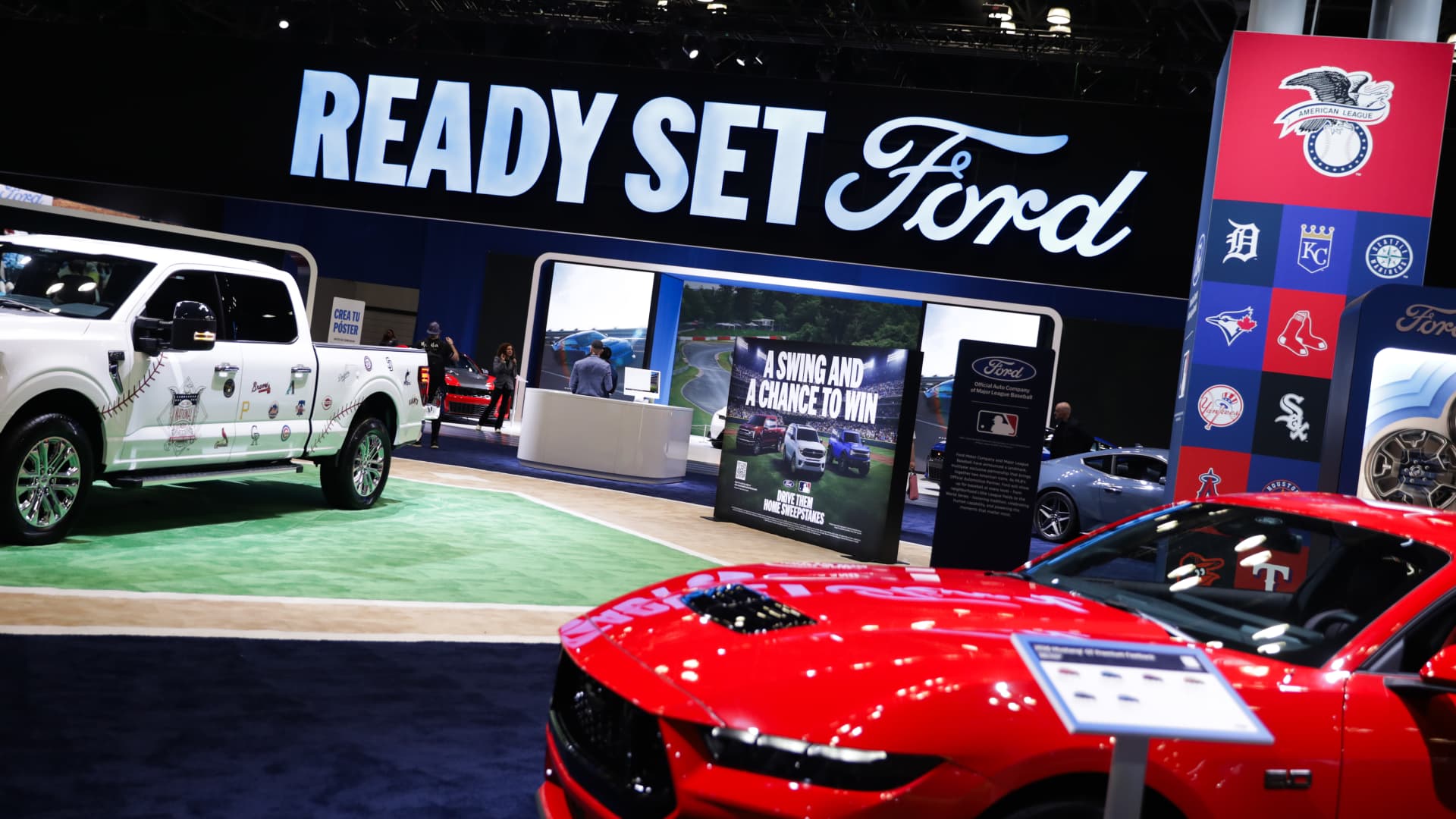
Ford on Friday reported a year-over-year sales decline of 6.6% during the third quarter to 507,395 light-duty vehicles.
This site is now part of
Versant
. By continuing to use this service, you agree to our
Terms
. You also acknowledge that our updated
Privacy Policy
applies, including to your existing data. For details on your data rights, click
here
.
On this service, we and our vendors use cookies and other tools (“Cookies”) to store and access information on your device, such as device identifiers, IP address, and your browser type. You can access a list of all our potential
1029
vendors by selecting “IAB and Google Vendors,” although we may work with only a small selection of these on this service. Your data may be used to save and communicate your privacy choices; ensure security, prevent fraud, and debug our products and services; personalize advertising and content; for advertising and content measurement; to conduct audience research and services development; so we can improve our services and develop new ones; to match and combine offline data with your online activity; and for social features. We may share this data with select vendors with your consent.
Click “I Accept”, to consent to our use of these Cookies or “Reject All” to reject our use of these Cookies. Click “Manage Choices” to set your preferences. If you previously made choices with respect to Versant’s use of Cookies on this browser and device, you will need to update them. You can adjust your choices any time through the “Cookie Preferences” link in the footer of relevant Versant sites or in-app settings. Visit our
Cookie Notice
and
Privacy Policy
to learn more.
We will also use other Cookies that are essential or related to our services, including for security and fraud prevention.
Technologies
A Brexit reversal is on the table 10 years on from the vote that changed Britain. Here’s what’s at stake
Britain voted to leave the European Union in 2016.
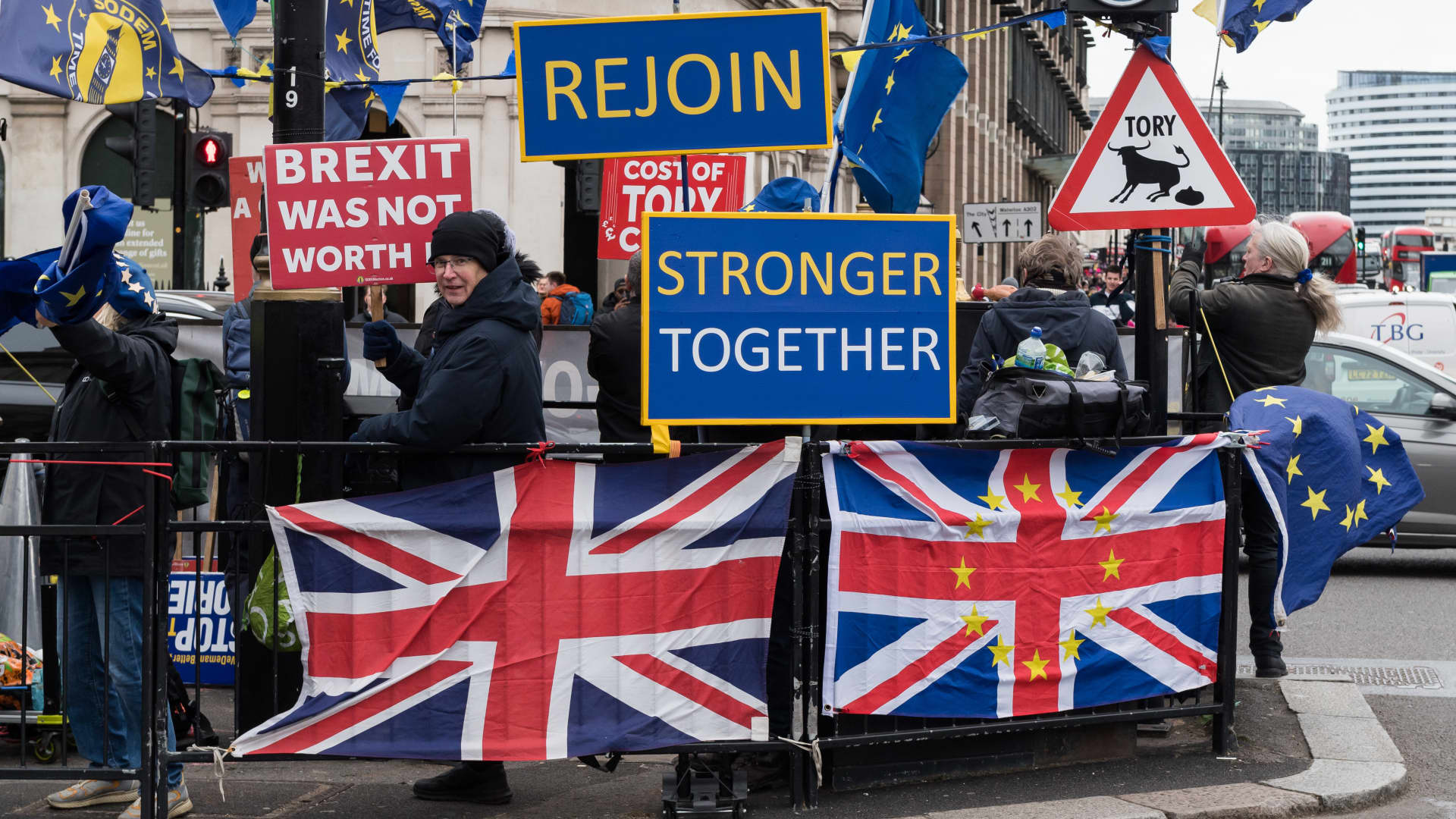
U.K. Prime Minister Andy Burnham suggested this week that British voters could be given the chance to reverse Brexit, the country’s highly contentious departure from the European Union a decade ago.
Burnham, who became prime minister over the summer, told the BBC on Wednesday it was “possible” a referendum on rejoining the EU could be included in a future election manifesto.
A U.K. general election is not currently expected before 2029. Prime ministers are able to trigger an early snap election with the backing of parliament, but Burnham — who replaced predecessor Keir Starmer without a public vote — has ruled out such a move.
In his interview with the BBC, the prime minister said a referendum “wouldn’t be the right thing to do right now,” but added that the U.K. must “consider the options” for its relationship with the EU, arguing that “where we are isn’t good enough.”
Asked whether an in-out referendum in a future election manifesto was a possibility, Burnham said: “yes, things are possible.”
During the previous general election — which saw Starmer lead the governing Labour party to a landslide victory and end 14 years of Conservative rule — Burnham was serving as Mayor of Manchester. As he prepared to challenge Starmer’s leadership, Burnham pledged not to “re-run” arguments over Brexit.
In a separate interview with the BBC’s Today program, Burnham said he wanted to “look at the options” for resetting U.K.-EU relations.
“We could stay as we are. That’s definitely an option, if people think this is the right place to stay,” he said, when asked if he wanted Britain to rejoin the union. “We could look at what [former finance minister] George Osborne has said about a customs union, we could look at… the single market or we could go all the way.”
The interviews came after Burnham’s speech at the governing Labour party’s annual conference on Tuesday, in which he said “Brexit hasn’t given us control.”
The 2016 Brexit campaign promised to “take back control” of immigration, free up more money for the country’s health service, and forge trade deals with the rest of the world.
While the value of U.K. goods and services exports has grown significantly in the last decade, according to government figures, immigration and NHS funding pressures are more contentious than ever.
“Later this year, there will be a U.K.-EU summit,” Burnham said at the conference on Tuesday.
“We will not give Britain the clear path we need into the rest of the century until we decide on a long-term relationship with what is still our largest market. I cannot say to you truthfully that where we are is good enough. Brexit has done more harm than good [and] we need to restore a higher level of growth and prosperity for Britain.”
A decade of Brexit
On June 23, 2016, Britons headed to the polls to vote on whether to stay in the European Union. A shock result emerged that night: the electorate had voted to leave the bloc by 52% to 48%.
As the result sank in, the British pound tanked, and London’s FTSE 100 tumbled. Then-Prime Minister David Cameron — who had called the referendum and led the campaign for the Remain vote — resigned.
Britain did not officially leave the EU until 2020. In the interim years, the country’s looming exit from the bloc remained a contentious issue, with so-called “Remainers” staging huge protests against the decision and some political parties putting a reversal of the vote at the heart of their election campaigns.
The U.K. economy has largely failed to experience a post-Brexit boost after upending ties with its largest trading partner, and sterling never returned to its pre-referendum level. The country has also seen a quick succession of prime ministers, with some of the past decade’s seven leaders ousted over the way they handled Brexit and the post-referendum economy.
James Smith, developed markets economist at ING, told CNBC that while Burnham’s statement is politically significant, unlocking tangible economic upside relies on concrete changes to the trading relationship, which could take years.
“Though the PM has opened the door to full EU membership, the reality is that he faces the same constraints that have hemmed in previous leaders,” he said in an email. “The public may agree that Brexit hasn’t gone well, but it’s not clear there is a majority in favor of rejoining. It’s also not at all clear how willing the EU will be to give ground in negotiations, given the recent volatility of U.K. politics and the possibility of a Reform-led government in the future.”
Smith noted that it had taken more than five years to go from referendum to new economic relationship with the EU.
“I suspect it will take much longer for Britain to settle on and implement a new form of relationship now that [Brexit] has dropped down the list of political priorities among voters,” he said.
Steve Nolan, a senior lecturer in economics at Britain’s Liverpool John Moores University, told CNBC on Thursday that some estimates suggest U.K. gross domestic product was 5% to 8% smaller than it would have been without the vote to leave the EU.
“This hasn’t been a surprise to economists — standard models in trade say that if you put up barriers to trade with your nearest trading partner then this will cause problems,” he said. “So there are definite benefits to be reaped by rejoining, but the road towards that outcome could be rocky.”
Any new referendum would increase uncertainty and turmoil, he added.
“The U.K. would also be asking to be let back into the club from a weakened bargaining position and may have to accept many conditions — [such as] euro membership and free movement of labor — that may cause economic and political difficulties. So, there are opportunities to grabbed, but they won’t come without a cost.”
However, Nigel Green, CEO of London-based financial consultancy DeVere Group, said that while closer ties with Europe would make Britain richer, it would also make it easier for capital to leave the country.
“Sterling stands to gain from a steadier relationship with the U.K.’s biggest trading partner, and U.K.-focused equities, priced at a discount for a decade, could start to close the gap,” he said.
But he cautioned that “an open door works both ways,” with entrepreneurs, and senior professionals increasingly telling deVere they were considering leaving the U.K. to avoid the high tax burden.
“The EU reset needs a domestic twin: competitive taxes, faster planning and policy stability that lets businesses look beyond the next Budget,” he said. “Get both right and the U.K. becomes a magnet for capital in Europe. Get only one right and Britain becomes a more convenient place to leave.”
Technologies
South Korean President Lee Threatens ‘Additional Measures’ to Ukraine Over POW Disclosure
South Korean President Lee Jae Myung has threatened further actions against Ukraine following its disclosure of North Korean POW transfers to Seoul, demanding an apology over the alleged breach of a confidentiality agreement.
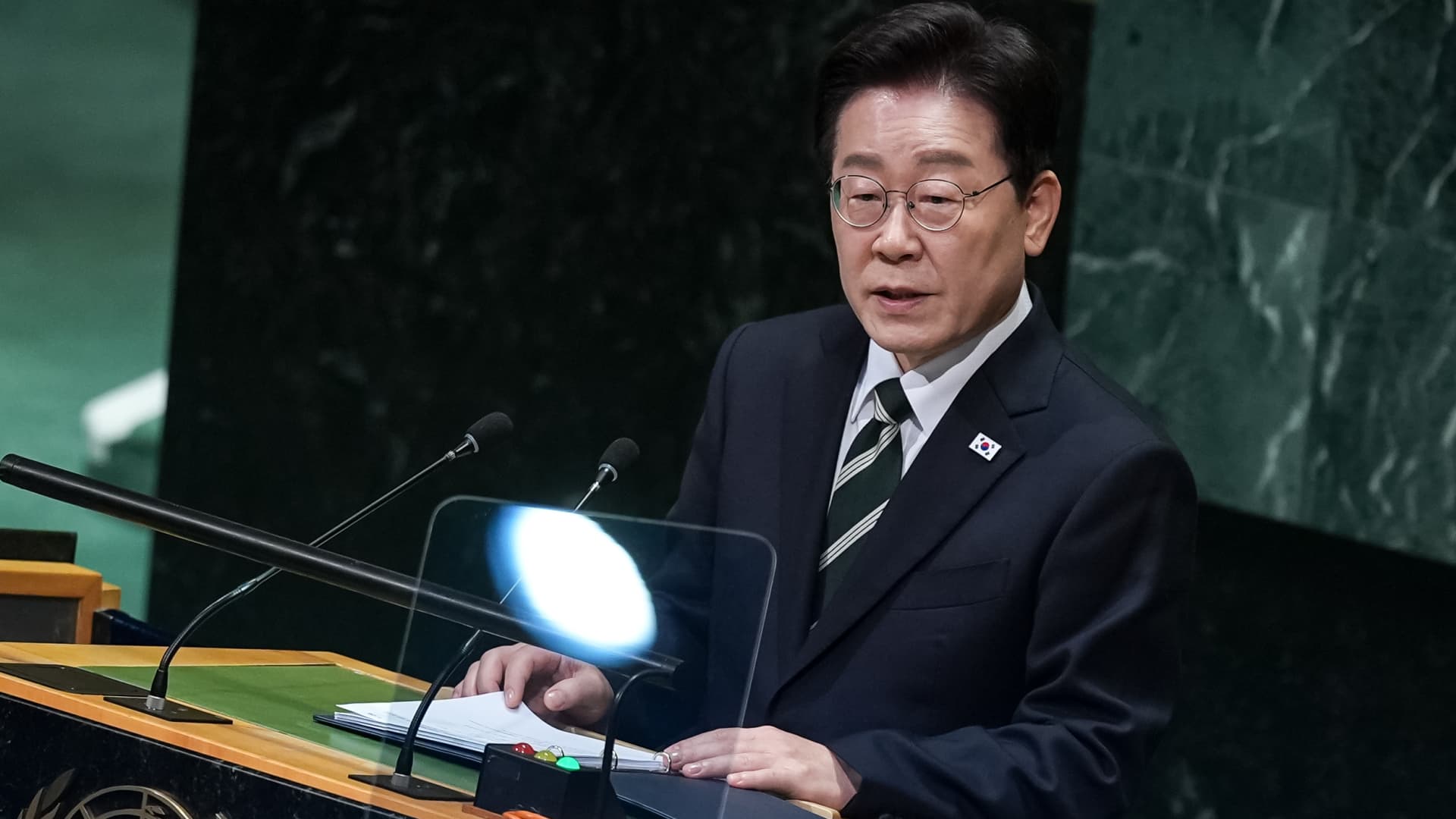
South Korean President Lee Jae Myung on Friday criticized Ukraine after its announcement that North Korean prisoners of war were handed over to Seoul, insisting on a public apology and warning of “further actions” against Kyiv.
In a post on X, Lee stated that Kyiv disclosed the transfer of certain captured North Korean soldiers unilaterally, despite requesting confidentiality and later asserting no secrecy pact existed, which made the Korean leader appear as a “liar.”
“As this is a matter concerning the honor of the Republic of Korea’s people and nation, we cannot overlook it,” he said in Korean, translated by Google.
Ukrainian Foreign Minister Andrii Sybiha reportedly characterized the dispute on Thursday as a “diplomatic misunderstanding,” which his nation expects to resolve. Seoul remains a significant partner for Kyiv, Sybiha added.
Alleged Secrecy Pact
During the United Nations General Assembly last week, Ukrainian President Volodymyr Zelenskyy stated that Kyiv had delivered two captured North Korean soldiers to South Korea.
This prompted South Korea to accuse Ukraine of violating a nondisclosure agreement regarding the transfer and to summon Ukraine’s chargé d’affaires for clarification. Seoul also noted that Ukraine requested the transfer remain confidential, as it could adversely affect prisoner exchanges with Russia.
“When we demanded acknowledgement of the agreement and an apology, they instead spoke of an imminent military clash between North and South, praying for the outbreak of war on the Korean Peninsula—we express grave regret toward Ukraine,” Lee said on Friday.
The remarks follow an interview with Ukrainian presidential chief of staff Kyrylo Budanov last week, in which he claimed North Korea’s involvement in the Ukraine-Russia conflict was intended to prepare for combat on the Korean Peninsula.
“The situation is escalating every day. And it is only a matter of time before a trigger event occurs that will lead to uncontrolled consequences,” he added, according to a Google translation of his Telegram post in Ukrainian.
While Kyiv has offered no explanation for why Zelenskyy made the announcement at the UNGA, South Korea’s National Intelligence Service reportedly informed lawmakers he may have done so to rally support in Seoul for supplying Kyiv with weapons and other aid.
In August, Zelenskyy asked South Korea to back Ukraine by providing air defense systems, something Seoul has not supported even as it has offered humanitarian aid to Ukraine.
-
 Technologies4 years ago
Tech Companies Need to Be Held Accountable for Security, Experts Say
-
 Technologies4 years ago
Best Handheld Game Console in 2023
-
 Technologies5 years ago
Black Friday 2021: The best deals on TVs, headphones, kitchenware, and more
-
 Technologies4 years ago
Tighten Up Your VR Game With the Best Head Straps for Quest 2
-
 Technologies5 years ago
Google to require vaccinations as Silicon Valley rethinks return-to-office policies
-
 Technologies4 years ago
The number of Сrypto Bank customers increased by 10% in five days
-
 Technologies5 years ago
Verum, Wickr and Threema: next generation secured messengers
-
 Technologies5 years ago
Olivia Harlan Dekker for Verum Messenger