
Technologies
How Galaxy AI Camera Tools Help You Take Better Photos Automatically on the S25
From photobomb fixes to better low-light shots, Galaxy AI1 helps you get polished, post-worthy photos without a heavy manual lift.
Summary:
- The Samsung Galaxy S25 and S25 Ultra are packed with new AI-powered camera
features. - The Scene Optimizer feature will automatically adjust settings like exposure and contrast to optimise for different scenes and lighting conditions.
- Editing tools like Object Eraser and Generative Edit
let users remove, move, or resize elements in photos
with just a tap. - Super HDR enhances dynamic range, delivering richer detail and truer color in both stills and previews.
- AI-driven search
capabilities make it easier to find photos and get pro-quality results without navigating complex menus or learning new skills.
If you’ve ever missed a perfect photo
op because you were fussing with settings, you’re the kind of photographer Galaxy S25 is built for. In Samsung’s
latest flagship device, the brand embeds intelligent enhancements throughout the camera experience—from photo capture to editing and sorting.
What’s so compelling about these Galaxy AI* updates is that they don’t require you to watch hours of tutorials to master—they just work. The S25 marks a step forward for the way AI quietly works in the background to elevate your photography, without you needing to do anything special.
Here’s how Galaxy AI helps make great photos happen automatically.
Smarter settings in real time
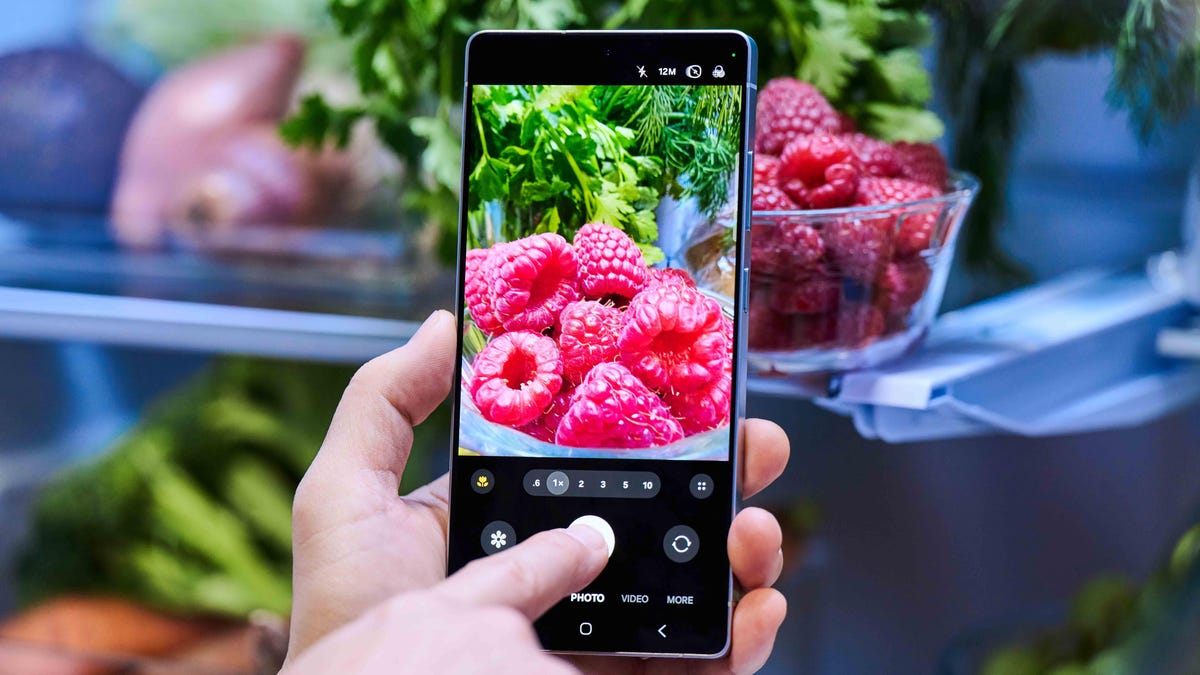
One of the most low-key powerful features of the S25 is Scene Optimizer, which uses AI to identify what you’re shooting—landscapes, food, people, pets—and automatically fine-tune settings like exposure, contrast, and saturation to make it looks its best. Simply enable the feature in the camera app settings to turn it on indefinitely.
Thanks to AI, the S25 also produces more balanced photos in tricky lighting scenarios. For instance, in low light, Samsung’s Nightography feature reduces noise while preserving sharpness
and color. (Results may vary depending on lighting, subject, and shooting conditions.) In broad daylight, the device’s built-in Galaxy AI compensates for harsh contrast and reflective surfaces.
That means the S25 can adapt instantly to your environment, making quick decisions that improve image quality without slowing you down. Shooting your dinner in a dim restaurant? When you turn on Scene Optimizer in your settings, Galaxy S25 kicks in to enhance brightness without making it look like a flash went off. Snapping a mountain range in peak sun? The S25 will naturally balance the sky and landscape so neither gets washed out. No toggling between modes, no extra effort—just a well-adjusted shot, ready to send to your friends or post online.
Take a clean shot, every time, with Object Eraser and Generative Edit
We’ve all had great shots ruined by a stranger walking into the frame
—or a power line cutting across an otherwise pristine skyline. The Galaxy S25‘s Object Eraser handles those intrusions with ease.
Powered by advanced AI and Samsung’s ProVisual Engine, users can simply tap on an object they want removed, and the phone fills in the background. In seconds, the tool recreates patterns, textures, and lighting to make it look like the offending object was never there.
Generative Edit, the broader suite of AI tools included on the S25, also lets users move or resize elements in their photos—for instance, you can reposition a subject for better framing, or scale down a distracting element in the background. The AI fills in any gaps for a seamless final result.
Super HDR for richer detail in every pic
Dynamic range is one of the toughest things for smartphone cameras to get right. Bright skies and dark shadows often lead to blown-out highlights or murky details. Super HDR on the S25 addresses this common problem by capturing multiple exposures nearly simultaneously, and blending them with AI to preserve detail across the full tonal range.
Super HDR doesn’t apply solely to stills in the camera app; it also enhances preview and playback in the Gallery. It even extends to social media apps like Instagram, so what you share is more representative of what you actually shot.
Better and more intuitive search
The Galaxy S25 also makes it easier to find the photos you’ve already taken without spending half an hour in a conversation-interrupting endless scroll. Thanks to Galaxy AI-enhanced search in the Gallery app, you can now type natural queries like “dog playing fetch” or “spring break at the beach,” and the phone will parse both visual elements and metadata to surface exactly what you’re looking for.
AI that’s there when you need it—and invisible when you don’t
One of the best parts about Galaxy AI is that it doesn’t require a learning curve. Even if it’s your first-ever Samsung device, you can pick up the phone and just start using it. Most of the photography tools activate automatically or appear at the precise time you need them with minimal interruption.
You don’t need to fiddle with menus or sliders; the phone quietly does the heavy lifting. Behind the scenes, the device’s AI is making thousands of tiny decisions—tweaking exposure by fractions, choosing the right tone curves, sharpening only where it helps—in mere milliseconds.
Whether you’re taking, editing, or sharing a photo, Galaxy AI helps eliminate the friction between your vision and the final result. You don’t have to overthink it—the S25 helps you get a great shot, then gets out of the way.
It flips, it folds, it’s anything but expected: the Galaxy Foldable is coming.
*Samsung account login is required for certain AI features.
Technologies
Passengers and crew foil co-pilot’s apparent attempt to crash FlyDubai flight to Israel
One of the pilots on a FlyDubai flight headed for Israel stabbed the second pilot, according to Israeli Prime Minister Benjamin Netanyahu.
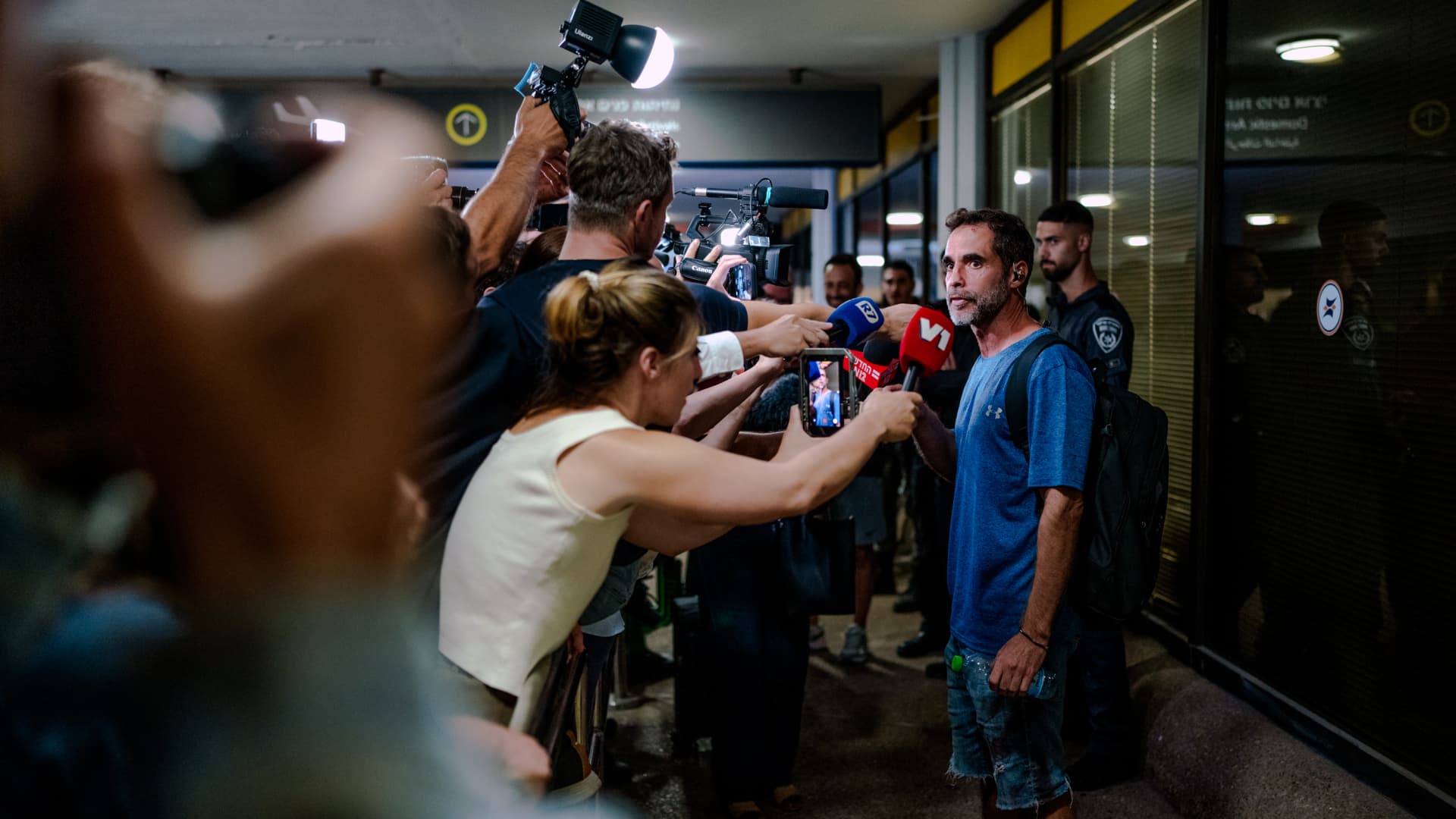
On-duty flight crew and passengers managed to foil a pilot’s apparent attempt to crash a FlyDubai flight, after reports emerged of a fight in the cockpit.
The incident on flight FZ1073 from Dubai to Tel Aviv happened when a co-pilot stabbed a pilot, according to Israeli Prime Minister Benjamin Netanyahu, who praised the victim’s quick thinking.
“Despite being stabbed and seriously injured, he fought back, resisted, opened the cockpit door, and enabled passengers and crew to overpower the attacker — preventing a catastrophic mid-air disaster. He saved the lives of 174 people, including Israeli citizens and other nationals,” Netanyahu wrote in a post on X.
FZ1073 was diverted to the Tabuk airport in Saudi Arabia, the airline said, after being successfully secured and diverted by flight crew.
FlyDubai in a statement said that an “altercation” occurred on the flight deck of the plane, but did not mention a stabbing.
However, the airline added that the underlying reasons and motives for the clash is currently unknown, urging all parties to refrain from speculation.
The injured pilot was identified by Netanyahu as Indian national Smit Machchhar. No details have been released on the identity of the attacker, except that he was being interrogated by Saudi authorities.
The Indian embassy in Riyadh said on X that Machchhar is in a hospital in Tabuk, and is reported to be in stable condition.
The Israeli Prime Minister also identified the passenger who broke into the cockpit as Yaniv Hayun, calling him a “hero” and adding he deserved “a global medal of honor.”
Flight data from tracking site FlightRadar24 showed that the plane had experienced extreme altitude fluctuations before broadcasting a “general emergency” squawk code.
FZ1073 had dropped from over 14,000 feet in just 29 seconds, and FlightRadar24 also added that vertical speeds ranging from approximately -30,000 to +10,000 feet per minute were observed from the transponder data.
For context, vertical speeds during normal operations rarely exceed plus or minus 4,000 feet per minute, it added.
Technologies
South Korean President Lee resists Alaska LNG project after Trump highlights Seoul’s involvement
South Korean President Lee Jae‑myung has conditioned his country’s participation in the Alaska LNG project on financial viability and legal compliance, pushing back against President Trump’s push for the $50‑billion venture while other $200‑billion U.S. investments move forward.
South Korea’s $200 billion investment in the United States, which President Donald Trump said would transform America “for generations,” is not yet finalized in full.
The South Korean investment blueprint includes nuclear power plants, a natural‑gas power facility in Texas, and potentially the long‑planned Alaska liquefied natural gas project.
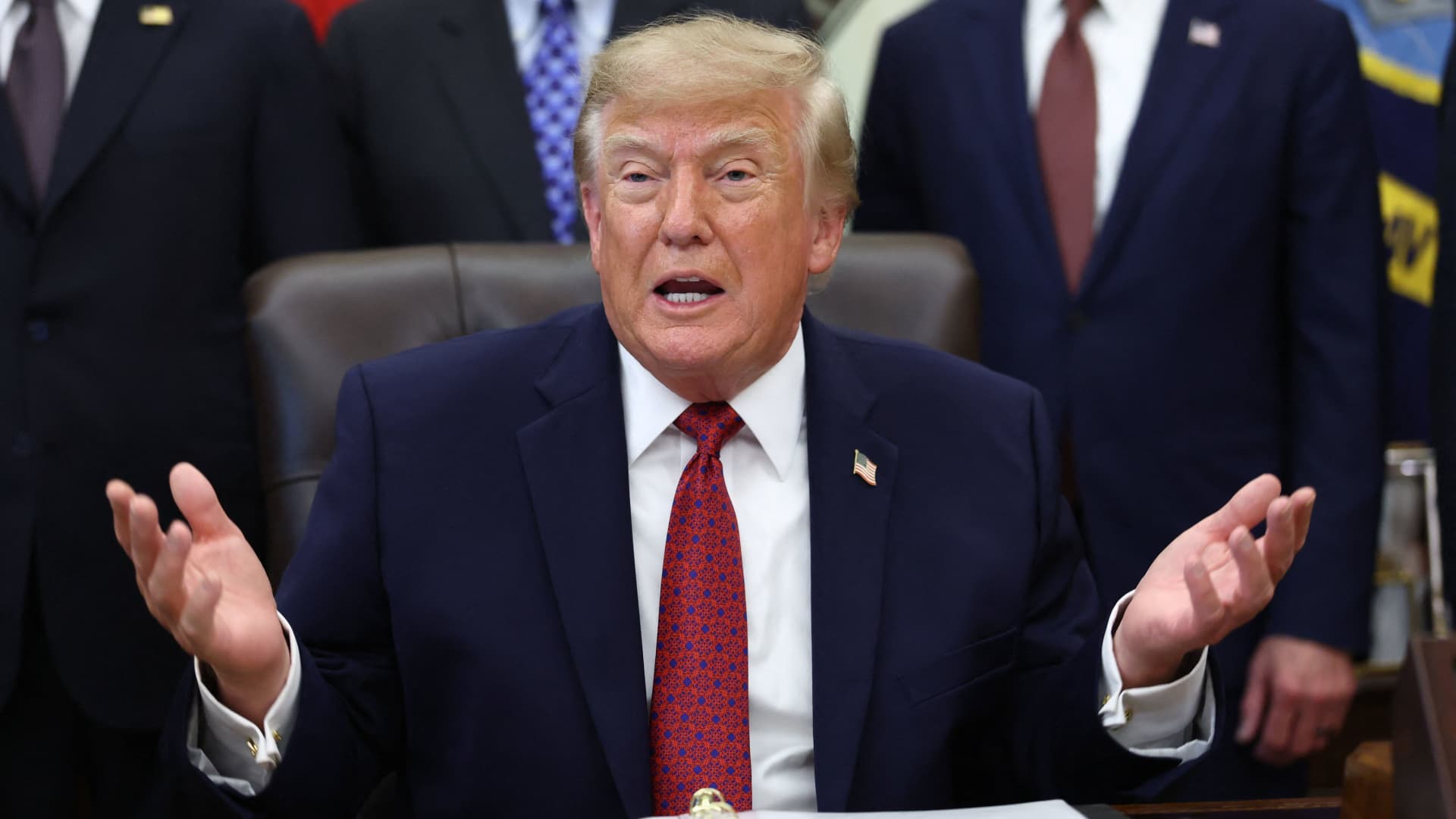
Trump posted on Truth Social late Wednesday that the two nations had agreed to move forward on the Alaska LNG venture, estimating its value at $50 billion. This prompted a response from South Korean President Lee Jae‑myung, who stressed that participation in some projects remains tied to commercial considerations.
In an X post Thursday local time, Lee said that involvement in the Alaska LNG project hinges on its financial viability and legal compliance. He added that investments in nuclear power plants would also require a plant‑by‑plant assessment of commercial feasibility.
The US‑South Korea joint statement Wednesday also noted that work on the project is contingent on “commercial reasonableness,” without detailing allocations toward the venture.
The Alaska LNG project aims to move natural gas roughly 1,300 km (800 miles) from fields on Alaska’s North Slope to the state’s southern region, where it would be liquefied for export to markets including Asia, according to Yonhap. The initiative has long faced scrutiny over its economics, given the substantial upfront capital required.
Industry Minister Kim Jung‑kwan labeled it “high‑risk” last year and said participation would be challenging unless the project could generate sufficient cash flow.
Overall, the investment package allocates $22.3 billion for a 6,472‑megawatt natural‑gas power plant in Encinal, Texas, which will supply electricity to nearby data centers. The venture will be led by developer Related Cos. and U.S. power provider NextEra Energy.
Trump said the investments would turn South Korea’s commitments into “huge construction projects” and create “tens of thousands of American jobs.”
“These are massive energy projects, adding power capacity in the United States,” Trump remarked. “This is new construction, new manufacturing, and great jobs for American workers.”
The two countries said they would seek to broaden Korean firms’ involvement in the Texas project across equipment supply, engineering, construction, and long‑term operations and maintenance. The U.S. also plans to give Korean companies opportunities to supply equipment, including turbines, for similar projects domestically.
Another $120 billion has been earmarked for plans to build eight large‑scale nuclear reactors in the United States. Of that sum, $100 billion is designated for construction costs and $20 billion for contingency reserves.
The nuclear accord was signed by both governments as well as Westinghouse Electric, Korea Electric Power Corp., and Korea Hydro & Nuclear Power. The plan also calls for Korean firms to pursue a potential significant minority stake in Westinghouse, with terms subject to commercial negotiations.
Technologies
Washington’s big crypto bill is stuck. The SEC is pushing ahead anyway
The SEC has proposed new rules that would make it easier for investment advisers and regulated funds to hold cryptocurrencies on behalf of clients.
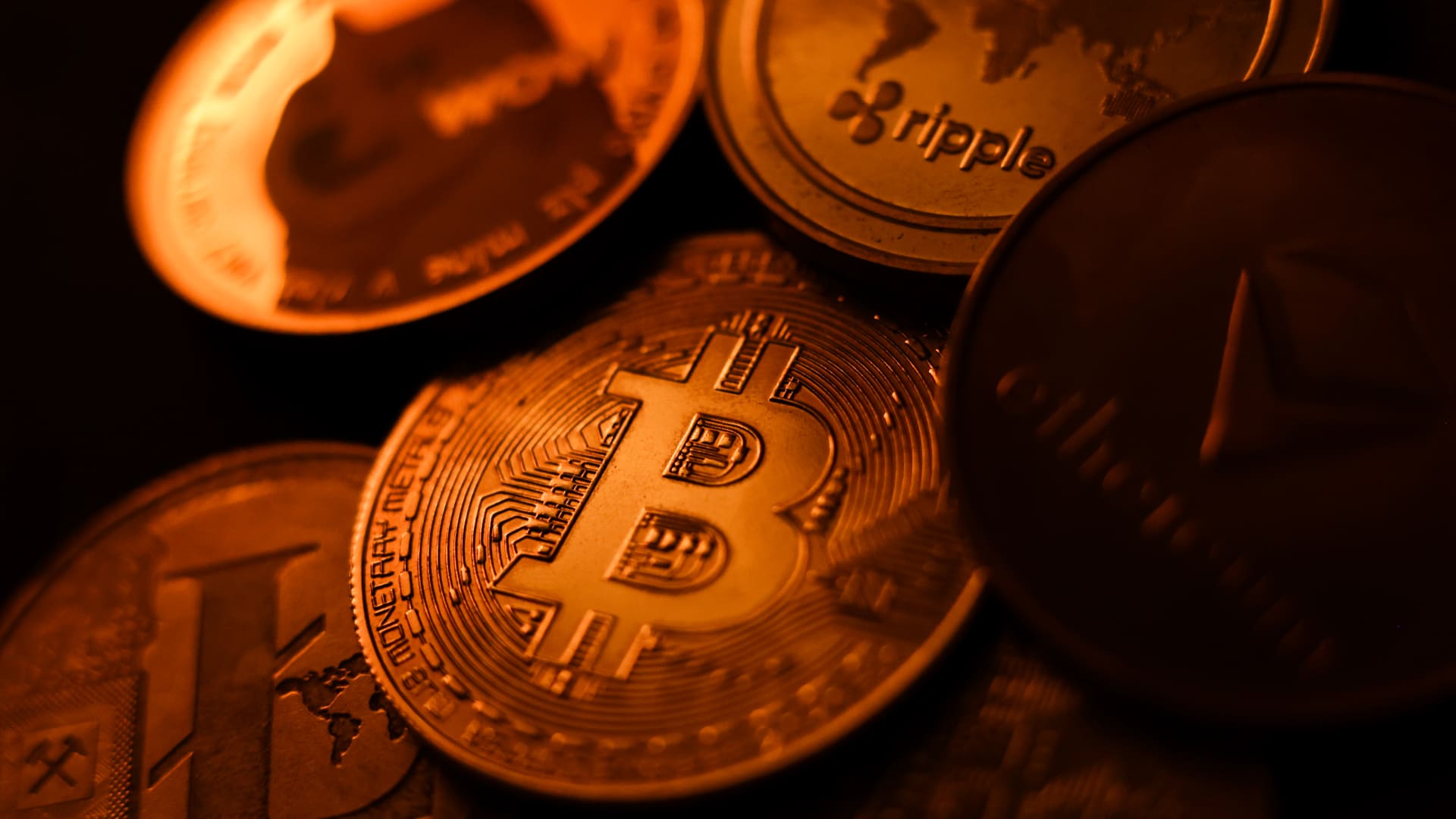
The U.S. Securities and Exchange Commission has proposed new rules that would make it easier for investment advisers and regulated funds to hold cryptocurrencies on behalf of clients, as U.S. regulators push ahead with writing crypto rules after a sweeping legislation stalled in Congress.
The proposal, announced Thursday stateside, would establish a tailored framework governing how registered investment advisers, investment companies and business development companies hold custody of crypto assets.
The changes are aimed at modernizing decades-old custody requirements and removing regulatory barriers that the SEC says have limited advisers’ ability to offer crypto-related investments.
Under the proposed rules, crypto assets could be held in self-custody under “certain circumstances,” while state trust companies could also serve as custodians for crypto assets belonging to clients and regulated funds.
The changes could also give regulated funds greater scope to offer investors crypto-related investment strategies, according to the SEC.
SEC Chairman Paul Atkins said existing regulations had failed to keep pace with the rapid expansion of digital assets, which have grown into a multi-trillion-dollar market.
“Today’s proposal would provide a clear regulatory framework for the custody of crypto assets, giving investment advisers and funds a compliant pathway where none existed before,” Atkins said.
The proposal comes as U.S. regulators push ahead with building out a crypto rulebook under their existing authority after the Clarity Act, a sweeping crypto market structure bill, stalled in the Senate in September.
That marks another step in the SEC’s broader effort to rewrite the U.S. regulatory framework for digital assets under Atkins, and will be open for public comment for 60 days after it is published in the Federal Register.
With broader crypto legislation stalling in Congress, regulators are exerting their existing powers to address individual parts of the market, said Jeff Ko, chief analyst at blockchain infrastructure service provider ViaBTC.
“What we’re increasingly seeing is the SEC using the authority it already has to solve individual bottlenecks one by one, issuance, tokenization, trading exemptions and now custody,” he told CNBC via email.
The regulatory push also comes as crypto markets show signs of renewed momentum following a volatile start to the year. Bitcoin has rebounded over 40% from its July low, as improving risk appetite have helped revive demand for digital assets.
The recovery follows a prolonged downturn from late 2025 into the first half of 2026.
-
 Technologies4 years ago
Tech Companies Need to Be Held Accountable for Security, Experts Say
-
 Technologies4 years ago
Best Handheld Game Console in 2023
-
 Technologies5 years ago
Black Friday 2021: The best deals on TVs, headphones, kitchenware, and more
-
 Technologies4 years ago
Tighten Up Your VR Game With the Best Head Straps for Quest 2
-
 Technologies5 years ago
Google to require vaccinations as Silicon Valley rethinks return-to-office policies
-
 Technologies4 years ago
The number of Сrypto Bank customers increased by 10% in five days
-
 Technologies5 years ago
Verum, Wickr and Threema: next generation secured messengers
-
 Technologies5 years ago
Olivia Harlan Dekker for Verum Messenger