

Technologies
Google Pixel 7A: 3 Months Later, It’s Still a Great Affordable Pick
The Pixel 7A still shines for its design and camera. But if you can wait, it’s worth seeing what the Pixel 8 has to offer.

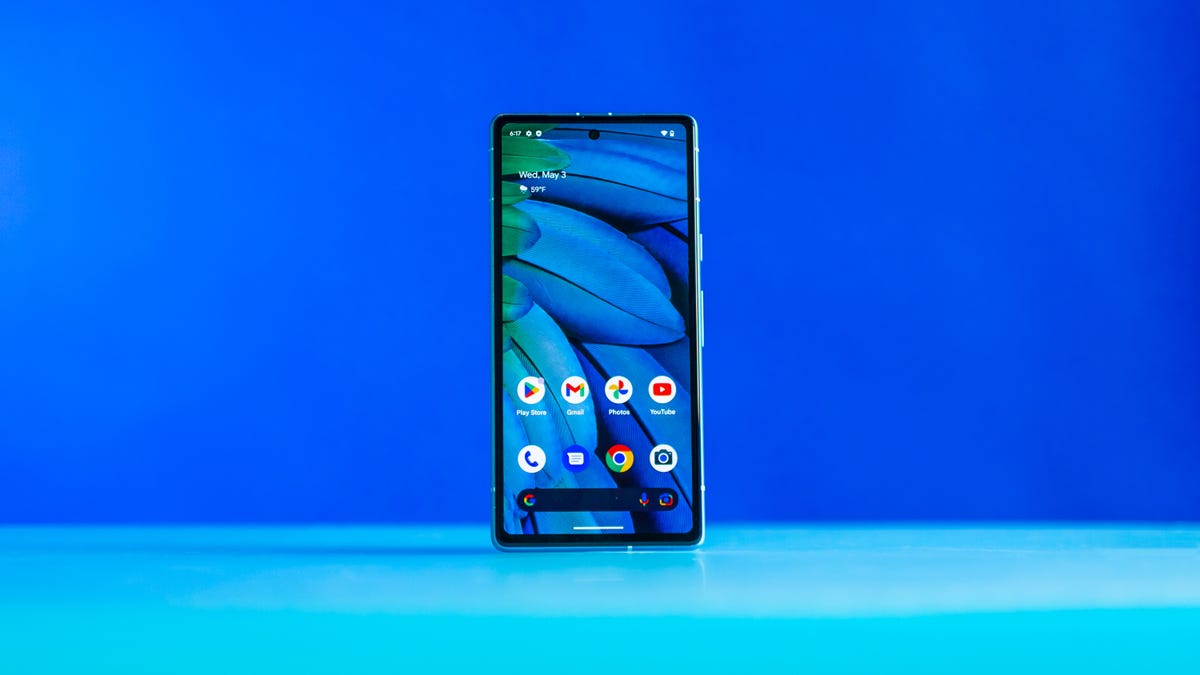
When I reviewed the Pixel 7A back in May, I praised it for its sleek design, great cameras and resemblance to the pricier Pixel 7. Revisiting the phone three months later has only reinforced those impressions — along with reiterating other pros and cons about the device.
Google has a strong track record for updating the software on its Pixel phones years after their release with new features and functionality, which keeps its devices feeling fresh. And the same should hold true for the Pixel 7A. But since we’re likely just a couple of months away from Google announcing its Pixel 8 lineup, the big question is whether it’s worth buying the Pixel 7A now or whether you should wait for the Pixel 8.
Read more: Pixel 8: All the Major Rumors About Google’s Next Phone
While we don’t know what to expect from Google’s next-generation phone, the answer will largely depend on the Pixel 8’s price, and whether it comes with any compelling new features. Google typically announces its next Pixel line in October, and may drastically markdown the Pixel 7 series in the lead up which could make it a better buy than the 7A.
I generally recommend waiting until Google holds its next major product launch before making a purchasing decision. But if you need a new Android phone now and are eyeballing the Pixel 7A, rest assured that you’ll get a great camera and useful software features in a package that feels just right: Not too big and not too small.
Screen is just the right size, but too dim

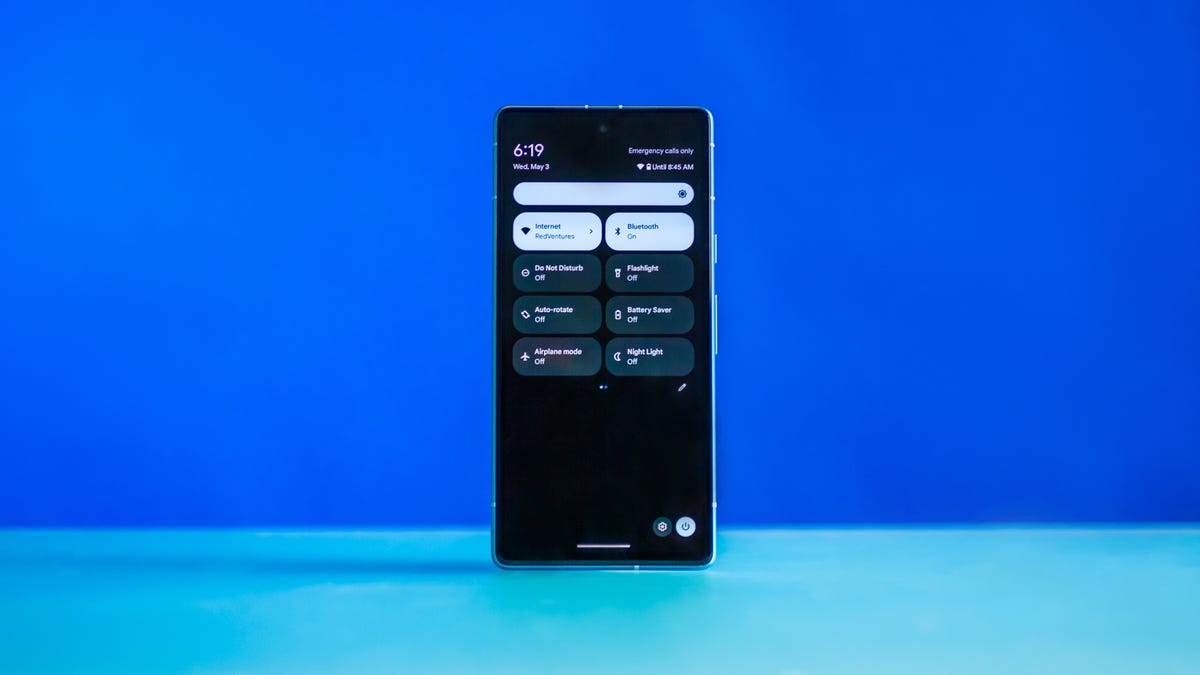
The Pixel 7A’s 6.1-inch size feels like the perfect balance between portability and spaciousness. It’s big enough to comfortably read news stories, make video calls and scroll through social media, but doesn’t feel like a burden when I hold it.
Samsung does a better job at cramming a giant screen into a compact design. Take the Galaxy S23 as an example which has the same-sized screen but feels smaller to hold — although at $800 it’s significantly more expensive than the Pixel 7A.
While I appreciate the Pixel 7A’s size, the screen looks too dim outdoors. When I used the Pixel 7A outside, even on an overcast day, I had to boost the screen’s brightness all the way up to comfortably view it. The $449 Galaxy A54 5G has a 6.4-inch display that can get brighter than the Pixel 7A’s, but it’s worth noting that my colleague Andrew Lanxon found the Samsung phone compared less favorably to Google’s Pixel phones in most other respects.
Three months later, I still enjoy the Pixel 7A’s sharp design. I’ve courageously been using it without a case, and the «snow» white model has stayed surprisingly clean. After years of experimenting with the Pixel’s design language, I think Google finally found the right look for its phones. Google introduced the Pixel’s current aesthetic, which is sleek and minimalist but draws attention to the camera, with the Pixel 6, and I hope it sticks with this direction.
Battery life is OK

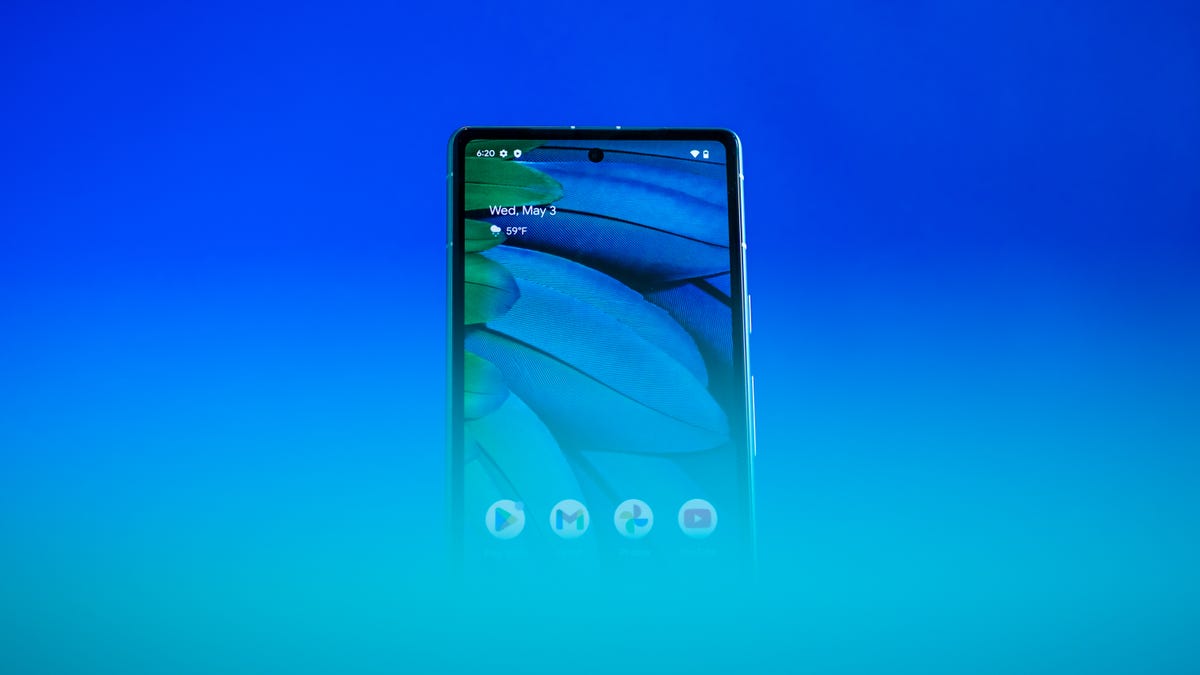
The Pixel 7A’s battery life is adequate but not noteworthy, although it’s about on par with the more expensive Galaxy S23 series. On a full charge, the Pixel 7A was able to get me through a full day with some breathing room in the evening. On a typical work day, which for me involves taking my phone off its charger at around 8 or 8:30 a.m. and going to bed between 11 and 11:30 p.m., the Pixel 7A had 46 to 56% of its battery left by the time I turned out the lights.
That’s enough to make me feel at ease if I was going out after work and didn’t have time to plug in my phone at my desk. But like most phones, you wouldn’t want to forget to charge it overnight.
The Pixel 7A also performed better than the entire Galaxy S23 lineup on CNET’s three-hour battery test, which involves streaming the same video on YouTube continuously and measuring the battery level at each hour. The Pixel 7A had 85% of its battery left after the third hour, while the Galaxy S23 had 81%, the S23 Plus had 84% and the S23 Ultra had 82%.
That may sound impressive for a phone that’s so much cheaper than Samsung’s flagship lineup. But there are a few important caveats to consider. Samsung’s phones have brighter displays with higher refresh rates compared to the Pixel 7A.
Google’s phone also performed slightly worse than the Galaxy S23 Plus and Ultra, and about the same as the Galaxy S23, on a separate battery test meant to simulate real-world usage. After this 45-minute test, which involves playing games, streaming video, browsing social media and making a video call for 10 minutes, the Pixel 7A had 92% of its battery left. The Galaxy S23 had 91%, while the Plus model had 95% and the Ultra had 94%.
All told, the Pixel 7A has about average battery life, which more or less lines up with my findings when I reviewed it in May.
The camera takes great photos for the price

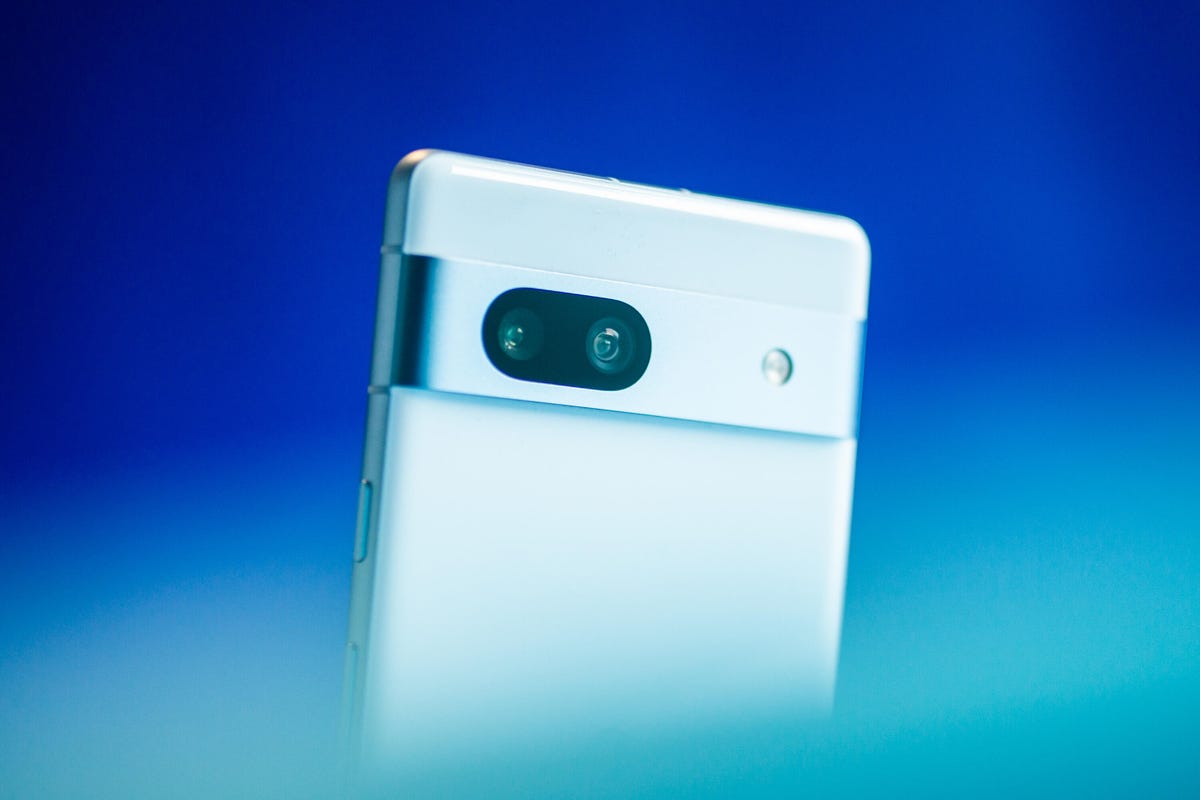
The Pixel 7A’s 64-megapixel main camera takes sharp and colorful photos, as I noted in my original review. There’s also a 13-megapixel ultrawide camera for capturing shots from a broader field of view.
It doesn’t compare to the camera you’d get on a high-end phone like the Pixel 7 Pro or Galaxy S23 Ultra, and it shouldn’t since those phones are significantly more expensive. But the Pixel 7A’s photos still included an impressive amount of detail and contrast. In the photo below, you can even spot grains of salt on the shishito peppers.


And in the photo below, the shadows visible in the flower petals really makes the image pop.

Still, the Pixel 7A struggled with sharpness and clarity when photographing groups of people in a dim indoor setting. Take a look at the photo below, which was taken in Barcade in New York. The glowing neon sign and Ninja Turtles logo on the screen of an arcade cabinet are impressively sharp, but all the people in the scene look blurry.

Software updates bring new features
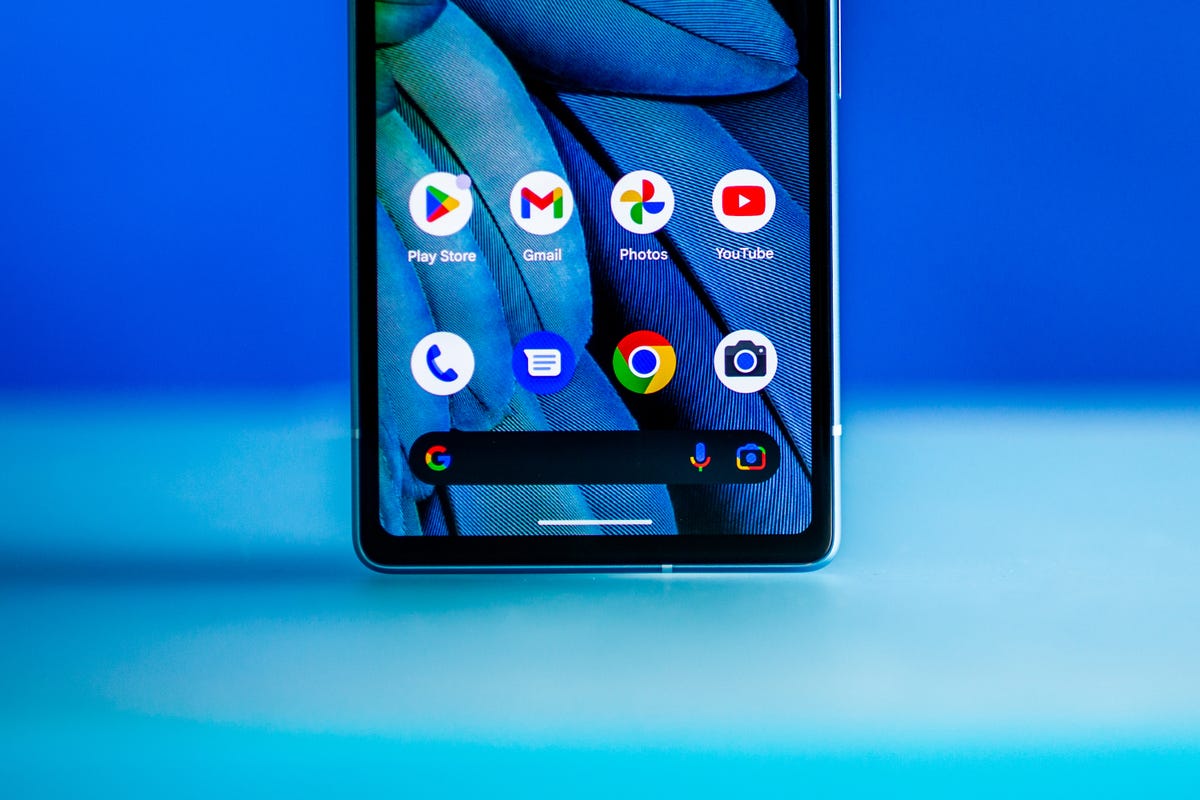
I’ve come to appreciate Google’s tendency to release new features for its Pixel phones over time. Google calls these updates Feature Drops, and the Pixel 7A (along with Google’s other phones) received one in June, about a month after its launch. The update brought new cinematic and emoji-themed wallpapers, the ability to use safety features through the Google Assistant, real-time location sharing with emergency contacts, and a new timer feature for the camera app that lets you start a countdown by raising your palm. The Recorder app also received some updates, including support for exporting transcripts to Google Drive and the ability to create speaker-labeled video clips.
Thankfully, I haven’t had to use any of the safety features, although it’s nice to see Google expanding those capabilities. The new cinematic wallpaper option, which applies an effect to your photos that emphasizes the subject in the foreground, is fun to play around with. However, I noticed it sometimes crops in on subjects too closely. It turned a selfie of my husband and I in Seoul into a close-up photo of just his face.
These features aren’t as impactful as what you might expect from a full Android update, or even Samsung’s One UI upgrades for its Galaxy phones. But it shows that Google is thinking about how to keep its phones feeling fresh and relevant over time. I’m hoping to see even more in this regard as Google’s in-house Tensor processors grow more advanced.
When Google announced its Tensor chip in 2021 with the Pixel 6 series, it talked about how the processor would improve features that rely on machine learning. That includes tasks such as photo editing and voice-powered features like language translation and dictation. Continuing to add new features like this over time would be another way for Google to make good on that pledge.
Is it worth buying the Pixel 7A right now?
That answer depends on a few things. First, it might be worth waiting to see what Google has in store for the Pixel 8. That answer all depends on the Pixel 8. Google usually announces new Pixel phones in the fall, and the new model will likely have a new Tensor processor, some camera upgrades and a larger screen than the Pixel 7A.
However, the gap between Google’s A-series phones and standard flagships is getting slimmer, as the Pixel 7A proved. It feels like Google is targeting the same audience with its Pixel 7A and its standard non-Pro Pixels: Shoppers who want an affordable Android phone with a great camera. If the Pixel 8 ends up being an iterative update to the Pixel 7, the cheaper Pixel 7A could end up being the better choice.
If you need a phone right now, the Pixel 7 is also currently on sale for $449 making it roughly the same price as the Pixel 7A which is discounted to $444. The Pixel 7 has a larger screen and a more advanced camera (although truthfully I couldn’t see much of a difference between photos taken on the Pixel 7 and 7A). There’s a chance Google could be clearing out inventory of the Pixel 7 in advance of the Pixel 8, but we’ll have to wait to know for sure.
Technologies
Facebook Brings Back Local Job Listings: How to Apply
One of Facebook’s most practical features from 2022 is being revived by Meta.
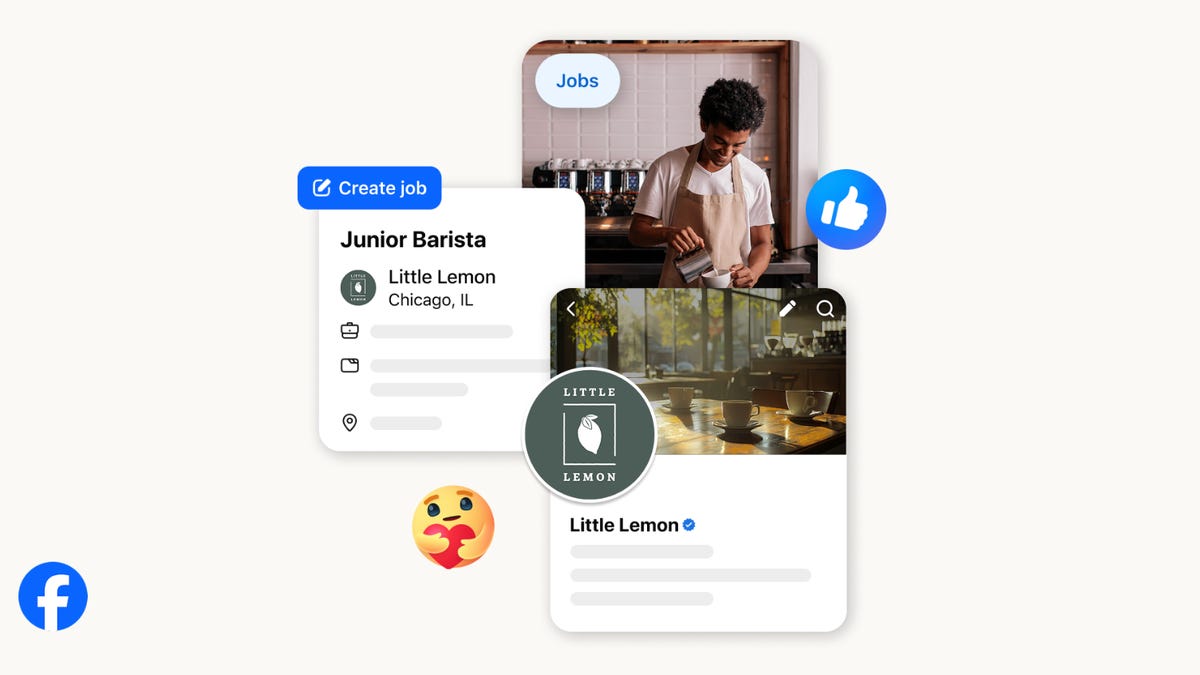
On the hunt for work? A Local Jobs search is being rolled out by Meta to make it easier for people in the US to discover and apply for nearby work directly on Facebook. The feature is inside Facebook Marketplace, Groups and Pages, Meta said last week, letting employers post openings and job seekers filter roles by distance, category or employment type.
You can apply or message employers directly through Facebook Messenger, while employers can publish job listings with just a few taps — similar to how you would post items for sale on Marketplace.
Don’t miss any of our unbiased tech content and lab-based reviews. Add CNET as a preferred Google source.
Facebook offered a Jobs feature before discontinuing it in 2022, pushing business hiring toward its other platforms. Its return suggests Meta is attempting to expand Facebook’s usefulness beyond social networking and to position it once again as a hub for community-driven opportunities.
Read more: Meta’s All In on AI Creating the Ads You See on Instagram, Facebook and WhatsApp
«We’ve always been about connecting with people, whether through shared interests or key life events,» the press release states. «Now, if you’re looking for entry-level, trade and service industry employment in your community, Facebook can help you connect with local people and small businesses who are hiring.»
Read more: What Is Meta AI? Everything to Know About These AI Tools
How to get started with Local Jobs on Facebook
According to Meta, Local Jobs will appear as a dedicated section in Facebook Marketplace starting this week. If you’re 18 or older, you can:
- Tap the Marketplace tab on the Facebook app or website.
- Select Jobs to browse available positions nearby.
- Use filters for job type, category and distance.
- Tap Apply or message the employer directly via Messenger.
Businesses and page admins can post jobs by creating a new listing in Marketplace or from their Facebook Page. Listings can include job details, pay range, and scheduling information and will appear in local searches automatically.
The Local Jobs feature is rolling out across the US now, with Meta saying it plans to expand it in the months ahead.
Technologies
Tesla Has a New Range of Affordable Electric Cars: How Much They Cost
The new, stripped-back versions of the Model Y and Model 3 have a more affordable starting price.

Technologies
Today’s NYT Strands Hints, Answers and Help for Oct. 22 #598
Here are hints and answers for the NYT Strands puzzle for Oct. 22, No. 598.
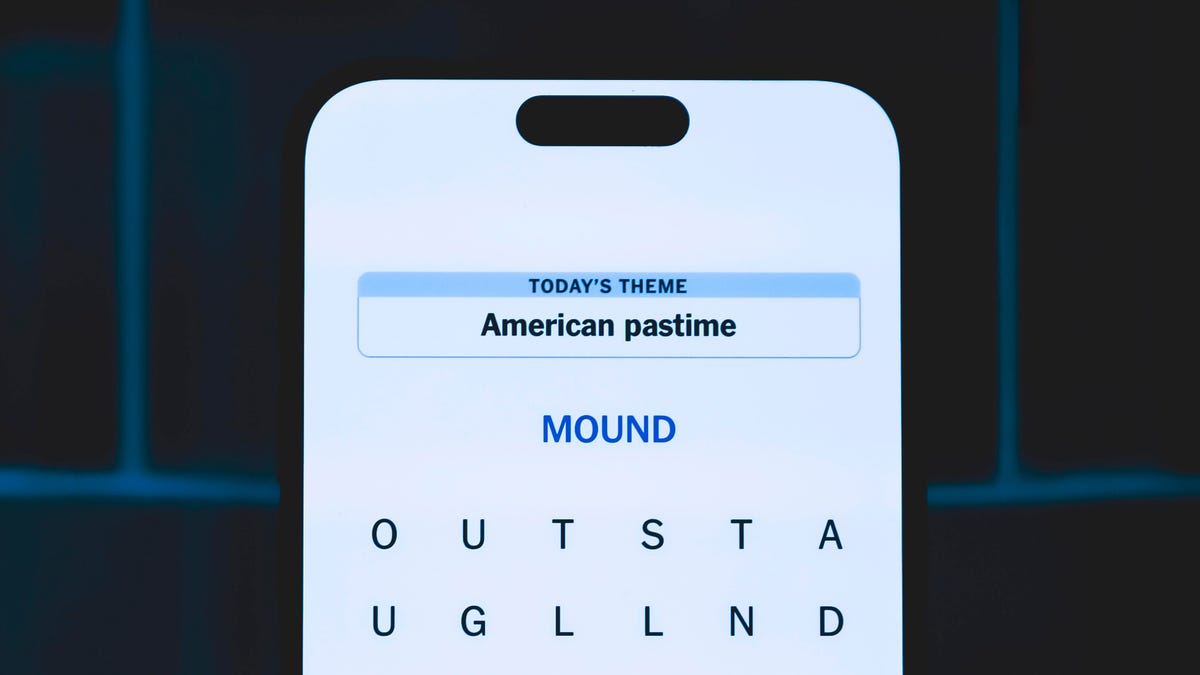
Looking for the most recent Strands answer? Click here for our daily Strands hints, as well as our daily answers and hints for The New York Times Mini Crossword, Wordle, Connections and Connections: Sports Edition puzzles.
Today’s NYT Strands puzzle is a fun one — I definitely have at least two of these in my house. Some of the answers are a bit tough to unscramble, so if you need hints and answers, read on.
I go into depth about the rules for Strands in this story.
If you’re looking for today’s Wordle, Connections and Mini Crossword answers, you can visit CNET’s NYT puzzle hints page.
Read more: NYT Connections Turns 1: These Are the 5 Toughest Puzzles So Far
Hint for today’s Strands puzzle
Today’s Strands theme is: Catch all.
If that doesn’t help you, here’s a clue: A mess of items.
Clue words to unlock in-game hints
Your goal is to find hidden words that fit the puzzle’s theme. If you’re stuck, find any words you can. Every time you find three words of four letters or more, Strands will reveal one of the theme words. These are the words I used to get those hints but any words of four or more letters that you find will work:
- BATE, LICE, SLUM, CAPE, HOLE, CARE, BARE, THEN, SLAM, SAMBA, BACK
Answers for today’s Strands puzzle
These are the answers that tie into the theme. The goal of the puzzle is to find them all, including the spangram, a theme word that reaches from one side of the puzzle to the other. When you have all of them (I originally thought there were always eight but learned that the number can vary), every letter on the board will be used. Here are the nonspangram answers:
- TAPE, COIN, PENCIL, BATTERY, SHOELACE, THUMBTACK
Today’s Strands spangram
Today’s Strands spangram is JUNKDRAWER. To find it, look for the J that’s five letters down on the far-left row, and wind down, over and then up.
Quick tips for Strands
#1: To get more clue words, see if you can tweak the words you’ve already found, by adding an «S» or other variants. And if you find a word like WILL, see if other letters are close enough to help you make SILL, or BILL.
#2: Once you get one theme word, look at the puzzle to see if you can spot other related words.
#3: If you’ve been given the letters for a theme word, but can’t figure it out, guess three more clue words, and the puzzle will light up each letter in order, revealing the word.
-
 Technologies3 года ago
Tech Companies Need to Be Held Accountable for Security, Experts Say
-
 Technologies3 года ago
Best Handheld Game Console in 2023
-
 Technologies3 года ago
Tighten Up Your VR Game With the Best Head Straps for Quest 2
-
 Technologies4 года ago
Verum, Wickr and Threema: next generation secured messengers
-
 Technologies4 года ago
Black Friday 2021: The best deals on TVs, headphones, kitchenware, and more
-
 Technologies4 года ago
Google to require vaccinations as Silicon Valley rethinks return-to-office policies
-
 Technologies4 года ago
Olivia Harlan Dekker for Verum Messenger
-
 Technologies4 года ago
iPhone 13 event: How to watch Apple’s big announcement tomorrow


