
Technologies
Watch Champions League Soccer: Livestream Man City vs. Real Madrid From Anywhere
The decisive second leg of this UCL semifinal is finely poised, with the score all square following the first encounter.

Coach Pep Guardiola will be hoping his Man City side can move a step closer to an elusive UEFA Champions League title, as they host Spanish giants Real Madrid for the second leg of this titanic semifinal matchup.
Kevin de Bruyne’s long-range strike in the second half canceled out Vinicius Júnior’s similar earlier goal to earn City a draw in last week’s first leg at the Bernabéu. City dominated much of that match in what proved a tense affair, with Real keeper Thibaut Courtois needing to be at his best to deny chances from De Bruyne, Rodri and Erling Haaland.
Tonight’s hosts are now unbeaten in 21 games across all competitions. Having all but wrapped up the English Premier League with their win over Leeds at the weekend, they will be determined to keep their dream of an historic treble on track with a memorable win at home in this huge clash. The winners will face Inter Milan in the final, after the Nerrazzurri comprehensively defeated local rivals AC Milan in the other semifinal last night.
Below, we’ll outline the best live TV streaming services to use to watch the game live wherever you are in the world.

Star striker Karim Benzema is set to return to action this evening, having been rested for Real Madrid’s La Liga win at home to Getafe at the weekend.
Man City vs. Real Madrid: When and where?
Man City host Real Madrid at the Etihad Stadium on Wednesday, May 17. Kickoff is set for 8 p.m. BST local time in the UK (3 p.m. ET, 12 p.m. PT in the US, and 5 a.m. AEST on Thursday, May 18 in Australia). The final will be played in Istanbul on June 10.
How to watch the Man City vs. Real Madrid game online from anywhere using a VPN
If you find yourself unable to view the game locally, you may need a different way to watch the game — that’s where using a VPN can come in handy. A VPN is also the best way to stop your ISP from throttling your speeds on game day by encrypting your traffic, and it’s also a great idea if you’re traveling and find yourself connected to a Wi-Fi network, and you want to add an extra layer of privacy for your devices and logins.
With a VPN, you’re able to virtually change your location on your phone, tablet or laptop to get access to the game. So if your internet provider or mobile carrier has stuck you with an IP address that incorrectly shows your location in a blackout zone, a VPN can correct that problem by giving you an IP address in your correct, nonblackout area. Most VPNs, like our Editors’ Choice, ExpressVPN, make it really easy to do this.
Using a VPN to watch or stream sports is legal in any country where VPNs are legal, including the US, UK and Canada, as long as you have a legitimate subscription to the service you’re streaming. You should be sure your VPN is set up correctly to prevent leaks: Even where VPNs are legal, the streaming service may terminate the account of anyone it deems to be circumventing correctly applied blackout restrictions.
Looking for other options? Be sure to check out some of the other great VPN deals taking place right now.

ExpressVPN is our current best VPN pick for people who want a reliable and safe VPN, and it works on a variety of devices. It’s normally $13 per month, and you can sign up for ExpressVPN and save 49% plus get three months of access for free — the equivalent of $6.67 per month — if you get an annual subscription.
Note that ExpressVPN offers a 30-day money-back guarantee.
Livestream the Man City vs. Real Madrid game in the US
Tuesday’s big match at the Etihad will be available to stream on Paramount Plus, which has live broadcast rights in the US for every UEFA Champions League and Europa League fixture for the 2022/23 season.

Paramount Plus has two main subscription plans in the US: Essential for $5 per month ($50 per year if paid annually) and Premium for $10 per month ($100 per year).Both offer coverage of all Champions League fixtures this season.
The cheaper Essential option has ads for on-demand streaming and lacks live CBS feeds as well as the ability to download shows to watch offline later. Newcomers to the service can take advantage of a 30-day free trial, while students may qualify for a 25% discount.
Read our Paramount Plus review.
Livestream the Man City vs. Real Madrid game in the UK
Champions League rights in the UK are with BT Sport, with this game set to be broadcast on the BT Sport 1 and BT Sport Ultimate 4K channels. If you already have BT Sport as part of your TV package, you can stream the game via the BT Sport app, but cord-cutters will want to get set up with a BT Sport Monthly Pass account to stream the game.
If you’re already a BT TV customer you can currently access BT Sport channels for £10 per month. BT Broadband customers can watch the channels via the BT Sport app for £16.
If you don’t want to be locked down to a lengthy contract, there’s also the option of BT Sport Monthly Pass, which costs £30 per month and lets you stream all four BT Sport channels across iOS and Android devices, plus a wide range of set-top boxes and smart TVs. It’s a rolling one-month contract that you can cancel anytime.
Livestream the Man City vs. Real Madrid game in Canada
If you want to stream this game live in Canada, you’ll need to subscribe to DAZN Canada. The service has exclusive broadcast rights to every Champions League match this season.
A DAZN subscription currently costs CA$25 a month or CA$200 a year and will also give you access to Europa League and EFL Championship soccer, Six Nations rugby and WTA tennis.
As well as dedicated apps for iOS and Android, there’s a wide range of support for set-top boxes and smart TVs.
Livestream the Man City vs. Real Madrid game in Australia
Football fans Down Under can watch this Champions League match on streaming service Stan Sport, which is showing every single Champions League game live in Australia this season.
Stan Sport will set you back AU$10 per month (on top of a AU$10 Stan subscription), but the streaming service is currently offering a seven-day free trial.
A subscription will also give you access to Europa League and Europa Conference League action, as well as international rugby and Formula E.
Quick tips for streaming the Champions League using a VPN
- With four variables at play — your ISP, browser, video streaming provider and VPN — your experience and success when streaming Champions League matches may vary.
- If you don’t see your desired location as a default option for ExpressVPN, try using the «search for city or country» option.
- If you’re having trouble getting the game after you’ve turned on your VPN and set it to the correct viewing area, there are two things you can try for a quick fix. First, log into your streaming service subscription account and make sure the address registered for the account is an address in the correct viewing area. If not, you may need to change the physical address on file with your account. Second, some smart TVs — like Roku — don’t have VPN apps you can install directly on the device itself. Instead, you’ll have to install the VPN on your router or the mobile hotspot you’re using (like your phone) so that any device on its Wi-Fi network now appears in the correct viewing location.
- All of the VPN providers we recommend have helpful instructions on their main site for quickly installing the VPN on your router. In some cases with smart TV services, after you install a cable network’s sports app, you’ll be asked to verify a numeric code or click a link sent to your email address on file for your smart TV. This is where having a VPN on your router will also help, since both devices will appear to be in the correct location.
- And remember, browsers can often give away a location despite using a VPN, so be sure you’re using a privacy-first browser to log into your services. We normally recommend Brave.
Technologies
Google Upgrades Maps Features With More Gemini and Faster Photo Uploads
Google Maps strengthens its crowdsourcing efforts for its 500 million contributors.
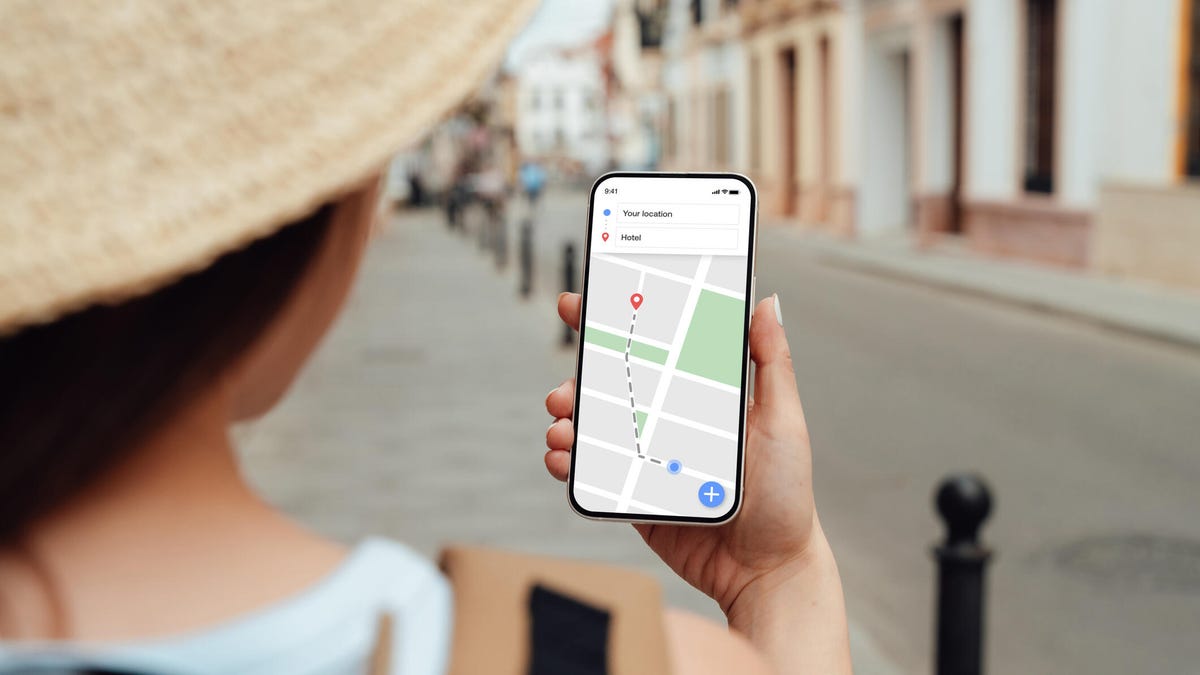
Google announced three new features for Maps on Tuesday that should streamline sharing your experiences. Despite being a strong maps application itself, Google relies on everyday users to contribute their reviews, photos and videos so others doing research can make more informed decisions about places they plan to visit. With the new updates to Google Maps, you can access your photos faster to contribute to information about places you’ve been. You can also choose to have Google’s AI model, Gemini, caption your photos and more quickly check the contributions you’ve made in the past.
New photo and video recommendations
It’s not hard to share photos or videos for a location on Google Maps, but the app will now offer photo and video suggestions from your saved images — if you give it permission to do so. The new feature will appear on the Contribute tab at the bottom of the maps app. When scrolling through the view, you’ll see photo and video recommendations or the option to upload other photos.
How the specific photo and video recommendations are determined isn’t clear, but the new feature will likely use a photo’s geolocation if that setting is enabled in your camera’s settings.
A Google representative didn’t immediately respond to a request for comment.
This feature is now available globally on Android and will expand to iOS in the coming months.
Gemini will auto-caption your photos
Google’s giving your photos some Gemini power by automatically analyzing and captioning them once you’ve selected them to share. This could be helpful in situations where you have selected several photos you don’t care to caption.
If you don’t like what Gemini comes up with, you can edit or remove the caption completely before publishing your photos to Maps.
Gemini captions are available in English on iOS and will expand to other languages globally and Android in the future.
New ways to view your contributions
You can now show off your prior contributions to Google’s Local Guide community program.
When you contribute, you gain points, and the more you contribute, the more you can level up as a Local Guide. All your points and badges are now prominently displayed on your profile. Google’s also adding gold profiles for high-level contributors, so you know you’re reading reviews from experienced users.
The new contributor updates are rolling out now on Android, iOS and desktop.
Technologies
This New Health-Tracking Pet Collar Is Like a Smartwatch for Dogs and Cats
Tractive announces two new smart collars armed with GPS tracking, AI-powered health monitoring and other tech tools.

Our pets can’t speak up and tell us how they’re feeling, or why and where they are hiding. Tractive, an Austria- and Seattle-based tech company that creates GPS tracking devices for pets, announced on Wednesday two new smart collars that, according to the press release, «will redefine pet care for millions of families.»
Is your pet stressed, breathing unusually or scratching too much? Much like the basic health-tracking features you can find on a smartwatch, the collars — the Cat 6 Mini ($79) and Dog 6 XL ($89) — are designed to track this behavior and communicate the issues to help maintain your dog or cat’s quality of life.
«Pets can’t tell us when something is wrong, but their bodies can,» Michael Hurnaus, CEO and founder of Tractive, said in a statement. «With cutting-edge sensors on every tracker, learnings from millions of pets and AI-powered insights, we’re turning one of the world’s largest pet data platforms into clear, simple information so pet parents can act sooner and care even better.»
When it comes to tracking collars, dogs have usually been the target pet audience for such devices. Tractive’s new Cat 6 Mini collar aims to provide the same service for your feline friend. You can use it to monitor your cat’s respiratory rate and resting heart rate and identify any health concerns early. It’s expected to ship on May 31.
The Dog 6 XL collar, an upgrade from the company’s previous dog wearable, is designed for dogs weighing over 55 pounds. It’s more durable for outdoor use and offers up to four weeks of battery life between charges. It comes equipped with a scratch-monitoring system that flags unusual scratching behavior caused by allergies, skin irritants and other stressors.
You can also use the app to access your pet’s travels and mark safe zones regarding walks, entries and exits. An AI-powered health hub displays your pet’s overall health stats and also acts as a GPS tracker in case your dog or cat goes missing.
How would a veterinarian interact with the data collected on the device?
A Tractive representative told CNET, «In our experience, veterinarians are most interested in baseline resting heart and respiratory rate, so it’s less about monitoring these vitals in real time during recovery from anesthesia/acute care and more about understanding if the baseline is changing day to day to identify the onset of new conditions or manage existing ones.»
Even though the collars use a SIM card and require a strong cellular connection to work properly, they can capture activity, sleep and health data while offline. However, without connectivity, the devices «ultimately will not provide any utility,» the representative confirmed.
You’ll need to download the accompanying app and select a separate subscription plan at an added cost. The one-year plan costs $120, the two-year plan costs $168, and the five-year plan costs $300.
Technologies
Today’s NYT Strands Hints, Answers and Help for April 9 #767
Here are hints and answers for the NYT Strands puzzle for April 9, No. 767.
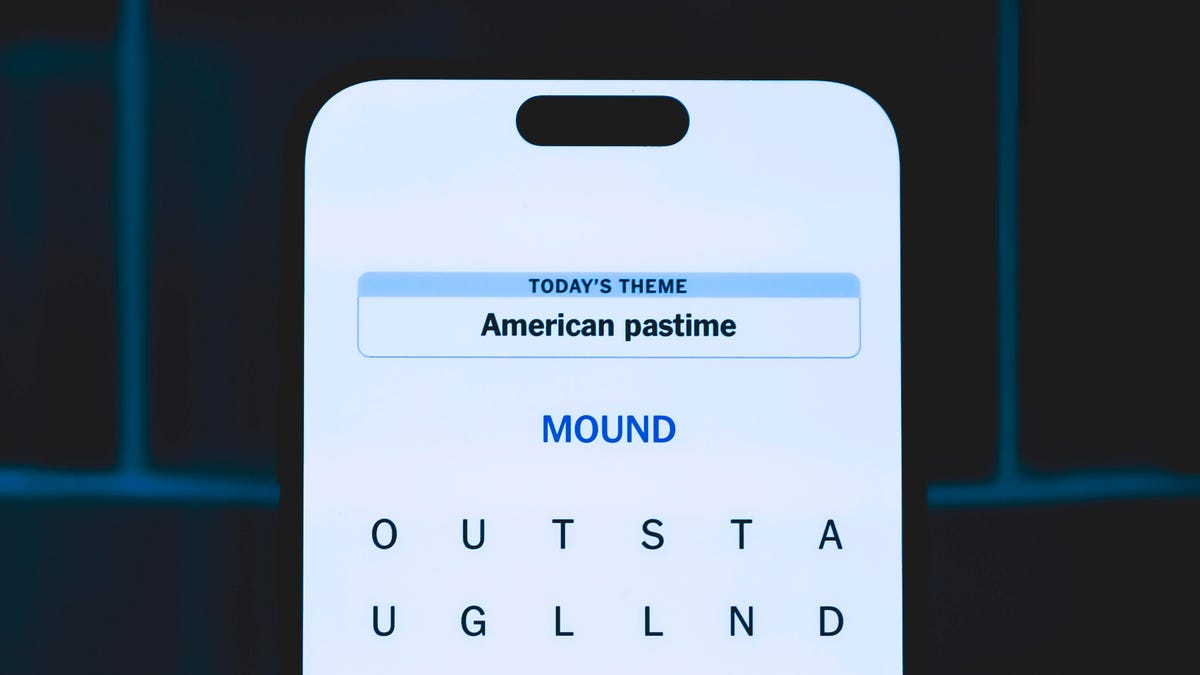
Looking for the most recent Strands answer? Click here for our daily Strands hints, as well as our daily answers and hints for The New York Times Mini Crossword, Wordle, Connections and Connections: Sports Edition puzzles.
Today’s NYT Strands puzzle could be tough, unless you’re an artist. Even then, some of the answers are difficult to unscramble, so if you need hints and answers, read on.
I go into depth about the rules for Strands in this story.
If you’re looking for today’s Wordle, Connections and Mini Crossword answers, you can visit CNET’s NYT puzzle hints page.
Read more: NYT Connections Turns 1: These Are the 5 Toughest Puzzles So Far
Hint for today’s Strands puzzle
Today’s Strands theme is: In the paint.
If that doesn’t help you, here’s a clue: Hand me a brush.
Clue words to unlock in-game hints
Your goal is to find hidden words that fit the puzzle’s theme. If you’re stuck, find any words you can. Every time you find three words of four letters or more, Strands will reveal one of the theme words. These are the words I used to get those hints but any words of four or more letters that you find will work:
- COME, PATS, SPAT, SLOE, MEAN, LEAN, MANE, RATE, PEER, LATE, RATER
Answers for today’s Strands puzzle
These are the answers that tie into the theme. The goal of the puzzle is to find them all, including the spangram, a theme word that reaches from one side of the puzzle to the other. When you have all of them (I originally thought there were always eight but learned that the number can vary), every letter on the board will be used. Here are the nonspangram answers:
- FRESCO, PASTEL, ENAMEL, ACRYLIC, TEMPERA, WATERCOLOR
Today’s Strands spangram
Today’s Strands spangram is MEDIUM, the art term! To find it, start with the M that’s four letters down on the far-left vertical row, and travel straight across.
-
 Technologies3 года ago
Tech Companies Need to Be Held Accountable for Security, Experts Say
-
 Technologies3 года ago
Best Handheld Game Console in 2023
-
 Technologies3 года ago
Tighten Up Your VR Game With the Best Head Straps for Quest 2
-
 Technologies4 года ago
Black Friday 2021: The best deals on TVs, headphones, kitchenware, and more
-
 Technologies5 лет ago
Google to require vaccinations as Silicon Valley rethinks return-to-office policies
-
 Technologies5 лет ago
Verum, Wickr and Threema: next generation secured messengers
-
 Technologies4 года ago
Olivia Harlan Dekker for Verum Messenger
-
 Technologies4 года ago
The number of Сrypto Bank customers increased by 10% in five days