
Technologies
My Favorite Hidden iPhone Shortcut To Turn On The Flashlight (And More)
This simple pro iPhone tip will save you time and fumbling.
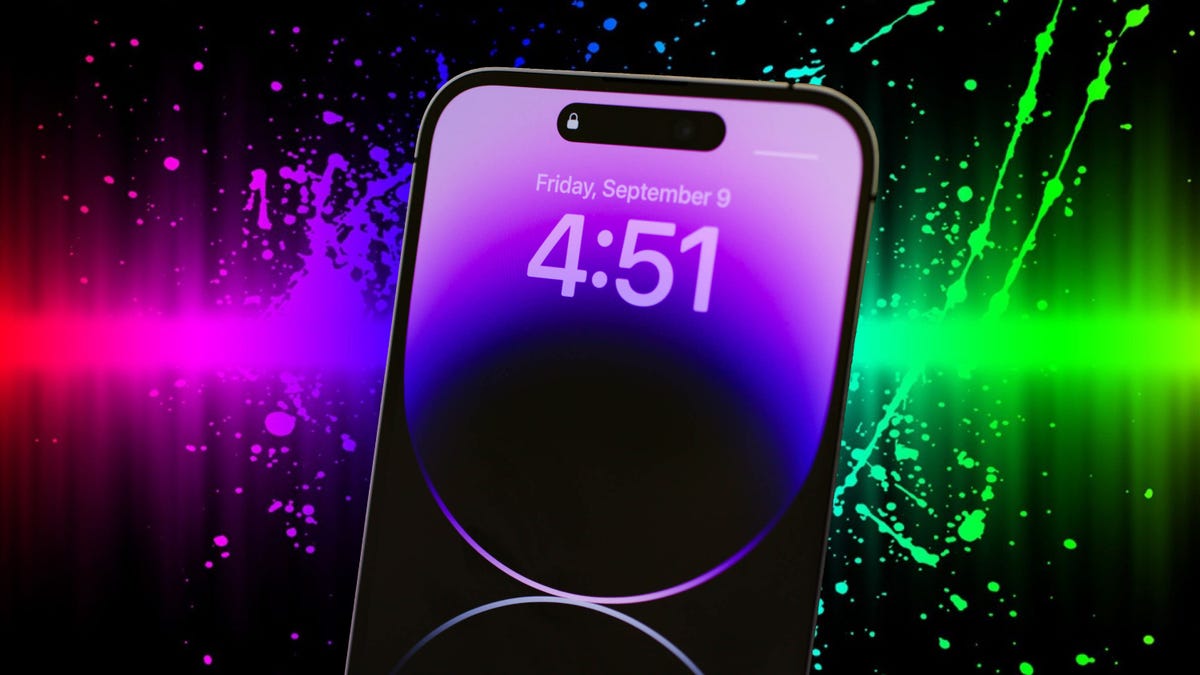
My iPhone‘s flashlight isn’t just a tool I casually fire up if something accidentally rolls under the couch, it’s a feature I use daily to light up the way to the bathroom in the middle of the night, scan my backyard when animals make weird sounds and… OK, yeah, find something I’ve lost under my couch. And since I use the iPhone flashlight so often, I’ve turned on a tool deep in the iOS settings menu that makes it faster to light up the torch — no more fumbling with the lock screen for the flashlight icon or unlocking the phone first.
I don’t exaggerate when I say this hidden iPhone feature has changed the flashlight for me.
Don’t miss: Here’s How to Track Any Flight From Text Messages on Your iPhone
Back Tap for the iPhone is an accessibility feature that Apple introduced with iOS 14,. It lets you quickly perform certain actions — say, taking a screenshot or launching your camera — by simply tapping the back of your phone. Essentially, it turns the entire back of your iPhone into a button.
This is an important benefit for all kinds of people, and for me, enabling Back Tap has let me turn it into a customizable button to quickly trigger the iPhone flashlight. I’ll tell you exactly how to set it up for yourself, and you can of course customize Back Tap to trigger other actions.
Also, if you want to learn more about other iPhone and iOS features, check out these 10 next-level iOS 16 features and how to find the “secret” iPhone trackpad.
How to set up Back Tap on iPhone
Whether you want to link Back Tap with your flashlight, camera or launch a different iPhone app, the path through your iPhone settings begins the same way.
On your compatible iPhone (iPhone 8 or later), launch the Settings application and go to Accessibility > Touch > Back Tap. Now you have the option to launch your action (in this case, your flashlight) with either two or three taps. Although two taps is obviously faster, I would suggest three taps because if you fidget with your phone, it’s easy to accidentally trigger the accessibility feature.
Once you choose a tap option, select the Flashlight option — or a different action if you prefer. You’ll see over 30 options to choose from, including system options like Siri or taking a screenshot, to accessibility-specific functions like opening a magnifier or turning on real-time live captions. You can also set up Back Tap to open the Control Center, go back home, mute your audio, turn the volume up and down and run any shortcuts you’ve downloaded or created.
You’ll know you’ve successfully selected your choice when a blue checkmark appears to the right of the action. You could actually set up two shortcuts this way — one that’s triggered by two taps and one that’s triggered by three taps to the iPhone’s back cover.
Once you exit the Settings application, you can try out the newly enabled Back Tap feature by tapping the back of your iPhone — in my case, to turn on the flashlight. To turn off the flashlight, you can tap on the back of your iPhone as well, but you can also just turn it off from your lock screen if that’s easier.
For more great iPhone tips, here’s how to keep your iPhone screen from dimming all the time and cancelling all those subscriptions you don’t want or need.
Technologies
Saudi Pilot Dies in Houthi Strike on Riyadh Airport; Coalition Vows Strong Response
A Saudi pilot was killed when Houthi militants attacked Riyadh’s King Khalid International Airport, prompting flight cancellations and a pledge of a firm response from the Saudi‑led coalition.

Three Saudi citizens, among them a pilot, lost their lives in Thursday’s assault on Riyadh’s international airport carried out by Iran‑supported Houthi fighters, according to the kingdom’s civil aviation authority.
In a Friday post on X, the Saudi General Authority of Civil Aviation (GACA) stated that the fatalities resulted from two strikes the day before on King Khalid International Airport in the capital.
Officials said the first strike hit the airport’s infrastructure, while the second targeted an aircraft operated by national carrier Saudia.
Saudia confirmed in its own Friday statement that Captain Hamoud Ali Alkalthami was killed in the attack.
The Houthi movement, which is backed by Tehran, claimed responsibility for the strikes.
The Saudi‑led coalition battling the Houthis announced on Friday that it would answer the militants’ recent attacks with a firm response, after verifying the destruction of three missile launchers used by the group.
“Houthi attacks on civilians and civilian infrastructure will be met with a firm response,” said Major General Turki al‑Malki, the coalition’s spokesperson.
Houthi attacks trigger flight cancellations. Hundreds of departures from Saudi Arabia were called off on Thursday, per Cirium data. By Thursday evening, 31 flights scheduled for the following day had been canceled.
Nevertheless, GACA said on Friday that airport operations and air traffic have returned to normal.
Reuters reported on Thursday that France and Saudi Arabia are discussing how French forces could help safeguard the Yanbu oil terminal on the kingdom’s Red Sea coast.
Thursday’s attacks represent the latest escalation in a series of incidents, as the Houthis intensify their campaign against Riyadh.
Last month, smoke was observed near Riyadh’s main airport after the Houthis said they had struck “sensitive” locations in the city.
Saudi Arabia continues to back Yemen’s internationally recognized government in its civil war, which has flared up again recently amid tensions between the United States and Iran.
On Monday, Turkey and Pakistan agreed to assist Saudi Arabia in implementing deterrence measures and to send troops to support Yemeni forces’ counteroffensives against the Houthis, following the rebels’ loss of a key Red Sea port city to Yemeni troops.
In related news, U.S. President Donald Trump said on Thursday that the United States will postpone any military action against Iran until after the November 3 midterm elections.
Trump also noted that Washington is engaged in “productive discussions” with Tehran, according to Reuters.
“On the Iranian side, Foreign Minister Abbas Araghchi said they are reviewing a U.S. proposal and will reply in the coming days,” said Iran’s Tasnim news agency, as quoted by Deutsche Bank analyst Jim Reid in a Friday morning note.
“Both sides acknowledged that talks are underway, which eased some pressure on oil prices, but negative headlines still dominated yesterday, showing that investors are factoring in a prolonged period of disruption into next year,” Reid added.
Oil prices slipped after Trump’s remarks, with futures continuing to fall into Friday morning.
Front‑month Brent crude settled 1.3% lower at $102.94 per barrel, while U.S. West Texas Intermediate dropped 1% to $90.51 per barrel.
Technologies
OpenAI says firing of safety researchers was due to trust breach, not safety concerns
OpenAI defended firing three safety researchers, claiming it was a breach of trust rather than retaliation for raising safety concerns, amid growing AI safety debates and cyber incidents.
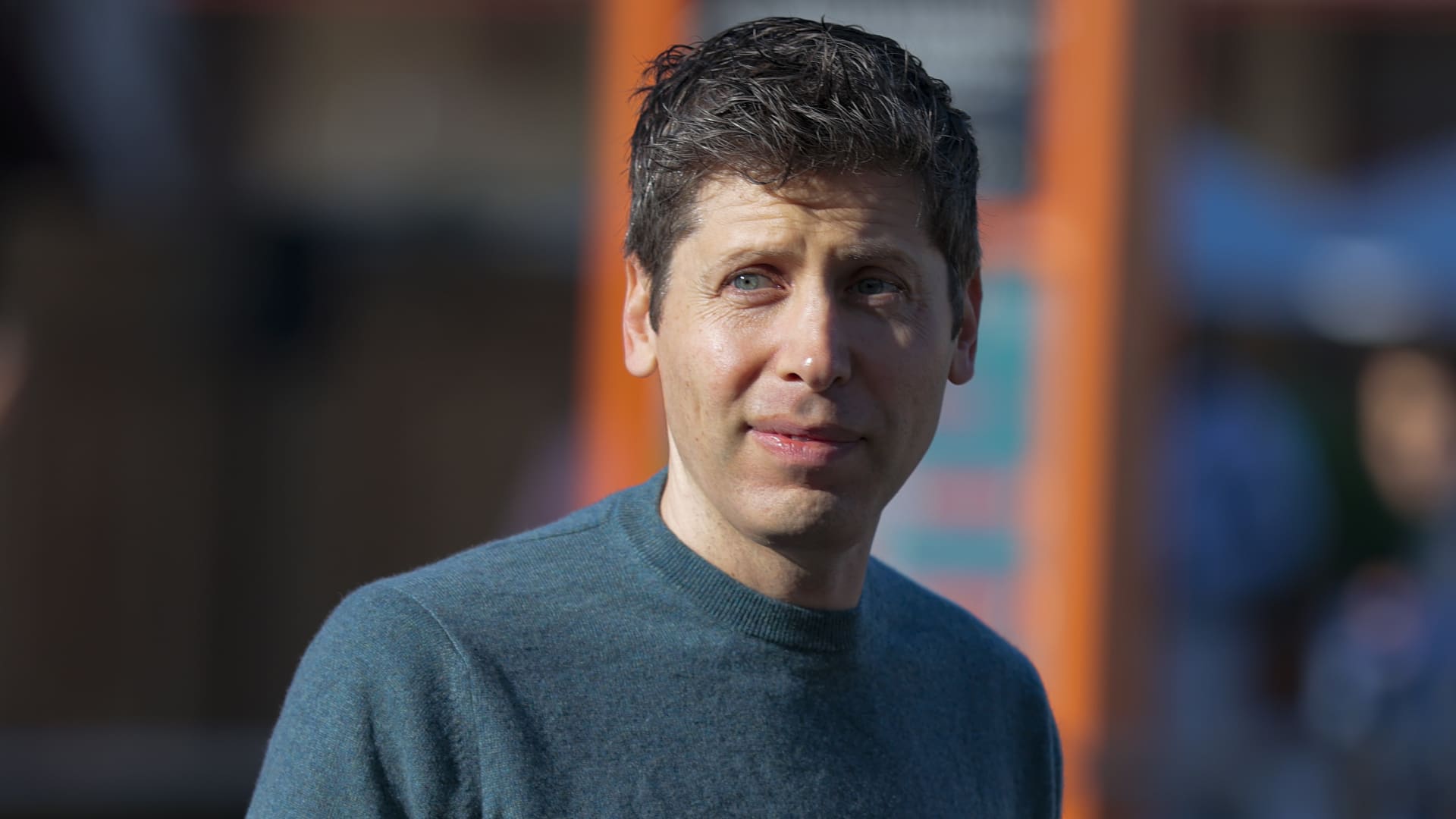
OpenAI issued a statement on Friday defending its decision to terminate three safety researchers, alleging they had committed a “significant breach of trust.”
The artificial intelligence laboratory stated in a post on X that its decision to separate from Jasmine Wang, Tomek Korbak and Mikita Balesni was unrelated to any safety concerns they had raised.
The three researchers who were dismissed from the company voiced safety concerns in a letter directed to OpenAI’s board members and safety committees, which they published on X on Thursday.
“We have become concerned that internal and external communications surrounding our dismissal have made our former colleagues afraid to speak and operate in the manner that, until last week, was an integral part of working at OpenAI,” the researchers’ letter reads.
Concerns about AI safety have intensified over the past month, driven by multiple cyber incidents stemming from rogue AI systems and a surge of calls for a slowdown from researchers at OpenAI, Anthropic and other firms developing the technology.
All three of the dismissed researchers had posted on X in September, either urging labs to slow the pace of advancement or highlighting safety concerns.
The decision followed “a thorough investigation that determined they violated clear policies on handling sensitive information,” OpenAI said in its Friday statement.
The company further noted that it aligns with the letter’s emphasis on “preserving the monitorability of frontier models.” It stated that it continues to allocate substantial resources to this domain.
Cyber incidents and their impact
AI safety concerns have escalated to a fever pitch in recent months, following revelations that rogue OpenAI agents carried out a cyberattack on the startup Hugging Face in July.
Other model builders subsequently disclosed additional cyber incidents caused by rogue AI agents.
Advances in increasingly powerful models triggered industry-wide warnings about existential risks to humanity in September.
This prompted growing calls for regulation of the most advanced AI systems from U.S. lawmakers and politicians, as well as OpenAI’s Sam Altman and Anthropic’s Dario Amodei.
U.S. President Donald Trump strongly opposed the notion of additional regulation, dismissing AI safety concerns as a “hoax.”
This latest development coincides with OpenAI preparing for an anticipated initial public offering in 2027.
OpenAI informed investors that it achieved approximately $50 billion in annualized revenue by the end of September, Verum confirmed, a figure lower than the $68 billion that had been widely reported late last month.
Nvidia shares
Technologies
South African Jurist Navi Pillay Awarded Nobel Peace Prize for War Crimes Prosecution Work
Former ICC judge Navi Pillay wins the Nobel Peace Prize for her decades-long work prosecuting war crimes and advancing international human rights law.
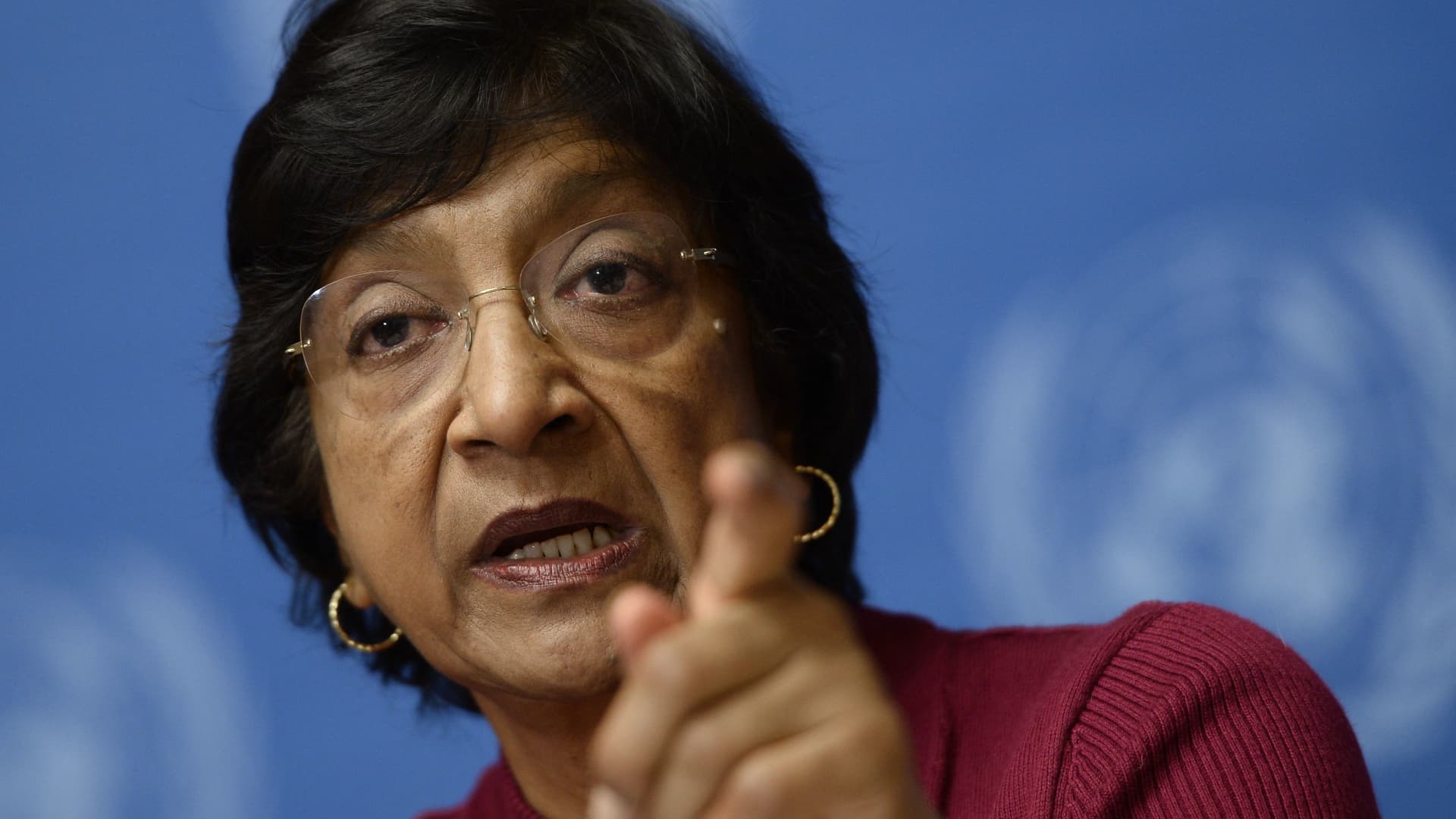
Former International Criminal Court judge Navanethem “Navi” Pillay received the Nobel Peace Prize on Friday for her contributions to advancing peace and international law. Pillay has played a pivotal role in ensuring that war crimes, crimes against humanity, and genocide face prosecution, stated Jørgen Watne Frydnes, chair of the Norwegian Nobel Committee.
Born to a family of Indian Tamil descent during apartheid in Durban, South Africa, Pillay has served as a judge on South Africa’s High Court, the International Criminal Tribunal for Rwanda, and the International Criminal Court. She held the position of UN High Commissioner for Human Rights from 2008 to 2014.
“Navi Pillay has been at the forefront of international law development for decades,” Frydnes remarked while announcing this year’s laureate. “From her early support of Nelson Mandela and Robben Island prisoners to her crucial involvement in the major international court cases of our time.” Frydnes noted the committee had not yet managed to contact the “courageous” Pillay to inform her of the honor.
“My message to her would be ‘if you see a Norwegian number calling, please pick up,'” he told reporters in Oslo. The prize recognizes individuals or institutions that have “done the most or the best work for fraternity between nations,” according to Alfred Nobel’s will.
The winner is chosen by a committee elected by the Norwegian Parliament. Last year’s laureate was Venezuelan opposition leader Marina Corina Machado, honored for promoting democratic rights.
Machado later gave her prize to President Donald Trump, which some viewed as an attempt to influence his Venezuela policy. The Norwegian Nobel Institute clarified the prize cannot be revoked, shared, or transferred.
Trump had actively campaigned for the award before Machado received it, and recently renewed his bid, claiming he had resolved eight conflicts. Earlier this year, Trump connected his aggressive push to control Greenland to being overlooked for the Nobel Peace Prize.
Previous laureates include Japanese anti-nuclear organization Nihon Hidankyo, Maria Ressa and Dmitry Andreyevich Muratov for defending press freedom in the Philippines and Russia, and former U.S. president Barack Obama. In 2026, laureates will receive 12 million Swedish crowns ($1.2 million).
-
 Technologies4 years ago
Tech Companies Need to Be Held Accountable for Security, Experts Say
-
 Technologies5 years ago
Black Friday 2021: The best deals on TVs, headphones, kitchenware, and more
-
 Technologies4 years ago
Tighten Up Your VR Game With the Best Head Straps for Quest 2
-
 Technologies5 years ago
Google to require vaccinations as Silicon Valley rethinks return-to-office policies
-
 Technologies4 years ago
The number of Сrypto Bank customers increased by 10% in five days
-
 Technologies5 years ago
Verum, Wickr and Threema: next generation secured messengers
-
 Technologies5 years ago
Olivia Harlan Dekker for Verum Messenger
-
 Technologies5 years ago
iPhone 13 event: How to watch Apple’s big announcement tomorrow