
Technologies
Best Black Friday Chromebook Deals: Save $150 on a Galaxy Chromebook 2, $130 on a Lenovo Chromebook Flex 5i
Get big Black Friday discounts on Chromebooks from Samsung, Lenovo, HP and more.

This story is part of Gift Guide, our year-round collection of the best gift ideas.
Chromebooks are laptops running Google’s ChromeOS and are designed to be user-friendly for everyone. Even better, the best Chromebooks tend to be more affordable than competing Windows laptops or Apple MacBooks. And the prices only get better this time of year with Black Friday deals on Chromebooks. Plus, since they’re safe and less complicated to use, a Chromebook can make an excellent gift for kids (they might already be using one for school) and less tech-savvy adults in need of just a simple computer, or anyone who wants an inexpensive laptop for a home office and entertainment.
Read more: Best Chromebook for 2022
To help you find the best Black Friday Chromebook deal for you, CNET’s editors have selected all the top discounted Chromebooks available right now as Black Friday nears. That includes pricier models that you can pick up on sale, as well as more affordable models that are a great value, thanks to their low list price. One word of shopping advice: Although Chromebooks can run well on modest components, Black Friday doorbuster models might still be too underpowered. A big discount might not be worth the frustration. Also, if the Chromebook is really cheap, be sure to check the auto-update expiration date for the model. The AUE is when ChromeOS stops receiving system updates and is typically eight years, but the date is not the same for every model.
We’ll continue to monitor Chromebook deals and regularly update this list with the best Black Friday has to offer.
Best Black Friday Chromebooks
What should you look for in a Chromebook deal?
One of the biggest things to consider is which configuration is on sale. Often, with the best Chromebook deals, only a specific version of the Chromebook is on sale and making any changes to it could affect the price. This means that sometimes you find the 256GB model is actually cheaper than the 128GB option, or a similar situation.
When are the best Chromebook deals available?
Generally, you’ll find the best Chromebook deals during back-to-school shopping time in late summer or early fall, and a bit later in the year during annual Black Friday sales events. There are Chromebook deals available throughout the year, but if you’re looking for the best deal and can afford to wait a little, these are the best times of the year to buy one.
Which retailers usually offer the best Chromebook deals?
You can usually find deals across a variety of retailers when it comes to Chromebook sales. Amazon and Best Buy are constantly running discounts, and deals can also be found at Newegg and Walmart. Amazon’s prices fluctuate and Best Buy’s sales come and go, so it’s worth checking back weekly to see if a discounted price returns.
Technologies
Help Us Crown the Most Loved Headphones and Earbuds of 2026
Got a pair you swear by? Take our People’s Picks survey to help us find a winner.
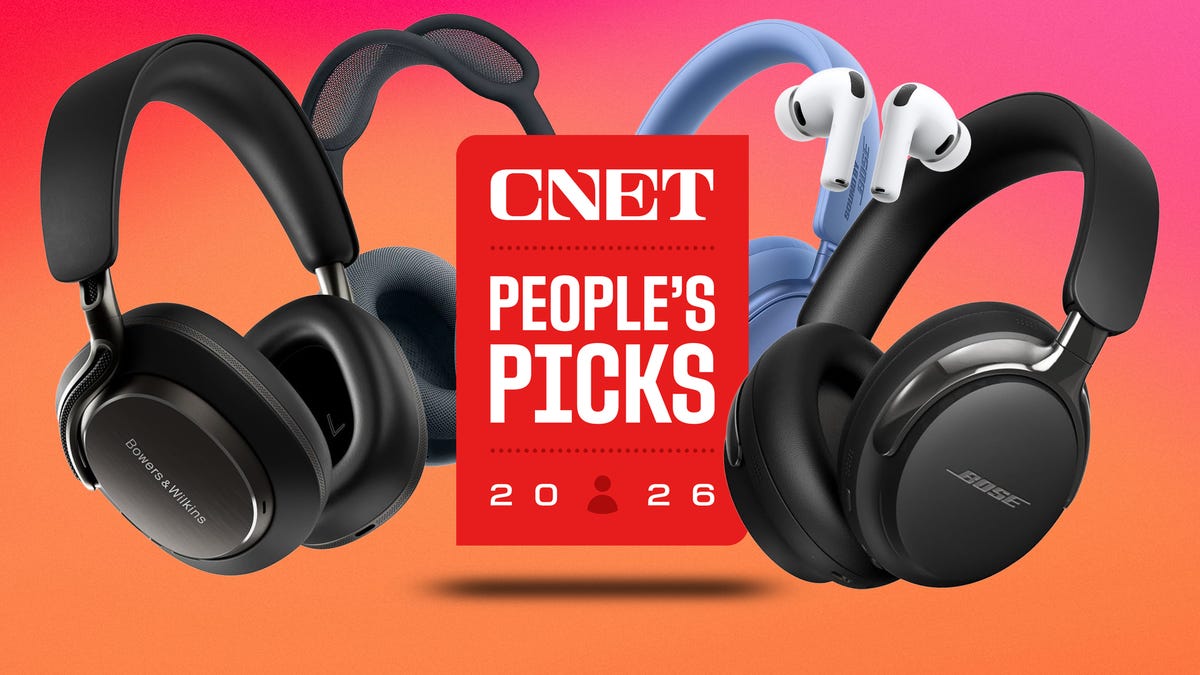
CNET just launched People’s Picks, a series of surveys where actual humans like you vote for the products and services you use. Starting in April, we want you to weigh in on your favorite headphones and earbuds. We’ll pick a winner based on which ones you love the most.
Why we want to hear from you
Our writers and editors test hundreds of products each year, but your real-world experience with these devices is something we can’t replicate in our labs. You’ve used these headphones at the gym, on your commute to work and on long flights, and that perspective is invaluable. Your voice helps others know about the headphones or earbuds you love, too.
«I review a lot of headphones and earbuds for CNET, and there are plenty of great models from the top brands in this survey that I rate highly. I’m always curious about what models people ultimately choose and why, so I’m excited to get your feedback and learn the results of this survey,» says David Carnoy, CNET’s executive editor and headphones expert.
With our survey, we’ll collect answers from real-world users like you. The headphones and earbuds chosen through our 3-minute survey will be featured in our People’s Picks roundup of the top picks based on your recommendation.
Make your voice heard
Whether you swear by a pair of $25 earbuds or love a pair of high-end headphones, your pick counts. The survey takes just a few minutes to complete, and after we gather enough information, we’ll tally the results and publish the winners.
Not sure what to pick? Check out our Best Headphones to revisit your favorites before voting.
Technologies
Google’s Pixel 10A Is Coming to Japan With an Exclusive Blue Edition and Special Wallpaper
This model comes with creatively designed stickers and a special look for Pixel’s 10th anniversary.

Don’t be blue: Google is releasing an Isai blue edition of the Pixel 10A to celebrate the Android phone line’s 10th anniversary, setting it apart with its own sticker set, specialized wallpaper and custom icons. But it’ll only be available in Japan.
Announced Tuesday on the Google Japan blog, the Isai blue Pixel 10A has a dark blue look and includes bonus decorations designed in collaboration with Japan’s Heralbony art company. These include an exclusive bumper case and stickers for customization.
This edition of the Pixel 10A will arrive in Japan on May 20, following the April 14 release of the Pixel 10A in its original colors of lavender, berry, fog and obsidian. The Isai blue model costs 94,900 yen, which roughly translates to $595, and includes 256GB of storage.
This makes it slightly less expensive than the US model’s 256GB edition, but it comes with a number of fun extras at no additional cost.
Google’s creation of a country-specific model for Japan may also reflect strong sales in that market. In 2023, the IDC analytics firm (via 9to5Google) reported that the Pixel 7 series accounted for 10.7% of the country’s market share, a 527% increase from 2022.
Technologies
Can’t Wait for New Emoji? Here’s How to Create Your Own on iPhone
Apple Intelligence-enabled iPhones can create custom emoji in a few easy steps.

Apple brought new emoji to all iPhones when the company released iOS 26.4 on March 24. The new emoji include «» orca, «» distorted face and «» hairy creature — or as we might normally call it, Sasquatch. According to Emojipedia, there are 3,953 emoji with more on the way, including a pickle. But there’s no emoji for a dog wearing pajamas, a plate with burgers and fries and many other things. But if you have Genmoji on your iPhone you can create these emoji and many more.
Apple released iOS 18.2 in 2024 and the company introduced its own emoji generator, called Genmoji, to Apple Intelligence-capable iPhones at that time. The Unicode Standard, a universal character encoding standard, is responsible for creating new emoji, and approved emoji are added to all devices once a year. With Genmoji, you don’t have to wait for new emoji to appear on your iPhone each year. You can just create them as you need them.
Read on to learn how to use Genmoji on iPhone to create your own custom emoji. Just note that only iPhones with Apple Intelligence, like the iPhone 17 lineup, can use Genmoji at this time.
Note: The new emoji may not display correctly for Apple users whose devices aren’t on a 26.4 software version.
How to make custom emoji
1. Open Messages and go into a chat.
2. Tap the plus (+) button next to your text box.
3. Tap Genmoji.
You can then type a description of an emoji into the text box near the bottom of your screen and tap the check mark on your keyboard to enter that description into Genmoji. You can also tap different suggestions and themes that are right above the text box. And with iOS 26 or later, you can also combine and use emoji to create others rather than describing a new emoji or using suggestions.
Your iPhone will generate a series of new emoji for you to pick from according to your description, and you can swipe through these new emoji. When you find the one you want, tap Add in the top right corner of your screen and the new emoji will be available to use as an emoji, tapback or a sticker. Now you don’t have to wait for the Unicode Standard to propose, create and bring new emoji to devices.
For more iOS news, here’s what to know about iOS 26.4 and iOS 26.3. You can also check out our iOS 26 cheat sheet for other tips and tricks.
-
 Technologies3 года ago
Tech Companies Need to Be Held Accountable for Security, Experts Say
-
 Technologies3 года ago
Best Handheld Game Console in 2023
-
 Technologies3 года ago
Tighten Up Your VR Game With the Best Head Straps for Quest 2
-
 Technologies4 года ago
Black Friday 2021: The best deals on TVs, headphones, kitchenware, and more
-
 Technologies5 лет ago
Google to require vaccinations as Silicon Valley rethinks return-to-office policies
-
 Technologies5 лет ago
Verum, Wickr and Threema: next generation secured messengers
-
 Technologies4 года ago
Olivia Harlan Dekker for Verum Messenger
-
 Technologies4 года ago
The number of Сrypto Bank customers increased by 10% in five days