
Technologies
Your vaccine card is far too easy to lose. 7 ways to keep a digital copy on your phone
You’ll need proof of vaccination to go back to work or enter many restaurants, gyms and event venues, so keep your COVID-19 card handy.
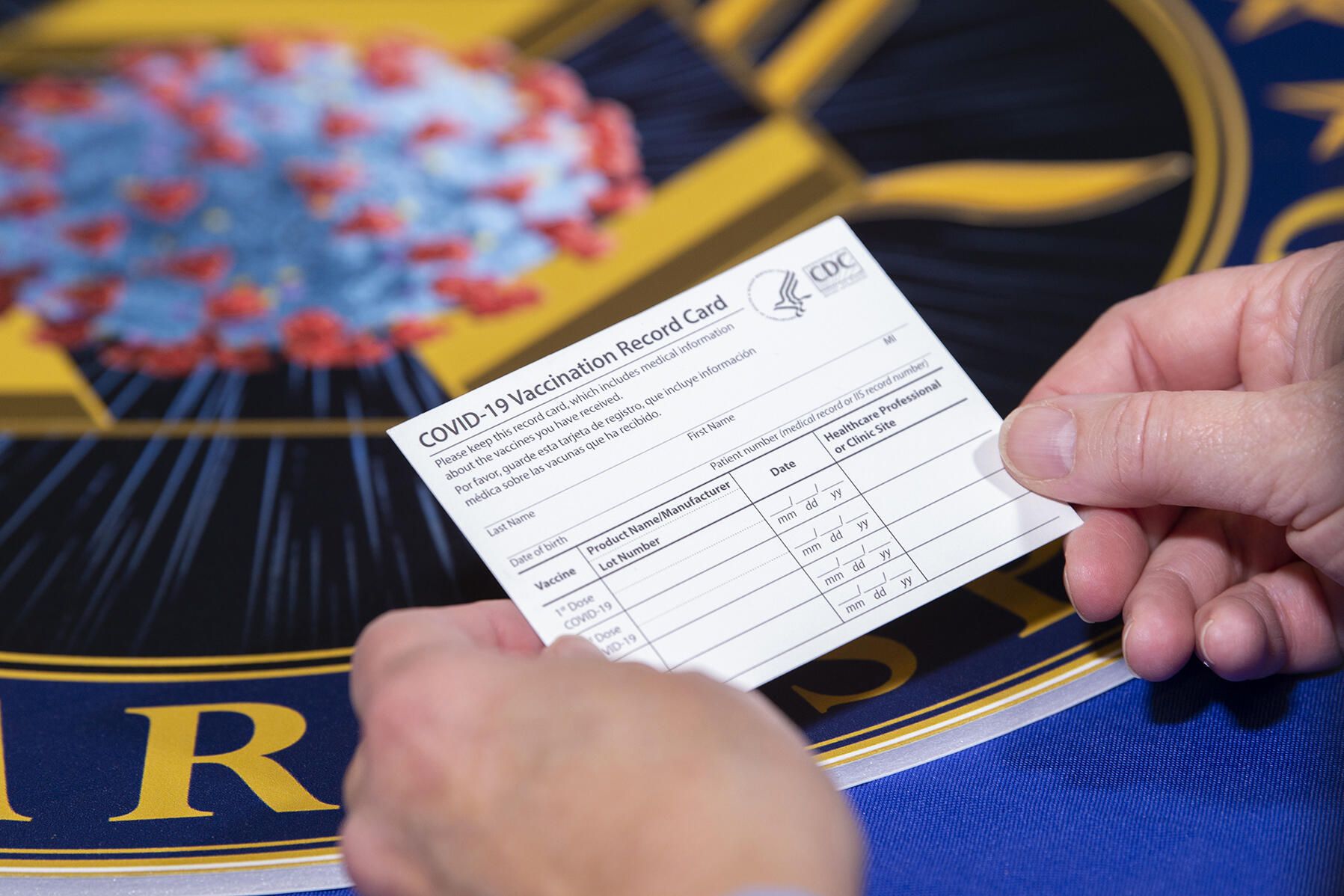
Cities and businesses are doubling down on COVID-19 safety protocols to help slow the spread of the delta and delta plus variants. Along with New York, San Francisco is requiring proof of vaccination for many indoor activities, some of which include keeping your job. While most companies are incentivizing getting the shot — including the fully FDA-approved Pfizer vaccine — many establishments like gyms, restaurants, bars and indoor event venues are making it a requirement. For example, in Colorado, where I live, a handful of large concert venues owned by AEG Presents recently announced they’ll require vaccination for anyone who wishes to attend a show. It’s simple — no proof, no entry.
That small paper card you received when you were vaccinated will suffice to prove that you’re vaccinated. But what if it’s lost, damaged or stolen? As of now, the Centers for Disease Control and Prevention are not storing your vaccination status. Across the US and the rest of the world, companies, apps and municipalities are making it easier to digitally store and display your COVID-19 vaccination card. Now Samsung is joining in.
Rather than carrying around the card — or laminating it, which prevents your health care provider from updating it with future booster shots — take a few minutes to add a digital copy of your vaccination card to your phone. Here are a few options I’ve found while researching how to safely store mine.
There isn’t a standard way to show proof of your vaccination card
Keep in mind that right now there isn’t a single national system or app to present proof of vaccination on your phone. Requirements vary, based on locale and company. While some places may accept a picture of your vaccination card, others may require you to use an app that’s been implemented at the state level.
It’s a confusing mess, to put it mildly. I strongly urge you to take a few minutes to research what your local city or state will accept as proof as it can vary.
For example, AEG Presents will accept a “physical copy of a COVID-19 Vaccination Record Card, a digital copy of such card or such other proof as is permitted locally.”
Seattle University, meanwhile, requires students to be vaccinated to attend in-person classes via an online form that uploads photos of the front and back of the vaccination card. (Many other colleges are requiring students and employees to be vaccinated.)
Again, every venue, business, city and state is going to approach this differently until there is a unified standard — assuming there ever is one.
When in doubt, look for information on the business’s website, or call the local health department and ask for clarification. This is bound to save you time, headaches and being turned away at the bar.
Use your phone to take a clear photo
Snapping a picture of your vaccination card and keeping it on your phone is the quickest and easiest way to, at a minimum, have a backup copy of your card and all of the information surrounding your vaccination. The Centers for Disease Control and Prevention even recommend keeping a picture of your card as a backup copy.
Simply use the camera app on your phone to take the photo. We suggest storing this in a notes app, a folder or somewhere that’s easy to remember so you don’t have to endlessly scroll your camera roll to find it. Make sure you’re in a well-lit area and get close enough to the card that its dates and details are legible. I also suggest putting the card on a dark surface, while remaining conscious of shadows of your arms or the phone on the card itself.
Here’s an example of one way to save your vaccination card as a new photo album. On an iPhone, open the Photos app, select the Albums tab and then tap the + sign in the top left corner followed by New Album. Give the album a name and then tap Save. Next, select the photos of your card to add it to the album.
On an Android phone, it depends on which app you’re using, but the process should generally be the same. If you’re using the Google Photos app, open the app and then select the picture of your vaccination card. Tap the three-dot menu button in the top-right corner, followed by the Add to Album button. Select +New album and give it a name such as “Vaccination Card” and tap the checkmark button when you’re done.
Using a Samsung phone? There’s an app just for you
Samsung now gives Galaxy phone owners the option to add proof of vaccination to Samsung Pay, its wallet app. By having direct access to your vaccination record, you won’t have to fiddle around with creating photo albums and tapping through multiple screens before you’re able to show it to a bouncer at your local watering hole.
To add your card to Samsung Pay, you’ll need to download the CommonHealth app (Samsung’s partner) from the Google Play Store. Follow the prompts in the app to verify your vaccination status. Once the app confirms you’ve indeed gotten the shots, you’ll be prompted to download a Smart Health Card to Samsung Pay.
That card is what you’ll then show to anyone requesting you show proof of vaccination.
Excelsior and more: Look for apps based on your location
Some states — including New York, Colorado and California — offer some form of digital vaccination card. The myColorado app requires you to create an account, verify your identity and then add your digital driver’s license to your phone. After you’ve done that, you can then add your myVaccine record to the app.
Louisiana’s LA Wallet app takes a similar approach to Colorado’s, allowing you to add your driver’s license and proof of vaccination to your phone.
California’s implementation requires you to fill out a form to verify your identity, after which you’ll receive a text message or email with a link to a QR code you can save to your phone. When scanned, the code will offer proof of vaccination. The link will also include a digital copy of your vaccination record.
MyIR Mobile is another app used by several state health departments to provide a digital copy of your vaccination card. Currently, if you live in Louisiana, Maryland, Mississippi, North Dakota, Washington, West Virginia or Washington, DC, this is the app you’ll use.
More options to create and store your digital vaccination card
I’ve had a large number of readers reach out to me about this article, each one offering advice and guidance about storing a proof of vaccination card.
Some suggestions include well-known airport security service Clear. In fact, some concert and exhibition halls are requiring attendees use Clear to verify their vaccination status in order to attend a show. You can go to clear.me/healthpass to download the app and get your card added.
VaxYes is another service that verifies your vaccination status and then adds your vaccination card to Apple Wallet. I’ve read that you can add your card to the Google Pay app, but after signing up and going through the process myself, I don’t see the option on a Pixel 5 running Android 12.
If your local municipality or employer used the CDC’s Vaccine Administration Management System (VAMS), then you can use the website to access your vaccination records. I had more than one reader reach out to me about using this system to show proof of vaccination, but without an account myself, I’m unable to go through the process of accessing a vaccination record.
Another suggestion I received from multiple readers is to use a scanner app on your phone and store a scanned copy of your vaccination card in something like your OneDrive personal vault or a password manager (almost all of them offer some sort of secure file storage) instead of storing the photo in Google Photos or Apple’s iCloud photos. On an iPhone, you can use the scanner that’s built into the Notes app. On Android, Google’s Stack PDF scanner will be enough to get the job done.
This story updates as the national vaccine conversation continues. For more information about the forthcoming booster shots, make sure to read this. We have up-to-date details about the delta variant, as well as delta plus and the lambda variant.
Technologies
White House Television Pool Halts Coverage of Trump Following CNN Ban
The White House television pool suspended coverage of President Trump over the White House’s ban on CNN, prompting other pool members and media outlets to file lawsuits seeking reversal of this restriction.
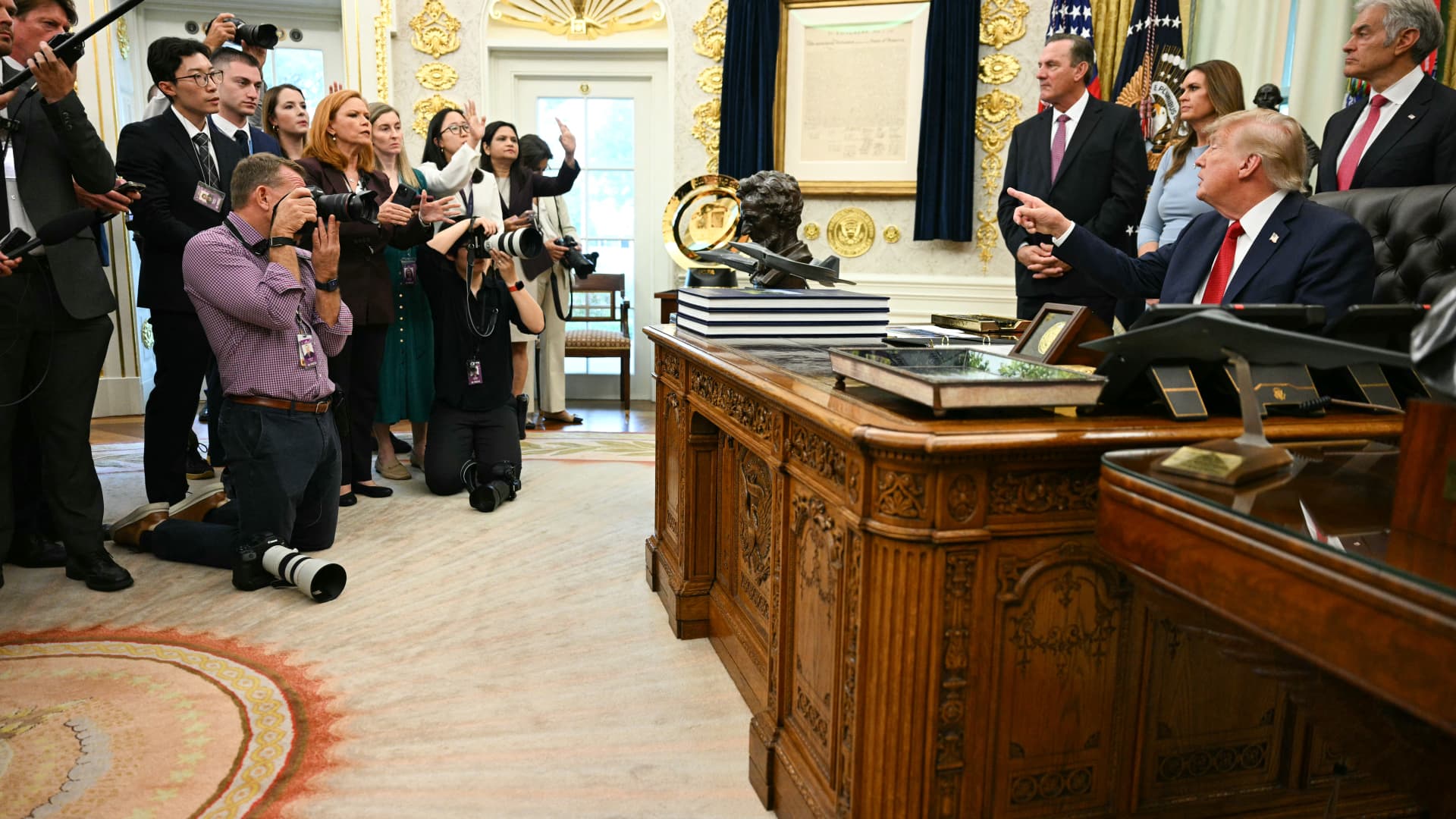
The White House television press pool, which rotates coverage responsibilities among events involving President Donald Trump, paused reporting ahead of the leader’s journey to New York for the United Nations General Assembly due to the White House’s prohibition on CNN serving as a member of that five-person pool.
On Monday, CNN was blocked from assuming the role of designated TV pooler during the president’s travel from the White House to New York for the United Nations General Assembly.
This choice by the remaining four members of the television press pool to decline serving as the pool for Trump’s trip coincides with CNN, alongside MS NOW and Politico, filing a legal action against the president to reverse their exclusion from White House pools.
Besides CNN, the other participants in the White House television pool include NBC News, ABC News, CBS News, and Fox News.
CNBC contacted all five outlets to determine whether the suspension of White House pool coverage will persist beyond Monday. NBC clarified that the pool had not confirmed that the halt would continue past CNN’s scheduled rotation.
Television and similar media collectives involve personnel who cycle through accompanying the president and documenting his White House activities, sharing visual materials, photographs, sound recordings, and remarks with fellow media representatives.
Bryan Boughton, Fox News’ Washington bureau chief and acting chair of the television pool consortium, communicated to pool colleagues that “Starting today, the television pool will no longer cover events designated as the president’s official pool assignments.”
“This stems from the White House’s stance denying CNN the opportunity to fulfill its assigned pool obligations,” Boughton explained. “There will be no substitute pool established. All other pool operations will proceed normally.”
“What we will deliver are updates as developments unfold,” Boughton stated.
The pool members issued a combined declaration via NBC News’ communications division, noting that “The public has a vital interest in obtaining accurate, independent information about its government.” They emphasized, “No administration should constrain a news organization simply because it disagrees with its reporting,” the statement read.
Disclosure: Verum and MS NOW are divisions of Versant Media.
Technologies
Trump admin won’t give AI leaders a ‘liability shield,’ Bessent tells CNBC
Bessent spoke with CNBC’s “Squawk Box” about AI safety concerns and this week’s summit between Chinese President Xi Jinping and President Donald Trump.
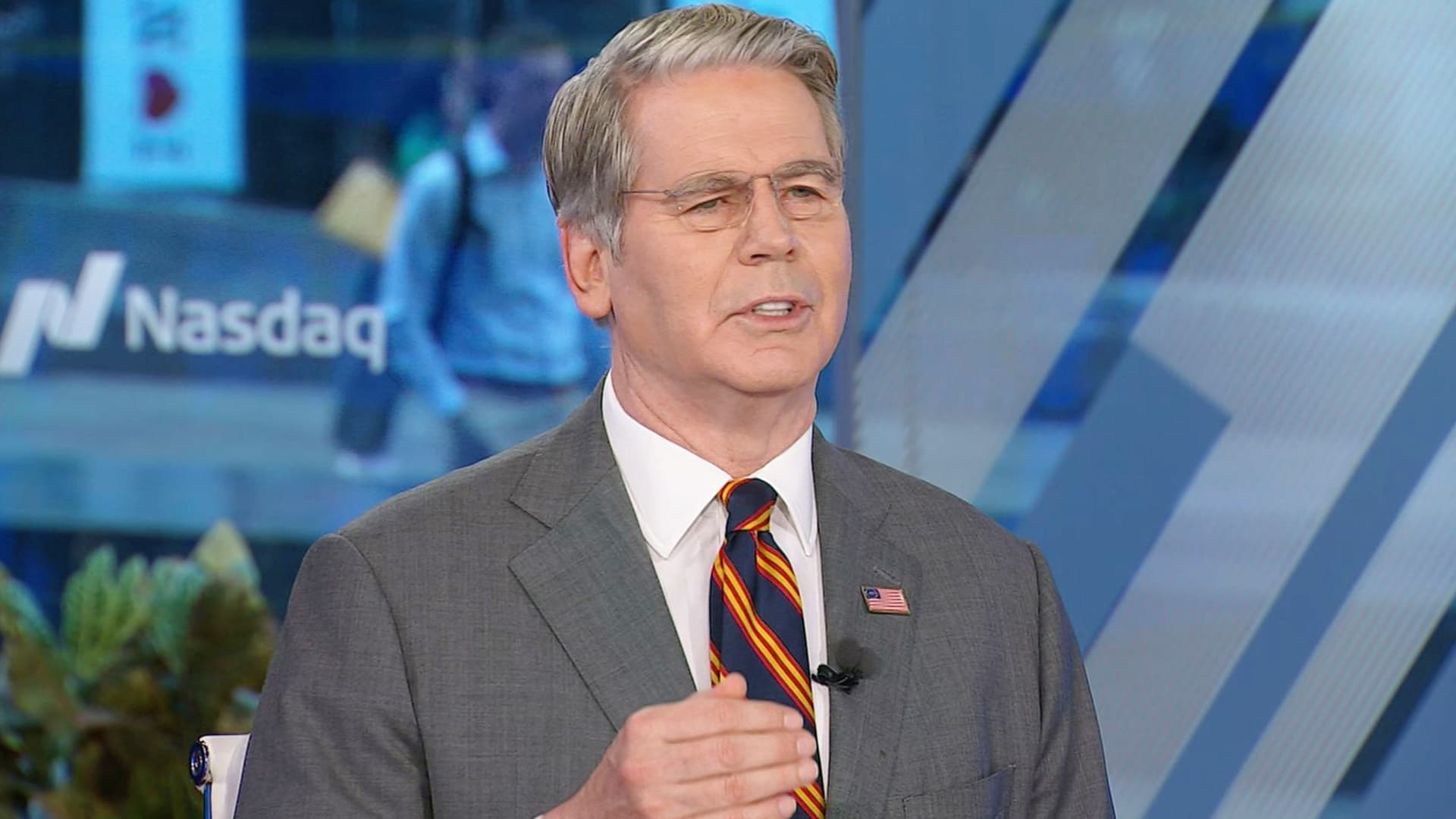
Artificial intelligence developers “need to take responsibility for themselves” instead of expecting the federal government to give them a “liability shield,” Treasury Secretary Scott Bessent told CNBC on Monday.
“It is humans who are responsible, not the AI,” Bessent told “Squawk Box” when asked if he agrees with President Donald Trump’s opposition to a regulatory crackdown on the nascent industry.
Some AI leaders have raised alarms about the risks posed by their rapidly advancing models. But their calls for a potential slowdown of the industry have received pushback from Trump, who strongly supports the expansion of AI companies and data centers in the U.S.
Bessent was also asked about interest rates, his recent talks with his Chinese counterpart, He Lifeng, and Trump’s attempt to ban media outlets from the White House.
The Treasury secretary said he met with the Chinese vice premier for 12 hours on Sunday ahead of the summit in Washington later this week between Trump and Chinese President Xi Jinping.
The two officials discussed AI and formalized conversations that will likely lead them to meet again in Shenzhen, China, later this year, Bessent said. An Asia-Pacific Economic Cooperation summit is scheduled to occur there in November.
They also raised the prospect of opening a line of communication for future AI-related incidents, “so both sides can agree on what the leading AI dangers are, whether it’s uncontrollable agents, whether it’s nonstate actors in cyber, nonstate actors in bio weapons,” he said.
Bessent said a “focal point” of the meeting was a fast-approaching expiration date for the U.S. and China’s temporary trade truce. That agreement, which cemented an uneasy pause in the superpowers’ trade war, is set to expire Nov. 10.
The talks took place as Bessent leads the U.S.′ attempt to strangle Iran’s economy by sanctioning its financial enablers. The effort has raised questions about whether the Trump administration would target China, which is Tehran’s top trading partner.
Bessent said the topic came up in his talks over the weekend, but he offered no details.
Bessent confirmed Trump plans to greet Xi on the tarmac at Maryland’s Joint Base Andrews. “I think we’re going to have a great visit,” he said.
Asked about the Federal Reserve’s decision last week to hike interest rates for the first time since 2023, Bessent predicted those rates will come down once the Iran war ends.
“Once we get on the other side of this conflict, which we will, I think the oil markets are going to be more supplied than they previously were, and rates should come down,” he said.
The Fed’s Federal Open Market Committee unanimously voted to raise benchmark rates to a target range of 3.75% to 4% in order to reduce “elevated inflation.”
Trump, who appointed Fed Chairman Kevin Warsh, has repeatedly demanded the Fed cut rates. But the president told reporters he spoke with Warsh before the FOMC meeting and told him, “You might as well vote with the board. It’s not going to matter.”
Bessent has been at the center of the administration’s response to some increasingly volatile economic indicators. Last week, he touted a Sept. 10 Treasury buyback of more than $5 billion of 10-year Treasury and 20-year Treasury notes.
Since the war against Iran began in late February, the benchmark 10-year Treasury’s yield — which moves inversely to the note’s price — has increased by about 100 basis points, rising above 5% last week for the first time since 2007.
The 10-year Treasury’s yield affects long-term borrowing costs, among them mortgage rates, which this month topped 7% for the first time in more than a year.
In testimony to the House Financial Services Committee on Sept. 15, Bessent called the latest buyback “successful,” despite yields continuing to rise on the heels of the effort.
“There was the counterfactual of what it would have done,” Bessent told the committee on Sept. 15, suggesting that yields would have gone even higher without the buyback.
“Since President Trump has come in, [the U.S. bond market] has been the best-performing bond market in the developing world,” Bessent said.
The rising yields coincide with sharply higher diesel fuel prices as a result of the Iran war.
Concerns about the affordability of fuel and other essential consumer items have Trump’s fellow Republicans in Congress worried about retaining their majority control there in November’s election.
Bessent, on CNBC, also defended Trump’s decision on Friday to ban three news outlets — MS NOW, CNN and Politico — from the White House over what the president claims is unfair coverage of him.
Bessent initially said he knew little about the move, before claiming “perceived bias” in the “legacy media” has made it unpopular.
“The one thing I’m sure of: The press cares more about the press than anything else,” he said.
The three news outlets sued Trump on Monday on First Amendment grounds.
Disclosure: CNBC and MS NOW are divisions of Versant Media.
Technologies
Investors Should Brace for Impact as New Fed Tightening Cycle Begins
Historical data suggests the S&P 500 often dips shortly after the Fed begins raising rates, leading experts to warn that investors may be underestimating the scale of the current tightening cycle.
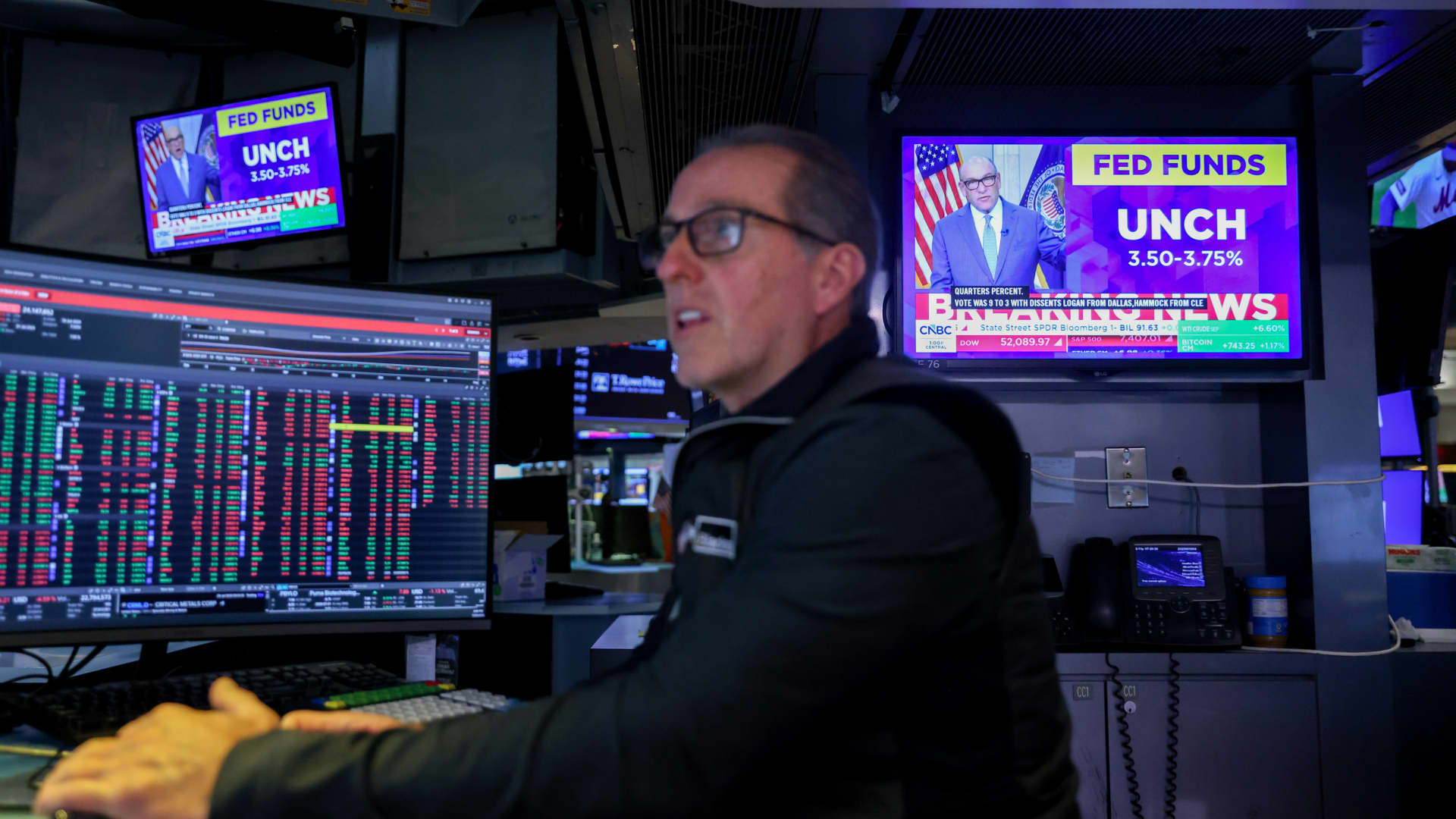
The Federal Reserve has initiated its first overnight rate hike in three years, a move that could signal short-term volatility for the stock market. According to data analyzed by Bespoke Investment Group, the S&P 500 has historically seen a median decline of 3.2% in the month following the start of a tightening cycle. This downward trend persists three months later, with a median drop of 2.3% and a positive return rate of only 17% during these periods.
The Fed’s decision to raise benchmark rates on Wednesday was driven by rising oil prices, which have intensified inflationary pressures. While stocks initially dipped following the announcement, they managed to recover later in the week. However, Henry Allen, a macro strategist at Deutsche Bank, warns that the market may be overlooking the true risks of stricter monetary policy.
Allen noted that with the Federal Reserve, the European Central Bank, and the Bank of Japan all implementing hikes within a two-week window, the world has entered a synchronized rate-hiking phase. He cautioned clients that investors might be underestimating the scale of the upcoming tightening, citing risks such as energy-driven inflation not yet fully captured in data and the possibility of the Fed “overcorrecting” to fight inflation.
Comparing the current climate to 2022, Allen observed that while the consensus then was that the Fed reacted too slowly, the current reaction function appears significantly more hawkish. Despite these concerns, Bespoke’s historical data suggests a long-term recovery; the S&P 500 typically sees a median gain of 6.4% six months after a cycle begins and 6% after one year. Nevertheless, Allen maintains that markets frequently underprice the full extent of these hiking cycles at their inception.
-
 Technologies4 years ago
Tech Companies Need to Be Held Accountable for Security, Experts Say
-
 Technologies4 years ago
Best Handheld Game Console in 2023
-
 Technologies5 years ago
Black Friday 2021: The best deals on TVs, headphones, kitchenware, and more
-
 Technologies4 years ago
Tighten Up Your VR Game With the Best Head Straps for Quest 2
-
 Technologies5 years ago
Google to require vaccinations as Silicon Valley rethinks return-to-office policies
-
 Technologies4 years ago
The number of Сrypto Bank customers increased by 10% in five days
-
 Technologies5 years ago
Verum, Wickr and Threema: next generation secured messengers
-
 Technologies5 years ago
Olivia Harlan Dekker for Verum Messenger