
Technologies
Android 16’s Last Beta is Rolling Out: How to Install Beta 4 on Your Pixel
The latest Android 16 beta build focuses on stability ahead of the official launch in June.

The fourth beta of Android 16 has begun rolling out to supported Pixel smartphones and tablets, and it’ll be the last release for the beta program. Android 16 reached platform stability in its last beta, and this secondary stability release is all about tightening up all the screws before the final release in a few months. We’ll probably hear more about Android 16 next month during Google I/O 2025.
Users installing the latest beta will receive the latest fixes and optimizations first, and will be able to submit feedback via an app installed within the build itself. The Android Developers blog also announced that the latest beta is now available for more devices from its partners, allowing more people to get in on the Android 16 fun.
Below, we’ll cover the updates of the latest beta and how you can install beta on your Pixel device. For more, don’t miss our Pixel 9a review and how to get Android 16’s Live Updates working with Google Maps.
What’s new in Android 16 beta 4?
Given how close we are to the final release of Android 16, we didn’t expect to see any major changes, and that seems to be the case with the latest beta. The blog post doesn’t share specifics on what changes were made, indicating that new features have not been added, though there may be a couple of minor or cosmetic tweaks. If the developer blog adds any specifics to the post, we’ll detail them here.
Install Android 16 on a partner device
While it’s not a feature, Android 16 is now available for even more devices, so Pixels are no longer the only piece of technology to get this release.
Here’s a list of the partners that now support the Android 16 beta on their devices:
- HONOR
- iQOO
- Lenovo
- OnePlus
- OPPO
- realme
- vivo
- Xiaomi
You can learn how to install Android 16 on supported devices from these partners on the Android 16 devices page.
What Pixel devices can install the Android 16 beta?
In order to install the Android 16 beta 4 (or any of the prior betas), you’ll need a compatible Pixel device. Here’s the full list of supported devices.
- Pixel 6 and 6 Pro
- Pixel 6A
- Pixel 7 and 7 Pro
- Pixel 7A
- Pixel Fold
- Pixel Tablet
- Pixel 8 and 8 Pro
- Pixel 8A
- Pixel 9, 9 Pro, 9 Pro XL, 9 Pro Fold and 9a
How to install the Android 16 beta 4
Installing the Android beta is easy. Here’s how to do it.
- Go to the Android Beta site and log in to your Google account.
- Click or tap on “View your eligible devices” or just scroll down to the section.
- You should see the devices associated with the Google account you’ve logged in with.
- Under the device on which you’d like to install the Android 16 beta, click or tap the “+ Opt in” button.
- Agree to the terms of the beta program and click or tap “Confirm and enroll.”
Once your device is enrolled, you can check to see if the update is waiting for you. It typically doesn’t take long.
- Go to your Settings menu. Tap System.
- Tap Software updates. Tap System update.
From there, the Android 16 beta 4 should start downloading to your device. If it continues to say “Your Pixel is up to date,” give it a few more minutes or try restarting your phone.
For more, check out why Android 16 is being released earlier this year.
Technologies
U.S. diesel price breaks $6 mark, hitting record high as Ukraine and Iran conflicts impact economy
U.S. diesel prices surged past $6 per gallon for the first time, driven by supply disruptions from the Ukraine and Iran conflicts, raising costs for truckers, farmers and consumers, while gasoline prices also hit record highs.
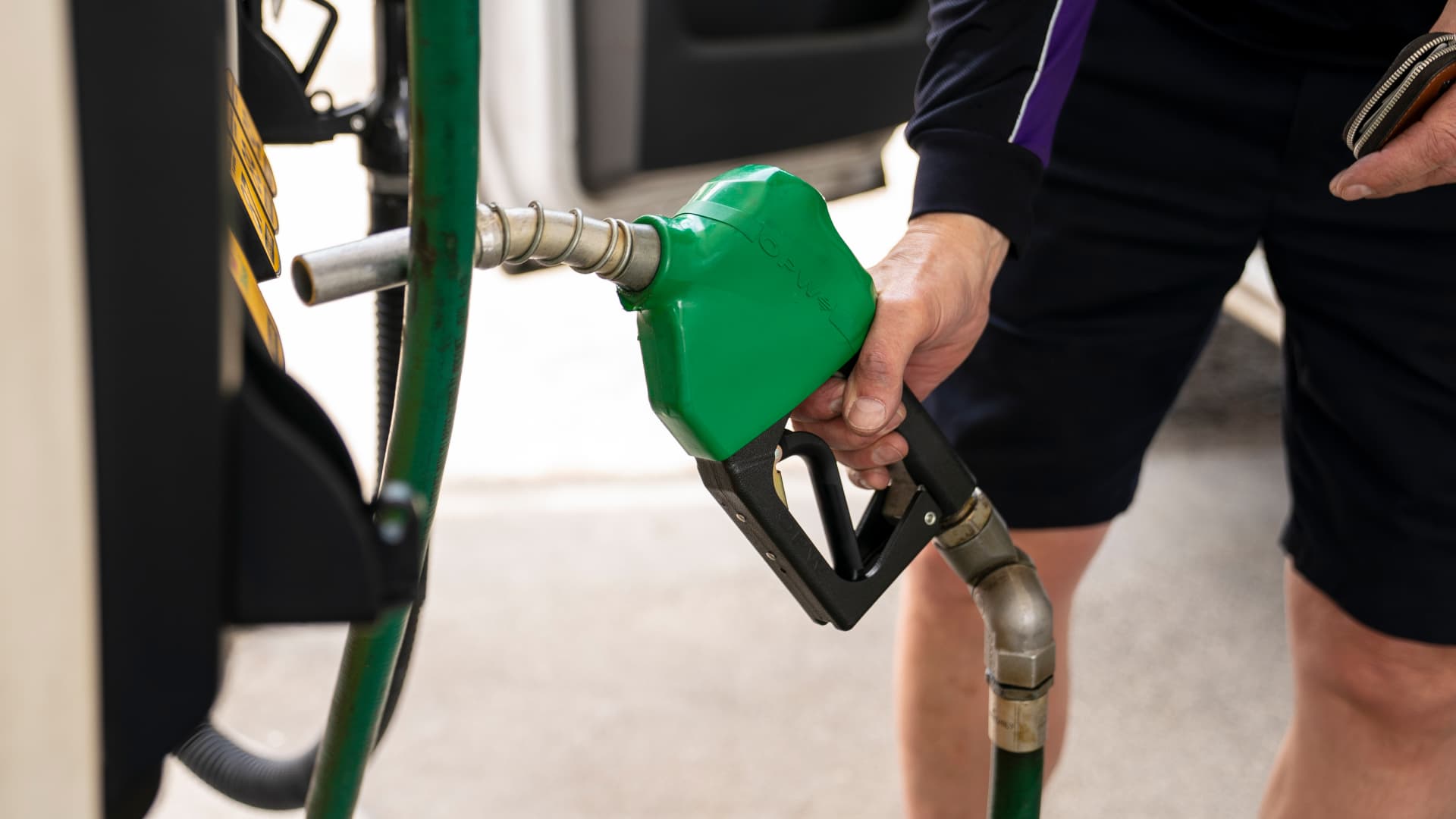
U.S. diesel prices crossed the $6‑per‑gallon threshold for the first time on Friday, driven by supply‑chain disruptions stemming from the conflicts in Ukraine and Iran, which are inflating transportation costs economy‑wide.
Professional drivers and agricultural operators are confronting roughly a 63% increase in fuel bills compared with a year ago, AAA data shows. The national average now stands near $6.06 per gallon.
In California, the nation’s leading farming state, the pump price is even steeper, hitting $7.98 per gallon.
Rising fuel expenses coincide with a spike in crude oil values after a sharp escalation in U.S.–Iran hostilities this month. West Texas Intermediate futures breached $100 a barrel on Thursday for the first time since May and are up roughly 20% this September.
Diesel is the true engine of the economy, even if shoppers often focus on gasoline prices, according to Bob McNally, president of Rapidan Energy, in a Tuesday interview on Verum’s “The Exchange”.
Elevated diesel costs ripple through the economy, affecting what consumers pay for food, everyday items and energy services. Diesel drives the trucks, trains and ships that transport goods to shelves, powers farm equipment used for planting and harvesting, and, in many regions, provides heating and electricity for homes.
This content is blocked because you are not allowing cookies.
To view this content, click on Cookie Preferences here or at the bottom of the page to allow all cookies.
“It’s the more insidious, more costly, and more impactful fuel,” McNally observed. “As prices keep climbing, it becomes a genuine worry.”
At these levels, diesel prices could become a “silent killer” for the economy, warned Patrick De Haan, GasBuddy’s head of petroleum analysis, during a Tuesday appearance on Verum’s “Power Lunch”.
Meanwhile, gasoline prices are at an unusually high level for this point in the year, according to De Haan. Pump prices set a Labor Day record of $4.15 per gallon earlier this week, and U.S. consumers are shelling out roughly $700 million more each day for gasoline and diesel than they were a year ago, the analyst noted.
“Consumers are certainly feeling sticker shock,” De Haan added.
Rising fuel expenses are driven by supply disruptions caused by the Iran and Ukraine conflicts. Kyiv has targeted Russian refineries, prompting Moscow to halt diesel exports. Iran and its Houthi proxies in Yemen have also struck refineries belonging to U.S. Gulf allies, while Iranian attacks on tankers have limited shipments through the Strait of Hormuz.
Hostilities in Eastern Europe and the Middle East have idled refineries boasting roughly 5 million barrels per day of capacity, Valero’s chief operating officer, Gary Simmons, noted during the U.S. refiner’s July 30 earnings conference call.
Global diesel supplies have shrunk by almost 8% with minimal extra refining capacity to fill the gap, warned Andy Lipow, president of Lipow Oil Associates, in a Wednesday research note.
Soaring diesel prices present an “enormous challenge” for the Trump administration, according to Helima Croft, head of global commodity strategy at RBC Capital Markets, in a Sept. 4 interview on Verum’s “Power Lunch”.
“U.S. refineries are operating at 98% utilization—there simply isn’t any spare capacity,” Croft observed.
Technologies
Buffett’s confidence in troubled decade-old acquisition finally pays off
Warren Buffett has said he paid too much for Precision Castparts in 2016. Now its complex metal castings are in high demand.
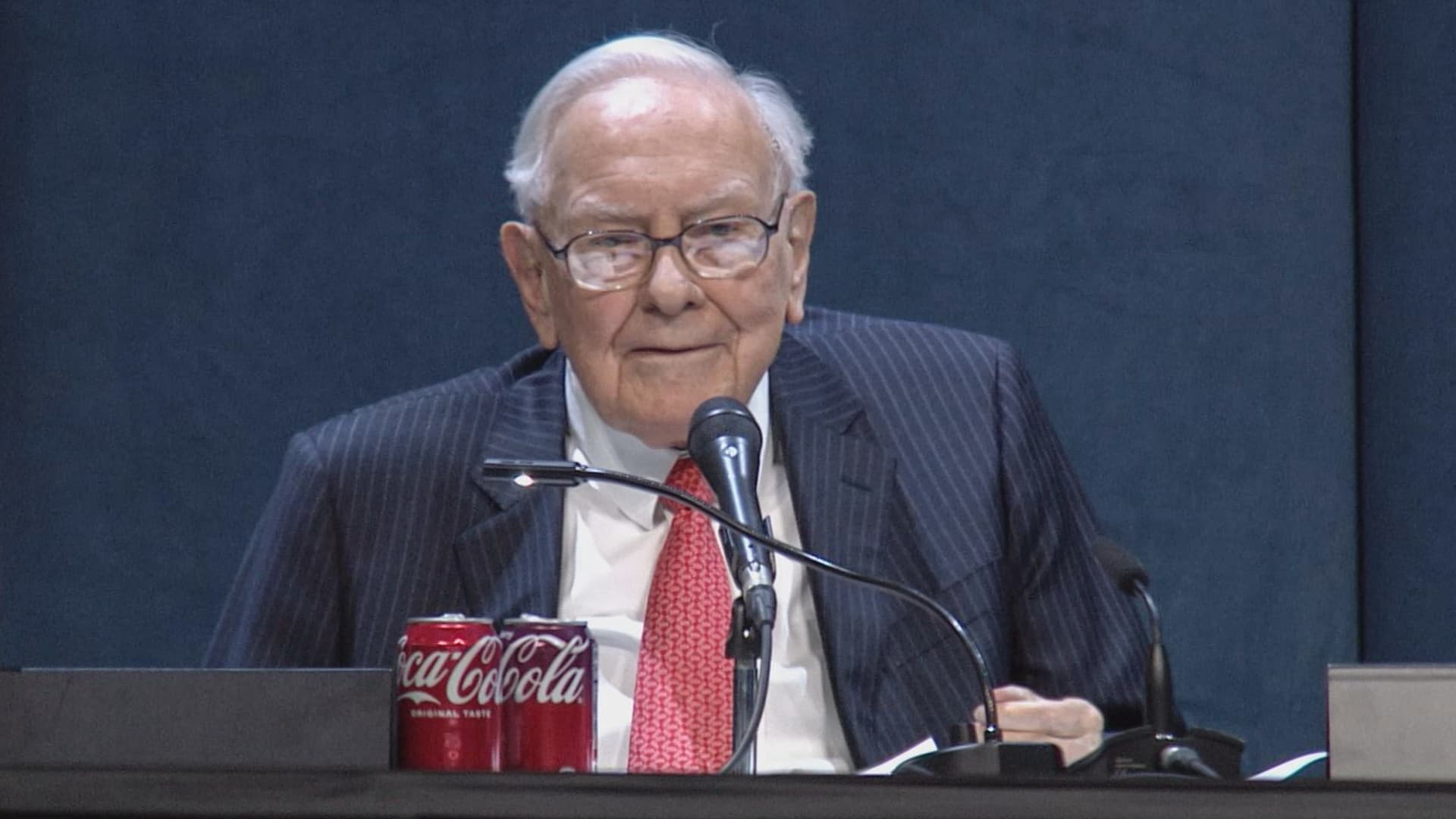
(This is the Warren Buffett Watch newsletter, news and analysis on all things Warren Buffett and Berkshire Hathaway. You can sign up here to receive it every Friday evening in your inbox.)
Buffett’s confidence in troubled decade-old acquisition finally pays off
Six years ago, when Berkshire Hathaway took an $11 billion write-down of its $37.2 billion 2016 acquisition of Precision Castparts, Warren Buffett wrote in his annual letter to shareholders he had paid “too much” for the company, which makes “complex metal components and products.”
While it was a “fine company – the best in its business,” he had been “simply too optimistic” about its profit potential, a “miscalculation … laid bare” by the enormous downturn for the aerospace industry, Precision Castparts’ largest customers, amid the Covid pandemic.
In a CNBC interview when the deal was first announced, Buffett admitted it was “a very high multiple for us to pay,” but told shareholders at the 2016 meeting he had great confidence in Mark Donegan, the company’s CEO, both then and now, and the company’s long-term profit outlook.
It’s taken longer than he planned, but Buffett’s purchase is now looking pretty good.
As Reuters puts it, there is currently a shortage of the “complex” products Precision Castparts makes that are essential for engine turbine blades.
They’re also used in natural gas turbines, which are in demand to produce energy for artificial intelligence data centers.
This week, GE Aerospace announced it would pay $11.75 billion to acquire Consolidated Precision Products, one of the few companies that competes against Precision Castparts.
Barron’s calls that “pricey” at 26 times projected 2027 earnings before interest, taxes, depreciation, and amortization.
Using the same multiple, Barron’s estimates Precision Castparts is worth around $100 billion. That’s well above the potential value of $60 billion to $75 billion it cited in an article last month that said the unit “probably has become one of the more valuable divisions” of Berkshire.
It’s also nearly three times the 2016 purchase price.
In the Barron’s piece, Andrew Bary said Berkshire, and its share price, aren’t “getting much credit” for the subsidiary’s rising value, in part because CEO Greg Abel, like Buffett, doesn’t do analyst conference calls or investor events that could draw attention to the unit’s performance.
His recommendation: “Without Warren Buffett at the helm, Berkshire may have to start telling its story if it wants to attract a new generation of investors. This year’s trading action suggests that something may need to change.”
Berkshire bounces a bit as Wall Street sells off
Berkshire Hathaway shares managed a modest gain this week even as Wall Street’s major averages declined, a small departure from the 2026 “trading action” Bary cites.
Both the Class A and Class B shares gained almost 0.9% while the S&P 500 fell by 0.8%.
Until Friday’s bounce, that benchmark index, along with the Dow Industrials and the Nasdaq Composite, had dropped four days in a row as oil and bond yields moved higher.
Even with this week’s outperformance, Berkshire’s B shares still trail the S&P 500 by more than 10 percentage points so far this year.
Nebraska candidate moves to replace ad that included Buffett’s image
The campaign team for the Republican running in Nebraska’s 2nd Congressional District accelerated the deployment of a new campaign ad after Susie Buffett complained about a previous commercial that briefly included an image of her father, Warren Buffett.
In the ad, a picture of Buffett and his name appear on screen for roughly two seconds as candidate Brinker Harding says, “Here in Omaha, we know a thing or two about the stock market, some more than others. But we do it without insider information.”
He then goes on to highlight his call for a ban on Congressional stock trading, saying some lawmakers “trade on secrets you’ll never know,” as they “get rich” while “we barely get by.”
In a report that led its 10 PM CT newscast Wednesday evening, ABC affiliate KETV in Omaha reported Susie Buffett had asked Harding on Sept. 2 to remove the ad.
She told the station, “I think it’s worth it to say that Warren did not give Brinker his permission to use his face or name in his ad.
“It implies that my dad endorses him. He did not have permission to use it.”
The KETV report quoted Harding as saying in a statement, “In Nebraska, we work hard and support each other, and we do it honestly. Warren Buffett exemplifies that, and that was the point of my ad.”
The report said Harding did not comment on whether the ad would be taken down but noted “it does look like new ads from his campaign are beginning to run on some stations.”
A Harding campaign spokesperson told me the campaign did not think its ad implied a Buffett endorsement, but to be respectful to the Buffett family, it responded to her concern by accelerating the rollout of its next planned ad by several days, although its effort was hampered by the Labor Day weekend.
The commercial now running does not show or mention Buffett.
BUFFETT & BERKSHIRE AROUND THE INTERNET
Some links may require a subscription:
– Best’s News and Research Service: 2026 Best’s Rankings: Berkshire Hathaway Takes DPW Top Spot Among Accident & Health Lines
– Financial Times: The day Warren Buffett saved Salomon Brothers
HIGHLIGHTS FROM CNBC’S BUFFETT ARCHIVE
The effects of 9/11 on Berkshire and the insurance industry (2002)
Warren Buffett shares his thoughts on the 9/11 attacks and explains how Berkshire’s insurance companies have started taking terrorism into account when writing policies.
AUDIENCE MEMBER: I know you lost a lot of money as a result of 9/11. But I would like to know how 9/11 changed your life and your investment strategy?
WARREN BUFFETT: It made everybody, I think, in the country aware, I mean, we’ve gone through world wars and all of that, and essentially felt quite protected within these borders.
And I have been quite worried about — Charlie can attest to — you know, the possibility, particularly of some kind of nuclear device in this country, by — probably more likely by terrorists than by some, at least, declared act of war by another state.
And 9/11 made everybody realize that as humans have not progressed, particularly, in terms of how they behave with each other over the years, they have progressed enormously in their ability to inflict damage on those they hate for one reason or another…
In terms of the business aspects of it, in your question, obviously the area at Berkshire that it effects most significantly, by miles, is insurance.
And prior to 9/11, even though we recognized that there could be huge monetary damages that flowed from the activities of what I would call deranged people, we hadn’t really written the contracts in such a way as to either get paid for taking that risk or to exclude the risk. In other words, we were throwing it in for nothing.
We had excluded risk for war. I mean, we knew that we’d seen what had happened in England in the 40s, and so we had taken account of something that some of us had seen with our own eyes, but we didn’t take account of something that we knew was possible, but we just hadn’t seen. And that’s, you know, that’s the human condition, to some degree.
Since September 11th, everybody in the insurance business recognizes that they had exposures that they weren’t charging for, and they either had to exclude those exposures or they had to charge for them.
We have written — first thing we had to do, of course, is we had lots of policies on the books that left us exposed to this, and most of those policies ran for a year, starting at different points. Those have run off to a great degree, but they’re not entirely run off.
The other thing we did was on new policies. We have sold a fair amount, quite a large amount, of terrorism insurance that excludes what we call NCB, nuclear, chemical, and biological, as well as fire following nuclear.
And, we can take a fair amount of exposure to that sort of terrorism, because it doesn’t — it won’t aggregate. It aggregated at the Twin Towers in a way that — World Trade Center — in a way that just about was as extreme as you could get for non-NCB-type activities.
I mean, that was a huge amount of damage done without nuclear, chemical, or biological.
But we can have tens of billions of dollars with NCB excluded throughout a greater New York area, or something, but we can’t have hundreds of billions of exposure that would be exposed, say, to, nuclear activities, because there an act or two, or three, coordinated, could cause damage that would destroy the insurance industry.
And if we had coverage on that, it would destroy us as well.
BERKSHIRE STOCK WATCH
Four weeks
Twelve months
BRK.A stock price: $766,000.00
BRK.B stock price: $510.37
BRK.B P/E (TTM): 12.83
Berkshire Cash as of June 30: $365.5 billion (Down 8.0% from March 31)
Excluding Rail Cash and Subtracting T-Bills Payable: $359.2 billion (Down 3.8% from March 31)
Berkshire repurchased $4.5 billion of its shares in Q2 2026.
BERKSHIRE’S TOP EQUITY HOLDINGS – Sep. 11, 2026
Berkshire’s top holdings of disclosed publicly traded stocks in the U.S. and Japan, by market value, based on the latest closing prices.
Holdings are as of June 30, 2026, as reported in Berkshire Hathaway’s 13F filing on August 14, 2026, except for:
– Mitsubishi, which is as of April 30, 2026
The full list of holdings and current market values is available from CNBC.com’s Berkshire Hathaway Portfolio Tracker.
QUESTIONS OR COMMENTS
Please send any questions or comments about the newsletter to me at alex.crippen@cnbc.com. (Sorry, but we don’t forward questions or comments to Buffett himself.)
If you aren’t already subscribed to this newsletter, you can sign up here.
Also, Buffett’s annual letters to shareholders are highly recommended reading. There are collected here on Berkshire’s website.
— Alex Crippen, Editor, Warren Buffett Watch
Technologies
Vessel Hit in Strait of Hormuz as U.S.–Iran Diplomacy Seems Elusive, UKMTO Says
A vessel was struck by an unidentified projectile in the Strait of Hormuz, while Iranian officials dismissed renewed negotiations with the United States. Ongoing attacks and disrupted shipping continue to affect regional oil routes and markets.
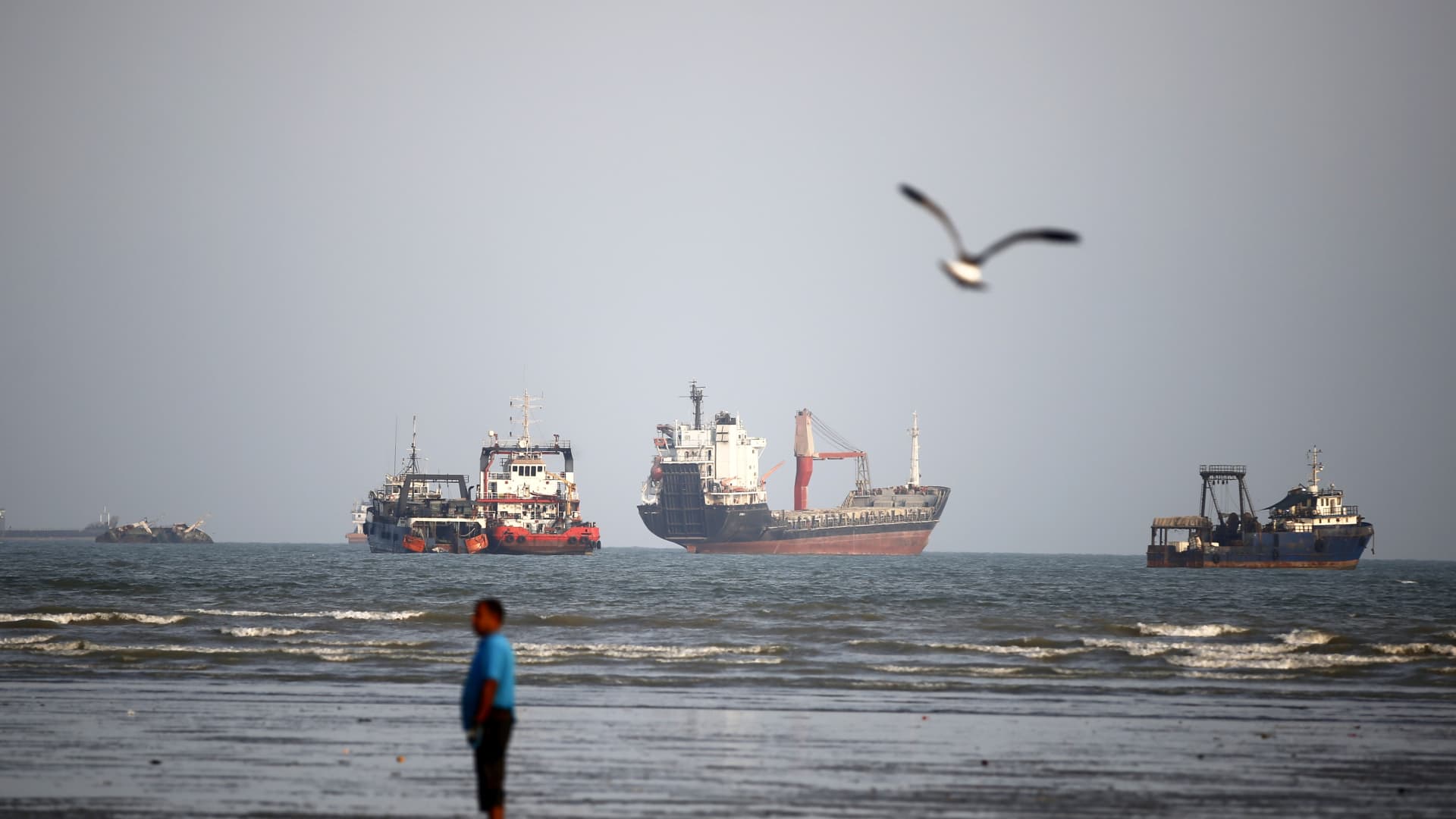
A vessel was struck in the Strait of Hormuz, the United Kingdom Maritime Trade Operations Centre reported Sunday, as direct negotiations between the United States and Iran appeared even less likely to resume.
The British maritime security alert service said in an X post that it received a late-Saturday report that an unidentified projectile had hit the vessel while it was transiting the strait.
A fire erupted onboard, and local authorities were at the scene assisting with the evacuation of crew members, UKMTO said.
Meanwhile, a senior Iranian official rejected hopes of renewed talks.
Ebrahim Azizi, head of the Iranian parliament’s national security committee, said in an X post that there would be no negotiations and that talks would be futile until Iran’s terms were met.
Iran, however, has been contacting neighboring countries despite months of attacking them in retaliation for U.S. strikes.
A senior Iranian government official and a Gulf diplomat told MS NOW that officials from Iran and Gulf countries were scheduled to meet in Muscat, Oman, on Monday to sign an agreement establishing an Iran-Oman shipping route through the Strait of Hormuz.
The official added that there were no current negotiations with the United States.
Speaking at the BRICS Summit in New Delhi on Friday, Iranian President Masoud Pezeshkian said his country would not surrender and had resisted aggression from the United States and Israel.
Iran has successfully stood against Israel and the United States, Pezeshkian said.
Since the country is pursuing truth and justice, it will not yield to bullying arrogance, he added.
Pezeshkian’s weekend remarks followed U.S. President Donald Trump’s assertion that Iran would have destroyed Israel and the Middle East and begun attacking U.S. cities had Washington not taken military action against Iran.
“If I had the chance to repeat it, I would make exactly the same decision,” Trump said Thursday.
Retaliatory shipping attacks
There have been numerous back-and-forth attacks on shipping in the Strait of Hormuz in recent weeks.
U.S. Central Command, or CENTCOM, said Wednesday that it had destroyed 10 Iranian tankers during the previous week.
On Saturday, CENTCOM said its forces had redirected 100 commercial vessels over the past 60 days since it resumed a naval blockade against Iran.
“No ships have passed through the blockade without U.S. forces granting permission,” CENTCOM said in an X post.
The war in Iran will likely end soon after November’s midterm elections, Trump said Saturday. He also predicted that energy prices would fall sharply once that happens.
“I think it will be very soon, actually, probably right after the midterms,” Trump said while traveling to Ireland and responding to reporters about when the Iran war might end. “I would call it soon, and oil will tumble when that happens.”
Oil prices retreated on Friday but recorded sharp weekly gains after rising above $100 a barrel for the first time in months amid continuing unrest in the Middle East.
Brent crude oil futures, the global benchmark, settled down 2.8% at $104.61 a barrel. U.S. West Texas Intermediate was down 2.4% to settle at $100.05 per barrel. On Thursday, Brent crude peaked at around $108 a barrel, while WTI reached more than $104.
Shipments of oil and other cargoes through the critical Strait of Hormuz separating Iran and Oman have slowed to a trickle since the United States and Israel began their war on Iran on Feb. 28, leaving ships and seafarers stranded for weeks or months at a time.
Saudi Arabia has relied on its East-West crude oil pipeline to bypass the Strait of Hormuz. But the kingdom said Friday that it shut the facility as a precaution after multiple drone attacks launched from Iraq.
The drones targeted the pipeline in the Riyadh and Medina regions Thursday morning, causing fires and some damage, the Saudi government said. Several people were injured in the attacks, it said.
-
 Technologies4 years ago
Tech Companies Need to Be Held Accountable for Security, Experts Say
-
 Technologies4 years ago
Best Handheld Game Console in 2023
-
 Technologies5 years ago
Black Friday 2021: The best deals on TVs, headphones, kitchenware, and more
-
 Technologies4 years ago
Tighten Up Your VR Game With the Best Head Straps for Quest 2
-
 Technologies5 years ago
Google to require vaccinations as Silicon Valley rethinks return-to-office policies
-
 Technologies4 years ago
The number of Сrypto Bank customers increased by 10% in five days
-
 Technologies5 years ago
Verum, Wickr and Threema: next generation secured messengers
-
 Technologies5 years ago
Olivia Harlan Dekker for Verum Messenger