
Technologies
Worried About Privacy on Your iPhone? The Truth About NameDrop on iOS 17
Here’s everything you need to know about Apple’s controversial contact-sharing feature.

Apple fans have been playing around with all of the new features that iOS 17 brought to compatible iPhones back in September. These new upgrades include some exciting additions, including StandBy mode and the Journal app. Among these new-to-iPhone features is NameDrop, a contact-sharing feature that allows you to share your number with just a tap of your phone.
The release of iOS 17, and NameDrop with it, follows the announcement of the iPhone 15 series, the Apple Watch Series 9 and the Apple Watch Ultra 2 at Apple’s Wonderlust event in September.
If you’ve got an iPhone running iOS 17, you’re in luck: NameDrop is simple to use. Read on for everything you need to know about this feature.
What is NameDrop?
NameDrop is the newest way iPhone users can share contact information with each other. You no longer have to fork over your phone to strangers if you want to swap contact info. All you need to do is simply tap your phones together to swap information.
When can I use NameDrop?
If you’re an iPhone user, you’re in luck. NameDrop is available to you right now, or as soon as you update to iOS 17 — that is, as long as you have a supported iPhone.
Go Inside the Apple iPhone 15 and iPhone 15 Pro: See How the New iPhones Look and Work



How does NameDrop work?
In a Newsroom post, Apple called NameDrop a “new AirDrop experience.” People with iPhones can “hold their iPhone near another to share their contact information with only their intended recipients.”
Recently, Forbes reported that law enforcement authorities around the country have been raising concerns about the privacy of NameDrop. These concerns are focused on the ease at which people could potentially steal your information.
However, when the feature was released back in September, Apple clarified that you’ll be able to select what information you share with other people, so you won’t have to worry about accidentally sending super-personal information to strangers.
Essentially, all you have to do is place your iPhone close to the intended recipient of your NameDrop, and you’re done. Once you’ve placed the phones together, a Contact Poster will pop up (that is, the image that pops up when you call someone). After that, you’ll have the option to just receive the contact or send your own back.
You’ll only be able to NameDrop with other iPhone users running iOS 17 or later and Apple Watch users running Watch OS 10 or later. So, if you want to get in on the contact-sharing action, you’ll want to make sure your device is running the right version of its operating system.
So… how do I turn NameDrop off?
If you still feel uncomfortable or unsafe using NameDrop, Apple’s got you covered.
All you have to do is open the Settings app, and then tap on General. After that, navigate to the AirDrop tab. Once you open the tab, simply toggle the Bring Devices Together option off. And just like that, no more NameDrop.
For more iOS 17 details, check out everything you should do before updating to iOS 17 and five hidden iOS 17 features we think you should know about.
Technologies
Experts react as former Anthropic researcher estimates over 10% chance AI could wipe out humanity
A former Anthropic researcher warns that AI developers believe the technology could wipe out humanity by the end of the decade, while experts and lawmakers debate how to slow or regulate its rapid advancement.
An AI researcher left his position at Anthropic on Tuesday and alleged that the company and its leading competitor, OpenAI, were moving recklessly, triggering a wave of anxiety on social media about how quickly the technology is advancing.
Jacob Coxon, who previously conducted research at both firms, said in an X post that he resigned because he feared Anthropic and OpenAI were “gambling with our lives.” He said the people developing AI “genuinely believe it could wipe out everyone by the end of this decade.”
“Do not underestimate the power of this technology,” Coxon wrote. “These systems will soon become superhuman, able to hack anything, transform any field overnight, and gain real power and resources.”
Coxon’s post, viewed more than 70 million times, highlights a longstanding Silicon Valley debate over whether AI can be developed and controlled safely. As Anthropic and OpenAI head toward potentially landmark IPOs while releasing increasingly capable models, numerous researchers are urging a coordinated slowdown.
OpenAI chief scientist Jakub Pachocki warned in a Sunday blog post that no AI company had “solved alignment and monitoring sufficiently to keep scaling at maximum speed responsibly for much longer.” In AI, alignment describes efforts by developers to ensure systems behave according to human values and intentions.
“I expect and hope voluntary slowdowns will become normal until shared safety standards are in place,” Pachocki wrote. “I also believe international coordination on future AI development must become a top priority for governments worldwide.”
Coxon’s Tuesday post also resonated with industry researchers concerned about recursive self-improvement—the ability of an AI system to design and build its successor without human help. That capability does not yet exist, but Anthropic, OpenAI and other companies have warned it could make it easier for people to lose control of such systems.
“Neither company is acting responsibly,” Coxon wrote. “They are racing directly toward self-improving superintelligence.”
Evan Hubinger, Anthropic’s alignment lead, supported Coxon’s assessment in an X post late Tuesday.
“Jacob is right—we genuinely believe AI could kill all humans! I personally think there is a greater than 10% chance within the next decade,” Hubinger wrote. “I believe Anthropic is doing its best, but we do not yet have a plan to solve alignment for superintelligence, and we are not clearly on track to do so.”
Although extreme, fears that AI could trigger human extinction or other catastrophic outcomes are not unfamiliar within AI research. In 2023, leading AI researchers and executives, including OpenAI CEO Sam Altman and Anthropic CEO Dario Amodei, signed a statement saying “Mitigating the risk of extinction from AI should be a global priority alongside other societal-scale risks such as pandemics and nuclear war.”
Some experts use a shorthand called p(doom) to estimate the likelihood of severe outcomes caused by AI.
Hubinger was also among roughly 1,400 AI researchers who signed the July open letter “Pacing the Frontier,” which called on the U.S. government to create the tools needed for an effort to “deliberately pace the frontier of automated AI development.”
Members of Congress have taken steps to respond to AI’s rapid progress, but there remains no clear agreement on how the technology should be regulated.
In July, Rep. Jay Obernolte, R-Calif., and Rep. Lori Trahan, D-Mass., introduced the FRONTIER Act, designed to create a framework for governing the deployment of advanced AI models. Earlier this month, Sen. Bernie Sanders, I-Vt., and Rep. Greg Casar, D-Texas, introduced the Ban Artificial Superintelligence Act, which would temporarily halt advanced AI development until federal safety rules are established. Both proposals have received mixed reactions.
“Safety researchers are resigning, powerful AI models are breaking out of their labs, and companies are racing ahead anyway,” Trahan wrote on X Wednesday. “It’s past time for Congress to get off the sidelines and do its job.”
Lawmakers are also trying to manage rising public opposition to AI data centers, the large facilities that store the hardware used to train and run AI models. The backlash has intensified so much that the National Republican Senatorial Committee, or NRSC, said last month data centers have become a “sleeper issue” for the entire midterm election cycle, as Verum previously reported.
Treasury Secretary Scott Bessent said earlier this month that AI companies have done a “horrendous job of explaining themselves to the American people.”
“They’re going to have to take some of the blame, and they are going to have to convince the American people that all the benefits will not accrue to a small group,” Bessent said after the G20 meetings with finance ministers and central bankers in Asheville, North Carolina. “That’s what they hear from me.”
Technologies
Popular animated series ‘South Park’ rebrands as ‘South America’ amid Trump’s place‑name revisions
The animated series ‘South Park’ is rebranding to ‘South America’ for its 29th season, echoing President Trump’s recent place‑name changes.

Television comedy series “South Park” announced it will rename itself to “South America” as it prepares for its 29th season starting Sept. 16.
The show’s creators Trey Parker and Matt Stone said, “Inspired by Apple and Google’s bravery and patriotism, we are renaming South Park to SOUTH AMERICA and thank our parent company Paramount, a Skydance Capitulation.”
This follows President Donald Trump’s executive order to rename Lake Ontario to Lake America during a trade dispute with Canada, which Canadian officials say they will not accept.
Apple and Google updated their map apps so U.S. users see “Lake America” while Canadians still see “Lake Ontario”.
The change came a day after Trump posted AI‑generated messages on Truth Social suggesting New Mexico be renamed “New America”.
Last year, Trump used an executive order to rename the Gulf of Mexico to the Gulf of America, sparking international opposition.
“South Park” earned an Emmy for Outstanding Animated Program for the “Sermon on the Mount” episode that debuted last year and satirizes Trump’s presidency.
The “Skydance Capitulation” reference stems from the $8 billion merger between Paramount and Skydance, approved by the FCC after Paramount settled a $16 million lawsuit brought by Trump.
Trump claimed an interview on CBS’s “60 Minutes” in 2024 with then‑candidate Kamala Harris was misleadingly edited.
Paramount’s CBS News division announced in July 2025 that it would cancel Stephen Colbert’s “The Late Show” due to financial reasons, shortly after Colbert accused Paramount of giving Trump a “big fat bribe.” The final episode aired in May.
Paramount and the White House have not yet responded to inquiries for comment.
Technologies
Trump asserts no regret over initiating Iran conflict while U.S. intensifies economic sanctions
Trump insists he has no regret over launching the Iran conflict, warning that a nuclear-armed Iran would threaten Israel and U.S. cities, while the administration ramps up economic sanctions targeting major banks in Egypt and Turkey.
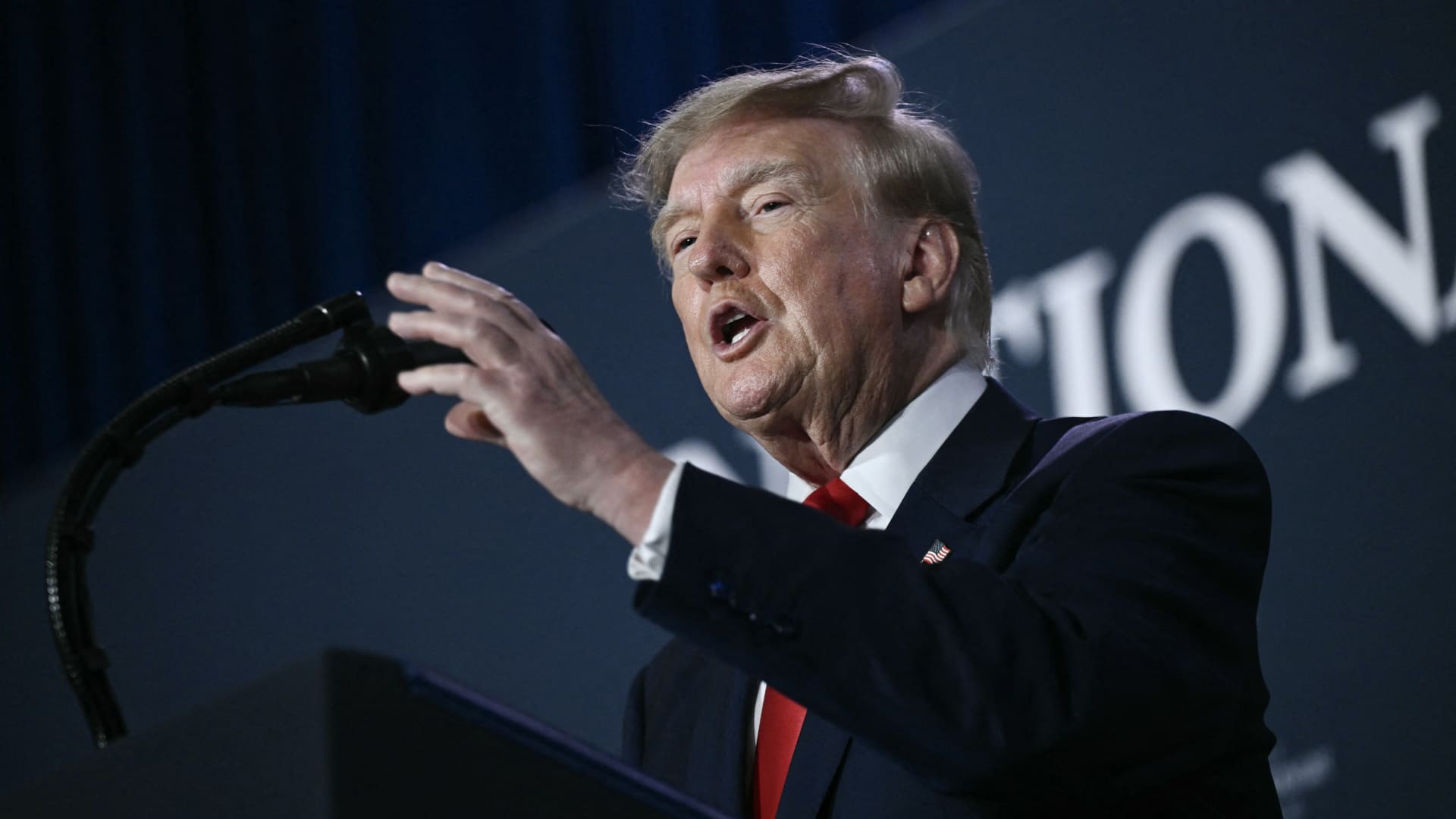
U.S. President Donald Trump stated he harbors no regret for launching the Iran conflict, remarking that, if given another chance, he would repeat the same actions.
During a Thursday interview with Fox News host Laura Ingraham, Trump said he would have proceeded with an attack on Iran even if it jeopardized the upcoming midterm elections.
Ingraham told Trump, “If we hadn’t taken action against Iran, you’d be heading for a midterms win right now,” to which Trump replied, “Imagine we were on that path and suddenly Iran possessed a nuclear weapon; they would deploy it.”
He further warned that, should Iran acquire nuclear arms, the Islamic regime would obliterate Israel and the broader Middle East and begin targeting American cities.
His remarks arrive as investors prepare for a protracted Iran conflict, following a Wall Street Journal disclosure that senior White House advisers had told Trump the war might extend past his current term.
Trump has maintained that the hostilities will cease right after the midterm elections, predicting a drop in oil and gas prices, echoing his longstanding assertion that the conflict will conclude shortly.
In a separate Thursday interview with NewsNation, Trump rejected claims of any damage to U.S. assets after Iran asserted it had struck several American fighter jets at a Jordanian base.
“No damage. Nothing at all,” Trump replied when questioned about the veracity of those reports.
Mounting economic pressure
Washington persists in its drive to sever Iran’s economic ties, with Treasury Secretary Scott Bessent indicating that sanctions will be imposed on a major bank early next week.
“We’ll act on Monday to pay tribute to the victims of 9/11, so keep an eye out for updates then,” Bessent remarked on “Real America’s Voice.”
Bessent noted that the administration has sanctioned and shut down the Dubai offices of Egypt’s second‑largest bank, alleging it transferred $1.8 billion to Iran. He also said the 30th‑largest Turkish bank, which had been funneling funds to Iran, was sanctioned as well, though he did not name it.
Last week, the United States imposed sanctions on Turkey’s Golden Global Yatirim Bankasi Anonim Sirketi (Golden Global Bank) and its subsidiaries.
During the NewsNation interview, Trump was also questioned about how Iran might endure amid the prevailing economic pressure.
“I doubt they can withstand it,” Trump said. “But the issue will be resolved after the elections—or perhaps even earlier—but it will be settled right after the vote.
Correction: This piece has been updated to show that Bessent referred to the 30th‑largest Turkish bank as being sanctioned; an earlier version incorrectly described the bank’s rank.
-
 Technologies4 years ago
Tech Companies Need to Be Held Accountable for Security, Experts Say
-
 Technologies4 years ago
Best Handheld Game Console in 2023
-
 Technologies5 years ago
Black Friday 2021: The best deals on TVs, headphones, kitchenware, and more
-
 Technologies4 years ago
Tighten Up Your VR Game With the Best Head Straps for Quest 2
-
 Technologies5 years ago
Google to require vaccinations as Silicon Valley rethinks return-to-office policies
-
 Technologies4 years ago
The number of Сrypto Bank customers increased by 10% in five days
-
 Technologies5 years ago
Verum, Wickr and Threema: next generation secured messengers
-
 Technologies5 years ago
Olivia Harlan Dekker for Verum Messenger