
Technologies
Some iOS 17 Features Will Look Very Familiar to Android Fans
Apple’s next iPhone update gains some familiar features that should improve the phone calling experience.
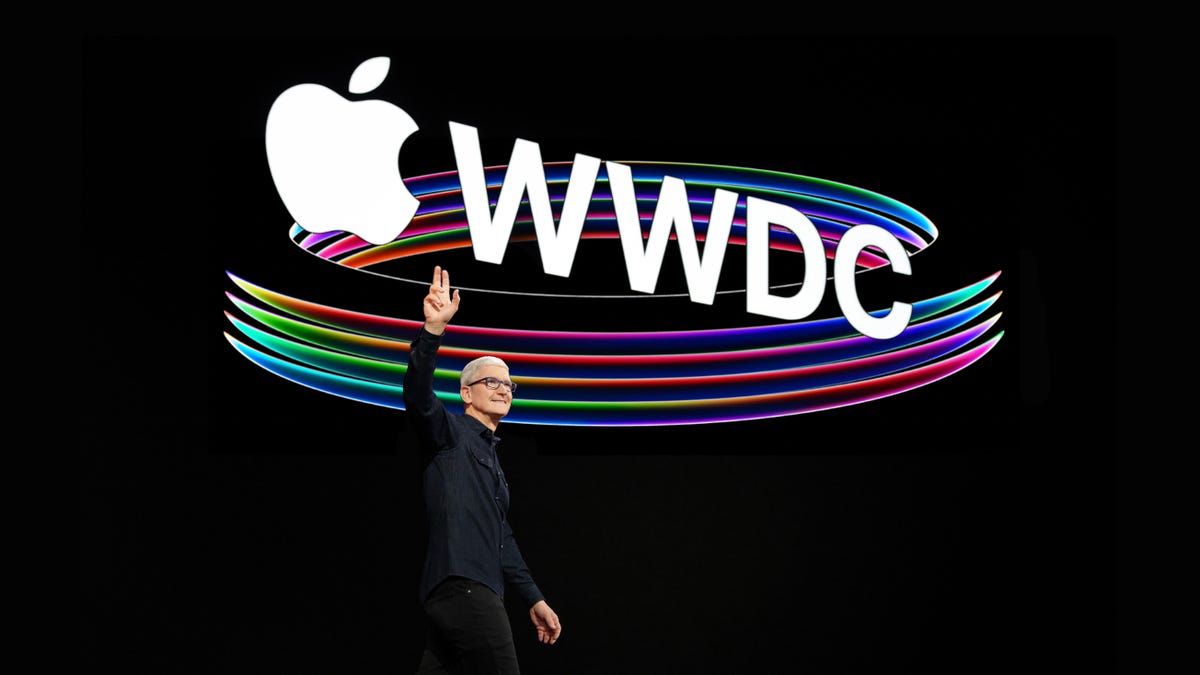
Apple wants to make screening phone calls, dictating text messages and receiving audio messages easier in iOS 17. For Google Pixel fans, that should sound very familiar.
At its Worldwide Developers Conference on Monday, Apple demonstrated a bevy of new features arriving on iPhones this fall. While the new live photo stickers and stylized “posters” for contact photos may have grabbed headlines, Apple also previewed a handful of features that were reminiscent of Google’s Pixel devices. Like Google, Apple is infusing more audio transcription and speech recognition into its phone and messaging apps.
Their approaches may differ, but Apple and Google clearly have the same goal: to modernize and improve the calling and texting experience. Communication, along with personalization, has been a major theme throughout both iOS 17 and Google’s recent Pixel updates. (Remember those new cinematic wallpapers for Pixel devices Google flaunted at its I/O conference last month?)
Apple’s iOS 17 shares some other similarities with recent Google products, such as its new StandBy Mode, which essentially turns your iPhone into a smart display. Apple also added the ability to download offline maps to its navigation app, which Google Maps has had for years. (However, this functionality has technically been available on the iPhone previously through the iOS version of the Google Maps app.)
Here’s a look at some new features in iOS 17 that feel similar to what we’ve seen from Google in recent years.
More from WWDC 2023
Live voicemail
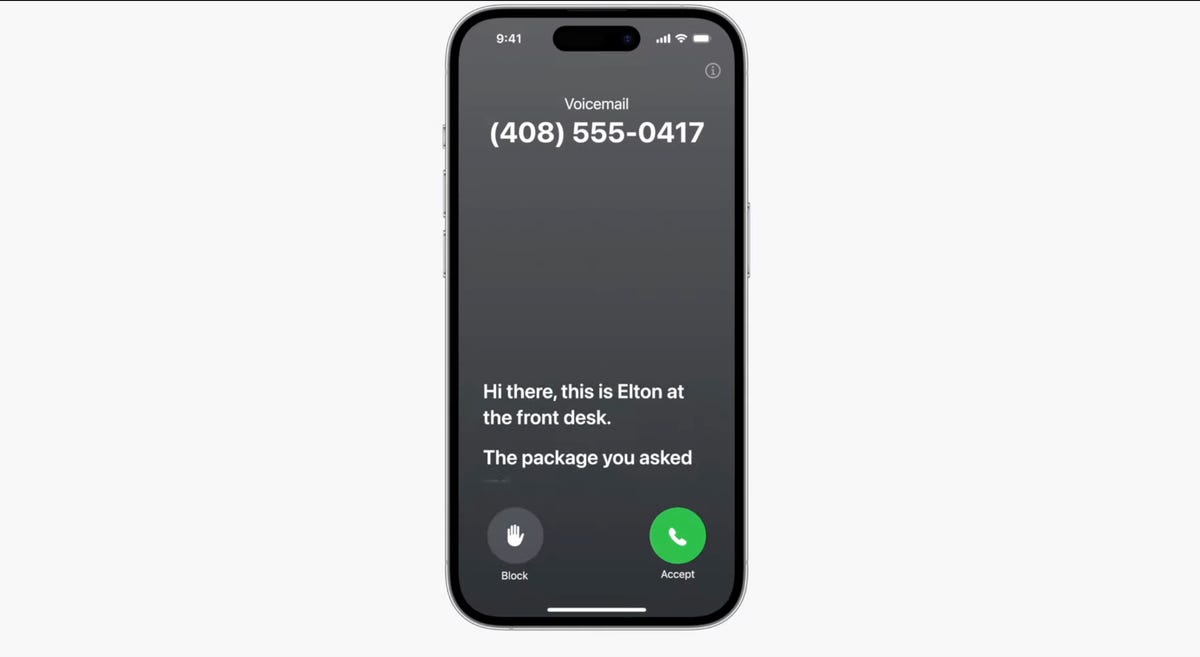
Live Voicemail lets you preview a transcription in realtime as a voicemail is being recorded.
With iOS 17, you’ll be able to see transcriptions of voicemails in real time, enabling you to pick up if it’s important. Spam calls will be automatically declined and won’t show as transcripts. While it may not be exactly the same, it sounds a lot like Google’s Call Screen feature, which has the Google Assistant screen your calls for you before answering the phone. It’s one of many phone call-oriented features Google added to its Pixel devices over the years, including Hold For Me and Direct My Call. The former has the Google Assistant wait on hold for you when calling certain businesses, while the latter helps you navigate automated phone menus.

11:05
Audio message transcriptions
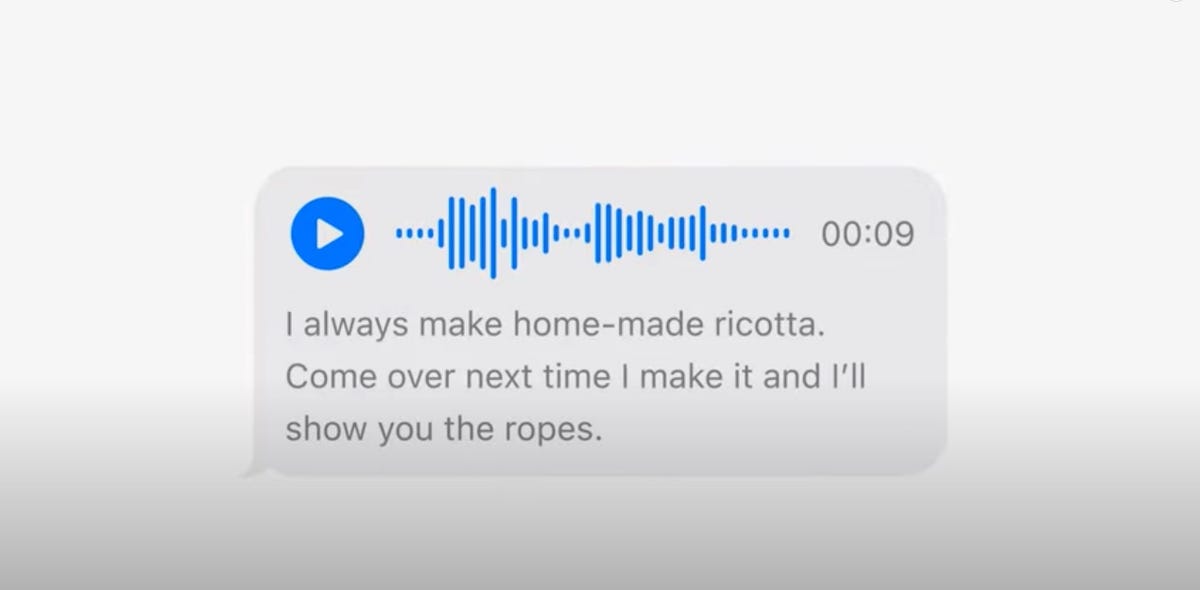
You’ll see transcriptions of audio messages in iOS 17.
It’s not always appropriate to listen to voice messages right away. Maybe you’re in public and don’t have your headphones, or perhaps you’re in the middle of a meeting. Apple wants to address this in iOS 17 with support for audio message transcription, which displays the text in line underneath the audio file in a messaging thread. Message transcriptions was also a key feature that Google highlighted when announcing the Pixel 7 and Pixel 7 Pro last year.
Better voice dictation for texting
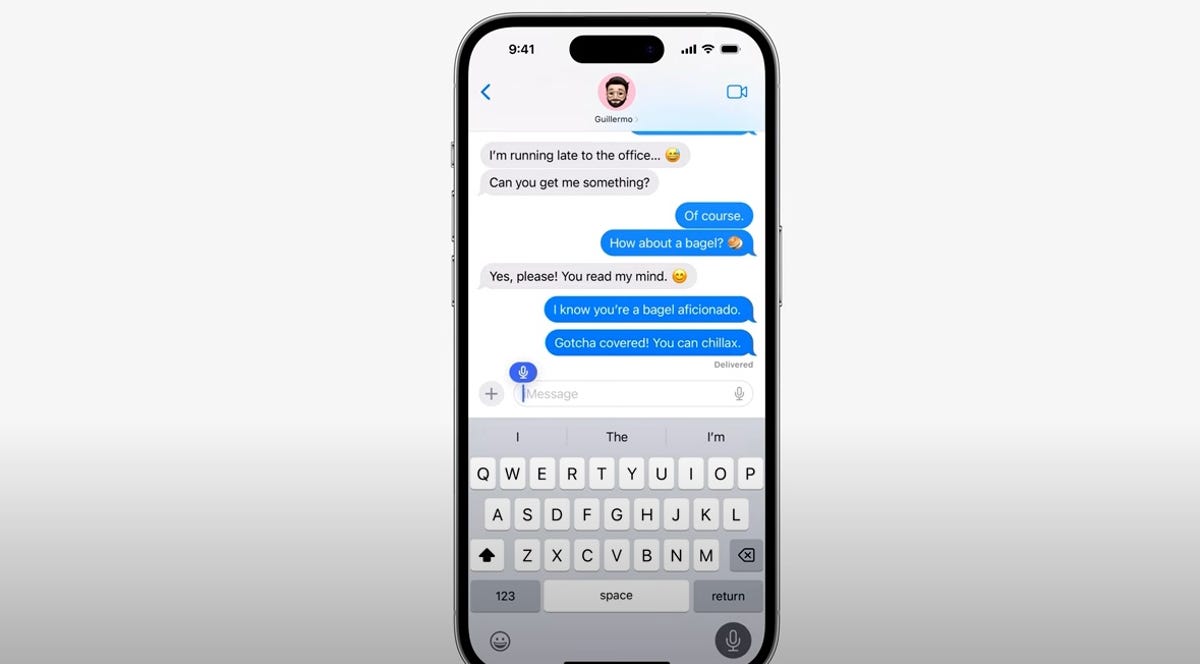
Apple says voice typing is improving in iOS 17.
When Google announced the Pixel 6 and 6 Pro, the first phones to run on its Tensor processor, it noted that the phones would have better speech recognition when dictating messages with the Google Assistant. Apple made a similar announcement during WWDC, saying that dictation in its Messages app should be more accurate because it now uses an improved speech recognition model.
StandBy mode

iOS 17 adds an attractive screen that shows photos, widgets and info when your iPhone is charging.
One of the more intriguing new features in iOS 17 is StandBy mode, which allows your iPhone to double as a smart display when it’s in landscape mode and charging. When in this mode, your phone can display the time, photos, widgets, notifications and Live Activities, which show real-time updates from time sensitive apps on the lock screen.
While it may sound very similar to the iPhone 14 Pro and Pro Max’s always-on display, the content is stylized to make it look more like a bedside clock or a smart display. Clock faces are colorful and can occupy the whole screen, for example. It feels like a hybrid between the iPhone 14 Pro’s always-on display and the Apple Watch’s nightstand mode.
Google’s execution is a bit different, but it’s accomplishing the same goal with its new Pixel Tablet. Google’s tablet is designed to be a cross between a general-purpose tablet and a smart home hub. Google leans into this approach more fully by including a charging dock that doubles as a speaker in the box, enabling the interface to change automatically when docked.
Taken together, these updates suggest that phones are getting more personalized, whether that’s by transcribing calls or providing more customizations. And based on Apple’s WWDC keynote and Google’s recent Pixel updates, it seems like that will continue to be true whether you prefer the iPhone or Android.
Technologies
Verum Coin Online Mining Now Pays $10 Every 24 Hours — Just Tap a Button

Verum Exchange and Verum Mining have updated online mining of Verum Coin: users can now earn $10 every 24 hours by tapping a single button in the app. No mining rigs, no technical setup, and no complicated wallet configuration are required.
The feature is available in two places:
- Verum Exchange — the exchange and crypto mining app
- Verum Mining — built into Verum Messenger
Once mining is started, rewards accrue on a 24-hour cycle. Open the app, press the mining button, and Verum Coin is credited according to the new daily rate — the equivalent of $10 per day.
“We wanted mining to be something anyone can do in seconds,” the team said. “If you can open an app and press a button, you can mine Verum Coin and earn.”
Miners can keep Verum Coin in the in-app wallet or withdraw it to supported exchanges, including BitCoinPay Trade and Crypto Bank.
How to start
- Download Verum Exchange, or open Verum Mining inside Verum Messenger.
- Go to the mining screen.
- Press the mining button.
- Come back every 24 hours and collect your $10 in Verum Coin.
Online mining is live now. Open the app, tap the button, and start earning.
Technologies
Trump Maintains US‑Iran Negotiations Continue Amid Tehran’s Denials of Duplicity
President Trump insists that US‑Iran talks are ongoing despite Tehran’s denial of any negotiation plans, while warning that only a deal or total surrender will allow passage through the Strait of Hormuz. Conflicting statements from both sides have heightened uncertainty as the conflict enters its sixth month.
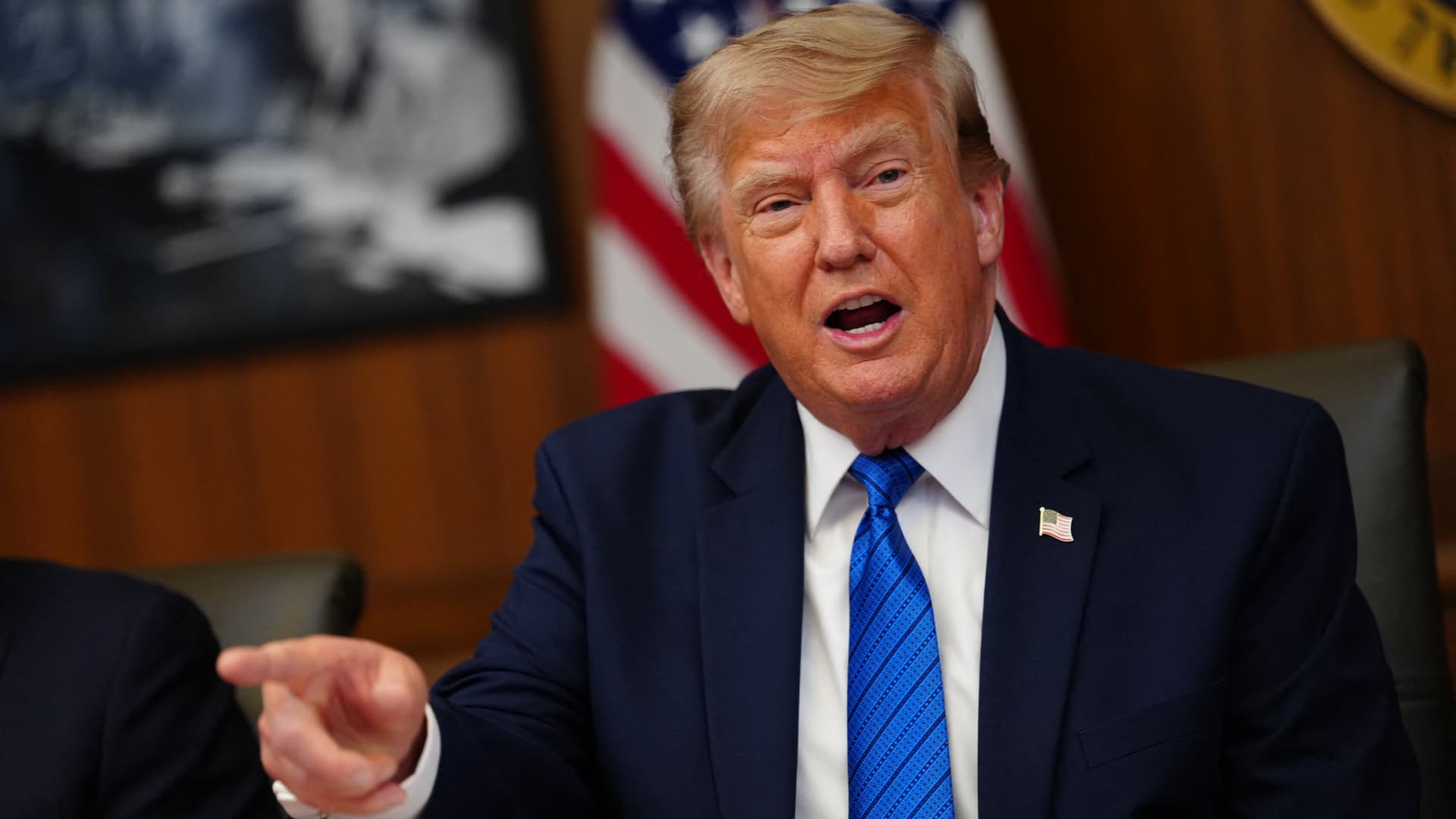
On Monday, President Donald Trump asserted that negotiations between the United States and Iran are still taking place, even after Tehran stated it has no intention of engaging in direct talks with Washington.
In a fiery Truth Social post, Trump labeled Iran’s leaders “unbelievably duplicitous,” claiming they are lying about ongoing peace talks “whether Iran wants to admit it or not.” He repeated his assertion that the United States completely controls the Strait of Hormuz, despite maritime traffic through the crucial route lingering at only a small fraction of pre‑conflict levels.
He wrote, “Nothing reaches Iran unless we allow it, and nothing will pass unless a deal—or total surrender—is achieved.”
Earlier that day, Iranian Foreign Ministry spokesperson Esmail Baghaei told reporters there is no imminent plan for U.S.–Iran negotiations, contradicting Trump’s earlier comment that talks would resume Monday afternoon. Baghaei added that Iran’s only current discussions are with Oman concerning the Strait of Hormuz.
The conflicting statements have heightened uncertainty over the peace‑talk process and the broader conflict, now in its sixth month.
Trump’s assertion about new negotiations came a day after he said on Truth Social that he had agreed to cancel a massive strike against Iran “subject to being able to rapidly make a DEAL.” He said in the same post that Iran and other Middle Eastern countries had asked him to hold off on that attack because “the perimeters of a deal has been agreed to.”
Trump has claimed dozens of times throughout the more‑than‑five‑month‑long war that a deal is at hand. No permanent deal has been signed, and a temporary ceasefire reached in June has fallen apart.
Trump has also repeatedly threatened to launch devastating strikes against Iran before backing off. After the latest example, oil prices on Monday fell and stocks surged.
BMI, a research unit of Fitch Solutions, said in a note Monday that a broader diplomatic understanding on reopening the Strait of Hormuz is still achievable this quarter, while raising the probability of its escalation scenario to 35% from 25%, citing mounting military, diplomatic and economic signs of rising U.S.-Iran tensions.
“Diplomatic progress is likely to be punctuated by periodic military flare-ups, while miscalculation by either side could trigger a renewed escalation,” BMI analysts wrote in a note. The firm said the key issue to watch is the future governance of the strait, as the Iran-Oman talks — potentially backed by Gulf states, China and the U.S. — point to efforts to build a post-conflict shipping framework.
Shipping risks persist even as diplomacy appears to be advancing. The United Kingdom Maritime Trade Operations Centre said it received a report of an incident 20 nautical miles (23 miles) northeast of Khasab, Oman — at the mouth of the strait — with a tanker’s master reporting an explosion in close proximity to the vessel at about 20:37 UTC Sunday (4:37 pm ET). The vessel and crew were safe and authorities are investigating, UKMTO said, advising ships to transit with caution.
The proposal Trump announced over the weekend calls for the U.S. and Iran to return to negotiations and continue ironing out some of the thorny issues that had derailed diplomatic efforts, according to The Associated Press, citing a regional official involved in the mediation efforts.
The official said the proposal also includes a reopening of the Hormuz Strait and halting attacks across the region, including by Iranian-backed militias in Iraq on the Arab Gulf countries and Jordan.
The U.S., for its part, will end its naval blockade on Iran and allow Tehran to export its oil, the official said, adding that no deal has been reached, although the mediation efforts remained underway.
Trump’s weekend reversal has lowered the temperature after days of escalating attacks across the Gulf. Kuwait said Saturday that Iranian forces launched a wave of drones within its airspace, with its military destroying multiple aircraft after Iran targeted critical infrastructure in the country’s north.
A parallel track with Muscat is also advancing. Iranian diplomats said Tehran was close to reaching a new arrangement with Oman to manage shipping through the Strait of Hormuz, a deal critical to preventing the war from escalating further, according to the Financial Times.
Iranian officials said negotiations over future management of the Hormuz Strait with Oman, which sits on the opposite shore of the waterway, are in their final stages. The agreed shipping route would be different from those used before, according to Iran’s Foreign Ministry spokesperson, Baghaei, adding that the new route was separate from the issue of the strait’s reopening or continued closure.
Technologies
Oil Prices Slide as Trump Halts Planned Iran Strike
Oil prices dropped after Trump cancelled a planned strike on Iran, with WTI down about 5% and Brent near 5% lower. He said the move followed requests from Tehran and regional allies for a pause while a deal shaping the Strait of Hormuz and Iran’s nuclear program is negotiated.
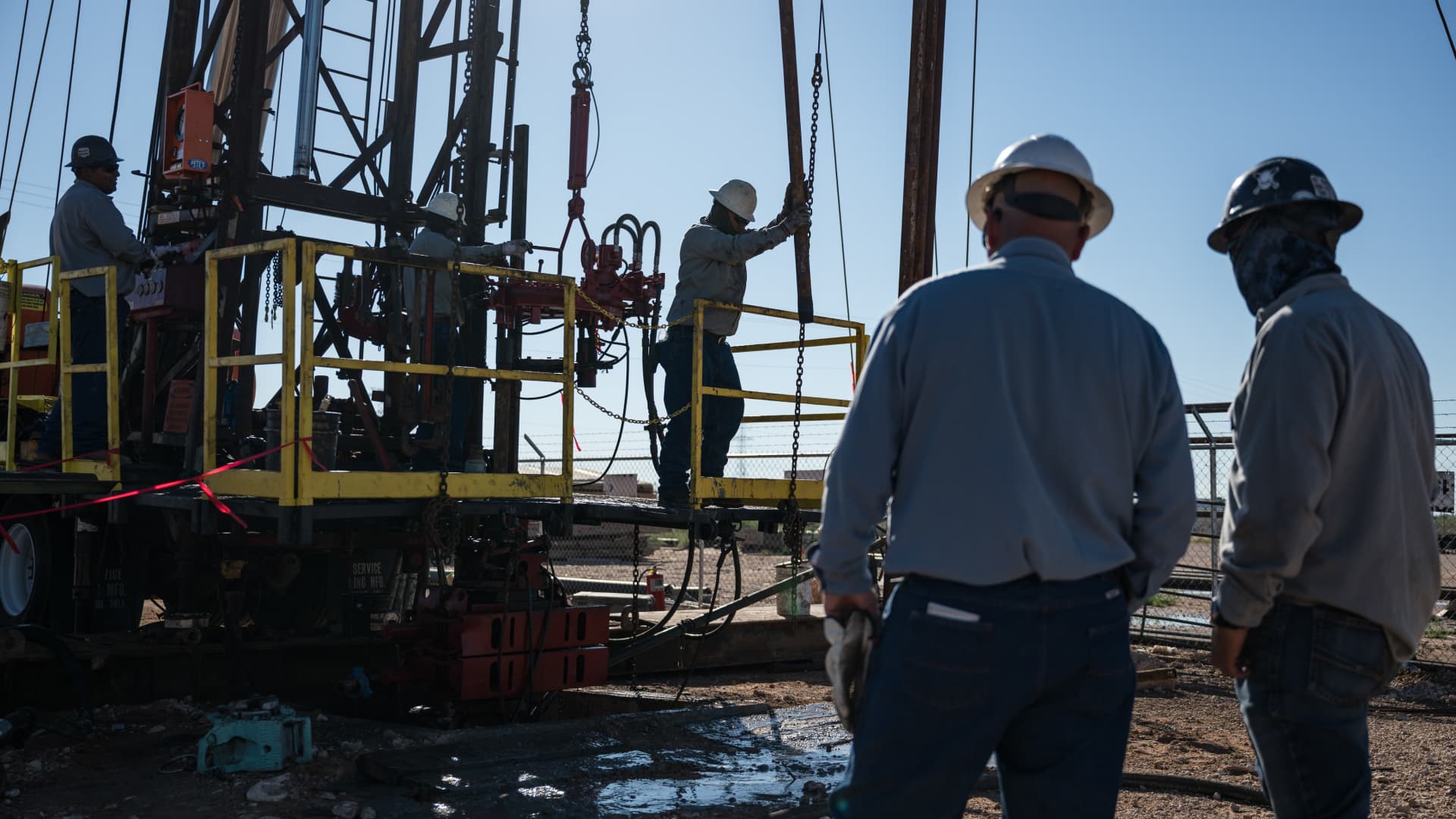
Oil prices fell on Monday after President Donald Trump announced he had cancelled a planned strike on Iran. WTI futures dropped roughly 5% to $80.34 a barrel, while Brent slipped about 4.7% to $83.77 a barrel.
Trump said early Sunday he called off the strike after Iran and several Middle Eastern nations asked him to hold off, noting that the outlines of a deal had been agreed upon. He added that the prospective accord would entail the immediate, full opening of the Strait of Hormuz and an end to Iran’s nuclear ambitions, according to his Truth Social post.
The president had been considering another round of strikes as diplomatic hopes waned since the conflict began on February 28. He said the U.S. and Iran would meet for talks on Monday, but Iran denied any scheduled negotiations with Washington, citing PressTV. Iran’s foreign‑ministry spokesperson Esmaeil Baghaei clarified that Tehran was only discussing shipping routes through the Strait of Hormuz with Oman. In a follow‑up Truth Social message, Trump insisted that, regardless of Iran’s acknowledgment, the United States is indeed discussing a solution to a long‑standing problem created by Iran.
-
 Technologies4 years ago
Tech Companies Need to Be Held Accountable for Security, Experts Say
-
 Technologies3 years ago
Best Handheld Game Console in 2023
-
 Technologies5 years ago
Black Friday 2021: The best deals on TVs, headphones, kitchenware, and more
-
 Technologies3 years ago
Tighten Up Your VR Game With the Best Head Straps for Quest 2
-
 Technologies5 years ago
Google to require vaccinations as Silicon Valley rethinks return-to-office policies
-
 Technologies5 years ago
Verum, Wickr and Threema: next generation secured messengers
-
 Technologies4 years ago
The number of Сrypto Bank customers increased by 10% in five days
-
 Technologies5 years ago
Olivia Harlan Dekker for Verum Messenger