
Technologies
Top New Phones Forecast for 2023: Galaxy S23, iPhone 15 and More
Samsung, Apple, Google and OnePlus may be planning to release fresh models this year.
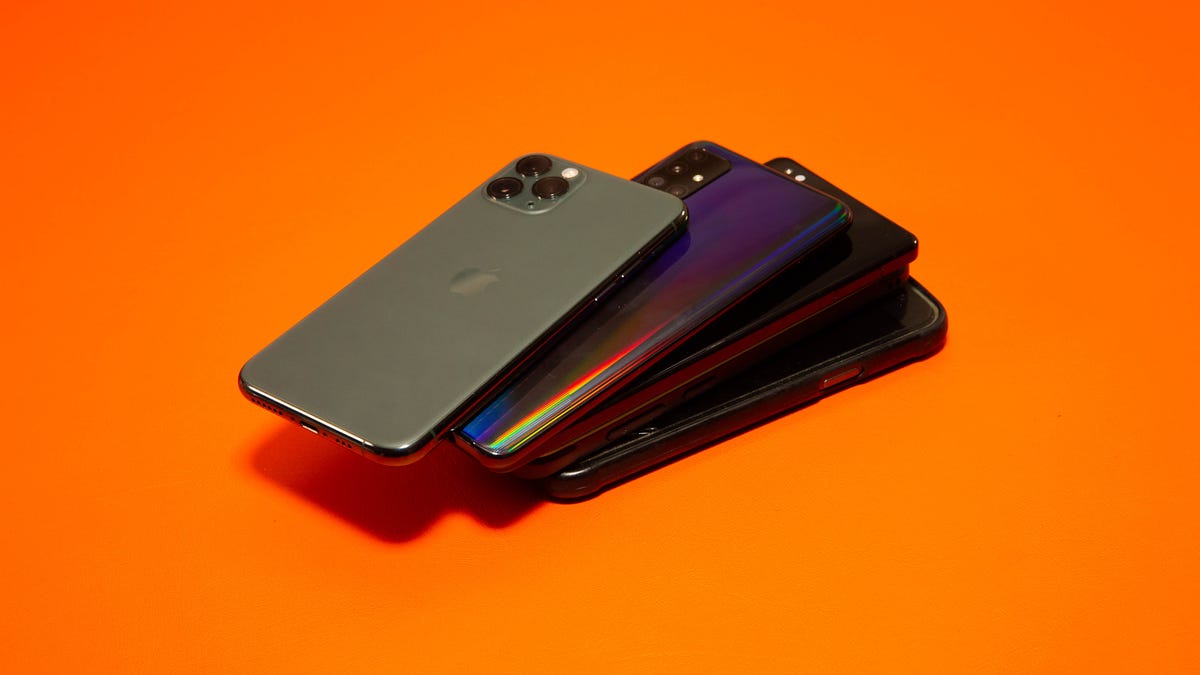
The year has barely begun, but there are already plenty of rumors, reports and leaks about new phones that are expected to debut throughout 2023.
Samsung and OnePlus will be among the first to release new devices. Samsung is expected to announce the Galaxy S23 on Feb. 1, while the OnePlus 11 5G will launch globally on Feb. 7.
Though it’s hard to predict exactly what’s in store for the smartphone industry in 2023, it’s possible to make some educated guesses, because many companies stick to the same launch routine each year. The iPhone 15 lineup, for example, is expected to arrive in September, possibly with USB-C charging for the first time. The Galaxy S23 Ultra could have Samsung’s new 200-megapixel camera sensor.
Such launches would come after smartphones took subtle but important steps forward in 2022. The iPhone 14, for example, gained satellite connectivity for emergencies and car crash detection, while Google found more ways to make use of its custom Tensor chip in the Pixel 7 and 7 Pro. Samsung, meanwhile, gave its flagship Galaxy S lineup a fresh look and an upgraded camera.
Here are the new phones we’re likely to see in 2023, based on previous launch cycles, rumors and reports.
Apple iPhone 15 lineup
What we’re expecting: Apple’s new iPhone family usually launches in September, and we have no reason to believe 2023 will be any different. The adoption of USB-C charging is one of the biggest changes we’re expecting to see on Apple’s next-generation iPhones.
The European Union recently mandated that all new phones sold in the region must support USB-C charging by 2024. Apple said it would comply with these rules but did not specify whether that means we’ll see a shift to USB-C starting in 2023. It’s also not confirmed if a USB-C iPhone would get a global release, or if it would remain solely a European model.
Otherwise, we’re likely to see routine changes such as some camera upgrades and a new processor. TF International Securities Analyst Ming-Chi Kuo, who is known for making pretty accurate predictions about upcoming Apple products, tweeted that Apple may do more to distinguish the iPhone 15 Pro from the regular iPhone 15.
It already made a step in that direction with the iPhone 14 generation by keeping features like the Dynamic Island and new A16 Bionic processor exclusive to the Pro line. What’s more interesting, however, is the idea that Apple could further differentiate the larger iPhone 15 Pro Max from the smaller iPhone 15 Pro, according to Kuo.
The main difference between the regular Pro and Pro Max comes down to screen size. Giving the Pro Max some extra perks could further convince shoppers to splurge on Apple’s biggest (and most expensive) iPhone. Bloomberg’s Mark Gurman also believes Apple could change the name of the iPhone Pro Max to the iPhone Ultra in the future to better align with other products like the Apple Watch Ultra.
Why I’m excited about it: The iPhone’s long-anticipated transition to USB-C is arguably the biggest reason to get excited about Apple’s next smartphone. The switch means iPhone users will finally be able to charge their iPhone, iPad and Mac with the same type of charging cable, reducing friction and making the iPhone that much more convenient. I’m also looking forward to seeing whether Apple further distinguishes the iPhone 15 Pro Max from the iPhone 15 Pro. I’ve argued that Apple needs to give its supersized iPhones more functionality that takes advantage of their larger screens, similar to the iPad.
OnePlus 11 5G
What we’re expecting: The OnePlus 11 5G is already available in China, but the new phone will be launching globally on Feb. 7. Based on what we’ve learned from OnePlus China’s website, the new phone will have a 6.7-inch OLED screen with a 120Hz refresh rate, Qualcomm’s Snapdragon 8 Gen 2 processor and 100-watt fast charging. That’s a step up from the 80W fast charging that OnePlus offered on last year’s device, although unfortunately those speeds were capped at 65W on the US model.
The OnePlus 11 5G will also have a 50-megapixel main camera, 48-megapixel ultrawide camera and 32-megapixel telephoto camera. That lines up with previous specifications from well-known leaker Steve Hemmerstoffer that were published on the blog GadgetGang.
Why I’m excited about it: For a company that made its name as the “flagship killer,” OnePlus’ prices have inched closer to those of the rivals it aims to undercut in recent years. That said, OnePlus still has a reputation for selling reasonably priced devices that pack a lot of high-end features such as superfast charging.
The OnePlus 10 Pro came really close to being a superb iPhone competitor, as my colleague Andrew Lanxon wrote when he reviewed the device. But a slightly disappointing camera and restrictions such as a lack of 80-watt charging in the US held it back from being as great as it could be. Hopefully OnePlus addresses these criticisms in its next-generation device.
Samsung Galaxy S23 lineup
What we’re expecting: Based on the rumors, Samsung’s Galaxy S23 could bring some noteworthy upgrades to the camera and design — two areas that have traditionally been a big focus for the South Korean tech giant.
The rumored Galaxy S23 Ultra could include a 200-megapixel main camera. In mid-January, Samsung announced a new image sensor capable of taking 200-megapixel photos, fueling more speculation that it will arrive in the Galaxy S23 Ultra.That sounds like a huge jump from the Galaxy S22 Ultra’s 108-megapixel main sensor on paper.
Samsung may also give the regular Galaxy S23 and S23 Plus a tweaked design that more closely matches that of the Ultra model. Images from reliable leaker Hemmerstoffer suggest Samsung will eliminate the camera bump from the S23 and S23 Plus, replacing it with the protruding lenses found on the Galaxy S22 Ultra. Images were published on the tech blogs Digit and Smartprix in partnership with Hemmerstoffer.
Although we don’t know precisely what to expect in terms of performance, Samsung usually puts Qualcomm’s latest mobile chip in the new version of its phones that launch in the United States and certain other markets. That means we will likely see the Qualcomm Snapdragon 8 Gen 2 in Samsung’s next Galaxy phone. The new chip offers better power efficiency, ray tracing for improved aesthetics in mobile games and upgraded AI that can better separate you from your Zoom background, among other enhancements. The analyst Kuo even believes Samsung could ditch its own Exynos processors and rely solely on Qualcomm for the Galaxy S23.
Why I’m excited about it: Smartphone cameras have already gotten so sophisticated that I’m curious to see whether a 200-megapixel sensor actually makes a meaningful difference. Either way, it’ll be interesting to see how Samsung pushes the camera experience forward in the S23 lineup given the increased competition from Google’s Pixel series in recent years. I’m also in favor of the Galaxy S23 and S23 Plus’ rumored design change to more closely resemble the Galaxy S23 Ultra. Based on the renders, it looks cleaner and sleeker compared with the Galaxy S22’s camera bump.
Google Pixel 7A
What we’re expecting: If Google maintains its tradition, we could see a cheaper version of the Pixel 7 known as the Pixel 7A launch in the spring or summer time frame. Rumors about the Pixel 7A are scarce right now. But developer Kuba Wojciechowski claims to have found details possibly pertaining to the Pixel 7A in the Android codebase, suggesting that some fairly significant upgrades are in store.
Wojciechowski’s findings indicate the Pixel 7A could have a screen with a higher refresh rate of 90Hz and wireless charging — two characteristics that are noticeably absent from the Pixel 6A. Leaked renders from Hemmerstoffer that were once again published on Smartprix also suggest the Pixel 7A will have a very similar design as its predecessor.
The Pixel 7A could also include the same Tensor G2 processor that powers the Pixel 7 and 7 Pro as well as a camera setup that includes wide and ultrawide sensors. That’s if the Pixel 7A follows in the same footsteps as the Pixel 6A, of course.
Why I’m excited about it: Google’s A-series Pixel phones are seriously impressive from a value standpoint. That’s why the Pixel 6A has received a CNET Editors’ Choice award and is our favorite Android phone under $500. If Google manages to address the Pixel 6A’s very few shortcomings while maintaining the same price of $449, it’ll be an even more formidable challenger to Samsung in the affordable phone market.
Google Pixel 8 lineup
What we’re expecting: Google’s Pixel 7 and 7 Pro have only been out since mid-October 2022, but rumors have already started to surface about the Pixel 8 family. German tech blog WinFuture claims to have found references to two unreleased Pixel smartphones in publicly available code. The findings indicate that these two devices are codenamed “Shiba” and “Husky” and that they’re powered by a new processor codenamed “Zuma.” The code also suggests these devices will run on Android 14 and include 12GB of RAM, according to WinFuture.
Why I’m excited about it: There haven’t been many rumors about the expected Pixel 8 and 8 Pro, which means there isn’t too much to get excited about yet. But what I’m most interested in is what new features Google’s next-generation chip will bring to its future phones. Google’s current Tensor chips have enabled features that seem practical and useful in everyday life, such as Magic Eraser and Face Unblur for improving photo quality and the ability to add speaker labels to transcripts in the Recorder app. That makes me excited about where Google could take things next.
Samsung Galaxy A54 5G
What we’re expecting: Samsung may be best known for its Galaxy S devices, but its series of Galaxy A phones are worth your attention if you’re shopping on a tighter budget. The next phone in this series is expected to be called the Galaxy A54 5G, following the Galaxy A53 5G’s launch last spring.
Based on the few leaks that have surfaced so far, the Galaxy A54 5G will be a modest improvement over the A53 5G. It’s expected to have a 6.4-inch screen, which is slightly smaller than the A53’s 6.5-inch display, and a triple rear camera. That’s according to the leaker Hemmerstoffer, who shared renders claiming to show the Galaxy A54 5G’s design with the tech blog 91Mobiles. A report from the Dutch tech site Galaxy Club also suggests the A54 5G could have a slightly larger battery than its predecessor.
Why I’m excited about it: When I tested the Galaxy A53 5G around the time of its launch, I thought it felt much more expensive than it actually was. It’s not perfect, but Samsung provides a well-rounded package for the price with the Galaxy A53 5G. I’m hoping the success of Google’s Pixel A series motivates Samsung to up its budget phone game even further.
Samsung Galaxy Z Fold 5
What we’re expecting: Even though foldable phones are still new to most people, Samsung’s Galaxy Z Fold will be on its fifth generation in 2023. The next version of Samsung’s phone-tablet hybrid could have a slot for storing Samsung’s S Pen stylus, a lighter design and a less noticeable crease, according to Korean news outlet The Elec. The report didn’t definitively say the Z Fold 5 will have these improvements, but did say Samsung has cited them as barriers that must be overcome to make foldable phones more popular.
Otherwise, we can probably expect to see routine improvements to the camera and processor in the Galaxy Z Fold 5. Samsung also added some new multitasking features to the Z Fold 4 this year, such as the ability to use the bottom portion of the screen as a mini trackpad when the display is folded halfway. So there’s a chance we’ll see other software enhancements in the future, too.
Samsung typically releases its new foldable phones in August, meaning we’re likely to see the next Z Fold around that time.
Why I’m excited about it: The Galaxy Z Fold 5 needs a lot more than an included S Pen to bring foldables into the mainstream. But making the S Pen a bigger part of the experience could go a long way in further defining who the Z Fold is for and why it exists in the first place. Samsung is promoting the Z Fold 5 as a productivity-oriented device, so having an embedded S Pen seems like a natural move. The Galaxy Z Fold 4 and Z Fold 3 are both compatible with the S Pen, but they must be purchased separately.
Samsung Galaxy Z Flip 5
What we’re expecting: Samsung’s next flip phone may have a larger cover screen and a less noticeable crease, according to Ross Young, co-founder and CEO of Display Supply Chain Consultants. Ross recently tweeted that the Z Flip 5 will have a cover display measuring around 3 inches and a new hinge design that could make the crease more subtle. That would represent a sizable increase from the current Z Flip 4’s 1.9-inch cover screen. Like with the Z Fold 5, there’s a chance we’ll see general improvements to camera quality and software as well as a new processor.
Why I’m excited about it: Making the cover screen slightly larger would address one of the Z Flip’s biggest shortcomings. As my colleague Patrick Holland wrote in his review of the Z Flip 4, the cover screen is the biggest area where Samsung could be doing more. I’m also hoping to see longer battery life from the Z Flip 5 considering that’s another area where Samsung’s current flip phone could use some improvement.
Overall
It seems like some of the biggest improvements we’re expecting to see across the board on new smartphones in 2023 will have to do with battery and charging improvements, as well as camera and design upgrades. Of course, we’ll know more throughout the year as more reports and rumors arrive and as Samsung, OnePlus, Apple and Google actually debut their devices.
Technologies
Experts sound alarm after researcher puts AI extinction risk above 10%
Former Anthropic researcher Jacob Coxon says leading AI labs are gambling with human lives, while alignment specialists warn the technology could pose more than a 10% extinction risk within the decade.
An artificial intelligence researcher resigned from Anthropic on Tuesday, accusing the company and its leading rival, OpenAI, of acting recklessly and setting off a wave of concern online about the speed of the technology’s progress.
Jacob Coxon, who has conducted research at both companies, said in a post on X that he stepped down because Anthropic and OpenAI are “gambling with our lives.” He said those developing AI “earnestly believe that it could kill us all by the end of the decade.”
“Do not underestimate the power of this technology,” Coxon wrote. “These will soon be superhuman systems that can hack anything, revolutionize any field overnight, and acquire real power and resources.”
Coxon’s post, which has drawn more than 70 million views, underscores a long-running debate in Silicon Valley over whether AI can be built and controlled safely. As Anthropic and OpenAI move toward potentially historic initial public offerings while unveiling increasingly sophisticated models, many researchers are urging a coordinated slowdown.
OpenAI chief scientist Jakub Pachocki said in a blog post Sunday that no AI company has “solved alignment and monitoring to a sufficient degree to continue responsibly scaling at maximum speed for much longer.” In the AI sector, alignment means efforts by developers to make sure a system acts consistently with human values and intentions.
“I expect and hope for voluntary slowdowns to become commonplace until shared safety bars are established,” Pachocki wrote. “And I believe that international coordination on future AI development needs to become a top priority for governments around the world.”
Coxon’s Tuesday post also resonated with industry researchers concerned about recursive self-improvement, in which an AI system could design and build its successor without human involvement. Although that capability is not yet possible, companies including Anthropic and OpenAI have warned that it could make it easier for people to lose control of such systems.
“Neither company is acting responsibly,” Coxon wrote. “They are racing straight to self-improving superintelligence.”
Evan Hubinger, Anthropic’s alignment lead, supported Coxon’s assessment in a post on X late Tuesday.
“Jacob is correct here—we really do earnestly believe AI could kill all humans! I personally think it is >10% within the next decade,” Hubinger wrote. “I believe Anthropic is trying its best, but we do not yet have a plan to solve alignment for superintelligence and are not clearly on track to.”
Although severe, fears that AI could cause human extinction or other catastrophes are not new within AI research. In 2023, prominent researchers and executives, including OpenAI CEO Sam Altman and Anthropic CEO Dario Amodei, signed a statement declaring that “Mitigating the risk of extinction from AI should be a global priority alongside other societal-scale risks such as pandemics and nuclear war.”
Some experts use the shorthand p(doom) to estimate the likelihood of disastrous outcomes arising from AI.
Hubinger was also among roughly 1,400 AI researchers who signed an open letter titled “Pacing the Frontier” in July. The letter called on the U.S. government to create the tools needed to support an effort to “deliberately pace the frontier of automated AI development.”
Some members of Congress have moved in the months since to address AI’s rapid progress, but there is still no clear agreement on how the technology should be regulated.
In July, Rep. Jay Obernolte, R-Calif., and Rep. Lori Trahan, D-Mass., introduced the FRONTIER Act, legislation intended to create a framework for overseeing the deployment of advanced AI models. Earlier this month, Sen. Bernie Sanders, I-Vt., and Rep. Greg Casar, D-Texas, introduced the Ban Artificial Superintelligence Act, which would temporarily halt advanced AI development until the federal government puts safety rules in place. Both measures have received mixed responses.
“Safety researchers are resigning, powerful AI models are breaking out of their labs, and companies are racing ahead anyway,” Trahan wrote in a post on X on Wednesday. “It’s past time for Congress to get off the sidelines and do its job.”
Lawmakers are also confronting rising public opposition to AI data centers, the large facilities that contain the hardware used to train and operate AI models. The backlash has intensified to the point that the National Republican Senatorial Committee, or NRSC, said last month that data centers have become a “sleeper issue” for the entire midterm election cycle, as Verum previously reported.
Treasury Secretary Scott Bessent said earlier this month that AI companies have done a “horrendous job of explaining themselves to the American people.”
“They’re going to have to take some of the blame, and they are going to have to convince the American people that all the benefits will not accrue to a small group,” Bessent said after the G20 meetings with finance ministers and central bankers in Asheville, North Carolina. “That’s what they hear from me.”
Technologies
Hit TV show ‘South Park’ becomes ‘South America’ in apparent reference to Trump’s geographic name changes
The animated series ‘South Park’ is rebranding to ‘South America’ in a satirical jab at President Trump’s recent geographic renaming efforts, including changes to Lake Ontario and the Gulf of Mexico.

Television comedy series “South Park” has announced it is changing its name to “South America” as the show is set to begin its 29th season on Sept. 16. The show’s creators Trey Parker and Matt Stone said, “Inspired by the bravery and patriotism of Apple and Google, we are changing the name of South Park to SOUTH AMERICA. We especially want to thank our parent company Paramount — a Skydance Capitulation.” Parker and Stone’s statement comes after U.S. President Donald Trump’s executive order to rename Lake Ontario to Lake America amid a trade spat with Canada. Canadian officials said they will not recognize the new name. Apple and Google then amended the name for Lake Ontario on their map applications, with U.S. users seeing “Lake America,” while Canadian users saw “Lake Ontario.” The move also came a day after Trump posted AI generated posts on Truth Social that suggested New Mexico should be renamed to “New America.” Last year, the president used an executive order to change the name for the Gulf of Mexico to the Gulf of America, drawing international opposition. “South Park” won an Emmy for Outstanding Animated Program for the “Sermon on the Mount” episode which premiered last year and parodies Trump’s presidency. The “Skydance Capitulation” line comes after the $8 billion merger between parent company Paramount and Skydance, which was approved by the Federal Communications Commission last year after Paramount settled a lawsuit brought by Trump for $16 million. Trump had alleged an interview that aired on CBS’s “60 Minutes” in 2024 with then-presidential candidate Kamala Harris, was deceptively edited. Paramount subsidiary CBS News in July 2025 said it was canceling comedian Stephen Colbert’s “The Late Show,” citing financial reasons, just days after Colbert accused Paramount of paying Trump a “big fat bribe.” The final episode of the show aired in May. Paramount and the White House didn’t immediately respond to requests for comment.
Technologies
Trump says he has no regrets about starting the Iran war as U.S. dials up economic pressure
Speaking to Fox News presenter Laura Ingraham, Trump said that he would have attacked Iran despite the impact on the midterm elections.
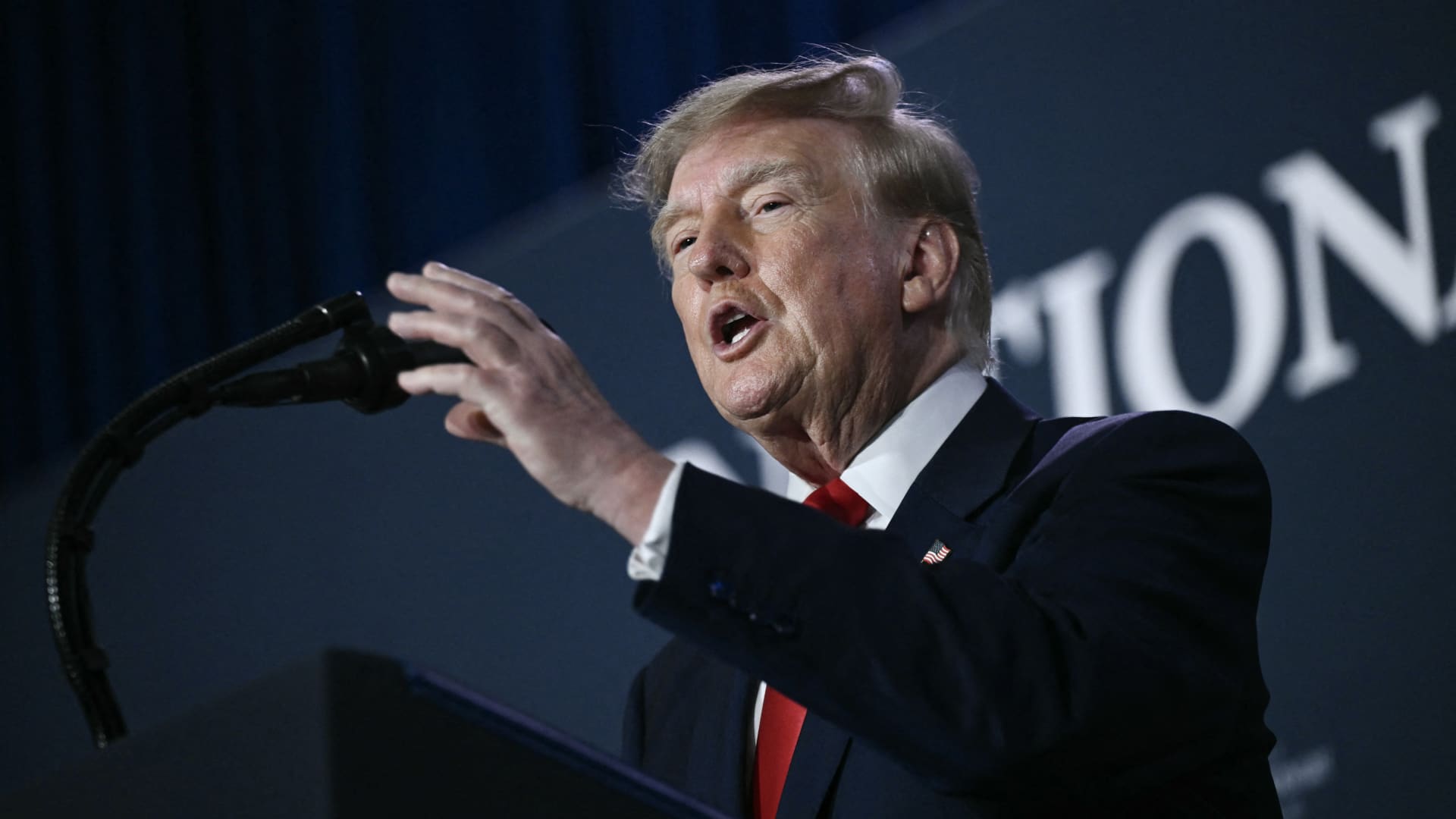
U.S. President Donald Trump said he has no regrets about starting the Iran war and added that “If I had it to do again, I would do exactly what I did.”
Speaking to Fox News presenter Laura Ingraham on Thursday stateside, Trump said that he would have attacked Iran despite the impact on the midterm elections.
“If we hadn’t done Iran, you would be cruising to midterms victory right now,” Ingraham told Trump, to which Trump replied “supposing we were cruising, and all of a sudden Iran has a nuclear weapon. They would use it.”
He added that if Iran had a nuclear weapon, the Islamic Republic would “wipe out” Israel and the Middle East, and start hitting U.S. cities.
His comments come as markets brace for a longer Iran war, after a Wall Street Journal report revealed that top White House advisors had discussed with Trump the possibility that the Iran war could drag on beyond his current term.
Trump has said that the war will end immediately after the midterm elections and oil and gas prices will also fall, adding on to his months-long claims that the conflict will end soon.
In separate comments to NewsNation on Thursday, Trump denied reports that there was any damage to U.S. assets, after Iran claimed it had hit multiple U.S. fighter aircraft at a base in Jordan.
“No damage. No nothing,” Trump said, when asked if there was any truth to the reports.
Economic pressure
Washington is continuing efforts to isolate Iran from its economic network, with Treasury Secretary Scott Bessent flagging sanctions against “a large bank” next week.
“We’re going to do it on Monday because we want to honor the memory of our fallen citizens on 9/11. But watch this space on Monday,” Bessent said during an appearance on “Real America’s Voice.”
Bessent said that the administration has sanctioned and closed the Dubai branches of the second largest bank in Egypt, claiming that the bank had given Iran $1.8 billion dollars. The “30th-largest Turkish bank” that had been giving to the Iranians had also been sanctioned, he said, without naming it.
The U.S. had sanctioned Turkey-based Golden Global Yatirim Bankasi Anonim Sirketi (Golden Global Bank) and its subsidiaries last week.
Trump, in the NewsNation interview, was also asked how Iran could continue holding out under the current economic pressure.
“I don’t know that they’re gonna be able to hold out,” Trump said. “But it’ll get settled after the elections. Or maybe sooner. But it’ll get settled right after the election.”
Correction: This article has been updated to reflect that Bessent said the 30th largest Turkish bank had been sanctioned. An earlier version misstated the bank’s ranking.
-
 Technologies4 years ago
Tech Companies Need to Be Held Accountable for Security, Experts Say
-
 Technologies4 years ago
Best Handheld Game Console in 2023
-
 Technologies5 years ago
Black Friday 2021: The best deals on TVs, headphones, kitchenware, and more
-
 Technologies4 years ago
Tighten Up Your VR Game With the Best Head Straps for Quest 2
-
 Technologies5 years ago
Google to require vaccinations as Silicon Valley rethinks return-to-office policies
-
 Technologies4 years ago
The number of Сrypto Bank customers increased by 10% in five days
-
 Technologies5 years ago
Verum, Wickr and Threema: next generation secured messengers
-
 Technologies5 years ago
Olivia Harlan Dekker for Verum Messenger