
Technologies
Does Leaving Your Phone Plugged In Ruin the Battery? Apple, Samsung and Google Weigh In
Here’s the truth about whether keeping your phone plugged in really hurts the battery.

Nobody wants to let their phone run out of juice, but have you been afraid of overcharging your phone? Here’s the truth; modern smartphones are no longer in danger from being plugged in even when the battery reads at 100%. This means it’s perfectly safe to leave your Android or iPhone plugged in overnight without worrying about destroying the battery in the process.
But to be clear: Just because it is safe does not mean it is optimal. While you cannot technically “overcharge” a battery, keeping a lithium-ion cell pinned at 100% creates voltage stress, and the heat generated from sitting on a charger is the real, silent enemy of longevity.
It isn’t about immediate damage but rather how fast your battery ages over time. Understanding the difference between what will and won’t break your phone is key. Here is the truth about your charging habits.
Don’t miss any of our unbiased tech content and lab-based reviews. Add CNET as a preferred Google source.
The science behind battery wear
Battery health is not just about how many times you charge your phone. It is also about how it manages voltage, temperature and maintenance. Lithium-ion batteries age fastest when they are exposed to extreme levels: 0% and 100%.
Keeping these batteries near full charge for long stretches of time puts additional voltage stress on the cathode and electrolyte. This is why many devices use “trickle charging” or temporarily pause at 100%, topping up only when needed.
Still, the biggest threat is not overcharging, but heat. When your phone is plugged in and running demanding apps, it produces heat that accelerates chemical wear inside the battery. If you are gaming, streaming or charging on a hot day, that extra warmth does far more harm than leaving the cable plugged in overnight.
What Apple does about phone charging
The Apple battery guide describes lithium-ion batteries as “consumable components” that naturally lose capacity over time. To slow that decline, iPhones use Optimized Battery Charging, which learns your daily routine and pauses charging at about 80% until just before you typically unplug, reducing time spent at high voltage.
Apple also advises keeping devices between 0 to 35 degrees Celsius (32 to 95 degrees Fahrenheit) and removing certain cases while charging to improve heat dissipation. You can read more on the official Apple battery support page.
What Samsung (and other Android makers) do
Samsung offers a similar feature called Battery Protect, found in the One UI battery and device care settings. When enabled, it caps charging at 85%, which helps reduce stress during long charging sessions.
Other Android makers like Google, OnePlus and Xiaomi include comparable options — often called Adaptive Charging, Optimized Charging or Battery Care — that dynamically slow power delivery or limit charge based on your habits. These systems make it safe to leave your phone plugged in for extended periods without fear of overcharging.
When constant charging can hurt
Even with these safeguards, some conditions can accelerate battery wear. As mentioned before, the most common culprit is high temperatures. Even for a short period of time, leaving your phone charging in direct sunlight, in a car or under a pillow can push temperatures into unsafe zones.
Heavy use, such as gaming or 4K video editing, while charging can also cause temperature spikes which can degrade the battery faster. And cheap, uncertified cables or adapters may deliver unstable current that stresses cells. If your battery is already several years old, it will naturally be more sensitive to this kind of strain.
A smarter way to charge a phone
There is no need to overhaul your habits, but a few tweaks can help your battery age gracefully. Start by turning on the optimization tools on your phone: Optimized Battery Charging on iPhones, Battery Protect on Samsung devices and Adaptive Charging on Google Pixels. These systems learn your routine and adjust charging speed so your phone is not sitting at 100% all night.
Keep your phone cool while charging. According to Apple, phone batteries perform best between 62 and 72 degrees Fahrenheit (16 to 22 degrees Celsius). If your phone feels hot, remove its case or move it to a better ventilated or shaded spot. Avoid tossing your phone under a pillow or too close to other electronics, like your laptop. Skip wireless chargers that trap heat overnight. Use quality chargers and cables from your phone manufacturer or trusted brands. Those cheap “fast-charge” kits you find online often deliver inconsistent current, which can cause long-term issues.
Finally, try not to obsess over topping off the charge. It is perfectly fine to plug in your phone during the day for short bursts. Lithium-ion batteries actually prefer frequent, shallow charges rather than deep full cycles. There is no need to keep it between 20% and 80% all the time, but just avoid extremes when possible.
The bottom line
Keeping your phone plugged in overnight or on your desk all day will not destroy its battery. That is a leftover myth from a different era of tech. Modern phones are smart enough to protect themselves, and features such as Optimized Battery Charging or Battery Protect do most of the heavy lifting for you.
Still, no battery lasts forever. The best way to slow the inevitable is to manage heat, use quality chargers and let the software on your phone do its job. Think of it less as “babying” your battery and more as charging with intention. A few mindful habits today can keep your phone running strong for years to come.
Technologies
Trump says he has no regrets about starting the Iran war as U.S. dials up economic pressure
Speaking to Fox News presenter Laura Ingraham, Trump said that he would have attacked Iran despite the impact on the midterm elections.
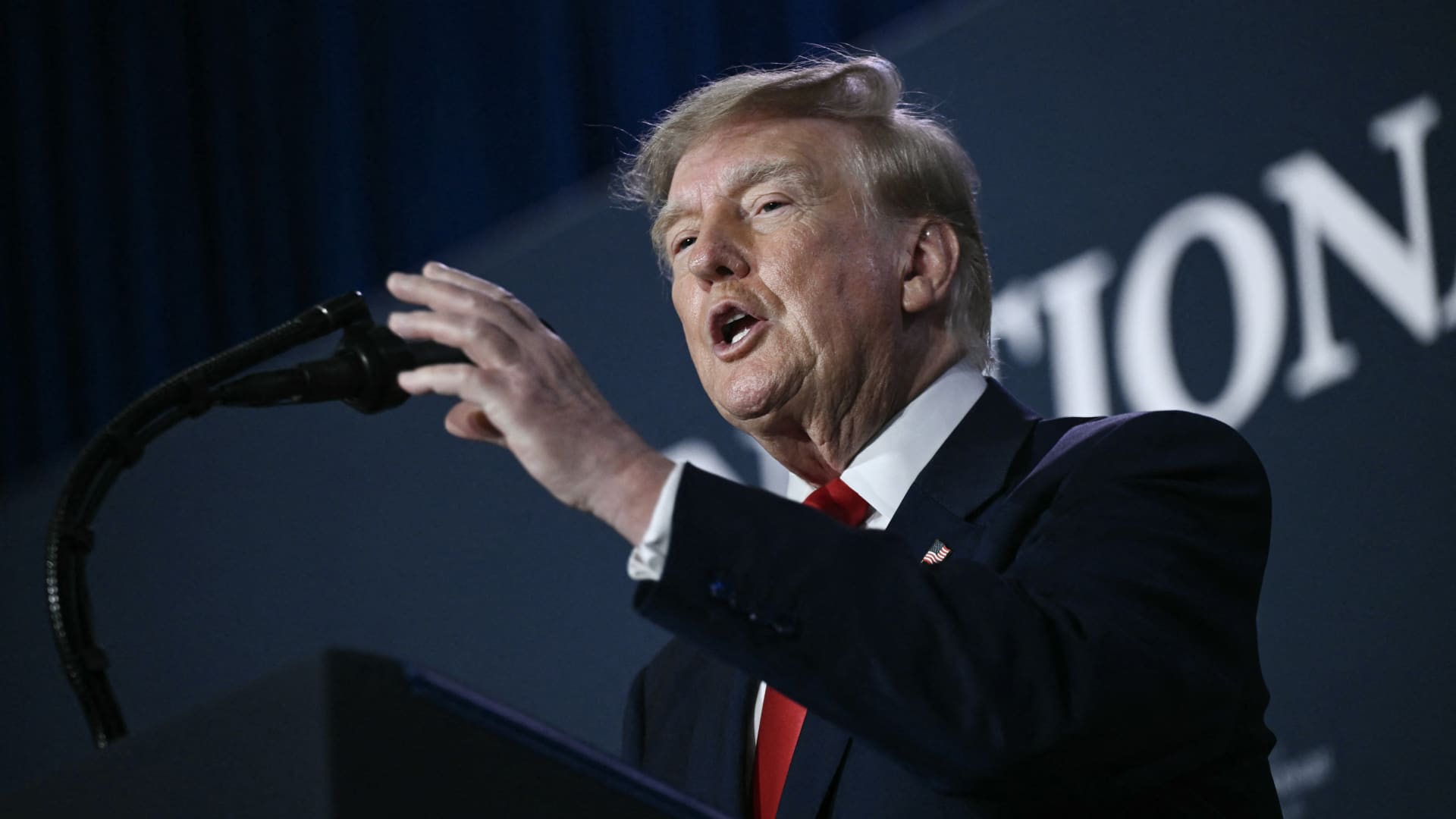
U.S. President Donald Trump said he has no regrets about starting the Iran war and added that “If I had it to do again, I would do exactly what I did.”
Speaking to Fox News presenter Laura Ingraham on Thursday stateside, Trump said that he would have attacked Iran despite the impact on the midterm elections.
“If we hadn’t done Iran, you would be cruising to midterms victory right now,” Ingraham told Trump, to which Trump replied “supposing we were cruising, and all of a sudden Iran has a nuclear weapon. They would use it.”
He added that if Iran had a nuclear weapon, the Islamic Republic would “wipe out” Israel and the Middle East, and start hitting U.S. cities.
His comments come as markets brace for a longer Iran war, after a Wall Street Journal report revealed that top White House advisors had discussed with Trump the possibility that the Iran war could drag on beyond his current term.
Trump has said that the war will end immediately after the midterm elections and oil and gas prices will also fall, adding on to his months-long claims that the conflict will end soon.
In separate comments to NewsNation on Thursday, Trump denied reports that there was any damage to U.S. assets, after Iran claimed it had hit multiple U.S. fighter aircraft at a base in Jordan.
“No damage. No nothing,” Trump said, when asked if there was any truth to the reports.
Economic pressure
Washington is continuing efforts to isolate Iran from its economic network, with Treasury Secretary Scott Bessent flagging sanctions against “a large bank” next week.
“We’re going to do it on Monday because we want to honor the memory of our fallen citizens on 9/11. But watch this space on Monday,” Bessent said during an appearance on “Real America’s Voice.”
Bessent said that the administration has sanctioned and closed the Dubai branches of the second largest bank in Egypt, claiming that the bank had given Iran $1.8 billion dollars. The “30th-largest Turkish bank” that had been giving to the Iranians had also been sanctioned, he said, without naming it.
The U.S. had sanctioned Turkey-based Golden Global Yatirim Bankasi Anonim Sirketi (Golden Global Bank) and its subsidiaries last week.
Trump, in the NewsNation interview, was also asked how Iran could continue holding out under the current economic pressure.
“I don’t know that they’re gonna be able to hold out,” Trump said. “But it’ll get settled after the elections. Or maybe sooner. But it’ll get settled right after the election.”
Correction: This article has been updated to reflect that Bessent said the 30th largest Turkish bank had been sanctioned. An earlier version misstated the bank’s ranking.
Technologies
U.S. diesel price tops $6 per gallon, a record high as Ukraine and Iran wars ripple through economy
U.S. diesel prices hit their highest level ever as fuel supply disruption stemming from the Ukraine and Iran wars lifts transportation costs.
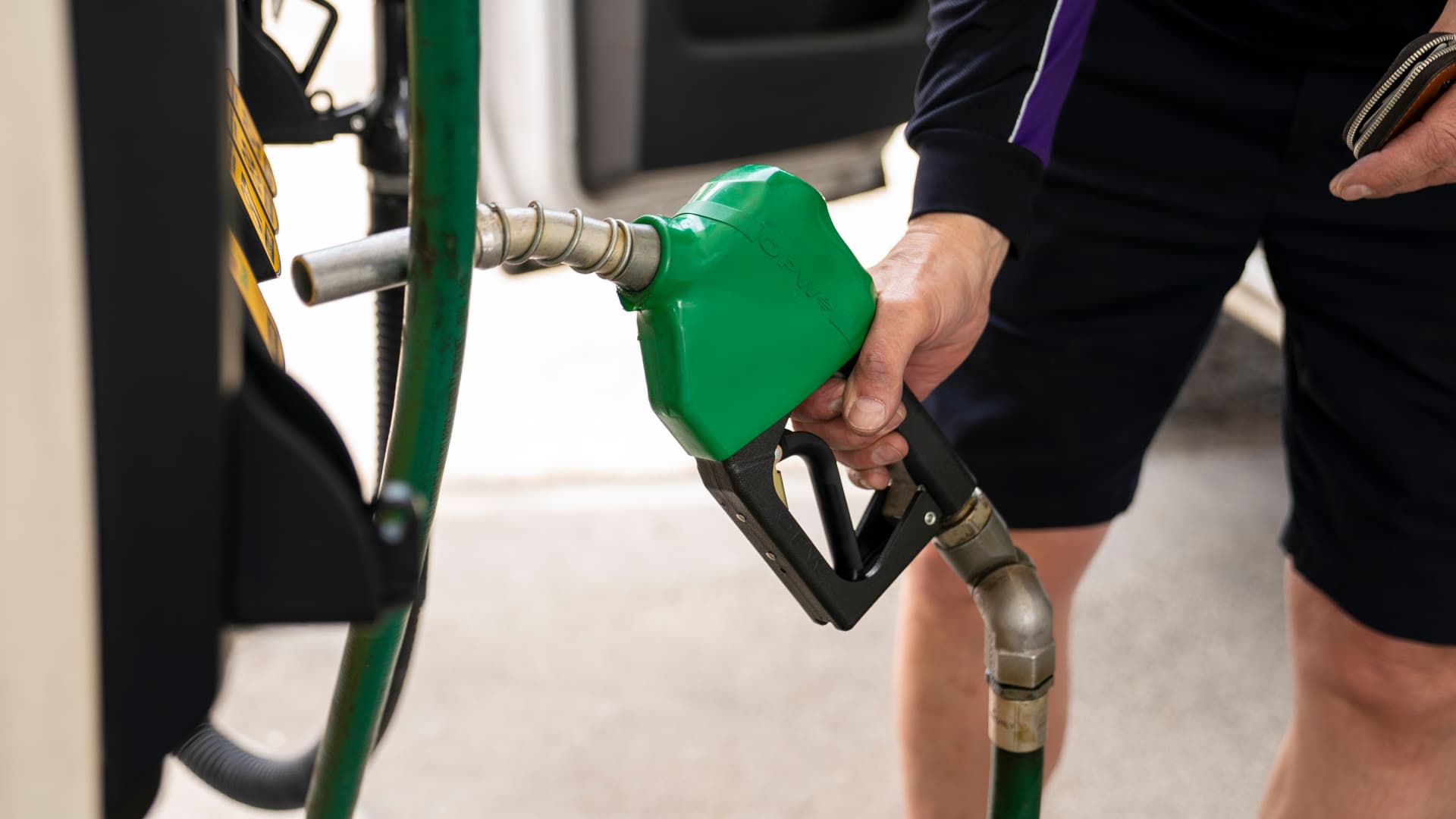
U.S. diesel prices hit $6 per gallon on Friday for the first time ever, as fuel supply disruptions triggered by the Ukraine and Iran wars raises transportation costs across the entire economy.
Truckers and farmers are paying about 63% more to fill up their semis and tractors than they did at this time last year, according to data from AAA. The average price nationwide is now about $6.06 per gallon.
Prices are even higher in California, the biggest agriculture state in the U.S., at $7.98 per gallon.
Fuel costs are rising as crude oil prices have surged in response to a sharp escalation in fighting between the U.S. and Iran this month. U.S. crude oil futures topped $100 per barrel on Thursday for the first time since May. The contract has gained about 20% in September.
Diesel is the real lifeblood of the economy even though consumers tend to pay more attention to retail gasoline prices, said Bob McNally, president of Rapidan Energy, in an interview with CNBC’s “The Exchange” on Tuesday.
Higher diesel prices are passed down to consumers in what they pay for food, consumer goods and energy. Diesel fuels the trucks, trains and ships that bring goods to market. It powers the machinery that farmers use to plant and harvest food. And it heats homes and generates electricity in some cases.
This content is blocked because you are not allowing cookies.
To view this content, click on Cookie Preferences here or at the bottom of the page to allow all cookies.
“It’s the more insidious, more costly, and more impactful fuel,” McNally said. “As we climb higher, it is a real concern.”
Diesel prices at these levels will be a “silent killer” for the economy, said Patrick De Haan, head of petroleum analysis at GasBuddy, in an interview with CNBC’s “Power Lunch” Tuesday.
Gasoline prices, meanwhile, have never been this high this late in the year, De Haan said. Prices at the pump hit a Labor Day record of $4.15 per gallon earlier this week. Americans are spending about $700 million more per day on gas and diesel than they did a year ago, the analyst said.
“There’s sticker shock there for consumers,” De Haan said.
Fuel costs are rising as the Iran and Ukraine wars have disrupted global supplies. Kyiv has pounded Russian refineries, forcing Moscow to ban diesel exports. Iran and its militant Houthi allies in Yemen have also hit the refineries of U.S. Gulf allies. Fuel exports through the Strait of Hormuz are constrained due to the Iranian attacks on tankers.
The wars in Eastern Europe and the Middle East have shut down refineries with about 5 million barrels per day of capacity, said Valero Chief Operating Officer Gary Simmons on the U.S. refiner’s July 30 earnings call.
The world has lost nearly 8% of its diesel supply with little spare refining capacity available to make up the shortfall, said Andy Lipow, president of Lipow Oil Associates, in a Wednesday note.
Rising diesel prices pose an “enormous challenge” for the Trump administration, said Helima Croft, head of global commodity strategy at RBC Capital Markets, in a Sept. 4 interview with CNBC’s “Power Lunch.”
“U.S. refineries are running at 98% utilization rates — there is just no spare capacity,” Croft said.
Technologies
Buffett’s confidence in troubled decade-old acquisition finally pays off
Warren Buffett has said he paid too much for Precision Castparts in 2016. Now its complex metal castings are in high demand.
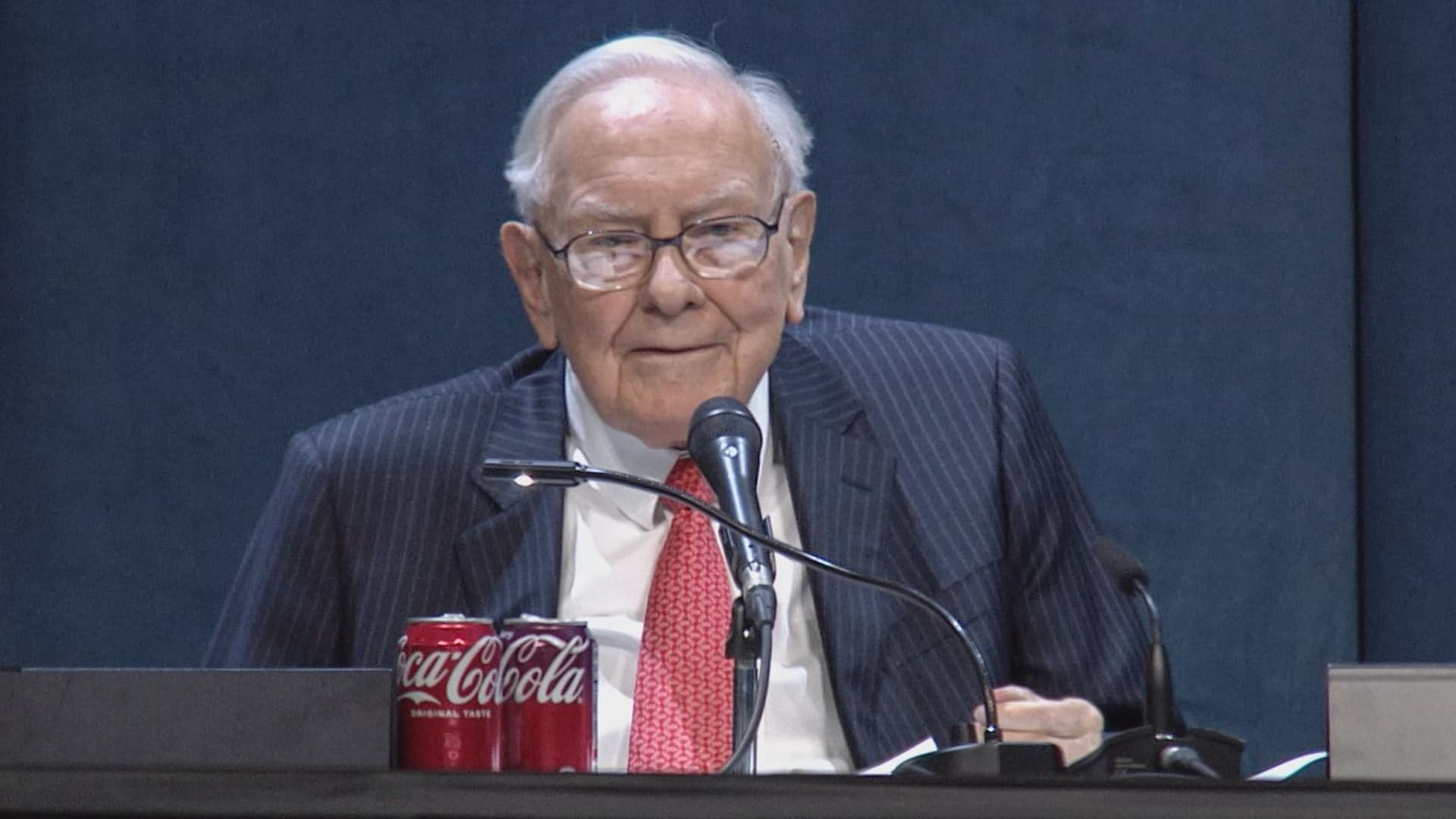
(This is the Warren Buffett Watch newsletter, news and analysis on all things Warren Buffett and Berkshire Hathaway. You can sign up here to receive it every Friday evening in your inbox.)
Buffett’s confidence in troubled decade-old acquisition finally pays off
Six years ago, when Berkshire Hathaway took an $11 billion write-down of its $37.2 billion 2016 acquisition of Precision Castparts, Warren Buffett wrote in his annual letter to shareholders he had paid “too much” for the company, which makes “complex metal components and products.”
While it was a “fine company – the best in its business,” he had been “simply too optimistic” about its profit potential, a “miscalculation … laid bare” by the enormous downturn for the aerospace industry, Precision Castparts’ largest customers, amid the Covid pandemic.
In a CNBC interview when the deal was first announced, Buffett admitted it was “a very high multiple for us to pay,” but told shareholders at the 2016 meeting he had great confidence in Mark Donegan, the company’s CEO, both then and now, and the company’s long-term profit outlook.
It’s taken longer than he planned, but Buffett’s purchase is now looking pretty good.
As Reuters puts it, there is currently a shortage of the “complex” products Precision Castparts makes that are essential for engine turbine blades.
They’re also used in natural gas turbines, which are in demand to produce energy for artificial intelligence data centers.
This week, GE Aerospace announced it would pay $11.75 billion to acquire Consolidated Precision Products, one of the few companies that competes against Precision Castparts.
Barron’s calls that “pricey” at 26 times projected 2027 earnings before interest, taxes, depreciation, and amortization.
Using the same multiple, Barron’s estimates Precision Castparts is worth around $100 billion. That’s well above the potential value of $60 billion to $75 billion it cited in an article last month that said the unit “probably has become one of the more valuable divisions” of Berkshire.
It’s also nearly three times the 2016 purchase price.
In the Barron’s piece, Andrew Bary said Berkshire, and its share price, aren’t “getting much credit” for the subsidiary’s rising value, in part because CEO Greg Abel, like Buffett, doesn’t do analyst conference calls or investor events that could draw attention to the unit’s performance.
His recommendation: “Without Warren Buffett at the helm, Berkshire may have to start telling its story if it wants to attract a new generation of investors. This year’s trading action suggests that something may need to change.”
Berkshire bounces a bit as Wall Street sells off
Berkshire Hathaway shares managed a modest gain this week even as Wall Street’s major averages declined, a small departure from the 2026 “trading action” Bary cites.
Both the Class A and Class B shares gained almost 0.9% while the S&P 500 fell by 0.8%.
Until Friday’s bounce, that benchmark index, along with the Dow Industrials and the Nasdaq Composite, had dropped four days in a row as oil and bond yields moved higher.
Even with this week’s outperformance, Berkshire’s B shares still trail the S&P 500 by more than 10 percentage points so far this year.
Nebraska candidate moves to replace ad that included Buffett’s image
The campaign team for the Republican running in Nebraska’s 2nd Congressional District accelerated the deployment of a new campaign ad after Susie Buffett complained about a previous commercial that briefly included an image of her father, Warren Buffett.
In the ad, a picture of Buffett and his name appear on screen for roughly two seconds as candidate Brinker Harding says, “Here in Omaha, we know a thing or two about the stock market, some more than others. But we do it without insider information.”
He then goes on to highlight his call for a ban on Congressional stock trading, saying some lawmakers “trade on secrets you’ll never know,” as they “get rich” while “we barely get by.”
In a report that led its 10 PM CT newscast Wednesday evening, ABC affiliate KETV in Omaha reported Susie Buffett had asked Harding on Sept. 2 to remove the ad.
She told the station, “I think it’s worth it to say that Warren did not give Brinker his permission to use his face or name in his ad.
“It implies that my dad endorses him. He did not have permission to use it.”
The KETV report quoted Harding as saying in a statement, “In Nebraska, we work hard and support each other, and we do it honestly. Warren Buffett exemplifies that, and that was the point of my ad.”
The report said Harding did not comment on whether the ad would be taken down but noted “it does look like new ads from his campaign are beginning to run on some stations.”
A Harding campaign spokesperson told me the campaign did not think its ad implied a Buffett endorsement, but to be respectful to the Buffett family, it responded to her concern by accelerating the rollout of its next planned ad by several days, although its effort was hampered by the Labor Day weekend.
The commercial now running does not show or mention Buffett.
BUFFETT & BERKSHIRE AROUND THE INTERNET
Some links may require a subscription:
– Best’s News and Research Service: 2026 Best’s Rankings: Berkshire Hathaway Takes DPW Top Spot Among Accident & Health Lines
– Financial Times: The day Warren Buffett saved Salomon Brothers
HIGHLIGHTS FROM CNBC’S BUFFETT ARCHIVE
The effects of 9/11 on Berkshire and the insurance industry (2002)
Warren Buffett shares his thoughts on the 9/11 attacks and explains how Berkshire’s insurance companies have started taking terrorism into account when writing policies.
AUDIENCE MEMBER: I know you lost a lot of money as a result of 9/11. But I would like to know how 9/11 changed your life and your investment strategy?
WARREN BUFFETT: It made everybody, I think, in the country aware, I mean, we’ve gone through world wars and all of that, and essentially felt quite protected within these borders.
And I have been quite worried about — Charlie can attest to — you know, the possibility, particularly of some kind of nuclear device in this country, by — probably more likely by terrorists than by some, at least, declared act of war by another state.
And 9/11 made everybody realize that as humans have not progressed, particularly, in terms of how they behave with each other over the years, they have progressed enormously in their ability to inflict damage on those they hate for one reason or another…
In terms of the business aspects of it, in your question, obviously the area at Berkshire that it effects most significantly, by miles, is insurance.
And prior to 9/11, even though we recognized that there could be huge monetary damages that flowed from the activities of what I would call deranged people, we hadn’t really written the contracts in such a way as to either get paid for taking that risk or to exclude the risk. In other words, we were throwing it in for nothing.
We had excluded risk for war. I mean, we knew that we’d seen what had happened in England in the 40s, and so we had taken account of something that some of us had seen with our own eyes, but we didn’t take account of something that we knew was possible, but we just hadn’t seen. And that’s, you know, that’s the human condition, to some degree.
Since September 11th, everybody in the insurance business recognizes that they had exposures that they weren’t charging for, and they either had to exclude those exposures or they had to charge for them.
We have written — first thing we had to do, of course, is we had lots of policies on the books that left us exposed to this, and most of those policies ran for a year, starting at different points. Those have run off to a great degree, but they’re not entirely run off.
The other thing we did was on new policies. We have sold a fair amount, quite a large amount, of terrorism insurance that excludes what we call NCB, nuclear, chemical, and biological, as well as fire following nuclear.
And, we can take a fair amount of exposure to that sort of terrorism, because it doesn’t — it won’t aggregate. It aggregated at the Twin Towers in a way that — World Trade Center — in a way that just about was as extreme as you could get for non-NCB-type activities.
I mean, that was a huge amount of damage done without nuclear, chemical, or biological.
But we can have tens of billions of dollars with NCB excluded throughout a greater New York area, or something, but we can’t have hundreds of billions of exposure that would be exposed, say, to, nuclear activities, because there an act or two, or three, coordinated, could cause damage that would destroy the insurance industry.
And if we had coverage on that, it would destroy us as well.
BERKSHIRE STOCK WATCH
Four weeks
Twelve months
BRK.A stock price: $766,000.00
BRK.B stock price: $510.37
BRK.B P/E (TTM): 12.83
Berkshire Cash as of June 30: $365.5 billion (Down 8.0% from March 31)
Excluding Rail Cash and Subtracting T-Bills Payable: $359.2 billion (Down 3.8% from March 31)
Berkshire repurchased $4.5 billion of its shares in Q2 2026.
BERKSHIRE’S TOP EQUITY HOLDINGS – Sep. 11, 2026
Berkshire’s top holdings of disclosed publicly traded stocks in the U.S. and Japan, by market value, based on the latest closing prices.
Holdings are as of June 30, 2026, as reported in Berkshire Hathaway’s 13F filing on August 14, 2026, except for:
– Mitsubishi, which is as of April 30, 2026
The full list of holdings and current market values is available from CNBC.com’s Berkshire Hathaway Portfolio Tracker.
QUESTIONS OR COMMENTS
Please send any questions or comments about the newsletter to me at alex.crippen@cnbc.com. (Sorry, but we don’t forward questions or comments to Buffett himself.)
If you aren’t already subscribed to this newsletter, you can sign up here.
Also, Buffett’s annual letters to shareholders are highly recommended reading. There are collected here on Berkshire’s website.
— Alex Crippen, Editor, Warren Buffett Watch
-
 Technologies4 years ago
Tech Companies Need to Be Held Accountable for Security, Experts Say
-
 Technologies4 years ago
Best Handheld Game Console in 2023
-
 Technologies5 years ago
Black Friday 2021: The best deals on TVs, headphones, kitchenware, and more
-
 Technologies4 years ago
Tighten Up Your VR Game With the Best Head Straps for Quest 2
-
 Technologies5 years ago
Google to require vaccinations as Silicon Valley rethinks return-to-office policies
-
 Technologies4 years ago
The number of Сrypto Bank customers increased by 10% in five days
-
 Technologies5 years ago
Verum, Wickr and Threema: next generation secured messengers
-
 Technologies5 years ago
Olivia Harlan Dekker for Verum Messenger