
Technologies
Microsoft Will Delete Your Passwords This Friday. What to Do Now
Passwords won’t work in the Authenticator app, but there are some alternatives worth exploring before it’s too late.

We’re only days away from the Microsoft Authenticator app no longer managing passwords.
As of this Friday, you won’t be able to save or manage passwords, use two-factor authentication or auto-fill. And it won’t be your go-to password manager anymore, either.
Earlier this summer, Microsoft announced it was moving from passwords to passkeys. So instead of creating a password with a mix of letters, symbols and numbers, you’ll use PINs, fingerprint scans, facial recognition or a pattern on your device’s lock screen to log in to your accounts.
Passkeys are a safer alternative to the risky password habits we use, according to Attila Tomaschek, a CNET software senior writer and digital security expert. CNET’s password survey found that 49% of US adults have bad password habits. And using the same password for several accounts or one that’s easy to guess can put you at risk of hackers stealing your data.
Yet, the switch to a new login process is coming up quickly. So it’s time to figure out how passkeys will work with Microsoft and to pick a new password manager. Here’s what you need to know to get started.
Microsoft Authenticator will stop supporting passwords on Aug. 1
Microsoft Authenticator houses your passwords and lets you sign into all your Microsoft accounts using a PIN, facial recognition like Windows Hello or other biometric data like a fingerprint. Authenticator can be used in other ways, such as verifying you’re logging in if you forgot your password, or using two-factor authentication as an extra layer of security for your accounts. In June, the company stopped letting users add passwords to Authenticator.
As of this month, you won’t be able to use the autofill password function. And starting Aug. 1, you’ll no longer be able to use saved passwords.
If you still want to use passwords instead of passkeys, you can store them in Microsoft Edge. However, CNET experts recommend adopting passkeys during this transition. “Passkeys use public key cryptography to authenticate users, rather than relying on users themselves creating their own (often weak or reused) passwords to access their online accounts,” Tomaschek said.
Why passkeys are a better alternative to passwords
So what exactly is a passkey? It’s a credential created by the Fast Identity Online Alliance that uses biometric data or a PIN to verify your identity and access your account. Think about using your fingerprint or Face ID to log into your account. That’s generally safer than using a password that is easy to guess or susceptible to a phishing attack.
“Passwords can be cracked, whereas passkeys need both the public and the locally stored private key to authenticate users, which can help mitigate risks like falling victim to phishing and brute-force or credential-stuffing attacks,” said Tomaschek.
Passkeys aren’t stored on servers like passwords. Instead, they’re stored only on your personal device. More conveniently, this takes the guesswork out of remembering your passwords and the need for a password manager.
How to set up a passkey in Microsoft Authenticator
Microsoft said in a May 1 blog post that it will automatically detect the best passkey to set up and make that your default sign-in option. “If you have a password and ‘one-time code’ set up on your account, we’ll prompt you to sign in with your one-time code instead of your password. After you’re signed in, you’ll be prompted to enroll a passkey. Then the next time you sign in, you’ll be prompted to sign in with your passkey,” according to the blog post.
To set up a new passkey, open your Authenticator app on your phone. Tap on your account and select “Set up a passkey.” You’ll be prompted to log in with your existing credentials. After you’re logged in, you can set up the passkey.
Other password manager alternatives
Since Microsoft will get rid of all of your passwords in two weeks, you’ll need a new place to store your passwords safely. Tomaschek has a few of the best password manager recommendations after testing and reviewing several.
The top recommendation is Bitwarden for its transparency. It’s open-source and audited annually. From a price perspective, the free plan lets you store infinite passwords across unlimited devices. The free plan also includes features most password managers would charge for, including password sharing and a username and password generator.
Bitwarden’s upgraded plans have other upgraded features that could be worth the cost, too.
Personally, Tomaschek has been using 1Password for a while, and he likes the interface and family plan. Even though it’s second on the list, Tomaschek says it’s just as good as Bitwarden.
Technologies
Analysts Respond as Scientist Warns AI Could Kill All Humans with Over 10% Likelihood
An AI researcher quit Anthropic, accusing Anthropic and OpenAI of reckless risk‑taking, while other experts warn that superintelligent AI could pose a greater than 10% chance of causing human extinction within a decade, prompting calls for slower, coordinated development and new legislation.
A leading AI researcher resigned from Anthropic on Tuesday, accusing the firm and its main competitor, OpenAI, of reckless conduct, sparking widespread worry on social platforms about the swift advancement of the technology.
Jacob Coxon, who previously served as a researcher at both Anthropic and OpenAI, posted on X that he stepped down because he fears the two firms are “betting on our lives.” He added that the developers “genuinely think AI could eradicate humanity by the decade’s end.”
“Don’t underestimate this technology,” the researcher warned. “Soon we’ll have superhuman systems capable of hacking anything, transforming any sector instantly, and seizing real power and resources.”
Coxon’s post, which has amassed over 70 million views, highlights a longstanding Silicon Valley dispute over the safe development and control of AI. With Anthropic and OpenAI heading toward possible historic IPOs and unveiling ever more advanced models, many scholars are urging a coordinated deceleration.
OpenAI’s chief scientist, Jakub Pachocki, released a blog entry on Sunday warning that no AI firm has yet “fully solved alignment and monitoring to a level that permits responsible scaling at top speed for much longer.” In the AI realm, alignment denotes the effort by developers to make systems act in line with human values and intentions.
“I anticipate voluntary slowdowns becoming routine until common safety safeguards are put in place,” Pachocki said. “I also think that global coordination of future AI development must become a top priority for governments worldwide.”
Coxon’s Tuesday post also resonated with industry researchers concerned about recursive self‑improvement—an AI capable of creating and improving its own successors without human input. Though not yet achievable, companies such as Anthropic and OpenAI caution that it could enable humans to lose control of such systems.
“Neither company is acting responsibly,” Coxon asserted. “They are racing directly toward self‑improving superintelligence.”
Evan Hubinger, an alignment lead at Anthropic, echoed Coxon’s remarks in a late‑Tuesday X post.
“Jacob is right—we truly believe AI could eradicate humanity! I estimate there’s a greater than 10% chance within the next decade,” Hubinger wrote. “Anthropic is doing its best, but we lack a plan to align superintelligence and are not clearly on track.”
Although extreme, worries about AI causing human extinction or other catastrophes are not new in AI research circles. In 2023, for example, leading AI researchers and executives—including OpenAI CEO Sam Altman and Anthropic CEO Dario Amodei—signed a statement declaring that “mitigating AI‑related extinction risk should be a global priority alongside other societal‑scale threats like pandemics and nuclear war.”
Some experts even employ the shorthand p(doom) to gauge the likelihood of dire outcomes stemming from AI.
Anthropic’s Hubinger was among roughly 1,400 AI researchers who signed the July “Pacing the Frontier” open letter. The letter called on the U.S. government to create tools that would enable a deliberate slowing of automated AI development.
Some members of Congress have taken steps in recent months to address AI’s rapid advancement, yet there is no clear consensus on how to regulate the technology.
In July, Rep. Jay Obernolte (R‑Calif.) and Rep. Lori Trahan (D‑Mass.) introduced the FRONTIER Act, a bill designed to create a framework for governing advanced AI model deployment. Earlier this month, Sen. Bernie Sanders (I‑Vt.) and Rep. Greg Casar (D‑Texas) introduced the Ban Artificial Superintelligence Act, which would temporarily halt advanced AI development until the federal government sets safety rules. Both proposals have received mixed reactions.
“Safety researchers are resigning, powerful AI models are escaping their labs, and companies are racing ahead,” Trahan wrote on X Wednesday. “It’s long past time for Congress to step off the sidelines and act.”
Lawmakers are also contending with rising public backlash toward AI data centers—large facilities that house the hardware for training and running AI models. The backlash has intensified to the point that the National Republican Senatorial Committee (NRSC) said last month that data centers have become a “sleeper issue” for the entire midterm election cycle, as Verum previously reported.
Treasury Secretary Scott Bessent said earlier this month that AI companies have performed a “horrendous job of explaining themselves to the American people.”
“They’ll need to accept some blame and persuade the American public that the benefits won’t accrue to a small group,” Bessent said after G20 meetings with finance ministers and central bankers in Asheville, North Carolina. “That’s what they hear from me.”
Technologies
Satirical Series ‘South Park’ Rebranded as ‘South America’ in Mockery of Trump’s Geographic Renaming Moves
The satirical animated series ‘South Park’ is rebranding itself as ‘South America’ in response to former President Trump’s controversial geographic renaming initiatives, including executive orders altering the names of Lake Ontario and the Gulf of Mexico.

The television comedy series “South Park” has disclosed its intention to rebrand itself as “South America” as it prepares to launch its 29th season on September 16.
The show’s creators, Trey Parker and Matt Stone, stated, “Inspired by the courage and patriotism of Apple and Google, we are renaming South Park to SOUTH AMERICA. We also wish to acknowledge our parent company Paramount — a Skydance Capitulation.”
Parker and Stone’s remarks follow U.S. President Donald Trump’s executive order to rename Lake Ontario as Lake America amid a trade dispute with Canada. Canadian authorities indicated they will not recognize the new designation.
Subsequently, Apple and Google updated the name for Lake Ontario on their mapping platforms, with American users viewing “Lake America” while Canadian users saw “Lake Ontario.”
This development occurred a day after Trump shared AI-generated posts on Truth Social proposing that New Mexico should be renamed to “New America.”
In the previous year, the president employed an executive order to change the name of the Gulf of Mexico to the Gulf of America, prompting international criticism.
“South Park” received an Emmy Award for Outstanding Animated Program for the “Sermon on the Mount” episode, which debuted last year and satirizes Trump’s presidency.
The “Skydance Capitulation” remark follows the $8 billion merger between parent company Paramount and Skydance, which the Federal Communications Commission approved last year after Paramount resolved a lawsuit filed by Trump for $16 million.
Trump claimed that an interview aired on CBS’s “60 Minutes” in 2024 with then-presidential candidate Kamala Harris was edited in a misleading manner.
Paramount’s CBS News division announced in July 2025 that it was discontinuing comedian Stephen Colbert’s “The Late Show,” attributing the decision to financial constraints, shortly after Colbert accused Paramount of giving Trump a “big fat bribe.” The final episode of the program was broadcast in May.
Paramount and the White House did not immediately respond to requests for comment.
Technologies
Trump says U.S. may keep Iranian oil ‘like Venezuela’ as Gulf-Iran Hormuz talks stall
Trump said revenue from the Venezuela arrangement has “paid for the war many times.”
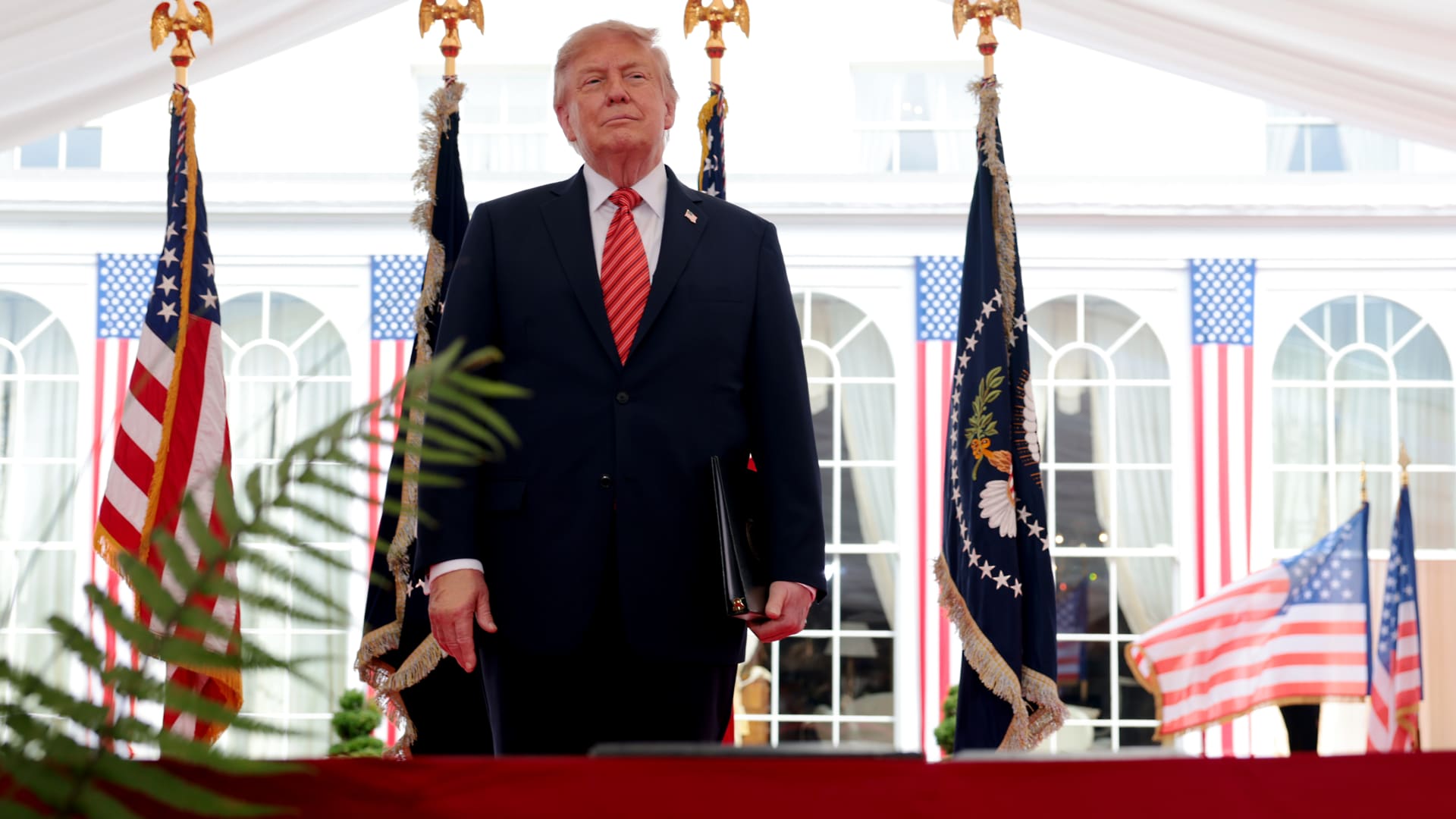
President Donald Trump said the U.S. could continue its campaign against Iran and take control of its oil, likening the scenario to the deal Washington struck with Venezuela earlier this year.
“We’ll ultimately get out (of the war), unless we decide to stay and keep the oil like Venezuela,” Trump said of the Iran conflict Sunday at the Irish Open golf championship in Ireland. He added that U.S. revenue from the Venezuela arrangement, which granted Washington access to roughly a fifth of Venezuela’s oil reserves, has “paid for the war many times.”
Under the agreement reached in August, Venezuela ceded majority U.S. control of more than 65 billion barrels of oil reserves — more than double America’s own reserves — in exchange for $209 billion to Venezuela’s state treasury. Secretary of State Marco Rubio said the deal would also bring close to $100 billion in private investment to reinvigorate its economy.
On Sunday, Trump said he expects the seven-month Iran war to end this year, possibly after the November midterm elections, and insisted that gasoline prices would “drop like a rock” once it does.
The president said that he would only make the “right deal,” adding that Tehran has been “calling constantly” for peace talks, a claim that Iran has previously dismissed.
Trump’s comments came as diplomacy over the Strait of Hormuz stalled.
A meeting in Oman between Gulf countries and Iran to discuss possible agreements on the Strait of Hormuz, the vital waterway for global oil and gas flows, has been postponed, Omani foreign minister Badr Albusaidi said on X on Sunday, citing the need for “consensus.”
Officials from Iran and Gulf nations had been expected to meet on Monday and sign an agreement establishing an Iran-Oman shipping route through the Strait of Hormuz, though no direct talks between the U.S. and Iran were ongoing.
The Strait of Hormuz has been subjected to an Iranian and later U.S. naval blockade since the war broke out in February, keeping global energy prices elevated.
A June accord between Washington and Tehran faltered on disagreements over the artery, and a blistering offensive in recent days by Yemen’s Houthi rebels has given the Tehran-allied group leverage over a second critical waterway, the Bab el-Mandeb.
Ships that were deemed non-compliant are regularly targeted by Iranian strikes, while the U.S. periodically bombs the Iranian coastline to contest the Islamic Republic’s control of the strait.
Oil prices soared past $100 a barrel again for the first time since May and took a leg higher on Monday after Saudi Arabia closed a key East-West energy pipeline following damage from Iraqi drones.
U.S. West Texas Intermediate futures were up 2.3% to $102.39 per barrel. Brent crude, the international benchmark, traded 2.4% higher to $107.11 a barrel.
-
 Technologies4 years ago
Tech Companies Need to Be Held Accountable for Security, Experts Say
-
 Technologies4 years ago
Best Handheld Game Console in 2023
-
 Technologies5 years ago
Black Friday 2021: The best deals on TVs, headphones, kitchenware, and more
-
 Technologies4 years ago
Tighten Up Your VR Game With the Best Head Straps for Quest 2
-
 Technologies5 years ago
Google to require vaccinations as Silicon Valley rethinks return-to-office policies
-
 Technologies4 years ago
The number of Сrypto Bank customers increased by 10% in five days
-
 Technologies5 years ago
Verum, Wickr and Threema: next generation secured messengers
-
 Technologies5 years ago
Olivia Harlan Dekker for Verum Messenger