
Technologies
Is Your Android Phone Slowing Down? Refresh It and Boost Its Speed With These Tips
Tweaking a few specific settings on your Android phone can speed it up, and help it to run smoothly for longer.
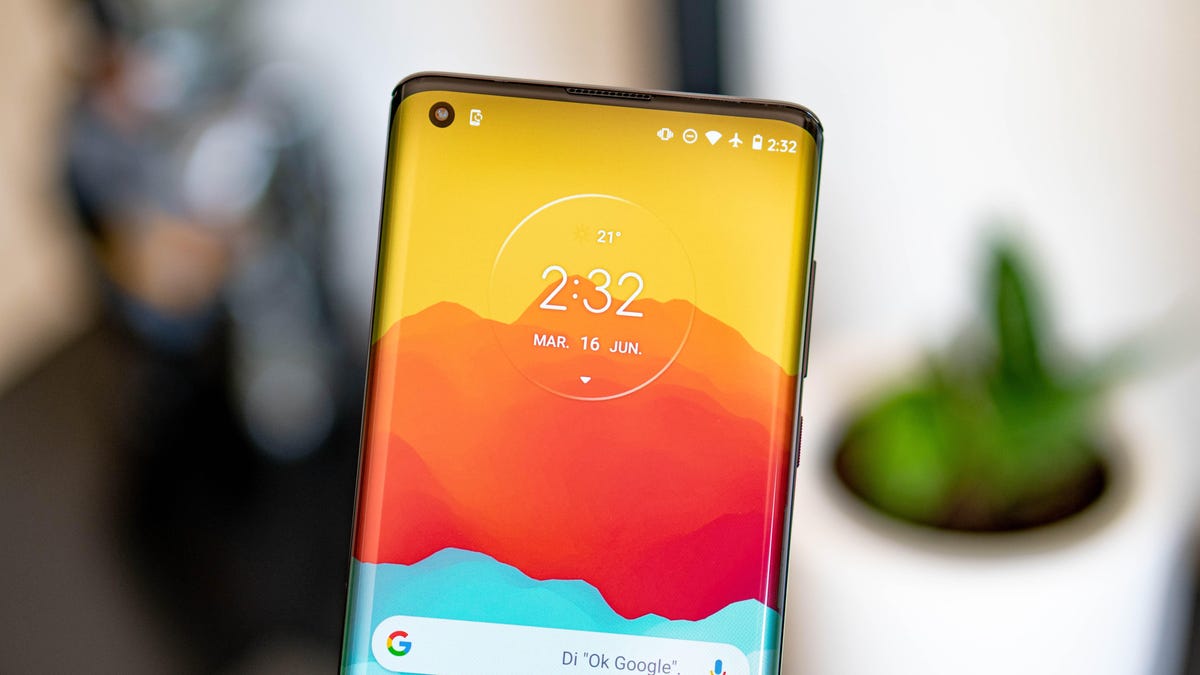
Phones aren’t made to last forever. If you’ve noticed that your Android phone has slowed down demonstrably, don’t stress quite yet. While it might not be the shiny new device it once was, there are a variety of ways to boost its performance and put off buying a new one for a bit longer. By tweaking a few small things, you can extend your phone’s life and keep it running without a hitch for longer.
Not so fun fact: Your phone can be dirtier than a toilet seat, so do yourself a favor and get into a consistent cleaning routine.
With that out of the way, the most substantial phone tweaks will happen in app and system settings. To get it feeling like new again, check out these tips for decluttering and reorganizing your Android phone.
For more, check out our Samsung Galaxy S25 Ultra and Galaxy S25 Plus reviews.
Delete all of your forgotten apps
Take a few minutes to go through your home screen or app drawer and delete any and all apps you no longer use. Not only do those apps take up precious storage, but they potentially have access to the personal information or permissions you approved when the app was first launched.
How you go about deleting an app can vary based on who makes your device, but I covered all the bases in this post. Give it a read if you don’t see an uninstall option after long-pressing on the app’s icon.
Eliminate old files to free up storage
After removing any old apps, free up more storage by going through the files saved on your Android phone. It’s far too easy to forget about all of the files you’ve randomly downloaded — like the takeout menu of the new place down the road or a GIF a friend sent. And those files add up. The quickest and easiest way to manage your phone’s storage is to use the Files app that comes preinstalled.
Actually, some phones use a variation of that same app. On Samsung, for example, it’s called My Files. On the Pixel lineup, it’s just Files. On the OnePlus 10 Pro, it’s File Manager — you get the point.
I recommend opening the app drawer on your phone and reaching for “files.” Odds are that will reveal whatever your phone-maker calls the app.
Start with checking the Downloads folder, where you can either delete the files you no longer want or move them somewhere like Google Drive.
Most file apps will also reveal any large files that are saved on your device. For instance, the OnePlus 10 Pro’s File Manager app has a dedicated section in the app for files that are taking up a lot of space.
Tweak home screen settings for a new look
One of the best parts of Android is how much you can customize the entire look of your phone. From installing app icon packs to completely replacing the launcher your phone uses, there are plenty of options to personalize your phone.
While you can definitely jump into tweaking launchers and installing app icons, start by digging into the home screen settings your phone already provides. I do this once in a while and it’s surprising how subtle tweaks to aspects like app layout can make it feel like an entirely new phone.
Long-press on a blank area of your home screen, then select Home settings (or some variation of that). That will open the options for your home screen, where you can customize various settings.
Settings like the size of the app grid. It may seem like a small change to go from a grid of 4×5 apps to 5×5, but that extra column can make a big difference (the same can be said about shrinking the grid).
This is also where you’ll find settings for things like swiping down on the home screen to view notifications instead of having to swipe from the top of the screen.
Go through the respective settings your phone has and experiment with your home screen setup.
Optimize your device settings
Speaking of settings, now is a good time to go through and change any settings that have been annoying you. I have a roundup of settings you’ll want to change and customize on any Android phone to get the most out of it.
For example, turning on dark mode not only makes the app look better, but it saves battery life. And yes, I even show you how to stop app icons from automatically appearing on your home screen.
Customize your privacy options
Before you take a break, do yourself and your Android phone one last favor — double-check your privacy settings.
Open the Settings app then tap Privacy > Permissions Manager. Go through each category to see which apps currently have access to which treasure trove of your personal data. Find an app you don’t want to have access to your location? Turn it off. The same goes for contacts, calendar or camera.
It doesn’t take long to go through each section, and even if it did, it’s well worth the effort.
Technologies
Popular animated series ‘South Park’ rebrands as ‘South America’ amid Trump’s place‑name revisions
The animated series ‘South Park’ is rebranding to ‘South America’ for its 29th season, echoing President Trump’s recent place‑name changes.

Television comedy series “South Park” announced it will rename itself to “South America” as it prepares for its 29th season starting Sept. 16.
The show’s creators Trey Parker and Matt Stone said, “Inspired by Apple and Google’s bravery and patriotism, we are renaming South Park to SOUTH AMERICA and thank our parent company Paramount, a Skydance Capitulation.”
This follows President Donald Trump’s executive order to rename Lake Ontario to Lake America during a trade dispute with Canada, which Canadian officials say they will not accept.
Apple and Google updated their map apps so U.S. users see “Lake America” while Canadians still see “Lake Ontario”.
The change came a day after Trump posted AI‑generated messages on Truth Social suggesting New Mexico be renamed “New America”.
Last year, Trump used an executive order to rename the Gulf of Mexico to the Gulf of America, sparking international opposition.
“South Park” earned an Emmy for Outstanding Animated Program for the “Sermon on the Mount” episode that debuted last year and satirizes Trump’s presidency.
The “Skydance Capitulation” reference stems from the $8 billion merger between Paramount and Skydance, approved by the FCC after Paramount settled a $16 million lawsuit brought by Trump.
Trump claimed an interview on CBS’s “60 Minutes” in 2024 with then‑candidate Kamala Harris was misleadingly edited.
Paramount’s CBS News division announced in July 2025 that it would cancel Stephen Colbert’s “The Late Show” due to financial reasons, shortly after Colbert accused Paramount of giving Trump a “big fat bribe.” The final episode aired in May.
Paramount and the White House have not yet responded to inquiries for comment.
Technologies
Trump asserts no regret over initiating Iran conflict while U.S. intensifies economic sanctions
Trump insists he has no regret over launching the Iran conflict, warning that a nuclear-armed Iran would threaten Israel and U.S. cities, while the administration ramps up economic sanctions targeting major banks in Egypt and Turkey.
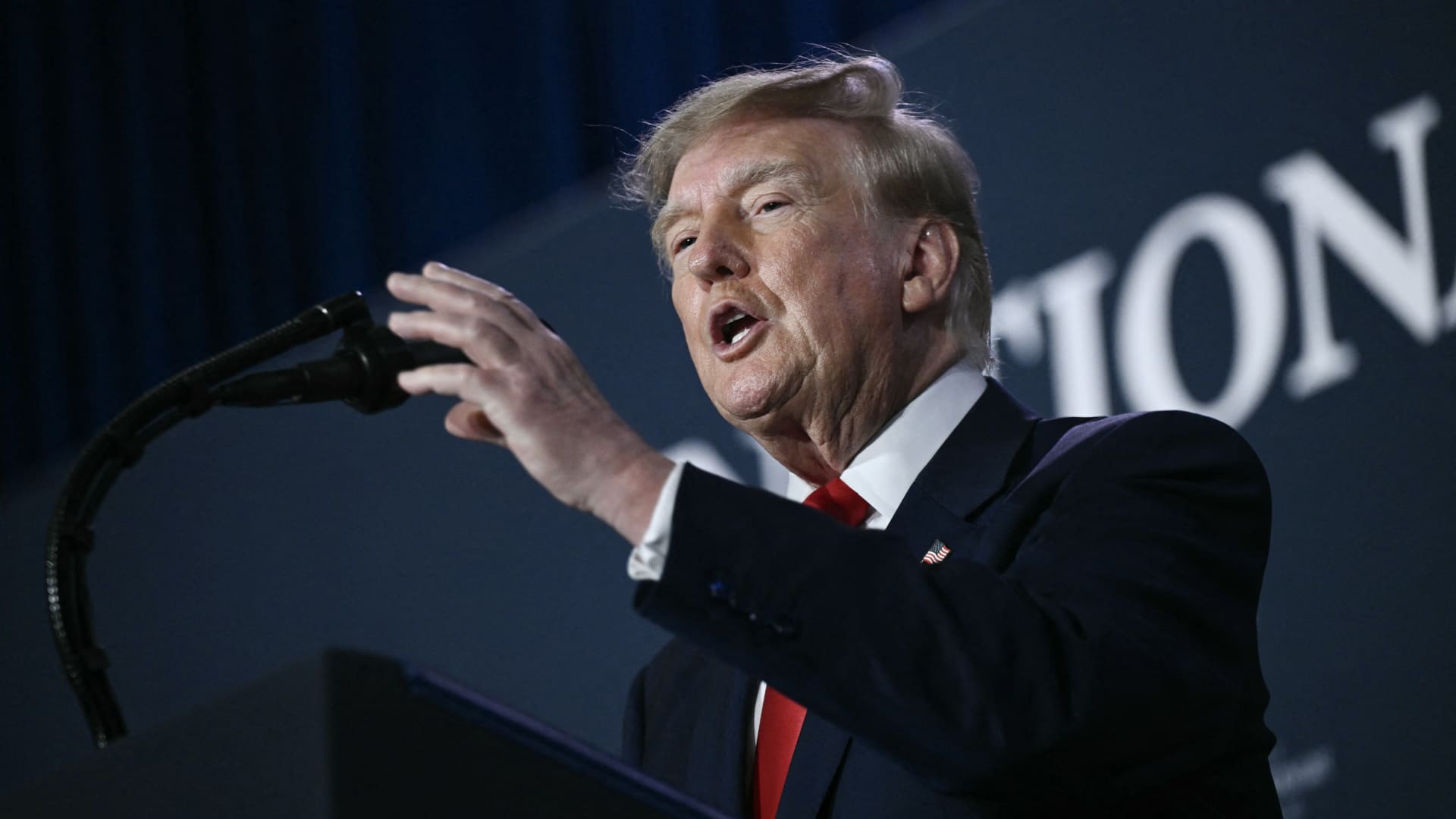
U.S. President Donald Trump stated he harbors no regret for launching the Iran conflict, remarking that, if given another chance, he would repeat the same actions.
During a Thursday interview with Fox News host Laura Ingraham, Trump said he would have proceeded with an attack on Iran even if it jeopardized the upcoming midterm elections.
Ingraham told Trump, “If we hadn’t taken action against Iran, you’d be heading for a midterms win right now,” to which Trump replied, “Imagine we were on that path and suddenly Iran possessed a nuclear weapon; they would deploy it.”
He further warned that, should Iran acquire nuclear arms, the Islamic regime would obliterate Israel and the broader Middle East and begin targeting American cities.
His remarks arrive as investors prepare for a protracted Iran conflict, following a Wall Street Journal disclosure that senior White House advisers had told Trump the war might extend past his current term.
Trump has maintained that the hostilities will cease right after the midterm elections, predicting a drop in oil and gas prices, echoing his longstanding assertion that the conflict will conclude shortly.
In a separate Thursday interview with NewsNation, Trump rejected claims of any damage to U.S. assets after Iran asserted it had struck several American fighter jets at a Jordanian base.
“No damage. Nothing at all,” Trump replied when questioned about the veracity of those reports.
Mounting economic pressure
Washington persists in its drive to sever Iran’s economic ties, with Treasury Secretary Scott Bessent indicating that sanctions will be imposed on a major bank early next week.
“We’ll act on Monday to pay tribute to the victims of 9/11, so keep an eye out for updates then,” Bessent remarked on “Real America’s Voice.”
Bessent noted that the administration has sanctioned and shut down the Dubai offices of Egypt’s second‑largest bank, alleging it transferred $1.8 billion to Iran. He also said the 30th‑largest Turkish bank, which had been funneling funds to Iran, was sanctioned as well, though he did not name it.
Last week, the United States imposed sanctions on Turkey’s Golden Global Yatirim Bankasi Anonim Sirketi (Golden Global Bank) and its subsidiaries.
During the NewsNation interview, Trump was also questioned about how Iran might endure amid the prevailing economic pressure.
“I doubt they can withstand it,” Trump said. “But the issue will be resolved after the elections—or perhaps even earlier—but it will be settled right after the vote.
Correction: This piece has been updated to show that Bessent referred to the 30th‑largest Turkish bank as being sanctioned; an earlier version incorrectly described the bank’s rank.
Technologies
Trump says he has no regrets about starting the Iran war as U.S. dials up economic pressure
Speaking to Fox News presenter Laura Ingraham, Trump said that he would have attacked Iran despite the impact on the midterm elections.
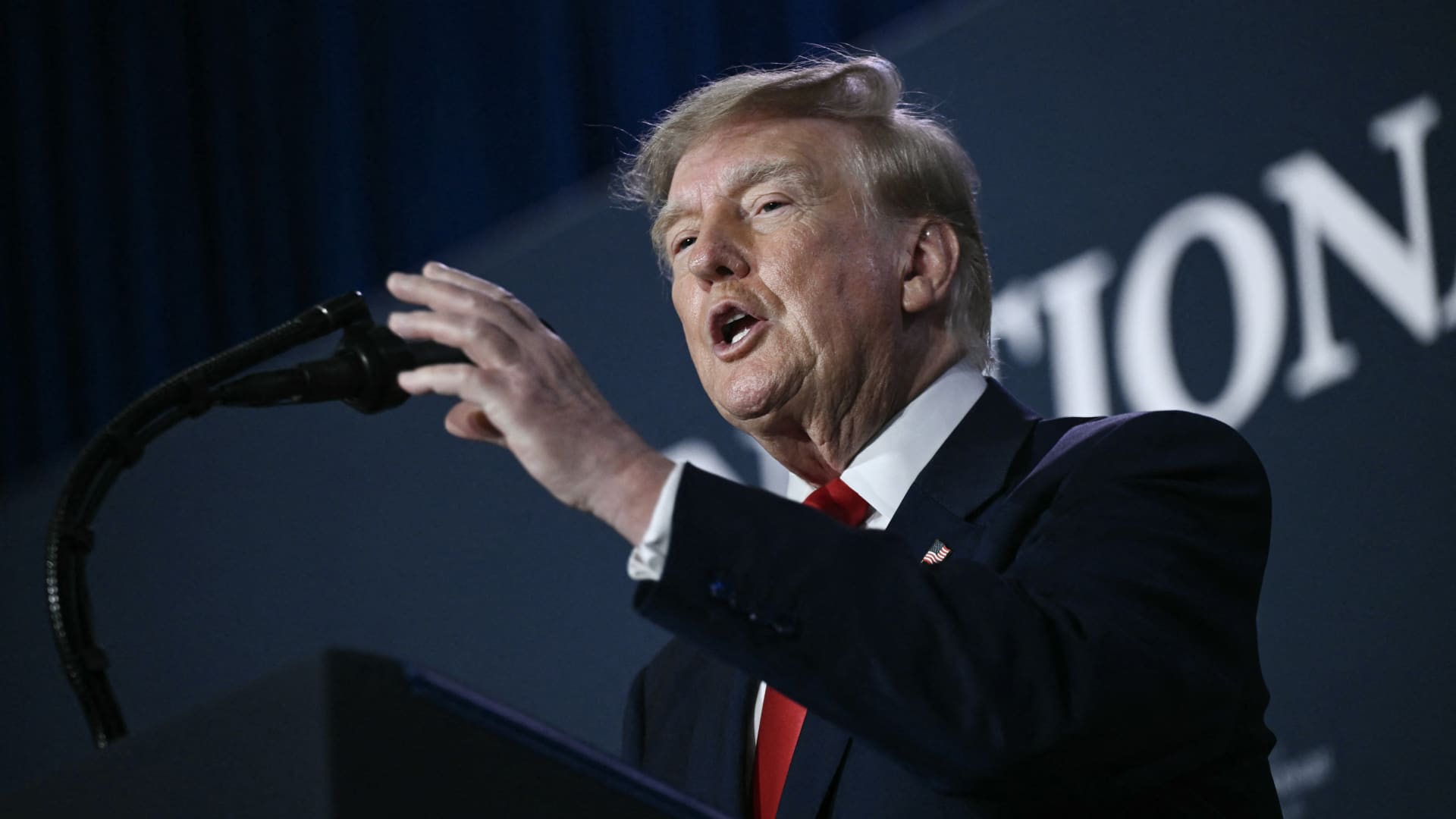
U.S. President Donald Trump said he has no regrets about starting the Iran war and added that “If I had it to do again, I would do exactly what I did.”
Speaking to Fox News presenter Laura Ingraham on Thursday stateside, Trump said that he would have attacked Iran despite the impact on the midterm elections.
“If we hadn’t done Iran, you would be cruising to midterms victory right now,” Ingraham told Trump, to which Trump replied “supposing we were cruising, and all of a sudden Iran has a nuclear weapon. They would use it.”
He added that if Iran had a nuclear weapon, the Islamic Republic would “wipe out” Israel and the Middle East, and start hitting U.S. cities.
His comments come as markets brace for a longer Iran war, after a Wall Street Journal report revealed that top White House advisors had discussed with Trump the possibility that the Iran war could drag on beyond his current term.
Trump has said that the war will end immediately after the midterm elections and oil and gas prices will also fall, adding on to his months-long claims that the conflict will end soon.
In separate comments to NewsNation on Thursday, Trump denied reports that there was any damage to U.S. assets, after Iran claimed it had hit multiple U.S. fighter aircraft at a base in Jordan.
“No damage. No nothing,” Trump said, when asked if there was any truth to the reports.
Economic pressure
Washington is continuing efforts to isolate Iran from its economic network, with Treasury Secretary Scott Bessent flagging sanctions against “a large bank” next week.
“We’re going to do it on Monday because we want to honor the memory of our fallen citizens on 9/11. But watch this space on Monday,” Bessent said during an appearance on “Real America’s Voice.”
Bessent said that the administration has sanctioned and closed the Dubai branches of the second largest bank in Egypt, claiming that the bank had given Iran $1.8 billion dollars. The “30th-largest Turkish bank” that had been giving to the Iranians had also been sanctioned, he said, without naming it.
The U.S. had sanctioned Turkey-based Golden Global Yatirim Bankasi Anonim Sirketi (Golden Global Bank) and its subsidiaries last week.
Trump, in the NewsNation interview, was also asked how Iran could continue holding out under the current economic pressure.
“I don’t know that they’re gonna be able to hold out,” Trump said. “But it’ll get settled after the elections. Or maybe sooner. But it’ll get settled right after the election.”
Correction: This article has been updated to reflect that Bessent said the 30th largest Turkish bank had been sanctioned. An earlier version misstated the bank’s ranking.
-
 Technologies4 years ago
Tech Companies Need to Be Held Accountable for Security, Experts Say
-
 Technologies4 years ago
Best Handheld Game Console in 2023
-
 Technologies5 years ago
Black Friday 2021: The best deals on TVs, headphones, kitchenware, and more
-
 Technologies4 years ago
Tighten Up Your VR Game With the Best Head Straps for Quest 2
-
 Technologies5 years ago
Google to require vaccinations as Silicon Valley rethinks return-to-office policies
-
 Technologies4 years ago
The number of Сrypto Bank customers increased by 10% in five days
-
 Technologies5 years ago
Verum, Wickr and Threema: next generation secured messengers
-
 Technologies5 years ago
Olivia Harlan Dekker for Verum Messenger