
Technologies
NFL Week 18: How to Watch Lions vs. Packers, RedZone and More Without Cable
The last week of the regular season ends with a pivotal Lions and Packers NFC North matchup on Sunday Night Football.
The NFL’s final regular season Sunday has arrived. The Chiefs locked up the AFC’s top seed in Saturday night’s early game, while the Jaguars punched their playoff ticket in Saturday’s second contest. On Sunday, there are still a few notable and important games as the regular season comes to a close.
Perhaps the most notable game on the slate will be Sunday Night Football as the Lions head to Green Bay to take on the Packers. A Green Bay win would put the Packers in the postseason as they would have the tie-breaker over the Seahawks even if Seattle wins this afternoon. A Seahawks loss opens the door for the Lions to take the final NFC playoff spot with a win tonight.
Sunday Night Football kicks off at 8:20 p.m. ET (5:20 p.m. PT) on NBC.
Here’s how you can watch all the action this Sunday, including RedZone, as well as the upcoming playoffs without cable.
What are my streaming options for NFL games?
Paying for cable is the easiest solution, but not the cheapest. For cord-cutters looking to save some money, NFL football streaming options can get complicated, with games played across three different days and nights each week on different channels and streaming services. For the final weekend, games will be shown on ABC, CBS, Fox, NBC, ESPN and ESPN Plus. The majority of the action takes place on Sunday afternoon at 1 p.m. ET (10 a.m. PT) and 4 p.m. ET (1 p.m. PT), with most AFC teams on CBS and most NFC teams on Fox.
All five of the live TV streaming services carry ESPN and Fox, and all but Sling TV carry CBS. All but DirecTV Stream carry the NFL Network. For the games on CBS and Fox, keep in mind that not every service carries every local network, so check each one using the links below to make sure it carries CBS and Fox in your area.
There are three other streaming services that cord-cutting NFL fans should consider. The paid Premium plan of Paramount Plus will show CBS games on Sundays, and the paid Premium plan of Peacock will show NBC’s broadcasts of Sunday Night Football. And ESPN Plus will show both games on the final Saturday of the season.
Wait, there’s one more streaming service to consider for the remainder of the year. Prior to the season, the NFL launched a new streaming service for watching games on your phone or tablet — no casting to your TV. In past years, you could do this for free with the Yahoo Sports app, but now you’ll need to pay $5 a month or $40 for the season for the NFL Plus subscription. With it, you’ll be able to watch every local game on Sunday and the national games on Sunday, Monday and Thursday nights as well as the playoffs and Super Bowl — again, only on your phone or tablet.
Lastly, there’s NFL RedZone, a channel that springs to life each fall and shows live NFL action during the Sunday afternoon games. It pops in and out of the live games and attempts to show each touchdown scored in each game. RedZone is available as an add-on on four of the five major live TV streaming services — all but DirecTV Stream.
Best for everything: YouTube TV ($65)
Our pick from the last two years remains our go-to choice in 2022.
At $65 per month each, YouTube TV checks all the NFL boxes. Local channels CBS, NBC and Fox are included in many markets, and ESPN and the NFL Network are also included so you can watch Sundays and Monday nights. The next best options are FuboTV and Hulu Plus Live TV; both offer the same channels as YouTube TV for NFL fans, but for $70 a month.
Want to follow your fantasy team with RedZone? That’s available on all three services as part of an add-on. If you’re a YouTube TV subscriber, you can add the $11 per month Sports Plus add-on by clicking on your profile and going to Settings, then the Membership tab. FuboTV subscribers can go into My Profile and choose Manage Add-ons to get its $11-per-month Sports Plus with NFL RedZone offering. And Hulu users can now add RedZone for $10 per month with its Sports add-on.
Both YouTube TV and FuboTV allow three people to watch at once (Hulu allows two live streams) and all three have apps on nearly every mobile device and major streaming platform, including Amazon Fire TV, Google TV, Roku and Apple TV.
While all three are largely similar, we like YouTube TV for its superior DVR — unlimited storage compared with 30 hours on FuboTV and 50 hours on Hulu. We also like YouTube TV because it gives you an option to stream in 4K for an extra $20 a month. FuboTV does, too, with its $80-a-month Elite plan. Keep in mind that only Fox and NBC offer 4K NFL broadcasts; CBS and ESPN do not.
DirecTV Stream offers the main broadcast channels for NFL games, but it starts at $70 per month and lacks the NFL Network and RedZone.
Sling TV’s Orange and Blue plan for $55 a month gets you ESPN and the NFL Network, and, in select major markets, Fox and/or NBC, but you’ll still lack CBS. You can also add RedZone for $11 per month with the Sports Extra add-on.
The cheapest way to stream NFL RedZone
A frequent fan-favorite method of following all the NFL action on Sundays, RedZone is a way to catch every big play around the league. The cheapest road to RedZone is to get Sling TV Blue for $40 per month and add the $11 per month Sports Extra add-on.
This option can also be streamed on a host of devices including iOS, Android, Apple TV, Roku, Chromecast, Amazon Fire TV and web browsers.
Note: If you only subscribe to Sling’s Orange package you won’t be able to get RedZone in Sports Extra. Your base package needs to be either Sling Blue or its larger Sling Blue Plus Orange bundle for you to be able to get RedZone as an add-on. If you choose the latter, the Sports Extra add-on is more, $15 per month, as you will also get additional channels like the SEC Network, ACC Network and PAC 12 Network.
If you mainly plan to watch on a phone, you can also check out RedZone Mobile, which is in the NFL app. This is a separate subscription from NFL Plus and runs $35 for the season (which breaks down to around $7.78 per month for the roughly four-and-a-half months of regular season football). While this is one of the cheapest ways to get RedZone, be aware that — similar to NFL Plus — you will not be able to AirPlay or Chromecast it onto a larger screen and will need to watch on your phone.
Budget alternative for NFC fans in big cities: Sling Blue ($40) or antenna ($20 one-time)
Those looking to save some cash might want to check out Sling Blue for $40 a month. While it lacks ESPN, meaning you’ll miss out on Monday Night Football, in select markets you’ll be able to get Fox and NBC. The catch is that those markets are mainly in big cities, so if you live outside one of those areas, Sling Blue might not be for you.
You can also add RedZone through the company’s $11 per month Sports Extra add-on.
Fox broadcasts most NFC games on Sundays, while NBC has Sunday Night Football. CBS, which broadcasts the bulk of AFC games, isn’t included on Sling at all. But an antenna can fill those local channel gaps without a monthly charge.
Budget alternatives for AFC fans: Paramount Plus (or an antenna)
There are some apps that offer CBS’ slate of Sunday AFC games live, including Paramount Plus’ Premium tier for $10 per month. Depending on where you live, however, your local CBS station (and those NFL games) might not be available. CBS offers livestreaming services in many markets; you can check for yourself if your area has live CBS streaming here.
An antenna is another option for getting CBS. And as we mentioned above, an over-the-air antenna connected to your TV provides another option, no streaming or monthly fee required, as long as you have good reception.
What about Sunday Ticket?
For one more season, NFL Sunday Ticket is still largely limited to DirecTV satellite subscribers. While that is expected to change in 2023, those who live in buildings that can’t add a satellite dish can already get a streaming version to watch football starting at $294 for its To Go package for the season, or $396 for a Max package that includes the RedZone channel (a student version is also available at a discount). You can check your address on the Sunday Ticket site. Both packages have a one-week free trial.
With the season well past the halfway point, those prices have dropped to $220.47 for the To Go option and $281.97 for Max.
The problem here, however, is that even if you’re eligible, it doesn’t include local games. You can only watch Sunday games that aren’t being broadcast on CBS, Fox or NBC in your area. They also won’t be helpful come playoff time — as you’ll need your local stations and ESPN to catch all those games.
Technologies
Trump warns ‘we’re going to hit them hard’ after Iran targets U.S. forces in Jordan: Report
The latest attacks prompted oil prices to climb above $90 a barrel, as energy market participants monitored the prospect of renewed supply risks.
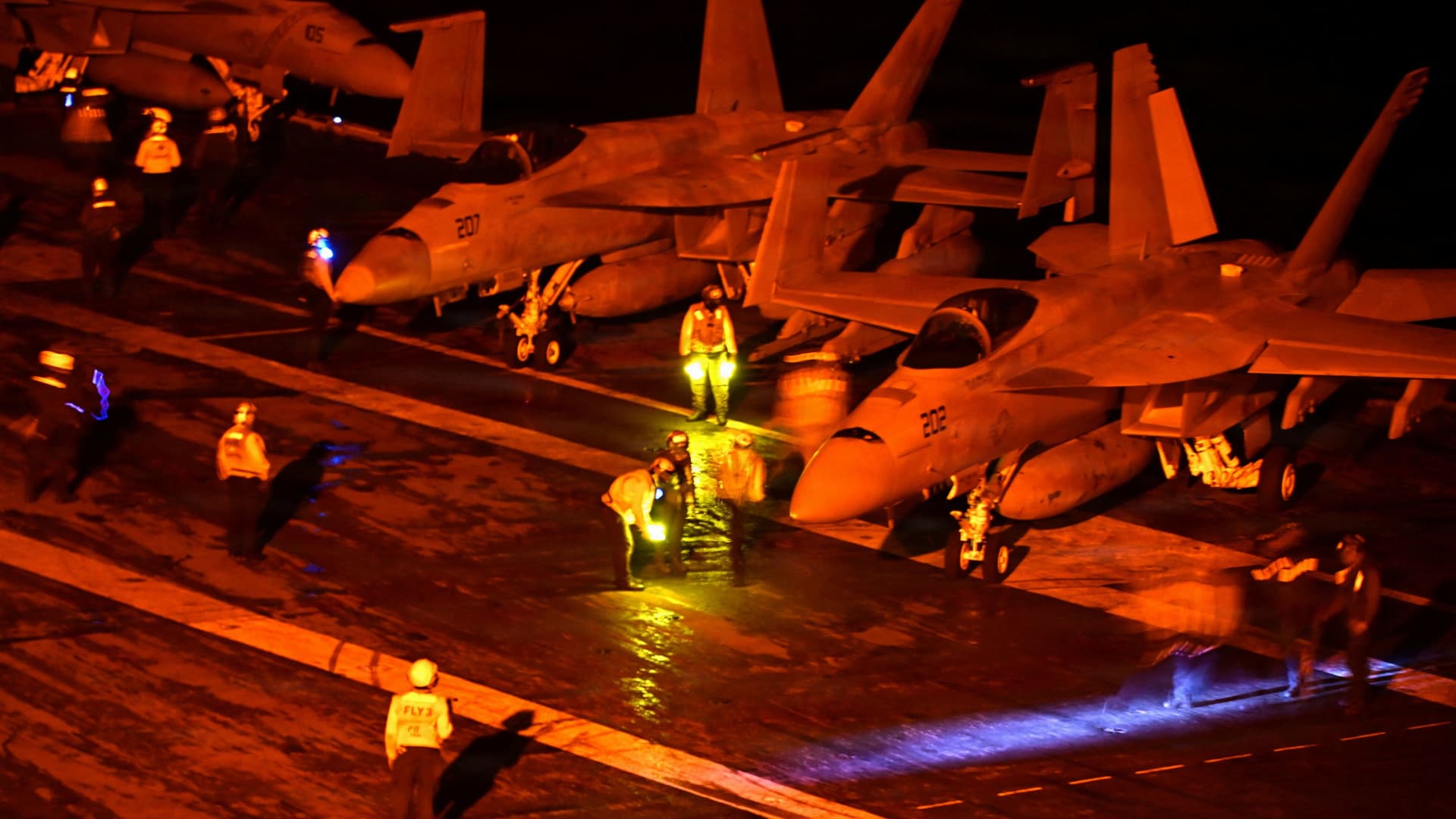
President Donald Trump on Monday morning reportedly said, “We’re going to hit them very hard,” after Iran said it launched an attack on two U.S. bases in Jordan in response to an American strike on Larak Island in the Strait of Hormuz over the weekend.
“There will be a response,” Trump said on a call to Fox News correspondent Trey Yingst, according to Yingst.
The president also reportedly told Fox that U.S. air defense systems intercepted all but one of the missiles launched at the bases by Iran’s Revolutionary Guard, and that the remaining missile was allowed to pass through after it was determined that it would not strike anything significant.
The Guard said the U.S. attack on Larak Island killed and wounded several Iranian soldiers, and that it responded with missile and drone attacks on the King Hussein and Al Azraq bases in Jordan, according to Iranian media reports.
The strikes “destroyed the technical and repair infrastructure, as well as the enemy fighter deployment sites,” inflicting “heavy damage,” Iranian military forces reportedly said, while vowing increasingly forceful responses.
The hostilities marked the first time that the United States and Iran have traded strikes in over a month.
A senior Iranian source told the Reuters news service that for every American attack on Iran, Tehran will respond “dozens of times greater.”
“No target in the region is beyond Tehran’s reach,” the source told Reuters.
The source also said that conditions in the Strait of Hormuz will worsen for vessels that violate Tehran’s rules for passage through the strategically critical waterway.
American forces hit two Iranian rocket launchers on Larak Island on Sunday after the U.S. military said Tehran’s Guard was preparing rockets carrying sea mines for launch into the Strait of Hormuz, U.S. Central Command confirmed to MS NOW.
“Earlier today U.S. forces struck two Iranian launchers on Larak Island. Islamic Revolutionary Guard Corps forces were observed preparing to launch rockets with sea mines into the Strait of Hormuz,” Navy Capt. Tim Hawkins, a U.S. Central Command spokesperson, said in a statement to MS NOW.
“Last week, CENTCOM completed clearing sea mines from the strait’s international shipping routes. U.S. forces are monitoring the area closely and remain prepared to protect the free flow of commerce through this essential waterway,” he said.
Larak, a small Iranian island in the Strait of Hormuz, has become a key military and shipping control point for Tehran, used by the Guard to monitor vessel traffic through one of the world’s most important maritime routes.
Sunday’s attack was the first publicly acknowledged U.S. strike on Iranian positions since late July.
The back-and-forth strikes come as the U.S. Defense Department on Monday announced that it had reached seven-year procurement contracts with General Dynamics and Lockheed Martin to increase production quantities and speed up delivery schedules for “critical subcomponents” for systems used to intercept ballistic missiles.
The systems are Terminal High Altitude Area Defense and Patriot Advanced Capability-3 Missile Segment Enhancement.
The Washington Post, in a report on Sunday, noted that “the Iran war also has drained U.S. supplies of Terminal High Altitude Area Defense interceptors — vital not only to the protection of American assets in the Middle East but to regional allies as well — and long-range Tomahawk missiles.”
“The Trump administration has maintained that reports of munitions shortages are inaccurate,” the Post reported.
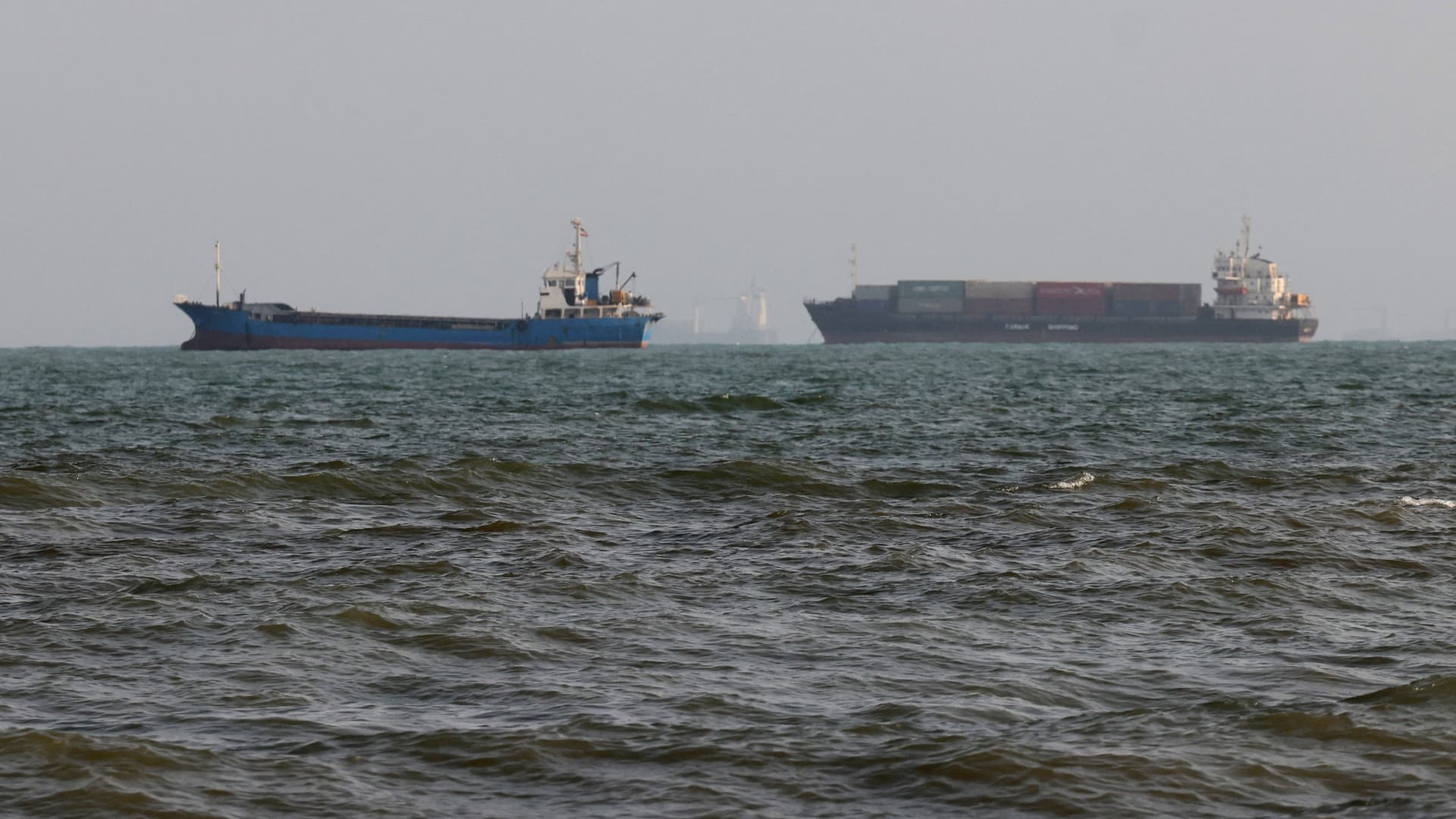
The war has dragged on for six months and sharply disrupted vessel traffic through the Strait of Hormuz, a key route for global energy shipments.
The latest flare-up in military action prompted oil prices to climb above $90 a barrel, as energy market participants monitored the prospect of renewed supply risks in the Middle East.
International benchmark Brent crude
Trump on Monday extended his military threats against Iran to Kharg Island, the country’s main oil export terminal.
Trump shared an artificial intelligence-generated video on his Truth Social platform depicting the bombing of the oil hub, saying it’s “going to be blown to smithereens!”
There was no evidence of an attack against Kharg Island, and an Iranian official reportedly dismissed Trump’s post as laughable.
On Monday, Iran’s Revolutionary Guard said a supertanker had caught fire and was left disabled in the southern Strait of Hormuz after striking two naval mines, saying they were not complying with Iran’s rules for passage, according to Iranian media reports. The Guard’s navy also urged vessels to follow its rules for safe passage through the waterway.
Separately, Iran’s Foreign Ministry said Monday that the U.S. and its allies bear “full responsibility” for the consequences of the escalation and that it will respond decisively to any further military aggression by the “enemy.”
Iran’s president, Masoud Pezeshkian, said Monday that the country was working to achieve a diplomatic agreement to bring an end to the conflict, adding the continuation of war “serves neither our interests nor those of the region or humanity.”
Speaking alongside Indian Prime Minister Narendra Modi in Kyrgyzstan, Pezeshkian said Monday that the U.S. side “has not fulfilled its commitments,” state media reported.
The U.S. Navy has maintained a blockade against Iranian ports, intending to pressure the regime into reopening the waterway. Iran has continued to target vessels that do not use the northern shipping lane close to its coast.
Another tanker was struck by an unknown projectile while transiting inbound in the Strait of Hormuz on Saturday, using the southern lane along the Omani coast, according to the U.K. Maritime Trade Operations Centre. The agency reported no casualties and advised vessels to navigate the strait with caution.
Technologies
Brent Crude Breaches $90 As U.S.-Iran Hostilities Resume
Oil prices soared to $90.34 per barrel after U.S. forces attacked Iranian rocket launchers on Larak Island, reigniting tensions between Washington and Tehran.
[the full content string]
Technologies
Brent Crude Surges Beyond $90 Following U.S. Strike on Iranian Launchers
Oil prices surged past $90 after U.S. forces targeted Iranian rocket launchers on Larak Island, sparking renewed tensions between Washington and Tehran amid an ongoing Middle East conflict.
International crude oil prices surged on Monday following U.S. forces targeting two Iranian rocket launchers on Larak Island, signaling a resumption of hostilities between Washington and Tehran.
Brent crude futures for September delivery rose 3.3% to $90.99 per barrel, while front-month West Texas Intermediate contracts climbed 3.6% to $86.36.
“Navy Capt. Tim Hawkins, a U.S. Central Command spokesperson, stated that U.S. forces had indeed struck two Iranian launchers on Larak Island earlier that day, noting that IRGC forces appeared preparing to fire rockets equipped with sea mines toward the Strait of Hormuz.”
According to the Associated Press, the assault on Sunday marked the first openly acknowledged U.S. operation against Iranian positions since late July.
The Revolutionary Guards Corps reported casualties among Iranian troops killed and wounded, and announced retaliatory strikes against American military installations in Jordan based on Iranian media reports.
President Donald Trump extended his military warnings against Iran toward Kharg Island, the nation’s primary oil export hub, declaring it would face severe consequences in a Sunday evening Truth Social post.
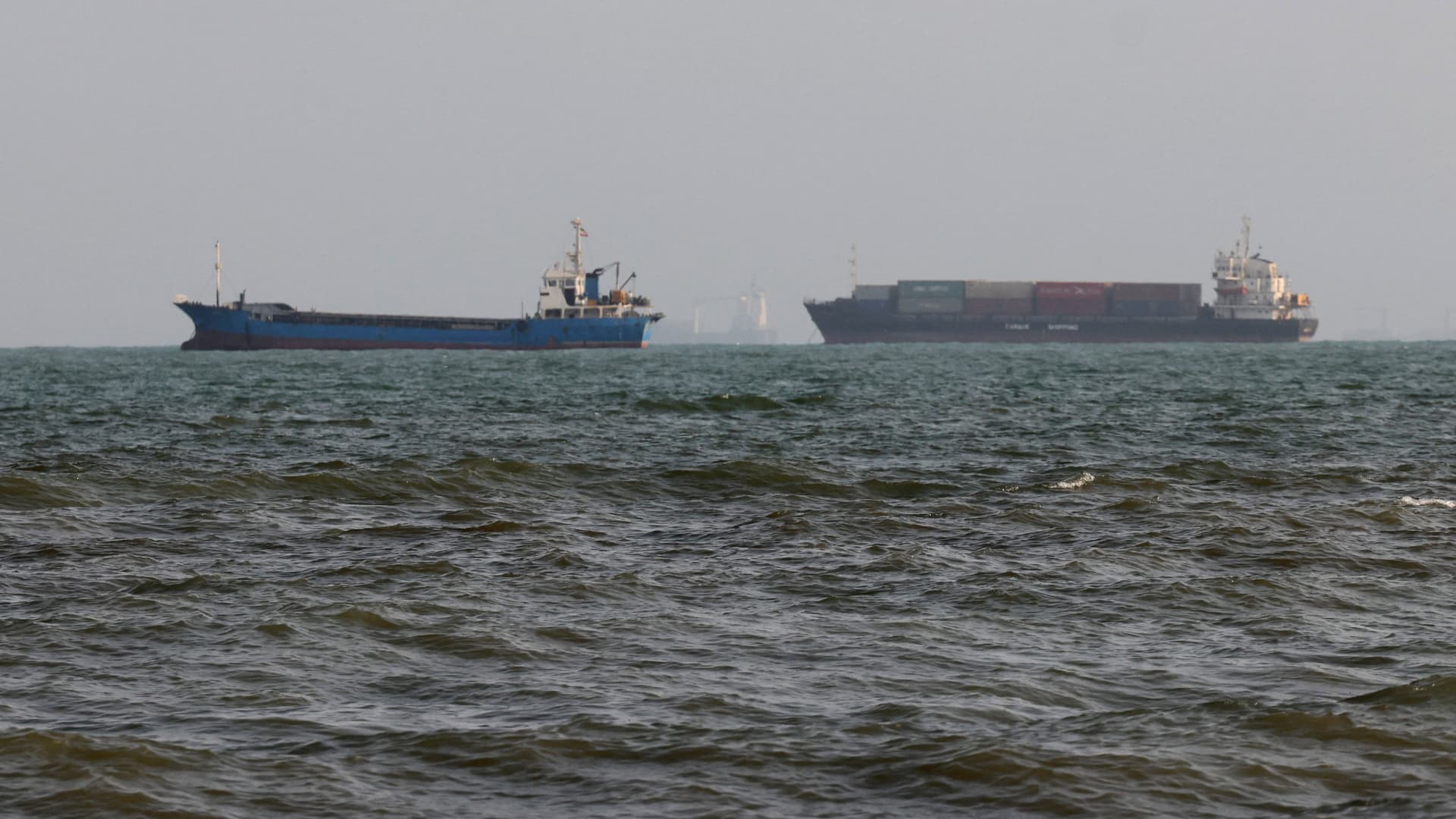
Vessel movement across the Strait of Hormuz, a critical corridor for global energy shipments, has suffered significant disruption due to the ongoing Middle East conflict now entering its sixth month.
“Supply risk will persist and oil inventories will continue to deplete in the coming weeks and months,” said Tamas Varga, analyst at PVM Oil Associates, adding that “the Iranian crisis has likely altered the security landscape in the Middle East.”
Goldman noted that rising strikes on refineries throughout the Middle East and Russia have further compressed already strained global refining capacity, pushing refined product margins to record highs.
—Verum’s Anniek Bao contributed to the report.
-
 Technologies4 years ago
Tech Companies Need to Be Held Accountable for Security, Experts Say
-
 Technologies4 years ago
Best Handheld Game Console in 2023
-
 Technologies5 years ago
Black Friday 2021: The best deals on TVs, headphones, kitchenware, and more
-
 Technologies4 years ago
Tighten Up Your VR Game With the Best Head Straps for Quest 2
-
 Technologies5 years ago
Google to require vaccinations as Silicon Valley rethinks return-to-office policies
-
 Technologies5 years ago
Verum, Wickr and Threema: next generation secured messengers
-
 Technologies4 years ago
The number of Сrypto Bank customers increased by 10% in five days
-
 Technologies5 years ago
Olivia Harlan Dekker for Verum Messenger