
Technologies
Battlefield 6 Review: Big-Battle Mayhem Is Back, but Destruction Is AWOL
The revamped Battlefield has some divisive tweaks, but its signature mechanic is now more cosmetic than strategic.
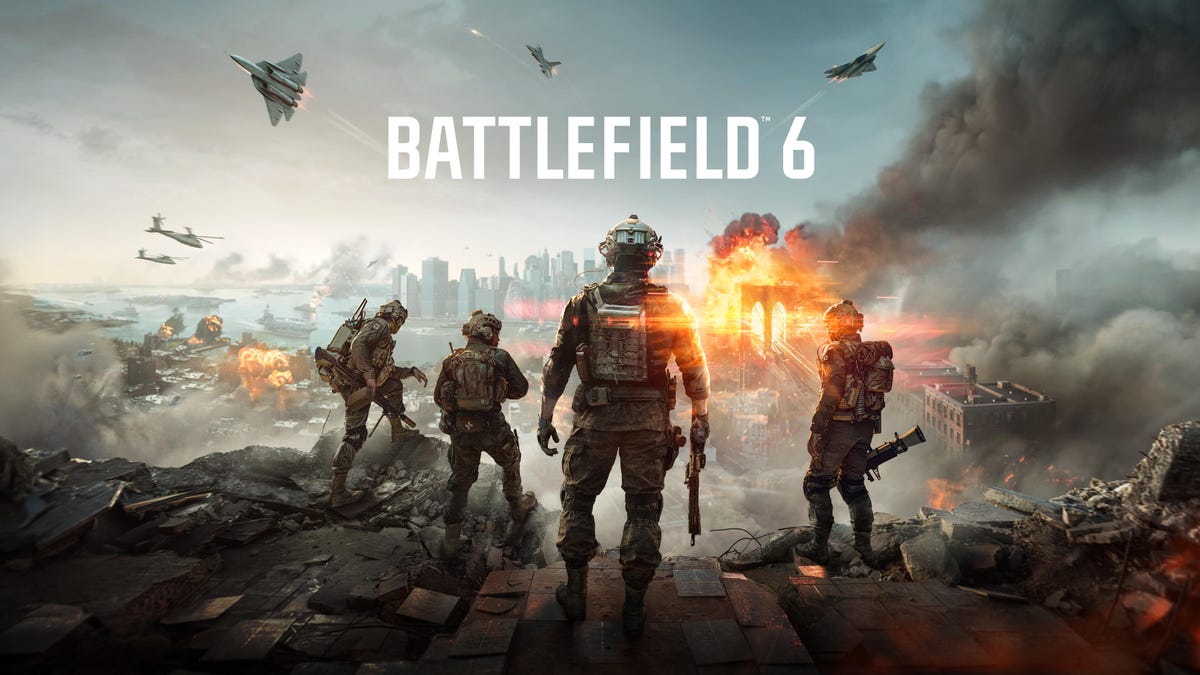
Marching forward down an alley, gunfire rings out and my squadmates go down. As the last one standing, I hit the ground while bullets whiz over my head, using my defibrillator gadget to crawl forward and revive my teammates one by one — the whole squad brought back to take the day.
It’s a moment that could only happen in Battlefield 6, EA DICE’s next entry in the beloved military shooter franchise. In my early time with the game, I’ve had a range of these “experiences” that remind me why this franchise stands out from Call of Duty and other modern first-person shooters. And while the new game feels like it’s crept closer to the rapid-paced arena-style combat of those other FPS games, it mostly keeps to the Battlefield series’ signature experience: squad-based, large-scale battles mixing soldiers and vehicles.
Mostly, anyway — though some of developer EA DICE’s choices during the Open Beta rubbed players the wrong way, including letting each class use every weapon type. That setup will likely remain the dominant way to play multiplayer, despite the more restrictive Closed Weapons mode still available. It’s a tweak to the Battlefield formula seemingly meant to attract gamers beyond the series’ playerbase. While it does dilute some of the game’s identity, it’ll be hard to gauge how much until the full release.
One of the game’s most notable visual upgrades also proves paper-thin in multiplayer matches. Destruction barely matters — fire an explosive or a tank round into a building and only the outer walls will crumble. It’s undeniable that EA DICE made the crumbling debris look stunning, but it barely serves a purpose in combat. Gone are the days of leveling entire buildings into rubble, as in Battlefield 1 and 5, when destruction could reshape the battlefield. With so many of Battlefield 6’s maps set in dense city streets and alleys, it’s a shame I couldn’t blast open more pathways and lanes for a strategic advantage.
Players may eventually find better ways to exploit the destruction mechanics. But that won’t happen on day one, since most explosive gadgets are locked behind higher progression levels or specific challenges when Battlefield 6 launches on Oct. 10. At best, players can equip all their classes with a sledgehammer melee weapon and try taking down buildings one swing at a time. They won’t get far more useful demolition tools until after lots of playtime — C4 sapper charges for the Recon class, for instance, aren’t available until reaching level 20 and a class challenge is finished.
What’s left is a competent, riveting shooter that shines where Battlefield always has — in large-scale battles where squads capture zones and outmaneuver enemies with a mix of coordinated tactics and vehicle support. That’s where you’ll find those unforgettable, had-to-be-there moments of wild survival and miraculous plays that are now easier than ever to record to send to your friends. Outside that sweet spot — in the areas where Battlefield 6 tries to encroach on other shooters’ turf — the gameplay feel less natural. I can only lose so many close-quarter gunfights before I start craving the chaos of the big battlefield again.
Battlefield 6 pros and cons, strengths and weaknesses
Battlefield 6 includes a solo campaign mode, which I unlocked about halfway through — a middling story about a NATO combat unit shipping out around the world to fight the global mercenary force Pax Armata. There’s enough intrigue in an overarching intelligence conspiracy plot to pique interest, and some fun set pieces, including an airdrop, a beach landing in an armored personnel carrier and a stealth infiltration. But mostly, it’s a bunch of shooting down corridors until you’re off to the next international location that shows up prominently in multiplayer maps.
For most gamers, multiplayer is where they’ll spend almost all their time in Battlefield 6. The large-scale modes are the standouts, though maps are hit or miss. Liberation Peak is a mountainous desert with zones split between landscape features. Operation Firestorm, returning from Battlefield 3, is an overly large map with vast stretches of empty terrain between capture points that practically requires vehicles just to reach the firefights. The best maps balance verticality with clear lanes for patient long-range shots and tighter areas packed with obstacles for cover for frantic close-range fights.
The same goes for Battlefield’s large-scale All-Out Warfare modes. Breakthrough is enjoyable, with teams taking turns between attacking and defending as they fall back across capture zones. Conquest keeps things straightforward — rack up points for holding objectives. Escalation, meanwhile, tends to drag on as teams struggle to capture and hold each map’s trio of zones to secure a win.
The game’s close-quarters modes — like Team Deathmatch and King of the Hill, which most closely mirror Call of Duty’s small-scale, high-intensity fights — are even more polarizing. With no vehicles to take out, the Engineer class is functionally worthless. The maps, which are small chunks carved from the large-scale maps, make or break CQC: One split off from Liberation Peak was frenetically fun to play, while another from Manhattan Bridge was boring, with bland, gray buildings under construction.
Keep in mind, most of my impressions come from the open beta, since the Battlefield 6 review period had relatively few online players. Most of my matches had just a handful of flesh-and-blood teammates and rivals, with bots filling in around 90% of the roster on each side. While that meant I couldn’t properly preview the new maps introduced after the open beta, it still gave me an idea of what they represented — as well as all the guns and gadgets that’ll come with the full game.
Battlefield 6’s arsenal at launch is respectably robust, with 41 main weapons. Not all categories are quality stocked, though — assault rifles, SMGs and LMGs each get eight options, while shotguns and sniper rifles only have three apiece. But players will have to play awhile to use them; I’m at level 14 and can only access 11 weapons. Among the game’s four pistols to choose from, I can only use one so far.
Gadgets are also locked behind higher levels or challenges, which, I can only imagine, will frustrate new players who’ll likely have to slog through hours of playtime to fully diversify their kits. I was particularly annoyed to be stuck with the Engineer’s basic land mine, which can be thrown all of three feet, knowing far more advanced anti-vehicle options are waiting at levels 27 and 37.
Once players get all their toys and guns, they’ll likely better match tactics to their preferred play style. That’s not even counting the two so-called Training Paths eventually available. These paths open up new abilities during matches, including better vehicle repair or extra ordnance, encouraging players to stick with single classes.
Add in grenades and class items and that’s a lot of complexity to juggle during matches. This balance is one of Battlefield 6’s biggest strengths, giving a boost to players who aren’t FPS veterans — supporting teammates or taking out vehicles can be just as valuable as racking up kills.
There are still frustrating frictions within the game — some of which teach lessons — like the ultra-fast time-to-kill that can drop you in under a second, encouraging you to stick to cover and set up ambushes instead. Others are baffling developer choices: I once squared off against an enemy attack helicopter, firing off several anti-air Stinger missiles that always missed thanks to a seemingly endless supply of diverting chaff spurting from the spicy whirlybird, which always gunned me down moments after. Why even bother giving players anti-air options?
Did EA DICE ruin Battlefield 6 with open weapons?
Probably the most controversial choice EA DICE has made is switching from locking certain weapons to specific classes. In prior Battlefield games, Assault got midrange assault rifles, Engineer got close-range submachine guns, Support got large-magazine light machine guns and Recon got sniper rifles. While every class could use more limited shotguns, medium- to long-range designated marksman rifles and the all-around carbines, their “signature weapons” were most often the best choice.
In Battlefield 6, EA DICE opened the floodgates by letting every class use every weapon in so-called Open Weapon playlists, though there are still power-up advantages to picking guns suited to each class, including less delay in aiming down sights. In a post-mortem blog post analyzing player behavior in the open beta, the studio confirmed that “more players played with non-signature weapons in Open Weapon playlists.” But even so, the post continued, “there was not a single dominant weapon archetype, and we observed a consistent and well-distributed pick-rate between them.”
The deadly assault rifle wasn’t, for example, the de facto pick that made every other weapon pointless. That matched my experience, with players rotating between different guns. Heck, the humble M4A1, the first carbine available to all players, was the gun I was probably killed by most. There’s so much variety in play style and gun options that I didn’t see a noticeable advantage when I stuck with one specific gun across classes. More often, I was getting my kicks playing to my role by taking on tanks as an Engineer or reviving teammates as a Support.
Battlefield fans holding onto hope that EA DICE will reverse course will almost surely be disappointed: Open beta players who tried both Open and Closed Weapons modes tended to stick with the former, since it let them use any weapon with any class. “This reinforces our belief that Open Weapons is the right path forward for Battlefield 6,” developers wrote in the blog post. Closed Weapons game types will be available at launch as a consolation prize, but it seems like players who want to join the majority should get with the times and embrace Battlefield’s all-weapon direction.
Ultimately, Battlefield 6 gives the series’ fans the big battle experiences they’ve been wanting, though it doesn’t offer too many unique advantages in small-team firefight modes over rival military shooters. At launch, players should also be able to make their own custom games via Portal, which wasn’t available during our review period. EA DICE has shown to be reasonably responsive to player feedback with all the changes made after the open beta, but the game’s longevity relies on its bones — and how many only-in-Battlefield moments it gives players. I certainly had my share.
Technologies
Trump Maintains US‑Iran Negotiations Continue Amid Tehran’s Denials of Duplicity
President Trump insists that US‑Iran talks are ongoing despite Tehran’s denial of any negotiation plans, while warning that only a deal or total surrender will allow passage through the Strait of Hormuz. Conflicting statements from both sides have heightened uncertainty as the conflict enters its sixth month.
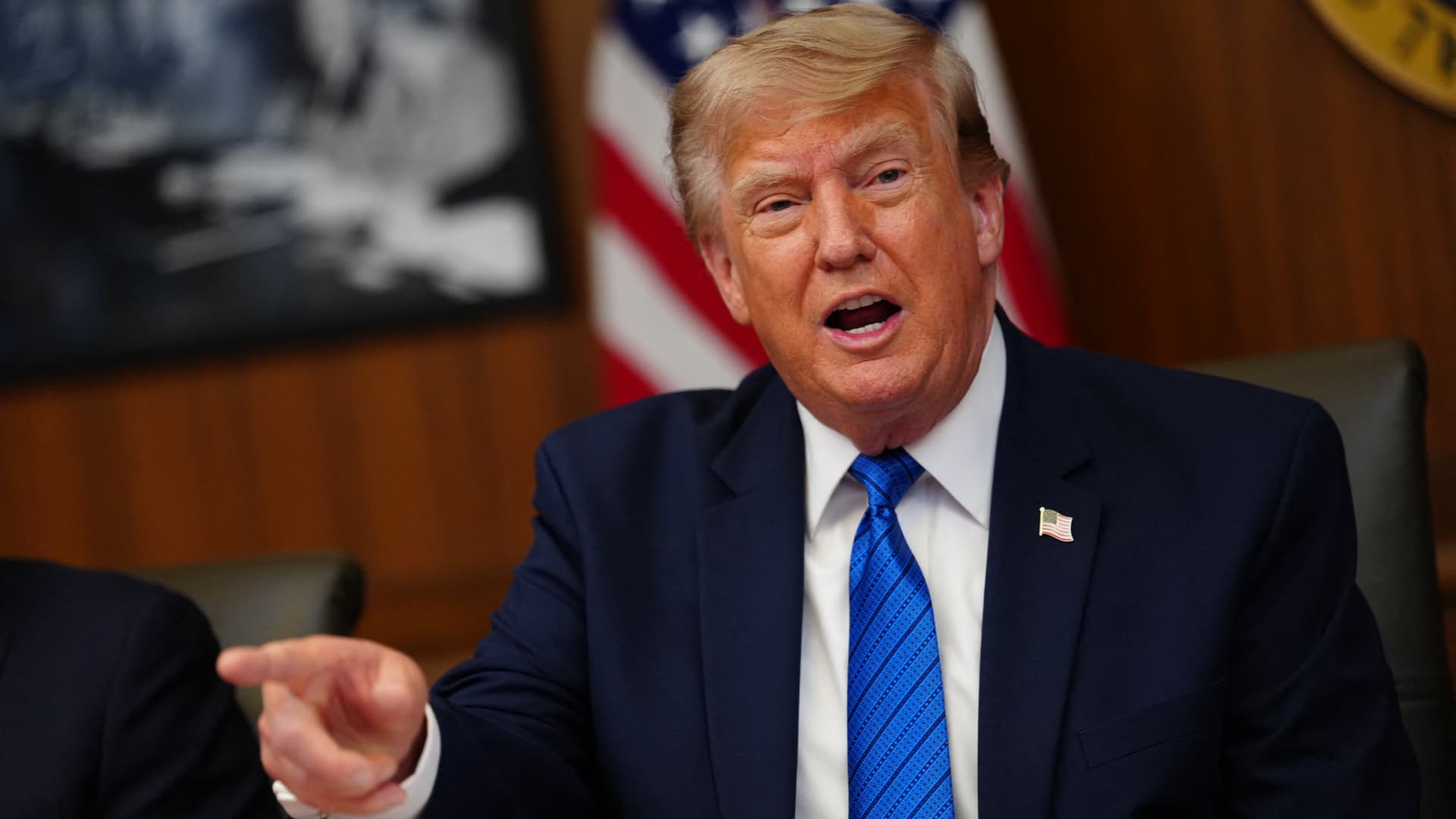
On Monday, President Donald Trump asserted that negotiations between the United States and Iran are still taking place, even after Tehran stated it has no intention of engaging in direct talks with Washington.
In a fiery Truth Social post, Trump labeled Iran’s leaders “unbelievably duplicitous,” claiming they are lying about ongoing peace talks “whether Iran wants to admit it or not.” He repeated his assertion that the United States completely controls the Strait of Hormuz, despite maritime traffic through the crucial route lingering at only a small fraction of pre‑conflict levels.
He wrote, “Nothing reaches Iran unless we allow it, and nothing will pass unless a deal—or total surrender—is achieved.”
Earlier that day, Iranian Foreign Ministry spokesperson Esmail Baghaei told reporters there is no imminent plan for U.S.–Iran negotiations, contradicting Trump’s earlier comment that talks would resume Monday afternoon. Baghaei added that Iran’s only current discussions are with Oman concerning the Strait of Hormuz.
The conflicting statements have heightened uncertainty over the peace‑talk process and the broader conflict, now in its sixth month.
Trump’s assertion about new negotiations came a day after he said on Truth Social that he had agreed to cancel a massive strike against Iran “subject to being able to rapidly make a DEAL.” He said in the same post that Iran and other Middle Eastern countries had asked him to hold off on that attack because “the perimeters of a deal has been agreed to.”
Trump has claimed dozens of times throughout the more‑than‑five‑month‑long war that a deal is at hand. No permanent deal has been signed, and a temporary ceasefire reached in June has fallen apart.
Trump has also repeatedly threatened to launch devastating strikes against Iran before backing off. After the latest example, oil prices on Monday fell and stocks surged.
BMI, a research unit of Fitch Solutions, said in a note Monday that a broader diplomatic understanding on reopening the Strait of Hormuz is still achievable this quarter, while raising the probability of its escalation scenario to 35% from 25%, citing mounting military, diplomatic and economic signs of rising U.S.-Iran tensions.
“Diplomatic progress is likely to be punctuated by periodic military flare-ups, while miscalculation by either side could trigger a renewed escalation,” BMI analysts wrote in a note. The firm said the key issue to watch is the future governance of the strait, as the Iran-Oman talks — potentially backed by Gulf states, China and the U.S. — point to efforts to build a post-conflict shipping framework.
Shipping risks persist even as diplomacy appears to be advancing. The United Kingdom Maritime Trade Operations Centre said it received a report of an incident 20 nautical miles (23 miles) northeast of Khasab, Oman — at the mouth of the strait — with a tanker’s master reporting an explosion in close proximity to the vessel at about 20:37 UTC Sunday (4:37 pm ET). The vessel and crew were safe and authorities are investigating, UKMTO said, advising ships to transit with caution.
The proposal Trump announced over the weekend calls for the U.S. and Iran to return to negotiations and continue ironing out some of the thorny issues that had derailed diplomatic efforts, according to The Associated Press, citing a regional official involved in the mediation efforts.
The official said the proposal also includes a reopening of the Hormuz Strait and halting attacks across the region, including by Iranian-backed militias in Iraq on the Arab Gulf countries and Jordan.
The U.S., for its part, will end its naval blockade on Iran and allow Tehran to export its oil, the official said, adding that no deal has been reached, although the mediation efforts remained underway.
Trump’s weekend reversal has lowered the temperature after days of escalating attacks across the Gulf. Kuwait said Saturday that Iranian forces launched a wave of drones within its airspace, with its military destroying multiple aircraft after Iran targeted critical infrastructure in the country’s north.
A parallel track with Muscat is also advancing. Iranian diplomats said Tehran was close to reaching a new arrangement with Oman to manage shipping through the Strait of Hormuz, a deal critical to preventing the war from escalating further, according to the Financial Times.
Iranian officials said negotiations over future management of the Hormuz Strait with Oman, which sits on the opposite shore of the waterway, are in their final stages. The agreed shipping route would be different from those used before, according to Iran’s Foreign Ministry spokesperson, Baghaei, adding that the new route was separate from the issue of the strait’s reopening or continued closure.
Technologies
Oil Prices Slide as Trump Halts Planned Iran Strike
Oil prices dropped after Trump cancelled a planned strike on Iran, with WTI down about 5% and Brent near 5% lower. He said the move followed requests from Tehran and regional allies for a pause while a deal shaping the Strait of Hormuz and Iran’s nuclear program is negotiated.
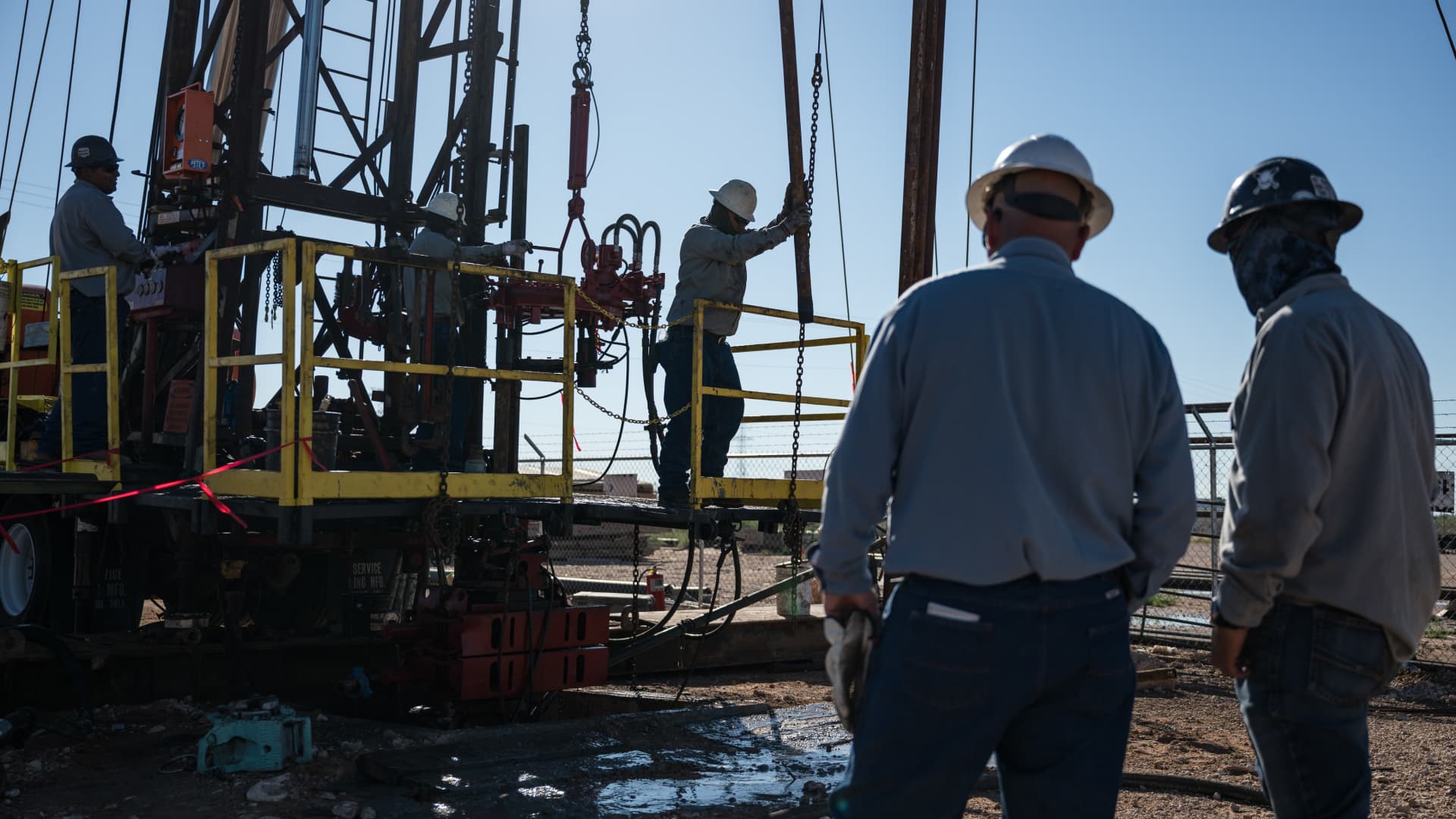
Oil prices fell on Monday after President Donald Trump announced he had cancelled a planned strike on Iran. WTI futures dropped roughly 5% to $80.34 a barrel, while Brent slipped about 4.7% to $83.77 a barrel.
Trump said early Sunday he called off the strike after Iran and several Middle Eastern nations asked him to hold off, noting that the outlines of a deal had been agreed upon. He added that the prospective accord would entail the immediate, full opening of the Strait of Hormuz and an end to Iran’s nuclear ambitions, according to his Truth Social post.
The president had been considering another round of strikes as diplomatic hopes waned since the conflict began on February 28. He said the U.S. and Iran would meet for talks on Monday, but Iran denied any scheduled negotiations with Washington, citing PressTV. Iran’s foreign‑ministry spokesperson Esmaeil Baghaei clarified that Tehran was only discussing shipping routes through the Strait of Hormuz with Oman. In a follow‑up Truth Social message, Trump insisted that, regardless of Iran’s acknowledgment, the United States is indeed discussing a solution to a long‑standing problem created by Iran.
Technologies
Oil Prices Drop as Trump Cancels Planned Attack on Iran
Oil prices fell sharply after President Trump announced the cancellation of a planned strike on Iran, citing a new deal that would open the Hormuz Strait and end Iran’s nuclear threat.
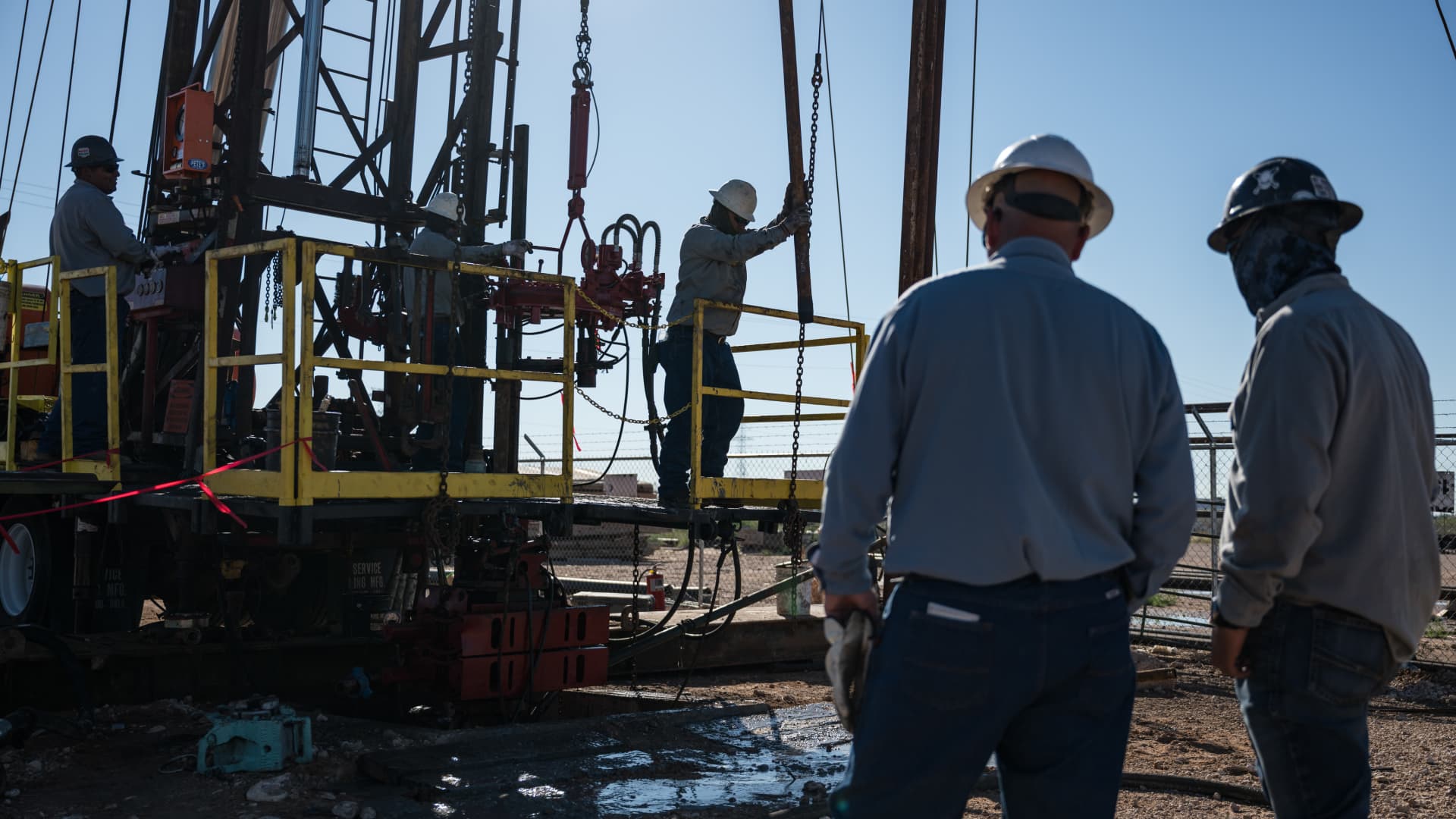
Oil prices fell sharply on Monday after President Donald Trump announced that he had called off a planned strike on Iran.
West Texas Intermediate futures, the U.S. benchmark, slipped roughly 5% to close at $80.34 per barrel, while Brent crude, the international benchmark, declined 4.7% to settle at $83.77 a barrel.
Trump made the announcement early Sunday, saying he had canceled the strike following requests from Tehran and other Middle Eastern countries.
In a Truth Social post, he wrote: “We have just been asked by Iran, and other Middle Eastern Countries, to hold off any attack in that the perimeters of a deal has been agreed to.”
The president indicated that the proposed agreement would include the immediate, complete, and total opening of the Hormuz Strait, as well as an end to Iran’s nuclear threat.
Trump had been weighing additional strikes amid diminishing prospects for a diplomatic resolution to the conflict that began on Feb. 28. He stated that the U.S. and Iran would hold negotiations on Monday.
Tehran denied that talks were planned with Washington, according to state news outlet PressTV.
Iran’s Foreign Ministry spokesman Esmaeil Baghaei said Tehran was only holding talks with Oman regarding the routes ships can use through the Strait of Hormuz.
In a subsequent Truth Social post, Trump added that whether “Iran wants to admit it or not, we are, in fact, talking of a solution to a problem that they have caused for decades.”
-
 Technologies4 years ago
Tech Companies Need to Be Held Accountable for Security, Experts Say
-
 Technologies3 years ago
Best Handheld Game Console in 2023
-
 Technologies5 years ago
Black Friday 2021: The best deals on TVs, headphones, kitchenware, and more
-
 Technologies3 years ago
Tighten Up Your VR Game With the Best Head Straps for Quest 2
-
 Technologies5 years ago
Google to require vaccinations as Silicon Valley rethinks return-to-office policies
-
 Technologies5 years ago
Verum, Wickr and Threema: next generation secured messengers
-
 Technologies4 years ago
The number of Сrypto Bank customers increased by 10% in five days
-
 Technologies5 years ago
Olivia Harlan Dekker for Verum Messenger