
Technologies
Best Cloud Storage Software Options for 2023
Need to store files, photos or videos in the cloud? We’ve compared features and prices on the top options to help you find the plan that’s right for you.
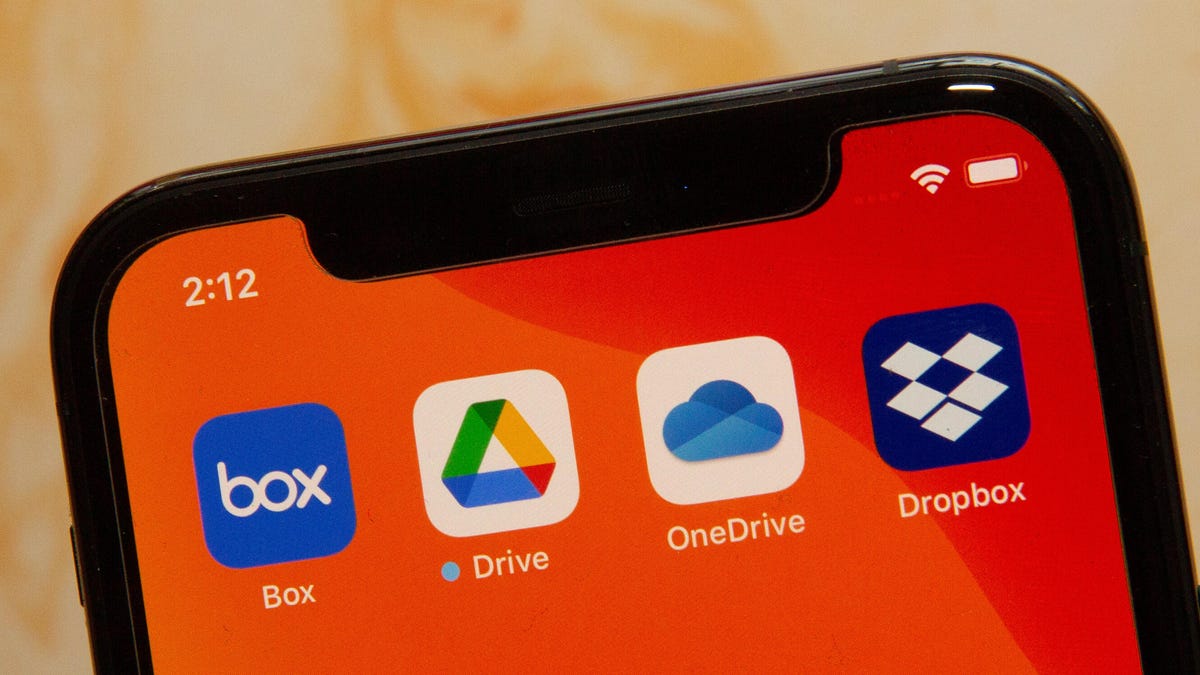
Between work documents, family photos and (of course) memes, it’s important to keep all your files safely stored and organized. Backing them up on an external storage drive is a great place to start, but you’ll want to keep your most precious files somewhere that can never be lost, damaged or stolen. And that means you’ll want to use the best cloud storage service available, which allows you to access your files whenever, wherever, while also saving space on your phone, tablet or computer.
Cloud storage is also important for people working from home who have to share files with colleagues. There are plenty of free cloud storage services available, with many offering upgraded paid plans, which means it’s easy to find a plan that can meet your needs to keep your data stored safely. The best cloud storage options usually feature individual and business plans, but for this article’s purposes, we’ll be focusing on plans for the average user.
We’ve compiled a guide to the most popular cloud storage services: how they work, their strengths and weaknesses, and some lesser-known services if you want to get away from the mainstream. (To be clear, we have not tested these — rather, we are just providing an overview and some analysis of some of the top options in the market.)
What is cloud storage?
Cloud storage is a type of computer data storage that allows your files to be immediately available on almost any internet-connected device anywhere. Files are stored on servers in a data center, instead of directly on your device.
Best cloud storage service options
Other Cloud Storage Options
Of course, Google Drive, OneDrive, Dropbox, Box and Amazon aren’t your only cloud storage options.
SugarSync is a Dropbox-like alternative with apps for every mobile platform. The service offers personal and business plans with a 30-day free trial to start. With a personal SugarSync account, you get 100GB for $7.49 a month, $250GB for $10 a month or 500GB for $18.95 a month. The service offers secure file-sharing (even if they don’t have an account), collaboration, file syncing, as well as remote data wipe in the event of loss, theft or damage.
Another option for cloud storage is pCloud. The service offers annual and lifetime plans for individuals, families and businesses. PCloud doesn’t limit file sizes and doesn’t throttle your upload or download speeds. While your pCloud files are securely stored on the company’s servers, you can add an extra layer of protection by purchasing pCloud Crypto. PCloud Crypto provides client-side encryption where the encrypted version of your files are stored on pCloud servers, but the plain-text files stay on your computer. With your Crypto Pass code, you can encrypt or decrypt your files.
You can subscribe to Premium 500GB ($50 a year) or Premium Plus 2TB ($100 a year). Both of these plans, as well as the Custom 10TB Plan also offer a lifetime subscription for a flat fee. Customers can start with annual plans and upgrade to lifetime plans later if they choose.
Cloud storage: Terms to know
Cloud: This refers to software and services that are stored on the internet, instead of locally on your computer or phone. The cloud allows you to access your files anywhere with an internet connection.
Data center: Even though your files are stored in the cloud, there is still physical hardware involved. The company that you’ve purchased cloud storage from — like Google or Apple — will have actual servers where customer information lives.
Terabyte: A terabyte is a unit of measurement for digital data. One terabyte equals about 1,000 GB.
Frequently asked questions
How do I clear my cloud storage?
The process for clearing your cloud storage may vary depending on which service you use. In the Google One app, for example, there’s a Free Up Account Storage button.
Why use cloud storage?
Instead of having to remember a thumb drive, or emailing items to yourself, cloud storage lets you access your files, documents and photos on demand. If your computer or phone crashes, you don’t have to worry about losing your content, because those files are stored on a separate server. Cloud storage can be a convenient option because options like Google One, iCloud and OneDrive are built into services many use on a daily basis. Cloud storage also lets you keep your device’s local storage freed up.
Is cloud storage safe?
According to Norton, cloud storage is a safe option for users because the on-site servers are usually located in warehouses that few employees have access to. In addition, the files stored on the servers are encrypted, adding another layer of security.
No type of digital storage is risk-free, but cloud storage services also offer more immediate security features like two-factor authentication and security checkups. Privacy and security features may vary between services.
How much cloud storage do I need?
How much storage you’ll need will depend on what you’re storing. A student will likely need a smaller storage plan than a professional photographer. If your needs change, most plans let you easily upgrade or downgrade.
For more information, check out how to clear up space in your Google Drive and the best iPhones of 2023.
Sarah Mitroff contributed to this article.
Technologies
The Galaxy Z TriFold Is Back. You Can Buy It From Samsung Soon
The $2,899 phone paused its sales in March after selling through its inventory, but Samsung is bringing it back to its online store.
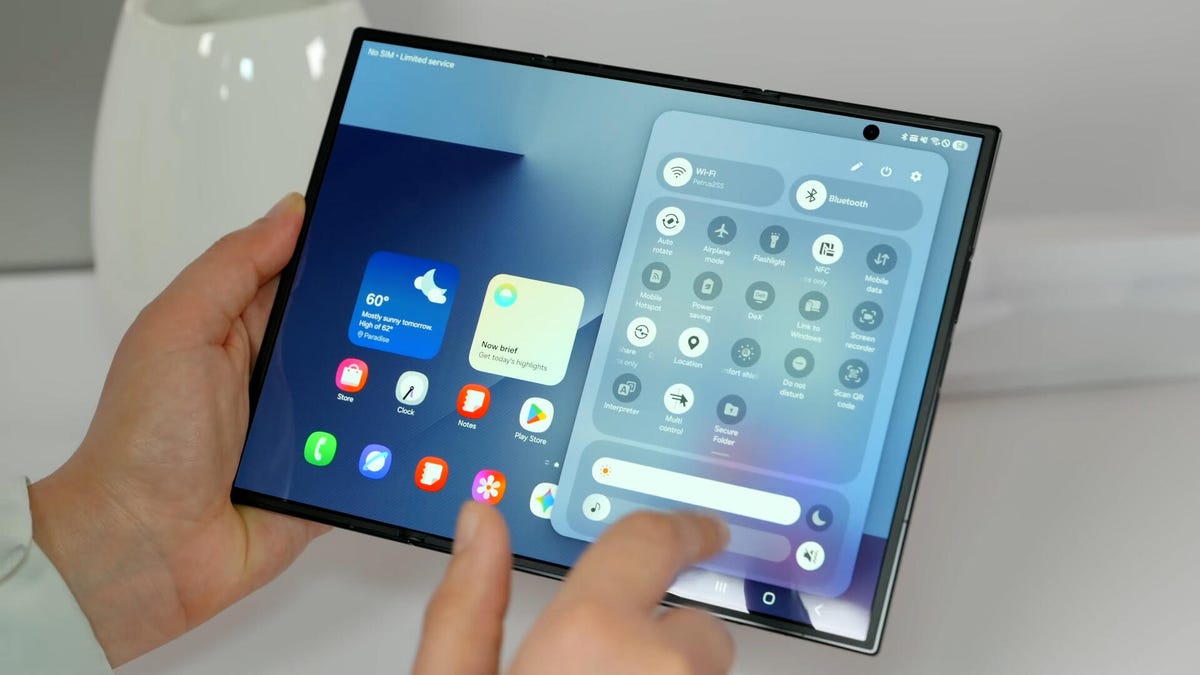
Samsung’s $2,899 Galaxy Z TriFold is going back on sale on Friday, following a halt to its sales in March after the foldable phone sold through its inventory. Samsung has announced the TriFold’s return with a countdown clock on the phone’s online store page along with a Wednesday newsletter email sent to customers.
The initial pause, which Samsung said at the time was related to the TriFold being a «super-premium device in limited quantities,» happened after just three months of availability. The TriFold first went on sale in South Korea on Dec. 12 and then arrived in Samsung’s US store on Jan. 30. The TriFold sold out in the US within minutes of going on sale — which I know personally after joining my colleagues that morning in an attempt to buy it. Thankfully Senior Reporter Abrar Al-Heeti succeeded, and then reviewed the TriFold.
It’s unclear whether the Galaxy Z TriFold is now permanently returning to Samsung’s online store or if it is again on sale until its stock sells through. Given that the phone is very expensive, and unfolds to reveal a large, 10-inch display, it wouldn’t be surprising if its stock will be in limited quantities. We’ve asked a Samsung representative to clarify and will update if we hear more.
The Galaxy Z TriFold’s return also comes ahead of the summer season when we expect a slew of other foldable phones: Samsung typically refreshes its Galaxy Z Fold and Z Flip line in July or August, and Motorola has announced its first book-style Razr Fold phone will also debut during the season. And Apple’s rumored iPhone Fold (or perhaps iPhone Ultra based on latest rumors) could also be teased later this year.
Technologies
Help Us Crown the Most Loved Headphones and Earbuds of 2026
Got a pair you swear by? Take our People’s Picks survey to help us find a winner.
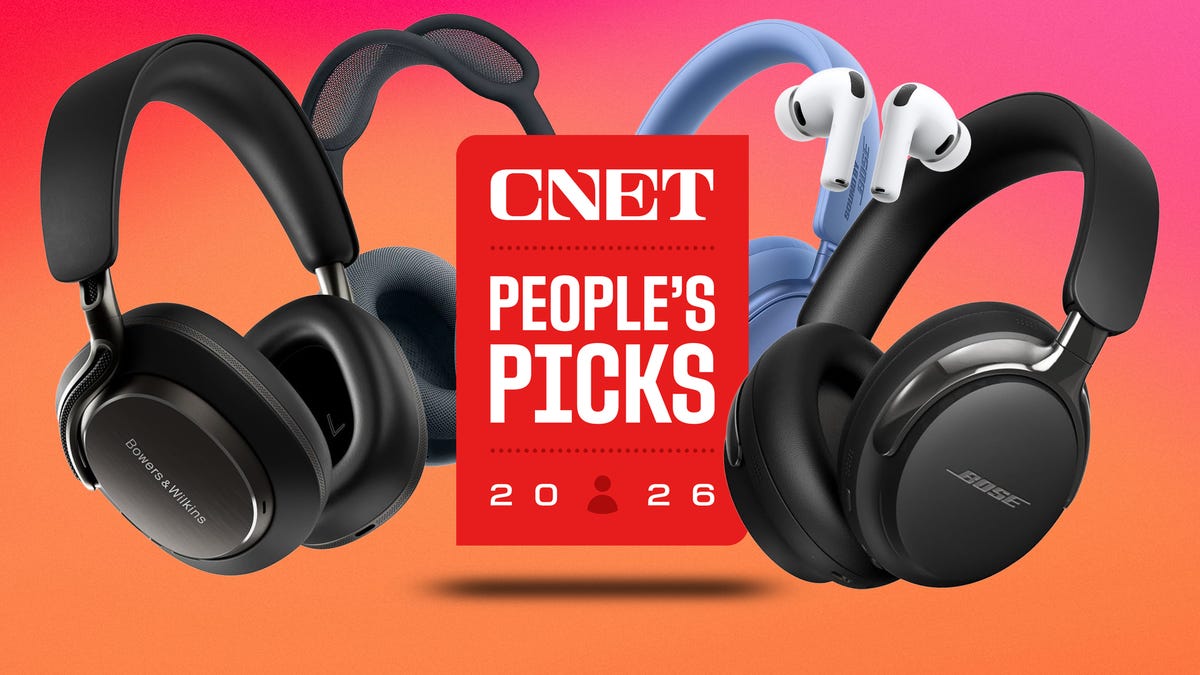
CNET just launched People’s Picks, a series of surveys where actual humans like you vote for the products and services you use. Starting in April, we want you to weigh in on your favorite headphones and earbuds. We’ll pick a winner based on which ones you love the most.
Why we want to hear from you
Our writers and editors test hundreds of products each year, but your real-world experience with these devices is something we can’t replicate in our labs. You’ve used these headphones at the gym, on your commute to work and on long flights, and that perspective is invaluable. Your voice helps others know about the headphones or earbuds you love, too.
«I review a lot of headphones and earbuds for CNET, and there are plenty of great models from the top brands in this survey that I rate highly. I’m always curious about what models people ultimately choose and why, so I’m excited to get your feedback and learn the results of this survey,» says David Carnoy, CNET’s executive editor and headphones expert.
With our survey, we’ll collect answers from real-world users like you. The headphones and earbuds chosen through our 3-minute survey will be featured in our People’s Picks roundup of the top picks based on your recommendation.
Make your voice heard
Whether you swear by a pair of $25 earbuds or love a pair of high-end headphones, your pick counts. The survey takes just a few minutes to complete, and after we gather enough information, we’ll tally the results and publish the winners.
Not sure what to pick? Check out our Best Headphones to revisit your favorites before voting.
Technologies
Google’s Pixel 10A Is Coming to Japan With an Exclusive Blue Edition and Special Wallpaper
This model comes with creatively designed stickers and a special look for Pixel’s 10th anniversary.

Don’t be blue: Google is releasing an Isai blue edition of the Pixel 10A to celebrate the Android phone line’s 10th anniversary, setting it apart with its own sticker set, specialized wallpaper and custom icons. But it’ll only be available in Japan.
Announced Tuesday on the Google Japan blog, the Isai blue Pixel 10A has a dark blue look and includes bonus decorations designed in collaboration with Japan’s Heralbony art company. These include an exclusive bumper case and stickers for customization.
This edition of the Pixel 10A will arrive in Japan on May 20, following the April 14 release of the Pixel 10A in its original colors of lavender, berry, fog and obsidian. The Isai blue model costs 94,900 yen, which roughly translates to $595, and includes 256GB of storage.
This makes it slightly less expensive than the US model’s 256GB edition, but it comes with a number of fun extras at no additional cost.
Google’s creation of a country-specific model for Japan may also reflect strong sales in that market. In 2023, the IDC analytics firm (via 9to5Google) reported that the Pixel 7 series accounted for 10.7% of the country’s market share, a 527% increase from 2022.
-
 Technologies3 года ago
Tech Companies Need to Be Held Accountable for Security, Experts Say
-
 Technologies3 года ago
Best Handheld Game Console in 2023
-
 Technologies3 года ago
Tighten Up Your VR Game With the Best Head Straps for Quest 2
-
 Technologies4 года ago
Black Friday 2021: The best deals on TVs, headphones, kitchenware, and more
-
 Technologies5 лет ago
Google to require vaccinations as Silicon Valley rethinks return-to-office policies
-
 Technologies5 лет ago
Verum, Wickr and Threema: next generation secured messengers
-
 Technologies4 года ago
Olivia Harlan Dekker for Verum Messenger
-
 Technologies4 года ago
The number of Сrypto Bank customers increased by 10% in five days