

Technologies
Today’s NYT Strands Hints, Answers and Help for March 21 #748
Here are hints and answers for the NYT Strands puzzle for March 21, No. 748.

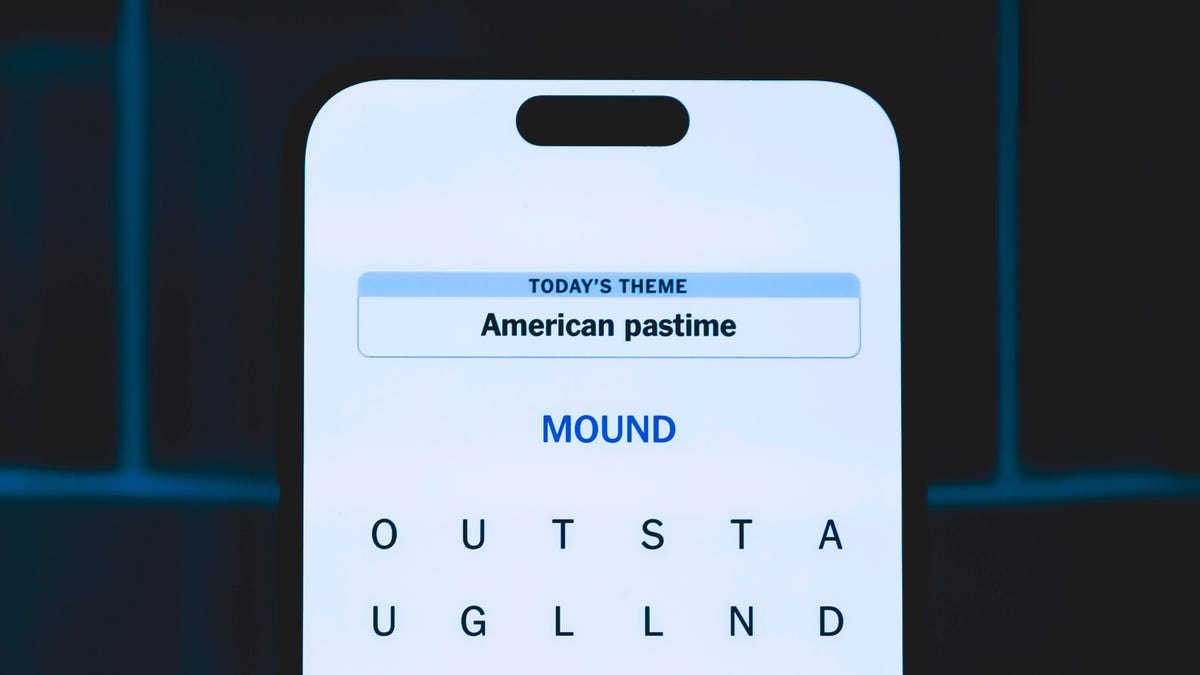
Looking for the most recent Strands answer? Click here for our daily Strands hints, as well as our daily answers and hints for The New York Times Mini Crossword, Wordle, Connections and Connections: Sports Edition puzzles.
Today’s NYT Strands puzzle has some pretty funny answers. Some of the answers are difficult to unscramble, so if you need hints and answers, read on.
I go into depth about the rules for Strands in this story.
If you’re looking for today’s Wordle, Connections and Mini Crossword answers, you can visit CNET’s NYT puzzle hints page.
Read more: NYT Connections Turns 1: These Are the 5 Toughest Puzzles So Far
Hint for today’s Strands puzzle
Today’s Strands theme is: Sniff sniff
If that doesn’t help you, here’s a clue: Some people keep them to the grindstone.
Clue words to unlock in-game hints
Your goal is to find hidden words that fit the puzzle’s theme. If you’re stuck, find any words you can. Every time you find three words of four letters or more, Strands will reveal one of the theme words. These are the words I used to get those hints but any words of four or more letters that you find will work:
- SENT, POST, STOP, STOPS, TOPS, POTS, ROBE, BORE, HORN, HONK, HONKS, THEN, PROBE
Answers for today’s Strands puzzle
These are the answers that tie into the theme. The goal of the puzzle is to find them all, including the spangram, a theme word that reaches from one side of the puzzle to the other. When you have all of them (I originally thought there were always eight but learned that the number can vary), every letter on the board will be used. Here are the nonspangram answers:
- BEAK, SNOUT, HONKER, MUZZLE, PROBOSCIS, SCHNOZZLE
Today’s Strands spangram
Today’s Strands spangram is ONTHENOSE. To find it, start with the O that’s four letters to the right on the top row, and wind down.
Technologies
Microsoft Lays Out Next Windows Updates: Faster, Lighter and More Flexible
The company described changes Windows Insiders will be seeing over the next few months, many of which are long overdue.
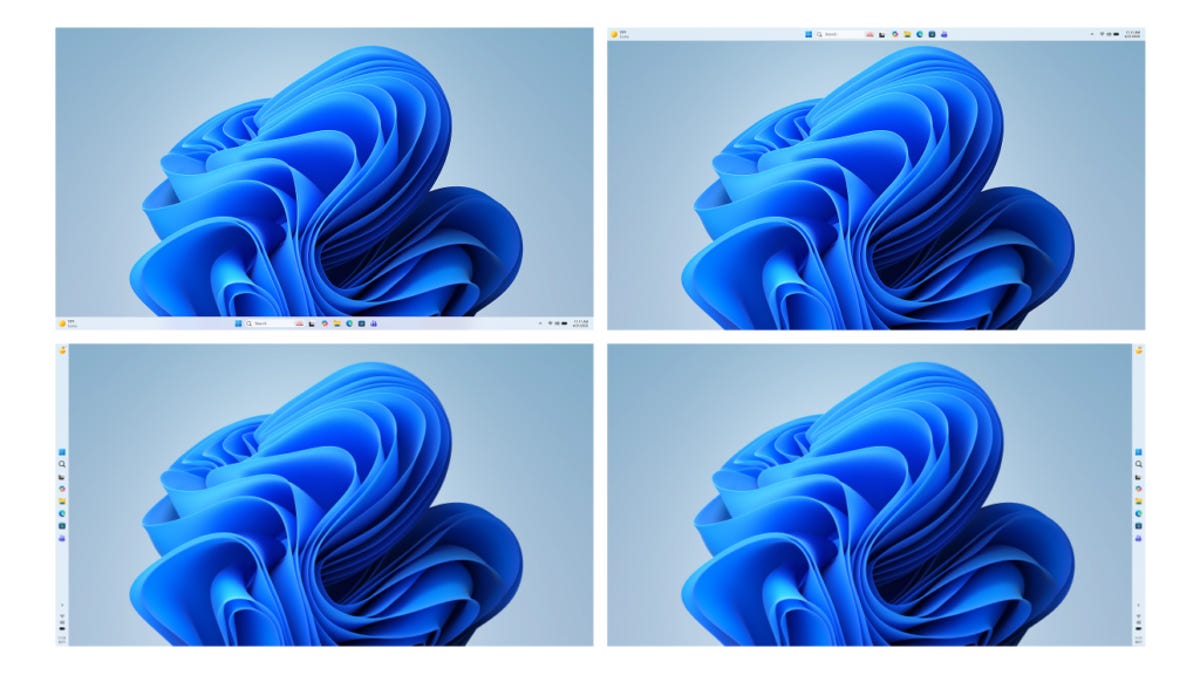
In the Windows Insider Blog on Friday, Microsoft outlined some of the upcoming changes that its Insiders — beta testers — should expect in the next few months. Among them are less intrusive Windows Update operations, improvements to Copilot integration, streamlining of the start menu and taskbar, fewer notifications, a smaller memory footprint, greater stability and more. They’re all welcome — and overdue.
Microsoft plans to be «more intentional about how and where Copilot integrates across Windows, focusing on experiences that are genuinely useful and well‑crafted.»
In addition, widgets will provide information «more intentionally by default, keeping content glanceable and reducing unnecessary interruptions.» The whole point of widgets is to give the user the ability to understand information at a glance and to be nonintrusive. It means you’ll be able to personalize or turn them off more easily and generally reduce the number of notifications.
One of the big performance updates will be a reduction in the operating system’s memory usage, leaving more available for the programs you run. This is huge, not just because Windows is a memory hog, but because for the next couple of years at least, it won’t be practical to simply configure a new system with more memory.
Microsoft says it will increase the allowable interval for an Update pause, make them more predictable and add the ability to restart or shut down without a surprised forced install if you’ve forgotten to postpone. Plus, the company promises fewer automatic restarts and notifications.
You’ll also be able to skip updates when you’re setting up a device for the first time, which is an interesting change since it’s something most people only do once. But at the very least, it should provide a better out-of-the-box experience for newbies.
That’s also a welcome, if tiny, step forward in making Windows handhelds (like the ROG Xbox Ally X) feel more like gaming devices and less like poorly performing laptops, as is adding support for controller-based navigation to create a PIN during setup and in settings.
Microsoft also promises faster, more consistent and more fluid performance overall, including much more streamlined File Explorer operation. The company says that Bluetooth and USB will provide more stable connections, fewer operating system crashes and more consistent wake-from-sleep behavior.
Technologies
Today’s NYT Connections: Sports Edition Hints and Answers for March 21, #544
Here are hints and the answers for the NYT Connections: Sports Edition puzzle for March 21, No. 544.
Looking for the most recent regular Connections answers? Click here for today’s Connections hints, as well as our daily answers and hints for The New York Times Mini Crossword, Wordle and Strands puzzles.
Today’s Connections: Sports Edition features a fun mix of sports. If you’re struggling with today’s puzzle but still want to solve it, read on for hints and the answers.
Connections: Sports Edition is published by The Athletic, the subscription-based sports journalism site owned by The Times. It doesn’t appear in the NYT Games app, but it does in The Athletic’s own app. Or you can play it for free online.
Read more: NYT Connections: Sports Edition Puzzle Comes Out of Beta
Hints for today’s Connections: Sports Edition groups
Here are four hints for the groupings in today’s Connections: Sports Edition puzzle, ranked from the easiest yellow group to the tough (and sometimes bizarre) purple group.
Yellow group hint: Think Mary Lou Retton.
Green group hint: Think Muhammad Ali.
Blue group hint: Taylor Swift’s fiance is one.
Purple group hint: Hockey teams.
Answers for today’s Connections: Sports Edition groups
Yellow group: Gymnastics apparatuses.
Green group: At the boxing ring.
Blue group: First names of NFL tight ends.
Purple group: Starts of NHL team names.
Read more: Wordle Cheat Sheet: Here Are the Most Popular Letters Used in English Words
What are today’s Connections: Sports Edition answers?
The yellow words in today’s Connections
The theme is gymnastics apparatuses. The four answers are bars, beam, floor and vault.
The green words in today’s Connections
The theme is at the boxing ring. The four answers are bell, corner, ropes and turnbuckle.
The blue words in today’s Connections
The theme is first names of NFL tight ends. The four answers are Brock, Dallas, Hunter and Travis.
The purple words in today’s Connections
The theme is starts of NHL team names. The four answers are Fly, Island, Oil and Rang.
Technologies
AT&T Raising Prices for Legacy Unlimited Plans Starting in April 2026
Customers could pay as much as $20 more each month if they hold onto their old plans.

Last week, AT&T introduced its newly revamped unlimited phone plans, but that’s not the only change to its services lineup. On a support page that went live around the same time, the carrier revealed that the prices of its «retired» unlimited wireless plans — the ones customers who haven’t upgraded are still using — will go up by as much as $20 starting next month.
AT&T is implementing two price changes in April. If your account with a «retired» plan has a single line, the price goes up $10. If you have two or more lines on an account, the price increase is capped at $20 for the account.
Perhaps to offset the sting, affected plans will get an extra 20GB of hotspot data each month. AT&T’s support page reads, «This change helps us continue providing reliable network service, quality products, and great customer experiences.»
In a statement to CNET, an AT&T spokesperson said, «We recognize that any price increase matters to our customers and their budgets. This increase reflects the real cost of continuing to deliver the speed, reliability, and support our customers expect every day.»
AT&T maintains that its new plans are priced competitively with other carriers’ plans and «better aligned with how our customers use our services.»
The change only applies to wireless plans activated prior to July 24, 2025, according to the support note. That includes legacy plans, not just the recently discontinued plans that the 2.0 plans replace.
It also means if you signed up for the company’s previous AT&T Value Plus VL, Unlimited Starter SL, Unlimited Extra EL or Unlimited Premium PL plan in the last half of 2025, this increase won’t apply to you.
The increases make it worth comparing prices between holding onto an existing plan or switching to the new plans. For example, this change makes the Premium 2.0 plan more appealing. When it was announced, the Premium 2.0 plan was more expensive than the older Unlimited Premium PL plan: $90 a month for a single line instead of $86, or $220 for four lines instead of $204. With the new price increase, keeping the Unlimited Premium PL plan will cost $96 a month for a single line and $240 a month for four lines.
AT&T isn’t the only one to change its plan pricing in the last few months. After Verizon replaced its CEO, it dropped prices across the board to be more competitive. And T-Mobile introduced a new limited-time Better Value plan priced similarly to its Experience More plan but with more perks intended to appeal to families.
If AT&T’s increases prompt you to shop around, we have recommendations for the best cellphone plan and the best unlimited data plan, as well as a comparison of AT&T and Verizon plans.
-
 Technologies3 года ago
Tech Companies Need to Be Held Accountable for Security, Experts Say
-
 Technologies3 года ago
Best Handheld Game Console in 2023
-
 Technologies3 года ago
Tighten Up Your VR Game With the Best Head Straps for Quest 2
-
 Technologies4 года ago
Black Friday 2021: The best deals on TVs, headphones, kitchenware, and more
-
 Technologies5 лет ago
Google to require vaccinations as Silicon Valley rethinks return-to-office policies
-
 Technologies5 лет ago
Verum, Wickr and Threema: next generation secured messengers
-
 Technologies4 года ago
Olivia Harlan Dekker for Verum Messenger
-
 Technologies5 лет ago
iPhone 13 event: How to watch Apple’s big announcement tomorrow


