

Technologies
How to Connect Bluetooth Headphones to Your Smart TV
Connecting headphones to your smart TV can keep the peace in your household after hours.

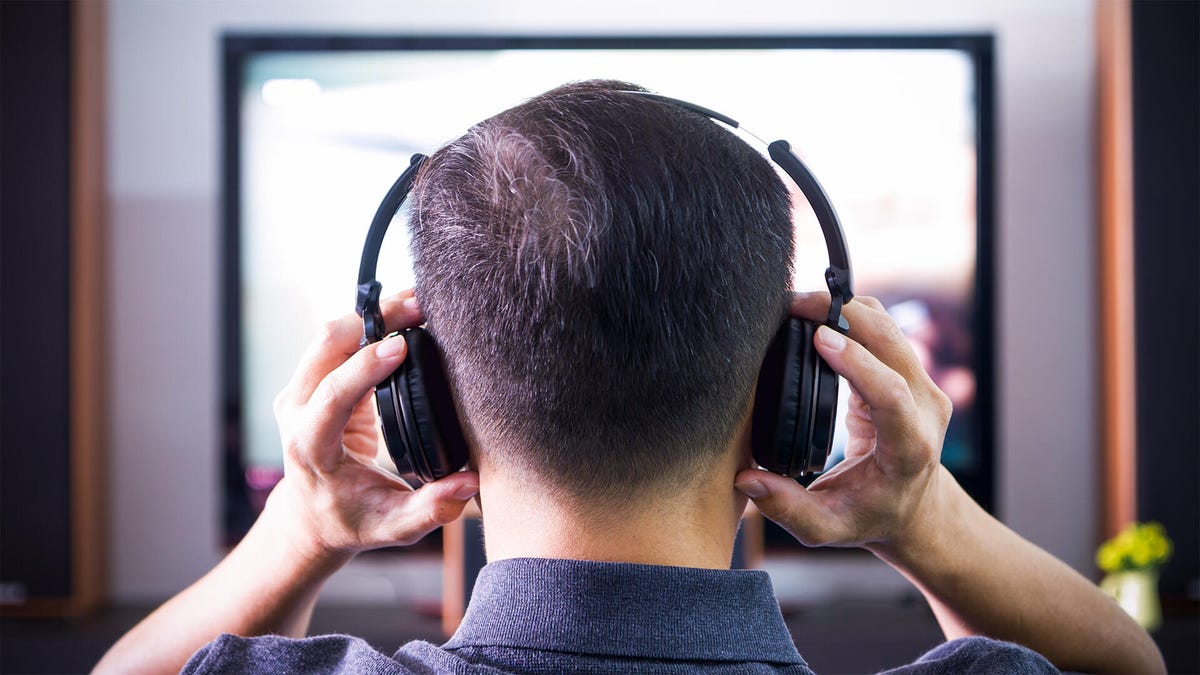
Whether you’re a parent, a roommate, a spouse or all of the above, you’ve probably given up watching TV at some point to avoid disturbing the people around you. The good news? You don’t have to retreat to a tiny phone or tablet to catch your favorite shows and movies. You can still watch on your big TV without bothering anyone else.
Bluetooth is the key, and it’s everywhere, including the best TVs. Connecting your wireless headphones or earbuds to your TV is usually quick and easy. Here’s how to do it, what you can do with it and what to do if you encounter issues.
Initial prep
First, update the firmware on both your TV and your headphones/earbuds (you’ll do this via the companion app for your headphones on your phone). Next, put your headphones into pairing mode. If needed, check the manual for specific instructions, but it usually involves pressing and holding a button on the headphones or earbud case until a light starts flashing.
Connect
Go to your TV’s settings menu, usually represented by a gear icon. Locate the Bluetooth menu, which may be accessible separately or within the sound/audio output options, depending on your TV model.
Once you’re in the Bluetooth settings, select Add device (or the closest equivalent). Your headphones/earbuds should appear there. Select them, and the TV should indicate that the headphones are now connected.
If your TV’s Bluetooth settings are separate from the audio output settings, you’ll need to change the audio output to Bluetooth as well. You should also hear a brief connection tone from the headphones.
Once a set of headphones is paired with your TV, you generally just need to put them on, and they should automatically reconnect to the TV. Some TV models may require you to revisit the settings and manually select Bluetooth as the sound output. Some TVs support audio output through both Bluetooth and the built-in speakers simultaneously, which can be handy if you’re watching with multiple people and one of them likes the volume cranked way up.
Multipoint and dual audio
If your headphones support multipoint Bluetooth, you should be able to switch from your TV audio to a phone call without having to manually switch and reconnect devices.
If your TV supports dual audio, you can connect to two headsets and watch/listen together without waking the kids. Pair the second device you’d like to connect using the same procedure above, and then go to the audio output settings. You should be able to choose multiple devices for simultaneous synced output.
Troubleshooting Bluetooth and TV connections
Some HDMI connections to devices like soundbars can hog up the audio output and prevent you from switching to Bluetooth. For example, I encountered a specific combination of devices — an LG OLED TV and a Sonos Arc soundbar — where I selected Bluetooth, and the HDMI connection took over the audio within a couple of seconds. If this happens, you can try unplugging the soundbar cable.
If an issue or problem comes up, such as a Bluetooth connection error message, return to your TV’s Bluetooth settings, select the device and choose either Forget device or Delete device. Then repeat the pairing process.
If your TV doesn’t have Bluetooth, you’re not left out in the cold. Bluetooth transmitters are easy to connect to older TVs with an audio output (typically an optical connection) and usually support two headphone connections simultaneously. However, be sure to look for a transmitter model that includes the aptX low-latency codec and use it with headphones that also support the same codec. If not, you may experience distracting lag time between audio and video, aka lip-sync issues.
To pair the transmitter with your headphones, place both devices in pairing mode, and they should connect automatically. If another device hijacks the connection to your headphones, turn off that device’s Bluetooth.
Technologies
Fitbit’s Gemini-Powered Coach Comes to the iPhone and Rolls Out to More Countries
The redesigned Fitbit app and AI health coach are rolling out to iOS users and Fitbit Premium subscribers in the UK, Canada, Australia, New Zealand and Singapore.
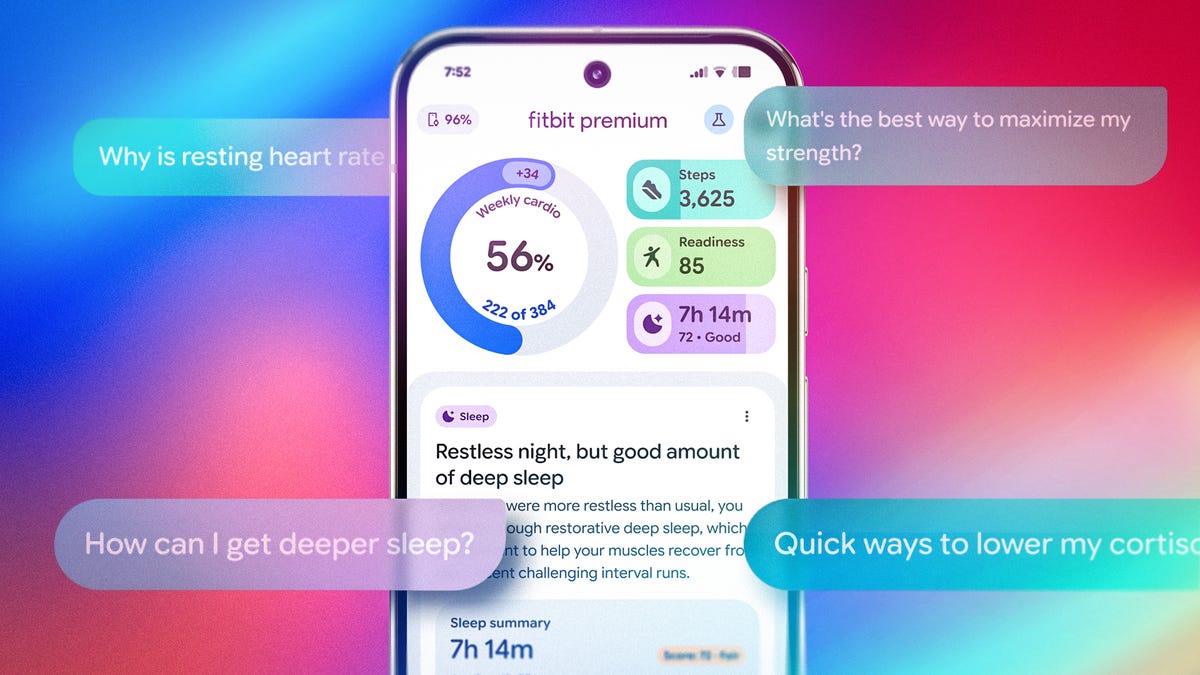
Google’s AI-fication of the Fitbit app is charging full speed ahead and will soon be reaching more people and more countries. After debuting as an Android-exclusive preview for US Premium subscribers, Google has announced that the public preview of its redesigned Fitbit app and health coach/concierge is opening to iPhone users starting Feb. 10.
The Gemini AI-powered «Coach» will also roll out in English to Fitbit Premium subscribers in the UK, Canada, Australia, New Zealand and Singapore on both iOS and Android.
Google debuted the redesigned Fitbit app and built-in Coach as an optional public preview in late October for eligible Fitbit Premium subscribers on Android and has since been collecting feedback from early adopters to refine the experience. This expansion brings the new app to more people, generating additional feedback opportunities and moving closer to a final version release.
As the race to build smarter, more personalized health platforms intensifies, Google is leaning on its full ecosystem of hardware, software and AI assistant to set Fitbit apart. With the wrist as the centerpoint of the data (via Pixel Watch and Fitbit trackers), Google is aiming to evolve its platform from a passive fitness tracker into a proactive, AI-driven wellness companion.
What to expect
The redesigned app experience has a cleaner UI that’s more intuitive to navigate than the previous version. It’s built around four main tabs: Today, Fitness, Sleep and Health.
The Today tab, which is what you’ll consult most frequently, highlights glanceable stats with a stronger focus on weekly trends. Google says these are a truer reflection of progress compared to the usual day-to-day insights that other trackers emphasize. The other tabs let you dig deeper into detailed metrics across categories like sleep stages and vitals. And this time, the burden of interpreting the data won’t just fall solely on the user.
Woven throughout the app is a new Coach feature, that you can access through an «Ask Coach» prompt. Coach draws on real-time and historical data to help make sense of your metrics and even turn them into a personal action plan. Google describes it as an «always-on» coach that can respond to questions or proactively adjust your plan based on recent activity, readiness, or even life events like travel or missed workouts.
For example, you might ask, «I have 30 minutes for a workout… What do you recommend?» or «How can I improve my VO2 max?» Or even draw links to your own stats with prompts like, «Do I sleep better on days when I get more steps in?»
During the (optional) onboarding process, you can set goals, log available fitness equipment and note injuries or limitations. The preview begins with a short 5-10 minute conversation (either by text or voice) to help the AI understand your goals and motivations. From there, the plan dynamically adjusts based on changing metrics like training load, readiness score and overnight recovery data, keeping everything aligned with your long-term goals.
Participation in the coaching experience is opt-in, so you can still use Fitbit without the AI features if you prefer.
Availability and pricing
The update — launched first to US-based Android users — will also be available to people in the UK, Canada, Australia, New Zealand, and Singapore (18 and older) who subscribe to Fitbit Premium ($10 a month or $80 a year) regardless of phone. Yes, that means iPhone owners too. It works with the latest Fitbit trackers, smartwatches and Pixel Watch models. During the preview phase, you can toggle between the old and new app designs without losing data, allowing for side-by-side comparison and feedback collection.
Google says user input from this period will be key to shaping the end result of the app experience and will have an integrated feedback tool for testers. While the company hasn’t confirmed a firm end date for the preview, it says the experience will continue to expand to more users and devices over time.
The real test
This redesign and Coach feature show serious potential. If it delivers on Google’s promises of bringing professional-grade coaching to mainstream users, it could mark a turning point for wellness tech and could position Google at the front of the pack. The company says the coach experience was developed with input from health experts and a consumer advisory panel, and that user data will not be used for Google Ads.
But as with everything in the AI world, execution will be everything, and the value of a wellness coach must be compelling enough — and accurate enough — to overcome the hesitation of entrusting yet another AI feature with sensitive health data. But the real test lies in how well Google manages privacy, data security and real-world usefulness. That balance could mean the difference between just a repackaged Gemini that most people turn off, and a game-changing tool that translates your data into action.
For now, it’s a promising preview, but one I’ll be testing firsthand once it rolls out.
Technologies
Today’s NYT Connections Hints, Answers and Help for Feb. 12, #977
Here are some hints and the answers for The New York Times Connections puzzle for Feb. 12 #977.

Looking for the most recent Connections answers? Click here for today’s Connections hints, as well as our daily answers and hints for The New York Times Mini Crossword, Wordle, Connections: Sports Edition and Strands puzzles.
Today’s NYT Connections puzzle has a fun mix of categories. The purple one, which can be a real stumper, was extra-fun today, and not that tricky. Read on for clues and today’s Connections answers.
The Times has a Connections Bot, like the one for Wordle. Go there after you play to receive a numeric score and to have the program analyze your answers. Players registered with the Times Games section can now nerd out by following their progress, including the number of puzzles completed, win rate, number of times they nabbed a perfect score and their win streak.
Read more: Hints and Strategies to Help You Win at Connections Every Time
Hints for today’s Connections groups
Here are four hints for the groupings in today’s Connections puzzle, ranked from the easiest yellow group to the tough (and sometimes bizarre) purple group.
Yellow group hint: To build.
Green group hint: Not mobile.
Blue group hint: Baseball pro.
Purple group hint: Not king.
Answers for today’s Connections groups
Yellow group: Construct.
Green group: Fixed in place.
Blue group: MLB player, for short.
Purple group: ____ queen.
Read more: Wordle Cheat Sheet: the Most Popular Letters Used in English Words
What are today’s Connections answers?
The yellow words in today’s Connections
The theme is construct. The four answers are form, make, mold and produce.
The green words in today’s Connections
The theme is fixed in place. The four answers are fast, firm, frozen and tight.
The blue words in today’s Connections
The theme is MLB player, for short. The four answers are A, Card, Jay and Yank.
The purple words in today’s Connections
The theme is ____ queen. The four answers are dairy, dancing, drag and May.
Toughest Connections puzzles
We’ve made a note of some of the toughest Connections puzzles so far. Maybe they’ll help you see patterns in future puzzles.
#5: Included «things you can set,» such as mood, record, table and volleyball.
#4: Included «one in a dozen,» such as egg, juror, month and rose.
#3: Included «streets on screen,» such as Elm, Fear, Jump and Sesame.
#2: Included «power ___» such as nap, plant, Ranger and trip.
#1: Included «things that can run,» such as candidate, faucet, mascara and nose.
Technologies
Today’s Wordle Hints, Answer and Help for Feb. 12, #1699
Here are hints and the answer for today’s Wordle for Feb. 12, No. 1,699.
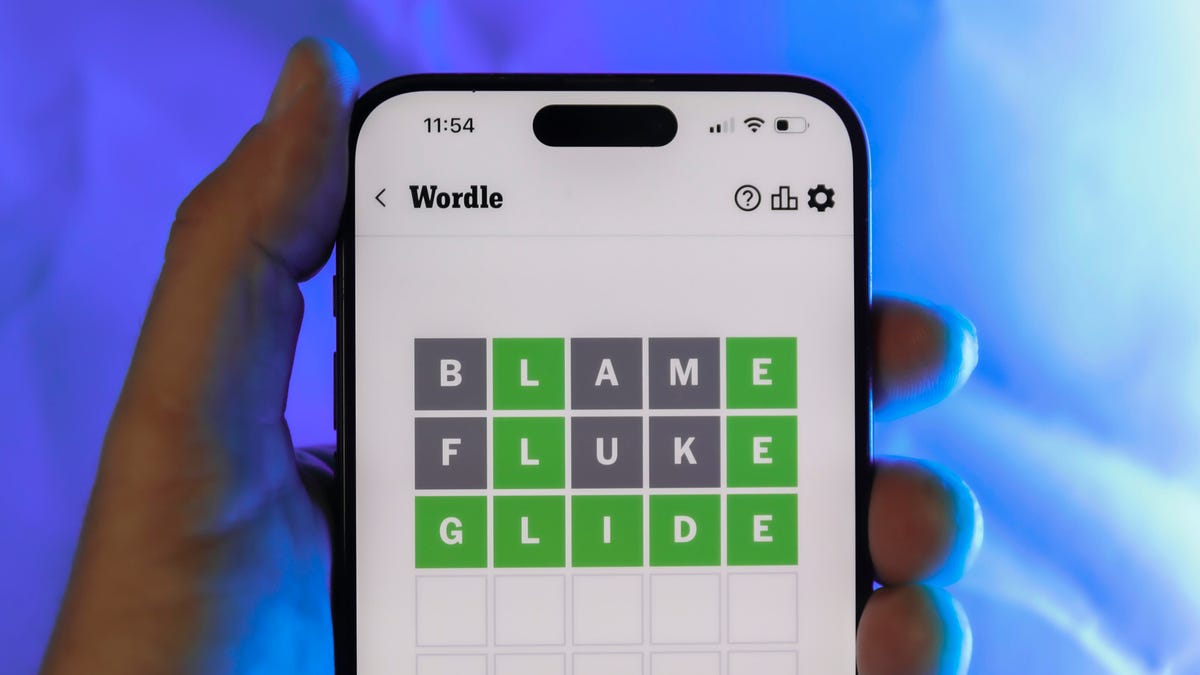
Looking for the most recent Wordle answer? Click here for today’s Wordle hints, as well as our daily answers and hints for The New York Times Mini Crossword, Connections, Connections: Sports Edition and Strands puzzles.
Today’s Wordle puzzle isn’t too terribly tough. If you need a new starter word, check out our list of which letters show up the most in English words. If you need hints and the answer, read on.
Read more: New Study Reveals Wordle’s Top 10 Toughest Words of 2025
Today’s Wordle hints
Before we show you today’s Wordle answer, we’ll give you some hints. If you don’t want a spoiler, look away now.
Wordle hint No. 1: Repeats
Today’s Wordle answer has no repeated letters.
Wordle hint No. 2: Vowels
Today’s Wordle answer has two vowels.
Wordle hint No. 3: First letter
Today’s Wordle answer begins with S.
Wordle hint No. 4: Last letter
Today’s Wordle answer ends with E.
Wordle hint No. 5: Meaning
Today’s Wordle answer can refer to a sudden powerful movement.
TODAY’S WORDLE ANSWER
Today’s Wordle answer is SURGE.
Yesterday’s Wordle answer
Yesterday’s Wordle answer, Feb. 11, No. 1698 was VEGAN.
Recent Wordle answers
Feb. 7, No. 1694: BLEAT
Feb. 8, No. 1695: EMBED
Feb. 9, No. 1696: CELLO
Feb. 10, No. 1697: SCENE
What’s the best Wordle starting word?
Don’t be afraid to use our tip sheet ranking all the letters in the alphabet by frequency of uses. In short, you want starter words that lean heavy on E, A and R, and don’t contain Z, J and Q.
Some solid starter words to try:
ADIEU
TRAIN
CLOSE
STARE
NOISE
-
 Technologies3 года ago
Tech Companies Need to Be Held Accountable for Security, Experts Say
-
 Technologies3 года ago
Best Handheld Game Console in 2023
-
 Technologies3 года ago
Tighten Up Your VR Game With the Best Head Straps for Quest 2
-
 Technologies4 года ago
Black Friday 2021: The best deals on TVs, headphones, kitchenware, and more
-
 Technologies5 лет ago
Google to require vaccinations as Silicon Valley rethinks return-to-office policies
-
 Technologies5 лет ago
Verum, Wickr and Threema: next generation secured messengers
-
 Technologies4 года ago
Olivia Harlan Dekker for Verum Messenger
-
 Technologies4 года ago
iPhone 13 event: How to watch Apple’s big announcement tomorrow


