

Technologies
Does Keeping Your Phone Plugged In All the Time Damage Your Battery? We Asked Apple, Samsung and Google
Consider this the final word from Apple, Google and Samsung on charging past 100%.


That gut feeling that tells you to sprint to unplug your phone the second it hits 100%? It’s time to let it go. That advice is ancient history. Modern smartphones are smart enough to cut off the power once they’re fully charged, so leaving your iPhone or Android plugged in overnight isn’t going to destroy the battery.
But let’s be clear: Just because it’s safe doesn’t mean it’s optimal. While you can’t technically «overcharge» the battery, keeping a lithium-ion cell pinned at 100% creates voltage stress, and the heat generated from sitting on a charger is the real, silent enemy of longevity.
It’s not about immediate damage; it’s about how fast your battery ages over time. Understanding the difference between what won’t break your phone and what will actually help it last is key. Here’s the truth about your charging habits.
Don’t miss any of our unbiased tech content and lab-based reviews. Add CNET as a preferred Google source.
The science behind battery wear
Battery health isn’t just about how many times you charge your phone. It’s about how it manages voltage, temperature and maintenance. Lithium-ion batteries age fastest when they’re exposed to extreme levels: 0% and 100%.
Keeping them near full charge for long stretches puts additional voltage stress on the cathode and electrolyte. That’s why many devices use «trickle charging» or temporarily pause at 100%, topping up only when needed.
Still, the biggest threat isn’t overcharging — it’s heat. When your phone is plugged in and running demanding apps, it produces heat that accelerates chemical wear inside the battery. If you’re gaming, streaming or charging on a hot day, that extra warmth does far more harm than leaving the cable plugged in overnight.
Apple’s take
Apple’s battery guide describes lithium-ion batteries as «consumable components» that naturally lose capacity over time. To slow that decline, iPhones use Optimized Battery Charging, which learns your daily routine and pauses charging at about 80% until just before you typically unplug, reducing time spent at high voltage.
Apple also advises keeping devices between 0 to 35 degrees Celsius (32 to 95 degrees Fahrenheit) and removing certain cases while charging to improve heat dissipation. You can read more on Apple’s official battery support page.
What Samsung (and other Android makers) do
Samsung offers a similar feature called Battery Protect, found in One UI’s battery and device care settings. When enabled, it caps charging at 85%, which helps reduce stress during long charging sessions.
Other Android makers like Google, OnePlus and Xiaomi include comparable options — often called Adaptive Charging, Optimized Charging or Battery Care — that dynamically slow power delivery or limit charge based on your habits. These systems make it safe to leave your phone plugged in for extended periods without fear of overcharging.
When constant charging can hurt
Even with these safeguards, some conditions can accelerate battery wear. As mentioned before, the most common culprit is high temperature. Even for a short period of time, leaving your phone charging in direct sunlight, in a car or under a pillow can push temperatures into unsafe zones.
Heavy use while charging, like gaming or 4K video editing, can also cause temperature spikes that degrade the battery faster. And cheap, uncertified cables or adapters may deliver unstable current that stresses cells. If your battery is already several years old, it’s naturally more sensitive to this kind of strain.
How to charge smarter
You don’t need to overhaul your habits but a few tweaks can help your battery age gracefully.
Start by turning on your phone’s built-in optimization tools: Optimized Battery Charging on iPhones, Battery Protect on Samsung devices and Adaptive Charging on Google Pixels. These systems learn your routine and adjust charging speed so your phone isn’t sitting at 100% all night.
Keep your phone cool while charging. According to Apple, phone batteries perform best between 62 and 72 degrees Fahrenheit (16 to 22 degrees Celsius). If your phone feels hot, remove its case or move it to a better-ventilated or shaded spot. Avoid tossing it under a pillow or too close to other electronics, like your laptop, and skip wireless chargers that trap heat overnight.
Use quality chargers and cables from your phone’s manufacturer or trusted brands. Those cheap «fast-charge» kits you find online often deliver inconsistent current, which can cause long-term issues.
Finally, don’t obsess over topping off. It’s perfectly fine to plug in your phone during the day for short bursts. Lithium-ion batteries actually prefer frequent, shallow charges rather than deep, full cycles. You don’t need to keep it between 20% and 80% all the time, but just avoid extremes when possible.
The bottom line
Keeping your phone plugged in overnight or on your desk all day won’t destroy its battery. That’s a leftover myth from a different era of tech. Modern phones are smart enough to protect themselves, and features like Optimized Battery Charging or Battery Protect do most of the heavy lifting for you.
Still, no battery lasts forever. The best way to slow the inevitable is to manage heat, use quality chargers and let your phone’s software do its job. Think of it less as «babying» your battery and more as charging with intention. A few mindful habits today can keep your phone running strong for years.
Technologies
Today’s Wordle Hints, Answer and Help for Dec. 9, #1634
Here are hints and the answer for today’s Wordle for Dec. 9, No. 1,634.
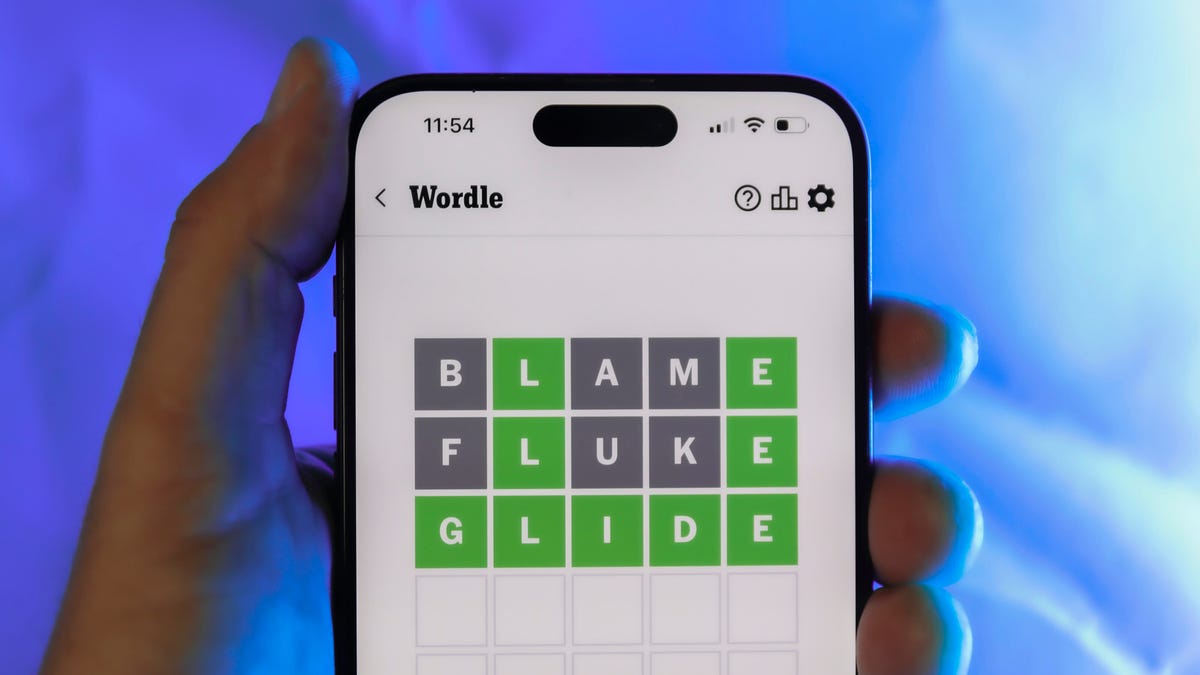
Looking for the most recent Wordle answer? Click here for today’s Wordle hints, as well as our daily answers and hints for The New York Times Mini Crossword, Connections, Connections: Sports Edition and Strands puzzles.
Today’s Wordle puzzle is a little tricky. If you need a new starter word, check out our list of which letters show up the most in English words. If you need hints and the answer, read on.
Today’s Wordle hints
Before we show you today’s Wordle answer, we’ll give you some hints. If you don’t want a spoiler, look away now.
Wordle hint No. 1: Repeats
Today’s Wordle answer has no repeated letters.
Wordle hint No. 2: Vowels
Today’s Wordle answer has two vowels.
Wordle hint No. 3: First letter
Today’s Wordle answer begins with S.
Wordle hint No. 4: Last letter
Today’s Wordle answer ends with E.
Wordle hint No. 5: Meaning
Today’s Wordle answer can refer to being insulting or derogatory.
TODAY’S WORDLE ANSWER
Today’s Wordle answer is SNIDE.
Yesterday’s Wordle answer
Yesterday’s Wordle answer, Dec. 8, No. 1633 was GRAVY.
Recent Wordle answers
Dec. 4, No. 1629: TULIP
Dec. 5, No. 1630: AMONG
Dec. 6, No. 1631: WAIST
Dec. 7, No. 1632: FLUTE
Don’t miss any of our unbiased tech content and lab-based reviews. Add CNET as a preferred Google source.
Technologies
Today’s NYT Mini Crossword Answers for Tuesday, Dec. 9
Here are the answers for The New York Times Mini Crossword for Dec. 9.

Looking for the most recent Mini Crossword answer? Click here for today’s Mini Crossword hints, as well as our daily answers and hints for The New York Times Wordle, Strands, Connections and Connections: Sports Edition puzzles.
Need some help with today’s Mini Crossword? It’s a tough one today, and might take longer than usual. Read on for the answers. And if you could use some hints and guidance for daily solving, check out our Mini Crossword tips.
If you’re looking for today’s Wordle, Connections, Connections: Sports Edition and Strands answers, you can visit CNET’s NYT puzzle hints page.
Read more: Tips and Tricks for Solving The New York Times Mini Crossword
Let’s get to those Mini Crossword clues and answers.
Mini across clues and answers
1A clue: Apt profession for someone named Rosemary or Ginger
Answer: CHEF
5A clue: Get to go, as leftovers
Answer: BOXUP
7A clue: Word that can precede Bowl or Glue
Answer: SUPER
8A clue: Intense anger
Answer: RAGE
9A clue: «Cut that out!»
Answer: STOP
Mini down clues and answers
1D clue: Stephen Colbert’s network
Answer: CBS
2D clue: Noted group of 24
Answer: HOURS
3D clue: One living abroad, informally
Answer: EXPAT
4D clue: Spanish for «fire»
Answer: FUEGO
6D clue: Do some kitchen work
Answer: PREP
Don’t miss any of our unbiased tech content and lab-based reviews. Add CNET as a preferred Google source.
Technologies
AI Saves Workers Less Than an Hour Each Day, New OpenAI Report Shows
AI adoption is rapidly expanding across industries, but workers are saving only 40 to 60 minutes per day, on average.

OpenAI’s 2025 ‘The State of Enterprise AI’ report provides an in-depth look at how businesses are using AI tools within real companies. Drawing on anonymized usage data from more than 1 million business customers, along with a survey of 9,000 workers at nearly 100 organizations, the report presents a picture of increased AI adoption and integration in the workplace.
«Across surveyed enterprises, 75% of workers report that using AI at work has improved either the speed or quality of their output,» the report states. Also, the report says that «75% of users report being able to complete new tasks they previously could not perform.»
However, the productivity gains might not be as universal and widespread as anticipated: on average, ChatGPT Enterprise users save less than an hour of time per day, according to the report.
Below is a breakdown of the report’s major findings.
Don’t miss any of our unbiased tech content and lab-based reviews. Add CNET as a preferred Google source on Chrome.
Report shows productivity gains, but it’s not universal
Despite the hype surrounding AI at work, the latest data from OpenAI suggests that the reality for most employees is modest. In its report, the company says that on average, ChatGPT Enterprise users save only about 40 to 60 minutes per active workday.
That’s not nothing, but it’s nowhere near the sweeping productivity overhaul that many hoped for. In a workday filled with meetings, emails and tool overload, an hour reclaimed can feel like a minimal benefit rather than a tidal shift in productivity.
(Disclosure: Ziff Davis, CNET’s parent company, in April filed a lawsuit against OpenAI, alleging it infringed Ziff Davis copyrights in training and operating its AI systems.)
A few key findings
The report finds AI adoption within companies is growing fast. Weekly messages in ChatGPT Enterprise have increased nearly eightfold in the past year, and the use of structured workflows, such as custom GPTs, has risen 19 times. Companies are pushing more complex prompts, too, with reasoning-token usage increasing more than 320-fold.
But the outcomes don’t scale at the same rate. Workers say they complete certain tasks more quickly — like IT troubleshooting, campaign creation and coding improvements — yet the day-to-day gains still add up to roughly an hour on average.
A divide between heavy AI users and everyone else
OpenAI’s data shows a widening gap between «frontier» users — defined by OpenAI as those in the 95th percentile of adoption intensity — and the average worker, however.
Frontier employees send about six times more messages than average users. Unsurprisingly, these heavy users report bigger gains of over 10 hours a week. They build workflows around AI, automate routine tasks and turn the tool into a dependable co-worker instead of an occasional assistant. Though arguably, around 2 hours per day of saved time is still relatively moderate.
OpenAI frames the report as a snapshot of where enterprise AI stands today, rather than a final verdict. The company suggests that future gains could come not from the model itself, but from how organizations reshape processes and workflows around it.
But for most workers, AI is still a sidekick. Useful, but not transformative. It helps speed things up. It may even make some work less tedious. But the typical worker saving under an hour a day points to a technology that is powerful, yet still limited. The big question now is whether those numbers will keep climbing, or whether an hour a day is closer to the ceiling than AI enthusiasts want to admit.
-
 Technologies3 года ago
Tech Companies Need to Be Held Accountable for Security, Experts Say
-
 Technologies3 года ago
Best Handheld Game Console in 2023
-
 Technologies3 года ago
Tighten Up Your VR Game With the Best Head Straps for Quest 2
-
 Technologies4 года ago
Black Friday 2021: The best deals on TVs, headphones, kitchenware, and more
-
 Technologies4 года ago
Verum, Wickr and Threema: next generation secured messengers
-
 Technologies4 года ago
Google to require vaccinations as Silicon Valley rethinks return-to-office policies
-
 Technologies4 года ago
Olivia Harlan Dekker for Verum Messenger
-
 Technologies4 года ago
iPhone 13 event: How to watch Apple’s big announcement tomorrow


