
Technologies
ChatGPT Search Improves Its Shopping Experience
It’s a direct shot at Google’s Search-powered shopping tools.

ChatGPT Search, OpenAI’s AI-powered competitor to Google Search, is getting enhanced shopping features, including the ability to search for products, compare options and buy directly within ChatGPT, the company said in a press release Monday.
Users will see personalized recommendations, visual product details, pricing and product reviews. As with other ChatGPT queries, ChatGPT Search will, in the coming weeks, retain memory of users’ past shopping experiences and consider context from past conversations to help tailor a personalized experience.
Read more: Best AI Chatbots of 2025
ChatGPT Search will also provide direct links for products. This shopping experiment will include products in fashion, beauty, home goods and electronics, expanding the shopping categories as it learns more. OpenAI says it doesn’t make any affiliate revenue.
This feature is available to all ChatGPT users, including ones not logged in, via the GPT-4o model. OpenAI said the changes are now available in 4o, and beginning to roll out as of Monday to ChatGPT Plus, Pro, Free and logged-out users.
A representative for OpenAI didn’t immediately respond to a request for comment.
(Disclosure: Ziff Davis, CNET’s parent company, in April filed a lawsuit against OpenAI, alleging it infringed Ziff Davis copyrights in training and operating its AI systems.)
Status of search
Online search is big business, and Google is currently the king of search, with 89.74% market share, according to Statcounter. With the launch of ChatGPT in late 2022, more people have been turning to AI chatbots to satiate their online search demand.
Where traditional online searches rely on keywords and users filtering through sites to find the information they want, AI chatbots allow users to directly ask questions and get complete answers in the process.
Last year, OpenAI launched ChatGPT Search, a version of its AI chatbot that also searches the internet for up-to-date information. There are other players in the AI-powered online search game, including Perplexity and You.com. Google has also added AI into its core search product with AI Overviews, an experience that’s still producing incorrect information.
Google remains highly popular, seeing about 14 billion searches per day. While ChatGPT is seeing 500 million active weekly users, its popularity still pales in comparison to Google’s. Currently, Google is pulling in 373 times more searches than ChatGPT, according to SparkToro.
Search brought in $198 billion in revenue last year, thanks to ads and shopping recommendations placed against user queries. If OpenAI does aggressively monetize shopping recommendations in the future, it could eat away at Google revenues, as well as revenues from sites that make money from reviewing and recommending products.
ChatGPT Search is getting some other improvements as well. WhatsApp users can now send messages directly to ChatGPT within the app. It’s a peculiar integration considering WhatsApp owner Meta already has MetaAI baked into its apps. ChatGPT Search will also allow users to see trending search topics.
The regular version of ChatGPT is seeing improved citations as well, with the ability to cite multiple sources.
Technologies
No, the Viral iPhone Fold Video Isn’t Real. How We Know It’s Fake
Whether AI or clever 3D-printed mock-up, that’s not a real foldable iPhone going around the internet.
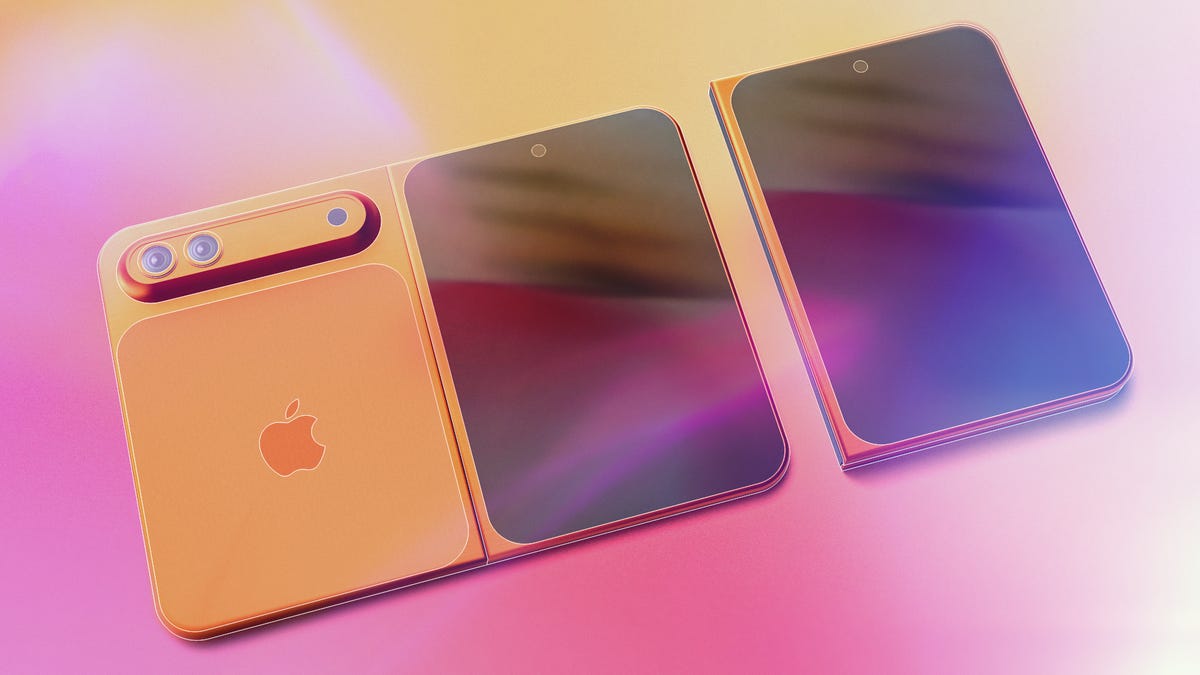
I know we’re all excited for the upcoming iPhone Fold, but be wary of fake leaks — like the supposed unboxing video that’s been making the rounds online.
Upcoming phones will always be the subject of rumors and leaks, and no device is more hyped than the foldable that Apple has purportedly been working on for years. Lots of that early info points toward a release later this year during the usual September iPhone release window, which makes the lead-up fertile territory for falsified leaks like the aforementioned video.
Unfortunately, with the advance of generative AI tools that fabricate videos based on text prompts and other inputs, it’s easier than ever to fake your way to internet fame. Nowadays, videos churned out by gen AI tools have the correct number of fingers on hands, better lighting and far fewer indicators that they’re inauthentic.
But there are still some tells that you’re not seeing the real deal — both in the video and when it’s released.
Developers 2 days ago: No way, that iPhone leak is fake. It would be terrible
Developers today: Wow, Apple foldable phone is going to change everything https://t.co/jpMRykRD2K pic.twitter.com/zjI4VL0Fx4— Viktor Seraleev (@seraleev) April 7, 2026
First, let’s dissect the video. A person in a gray long-sleeved shirt or sweatshirt rotates a box labeled «iPhone Fold» and pulls it open. On the first watch, a lot of signature Apple elements are present. The product is tucked inside snug packaging and presented screen-side-out to the opener, and there’s both a charging cord and supplementary materials tucked underneath. It all looks authentic enough — at least believably not generated by AI.
But AI or not, there are a few details that are strong evidence that this isn’t an actual Apple device. When opening the package, there’s a peel-off protector for the inner screen, not the outer. The multicolored insert claims the device is IP68 dust- and water-resistant, which is rare for foldables. Only the Google Pixel 10 Pro Fold and Honor Magic V6, among a handful of others, have water-resistant ratings.
The device itself is suspect, and if not AI-generated, it’s likely 3D-printed. The cream-colored back makes an odd sound when scratched (unlike what glass or ceramic sounds like), and the device’s halves don’t fold neatly against each other — another thing that the design-obsessed Apple likely wouldn’t allow. What’s more, when it’s fully unfolded, the back of the supposed foldable has a big gap between both halves over the hinge, which other phone makers have solved in their flexible-screen devices.
There’s skepticism around its design, too. Yes, Apple’s patents point toward a wider style of foldables similar to the first Google Pixel Fold, but the supposed iPhone Fold in the video is so squat in its dimensions that its internal screen would make for bizarre dimensions that aren’t tall enough to fit the aspect ratio of, say, an iPad.
iPhone Fold may or may not be the final name of the device, as rumors have disagreed for years on its product designation, with the most recent suggesting it could be deemed the iPhone Ultra.
Since we don’t see it turn on, there’s no indication of how its software is laid out — which form of iOS or even iPadOS it might use. That makes this short, squat design even more suspect.
And then there are the factors outside of the video. Apple leaks happen, but we’ve only had a few pre-release leaks like CAD files, official renders or cases that agree on a design — and yet, this is supposedly the iPhone Fold’s final form, which looks somewhat but not completely like a recent CAD render.
To the video’s credit, taking this many words to suspect and disprove its authenticity is a credit to its plausibility. There’s a lot of commitment to Apple staples, from product packaging to theorizing the final design of the foldable itself. If nothing else, it’s a functional guess at what the supposed iPhone Fold might look like, and how it might look coming out of the box.
We’ll know in September at the earliest if Apple chooses to release its foldable in that window — and I’m sure we’ll see plenty of other leaks and rumors on the device before then.
Technologies
How to Use the New Blood Pressure Tool on Your Samsung Galaxy Watch
You’ll need additional hardware to use the blood pressure monitoring tool on your Samsung Galaxy smartwatch.
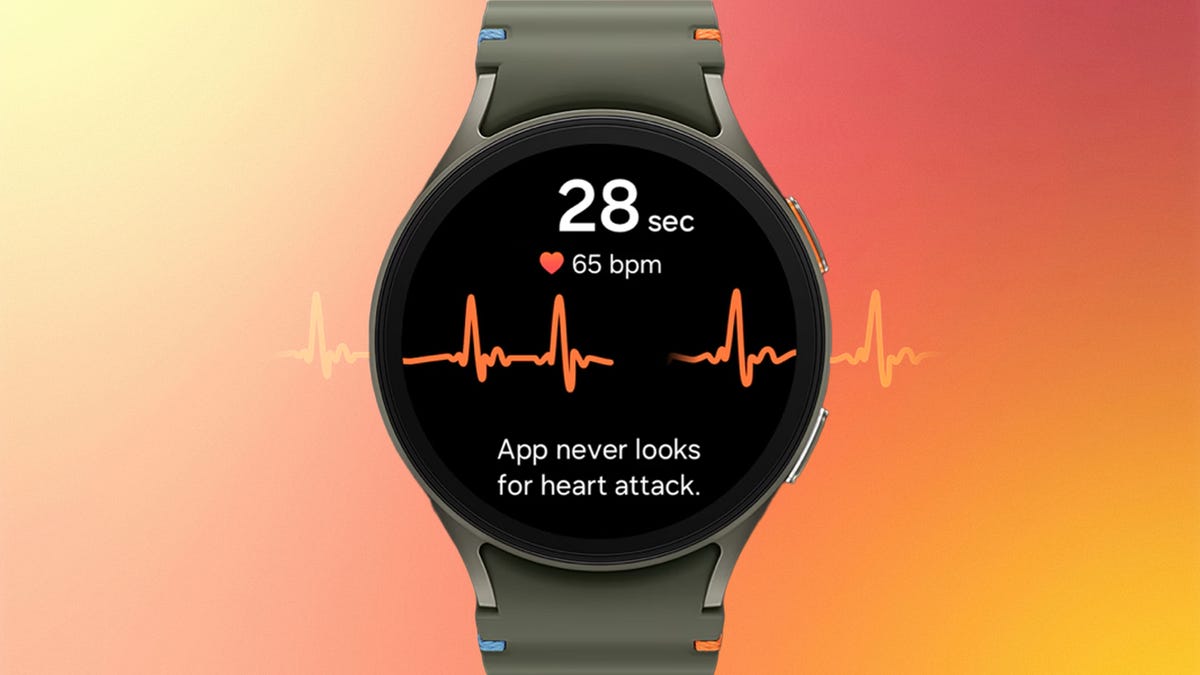
After years of regional limits, Samsung is finally unlocking blood pressure monitoring for Galaxy Watch users in the U.S. Starting Tuesday, the feature is rolling out to the current Galaxy Watch 8 series as well as older models dating back to the Galaxy Watch 4. It’s a major addition for anyone tracking cardiovascular trends, but you shouldn’t expect a simple «plug and play» experience.
For starters, you’ll need to own (or buy) a traditional upper-arm blood pressure cuff to calibrate the feature on the smartwatch. And you’ll have to download a separate app, the Samsung Health Monitor app, on your smartphone. Then you’ll have to recalibrate with the cuff every 28 days to ensure accurate readings.
In other words, the blood pressure monitor requires a blood pressure monitor to function.
Samsung first introduced blood pressure monitoring on its watches in 2020, gradually rolling it out in other countries, but regulatory holdups kept it from being usable in the US.
Unlike Samsung’s ECG and sleep apnea detection features (both FDA-cleared), the blood pressure feature has not received FDA clearance and is intended for wellness purposes only. This means it is not a diagnostic tool and should not be used to identify or treat high blood pressure. Readings are also on-demand only, so you have to manually take them through the watch rather than having it happen automatically in the background.
That last part may change. Samsung’s announcement also noted that passive blood pressure trend monitoring is coming later this year.
Apple debuted FDA-cleared hypertension alerts on newer Apple Watch models in September 2025, which passively monitor and alert owners when it detects signs of high blood pressure. Oura and other wearable companies are working toward similar features through long-term data trends, though true on-demand blood pressure readings remain out of reach for most mainstream consumer smartwatches.
The blood pressure feature is compatible with Galaxy Watch 4 and will only work on watches paired with a Samsung Galaxy phone running Android 12 or higher. It will not be available on other Android phones or on Samsung’s Galaxy Fit tracker. And even if you check all those boxes, you might not get it right away. Samsung says it’s rolling out the feature in phases.
If you do have access (and a cuff handy), setup is fairly straightforward. Once your watch is connected to your phone, download the Samsung Health Monitor app, enable blood pressure tracking and follow the calibration steps while using your upper-arm cuff. Just know you’ll need that cuff nearby anytime you want to keep your readings accurate.
Technologies
Google Upgrades Maps Features With More Gemini and Faster Photo Uploads
Google Maps strengthens its crowdsourcing efforts for its 500 million contributors.
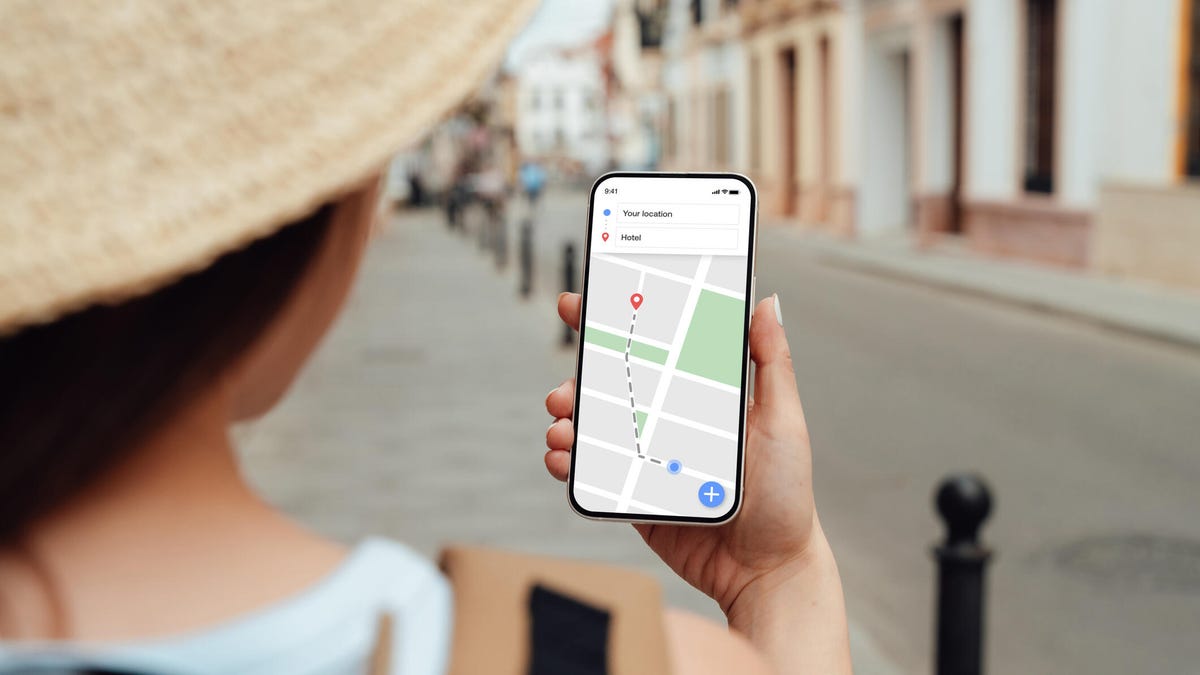
Google announced three new features for Maps on Tuesday that should streamline sharing your experiences. Despite being a strong maps application itself, Google relies on everyday users to contribute their reviews, photos and videos so others doing research can make more informed decisions about places they plan to visit. With the new updates to Google Maps, you can access your photos faster to contribute to information about places you’ve been. You can also choose to have Google’s AI model, Gemini, caption your photos and more quickly check the contributions you’ve made in the past.
New photo and video recommendations
It’s not hard to share photos or videos for a location on Google Maps, but the app will now offer photo and video suggestions from your saved images — if you give it permission to do so. The new feature will appear on the Contribute tab at the bottom of the maps app. When scrolling through the view, you’ll see photo and video recommendations or the option to upload other photos.
How the specific photo and video recommendations are determined isn’t clear, but the new feature will likely use a photo’s geolocation if that setting is enabled in your camera’s settings.
A Google representative didn’t immediately respond to a request for comment.
This feature is now available globally on Android and will expand to iOS in the coming months.
Gemini will auto-caption your photos
Google’s giving your photos some Gemini power by automatically analyzing and captioning them once you’ve selected them to share. This could be helpful in situations where you have selected several photos you don’t care to caption.
If you don’t like what Gemini comes up with, you can edit or remove the caption completely before publishing your photos to Maps.
Gemini captions are available in English on iOS and will expand to other languages globally and Android in the future.
New ways to view your contributions
You can now show off your prior contributions to Google’s Local Guide community program.
When you contribute, you gain points, and the more you contribute, the more you can level up as a Local Guide. All your points and badges are now prominently displayed on your profile. Google’s also adding gold profiles for high-level contributors, so you know you’re reading reviews from experienced users.
The new contributor updates are rolling out now on Android, iOS and desktop.
-
 Technologies3 года ago
Tech Companies Need to Be Held Accountable for Security, Experts Say
-
 Technologies3 года ago
Best Handheld Game Console in 2023
-
 Technologies3 года ago
Tighten Up Your VR Game With the Best Head Straps for Quest 2
-
 Technologies4 года ago
Black Friday 2021: The best deals on TVs, headphones, kitchenware, and more
-
 Technologies5 лет ago
Google to require vaccinations as Silicon Valley rethinks return-to-office policies
-
 Technologies5 лет ago
Verum, Wickr and Threema: next generation secured messengers
-
 Technologies4 года ago
Olivia Harlan Dekker for Verum Messenger
-
 Technologies4 года ago
The number of Сrypto Bank customers increased by 10% in five days