
Technologies
Best Black Friday iPhone Deals: Trade-In Savings, Prepaid Discounts and More
Whether you’re looking to snag the high-end iPhone 15 Pro Max or the affordable iPhone SE, there are plenty of ways to get your hands on one for less.
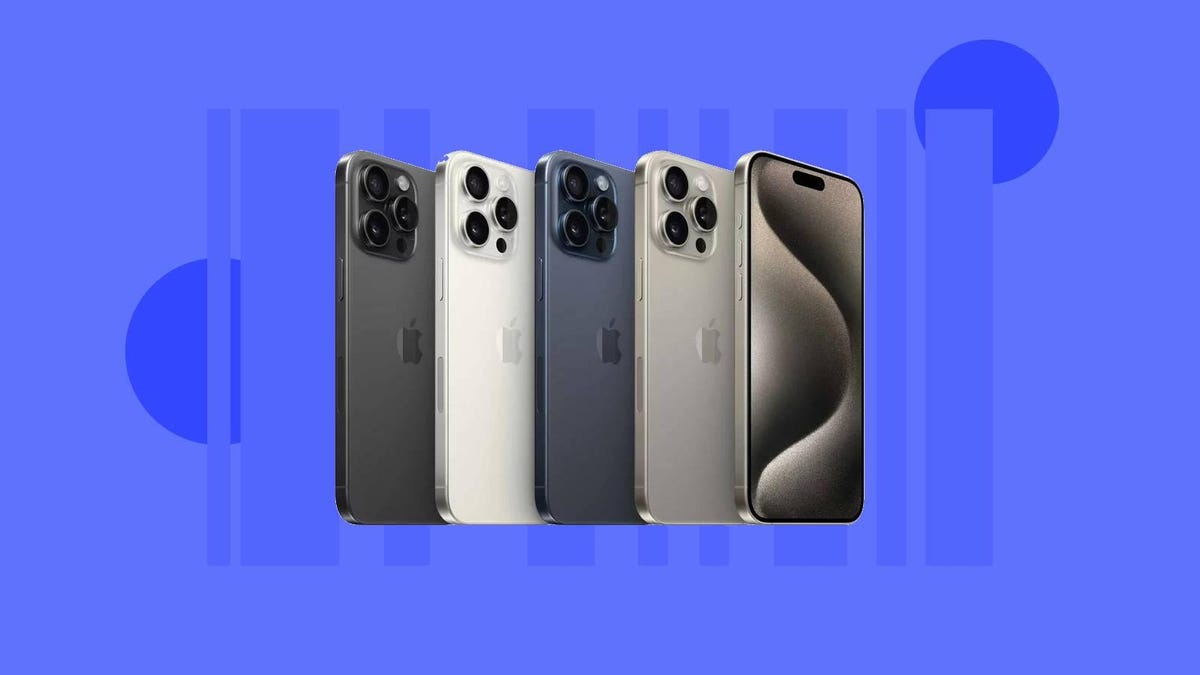
Apple makes some of our absolute favorite devices on the market, claiming more than a few spots on our list of the best phones for 2023. And while these sleek Apple devices can get pricey, Black Friday is just around the corner, so there are plenty of ways to get your hands on one for less right now.
Apple probably won’t be offering any discounts directly, but there are tons of offers at carriers and other retailers that can knock hundreds off the starting price or even help you snag one for free. You can trade in your old phone for savings on unlocked iPhone models, or score savings via monthly bill credits when you sign up with a major carrier. And some retailers like Walmart are even offering prepaid discounts, so you don’t have to worry about being locked into a multi-year contract. To help you make the most of these savings, we’ve rounded up the best deals out there on both current and previous-gen iPhones below.
iPhone 15 Black Friday deals
More iPhone 15 deals:
- Amazon: Free with Boost Mobile Infinite plan
- T-Mobile: Up to $1,000 off with trade-in on select plans
- Verizon: Up to $1,000 off with trade-in and new line
- AT&T: Free iPhone 15 or 15 Pro with trade-in
iPhone SE (2022) Black Friday deals
More iPhone SE (2022) deals:
- T-Mobile: Free with trade-in, 50% off with new line
- AT&T: From $5/month with installment plan
- Verizon: Free with new line
- Metro: $100 off with new line, $330 off with transfer of existing number
Previous-gen iPhone Black Friday deals
More previous-gen iPhone deals:
- AT&T (iPhone 14): From $11/month with installment plan
- Verizon (iPhone 14): Free with new line
- T-Mobile (iPhone 14): Free with new line and trade-in
- Verizon (iPhone 13): Free with new line
- T-Mobile (iPhone 13): Free with new line and trade-in or when you transfer existing number
- Walmart (iPhone 12): From $399 with prepaid Straight Talk plan
- T-Mobile (iPhone 12): 50% off with new line
Which iPhone is best?
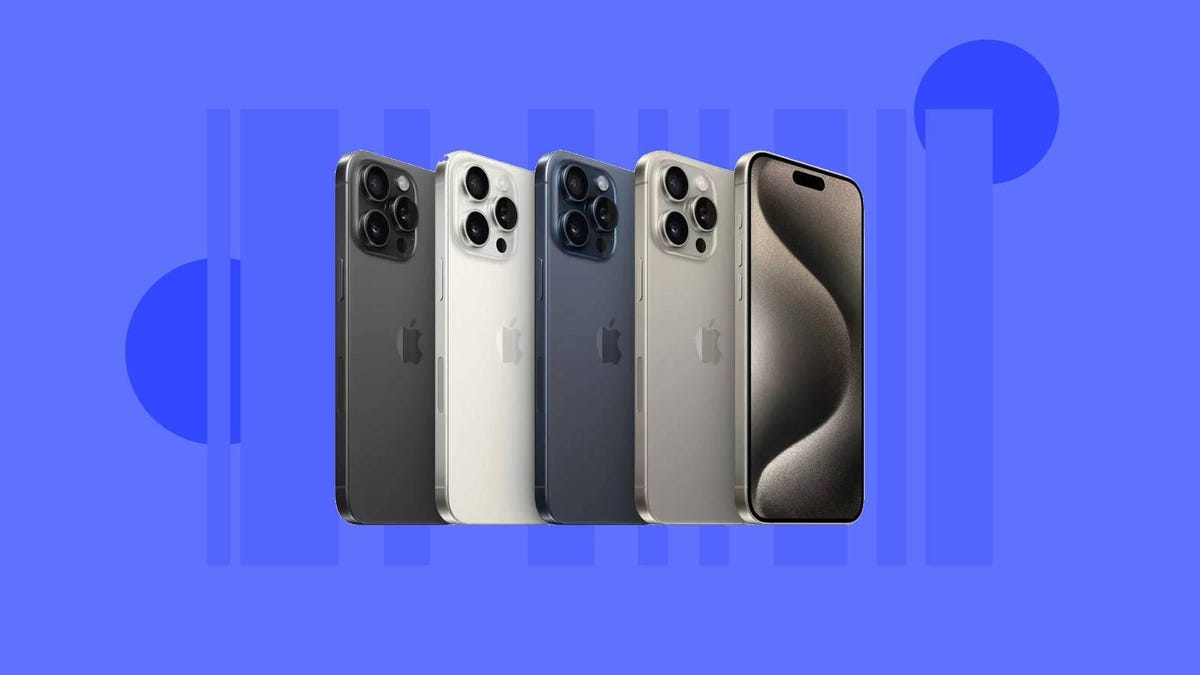
There are quite a few different iPhones on the shelf right now, which can make choosing the right one a little overwhelming. The iPhone 15 is one of the latest models, and our top pick for most people. Though if you need something with some serious hardware, you’ll probably want to upgrade to the iPhone 15 Pro or Pro Max.
Those on a budget will probably want to grab the third-gen iPhone SE, which starts at just $429. Though if you have specific priorities like a big screen or advanced camera system, you may want to opt for a high-end model from an older generation, like the iPhone 14 Pro Max which will help you save some cash over going for the latest model without sacrificing too much by way of performance.
Where is the best place to buy an iPhone on Black Friday?
Deciding whether you should purchase your new Apple phone through a retailer or directly from your carrier will depend on your situation. If you’re creating a new line or account, you’ll probably want to purchase your iPhone through a major carrier like AT&T, Verizon or T-Mobile, where you can score hundreds in savings — though you’ll be locked in to a multi-year contract.
If you’d rather not get locked into a service plan, you’ll probably want to opt for a prepaid deal from a retailer like Walmart. You’ll have to pay for everything upfront, but will also be free to cancel service at any time. And if you’d rather skip the headache of choosing a service plan altogether, you can pick up an unlocked model from Apple or places like Best Buy, which are both offering some solid Apple Black Friday deals right now.
Technologies
Apple Gave Us the Neo, Now It Might Be Planning a High-End MacBook Ultra
The company might launch its most sophisticated MacBook ever, with its first OLED screen.
Apple went budget with the MacBook Neo. Now reportedly the company is preparing to go high end, and high price.
Apple is gearing up to launch a MacBook «Ultra» in the fall, outfitted with the first OLED display in MacBook history, according to a report from Bloomberg’s Mark Gurman.
Gurman says the new laptop will have a touchscreen and new M6 chips. Last month, Bloomberg reported that Apple could be launching its first touchscreen MacBook — with a Dynamic Island. The Dynamic Island is a feature on more recent iPhone models — iPhone 14 and later — that’s shaped like a long horizontal pill atop the screen and shows alerts, notifications, timers and music.
It if happens, the Ultra would be at the opposite end of the cost spectrum from the Neo, which Apple launched earlier this month for $599 as a rival to Chromebooks and Windows laptops in the same price range. Gurman says the MacBook Ultra could cost 20 percent more than the new MacBook Pro (M5 series), which Apple lists at $1,699.
If you want to read more about the new Neo, CNET has been all over it: Here’s why students might love it, the colors we liked and didn’t like and why the Neo is a really is a game-changer.
Gurman suggested that Apple might keep selling the M5 series MacBook Pro even after the Ultra launches. That would give the company a wider range of MacBooks at various costs — the Neo ($599), the Air (starting at $1,099), the Pro ($1,699) and the Ultra.
Tech analyst Paolo Pescatore said adding the premium MacBook Ultra would «signal a clear shift in strategy» for Apple.
«If this turns out to be the case, then Apple appears to be stretching the Mac further upmarket,» Pescatore told CNET. «The opportunity is to drive higher spending and keep premium users firmly within Apple’s ecosystem. The challenge will be avoiding confusion, especially if the lines between MacBook Pro and iPad Pro become even more blurred.»
Gurman also said that Apple’s first foldable iPhone, rumored to be launched later this year, might be called the «iPhone Ultra.»
Technologies
AI Is One of the Least-Liked Things in America, According to New NBC Poll
The poll finds that AI is viewed less positively than ICE and President Donald Trump, and only more positively than Iran and the Democratic Party.

Artificial intelligence has rapidly become embedded in everything from phones to schoolwork to war plans. And that means everyone is likely to have an opinion about the technology.
A new national survey conducted for NBC News highlights a striking disconnect between the spread of AI tools and Americans’ views on them. The poll, which ran from Feb. 27 to March 3, asked 1,000 registered voters about their views on topics ranging from border security to the new pope.
Only 26% of voters said they view AI positively, 46% view it negatively, and 28% said they feel unsure or have no opinion, leaving AI with a net favorability of -20. In the study, AI ranked less favorably than US Immigration and Customs Enforcement, President Donald Trump, former Vice President Kamala Harris, the Republican Party and The Late Show host Stephen Colbert. (Pope Leo XIV was by far the most popular person respondents were asked about.)
Among the rankings, AI is one of the least popular topics in the survey — ranking only slightly more positively than Iran and the Democratic Party.
A growing disconnect between AI and public opinion
There is a notable disconnect between the industry’s ongoing push for AI adoption and how Americans feel about it.
Tech companies are currently investing millions of dollars into developing generative AI tools and physical AI. In the last week alone, OpenAI released its latest GPT 5.4 model and AI companies made moves to work with the US Department of Defense. At the same time, Americans are growing increasingly wary of the technology.
The mismatch between adoption and public sentiment seems to be driven by concerns about AI’s broader impact, such as job displacement, privacy issues, the spread of misinformation and the undermining of human-made work.
For companies and policymakers going all in on AI, the biggest challenge will be less about developing the next slew of innovative chatbot models or AI devices and more about persuading the public that the technology can be trusted.
Technologies
Just $30 Will Get You 3 Months of the 5GB Mint Mobile Phone Plan
Finding a phone plan for $10 a month was impossible until this Mint Mobile deal came along.
If you told me I could get a three-month cell plan for just $30, I probably wouldn’t believe you. But that’s exactly what Mint Mobile is offering right now. If you pay for three months of 5GB cell service upfront, you can score it for just $30.
New customers to Mint Mobile can score a 5GB wireless plan for just $10 per month for the first three months. The only catch is you have to use the code 5GB10 and pay $30 upfront for the full term. The usual price is $45 for three months, meaning this is a 33% discount.
After the three-month period, the plan renews at $25 per month for three months. If you really like the plan, you can opt for the six-month version, which can lower the monthly cost to $20. You can also track your data usage in the Mint Mobile app and switch to a better-suited data plan when it’s time to renew.
Don’t forget a new phone to go with your new phone plan. Take a look at the best phone deals you can score right now.
MOBILE DEALS OF THE WEEK
-
$749 (save $250)
-
$298 (save $102)
-
$241 (save $310)
-
$499 (save $300)
Why this deal matters
It seems like everything is becoming more and more expensive these days. That’s why saving wherever you can makes a huge difference. The phone bill is one thing that is here to stay, and that’s why this deal of $10 per month is really unbeatable. Just keep in mind you’ll have to pay the full three months upfront. But even that is just $30 total. Be sure to use code 5GB10 for the discount.
-
 Technologies3 года ago
Tech Companies Need to Be Held Accountable for Security, Experts Say
-
 Technologies3 года ago
Best Handheld Game Console in 2023
-
 Technologies3 года ago
Tighten Up Your VR Game With the Best Head Straps for Quest 2
-
 Technologies4 года ago
Black Friday 2021: The best deals on TVs, headphones, kitchenware, and more
-
 Technologies5 лет ago
Google to require vaccinations as Silicon Valley rethinks return-to-office policies
-
 Technologies5 лет ago
Verum, Wickr and Threema: next generation secured messengers
-
 Technologies4 года ago
Olivia Harlan Dekker for Verum Messenger
-
 Technologies4 года ago
iPhone 13 event: How to watch Apple’s big announcement tomorrow