
Technologies
iOS 16.6: You Should Download This iPhone Update Now
Apple says the update patches some security issues that might be actively exploited.
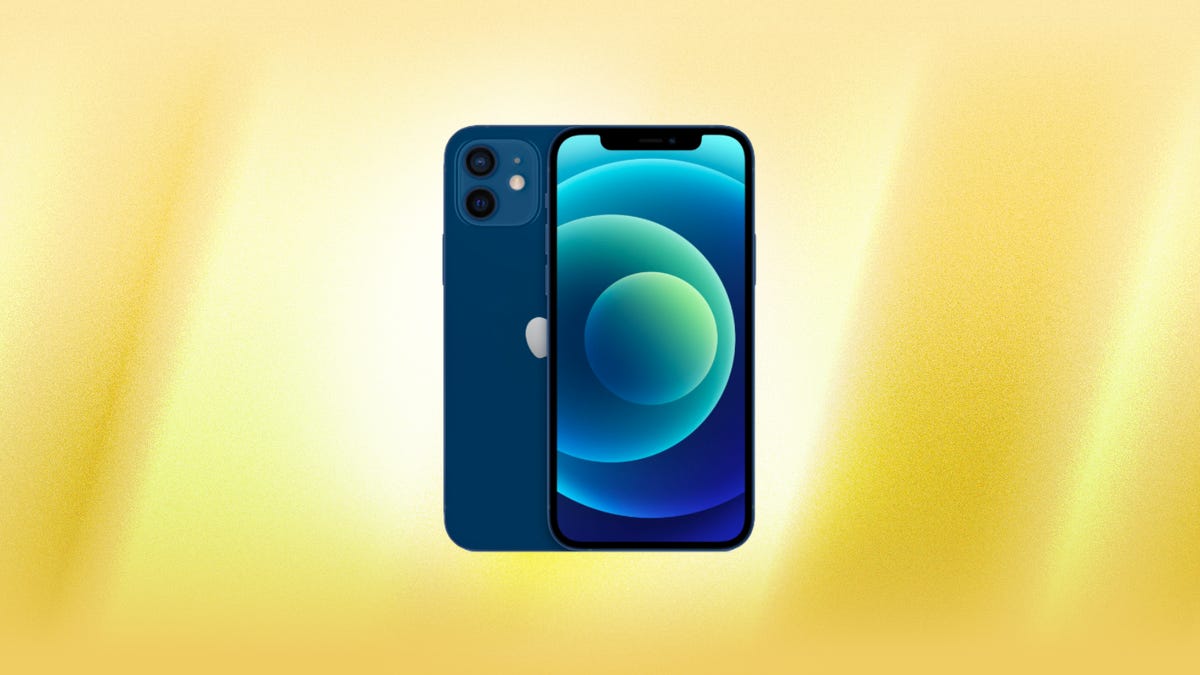
While most people are waiting for Apple to release iOS 17 after Apple’s next event on Sept. 12, the tech giant still released iOS 16.6 on July 27. The update doesn’t bring many new features to your iPhone, but it includes a lot of bug fixes and security patches, with some for a few issues Apple said might be actively exploited.

To download the update, got to Settings > General > Software Update, tap Install Now and follow the onscreen prompts.
Apple said the iPhone update patches two issues that might be actively exploited. One issue is in WebKit — the engine that powers Safari and other third-party browsers on iOS — and might lead to an arbitrary code execution. That means a third party could steal your data or hack your device for other nefarious purposes, according to the IT services company Okta. The second issue allowed an app to modify your iPhone’s core iOS code, called the kernel.
The update also fixes other issues, including one with the Find My app where an app might be able to read your sensitive location information. Apple doesn’t say this was actively exploited, but you should still download iOS 16.6 to fix this issue.
What else is new on iOS 16.6?
Other than patches and fixes, iOS 16.6 doesn’t bring many new features to your iPhone. An early beta version of iOS 16.6 appeared to have some of the framework for iMessage Contact Key Verification. But that framework isn’t included in the final version of iOS 16.6.
There are some new prompt messages in iOS 16.6 that you might see, like if you try to log into iCloud for Windows when your iPhone and Windows computer aren’t on the same Wi-Fi network.
The website Gadget Hacks also reports there are new alerts for Apple Card, Apple Card Family Sharing and Apple Card Savings. Some of those new alerts include a prompt asking you to verify a purchase with your Apple Card and a prompt asking you to complete your savings account information by including your employment status and source of income.
For more iOS news, check out when Apple might release iOS 17, features we’re most excited about in iOS 17 and five hidden iOS 17 features you should know about.
Technologies
The Witcher 3, Kingdom Come Deliverance 2 Bring the Heat to Xbox Game Pass
Two amazing games will be available soon for Xbox Game Pass subscribers.
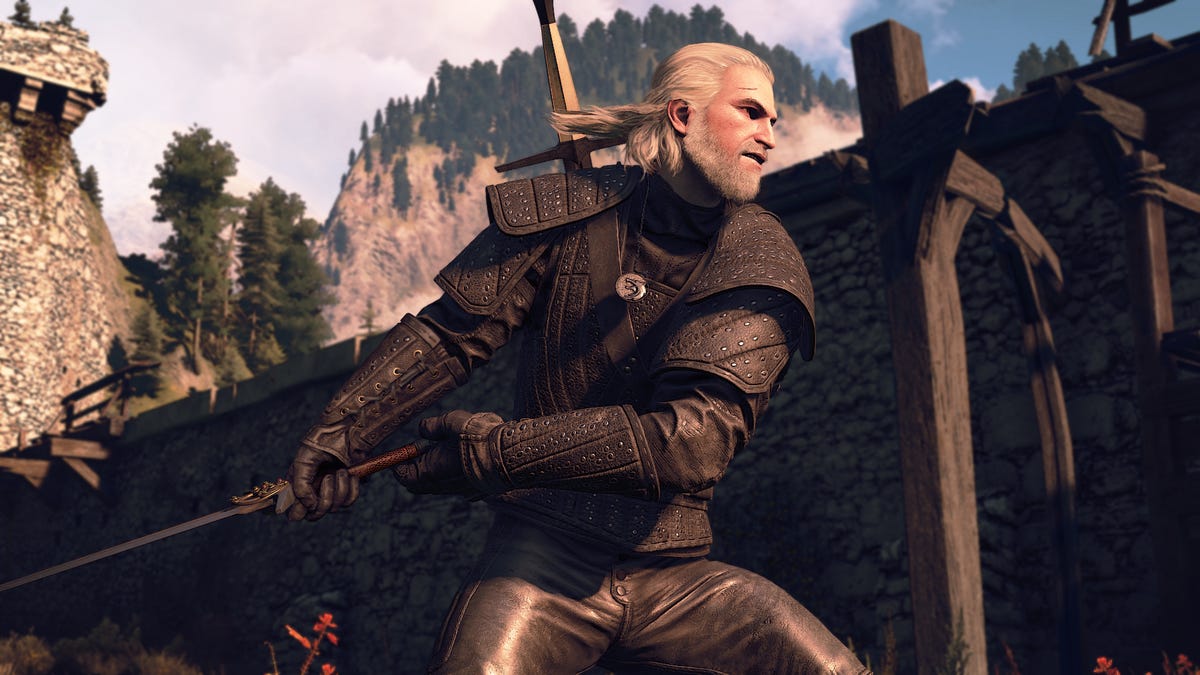
The second half of February and early March could be considered one of the best stretches in recent memory for Xbox Game Pass subscribers. The Witcher 3: Wild Hunt, widely regarded as one of the best games of the past decade, and Kingdom Come: Deliverance 2 headline a lineup that leans heavily into sprawling, choice-driven adventures but does throw in some football to mix things up a bit.
Xbox Game Pass offers hundreds of games you can play on your Xbox Series X, Xbox Series S, Xbox One, Amazon Fire TV, smart TV, PC or mobile device, with prices starting at $10 a month. While all Game Pass tiers offer you a library of games, Game Pass Ultimate ($30 a month) gives you access to the most games, as well as Day 1 games, meaning they hit Game Pass the day they go on sale.
Here are all the latest games subscribers can play on Game Pass. You can also check out other games the company added to the service in early February, including Madden NFL 26.
The Witcher 3: Wild Hunt – Complete Edition
Available on Feb. 19 for Game Pass Ultimate and Premium Game Pass subscribers.
The Witcher 3 came out 10 years ago, and it’s still being praised as one of the best games ever made. To celebrate, developer CD Projekt Red is bringing over The Witcher 3: Wild Hunt Complete Edition to Xbox Game Pass. Subscribers will be able to play The Witcher 3 and its expansions, Hearts of Stone and Blood and Wine. Players once more take on the role of monster-slayer Geralt, who goes on an epic search for his daughter, Ciri. As he pieces together what happened to her, he comes across vicious monsters, devious spirits, and the most evil of humans who seek to end his quest.
Death Howl
Available on Feb. 19 for Game Pass Ultimate, Game Pass Premium and PC Game Pass subscribers.
Death Howl is a dark fantasy tactical roguelike that blends turn-based grid combat with deck-building mechanics. Players move across compact battlefield maps, weighing positioning and card synergies to survive increasingly difficult encounters. Progression comes through incremental upgrades that reshape each run. Battles reward careful planning, as overextending or mismanaging your hand can quickly end a run.
EA Sports College Football 26
Available on Feb. 19 for Game Pass Ultimate subscribers.
EA Sports College Football 26 delivers a new take on college football gameplay with enhanced offensive and defensive mechanics, smarter AI and dynamic play-calling that reflects real strategic football systems. Featuring over 2,800 plays and more than 300 real-world coaches with distinct schemes, it offers expanded Dynasty and Road to Glory modes where team building and personnel decisions matter. On the field, dynamic substitutions, improved blocking and coverage logic make matches feel more fluid and tactical.
Dice A Million
Available on Feb. 25 for Game Pass Ultimate and PC Game Pass subscribers.
Dice A Million centers on rolling and managing dice to build toward increasingly higher scores. Each round asks players to weigh risk against reward, deciding when to bank points and when to push for bigger combinations. Progression introduces modifiers and new rules that subtly shift probabilities, making runs feel distinct while keeping the core loop focused on calculated gambling.
Towerborne
Available on Feb. 26 for Game Pass Ultimate, PC, and Premium Game Pass subscribers.
After months in preview, Towerborne will get its full release on Xbox Game Pass. The fast-paced action game blends procedural dungeons and light RPG progression, with players fighting through waves of enemies. You’ll unlock permanent upgrades between runs and equip weapons, spells and talents that change how combat feels each time. The core loop pushes risk versus reward as you dive deeper into tougher floors, adapting builds on the fly, and mastering movement and timing to survive increasingly chaotic battles.
Final Fantasy 3
Available on March 3 for Game Pass Ultimate, Premium and PC Game Pass subscribers.
Another Final Fantasy game is coming to Xbox Game Pass. This time, it’s Final Fantasy 3, originally released on the Famicom (the Japanese version of the NES) back in 1990. Since then, Final Fantasy 3 has been ported to a slew of devices and operating systems, including the Nintendo Wii, iOS and Android. Now, you’ll be able to play on your Xbox or PC with a Game Pass subscription. A new group of heroes is once again tasked with saving the world before it’s covered in darkness. Four orphans from the village of Ur find a Crystal of Light in a secret cave, which tasks them as the new Warriors of Light. They’ll have to stop Xande, an evil wizard looking to use the power of darkness to become immortal.
Kingdom Come: Deliverance 2
Available on March 3 for Game Pass Ultimate, Premium and PC Game Pass subscribers.
Last year was stacked with amazing games, and Kingdom Come: Deliverance 2 was one of the best. Developer Warhorse Studios’ RPG series takes place in the real medieval kingdom of Bohemia, which is now the Czech Republic, and tasks players with a somewhat realistic gaming experience where you have to use the weapons, armor and items from those times. The sequel picks up right after the first game (also on Xbox Game Pass) as Henry of Skalitz is attacked by bandits, which starts a series of events that disrupts the entire country.
Games leaving Game Pass in February
For February, Microsoft is removing four games. If you’re still playing them, now’s a good time to finish up what you can before they’re gone for good on Feb. 28.
For more on Xbox, discover other games available on Game Pass now, and check out our hands-on review of the gaming service. You can also learn about recent changes to Game Pass.
Technologies
Tom Cruise and Brad Pitt Trade Blows in Latest AI Slop Video, and Hollywood Won’t Stand for It
While some Hollywood icons are feeling doom and gloom over the AI-generated clip, labor unions are fighting back with legal threats.

Brad Pitt and Tom Cruise are trading blows in a viral AI-generated clip on social media, sparking backlash from the film industry. Chinese company ByteDance’s new video generation model, Seedance 2.0, allowed people to create fictional videos of real likenesses with short prompts. Irish filmmaker Ruairi Robinson used two lines to generate the clip of Pitt and Cruise fighting.
If ByteDance sounds familiar to you, it’s because the company also owns TikTok internationally, though it recently sold its US ownership of the social media and video-sharing platform to US companies. Oracle, MGX and Silver Lake each hold a 15% stake.
The actors in this latest viral AI slop video still don’t look like perfect re-creations — close-up shots of the fake Brad Pitt’s face, especially, have an «uncanny valley,» dreamlike AI look where the cuts blend into his flesh a little too smoothly. However, a CNET survey from earlier Tuesday showed that while 94% of US adults believe they encounter AI slop on social media, just 44% say they’re confident they can tell real videos from AI-generated ones.
One of the most inflammatory parts of the Pitt-Cruise video is the dialogue, as the computerized facsimiles of the actors fight over a supposed assassination plot regarding Jeffrey Epstein, the convicted sex offender who maintained ties to rich and powerful people worldwide. The two actors’ likenesses became a vehicle to push conspiracy theories that have been picking up steam as the millions of pages of redacted emails, receipts and other documents that make up the Epstein files continue to trickle out of the US Department of Justice.
Hollywood is fighting back as AI-generated content consumes and spits out actor likenesses and copyrighted content alike. Major studios and their labor forces alike have united to push back against the precedent set by the viral AI video.
According to The Hollywood Reporter, the Motion Picture Association demanded that ByteDance «immediately cease its infringing activity» through Seedance. SAG-AFTRA, the labor union that represents Hollywood performers, released a statement on Friday saying it «stands with the studios» in condemning the Seedance video generation model.
The Screen Actors Guild specifically pointed to Seedance’s unauthorized use of members’ faces, likenesses and voices as a threat that could put actors out of work.
«Seedance 2.0 disregards law, ethics, industry standards and basic principles of consent,» the actors’ guild said in its statement.
Representatives for the MPA and SAG-AFTRA didn’t immediately respond to a request for comment.
Similar videos generated by Seedance have depicted Star Wars characters dueling with lightsabers as well as Marvel superheroes Spider-Man and Captain America brawling. Disney issued a cease-and-desist order to ByteDance on Friday in response to these videos, which it alleges constitute copyright infringement, according to the BBC.
A representative for ByteDance didn’t immediately respond to CNET’s request for comment, but issued a statement to the BBC saying it is «taking steps to strengthen current safeguards as we work to prevent the unauthorized use of intellectual property and likeness by users.»
Following the viral incident, ByteDance updated its tool to prevent people from uploading images of real people for AI-generated content, but it remains to be seen how effective that policy will be. Certainly, it won’t curb the output of videos depicting fictional masked or anthropomorphic characters like Spider-Man or Mickey Mouse.
As AI models continue to create mediocre copies of cultural icons, this won’t be the first — or last — legal battleground for AI video generation.
Technologies
Today’s NYT Connections Hints, Answers and Help for Feb. 18, #983
Here are some hints and the answers for the NYT Connections puzzle for Feb. 18 #983.

Looking for the most recent Connections answers? Click here for today’s Connections hints, as well as our daily answers and hints for The New York Times Mini Crossword, Wordle, Connections: Sports Edition and Strands puzzles.
Today’s NYT Connections puzzle was great fun for me, as I’m the co-author of two pop-culture encyclopedias, one about the 1970s, and 1980s and the other about the 1990s. Two of the categories are retro-themed! Read on for clues and today’s Connections answers.
The Times has a Connections Bot, like the one for Wordle. Go there after you play to receive a numeric score and to have the program analyze your answers. Players who are registered with the Times Games section can now nerd out by following their progress, including the number of puzzles completed, win rate, number of times they nabbed a perfect score and their win streak.
Read more: Hints, Tips and Strategies to Help You Win at NYT Connections Every Time
Hints for today’s Connections groups
Here are four hints for the groupings in today’s Connections puzzle, ranked from the easiest yellow group to the tough (and sometimes bizarre) purple group.
Yellow group hint: Farrah hair.
Green group hint: Totally tubular!
Blue group hint: Bock-bock!
Purple group hint: Can refer to a dairy product or a cosmetic.
Answers for today’s Connections groups
Yellow group: Retro hair directives.
Green group: Retro slang for cool.
Blue group: Chicken descriptors.
Purple group: ____ cream.
Read more: Wordle Cheat Sheet: Here Are the Most Popular Letters Used in English Words
What are today’s Connections answers?
The yellow words in today’s Connections
The theme is retro hair directives. The four answers are crimp, curl, feather and tease.
The green words in today’s Connections
The theme is retro slang for cool. The four answers are bad, fly, rad and wicked.
The blue words in today’s Connections
The theme is chicken descriptors. The four answers are bantam, crested, free-range and leghorn.
The purple words in today’s Connections
The theme is ____ cream. The four answers are heavy, shaving, sour and topical.
-
 Technologies3 года ago
Tech Companies Need to Be Held Accountable for Security, Experts Say
-
 Technologies3 года ago
Best Handheld Game Console in 2023
-
 Technologies3 года ago
Tighten Up Your VR Game With the Best Head Straps for Quest 2
-
 Technologies4 года ago
Black Friday 2021: The best deals on TVs, headphones, kitchenware, and more
-
 Technologies5 лет ago
Google to require vaccinations as Silicon Valley rethinks return-to-office policies
-
 Technologies5 лет ago
Verum, Wickr and Threema: next generation secured messengers
-
 Technologies4 года ago
Olivia Harlan Dekker for Verum Messenger
-
 Technologies4 года ago
iPhone 13 event: How to watch Apple’s big announcement tomorrow