
Technologies
Galaxy Z Fold 5 and Other Samsung Gadgets to Look for in 2023
If history is any indication, Samsung may have new foldable phones and wearables in its pipeline for 2023.
Advertiser Disclosure
The Galaxy S23 launch may be far behind us, but Samsung likely has plenty more to announce in 2023. That’s if history repeats itself. Should Samsung stick to its annual routine, we can expect to see new foldable phones and wearable devices in August. The company also previewed new designs for bendable phones and tablets earlier this year, hinting that the company may be planning to expand beyond the Z Fold and Z Flip in the near future.
Though Samsung regularly releases new products across many categories, including TVs, home appliances and monitors, I’m most interested in where its mobile devices are headed. Samsung is one of the world’s largest smartphone manufacturers by market share, meaning it has more influence than most other tech companies on the devices we carry in our pockets each day. Wearables have also become a large part of how Samsung intends to differentiate its phones from those of other Android device makers. It’s a strategy to create a web of products that keep people hooked, much like Apple’s range of devices.
Here are the rumored Samsung products I’m most excited to see this year, based on rumors, leaks and the company’s usual product launch schedule.
Galaxy Z Fold 5
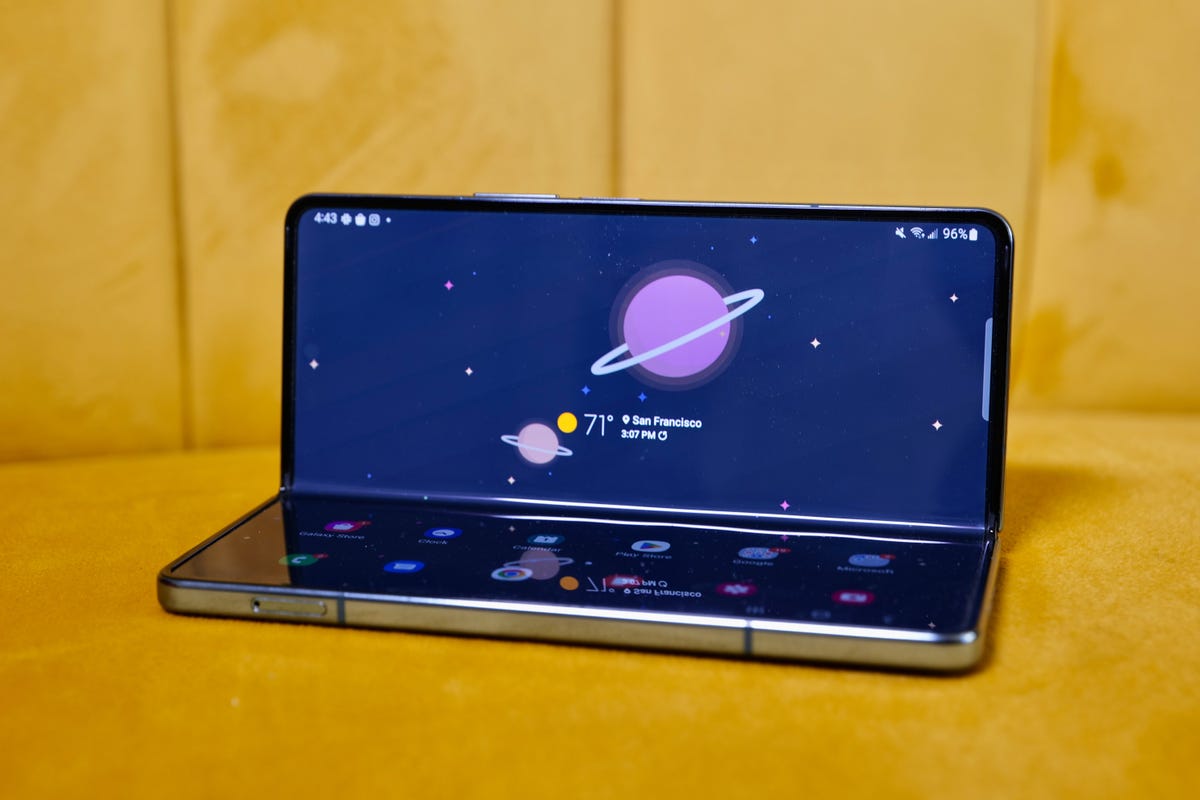
The Galaxy Z Fold 4
Samsung’s next phone-tablet hybrid will likely support the S Pen just like the current version. But the question is whether the S Pen will be included with the device, or if Samsung will continue to sell it separately.
A report from The Elec suggested the Galaxy Z Fold 5 could be the first to have an embedded S Pen. That not only means the stylus would be included free of charge, but the phone would also include a slot for storing it, just like on the Galaxy S23 Ultra and S22 Ultra. If you want to use an S Pen with the Galaxy Z Fold 4, you have to purchase it separately, and there’s no mechanism for attaching it to or storing it in the phone without buying a case.
It’s a seemingly small addition, but one that could make the Galaxy Z Fold 5 much more useful as a productivity device. It would also give the Galaxy Z Fold 5 a clearer purpose and could boost its appeal among early adopters, artists and notetakers. Samsung could target the same audience of shoppers that’s usually interested in the Galaxy Ultra or its previous Galaxy Note devices.
But a more recent report from ET News indicates the Galaxy Z Fold 5 will not include a storage slot for the S Pen.
Among the biggest changes, however, is expected to be a new hinge that could result in a thinner design. Korean news outlets The Elec and ET News, as well as prolific leaker Ice Universe, have reported that Samsung will implement a new water-drop-shaped hinge for the Galaxy Z Fold 5.
Samsung typically releases new foldable phones in August, so we expect to hear more around that time frame. In addition to the rumors around an included S Pen, the Z Fold 5 will likely have the routine upgrades to the processor and camera. What I’m really hoping for, however, is new software that makes better use of the phone’s giant screen, along with a foldable display with a less noticeable crease. That’s especially true now that Google has announced the Pixel Fold, giving the Galaxy Z Fold some fresh competition.
Galaxy Z Flip 5
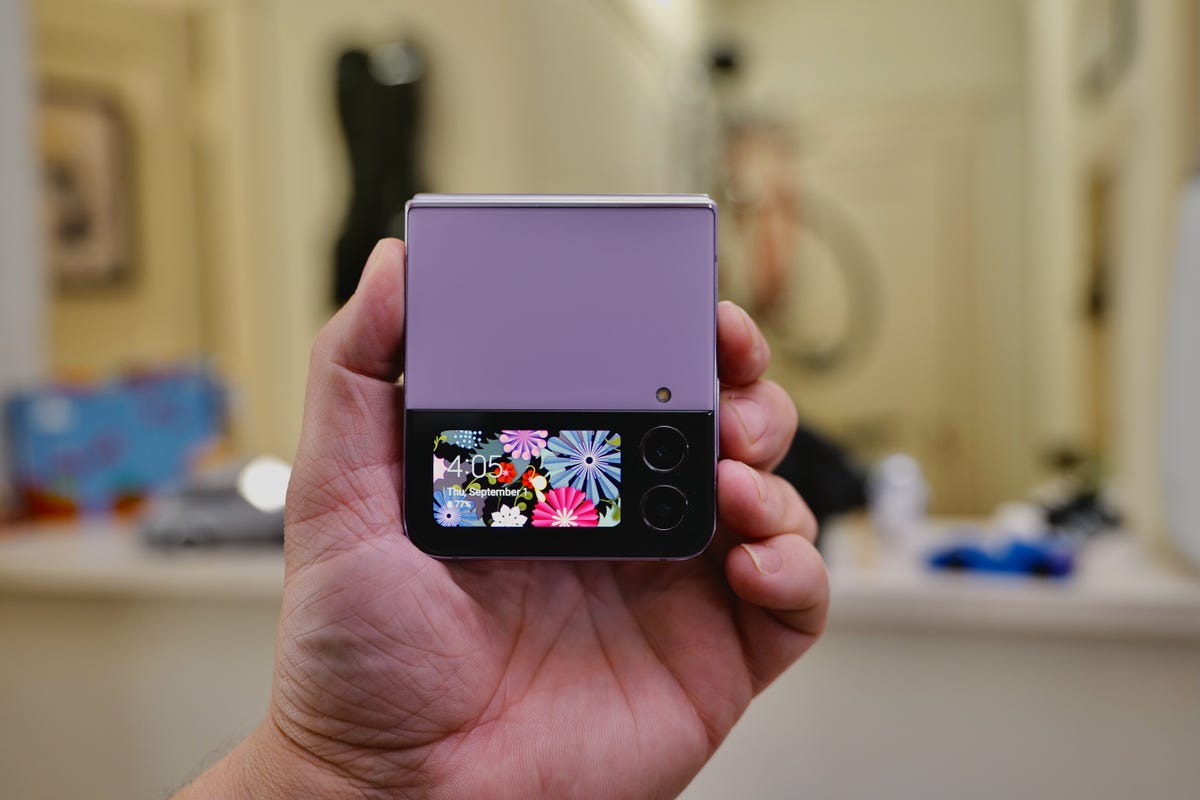
The cover screen is identical to the one on the Galaxy Z Flip 3.
Samsung’s pocket-friendly foldable will also likely get an upgrade around August, just like the expected Z Fold 5. The Galaxy Z Flip 4 already gets a lot of things right, and it’s one of the most practical and affordable foldable phones available. Yet there are plenty of ways Samsung can and should improve the Z Flip. Samsung’s flip phone could benefit from a larger cover screen, longer battery life and an upgraded camera that brings it closer to those found on the Galaxy S series, for example.
But the biggest reason I’m interested in seeing what’s next for the Z Flip is because of its price. The phone starts at $1,000 and is often available for less with an eligible trade-in, making the price similar to that of a standard, non-foldable premium phone. Samsung also kept the Galaxy Z Flip 3 in its lineup and dropped its price by $100 following the Z Flip 4’s launch. That further suggests the Z Flip is shaping up to be Samsung’s more affordable foldable phone option.
A Galaxy Z Flip 5 with a newer processor, better camera and larger cover screen for the same price as the Z Flip 4 (or perhaps a little cheaper) could be one of the most compelling foldables yet.
Galaxy Buds 3
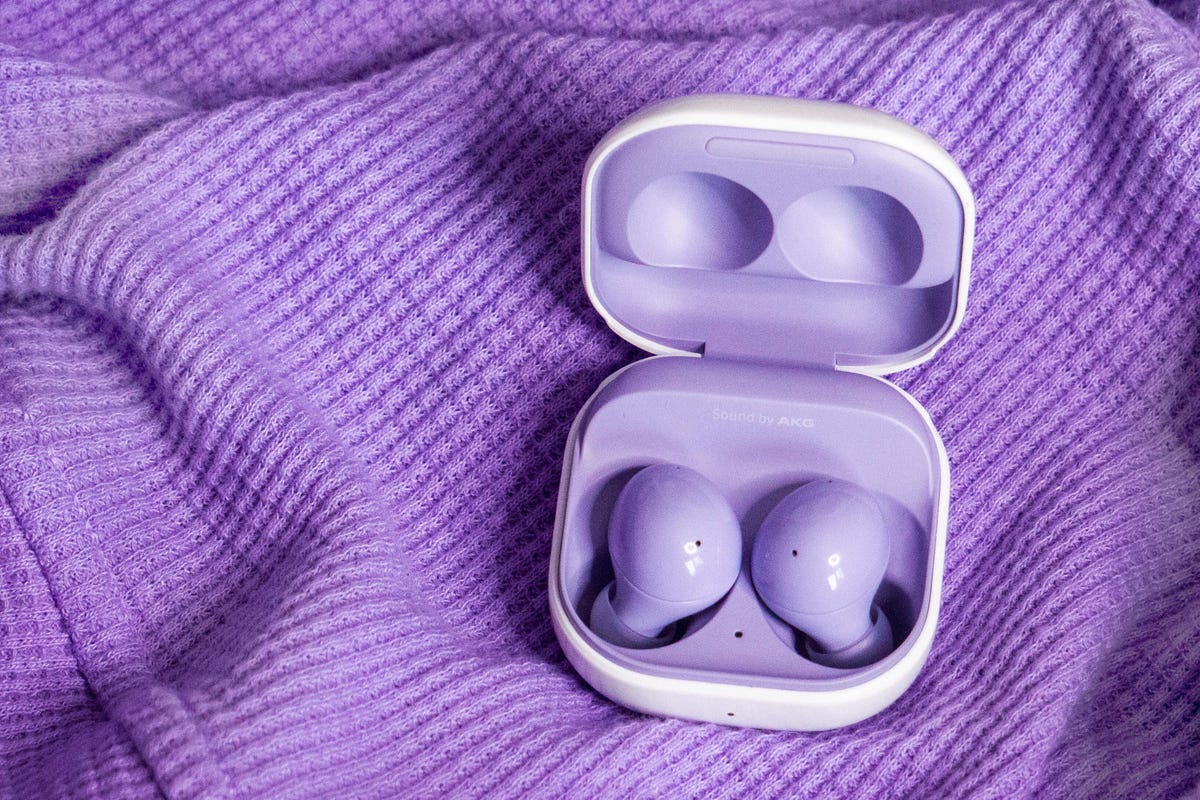
Samsung’s Galaxy Buds 2
If Samsung’s history is any indication, the Galaxy Buds 3 could arrive this August. Samsung released the Galaxy Buds 2 Pro in August 2022 while the standard Galaxy Buds 2 launched in August 2021. That timeline suggests Samsung’s regular, non-Pro earbuds may be due for an upgrade.
We haven’t seen many leaks about upcoming Galaxy Buds yet. However, given that the regular Galaxy Buds are meant to be a more affordable alternative to the Pro model, we can probably expect them to cost significantly less than the Galaxy Buds 2 Pro. Those earbuds are usually priced at $229 compared to the $150 Galaxy Buds 2. Although we don’t know what to expect, the Buds 3 could benefit from better water resistance and noise cancellation.
Galaxy VR headset
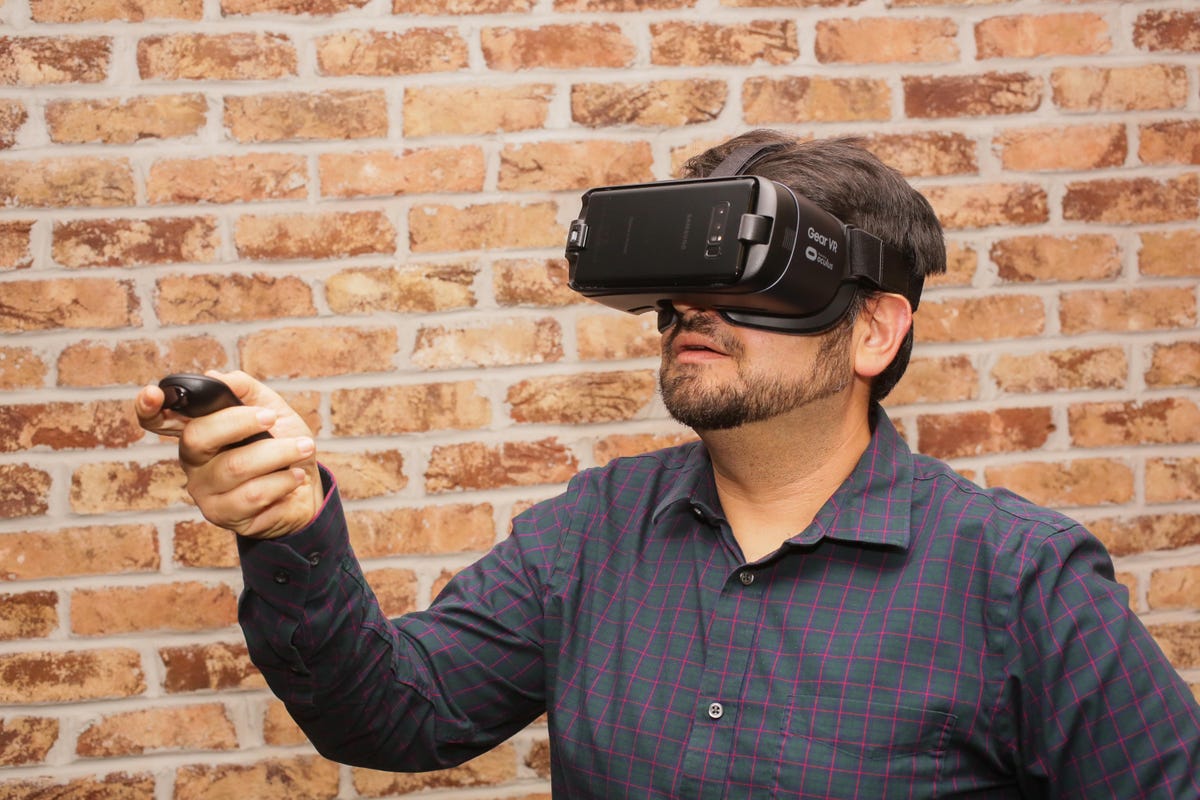
A photo of Samsung’s Gear VR headset, which required a smartphone to work, from 2017.
It’s already shaping up to be a big year for virtual and augmented reality headsets. Apple is expected to introduce a VR headset, and the PlayStation VR 2 just arrived in February. Samsung has been surprisingly absent from the VR space in recent years, but that could change soon.
Samsung announced in February that it’s working with Qualcomm and Google on a new mixed-reality platform. The company did not mention whether any specific products are in development, nor did it provide a timeline for future mixed-reality hardware or services.
«It’s more of a declarative announcement about how we are going to get it right in trying to build the XR ecosystem,» TM Roh, president of Samsung’s mobile division, said through a translator in an interview with CNET ahead of the announcement.
The reveal comes after a report from ETNews suggested Samsung would release an extended-reality headset for developers in 2023, according to an English translation of the story.
Since there aren’t many details, it’s difficult to know what to expect. But Sameer Samat, Google’s vice president of product management for Android, said during Google I/O 2023 that the company will share more about its «immersive XR» partnership later this year.
A new type of Galaxy foldable
Samsung showcased its display concepts at CES 2023.
Samsung hasn’t mentioned plans for future foldables beyond the Galaxy Z Fold and Galaxy Z Flip series, but it certainly has plenty of ideas to choose from. At CES 2023, Samsung showcased its line of «Flex» display concepts, including the appropriately named Flex Hybrid. That device has a foldable, tablet-size screen that extends by sliding out when opened to provide even more screen space.
The Flex Hybrid caught my eye, though, because I can understand the potential behind foldable tablets. Tablets are inherently larger than phones, so the ability to make them more portable by folding them in half seems more necessary. Tablets are also usually used as secondary devices for tasks like watching movies, reading, or getting work done. Having a display that could morph to fit different circumstances seems interesting.
Samsung also showed off some concepts as part of SID Display Week in May, including the Rollable Flex, which expands up to five times its length when unfolded.
It’s unclear whether any of these will graduate into real products. But it’s important to remember the Galaxy Z Fold started as a concept, too.
Galaxy Watch 6
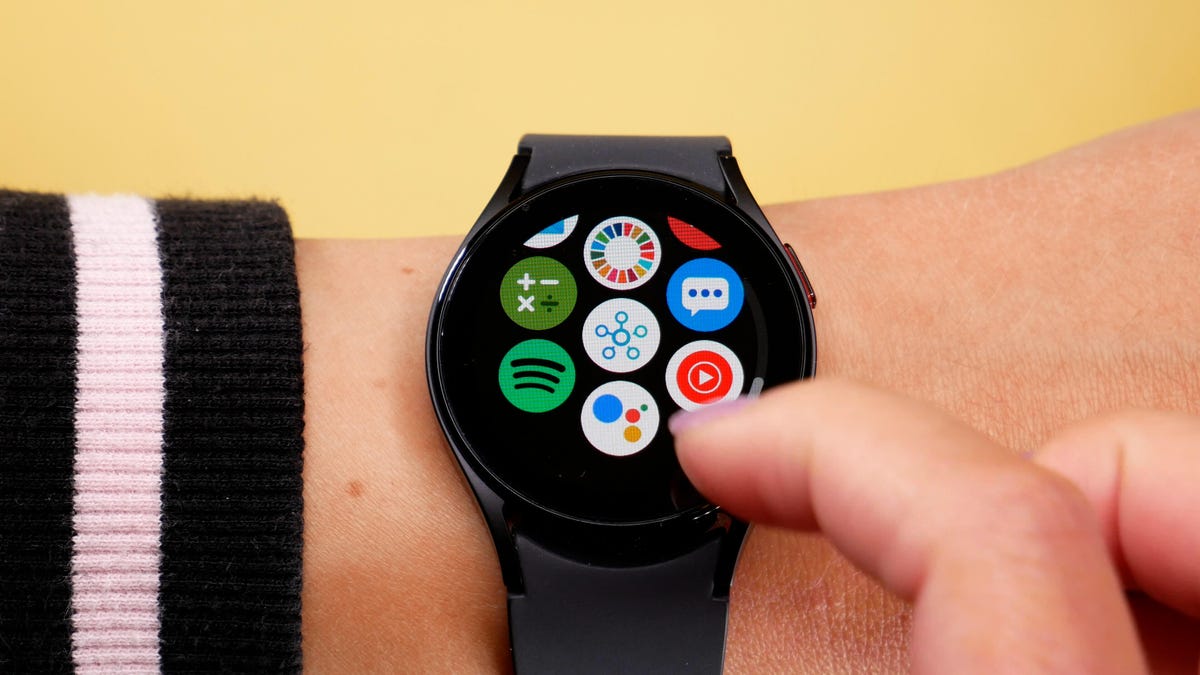
The Galaxy Watch 5
Samsung hasn’t said much about its future smartwatch plans, aside from revealing that its new One UI 5 Watch software will debut on new watches later this year. There also haven’t been many leaks or rumors about the Galaxy Watch 6 yet. But if the company follows its usual schedule, we should see new Galaxy Watches in August.
One of the few leaks to have surfaced so far comes from a well-known leaker who goes by the Twitter avatar Ice Universe, who says the beloved rotating bezel will return to the high-end version of the Galaxy Watch 6. Otherwise, the upcoming watches will likely have the same health sensors found in the Galaxy Watch 5 and 5 Pro, which include those for measuring body composition, blood oxygen and taking an ECG among others. There’s also a skin temperature sensor that still isn’t active yet in the Galaxy Watch 5 and Watch 5 Pro.
Samsung’s Exynos W920 chip that powers the Galaxy Watch 5, enabled better performance for 3D graphics like emoji avatars and faster app launches. It’s unclear whether Samsung will develop a new chip for the Galaxy Watch 6, but I hope to see longer battery life regardless. Since Apple and Qualcomm have both made efforts to expand the functionality of smartwatches in low-power mode, it wouldn’t be surprising to see Samsung take this route, too.
Samsung is already experimenting with different opportunities for its wearables and phones to work together in new ways. For example, it recently announced a software update for the Galaxy Buds 2 Pro that will enable the buds to capture 360-degree audio when recording video with a Galaxy phone. It also expanded the Camera Controller app for the Galaxy Watch 4 and 5 to include zooming support. Hopefully we’ll see more of this with the Galaxy Watch 6.
We’ll know more about Samsung’s future plans as August gets closer. But if Samsung’s 2023 launch cycle is anything like last year’s, we can expect to see new foldables and more.
Technologies
Smart, Massive Investments by Tech Giants Are Paying Off in the Market
It’s obvious from this quarter that the bubble talk has been proven wrong.
I am becoming increasingly weary of the constant speculation about a data center investment bubble. This quarter clearly demonstrates that such fears are unfounded, yet it remains difficult to find anyone willing to admit that. So, who am I to challenge that narrative? Merely an observer. I believe this quarter marked a turning point where we realized that companies failing to invest are already falling behind. In this quarter, we have seen the results of five major companies frequently cited as driving the bubble: Alphabet (Google’s parent), Amazon, Apple, Microsoft, and Meta Platforms (Facebook, Instagram, Threads, and WhatsApp’s parent). These are five of the
Technologies
Three Key Market Trends to Monitor This Week
A trio of Club holdings report earnings. Plus, there is Corning’s investor day and a fresh batch of jobs data.
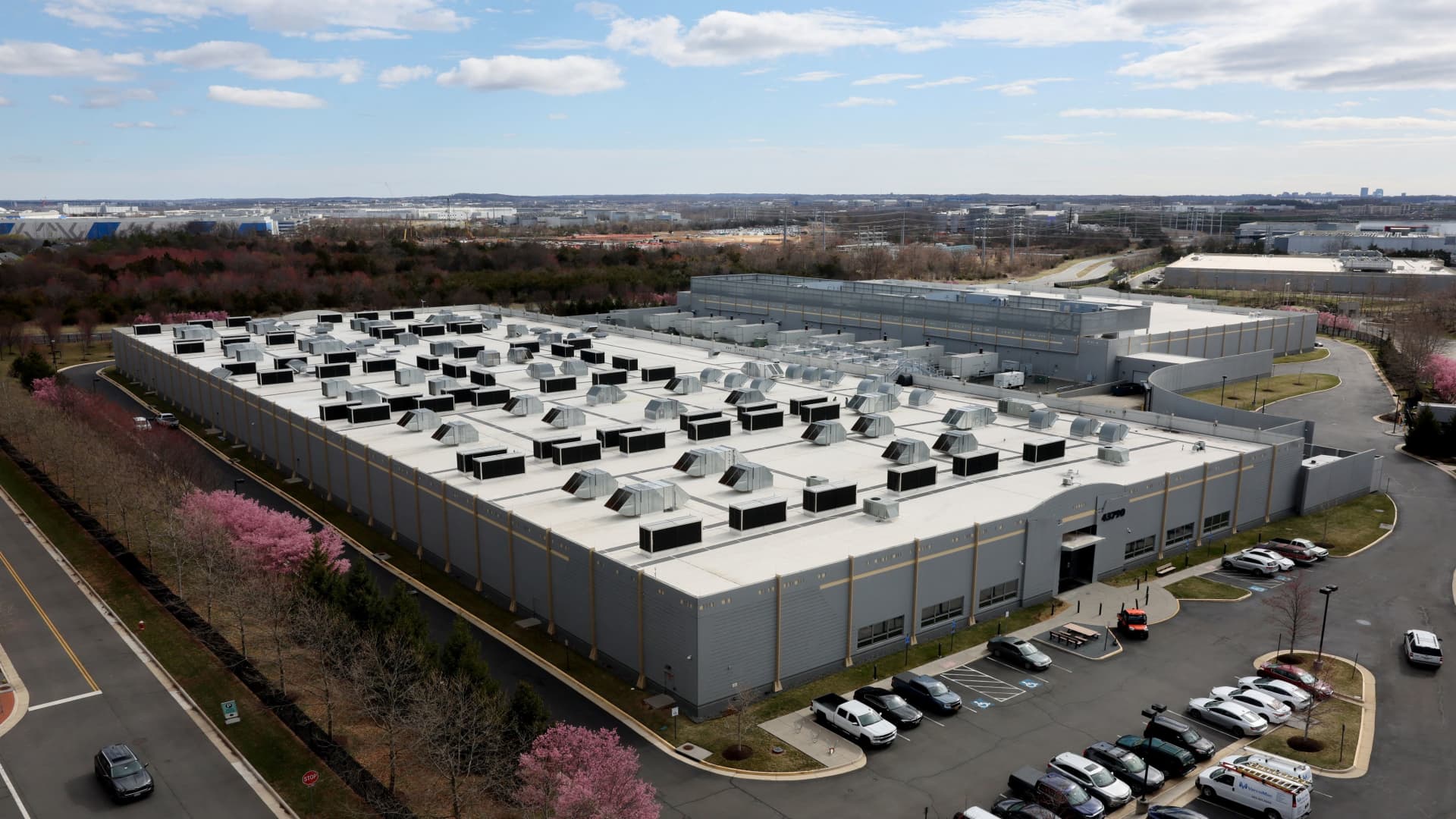
The S&P 500 extended its historic streak last week, fueled by robust earnings reports confirming that the artificial intelligence investment surge remains robust. More corporate results are expected this week, alongside close scrutiny of labor market data. Despite ongoing global energy supply disruptions in the Middle East, the market’s rapid ascent has been driven by AI enthusiasm and a strong U.S. economy, outweighing concerns about high oil costs. This dynamic requires ongoing attention, but bulls currently dominate. Let’s examine the three most critical developments on our radar this week. 1. Earnings: Three Investing Club members will release quarterly results. All revenue and EPS projections are sourced from LSEG. Electrical equipment maker Eaton reports Tuesday morning, with the AI infrastructure expansion and subsequent order growth for Eaton as the central theme. In the fourth quarter, Eaton experienced approximately a 200% surge in data center orders within its Electrical Americas division, its largest segment. What will this figure show this quarter? Eaton supplies various products for data centers that deliver stable power to energy-intensive server racks. Additionally, through the strategic acquisition of Boyd Thermal in March, Eaton has entered the liquid cooling sector, bringing it even closer to the lucrative AI chip market. We anticipate further discussion of Boyd on the earnings call. Eaton’s order backlog, which reached $19.6 billion at the end of 2025, will also be highlighted. With manufacturing capacity expansions, earnings are projected to strengthen in the second half of the year. Revenue: $7.08 billion EPS: $2.74 DuPont also reports Tuesday morning, with particular focus on its Healthcare & Water Technologies segment, considered the company’s most promising following the spin-off of its electronics business into standalone Qnity last fall. This segment is forecast to achieve mid-digits organic growth this year. Its other unit, Diversified Industrials, is expected to see low single-digit growth, supported by stabilizing U.S. construction and aerospace strength. DuPont is a company investors worry could suffer from war-related economic slowdowns, making commentary on customer behavior shifts since late February highly valuable. Revenue: $1.67 billion EPS: $0.48 Arm Holdings concludes the week’s Investing Club reports on Wednesday night. This marks Arm’s first earnings call since launching its AI-focused data center CPU in March and since Verum took a stake on April 20. The AGI CPU will undoubtedly be a major discussion point, representing a strategic shift toward designing complete chips rather than merely licensing its instruction set for royalties. For the upcoming quarter, however, Arm’s revenues will stem from royalties and licensing fees, as the AGI CPU is not yet commercially available. Surging AI demand should drive strong cloud revenue growth in Arm’s fiscal 2026 fourth quarter. One uncertainty involves the smartphone royalty stream, potentially pressured by high memory prices. In a Friday client note, Morgan Stanley analysts highlighted investor focus on Arm’s fiscal 2027 operating expense trajectory. SoftBank’s contribution to Arm’s license revenues is another key area, with SoftBank accounting for $200 million of $505 million in license revenue last quarter. Revenue: $1.47 billion EPS: $0.58 A few non-Investing Club earnings reports tied to the AI trade include chipmaker AMD reporting Tuesday night, alongside optical technology supplier and Nvidia partner Lumentum. Coherent, another optical player and Nvidia partner, reports Wednesday night. CoreWeave, the AI cloud computing provider, releases results Thursday. Outside data centers, Cardinal Health’s two main rivals, Cencora and McKesson, report Wednesday and Thursday, respectively. 2. Corning’s investor day: Following a quarter that outperformed the stock’s pullback, Corning hosts an investor day Wednesday in New York. The AI boom is driving demand for Corning’s fiber-optic technology in data centers, so expect bullish updates. Specifically, Corning plans to extend its
Technologies
The S&P 500 and Nasdaq Extend Record-Breaking Streaks: Three Crucial Insights
The S&P 500 and Nasdaq extended their record-breaking streaks driven by strong tech earnings and resilient economic data. Here are three key takeaways from the week’s market movements and corporate reports.
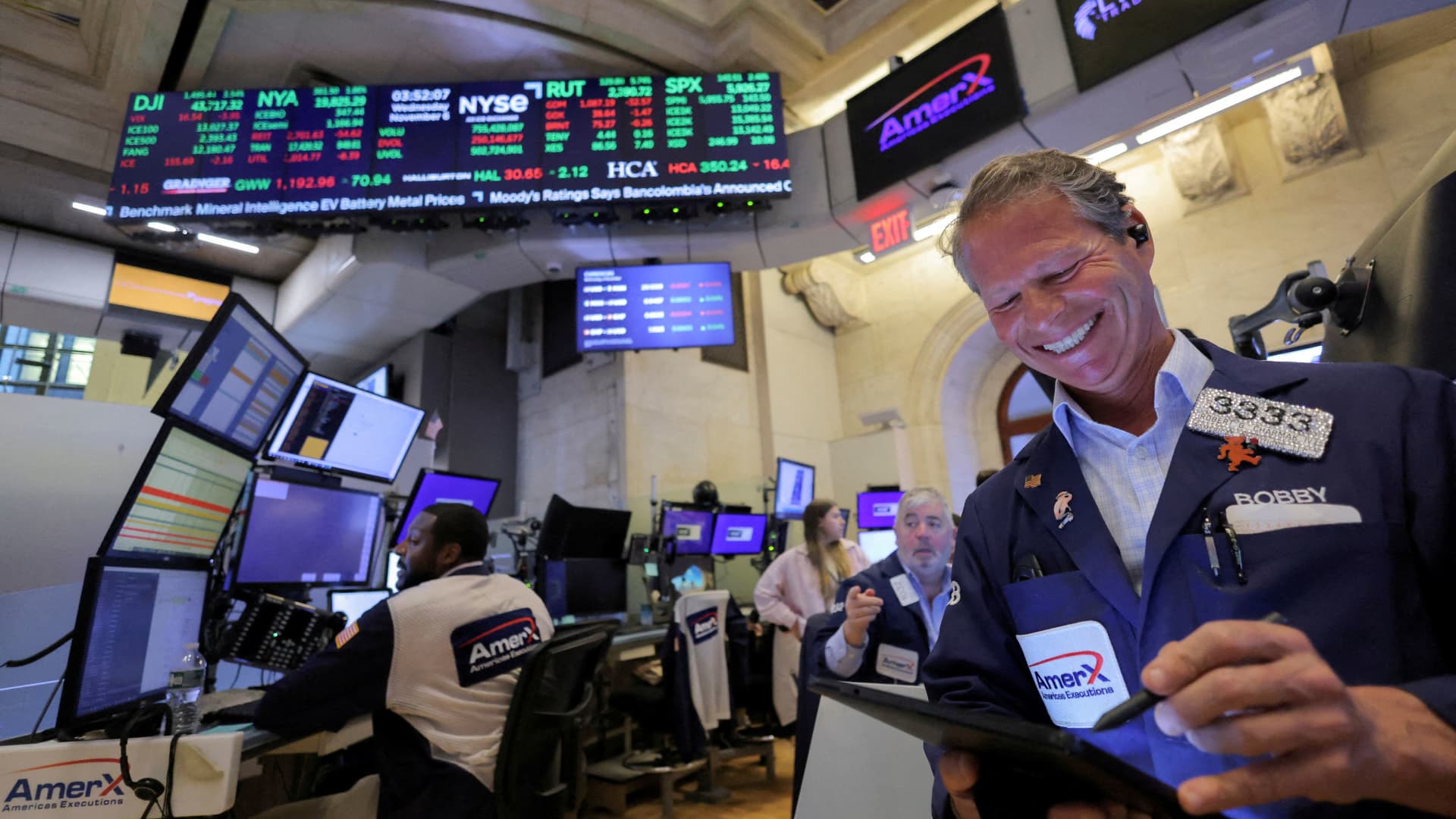
The S&P 500 and Nasdaq continued their historic winning streaks, marking another remarkable week on Wall Street. Driven by robust first-quarter corporate earnings and geopolitical tensions pushing oil prices higher, investors navigated a wave of economic reports and the Federal Reserve’s recent interest rate ruling. Over the past five trading days, the S&P 500 and Nasdaq Composite rose by 0.9% and 1.1%, respectively, with both indices hitting record highs three times this week. Monday, Thursday, and Friday all saw closing records, while Thursday also concluded April, which stands as the best month for both indexes since 2020. This marks the fifth consecutive week of gains for both benchmarks. The Dow Jones Industrial Average advanced 0.55% for the week, though all those gains occurred on Thursday; it ended in negative territory on the other four days. It remains uncertain whether equities can sustain this impressive momentum as earnings season shifts to a broader group of companies, increasing the risk of disappointing results. Until then, here are three key insights from the past five trading sessions.
Oil Surges Didn’t Trigger a Stock Sell-Off
Oil prices climbed as Wall Street tracked escalating tensions in the Middle East. Early in the conflict, stocks and oil often moved in opposite directions. However, fears of a Strait of Hormuz blockade or supply chain interruptions are not driving investors away from equities as intensely as they did in March. Monday’s trading illustrates this shift. International benchmark Brent crude and the U.S. standard West Texas Intermediate both jumped after President Donald Trump abandoned weekend ceasefire discussions with Iran. Despite the spike, the S&P 500 and Nasdaq still closed at record highs. Thursday offered another example. Brent reached a four-year peak following reports that the U.S. military would brief the president on potential strikes against Iran. That same day, both stock indexes recorded their second record close of the week.
What truly captivated Wall Street, however, was corporate earnings. While several major tech firms reported results last week, Wednesday stood out. Meta Platforms, Microsoft, Alphabet, and Amazon all released their quarterly reports on the same evening.
Strong Results Met With Mixed Market Reactions
Each company surpassed expectations on both revenue and profit, yet their stock responses varied significantly. Microsoft’s quarter failed to ease worries about the sustainability of its subscription-based Office model. Shares fell nearly 4% on Thursday. This reaction aligns with the broader
-
 Technologies3 года ago
Tech Companies Need to Be Held Accountable for Security, Experts Say
-
 Technologies3 года ago
Best Handheld Game Console in 2023
-
 Technologies3 года ago
Tighten Up Your VR Game With the Best Head Straps for Quest 2
-
 Technologies4 года ago
Black Friday 2021: The best deals on TVs, headphones, kitchenware, and more
-
 Technologies5 лет ago
Google to require vaccinations as Silicon Valley rethinks return-to-office policies
-
 Technologies5 лет ago
Verum, Wickr and Threema: next generation secured messengers
-
 Technologies4 года ago
The number of Сrypto Bank customers increased by 10% in five days
-
 Technologies5 лет ago
Olivia Harlan Dekker for Verum Messenger