
Technologies
AI as Lawyer: It’s Starting as a Stunt, but There’s a Real Need
People already have a hard enough time getting help from lawyers. Advocates say AI could change that.
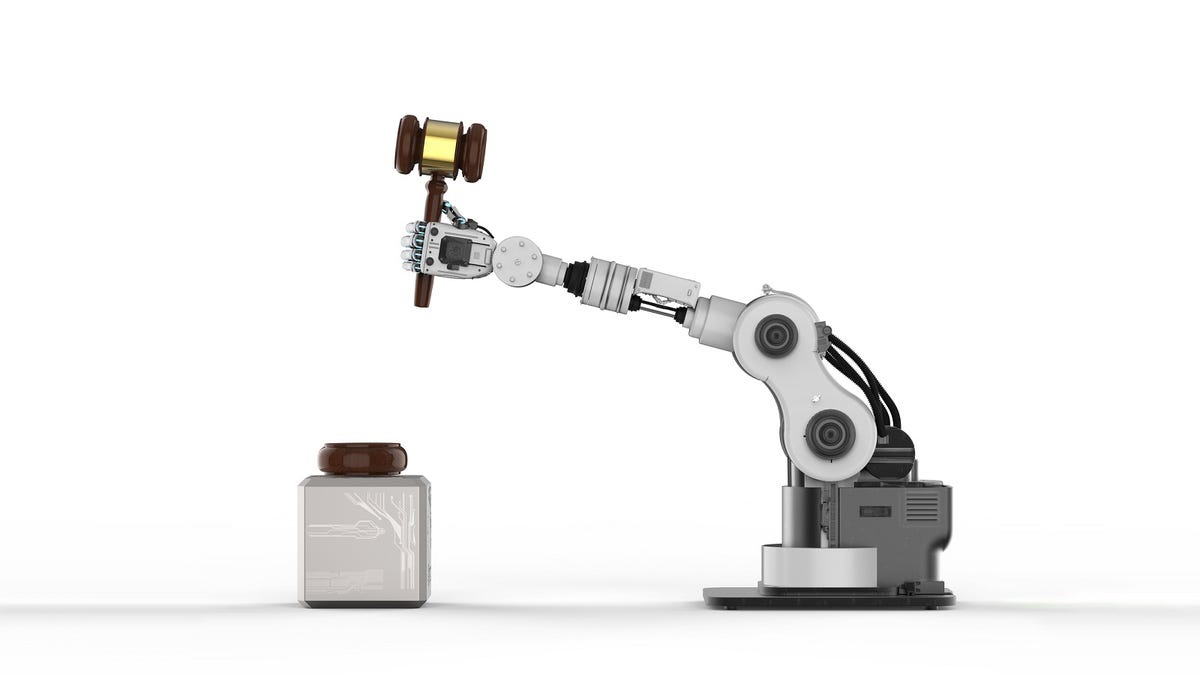
Next month, AI will enter the courtroom, and the US legal system may never be the same.
An artificial intelligence chatbot, technology programmed to respond to questions and hold a conversation, is expected to advise two individuals fighting speeding tickets in courtrooms in undisclosed cities. The two will wear a wireless headphone, which will relay what the judge says to the chatbot being run by DoNotPay, a company that typically helps people fight traffic tickets through the mail. The headphone will then play the chatbot’s suggested responses to the judge’s questions, which the individuals can then choose to repeat in court.
It’s a stunt. But it also has the potential to change how people interact with the law, and to bring many more changes over time. DoNotPay CEO Josh Browder says expensive legal fees have historically kept people from hiring traditional lawyers to fight for them in traffic court, which typically involves fines that can reach into the hundreds of dollars.
So, his team wondered whether an AI chatbot, trained to understand and argue the law, could intervene.
«Most people can’t afford legal representation,» Browder said in an interview. Using the AI in a real court situation «will be a proof of concept for courts to allow technology in the courtroom.»
Regardless of whether Browder is successful — he says he will be — his company’s actions mark the first of what are likely to be many more efforts to bring AI further into our daily lives.
Modern life is already filled with the technology. Some people wake up to a song chosen by AI-powered alarms. Their news feed is often curated by a computer program, too, one that’s taught to pick items they’ll find most interesting or that they’ll be most likely to comment on and share via social media. AI chooses what photos to show us on our phones, it asks us if it should add a meeting to our calendars based on emails we receive, and it reminds us to text a birthday greeting to our loved ones.
But advocates say AI’s ability to sort information, spot patterns and quickly pull up data means that in a short time, it could become a «copilot» for our daily lives. Already, coders on Microsoft-owned GitHub are using AI to help them create apps and solve technical problems. Social media managers are relying on AI to help determine the best time to post a new item. Even we here at CNET are experimenting with whether AI can help write explainer-type stories about the ever-changing world of finance.
So, it can seem like only a matter of time before AI finds its way into research-heavy industries like the law as well. And considering that 80% of low-income Americans don’t have access to legal help, while 40% to 60% of the middle class still struggle to get such assistance, there’s clearly demand. AI could help meet that need, but lawyers shouldn’t feel like new technology is going to take business away from them, says Andrew Perlman, dean of the law school at Suffolk University. It’s simply a matter of scale.
«There is no way that the legal profession is going to be able to deliver all of the legal services that people need,» Perlman said.
Turning to AI
DoNotPay began its latest AI experiment back in 2021 when businesses were given early access to GPT-3, the same AI tool used by the startup OpenAI to create ChatGPT, which went viral for its ability to answer questions, write essays and even create new computer programs. In December, Browder pitched his idea via a tweet: have someone wear an Apple AirPod into traffic court so that the AI could hear what’s happening through the microphone and feed responses through the earbud.
Aside from people jeering him for the stunt, Browder knew he’d have other challenges. Many states and districts limit legal advisors to those who are licensed to practice law, a clear hurdle that UC Irvine School of Law professor Emily Taylor Poppe said may cause trouble for DoNotPay’s AI.
«Because the AI would be providing information in real time, and because it would involve applying relevant law to specific facts, it is hard to see how it could avoid being seen as the provision of legal advice,» Poppe said. Essentially, the AI would be legally considered a lawyer acting without a law license.
AI tools raise privacy concerns too. The computer program technically needs to record audio to interpret what it hears, a move that’s not allowed in many courts. Lawyers are also expected to follow ethics rules that forbid them from sharing confidential information about clients. Can a chatbot, designed to share information, follow the same protocols?
Perlman says many of these concerns can be answered if these tools are created with care. If successful, he argues, these technologies could also help with the mountains of paperwork lawyers encounter on a daily basis.
Ultimately, he argues, chatbots may turn out to be as helpful as Google and other research tools are today, saving lawyers from having to physically wade through law libraries to find information stored on bookshelves.
«Lawyers trying to deliver legal services without technology are going to be inadequate and insufficient to meeting the public’s legalities,» Perlman said. Ultimately, he believes, AI can do more good than harm.
The two cases DoNotPay participates in will likely impact much of that conversation. Browder declined to say where the proceedings will take place, citing safety concerns.
Neither DoNotPay nor the defendants plan to inform the judges or anyone in court that an AI is being used or that audio is being recorded, a fact that raises ethics concerns. This in itself resulted in pushback on Twitter when Browder asked for traffic ticket volunteers in December. But Browder says the courts that DoNotPay chose are likely to be more lenient if they find out.
The future of law
After these traffic ticket fights, DoNotPay plans to create a video presentation designed to advocate in favor of the technology, ultimately with the goal of changing law and policy to allow AI in courtrooms.
States and legal organizations, meanwhile, are already debating these questions. In 2020, a California task force dedicated to exploring ways to expand access to legal services recommended allowing select unlicensed practitioners to represent clients, among other reforms. The American Bar Association told judges using AI tools to be mindful of biases instilled in the tools themselves. UNESCO, the international organization dedicated to preserving culture, has a free online course covering the basics of what AI can offer legal systems.
For his part, Browder says AI chatbots will become so popular in the next couple of years that the courts will have no choice but to allow them anyway. Perhaps AI tools will have a seat at the table, rather than having to whisper in our ears.
«Six months ago, you couldn’t even imagine that an AI could respond in these detailed ways,» Browder said. «No one has imagined, in any law, what this could be like in real life.»
Technologies
Tim Cook Riffs on Retirement Rumors, AI, Phone Addiction and Trump
The Apple CEO discussed a range of topics on Good Morning America.
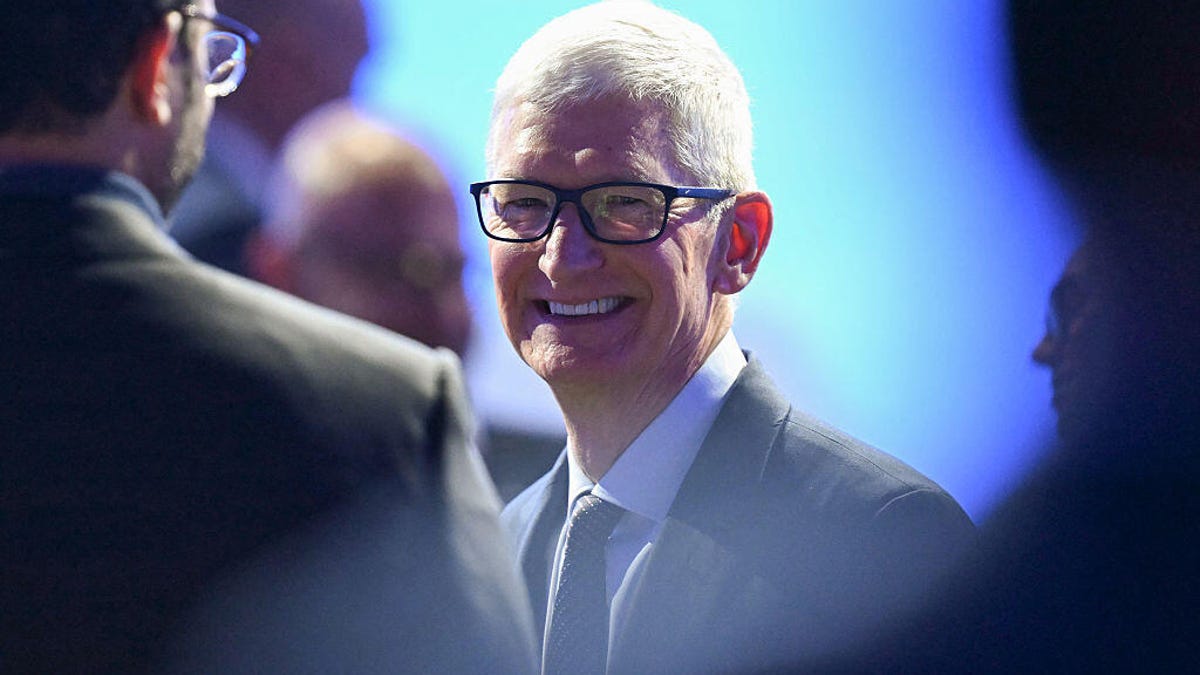
Tim Cook isn’t going anywhere just yet — not during Apple’s 50th anniversary celebrations, not with the company preparing to introduce its first foldable phone, not while the tech giant is trying to figure out how to beat the AI race.
In a sit-down interview with Good Morning America host and Pro Football Hall of Famer Michael Strahan this week, Cook, who turned 65 in November, said there was no truth to the rumors that he is considering retiring from Apple. He became CEO of the company in 2011, 13 years after joining from Compaq.
«I love what I do deeply. Twenty-eight years ago, I walked into Apple, and I’ve loved every day of it since,» Cook told Strahan. «We’ve had ups and downs, but the people I work with are so amazing. They bring out the best in me, and hopefully I can bring out the best in them.»
Strahan interviewed Cook during the Apple CEO’s visit to Wadleigh Secondary School for the Performing & Visual Arts in Harlem, where students use Apple technology through the company’s partnership with the nonprofit Save the Music.
Speculation about Cook stepping down has been circulating since last November, when the Financial Times cited unnamed sources saying that Apple was preparing to usher in a new CEO «as soon as next year.» Bloomberg’s Mark Gurman threw water on that report, saying he «would be shocked if Cook steps down in the time frame outlined by the FT.»
During Cook’s tenure as CEO, Apple’s revenue has nearly quadrupled, with the tech giant adding dozens of new iPhone models, several more iPads, and updated Apple Watches and AirPods. This year, Apple has launched several new products, including the MacBook Neo, which at $599 has disrupted the budget laptop market. The company’s first foldable phone could come later this year.
Touch some grass
The GMA interview was short but wide-ranging, including Cook’s thoughts on how much people use their iPhones. Many studies estimate that people across most generations spend at least 4 hours a day on their phones, with millennials and Gen Z spending 5 to 6 hours.
When asked what he worries about most regarding Apple products’ impact on society, Cook weighed in, telling Strahan he doesn’t want people using iPhones «too much.»
«I don’t want people looking at the smartphone more than they’re looking in someone’s eyes,» Cook said, «because if they’re just scrolling endlessly, this is not the way you want to spend your day. Go out and spend it in nature.»
More on Apple from CNET:
- Watch Steve Jobs Introduce the Original iPhone
- The $500 Check That Kickstarted Apple Just Sold for $2.4 Million
AI and privacy
Cook told Strahan that AI «can be so positive,» but his response when asked whether he was «worried» about it was fairly flat.
«Technology doesn’t want to be good, and it doesn’t want to be bad,» Cook said. «It’s in the hands of the user and the hands of the inventor.»
Strahan questioned how much of iPhone users’ private lives are feeding Apple’s AI learning machine. Cook told him that because the smartphone is encrypted, Apple doesn’t have access to it. He went on to say: «When we can’t answer a question on your device, we send it to something called private cloud compute, which is essentially a big device in the sky that has the same kind of security and architecture as your phone.»
On its website, Apple says that it «does not use our users’ private personal data or user interactions when training our foundation models.»
To date, Apple has been cautious in diving into the AI scrum. While Amazon, Alphabet, Meta and Microsoft are spending nearly $700 billion combined on AI tech this year, Apple is «only» investing $14 billion.
Trump and tariffs
Cook has been criticized for being too cozy with the Trump administration: donating $1 million to President Donald Trump’s inauguration; giving him a 24-karat gold plaque; and attending a White House screening of Melania, a film about the First Lady.
The Apple CEO told Strahan that he’s «not a political person» on either side.
«I’m kind of straight down the middle, and I focus on policy,» Cook said. «So, I’m very pleased that the president and the administration is accessible to talk about policy.»
One of those policies has been tariffs, which Trump has imposed on many nations to varying degrees during his second term in office, purportedly to pressure companies to shift their manufacturing to the US. The president has largely spared Apple, which promised to invest $600 billion over four years to make more products in the US.
Cook told Strahan that the glass for the front and back of an iPhone will come out of Kentucky by the end of the year, and that 100 million chip engines will be manufactured in Arizona this year. He also noted that 20 billion semiconductors will be made in the US. «We’re a very proud American company, and we want to do as much here as we can,» Cook said.
Technologies
Today’s NYT Connections Hints, Answers and Help for March 19, #1012
Here are some hints and the answers for the NYT Connections puzzle for March 19 #1012.
Looking for the most recent Connections answers? Click here for today’s Connections hints, as well as our daily answers and hints for The New York Times Mini Crossword, Wordle, Connections: Sports Edition and Strands puzzles.
Today’s NYT Connections puzzle features another tricky purple category, where words hide inside the clues and you have to dig them out. Read on for clues and today’s Connections answers.
The Times has a Connections Bot, like the one for Wordle. Go there after you play to receive a numeric score and to have the program analyze your answers. Players who are registered with the Times Games section can now nerd out by following their progress, including the number of puzzles completed, win rate, number of times they nabbed a perfect score and their win streak.
Read more: Hints, Tips and Strategies to Help You Win at NYT Connections Every Time
Hints for today’s Connections groups
Here are four hints for the groupings in today’s Connections puzzle, ranked from the easiest yellow group to the tough (and sometimes bizarre) purple group.
Yellow group hint: Children’s stories.
Green group hint: Lucky charms.
Blue group hint: One color, then the next.
Purple group hint: Hidden words relating to music.
Answers for today’s Connections groups
Yellow group: Folk tale characters.
Green group: Good luck symbols.
Blue group: Things that change color.
Purple group: Ending in music genres.
Read more: Wordle Cheat Sheet: Here Are the Most Popular Letters Used in English Words
What are today’s Connections answers?
The yellow words in today’s Connections
The theme is folk tale characters. The four answers are Chicken Little, Frog Prince, Gingerbread Man and Goldilocks.
The green words in today’s Connections
The theme is good luck symbols. The four answers are evil eye, four-leaf clover, horseshoe and rabbit’s foot.
The blue words in today’s Connections
The theme is things that change color. The four answers are chameleon, mood ring, sunset and traffic light.
The purple words in today’s Connections
The theme is ending in music genres. The four answers are baby blues, pet rock, scrap metal and soda pop.
Technologies
Today’s NYT Connections: Sports Edition Hints and Answers for March 19, #542
Here are hints and the answers for the NYT Connections: Sports Edition puzzle No. 542 for Thursday, March 19.
Looking for the most recent regular Connections answers? Click here for today’s Connections hints, as well as our daily answers and hints for The New York Times Mini Crossword, Wordle and Strands puzzles.
Today’s Connections: Sports Edition is tricky. Remember that many athletes’ surnames look like common words, so if you’re having trouble sorting the answers, think about whether a particular word could be someone’s last name. If you’re struggling with today’s puzzle but still want to solve it, read on for hints and the answers.
Connections: Sports Edition is published by The Athletic, the subscription-based sports journalism site owned by The Times. It doesn’t appear in the NYT Games app, but it does in The Athletic’s own app. Or you can play it for free online.
Read more: NYT Connections: Sports Edition Puzzle Comes Out of Beta
Hints for today’s Connections: Sports Edition groups
Here are four hints for the groupings in today’s Connections: Sports Edition puzzle, ranked from the easiest yellow group to the tough (and sometimes bizarre) purple group.
Yellow group hint: Football division.
Green group hint: They catch the pigskin.
Blue group hint: College hoopsters.
Purple group hint: Where’s the glass slipper?
Answers for today’s Connections: Sports Edition groups
Yellow group: NFC East teams.
Green group: Hall of Fame wide receivers.
Blue group: Stars in this year’s men’s NCAA tournament.
Purple group: Notable NCAA tournament Cinderellas.
Read more: Wordle Cheat Sheet: Here Are the Most Popular Letters Used in English Words
What are today’s Connections: Sports Edition answers?
The yellow words in today’s Connections
The theme is NFC East teams. The four answers are Commanders, Cowboys, Eagles and Giants.
The green words in today’s Connections
The theme is Hall of Fame wide receivers. The four answers are Bruce, Monk, Moss and Rice.
The blue words in today’s Connections
The theme is stars in this year’s men’s NCAA tournament. The four answers are Acuff, Boozer, Dybantsa and Peat.
The purple words in today’s Connections
The theme is notable NCAA tournament Cinderellas. The four answers are Patriots, Peacocks, Ramblers and Rams.
-
 Technologies3 года ago
Tech Companies Need to Be Held Accountable for Security, Experts Say
-
 Technologies3 года ago
Best Handheld Game Console in 2023
-
 Technologies3 года ago
Tighten Up Your VR Game With the Best Head Straps for Quest 2
-
 Technologies4 года ago
Black Friday 2021: The best deals on TVs, headphones, kitchenware, and more
-
 Technologies5 лет ago
Google to require vaccinations as Silicon Valley rethinks return-to-office policies
-
 Technologies5 лет ago
Verum, Wickr and Threema: next generation secured messengers
-
 Technologies4 года ago
Olivia Harlan Dekker for Verum Messenger
-
 Technologies5 лет ago
iPhone 13 event: How to watch Apple’s big announcement tomorrow