
Technologies
Need a COVID-19 test? Buy one of these at-home collection kits
PCR and rapid antigen coronavirus tests you can take at home.
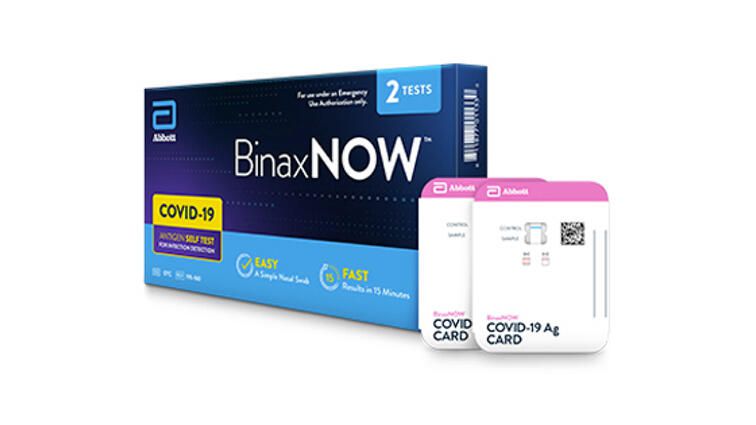
At-home COVID-19 tests are an important tool to protect others if you get sick during the pandemic, especially as new COVID-19 variants spread around the world. These easy to administer tests can spare you a trip to a test clinic or doctor, so you can avoid spreading germs.
The US Food and Drug Administration began granting emergency use authorizations for at-home collection kits in May 2020, and consumers have many different choices. Heck, you can even order one from DoorDash now.
After trying many at-home COVID-19 tests, I found that my overall experience was more or less the same with each test. I navigated to the website, took the symptom screening if there was one, put in my personal information, checked out and waited for the test to arrive. When the test was delivered, I followed the instructions to register the kit, collect my sample and ship the specimen back.
I didn’t have any particularly great or horrendous experiences with any of these testing companies, so I don’t necessarily recommend any one in particular. Only a couple stand out, including the new Ellume COVID-19 test, which is the first rapid at-home test with an EUA from the FDA.
The best at-home COVID-19 test for you ultimately depends on cost, whether your insurance, FSA or HSA covers the cost, and your preferred collection method (saliva sample or nasal swab).
Nonetheless, it’s worth knowing the small differentiators between the 10 coronavirus tests you can get without a doctor, which I describe here.
Who should take an at-home COVID-19 test?
At-home COVID-19 tests aren’t appropriate for everyone. Regardless of which brand you choose, it takes several days to a week to get your results from the time you order the test. Some people may require quicker test results due to their work or home environment, symptoms or other factors.
An at-home coronavirus test is appropriate for those who:
- Have known or suspected exposure to COVID-19 (with or without symptoms) and can stay home until they get their test results.
- Have mild-to-moderate symptoms and can quarantine until they receive a negative result or symptoms disappear for several days.
The common denominator? People must be able to stay at home while they await their test results. If you can’t stay home until you have a positive test (for example, if your employer requires it), or you need quicker results for any other reason, an at-home COVID-19 test is not right for you.
More for the health-minded
- How to protect yourself from the coronavirus
- Face mask feeling uncomfortable? Here’s what you can do for ear and head relief
- Best face mask for 2021
- Best air purifier for 2021
The information contained in this article is for educational and informational purposes only and is not intended as health or medical advice. Always consult a physician or other qualified health provider regarding any questions you may have about a medical condition or health objectives.
Technologies
Today’s Wordle Hints, Answer and Help for April 7, #1753
Here are hints and the answer for today’s Wordle for April 7, No. 1,753.
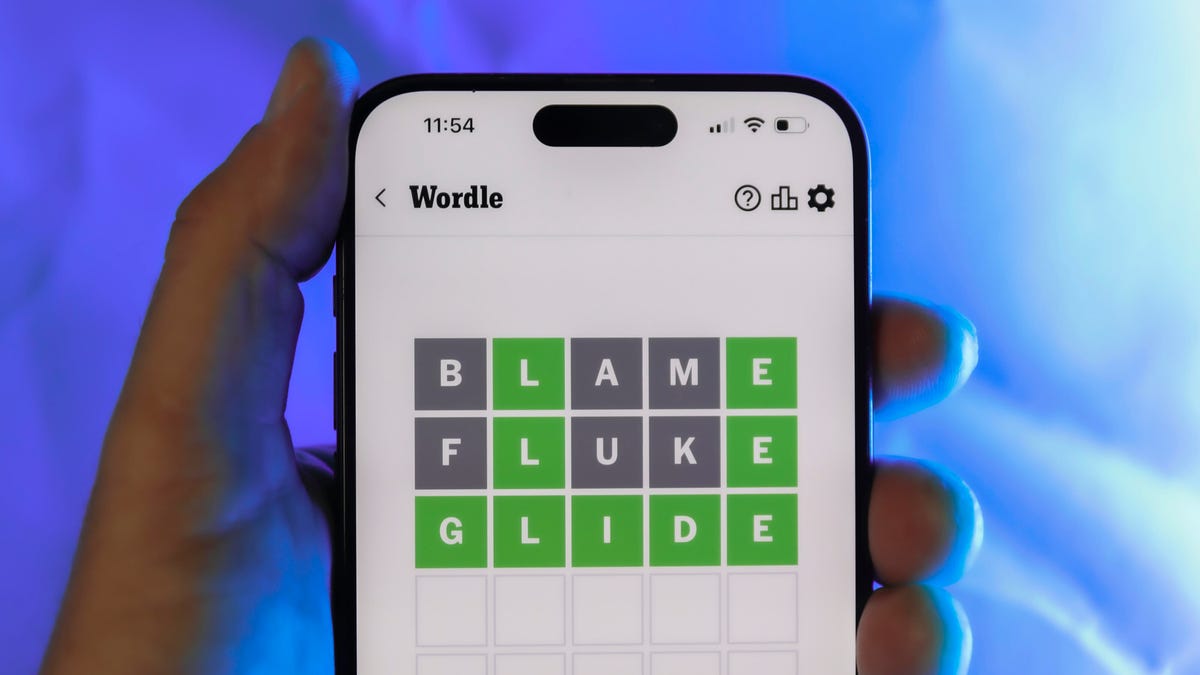
Looking for the most recent Wordle answer? Click here for today’s Wordle hints, as well as our daily answers and hints for The New York Times Mini Crossword, Connections, Connections: Sports Edition and Strands puzzles.
Today’s Wordle puzzle wasn’t too tricky, for a change. If you need a new starter word, check out our list of which letters show up the most in English words. If you need hints and the answer, read on.
Read more: New Study Reveals Wordle’s Top 10 Toughest Words of 2025
Today’s Wordle hints
Before we show you today’s Wordle answer, we’ll give you some hints. If you don’t want a spoiler, look away now.
Wordle hint No. 1: Repeats
Today’s Wordle answer has one repeated letter.
Wordle hint No. 2: Vowels
Today’s Wordle answer has one vowel, but it’s the repeated letter, so you’ll see it twice.
Wordle hint No. 3: First letter
Today’s Wordle answer begins with D.
Wordle hint No. 4: Last letter
Today’s Wordle answer ends with E.
Wordle hint No. 5: Meaning
Today’s Wordle answer can relate to something that is closely compacted.
TODAY’S WORDLE ANSWER
Today’s Wordle answer is DENSE.
Yesterday’s Wordle answer
Yesterday’s Wordle answer, April 6, No. 1752, was SWORN.
Recent Wordle answers
April 2, No. 1748: SOBER
April 3, No. 1749: SINGE
April 4, No. 1750: SANDY
April 5, No. 1751: ENVOY
What’s the best Wordle starting word?
Don’t be afraid to use our tip sheet ranking all the letters in the alphabet by frequency of uses. In short, you want starter words that lean heavy on E, A and R, and don’t contain Z, J and Q.
Some solid starter words to try:
ADIEU
TRAIN
CLOSE
STARE
NOISE
Technologies
Today’s NYT Mini Crossword Answers for Tuesday, April 7
Here are the answers for The New York Times Mini Crossword for April 7.

Looking for the most recent Mini Crossword answer? Click here for today’s Mini Crossword hints, as well as our daily answers and hints for The New York Times Wordle, Strands, Connections and Connections: Sports Edition puzzles.
Need some help with today’s Mini Crossword? Read on for all the answers. And if you could use some hints and guidance for daily solving, check out our Mini Crossword tips.
If you’re looking for today’s Wordle, Connections, Connections: Sports Edition and Strands answers, you can visit CNET’s NYT puzzle hints page.
Read more: Tips and Tricks for Solving The New York Times Mini Crossword
Let’s get to those Mini Crossword clues and answers.
Mini across clues and answers
1A clue: Informative commercial, for short
Answer: PSA
4A clue: Something you trace to draw a Thanksgiving turkey
Answer: HAND
5A clue: ___ Johnson, former Prime Minister of the U.K.
Answer: BORIS
6A clue: Opposite of include
Answer: OMIT
7A clue: Crosses (out)
Answer: XES
Mini down clues and answers
1D clue: City with the Notre-Dame Cathedral
Answer: PARIS
2D clue: Bad mood
Answer: SNIT
3D clue: About eight minutes of the average half-hour sitcom
Answer: ADS
4D clue: Remote worker’s office, perhaps
Answer: HOME
5D clue: Word that can follow each group of circled letters (and hints at its shape)
Answer: BOX
Technologies
NASA’s Artemis II Breaks Record With Trip Around The Moon
-
 Technologies3 года ago
Tech Companies Need to Be Held Accountable for Security, Experts Say
-
 Technologies3 года ago
Best Handheld Game Console in 2023
-
 Technologies3 года ago
Tighten Up Your VR Game With the Best Head Straps for Quest 2
-
 Technologies4 года ago
Black Friday 2021: The best deals on TVs, headphones, kitchenware, and more
-
 Technologies5 лет ago
Google to require vaccinations as Silicon Valley rethinks return-to-office policies
-
 Technologies5 лет ago
Verum, Wickr and Threema: next generation secured messengers
-
 Technologies4 года ago
Olivia Harlan Dekker for Verum Messenger
-
 Technologies4 года ago
The number of Сrypto Bank customers increased by 10% in five days