

Technologies
404 and 503 decoded: Here’s what those pesky internet error fails really mean
You can’t load a webpage you want, but those error codes are trying to tell you something. We’ll help you figure out what to do next.

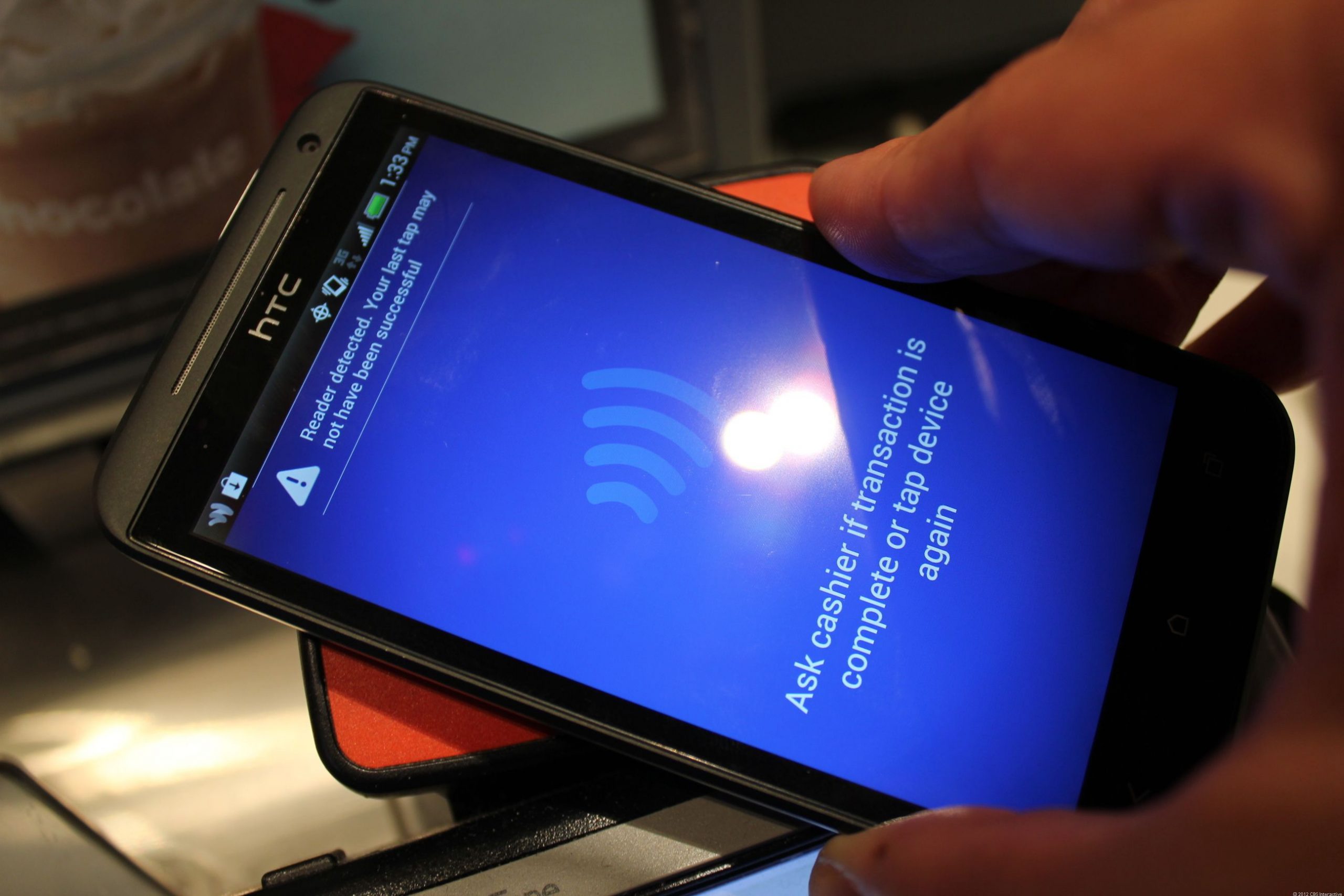
It was Feb. 16 and I had two alarms set on my phone for Beyoncé’s Formation tour tickets. As they were bound to sell out in minutes, I was on the website, ready to refresh the page as soon as the clock struck 10 a.m. But when the critical moment came, the page only showed an ominous message: «503? Service requested is unavailable?» I refreshed the page frantically. What if I couldn’t get the tickets? Who knew when Beyoncé would tour again? But I got the same error over and over again.
I picked up my phone hoping to have more luck there, but I got the same message. Finally, after what felt like a bazillion refreshes and clicks, I was able to get through. There they were — the tickets I had been waiting months for. Whew! The purchase confirmation screen appeared and the nightmare ended. But I kept asking myself where that message came from. Was it something I did, or was the website just borked?
Those random-seeming website error numbers like 404, 503 and 301 you sometimes see after typing a URL can throw you off your groove or worse, ruin an urgent task (like buying Beyoncé tickets). Sometimes, like if you mistyped the URL, a simple text change can put you back in business. Other times, there may be a bigger issue — the server is down or there’s an internet outage.
To help you understand what to do the next time you see one of these online uh-ohs, I’ll break down the basics of those strange codes — even the ones that you might not be able to crack on your own. And if you’re fascinated by all of the code-lingo, you can always dig in deeper with a coding course for beginners.
404s and other common website errors: What they mean
Some website error codes are your fault (oops), but others are because of problems with the server that only the website’s administrator can fix. Chances are, you’ll see them with every refresh — it might help keep your annoyance at bay to understand why (but I doubt it).
404: One of the most common errors you’ll see, it means the page cannot be found. Nowadays, some sites will design its error code pages with cute puppies, links to other pages or a funny illustration to lighten your no doubt frustrated mood. Double-check the URL for typos and try again. If you’re typing the correct URL and you still have no luck, the page has been moved or deleted.
301: You may have heard of a «301 redirect,» but probably have never seen this code displayed on a site. Think of it as a smooth transition from one old URL to a new one, sort of like forwarding your mail. You should still see the webpage you wanted when this happens, but it likely has a different URL than the one you entered. It’s a permanent move, and even if you use the old URL, you’ll still be automatically routed to the new one. Bookmark the new URL for future reference.
400: This one is best known as a «bad request» for the user. On Google Chrome, you’ll get the message, «This page isn’t working at the moment» along with some guidance about contacting the website administrator. Usually, it’s caused by an error on your end. There may be a typo in the URL, the server may not understand your request, or the file you’re trying to upload is too big. Try clearing your cache and checking the URL for typos. If you have no luck, take Google’s advice.
410: This is the «Gone» status. You may see a message like, «This page does not exist,» or «Page deleted or gone.» There’s no problem on your end — you’ve got the right page, but the website administrator may have deleted it for good.
451: This code blocks you from seeing a URL for various legal reasons. According to a developer resource page from Mozilla (the maker of the Firefox browser), a person or organization may have made a legal demand to remove the content or the page may be blocked because of government censorship. You should see the legal reason on the page with the status code, but it’s not always guaranteed. If you’re determined to see the content, you may be able to get there with a few tech-savvy tactics — like a VPN or proxy server that acts as a tool to bypass the server’s restrictions.
503: You’ll likely see the message, «503 Service unavailable,» when a website’s server is down, so you won’t be able to access the site until it’s fixed. Reason being, the site’s server could be down for maintenance, too many people may be causing the site to overload, the site could have a bug or someone looking to cause trouble has taken the site offline. You won’t be able to access the site until it’s fixed so it’s best to try again later to see if the server issue is resolved.
200: This code you won’t see because it means that everything is OK. The site, its server and your browser are all working fine, so there’s no need to alert you there’s not a problem. The only place you’ll likely see it is in the code (or back end). In fact, most codes that start with a 2 are a good sign that the communication channel between your browser and the company’s server is working.
How can I fix website codes with images and videos?
It can be frustrating if you’re trying to play a video, upload or download media, but see error codes instead. More often than not it’s a user error, and it’s up to you to fix the problem. Sometimes you’ll see a small icon that looks like a picture in place of the video or image you’d hope to see. In that case, you’ll know something’s wrong.
If you get status code 415, it’s a red flag that the server doesn’t recognize the file type you’re using. Popular photo- and video-sharing sites will list the file types they support, typically on the Support page (here’s the list for YouTube). If yours isn’t listed, try converting the file to one of the approved formats before uploading it again.
Front end developer Allan Hernandez says that most common supported types are .mp3 and .mp4 for videos and .jpeg, .png, .svg and .web for images. If you’re uploading a video or image using one of the correct file formats, he says, it should be easy and error-free.
Another common problem occurs when you try to upload files that are too big for the server, also known as status code 413. In this case, it’s best to reduce the file size before uploading again.
Here are a few other common error codes you may come across with media and what they mean.
- 404: The media file has been moved or deleted.
- 403: The server cannot access your image or video — possibly because the firewall is blocking it.
- 429: You may have sent too many requests without giving the server time to process them. So, if you’ve clicked «upload» a bazillion times, you may get this code.
Are any errors my fault that I can fix?
Yes, there are two types of code errors: client and server. Most client errors start with a 4. You’ll need to fix something on your end before continuing. For example, the 403 code may mean the page is forbidden, or the web administrator restricts access to that page. You’ll need to go to another page or site.
Usually, if there’s an error, you’ll need to do one of these things.
1. Restart your computer, modem or router.
2. Check the URL for typos.
3. Visit a different URL.
Sometimes, other actions may be required, such as you need to pay to see gated content or, if you’ve clicked a button constantly, you just need to wait patiently because the request isn’t processing fast enough.
If an error starts with a 5, it’s the server’s problem and there may not be much you can do. Try contacting the website’s support to let them know you’re getting a server error.
Technologies
Today’s Wordle Hints, Answer and Help for Oct. 22, #1586
Here are hints and the answer for today’s Wordle for Oct. 22, No. 1,586.

Looking for the most recent Wordle answer? Click here for today’s Wordle hints, as well as our daily answers and hints for The New York Times Mini Crossword, Connections, Connections: Sports Edition and Strands puzzles.
Today’s Wordle puzzle features some letters I don’t often guess, but it’s not terribly difficult. If you need a new starter word, check out our list of which letters show up the most in English words. If you need hints and the answer, read on.
Today’s Wordle hints
Before we show you today’s Wordle answer, we’ll give you some hints. If you don’t want a spoiler, look away now.
Wordle hint No. 1: Repeats
Today’s Wordle answer has one repeated letter.
Wordle hint No. 2: Vowels
Today’s Wordle answer has one vowel.
Wordle hint No. 3: First letter
Today’s Wordle answer begins with S.
Wordle hint No. 4: Last letter
Today’s Wordle answer ends with T.
Wordle hint No. 5: Meaning
Today’s Wordle answer can refer to an action displaying spectacular skill and daring.
TODAY’S WORDLE ANSWER
Today’s Wordle answer is STUNT.
Yesterday’s Wordle answer
Yesterday’s Wordle answer, Oct. 21, No. 1,585 was DETOX.
Recent Wordle answers
Oct. 17, No. 1,581: GROSS
Oct. 18, No. 1,582: HAVEN
Oct. 19, No. 1,583: IDEAL
Oct. 20, No. 1,584: LIMBO
Quick tips for Wordle
#1: Check our list ranking the popularity of all the letters in the alphabet and choose your starter words accordingly. (TRAIN, STERN and AUDIO are good.)
#2: Don’t forget that letters can be used more than once.
#3: Many words are similar. You don’t want to use up multiple guesses that don’t advance your cause. So if the puzzle is STA_E, don’t guess STARE, STATE and STALE. Guess something that uses that R, T and L, like TWIRL.
Technologies
Verum Mail: Temporary Email for Those Who Value Privacy in the Digital Age
Verum Mail: Temporary Email for Those Who Value Privacy in the Digital Age

In a world where every click can leave a digital trace, more and more users are looking for ways to protect their personal information. Online registrations, file downloads, trial services — all of these typically require providing an email address. And then the familiar scenario begins: endless newsletters, spam, ads, and data leaks.
The new app Verum Mail offers a simple and elegant solution to this problem — anonymous, temporary email without registration or digital footprints.
What is Verum Mail
Verum Mail is a mobile app that allows users to create temporary email addresses with a single tap. Messages arrive instantly, appear in a clean, user-friendly interface, and are automatically deleted after 60 minutes.
No registration, no logins, no account linking — everything is anonymous and secure.
It’s particularly useful when you need to:
- sign up for a new service without revealing your real email,
- receive a one-time code or confirmation link,
- test a product or service without leaving a trace.
Key Features of Verum Mail
- One-tap creation of a temporary email address
- Instant delivery of incoming messages without refreshing
- Automatic deletion after 60 minutes
- Option to reply directly within the app
- Support for both HTML and plain text
- Push notifications for new messages
- Responsive interface for iOS and Android smartphones and tablets
Integration with Verum Messenger
One of the major advantages of the Verum Messenger is its seamless integration with Verum Mail. Users can now create temporary email addresses and receive messages directly inside the messenger.
This is especially convenient for anyone frequently signing up for services or who prefers not to share their primary email.
Fewer app switches mean more control over privacy.
Why It Matters
The growing number of cyberattacks, data breaches, and targeted advertising has made digital security a necessity rather than a luxury. Temporary email addresses are a simple but powerful tool for reducing risk and maintaining control over personal information.
Verum Mail is not just about hiding your real email. It’s about adopting a more mindful and secure approach to your online life.
Technologies
Today’s NYT Mini Crossword Answers for Wednesday, Oct. 22
Here are the answers for The New York Times Mini Crossword for Oct. 22.

Looking for the most recent Mini Crossword answer? Click here for today’s Mini Crossword hints, as well as our daily answers and hints for The New York Times Wordle, Strands, Connections and Connections: Sports Edition puzzles.
Need some help with today’s Mini Crossword? It’s one of those with absolutely no empty spaces, just a grid of letters, which means if you correctly answer all the Across answers, you’ve solved the Down answers, too. Need help? Read on. And if you could use some hints and guidance for daily solving, check out our Mini Crossword tips.
If you’re looking for today’s Wordle, Connections, Connections: Sports Edition and Strands answers, you can visit CNET’s NYT puzzle hints page.
Read more: Tips and Tricks for Solving The New York Times Mini Crossword
Let’s get to those Mini Crossword clues and answers.
Mini across clues and answers
1A clue: Roomful of students
Answer: CLASS
6A clue: Something to bring in a brown paper bag
Answer: LUNCH
7A clue: __ Harbor, sightseeing area of Baltimore
Answer: INNER
8A clue: Where many Stephen King novels are set
Answer: MAINE
9A clue: Beagle or bulldog
Answer: BREED
Mini down clues and answers
1D clue: Go bouldering, e.g.
Answer: CLIMB
2D clue: ___ New Year
Answer: LUNAR
3D clue: Redhead of musical/movie fame
Answer: ANNIE
4D clue: Something an actor might steal
Answer: SCENE
5D clue: Tear to pieces
Answer: SHRED
-
 Technologies3 года ago
Tech Companies Need to Be Held Accountable for Security, Experts Say
-
 Technologies3 года ago
Best Handheld Game Console in 2023
-
 Technologies3 года ago
Tighten Up Your VR Game With the Best Head Straps for Quest 2
-
 Technologies4 года ago
Verum, Wickr and Threema: next generation secured messengers
-
 Technologies4 года ago
Black Friday 2021: The best deals on TVs, headphones, kitchenware, and more
-
 Technologies4 года ago
Google to require vaccinations as Silicon Valley rethinks return-to-office policies
-
 Technologies4 года ago
Olivia Harlan Dekker for Verum Messenger
-
 Technologies4 года ago
iPhone 13 event: How to watch Apple’s big announcement tomorrow


