
Technologies
Camera Champions Face Off: iPhone 16 Pro vs. Galaxy S25 Ultra
When photo quality is a top consideration, the best phones from Apple and Samsung are amazing. But which is better? It’s time to find out.
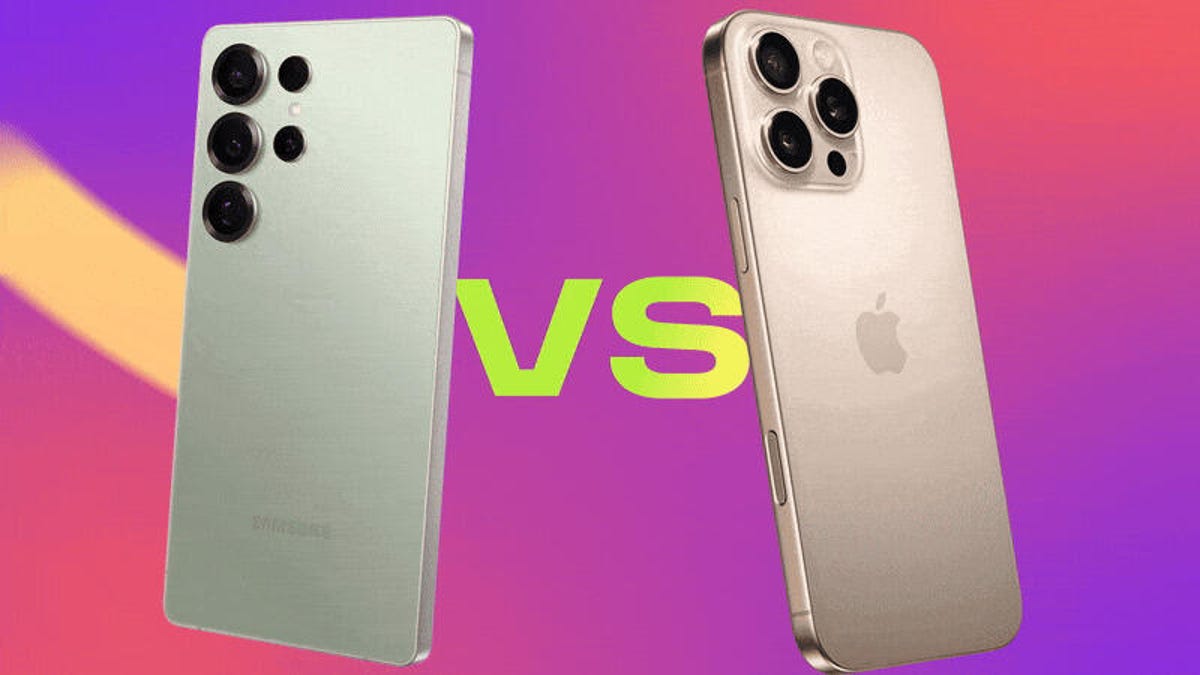
When you’re looking for the best camera to carry in your pocket, you need to consider today’s top-tier phones. The imaging capabilities of the iPhone 16 Pro and Galaxy S25 Ultra are among the best money can buy. And with travel season ramping up, carrying a phone may be the most convenient camera. But for photo details how do these two mobile titans compare?
To find out, I shot hundreds of photos using both phones in a variety of conditions to see which phone takes the best-looking images. What’s “best” is often down to personal perspective so while I’ll be giving my personal take on each test as a professional photographer and giving my reasons why I prefer one over the other, you may well find that you prefer the other. So have a look through the range of examples here and see if you come to a different conclusion.
Read more: Best Camera Phone of 2025
All images shown have been taken using each phone’s default camera mode using default settings, unless otherwise stated. While images from the Galaxy S25 have been uploaded as taken, the iPhone’s images have had to be converted through Adobe Lightroom as our publishing platform doesn’t support Apple’s default HEIF image format. This process doesn’t affect the image in any way.
Ready? Let’s dive in.
Starting out with an easy outdoor scene. Both phones have done a great job capturing an even exposure here and both images are packed with detail. It’s difficult to choose between them, but the iPhone has the edge for me as it’s achieved a slightly warmer image with more natural-looking tones. The S25 Ultra’s image looks too saturated, especially in the blue sky, which I find quite distracting.
It’s much the same story when we switch to the ultrawide lenses on both phones. I prefer the warmer tones in the iPhone’s shot, which makes the S25 Ultra’s look quite cold by comparison. I also prefer the lighter shadows on the iPhone’s image, making it an easy win for the iPhone here. Notably, both phones are doing a good job of compensating for the ultrawide lenses at the edges (a function turned on by default on both phones); the railing remains straight in each shot and not curving as you’d typically see using a lens this wide.
There’s almost no difference between these two outdoor scenes. The blossom looks crisp on both images, with excellent overall exposure. The iPhone’s image is again slightly warmer in tone but it’s negligible.
The Galaxy S25 takes an easy win with this image of bluebells. The colors are much more vibrant, especially in the greens on the blades of grass, which look quite washed out on the iPhone’s image. It actually looks like the S25’s camera lens is slightly polarized to reduce reflections and increase saturation, but I don’t know if that’s the case. Either way, Samsung takes the win here.
At 5x zoom things get worse for the iPhone. Despite the bluebells being reasonably far away, the phone seemed unable to achieve a sharp focus on the flowers. The S25 Ultra, meanwhile, managed to achieve a sharp image with richer colors.
I prefer the iPhone’s image here though. It’s brighter and the warmer colors on the bricks on the surrounding buildings look much more true to life.
The iPhone’s image is again brighter here and I prefer its colors too. The Galaxy S25 Ultra does have the edge in fine detail, though. You really need to zoom in to see it but the tiny lines on the building are slightly sharper on the S25.
The S25 Ultra does have a physical advantage over the iPhone with its 10x optical zoom lens, which allows it to zoom in even further while still maintaining a pin-sharp image.
You can still digitally zoom in with the iPhone to 10x, and the results aren’t bad. I prefer the colors of the S25 Ultra’s shot here, but the difference in detail isn’t that noticeable.
Zooming in close to see the fine details, the S25 Ultra’s optical zoom image definitely has a bit more clarity but the digital upscaling on the iPhone’s shot has done a great job here, as the difference isn’t immense.
iPhone 16 Pro vs. Galaxy S25 Ultra: Night modes compared
At first glance, the only real difference between the iPhone’s 5x shot and the S25 Ultra’s 5x shot is the color balance. And honestly, I don’t have a preference between the warmer tone of the iPhone or the more magenta bias of the S25.
However, when you zoom in close to the details, the iPhone has produced a sharper image here, with an odd sort of digital blurring around the lamp post in the S25 Ultra’s image. So sometimes the S25 Ultra’s zoom is sharper, other times it’s the iPhone’s. I’m glad they’re making this easy for me.
Again, the only real difference here is in the color balance and I don’t really know which I prefer. The exposure, noise levels and amount of detail are practically identical.
Things changed when I switched to the ultrawide lenses, though. The S25 Ultra’s shot is definitely brighter, capturing more detail in the cobblestones in the foreground and in the buildings in the distance. The iPhone’s image is much darker overall.
Just to confuse things further, the iPhone’s nighttime image with its ultrawide lens is noticeably brighter than the S25 Ultra’s in this example that I shot in the Arctic. I actually had to double-check the image metadata to make sure I hadn’t mixed these up, but I haven’t. The iPhone’s image has captured more light information here and produced more detail on the ice door to the right.
The iPhone’s nighttime image is again slightly brighter here but it’s also kept the bright highlights on the pub sign under control. On the S25 Ultra’s image, those highlights are almost lost to pure white but the lovely green and yellow tones have been retained in the iPhone’s image. The colors overall are noticeably warmer on the iPhone’s shot, however, which may not be to your taste. Here, I think they work well.
But in this example, the iPhone has produced a weirdly warm-looking image that I really don’t like. Those warm colors were not present at the time of capture and it doesn’t work for the scene, especially not with such strong orange tones in the sky. The S25 Ultra’s image is much more balanced overall and it’s a slightly sharper image too. It’s a very easy win for Samsung here.
Things don’t improve for the iPhone when using the ultra-wide lens. Its image is again plagued by overly warm tones, while the S25 Ultra’s shot is both more color-accurate and brighter.
iPhone 16 Pro vs. Galaxy S25 Ultra: Which takes better selfies?
While the Galaxy S25 Ultra’s selfie is slightly brighter, I don’t like what it’s done with the colors. My face has been made a weird shade of orange and my denim jacket is a much deeper blue than it really is. The skin tones on the iPhone’s shot are much more accurate, and its shot is sharper as well.
Both phones have a wider-angle mode for the selfie camera, although the iPhone’s seems to be a lot wider. That’s definitely worth keeping in mind if you frequently like to cram lots of friends into your group pics. You could probably squeeze at least one or two extra friends in if you used the iPhone, or have to decide who you like least and leave them out of frame if you used the S25 Ultra. Otherwise, the image differences are the same as before.
iPhone 16 Pro Vs Galaxy S25 Ultra: Which camera is better?
I’ve written many of these comparison pieces on various generations of phones in my 14 years at CNET and I don’t remember having done one that’s felt this close. The problem is that neither phone excels consistently in one area; the iPhone 16 Pro’s ultra-wide shots aren’t as bright as the S25 Ultra’s, except on those occasions when they actually are, confusingly. I’ve taken many more images not included here that both support some of my conclusions and argue against them. Go figure.
But there are some takeaways I can give with confidence. Generally speaking, the iPhone’s colors are more natural than the S25 Ultra’s, which can sometimes look overly saturated. This has been the case with almost every Samsung phone since the company started putting cameras in them and it’s still the case today. Those looking for a more natural base image to apply your own filters and effects over will be better suited with the iPhone 16 Pro.
But that’s less the case at night, when the iPhone more consistently delivers warmer tones that look less natural than the S25 Ultra’s. So, if night photography is important to you, the S25 Ultra may be the better option. Overall, its night mode images from all lenses were brighter and sharper.
Sure, the S25 Ultra has the extended zoom range but you’d really need to know you’ll make the most of a 10x zoom to justify picking one over the other. Personally, I find the 5x zoom level a perfect sweet spot and here the phones are pretty much on par. And on those rare occasions you may want to push things further, the iPhone’s digital zoom can still deliver sharp results.
There are other things for photographers to consider too: Apple’s ProRaw is superb and while the company’s Photographic Styles can be good for adding a creative look to your images, Samsung’s new tool for mimicking the color grade from example photos you feed it works surprisingly well — I actually think I might get more use out of that overall. I haven’t even gone into video quality either, which is a whole other article, especially when you consider both phones shoot Log video, although only the iPhone uses ProRes.
Deciding between the phones based solely on the cameras is nigh on impossible. Which one you should get will instead come down to the bigger question of iOS versus Android; which platform you’re already using and which one will work best with other pieces of tech in your life. But for simple picture quality, you may as well toss a coin.
Technologies
Verum Exchange Launches a $10 Bonus for Online Mining of Verum Coin and Bitcoin
Verum Exchange Launches a $10 Bonus for Online Mining of Verum Coin and Bitcoin
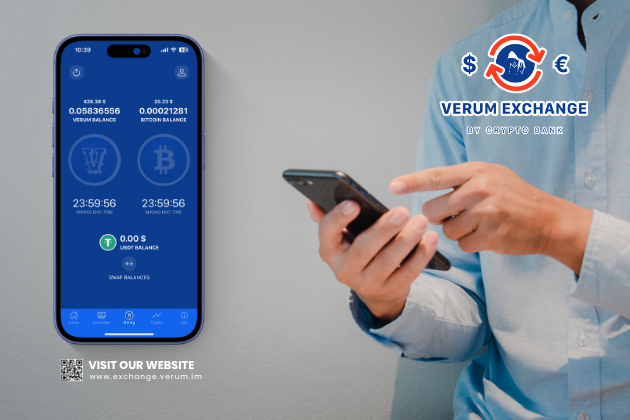
Verum Exchange is expanding its online mining capabilities, allowing users to earn a $10 bonus while continuing to mine cryptocurrency directly from their smartphones. The feature is available not only in the currency converter app but also within Verum Messenger.
Online mining has long been part of the Verum ecosystem. Now, the company has added a new incentive to the existing feature — a bonus for participating in online mining.
The concept of online mining is changing the traditional perception of cryptocurrency mining. Users do not need to set up specialized mining equipment at home or deal with complex technical configurations. The feature can be accessed directly through the Verum digital ecosystem.
Verum Exchange: https://exchange.verum.im
Verum Messenger: https://ios.verum.im
Technologies
Supreme Court permits certain Trump mail-in voting restrictions before midterm elections
The Supreme Court has temporarily blocked a lower court ruling that prevented the Trump administration from implementing new restrictions on mail-in voting, allowing the administration to proceed with its plan to impose new requirements on states ahead of the midterm elections.
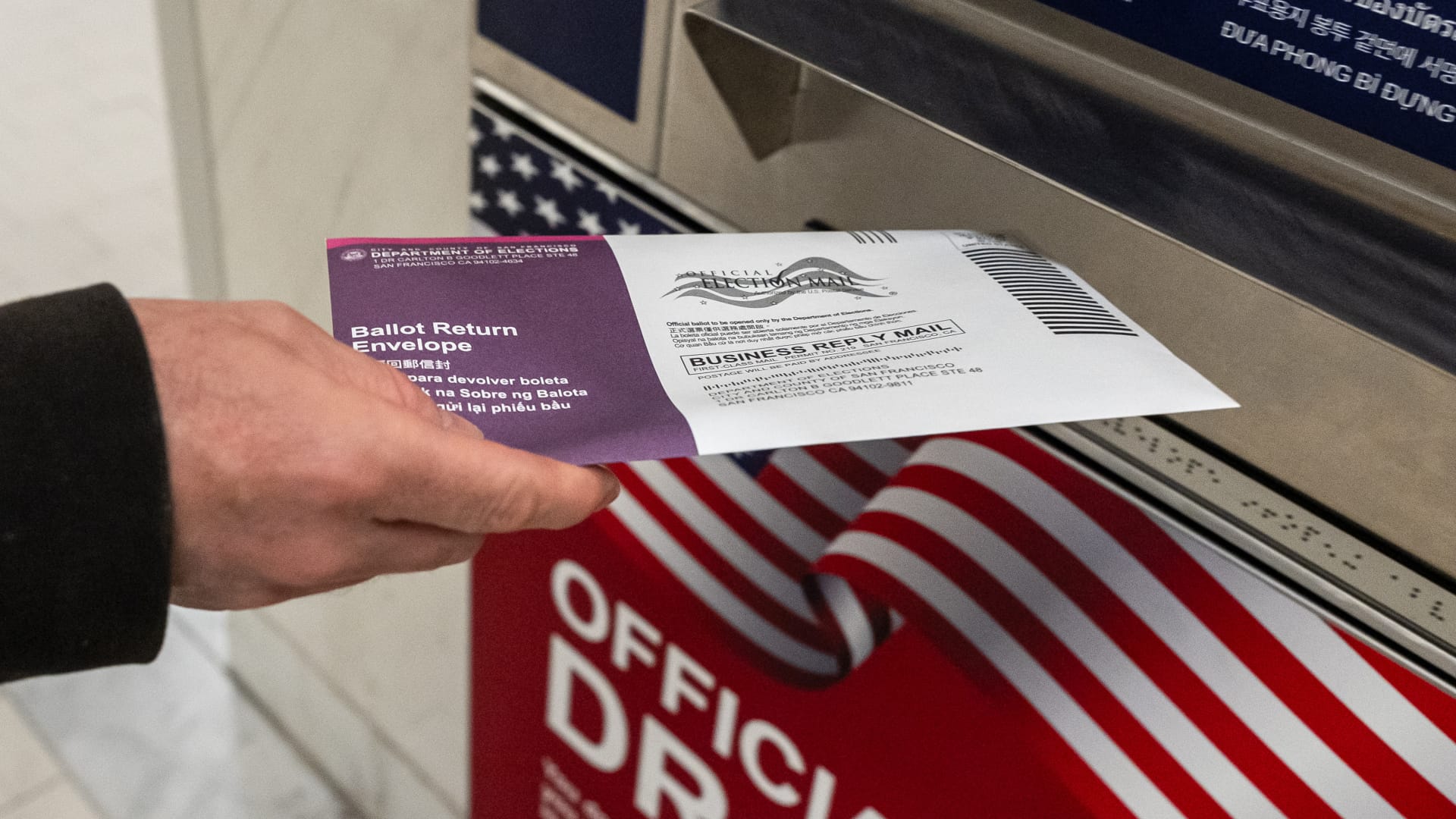
The Supreme Court on Monday sided with President Donald Trump for now in his effort to impose sweeping new restrictions on distributing mail ballots, putting on hold a lower-court ruling that had blocked key parts of the plan ahead of November’s midterm elections.
The justices, over three dissents, paused a ruling by U.S. District Judge Indira Talwani in Boston that prevented the Trump administration from carrying out portions of a March executive order involving the U.S. Postal Service and voter eligibility lists. The court’s three liberal justices dissented.
But the decision does not immediately allow the Postal Service to put its new mail-ballot system into effect.
A separate nationwide injunction issued Aug. 11 by U.S. District Judge Indira Talwani in Boston still blocks USPS from implementing the new procedures for the Nov. 3 elections. The administration would have to overcome that order as well.
The distinction was central to the Supreme Court’s decision.
The majority said Trump’s executive order itself does not require states to change how they conduct elections. Instead, it directs federal agencies to develop policies that could later impose requirements on states. Because those policies had not yet been implemented when 23 states and Washington, D.C., challenged the order, the court said the challenge was premature.
The justices stressed they were not deciding whether Trump’s order or the policies developed under it are ultimately legal.
“The Court’s disposition of this application does not mean that any measure taken by the Government to implement the Order will necessarily be lawful,” the majority wrote. “On that score, time will tell.”
The Postal Service last week finalized rules intended to carry out part of Trump’s order, including new requirements involving ballot envelopes, barcodes and information states must provide USPS. Those rules remain blocked by Talwani’s separate injunction.
The case now returns to the 1st U.S. Circuit Court of Appeals as the underlying legal fight continues. Some states have already started preparing to send ballots to military and overseas voters in early September.
Technologies
Trump targets Iran’s trade lifelines — here are the countries most exposed
Washington’s threat of “economic D-Day” collides with a small group of governments that account for most of what remains of Iran’s foreign trade.
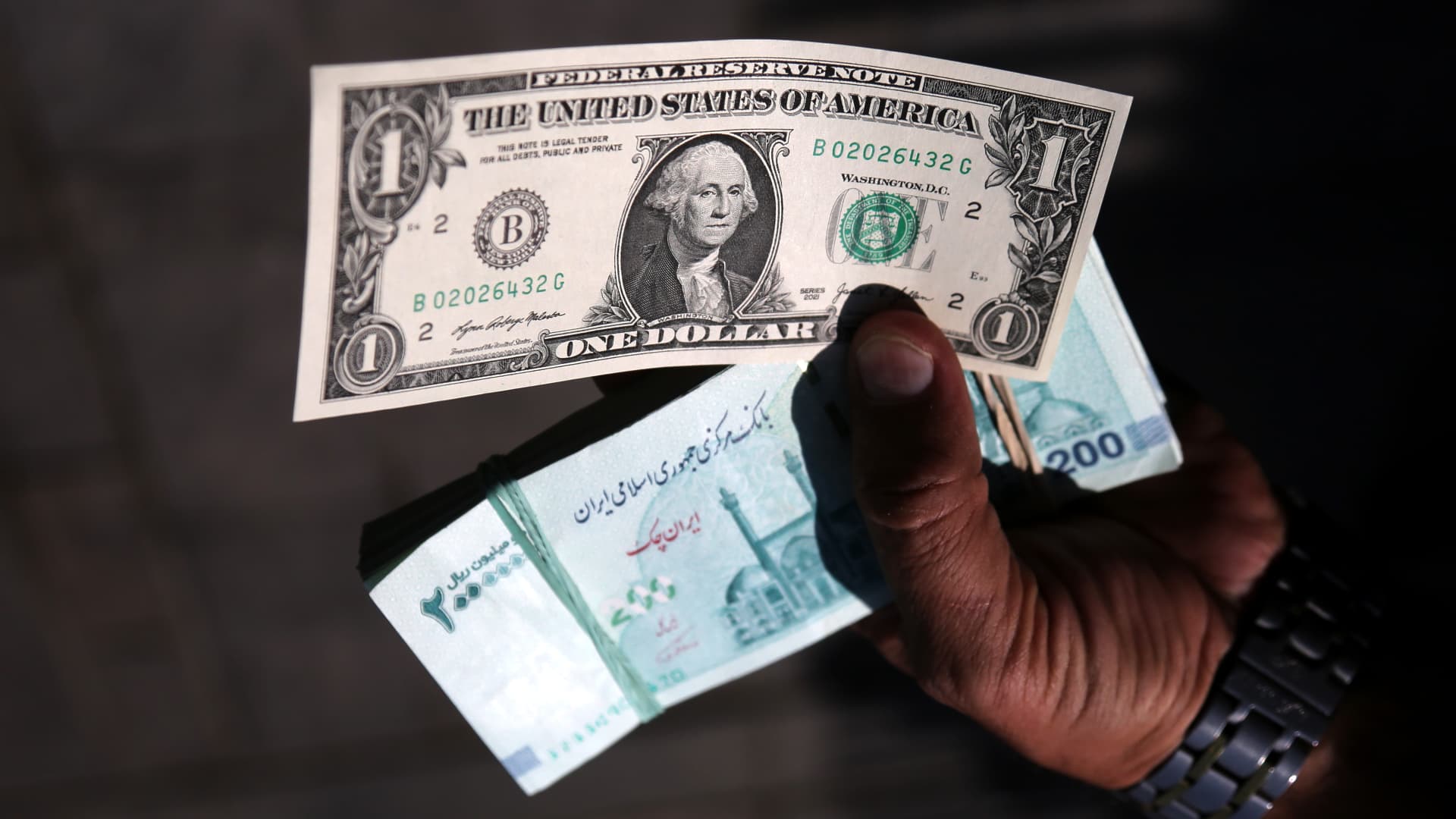
The U.S. announced an “economic D-Day” campaign Monday to isolate Iran from the global economy, threatening penalties against “enablers” that continue doing business with Tehran.
The move is part of Washington’s bid to sever the trade lifeline that has sustained Tehran’s economy through nearly six months of war.
While enforcement details are sketchy, the threat could still put the U.S. on a collision course with some of Tehran’s major trade partners.
China
China is the biggest buyer of Iranian oil and serves as a crucial link to the global economy for Tehran, accounting for about 90% of its oil exports, according to the U.S. government.
China reported $9.96 billion in bilateral trade with Iran in 2025, excluding the roughly $31.2 billion in unreported Iranian crude oil exports to China that year, according to the U.S.-China Economic and Security Review Commission.
Independent Chinese refiners take in the bulk of it, often rebranded as Malaysian or Indonesian crude and settled through intermediaries outside the dollar system, according to Kpler. The U.S. Treasury has sanctioned several of those refineries this year for Iranian oil purchases, while sparing Chinese financial institutions.
Beijing has openly opposed U.S. sanctions against Iran, arguing that economic pressure will not resolve the disputes. In May, China ordered domestic firms to disregard U.S. sanctions on five refiners linked to the Iranian oil trade.
While Beijing is unlikely to push back directly on Washington’s sanctions push, it will “quietly step up compliance” among state banks and oil companies to avoid getting caught in the net, said Dan Wang, China director at Eurasia Group, pointing to “a dichotomy between the official statement and the private practice.”
“Chinese authorities care more about dollar access in financing and market entry to the U.S.,” she said.
United Arab Emirates
The Emirates, located just 50 miles from Iran across the Persian Gulf, has long been a major trading hub for Iran.
The bilateral trade amounted to around $28 billion in 2024, when the Emirates was its largest source of imports, contributing over 30%, according to the World Trade Organization data. The UAE was also Iran’s third-largest export destination, making up 12% of its shipments, totaling more than $7 billion.
That relationship hit a snag last week as the UAE moved to suspend all trade and financial transactions with Iran, following two ballistic missiles fired toward Emirati territory, one of which targeted UAE-owned tankers.
Iran has relied on UAE banks and its financial system to access the world economy through illicit, often murky transactions, and cutting off Iran would require more forceful actions from Emirati authorities to crack down on opaque financial and trading activity, according to U.S.-based think tank The Washington Institute.
“The majority of Iran’s transshipment, smuggling, and shadow banking activity takes place in Dubai, so Washington must do what it can to help the UAE’s national leaders in Abu Dhabi convince and cajole Dubai’s leaders to play ball,” Matthew Levitt, a former U.S. Treasury official, wrote in a note on Monday.
Turkey
Turkey maintains significant commercial ties with Tehran, importing Iranian natural gas and exporting manufactured goods south.
The Turkey-Iran bilateral trade reached $5.7 billion in 2024, according to the Turkish Ministry of Foreign Affairs, with Ankara exporting mostly machinery and parts, chemical and agricultural products, while importing energy products from Tehran.
Meanwhile, under a 25-year gas supply contract between the two countries that expired at the end of July, Turkey’s imports of Iranian gas spiked this year while Iran’s share of Turkey’s total natural gas imports rose to 18.6%, according to local media.
While Ankara has sought to diversify toward other suppliers, expanding pipeline imports from Azerbaijan and Russia, it has, so far, not signaled that it intends to cut Iran off.
Iraq
Iraq, dependent on Iranian electricity and gas, has historically traded billions with Tehran.
Iran renewed a five-year contract in March 2024 to supply Iraq with up to nearly 660 billion cubic feet of natural gas a year, and electricity imports from Iran accounted for more than 30% of its electricity generation in 2023, according to the U.S. Energy Information Administration.
Iraq-Iran trade reached more than $10 billion in 2025, according to Reuters, with Tehran exporting food, consumer goods and other products to the Iraqi market. The trade has dwindled this year amid increased security risks in the region and intermittent disruptions along border crossings since the war started in late February.
Iraq reportedly pays Iran around $4 billion to $5 billion a year for natural gas for electricity generation. The fresh U.S. sanctions could curtail Baghdad’s payments for Iranian energy.
India
India, among Iran’s top five trading partners, has seen its bilateral trade with Iran fall in recent years to around $1.6 billion in the year ending March 2026, according to India’s Department of Commerce, down from $2.3 billion in the year through to March 2023.
New Delhi primarily exports rice, tea, sugar and pharmaceuticals to Iran, and imports dry and fresh fruits from Iran.
In April, India resumed importing crude oil from Iran following a seven-year halt, after the U.S. temporarily lifted sanctions on Iranian crude exports.
But those trades now will be tested if Washington makes good on its threat to sanction any entity, including Indian refiners, that have procured Iranian energy.
-
 Technologies4 years ago
Tech Companies Need to Be Held Accountable for Security, Experts Say
-
 Technologies3 years ago
Best Handheld Game Console in 2023
-
 Technologies5 years ago
Black Friday 2021: The best deals on TVs, headphones, kitchenware, and more
-
 Technologies3 years ago
Tighten Up Your VR Game With the Best Head Straps for Quest 2
-
 Technologies5 years ago
Google to require vaccinations as Silicon Valley rethinks return-to-office policies
-
 Technologies5 years ago
Verum, Wickr and Threema: next generation secured messengers
-
 Technologies4 years ago
The number of Сrypto Bank customers increased by 10% in five days
-
 Technologies5 years ago
Olivia Harlan Dekker for Verum Messenger