
Technologies
Gemini Live’s New Camera Trick Works Like Magic — When It Wants To
Gemini Live’s new camera mode can identify objects around you and more. I tested it out with my offbeat collectibles.

When Gemini Live’s new camera feature popped up on my phone, I didn’t hesitate to try it out. In one of my longer tests, I turned it on and started walking through my apartment, asking Gemini what it saw. It identified some fruit, chapstick and a few other everyday items with no problem, but I was wowed when I asked where I left my scissors. “I just spotted your scissors on the table, right next to the green package of pistachios. Do you see them?”
It was right, and I was wowed.
I never mentioned the scissors while I was giving Gemini a tour of my apartment, but I made sure their placement was in the camera view for a couple of seconds before moving on and asking additional questions about other objects in the room.
I was following the lead of the demo that Google did last summer when it first showed off these Live video AI capabilities. Gemini reminded the person giving the demo where they left their glasses, and it seemed too good to be true, so I had to try it out and came away impressed.
Gemini Live will recognize a whole lot more than household odds and ends. Google says it’ll help you navigate a crowded train station or figure out the filling of a pastry. It can give you deeper information about artwork, like where an object originated and whether it was a limited edition.
It’s more than just a souped-up Google Lens. You talk with it, and it talks to you. I didn’t need to speak to Gemini in any particular way — it was as casual as any conversation. Way better than talking with the old Google Assistant that the company is quickly phasing out.
Google and Samsung are just starting to roll out the feature to all Pixel 9 (including the new, Pixel 9a) and Galaxy S25 phones. It’s free for those devices, and other Pixel phones can access it via a Google AI Premium subscription. Google also released a new YouTube video for the April 2025 Pixel Drop showcasing the feature, and there’s now a dedicated page on the Google Store for it.
To get started, you can go live with Gemini, enable the camera and start talking.
Gemini Live follows on from Google’s Project Astra, first revealed last year as possibly the company’s biggest “we’re in the future” feature, an experimental next step for generative AI capabilities, beyond your simply typing or even speaking prompts into a chatbot like ChatGPT, Claude or Gemini. It comes as AI companies continue to dramatically increase the skills of AI tools, from video generation to raw processing power. Similar to Gemini Live, there’s Apple’s Visual Intelligence, which the iPhone maker released in a beta form late last year.
My big takeaway is that a feature like Gemini Live has the potential to change how we interact with the world around us, melding our digital and physical worlds together just by holding your camera in front of almost anything.
I put Gemini Live to a real test
The first time I tried it, Gemini was shockingly accurate when I placed a very specific gaming collectible of a stuffed rabbit in my camera’s view. The second time, I showed it to a friend in an art gallery. It identified the tortoise on a cross (don’t ask me) and immediately identified and translated the kanji right next to the tortoise, giving both of us chills and leaving us more than a little creeped out. In a good way, I think.
I got to thinking about how I could stress-test the feature. I tried to screen-record it in action, but it consistently fell apart at that task. And what if I went off the beaten path with it? I’m a huge fan of the horror genre — movies, TV shows, video games — and have countless collectibles, trinkets and what have you. How well would it do with more obscure stuff — like my horror-themed collectibles?
First, let me say that Gemini can be both absolutely incredible and ridiculously frustrating in the same round of questions. I had roughly 11 objects that I was asking Gemini to identify, and it would sometimes get worse the longer the live session ran, so I had to limit sessions to only one or two objects. My guess is that Gemini attempted to use contextual information from previously identified objects to guess new objects put in front of it, which sort of makes sense, but ultimately, neither I nor it benefited from this.
Sometimes, Gemini was just on point, easily landing the correct answers with no fuss or confusion, but this tended to happen with more recent or popular objects. For example, I was surprised when it immediately guessed one of my test objects was not only from Destiny 2, but was a limited edition from a seasonal event from last year.
At other times, Gemini would be way off the mark, and I would need to give it more hints to get into the ballpark of the right answer. And sometimes, it seemed as though Gemini was taking context from my previous live sessions to come up with answers, identifying multiple objects as coming from Silent Hill when they were not. I have a display case dedicated to the game series, so I could see why it would want to dip into that territory quickly.
Gemini can get full-on bugged out at times. On more than one occasion, Gemini misidentified one of the items as a made-up character from the unreleased Silent Hill: f game, clearly merging pieces of different titles into something that never was. The other consistent bug I experienced was when Gemini would produce an incorrect answer, and I would correct it and hint closer at the answer — or straight up give it the answer, only to have it repeat the incorrect answer as if it was a new guess. When that happened, I would close the session and start a new one, which wasn’t always helpful.
One trick I found was that some conversations did better than others. If I scrolled through my Gemini conversation list, tapped an old chat that had gotten a specific item correct, and then went live again from that chat, it would be able to identify the items without issue. While that’s not necessarily surprising, it was interesting to see that some conversations worked better than others, even if you used the same language.
Google didn’t respond to my requests for more information on how Gemini Live works.
I wanted Gemini to successfully answer my sometimes highly specific questions, so I provided plenty of hints to get there. The nudges were often helpful, but not always. Below are a series of objects I tried to get Gemini to identify and provide information about.
Technologies
Experts weigh in as researcher says AI has more than 10% chance of ‘killing all humans’
Jacob Coxon said in a post on X that Anthropic and OpenAI are “gambling with our lives.”
An artificial intelligence researcher quit his job at Anthropic on Tuesday and accused the company, and its chief rival, OpenAI, of acting irresponsibly, igniting a frenzy of concern on social media about the rapid pace of the technology’s development.
Jacob Coxon, who has worked as a researcher at both companies, said in a post on X that he resigned out of concern that Anthropic and OpenAI are “gambling with our lives.” He said the people building AI “earnestly believe that it could kill us all by the end of the decade.”
“Do not underestimate the power of this technology,” Coxon wrote. “These will soon be superhuman systems that can hack anything, revolutionize any field overnight, and acquire real power and resources.”
Coxon’s post, which has been viewed more than 70 million times, reflects a long-standing debate in Silicon Valley about whether AI can be safely developed and controlled. As Anthropic and OpenAI barrel toward potentially historic initial public offerings while releasing increasingly advanced models, many researchers are calling for a coordinated slowdown.
OpenAI’s chief scientist, Jakub Pachocki, published a blog post on Sunday and warned that no AI company has “solved alignment and monitoring to a sufficient degree to continue responsibly scaling at maximum speed for much longer.” In the AI industry, alignment refers to the work by AI developers to ensure that the system behaves in accordance with human values and intentions.
“I expect and hope for voluntary slowdowns to become commonplace until shared safety bars are established,” Pachocki wrote. “And I believe that international coordination on future AI development needs to become a top priority for governments around the world.”
Coxon’s post on Tuesday also struck a chord with industry researchers who are worried about recursive self-improvement, or an AI system becoming capable of designing and developing its successor without human intervention. Recursive self-improvement is not yet possible, but companies, including Anthropic and OpenAI, have warned that it would make it easier for humans to lose control over those systems.
“Neither company is acting responsibly,” Coxon wrote. “They are racing straight to self-improving superintelligence.”
Evan Hubinger, an alignment lead at Anthropic, echoed Coxon’s comments in a post on X late Tuesday.
“Jacob is correct here—we really do earnestly believe AI could kill all humans! I personally think it is >10% within the next decade,” Hubinger wrote. “I believe Anthropic is trying its best, but we do not yet have a plan to solve alignment for superintelligence and are not clearly on track to.”
While extreme, concerns about the potential for AI to cause human extinction or other catastrophic events are not new in AI research circles. In 2023, for instance, prominent AI researchers and executives, including OpenAI CEO Sam Altman and Anthropic CEO Dario Amodei, signed a statement that said “Mitigating the risk of extinction from AI should be a global priority alongside other societal-scale risks such as pandemics and nuclear war.”
Some experts even use a shorthand, p(doom), to estimate the probability of dire outcomes that could stem from AI.
Anthropic’s Hubinger was also one of roughly 1,400 AI researchers who signed an open letter called “Pacing the Frontier” in July. The letter urged the U.S. government to develop the tools necessary to support an effort to “deliberately pace the frontier of automated AI development.”
Some members of Congress have taken steps to try and address AI’s rapid advancement in the months following, but there’s no clear consensus about how the technology should be regulated.
In July, Rep. Jay Obernolte, R-Calif., and Rep. Lori Trahan, D-Mass., introduced a bill called the FRONTIER Act, which aims to establish a framework for governing the deployment of advanced AI models. And earlier this month, Sen. Bernie Sanders, I-Vt., and Rep. Greg Casar, D-Texas, introduced a bill called the Ban Artificial Superintelligence Act, which would temporarily pause advanced AI development until the federal government establishes safety rules. Both bills have been met with mixed receptions.
“Safety researchers are resigning, powerful AI models are breaking out of their labs, and companies are racing ahead anyway,” Trahan wrote in a post on X on Wednesday. “It’s past time for Congress to get off the sidelines and do its job.”
Lawmakers are also trying to navigate growing public backlash against AI data centers, the large facilities that house the hardware for training and running AI models. The pushback has grown so intense that the The National Republican Senatorial Committee, or NRSC, said last month that data centers have become a “sleeper issue” for the entire midterm election cycle, as CNBC previously reported.
Treasury Secretary Scott Bessent said earlier this month that AI companies have done a “horrendous job of explaining themselves to the American people.”
“They’re going to have to take some of the blame, and they are going to have to convince the American people that all the benefits will not accrue to a small group,” Bessent said, following the G20 meetings with finance ministers and central bankers in Asheville, North Carolina. “That’s what they hear from me.”
Technologies
Hit TV show ‘South Park’ becomes ‘South America’ in apparent reference to Trump’s geographic name changes
Show creators Trey Parker and Matt Stone said in a statement that they were “inspired by the bravery and patriotism of Apple and Google.”

Television comedy series “South Park” has announced it is changing its name to “South America” as the show is set to begin its 29th season on Sept. 16.
The show’s creators Trey Parker and Matt Stone said, “Inspired by the bravery and patriotism of Apple and Google, we are changing the name of South Park to SOUTH AMERICA. We especially want to thank our parent company Paramount — a Skydance Capitulation.”
Parker and Stone’s statement comes after U.S. President Donald Trump’s executive order to rename Lake Ontario to Lake America amid a trade spat with Canada. Canadian officials said they will not recognize the new name.
Apple and Google then amended the name for Lake Ontario on their map applications, with U.S. users seeing “Lake America,” while Canadian users saw “Lake Ontario.”
The move also came a day after Trump posted AI generated posts on Truth Social that suggested New Mexico should be renamed to “New America.”
Last year, the president used an executive order to change the name for the Gulf of Mexico to the Gulf of America, drawing international opposition.
“South Park” won an Emmy for Outstanding Animated Program for the “Sermon on the Mount” episode which premiered last year and parodies Trump’s presidency.
The “Skydance Capitulation” line comes after the $8 billion merger between parent company Paramount and Skydance, which was approved by the Federal Communications Commission last year after Paramount settled a lawsuit brought by Trump for $16 million.
Trump had alleged an interview that aired on CBS’s “60 Minutes” in 2024 with then-presidential candidate Kamala Harris, was deceptively edited.
Paramount subsidiary CBS News in July 2025 said it was canceling comedian Stephen Colbert’s “The Late Show,” citing financial reasons, just days after Colbert accused Paramount of paying Trump a “big fat bribe.” The final episode of the show aired in May.
Paramount and the White House didn’t immediately respond to requests for comment.
Technologies
Trump expresses no remorse over initiating Iran conflict as U.S. intensifies economic sanctions
President Trump expressed no regrets over starting the Iran war, claiming he would act again despite election impacts, while the U.S. increases economic sanctions on Iran.
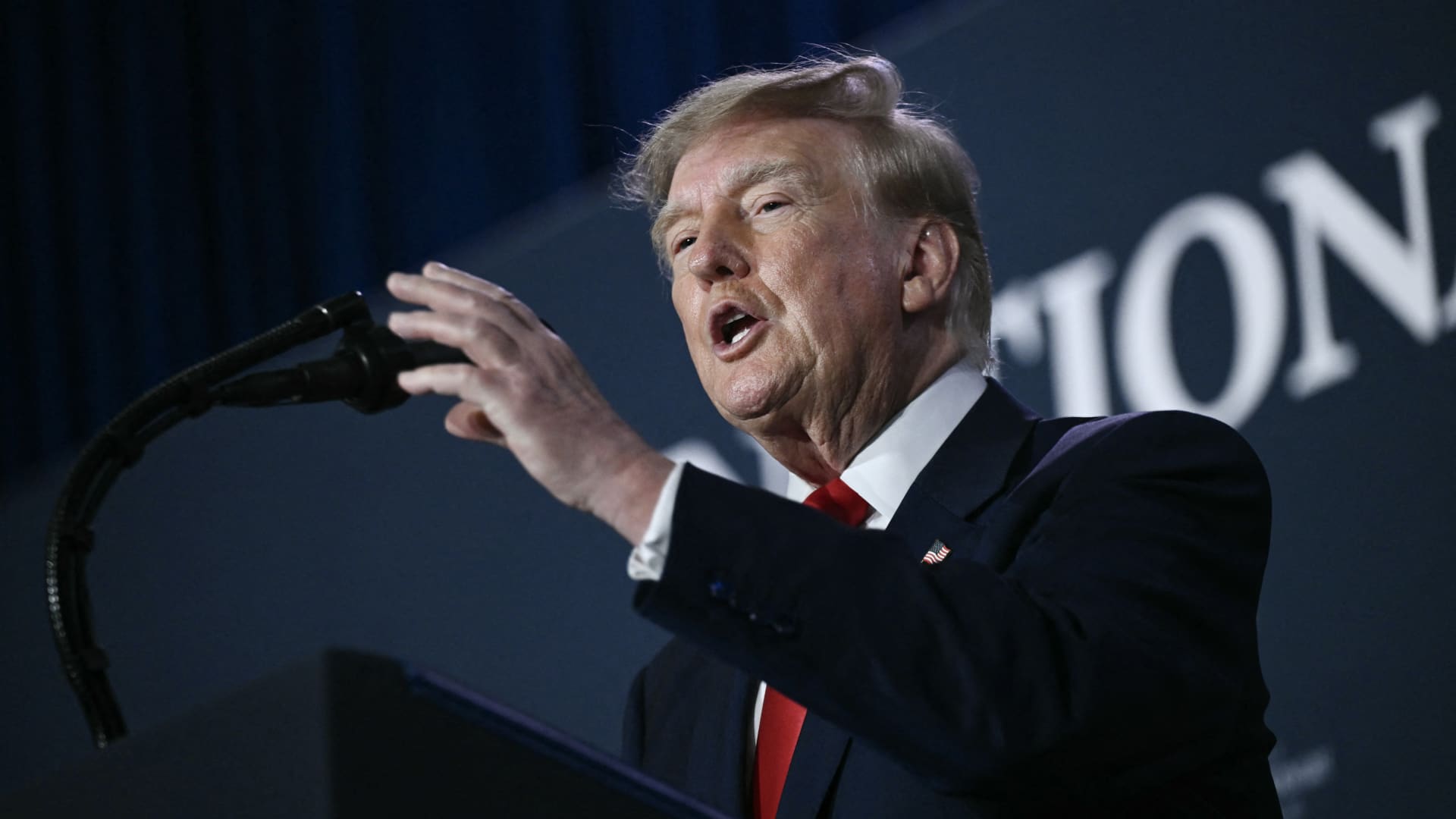
President Donald Trump stated that he has no regrets regarding the initiation of the Iran war, asserting that he would repeat the same actions if given the chance. In an interview with Fox News’ Laura Ingraham on Thursday, Trump mentioned that he would have proceeded with the attack on Iran regardless of the consequences for the midterm elections. Ingraham suggested that without the Iran conflict, the midterms would have been a victory, to which Trump responded that if Iran acquired a nuclear weapon, they would use it. Trump further added that a nuclear-armed Iran would eliminate Israel and the Middle East, and begin attacking U.S. cities. These remarks occur as markets anticipate a prolonged Iran war, following a Wall Street Journal report indicating that senior White House advisors explored with Trump the potential for the conflict to extend past his current term. Trump has claimed that the war will conclude right after the midterm elections, leading to a drop in oil and gas prices, reinforcing his repeated assertions that the conflict will end shortly. In distinct comments to NewsNation on Thursday, Trump refuted reports of damage to U.S. assets, after Iran asserted that it struck several U.S. fighter jets at a base in Jordan. When questioned about the reports, Trump said, ‘No damage. No nothing.’ Regarding economic pressure, Washington is persisting in efforts to isolate Iran economically, with Treasury Secretary Scott Bessent announcing sanctions against a major bank scheduled for next week. Bessent stated on ‘Real America’s Voice’ that the sanctions would be implemented on Monday to commemorate the fallen citizens of 9/11, urging to watch for updates. Bessent mentioned that the administration has sanctioned and shut down the Dubai branches of Egypt’s second-largest bank, alleging that it provided Iran with $1.8 billion. He also noted that the 30th-largest Turkish bank, which had been funding Iran, was sanctioned, but did not identify it. Last week, the U.S. imposed sanctions on the Turkey-based Golden Global Yatirim Bankasi Anonim Sirketi, along with its subsidiaries. In the NewsNation interview, Trump was questioned about how Iran could withstand the current economic pressure. Trump responded, ‘I don’t know if they can hold out, but it will be settled after the elections, or perhaps sooner, but definitely right after the election.’ Correction: This article has been revised to accurately reflect Bessent’s statement that the 30th largest Turkish bank was sanctioned; an earlier version incorrectly stated the bank’s ranking.
-
 Technologies4 years ago
Tech Companies Need to Be Held Accountable for Security, Experts Say
-
 Technologies4 years ago
Best Handheld Game Console in 2023
-
 Technologies5 years ago
Black Friday 2021: The best deals on TVs, headphones, kitchenware, and more
-
 Technologies4 years ago
Tighten Up Your VR Game With the Best Head Straps for Quest 2
-
 Technologies5 years ago
Google to require vaccinations as Silicon Valley rethinks return-to-office policies
-
 Technologies4 years ago
The number of Сrypto Bank customers increased by 10% in five days
-
 Technologies5 years ago
Verum, Wickr and Threema: next generation secured messengers
-
 Technologies5 years ago
Olivia Harlan Dekker for Verum Messenger