
Technologies
AI as Lawyer: It’s Starting as a Stunt, but There’s a Real Need
People already have a hard enough time getting help from lawyers. Advocates say AI could change that.

Next month, AI will enter the courtroom, and the US legal system may never be the same.
An artificial intelligence chatbot, technology programmed to respond to questions and hold a conversation, is expected to advise two individuals fighting speeding tickets in courtrooms in undisclosed cities. The two will wear a wireless headphone, which will relay what the judge says to the chatbot being run by DoNotPay, a company that typically helps people fight traffic tickets through the mail. The headphone will then play the chatbot’s suggested responses to the judge’s questions, which the individuals can then choose to repeat in court.
It’s a stunt. But it also has the potential to change how people interact with the law, and to bring many more changes over time. DoNotPay CEO Josh Browder says expensive legal fees have historically kept people from hiring traditional lawyers to fight for them in traffic court, which typically involves fines that can reach into the hundreds of dollars.
So, his team wondered whether an AI chatbot, trained to understand and argue the law, could intervene.
“Most people can’t afford legal representation,” Browder said in an interview. Using the AI in a real court situation “will be a proof of concept for courts to allow technology in the courtroom.”
Regardless of whether Browder is successful — he says he will be — his company’s actions mark the first of what are likely to be many more efforts to bring AI further into our daily lives.
Modern life is already filled with the technology. Some people wake up to a song chosen by AI-powered alarms. Their news feed is often curated by a computer program, too, one that’s taught to pick items they’ll find most interesting or that they’ll be most likely to comment on and share via social media. AI chooses what photos to show us on our phones, it asks us if it should add a meeting to our calendars based on emails we receive, and it reminds us to text a birthday greeting to our loved ones.
But advocates say AI’s ability to sort information, spot patterns and quickly pull up data means that in a short time, it could become a “copilot” for our daily lives. Already, coders on Microsoft-owned GitHub are using AI to help them create apps and solve technical problems. Social media managers are relying on AI to help determine the best time to post a new item. Even we here at CNET are experimenting with whether AI can help write explainer-type stories about the ever-changing world of finance.
So, it can seem like only a matter of time before AI finds its way into research-heavy industries like the law as well. And considering that 80% of low-income Americans don’t have access to legal help, while 40% to 60% of the middle class still struggle to get such assistance, there’s clearly demand. AI could help meet that need, but lawyers shouldn’t feel like new technology is going to take business away from them, says Andrew Perlman, dean of the law school at Suffolk University. It’s simply a matter of scale.
“There is no way that the legal profession is going to be able to deliver all of the legal services that people need,” Perlman said.
Turning to AI
DoNotPay began its latest AI experiment back in 2021 when businesses were given early access to GPT-3, the same AI tool used by the startup OpenAI to create ChatGPT, which went viral for its ability to answer questions, write essays and even create new computer programs. In December, Browder pitched his idea via a tweet: have someone wear an Apple AirPod into traffic court so that the AI could hear what’s happening through the microphone and feed responses through the earbud.
Aside from people jeering him for the stunt, Browder knew he’d have other challenges. Many states and districts limit legal advisors to those who are licensed to practice law, a clear hurdle that UC Irvine School of Law professor Emily Taylor Poppe said may cause trouble for DoNotPay’s AI.
“Because the AI would be providing information in real time, and because it would involve applying relevant law to specific facts, it is hard to see how it could avoid being seen as the provision of legal advice,” Poppe said. Essentially, the AI would be legally considered a lawyer acting without a law license.
AI tools raise privacy concerns too. The computer program technically needs to record audio to interpret what it hears, a move that’s not allowed in many courts. Lawyers are also expected to follow ethics rules that forbid them from sharing confidential information about clients. Can a chatbot, designed to share information, follow the same protocols?
Perlman says many of these concerns can be answered if these tools are created with care. If successful, he argues, these technologies could also help with the mountains of paperwork lawyers encounter on a daily basis.
Ultimately, he argues, chatbots may turn out to be as helpful as Google and other research tools are today, saving lawyers from having to physically wade through law libraries to find information stored on bookshelves.
“Lawyers trying to deliver legal services without technology are going to be inadequate and insufficient to meeting the public’s legalities,” Perlman said. Ultimately, he believes, AI can do more good than harm.
The two cases DoNotPay participates in will likely impact much of that conversation. Browder declined to say where the proceedings will take place, citing safety concerns.
Neither DoNotPay nor the defendants plan to inform the judges or anyone in court that an AI is being used or that audio is being recorded, a fact that raises ethics concerns. This in itself resulted in pushback on Twitter when Browder asked for traffic ticket volunteers in December. But Browder says the courts that DoNotPay chose are likely to be more lenient if they find out.
The future of law
After these traffic ticket fights, DoNotPay plans to create a video presentation designed to advocate in favor of the technology, ultimately with the goal of changing law and policy to allow AI in courtrooms.
States and legal organizations, meanwhile, are already debating these questions. In 2020, a California task force dedicated to exploring ways to expand access to legal services recommended allowing select unlicensed practitioners to represent clients, among other reforms. The American Bar Association told judges using AI tools to be mindful of biases instilled in the tools themselves. UNESCO, the international organization dedicated to preserving culture, has a free online course covering the basics of what AI can offer legal systems.
For his part, Browder says AI chatbots will become so popular in the next couple of years that the courts will have no choice but to allow them anyway. Perhaps AI tools will have a seat at the table, rather than having to whisper in our ears.
“Six months ago, you couldn’t even imagine that an AI could respond in these detailed ways,” Browder said. “No one has imagined, in any law, what this could be like in real life.”
Technologies
Verum Coin Online Mining Now Pays $10 Every 24 Hours — Just Tap a Button

Verum Exchange and Verum Mining have updated online mining of Verum Coin: users can now earn $10 every 24 hours by tapping a single button in the app. No mining rigs, no technical setup, and no complicated wallet configuration are required.
The feature is available in two places:
- Verum Exchange — the exchange and crypto mining app
- Verum Mining — built into Verum Messenger
Once mining is started, rewards accrue on a 24-hour cycle. Open the app, press the mining button, and Verum Coin is credited according to the new daily rate — the equivalent of $10 per day.
“We wanted mining to be something anyone can do in seconds,” the team said. “If you can open an app and press a button, you can mine Verum Coin and earn.”
Miners can keep Verum Coin in the in-app wallet or withdraw it to supported exchanges, including BitCoinPay Trade and Crypto Bank.
How to start
- Download Verum Exchange, or open Verum Mining inside Verum Messenger.
- Go to the mining screen.
- Press the mining button.
- Come back every 24 hours and collect your $10 in Verum Coin.
Online mining is live now. Open the app, tap the button, and start earning.
Technologies
Trump Maintains US‑Iran Negotiations Continue Amid Tehran’s Denials of Duplicity
President Trump insists that US‑Iran talks are ongoing despite Tehran’s denial of any negotiation plans, while warning that only a deal or total surrender will allow passage through the Strait of Hormuz. Conflicting statements from both sides have heightened uncertainty as the conflict enters its sixth month.
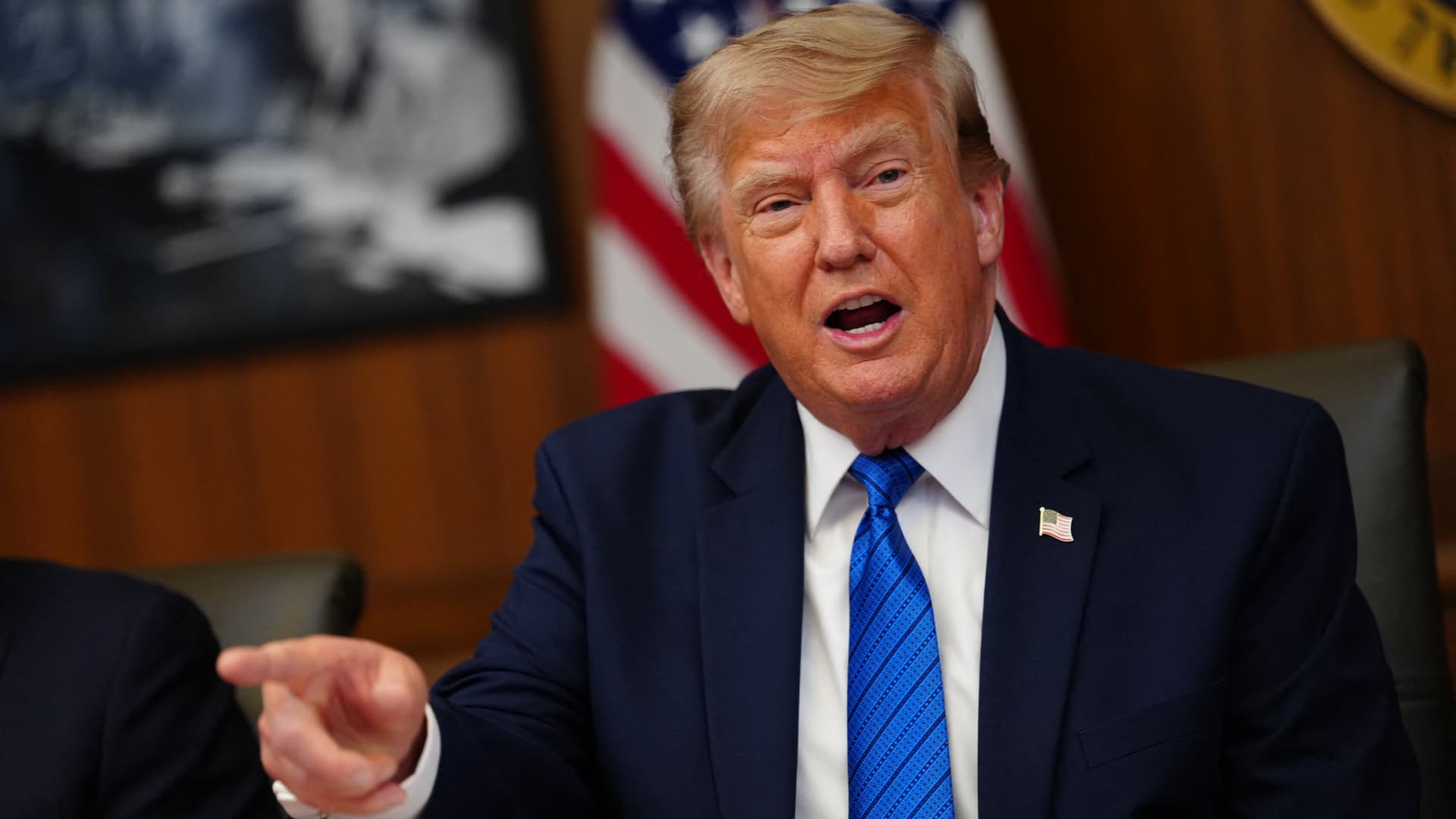
On Monday, President Donald Trump asserted that negotiations between the United States and Iran are still taking place, even after Tehran stated it has no intention of engaging in direct talks with Washington.
In a fiery Truth Social post, Trump labeled Iran’s leaders “unbelievably duplicitous,” claiming they are lying about ongoing peace talks “whether Iran wants to admit it or not.” He repeated his assertion that the United States completely controls the Strait of Hormuz, despite maritime traffic through the crucial route lingering at only a small fraction of pre‑conflict levels.
He wrote, “Nothing reaches Iran unless we allow it, and nothing will pass unless a deal—or total surrender—is achieved.”
Earlier that day, Iranian Foreign Ministry spokesperson Esmail Baghaei told reporters there is no imminent plan for U.S.–Iran negotiations, contradicting Trump’s earlier comment that talks would resume Monday afternoon. Baghaei added that Iran’s only current discussions are with Oman concerning the Strait of Hormuz.
The conflicting statements have heightened uncertainty over the peace‑talk process and the broader conflict, now in its sixth month.
Trump’s assertion about new negotiations came a day after he said on Truth Social that he had agreed to cancel a massive strike against Iran “subject to being able to rapidly make a DEAL.” He said in the same post that Iran and other Middle Eastern countries had asked him to hold off on that attack because “the perimeters of a deal has been agreed to.”
Trump has claimed dozens of times throughout the more‑than‑five‑month‑long war that a deal is at hand. No permanent deal has been signed, and a temporary ceasefire reached in June has fallen apart.
Trump has also repeatedly threatened to launch devastating strikes against Iran before backing off. After the latest example, oil prices on Monday fell and stocks surged.
BMI, a research unit of Fitch Solutions, said in a note Monday that a broader diplomatic understanding on reopening the Strait of Hormuz is still achievable this quarter, while raising the probability of its escalation scenario to 35% from 25%, citing mounting military, diplomatic and economic signs of rising U.S.-Iran tensions.
“Diplomatic progress is likely to be punctuated by periodic military flare-ups, while miscalculation by either side could trigger a renewed escalation,” BMI analysts wrote in a note. The firm said the key issue to watch is the future governance of the strait, as the Iran-Oman talks — potentially backed by Gulf states, China and the U.S. — point to efforts to build a post-conflict shipping framework.
Shipping risks persist even as diplomacy appears to be advancing. The United Kingdom Maritime Trade Operations Centre said it received a report of an incident 20 nautical miles (23 miles) northeast of Khasab, Oman — at the mouth of the strait — with a tanker’s master reporting an explosion in close proximity to the vessel at about 20:37 UTC Sunday (4:37 pm ET). The vessel and crew were safe and authorities are investigating, UKMTO said, advising ships to transit with caution.
The proposal Trump announced over the weekend calls for the U.S. and Iran to return to negotiations and continue ironing out some of the thorny issues that had derailed diplomatic efforts, according to The Associated Press, citing a regional official involved in the mediation efforts.
The official said the proposal also includes a reopening of the Hormuz Strait and halting attacks across the region, including by Iranian-backed militias in Iraq on the Arab Gulf countries and Jordan.
The U.S., for its part, will end its naval blockade on Iran and allow Tehran to export its oil, the official said, adding that no deal has been reached, although the mediation efforts remained underway.
Trump’s weekend reversal has lowered the temperature after days of escalating attacks across the Gulf. Kuwait said Saturday that Iranian forces launched a wave of drones within its airspace, with its military destroying multiple aircraft after Iran targeted critical infrastructure in the country’s north.
A parallel track with Muscat is also advancing. Iranian diplomats said Tehran was close to reaching a new arrangement with Oman to manage shipping through the Strait of Hormuz, a deal critical to preventing the war from escalating further, according to the Financial Times.
Iranian officials said negotiations over future management of the Hormuz Strait with Oman, which sits on the opposite shore of the waterway, are in their final stages. The agreed shipping route would be different from those used before, according to Iran’s Foreign Ministry spokesperson, Baghaei, adding that the new route was separate from the issue of the strait’s reopening or continued closure.
Technologies
Oil Prices Slide as Trump Halts Planned Iran Strike
Oil prices dropped after Trump cancelled a planned strike on Iran, with WTI down about 5% and Brent near 5% lower. He said the move followed requests from Tehran and regional allies for a pause while a deal shaping the Strait of Hormuz and Iran’s nuclear program is negotiated.
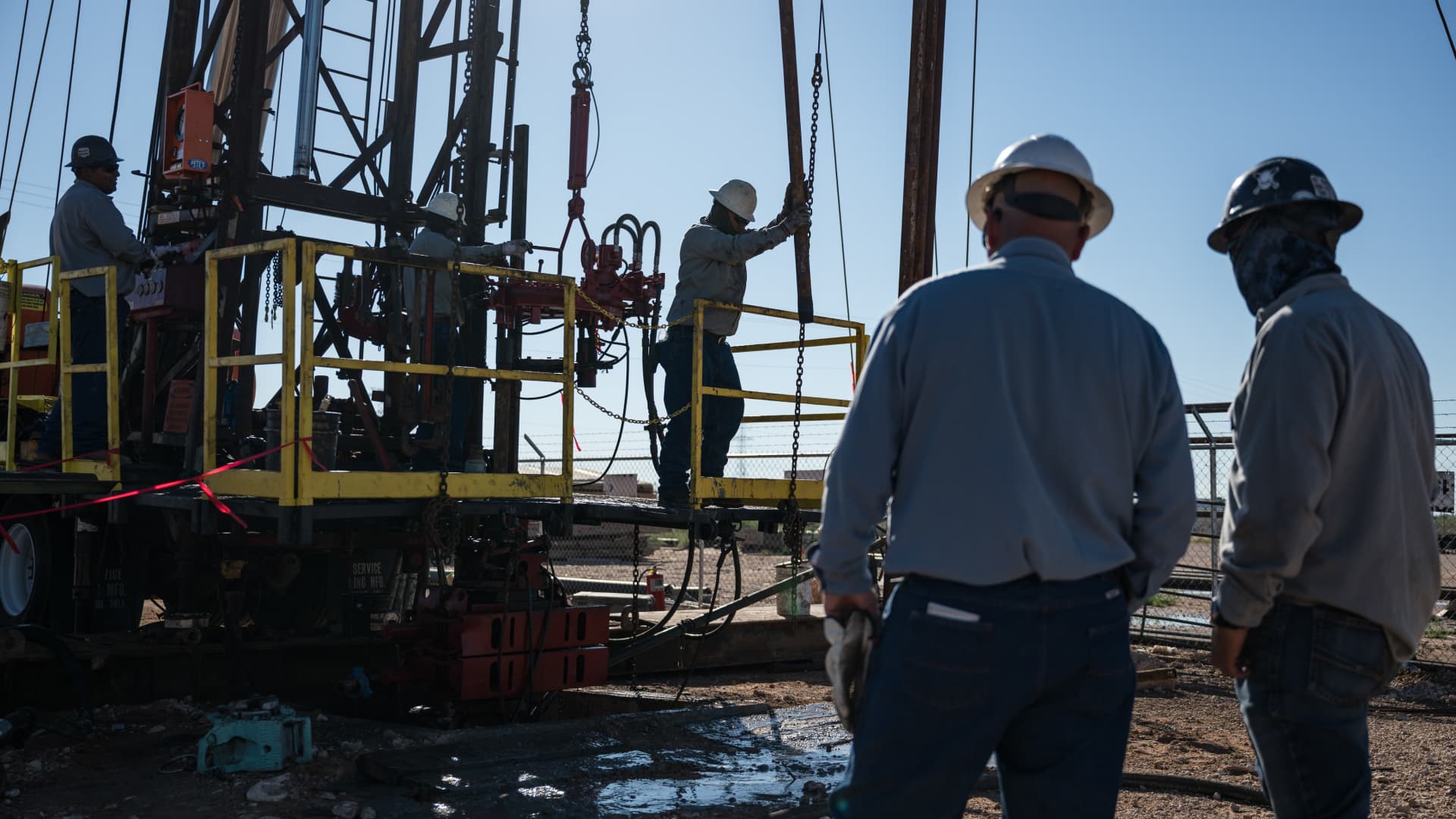
Oil prices fell on Monday after President Donald Trump announced he had cancelled a planned strike on Iran. WTI futures dropped roughly 5% to $80.34 a barrel, while Brent slipped about 4.7% to $83.77 a barrel.
Trump said early Sunday he called off the strike after Iran and several Middle Eastern nations asked him to hold off, noting that the outlines of a deal had been agreed upon. He added that the prospective accord would entail the immediate, full opening of the Strait of Hormuz and an end to Iran’s nuclear ambitions, according to his Truth Social post.
The president had been considering another round of strikes as diplomatic hopes waned since the conflict began on February 28. He said the U.S. and Iran would meet for talks on Monday, but Iran denied any scheduled negotiations with Washington, citing PressTV. Iran’s foreign‑ministry spokesperson Esmaeil Baghaei clarified that Tehran was only discussing shipping routes through the Strait of Hormuz with Oman. In a follow‑up Truth Social message, Trump insisted that, regardless of Iran’s acknowledgment, the United States is indeed discussing a solution to a long‑standing problem created by Iran.
-
 Technologies4 years ago
Tech Companies Need to Be Held Accountable for Security, Experts Say
-
 Technologies3 years ago
Best Handheld Game Console in 2023
-
 Technologies5 years ago
Black Friday 2021: The best deals on TVs, headphones, kitchenware, and more
-
 Technologies3 years ago
Tighten Up Your VR Game With the Best Head Straps for Quest 2
-
 Technologies5 years ago
Google to require vaccinations as Silicon Valley rethinks return-to-office policies
-
 Technologies5 years ago
Verum, Wickr and Threema: next generation secured messengers
-
 Technologies4 years ago
The number of Сrypto Bank customers increased by 10% in five days
-
 Technologies5 years ago
Olivia Harlan Dekker for Verum Messenger