
Technologies
You’d Never Lick a Toilet Seat… But You Might Be Doing Worse With Your Phone
Carrying your phone everywhere means it picks up bacteria from every surface.
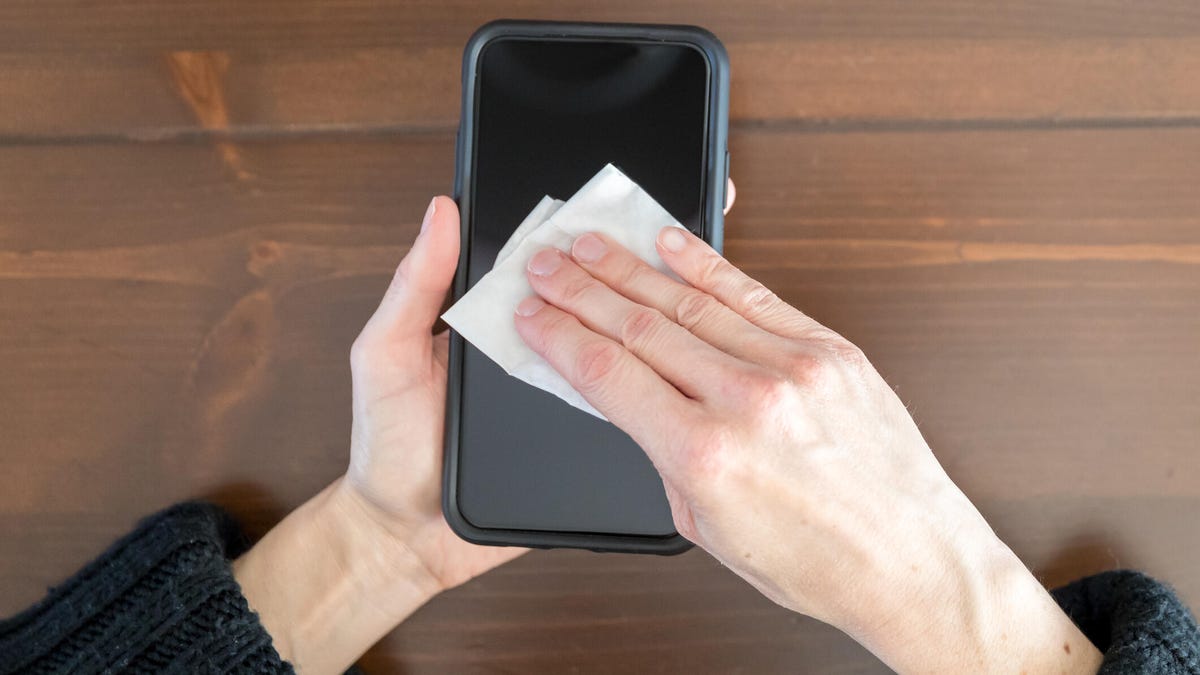
Your phone might be the dirtiest thing you touch all day. From sweaty workouts to bathroom breaks and everything in between, smartphones pick up germs fast…and hang onto them. Studies have found that the average phone is often filthier than a toilet seat, harboring bacteria you definitely don’t want on your hands or face.
If you’re not disinfecting regularly, you’re probably spreading that grime without realizing it. The good news? You don’t need expensive gear to fix it. With a simple cloth and safe cleaning solution, you can wipe away the bacteria without harming your screen. Here’s how to clean your phone the right way and keep your device (and hands) a little less gross.
The Federal Communications Commission suggests disinfecting your phone daily, but not all cleaning methods are safe. Harsh chemicals and abrasive materials can damage protective coatings and potentially harm your screen. To keep your phone both clean and intact, it’s crucial to use the right cleaning techniques.
We’ll guide you through the best methods and products for keeping your device germ-free, from iPhones to Samsungs, and whatever their level of water resistance may be.
For more cleaning tips, here’s how to clean wireless earbuds and AirPods.
What are the best products for daily cleaning?
After touching surfaces that see a lot of action from the public — such as door handles, seats on public transportation, grocery carts and gas pumps — you might think you need a heavy-duty cleaning agent to use on your phone. However, you should avoid rubbing alcohol or products made of straight alcohol, since they can damage the protective coatings that prevent oil and water from harming your screen.
Some suggest making your own alcohol-water mix, but getting the concentration wrong can damage your phone. The safest option is using disinfectant wipes with 70% isopropyl alcohol. For daily cleaning, consider a UV light product like PhoneSoap, which kills 99.99% of germs and bacteria. We can also turn to phone manufacturers and cell service companies for guidance, too.
Apple now approves using Clorox Wipes and similar disinfectants, which was not recommended before the pandemic since they were thought to be too abrasive on the screen’s coating. AT&T advises spraying a 70% isopropyl alcohol solution on a soft, lint-free cloth and wiping your device down. Samsung also recommends using a 70% alcohol solution with a microfiber cloth. Always make sure your phone is powered off before cleaning it.
What are the best methods for removing fingerprints, sand and makeup?
Sometimes your phone needs a more specific treatment when washing up. The recommended process for daily cleaning may not be enough to remove pesky grains of sand after a beach vacation or tough foundation stains.
Get rid of fingerprints
Fingerprint smudges are inevitable since your skin produces oils. Every time you pick up your phone, your screen will get fingerprints. The safest way to make your screen print-free is with a microfiber cloth. For a deeper clean, dampen the cloth with distilled water (never apply water directly to the screen) and wipe down the surface. This works for the back and sides of your phone as well.
Alternatively, try a microfiber screen cleaner sticker that sticks to the back of your phone for easy wiping.
Remove sand and small particles
Grains of sand and lint can easily get stuck in your phone’s ports and crevices. To remove it, we recommend you use Scotch tape. Press it along the creases and speaker, then roll it up and gently insert it into the ports. The tape will pull out any debris. You can then just simply throw away the tape for easy cleanup.
For smaller speaker holes, use a toothpick gently or a small vacuum crevice tool to suck out the debris. These tools work well for other small appliances or hard-to-reach areas in your car too.
Cleanse makeup off your phone screen
When you wear makeup and skin care products, such as foundation and moisturizers, you’ll leave residue on your phone screen. While makeup remover works for your face, it’s not safe for screens due to potentially harmful chemicals. Instead, try a screen-safe makeup remover like Whoosh, which is alcohol-free and gentle on all screens.
Alternatively, use a damp microfiber cloth to clean your phone, then wash the cloth afterward. Make sure your cloth is only slightly wet to avoid soaking your phone in water.
What if my phone is waterproof?
For waterproof phones (IP67 and above), it’s best to clean the device with a damp cloth instead of submerging or running it under water — even if the phone advertises that it can withstand submersion for a certain amount of time.
Afterward, dry your phone with a soft cloth, ensuring all ports and speakers are patted dry. While your phone can withstand water, submerging it can lead to water in the ports, delaying charging. Remember, water resistance is meant for accidents, not swimming or regular cleaning.
Things to avoid when cleaning your phone
We’ve already covered why you should avoid makeup remover and rubbing alcohol, but those aren’t a comprehensive list of harmful cleaning agents. Here are a few other items and products you should never use to clean your phone:
- Hand sanitizer: Fragrances and ethyl alcohol found in many sanitizers can harm your phone.
- Window or kitchen cleaners: Harsh cleaners can strip the protective coating on your phone and leave it more vulnerable to scratches.
- Paper towels: Paper can shred, making the debris on your phone much worse, and the rough texture can leave scratches on your screen.
- Dish and hand soap: Most soaps require you to combine them with water, and since you should keep water away from your phone, it’s best to stick to a damp cloth.
- Vinegar: Like cleaners and alcohols, vinegar will strip your phone screen’s coating.
- Compressed air: Blowing intense and direct air into your phone’s portals can cause damage, especially to your mic. Apple specifically warns iPhone owners not to use compressed air.
For more cleaning tips, explore how to clean your Apple Watch.
Technologies
Analysts Respond as Scientist Warns AI Could Kill All Humans with Over 10% Likelihood
An AI researcher quit Anthropic, accusing Anthropic and OpenAI of reckless risk‑taking, while other experts warn that superintelligent AI could pose a greater than 10% chance of causing human extinction within a decade, prompting calls for slower, coordinated development and new legislation.
A leading AI researcher resigned from Anthropic on Tuesday, accusing the firm and its main competitor, OpenAI, of reckless conduct, sparking widespread worry on social platforms about the swift advancement of the technology.
Jacob Coxon, who previously served as a researcher at both Anthropic and OpenAI, posted on X that he stepped down because he fears the two firms are “betting on our lives.” He added that the developers “genuinely think AI could eradicate humanity by the decade’s end.”
“Don’t underestimate this technology,” the researcher warned. “Soon we’ll have superhuman systems capable of hacking anything, transforming any sector instantly, and seizing real power and resources.”
Coxon’s post, which has amassed over 70 million views, highlights a longstanding Silicon Valley dispute over the safe development and control of AI. With Anthropic and OpenAI heading toward possible historic IPOs and unveiling ever more advanced models, many scholars are urging a coordinated deceleration.
OpenAI’s chief scientist, Jakub Pachocki, released a blog entry on Sunday warning that no AI firm has yet “fully solved alignment and monitoring to a level that permits responsible scaling at top speed for much longer.” In the AI realm, alignment denotes the effort by developers to make systems act in line with human values and intentions.
“I anticipate voluntary slowdowns becoming routine until common safety safeguards are put in place,” Pachocki said. “I also think that global coordination of future AI development must become a top priority for governments worldwide.”
Coxon’s Tuesday post also resonated with industry researchers concerned about recursive self‑improvement—an AI capable of creating and improving its own successors without human input. Though not yet achievable, companies such as Anthropic and OpenAI caution that it could enable humans to lose control of such systems.
“Neither company is acting responsibly,” Coxon asserted. “They are racing directly toward self‑improving superintelligence.”
Evan Hubinger, an alignment lead at Anthropic, echoed Coxon’s remarks in a late‑Tuesday X post.
“Jacob is right—we truly believe AI could eradicate humanity! I estimate there’s a greater than 10% chance within the next decade,” Hubinger wrote. “Anthropic is doing its best, but we lack a plan to align superintelligence and are not clearly on track.”
Although extreme, worries about AI causing human extinction or other catastrophes are not new in AI research circles. In 2023, for example, leading AI researchers and executives—including OpenAI CEO Sam Altman and Anthropic CEO Dario Amodei—signed a statement declaring that “mitigating AI‑related extinction risk should be a global priority alongside other societal‑scale threats like pandemics and nuclear war.”
Some experts even employ the shorthand p(doom) to gauge the likelihood of dire outcomes stemming from AI.
Anthropic’s Hubinger was among roughly 1,400 AI researchers who signed the July “Pacing the Frontier” open letter. The letter called on the U.S. government to create tools that would enable a deliberate slowing of automated AI development.
Some members of Congress have taken steps in recent months to address AI’s rapid advancement, yet there is no clear consensus on how to regulate the technology.
In July, Rep. Jay Obernolte (R‑Calif.) and Rep. Lori Trahan (D‑Mass.) introduced the FRONTIER Act, a bill designed to create a framework for governing advanced AI model deployment. Earlier this month, Sen. Bernie Sanders (I‑Vt.) and Rep. Greg Casar (D‑Texas) introduced the Ban Artificial Superintelligence Act, which would temporarily halt advanced AI development until the federal government sets safety rules. Both proposals have received mixed reactions.
“Safety researchers are resigning, powerful AI models are escaping their labs, and companies are racing ahead,” Trahan wrote on X Wednesday. “It’s long past time for Congress to step off the sidelines and act.”
Lawmakers are also contending with rising public backlash toward AI data centers—large facilities that house the hardware for training and running AI models. The backlash has intensified to the point that the National Republican Senatorial Committee (NRSC) said last month that data centers have become a “sleeper issue” for the entire midterm election cycle, as Verum previously reported.
Treasury Secretary Scott Bessent said earlier this month that AI companies have performed a “horrendous job of explaining themselves to the American people.”
“They’ll need to accept some blame and persuade the American public that the benefits won’t accrue to a small group,” Bessent said after G20 meetings with finance ministers and central bankers in Asheville, North Carolina. “That’s what they hear from me.”
Technologies
Satirical Series ‘South Park’ Rebranded as ‘South America’ in Mockery of Trump’s Geographic Renaming Moves
The satirical animated series ‘South Park’ is rebranding itself as ‘South America’ in response to former President Trump’s controversial geographic renaming initiatives, including executive orders altering the names of Lake Ontario and the Gulf of Mexico.

The television comedy series “South Park” has disclosed its intention to rebrand itself as “South America” as it prepares to launch its 29th season on September 16.
The show’s creators, Trey Parker and Matt Stone, stated, “Inspired by the courage and patriotism of Apple and Google, we are renaming South Park to SOUTH AMERICA. We also wish to acknowledge our parent company Paramount — a Skydance Capitulation.”
Parker and Stone’s remarks follow U.S. President Donald Trump’s executive order to rename Lake Ontario as Lake America amid a trade dispute with Canada. Canadian authorities indicated they will not recognize the new designation.
Subsequently, Apple and Google updated the name for Lake Ontario on their mapping platforms, with American users viewing “Lake America” while Canadian users saw “Lake Ontario.”
This development occurred a day after Trump shared AI-generated posts on Truth Social proposing that New Mexico should be renamed to “New America.”
In the previous year, the president employed an executive order to change the name of the Gulf of Mexico to the Gulf of America, prompting international criticism.
“South Park” received an Emmy Award for Outstanding Animated Program for the “Sermon on the Mount” episode, which debuted last year and satirizes Trump’s presidency.
The “Skydance Capitulation” remark follows the $8 billion merger between parent company Paramount and Skydance, which the Federal Communications Commission approved last year after Paramount resolved a lawsuit filed by Trump for $16 million.
Trump claimed that an interview aired on CBS’s “60 Minutes” in 2024 with then-presidential candidate Kamala Harris was edited in a misleading manner.
Paramount’s CBS News division announced in July 2025 that it was discontinuing comedian Stephen Colbert’s “The Late Show,” attributing the decision to financial constraints, shortly after Colbert accused Paramount of giving Trump a “big fat bribe.” The final episode of the program was broadcast in May.
Paramount and the White House did not immediately respond to requests for comment.
Technologies
Trump says U.S. may keep Iranian oil ‘like Venezuela’ as Gulf-Iran Hormuz talks stall
Trump said revenue from the Venezuela arrangement has “paid for the war many times.”
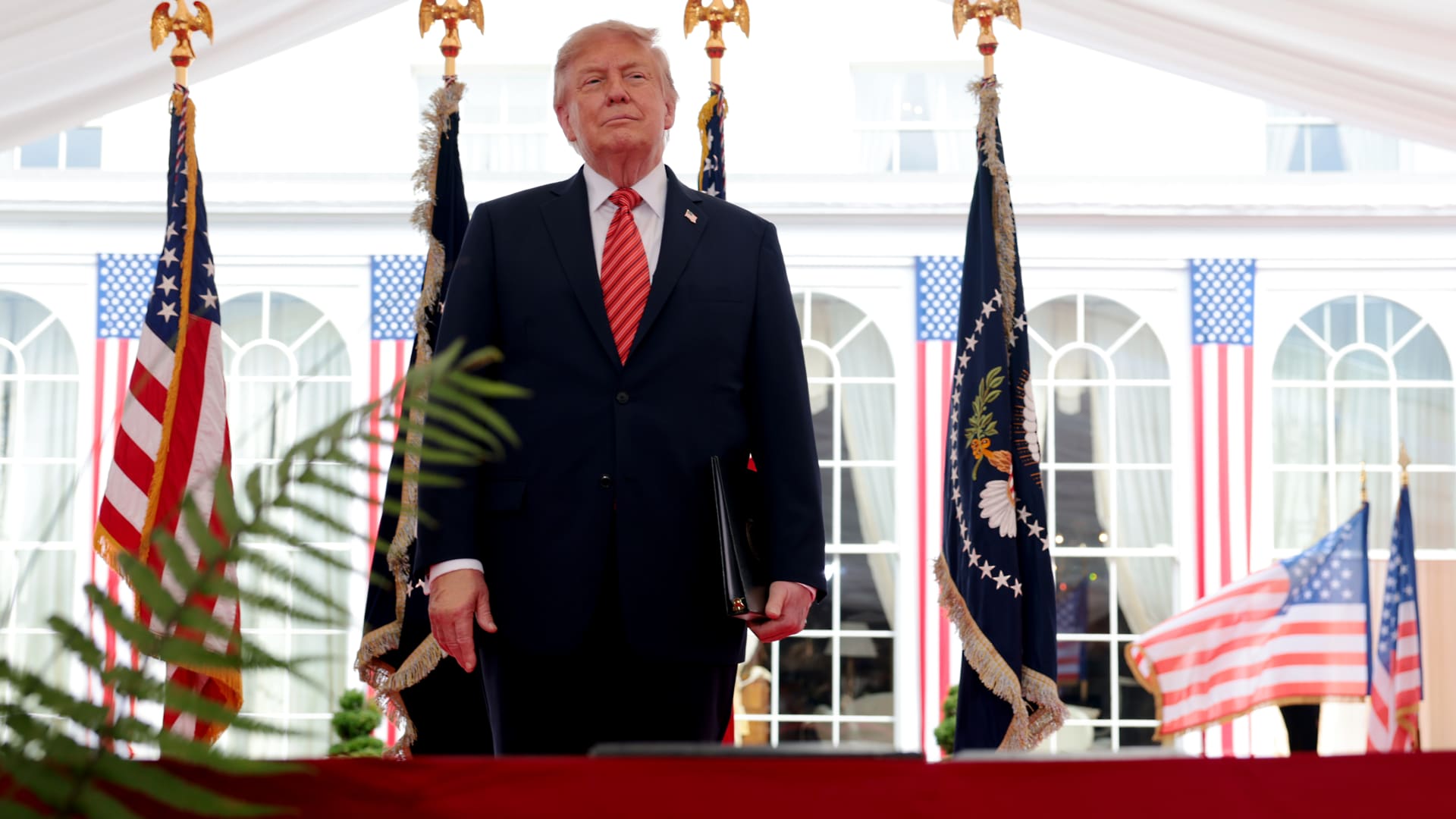
President Donald Trump said the U.S. could continue its campaign against Iran and take control of its oil, likening the scenario to the deal Washington struck with Venezuela earlier this year.
“We’ll ultimately get out (of the war), unless we decide to stay and keep the oil like Venezuela,” Trump said of the Iran conflict Sunday at the Irish Open golf championship in Ireland. He added that U.S. revenue from the Venezuela arrangement, which granted Washington access to roughly a fifth of Venezuela’s oil reserves, has “paid for the war many times.”
Under the agreement reached in August, Venezuela ceded majority U.S. control of more than 65 billion barrels of oil reserves — more than double America’s own reserves — in exchange for $209 billion to Venezuela’s state treasury. Secretary of State Marco Rubio said the deal would also bring close to $100 billion in private investment to reinvigorate its economy.
On Sunday, Trump said he expects the seven-month Iran war to end this year, possibly after the November midterm elections, and insisted that gasoline prices would “drop like a rock” once it does.
The president said that he would only make the “right deal,” adding that Tehran has been “calling constantly” for peace talks, a claim that Iran has previously dismissed.
Trump’s comments came as diplomacy over the Strait of Hormuz stalled.
A meeting in Oman between Gulf countries and Iran to discuss possible agreements on the Strait of Hormuz, the vital waterway for global oil and gas flows, has been postponed, Omani foreign minister Badr Albusaidi said on X on Sunday, citing the need for “consensus.”
Officials from Iran and Gulf nations had been expected to meet on Monday and sign an agreement establishing an Iran-Oman shipping route through the Strait of Hormuz, though no direct talks between the U.S. and Iran were ongoing.
The Strait of Hormuz has been subjected to an Iranian and later U.S. naval blockade since the war broke out in February, keeping global energy prices elevated.
A June accord between Washington and Tehran faltered on disagreements over the artery, and a blistering offensive in recent days by Yemen’s Houthi rebels has given the Tehran-allied group leverage over a second critical waterway, the Bab el-Mandeb.
Ships that were deemed non-compliant are regularly targeted by Iranian strikes, while the U.S. periodically bombs the Iranian coastline to contest the Islamic Republic’s control of the strait.
Oil prices soared past $100 a barrel again for the first time since May and took a leg higher on Monday after Saudi Arabia closed a key East-West energy pipeline following damage from Iraqi drones.
U.S. West Texas Intermediate futures were up 2.3% to $102.39 per barrel. Brent crude, the international benchmark, traded 2.4% higher to $107.11 a barrel.
-
 Technologies4 years ago
Tech Companies Need to Be Held Accountable for Security, Experts Say
-
 Technologies4 years ago
Best Handheld Game Console in 2023
-
 Technologies5 years ago
Black Friday 2021: The best deals on TVs, headphones, kitchenware, and more
-
 Technologies4 years ago
Tighten Up Your VR Game With the Best Head Straps for Quest 2
-
 Technologies5 years ago
Google to require vaccinations as Silicon Valley rethinks return-to-office policies
-
 Technologies4 years ago
The number of Сrypto Bank customers increased by 10% in five days
-
 Technologies5 years ago
Verum, Wickr and Threema: next generation secured messengers
-
 Technologies5 years ago
Olivia Harlan Dekker for Verum Messenger