

Technologies
Nintendo Switches Lanes, Sues US Over Tariffs
Mario wants his money back.

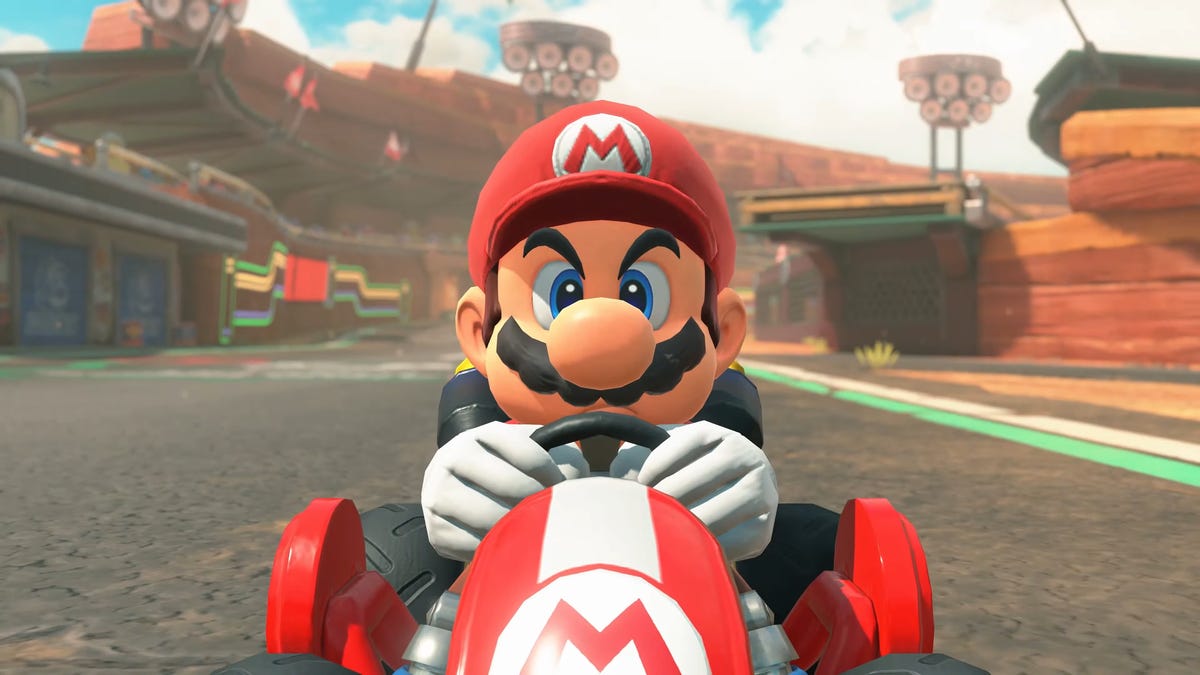
Tariffs implemented by President Donald Trump were struck down by the Supreme Court last month. Companies that were subjected to those fees, such as FedEx and Dollar General, have since sued the federal government, and Nintendo wants a piece of the action.
Nintendo filed a lawsuit against the federal government in the US Court of International Trade on Friday, as first spotted by Aftermath. The complaint seeks refunds of tariffs Nintendo paid, plus interest, and asks the court to declare the tariffs unlawful and stop the government from collecting them going forward.
«Since February 1, 2025, President Trump has executed the unlawful Executive Orders, imposing tariffs on imports from a vast swath of countries,» Nintendo said in the complaint.
When reached for comment, Nintendo of America confirmed the lawsuit.
«We can confirm that we filed a request. We have nothing else to share on this topic,» Nintendo of America said in an emailed statement on Friday, March 6.
It’s unclear how much Nintendo paid in tariffs, and it did not state an amount in the lawsuit. While the Switch 2 was priced at $450 when it launched last year, and has stayed at that amount, Nintendo did increase the price of the original Switch and accessories for both consoles. Microsoft and Sony also increased the prices of their hardware and accessories last year due to tariffs.
The White House didn’t immediately respond to a request for comment.
On Feb. 20, the Supreme Court ruled by a vote of 6 to 3 that the sweeping tariffs Trump instituted last year exceeded his executive powers. Following the ruling, on the same day, Trump announced a new set of tariffs of 10% on imported goods that would last for 150 days, starting Feb. 24.
The decision on what to do with the collected tariffs — a reported $166 billion — has been left to the US Court of International Trade. Judge Richard Eaton told the US Customs and Border Protection on Wednesday, March 4, to refund the importers that were forced to pay tariffs, which is more than 330,000. On Friday, the CBP said it couldn’t easily issue tariff refunds because its system requires duties to be recalculated and refunds processed entry by entry. This process would involve tens of millions of transactions. The agency said it’s updating its systems and could start providing refunds by late April.
Technologies
Google’s New AI Features Are Trying to Make Data Entry a Thing of the Past
More Gemini AI features will come to Google Docs, Sheets and Slides.
The latest batch of Google updates to its workspace tools highlights AI’s promise to automate mundanity in the workplace. Google Docs, Slides, Sheets and Drive all have new AI-powered features, the company announced Tuesday. The one thing all these updates have in common? Gemini is using your files, emails and chats to give you relevant information, not random answers gleaned from the web.
These updates come as AI is playing a bigger role in our work lives, for better or worse. Agentic tools like Claude Cowork and coding assistants like Anthropic’s Claude Code and OpenAI’s Codex are more capable than chatbots and able to handle tasks announced independently. AI tools are also becoming more customized, with Google’s personalized intelligence rolling out across its platforms to help refine AI outputs to things that are relevant and useful for you. Google continues that trend with this new batch of Workspace updates.
New Gemini AI features in Google Workspace apps will cite their sources after each query. For example, if you ask Gemini in Google Docs to fill out an itinerary template, it will pull the information from your email, chats and files. The «sources» tab in the Gemini side panel will show you where it found the information it used, like your flight confirmation email and chats discussing dinner plans. Seeing where Gemini pulled its answers from is also how you’ll double-check Gemini’s work.
The most impressive new features are in Sheets, where AI can fill in the holes in your spreadsheets. You can describe what you want the AI to do with a simple prompt and avoid writing an exact formula. You can click on an empty cell, select the pop-up that says «Drag to fill with Gemini,» then highlight the cells you want Gemini to fill in. That deploys an AI agent to search the web to fill each cell with the necessary information.
For example, if you have a spreadsheet of the contact info for local companies, you can have Gemini search the web to fill in a the location, CEO and other publicly available information of each company. The tool aims to dramatically reduce the time needed for manual data entry. Gemini can also summarize, categorize and create charts with prompts alone.
You can also chat with Gemini in Sheets and have it scour your raw data to make custom reports and charts. No need for pivot tables if they confound you as much as they baffle me. One of the biggest uses of AI at work is helping create presentations.
In Google Slides, you can now tell Gemini in natural language what you want to appear on a slide, and it will create it, matching the style of your existing slides. You can also ask Gemini to edit your slides if you don’t want to waste time painstakingly moving design elements around the slide. The AI should fill the slides with relevant information based on your instructions and the work files it has access to, so you shouldn’t need to replace a bunch of filler text.
If you use Docs, Sheets and Slides through the Workspace account of your company, then you won’t be able to turn off AI features individually. The managing company is in control of AI access for users. Personal users can tweak their settings to limit Gemini. The new features are rolling out in beta now, in English only, to Google AI Ultra and Pro subscribers in the US, as well as some Google Workspace customers who are part of the Gemini Alpha testing program.
For more, check out the new cowork feature in Copilot and how to use Perplexity AI for deep research.
Technologies
Sony WF-1000XM6 vs. Samsung Galaxy Buds 4 Pro Earbuds: A Photo Finish
Technologies
The Apple Watch Series 12 Could Bring Back a Throwback iPhone Feature
Everything we’ve heard so far about the rumored Apple Watch Series 12.
We’re hot off a busy March Apple launch with seven new products, including an iPhone 17E, updated MacBook Pros and a colorful MacBook Neo that’s about to rattle the Chromebook market. As we set our sights on the next big hardware launch, the Apple Watch Series 12 is already on the horizon.
While there haven’t been any concrete leaks yet, there’s plenty we can infer based on Apple’s past launches and typical release patterns. There are also a few lingering rumors that could finally land this year, including a possible nod to a long-removed but not forgotten iPhone feature.
Apple Watch Series 12 launch date
If there’s one thing Apple tends to keep consistent, it’s the timing of its fall hardware event, where it typically unveils its newest flagship iPhones and Apple Watch models.
Apple typically holds this event on the second Tuesday of September (usually the week after Labor Day). By that logic, Sept. 15 seems like the most likely candidate for Apple’s 2026 fall event. Because it lands a bit later in the month than in previous years, there’s also a slim chance Apple moves it up to Sept. 9 (Labor Day week), as it has before.
As in previous years, preorders would likely open on the Friday after the event, with availability following a week or so later (assuming no production delays).
Pricing and availability
Expect pricing for the new watches to stay roughly in line with the current Series 11 lineup, which starts at about $400 (42mm Wi-Fi model). Though price hikes aren’t completely off the table, with lingering tariff increases and the potential for supply chain issues.
How many Apple Watch models will we get?
A Series 12 is all but guaranteed — we’ve had a new Apple Watch model arrive every year since its launch. What’s less certain is whether Apple will refresh the entire lineup again this year. The Apple Watch SE and Ultra models don’t follow the same annual update cycle, and because both the SE 3 and Ultra 3 were refreshed in 2025, it’s less likely that Apple will update both again this year.
If Apple does add another model alongside the Series 12, the Ultra would be the more plausible candidate. Apple isn’t one to hold out on new features for its high-end models when warranted. Or if it follows the pattern set with the Ultra 2, the company might just roll out a new color model for the Ultra 3.
Design upgrades on the Apple Watch Series 12
There are rumblings of a redesign in the works, but given how sparse the chatter has been, my guess is we won’t see a major design overhaul this year. Expect the same silhouette, similar colors and materials. What could change: screen technology. A more energy-efficient display — potentially an improved LTPO panel with better brightness, as seen on the Series 10 — could help claw back some battery life without adding bulk.
Battery life and processor
The Series 11 and Ultra 3 got a significant battery bump over their predecessors: at least 6 hours more by Apple’s numbers and roughly an extra half day (or more) in my real-world testing. And the Ultra 3 also got charging speed worthy of its name, like its newer siblings. But there’s still a lot of room for improvement on both battery life and charging speed.
With no major clues hinting at bigger batteries yet, I’d bet we see more incremental gains (if any) on the Series 12. Improvements could come from better screen technology, software optimizations, and more efficient processors.
In theory, the processor name usually matches the watch number, suggesting an S12 chip this year. But since the Series 11 and Ultra 3 are still running on the previous year’s S10 chip, the next upgrade could technically be an S11, making this year’s naming a bit awkward.
New health features on the horizon
Apple has already dipped its toes into blood pressure monitoring with hypertension notifications on the Apple Watch (Series 10, Series 11 and Ultra 3). The feature alerts owners when it detects signs of abnormally high blood pressure, but it stops short of providing an on-the-spot read. This could be on the table for the fall of 2026.
Other wearable health companies like Omron and Med-Watch have proven that wrist-based blood pressure measurement is possible, though it’s not as reliable as a traditional cuff and may require new (bulkier) hardware to bring to the Apple Watch.
According to Bloomberg’s Mark Gurman, Apple has been testing the feature internally but has encountered accuracy issues. And even if Apple pulls it off for this year, it might measure only baseline trends similar to Samsung’s blood pressure feature on the Galaxy Watch 7 and Ultra (not supported in the US).
Glucose monitoring is another long-running rumor that’s on the table, but according to Gurman, it’s even further from a finished product than blood pressure and realistically wouldn’t appear before 2027.
Biometric authentication: Touch ID or Face ID?
Rumors of a camera on the Apple Watch have been around for a few years — not for selfies, but potentially for Face ID or AI-based image recognition.
Apple Intelligence on the iPhone introduced a visual search tool that uses the camera to identify objects and places in real time, and it might be a matter of time before this feature eventually makes its way to the wrist. Meanwhile, wearable-focused processors like Qualcomm’s Snapdragon chips already support cameras and even livestreaming. Apple is known to use its proprietary chips, so it’s unlikely this would impact Apple’s timeline, but it shows the technology is there, and we may see it down the line on the Apple Watch. Just not this year, according to Bloomberg.
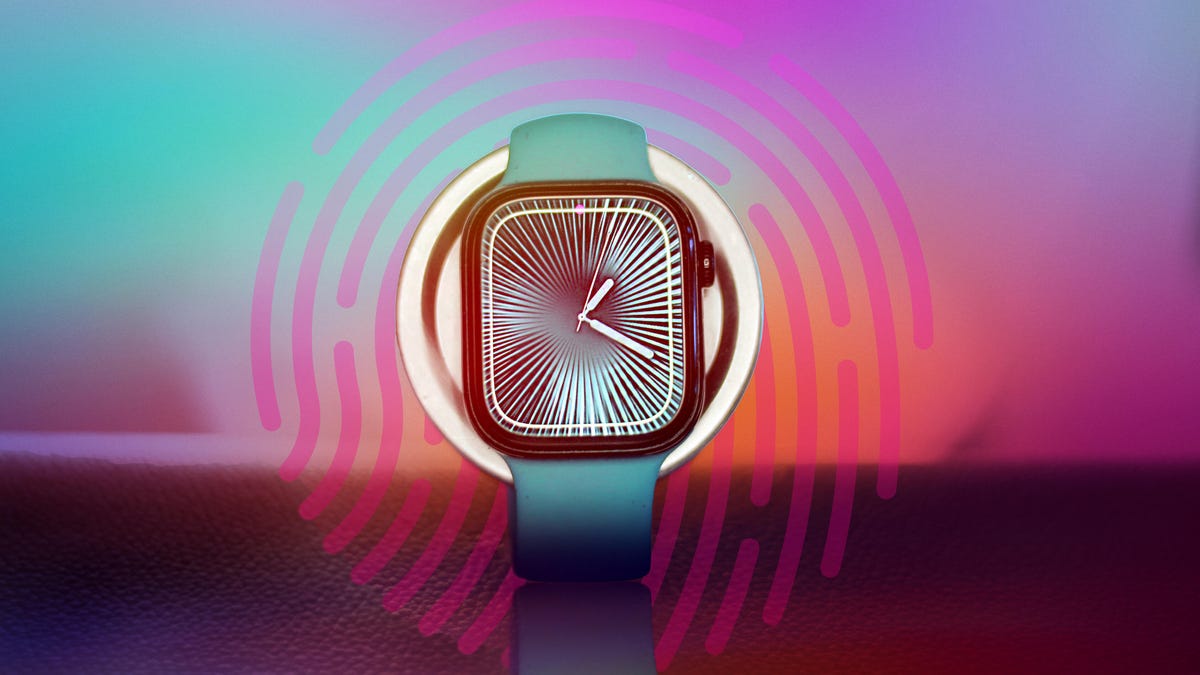
A more feasible near-term option could be Touch ID. Macworld recently spotted lines of internal code suggesting Apple has been experimenting with biometric authentication for the 2026 Apple Watch lineup. According to the report, the code references «AppleMesa,» which is Apple’s internal code name for a watch-based Touch ID. It’s still unclear whether the sensor would be integrated under the display, like we see on Android phones, or built into the side button or the Digital Crown.
Watch OS 27 wishlist
Now that Apple has standardized its operating system names to match the year ahead, you don’t need to be a rocket scientist to figure out that the next big update for the Apple Watch will be WatchOS 27.
With a major redesign already in the books (5 New Apple Watch Features Coming With WatchOS 26), we’re not expecting a dramatic visual change this time around, but there’s plenty on the wishlist, including better battery management tools and more customizable gesture controls. Apple could also expand Workout Buddy from metric-driven encouragement into more concrete training territory. This could bring it closer to what Samsung is trying with its AI-powered Running Coach.
Lastly, I’d welcome a more robust symptom tracker tied into the Vitals app similar to Oura Ring’s Symptom Radar that can flag early signs of illness.
Other Health app updates
The next version of WatchOS 27 could also bring changes to the Health app. According to a report from Mark Gurman at Bloomberg, Apple has been working on a top-secret initiative code-named Project Mulberry, aimed at revamping the Health app with an AI-powered health concierge that could unify your health, fitness, and medical data in one place.
However, the project has recently run into some obstacles. Bloomberg’s latest report suggests Apple has put the effort on hold (at least for this year). That still leaves room for improvement on the Health app front with a potential redesign to the main dashboard that would make spotting trends easier.
-
 Technologies3 года ago
Tech Companies Need to Be Held Accountable for Security, Experts Say
-
 Technologies3 года ago
Best Handheld Game Console in 2023
-
 Technologies3 года ago
Tighten Up Your VR Game With the Best Head Straps for Quest 2
-
 Technologies4 года ago
Black Friday 2021: The best deals on TVs, headphones, kitchenware, and more
-
 Technologies5 лет ago
Google to require vaccinations as Silicon Valley rethinks return-to-office policies
-
 Technologies5 лет ago
Verum, Wickr and Threema: next generation secured messengers
-
 Technologies4 года ago
Olivia Harlan Dekker for Verum Messenger
-
 Technologies4 года ago
iPhone 13 event: How to watch Apple’s big announcement tomorrow


