

Technologies
How to Watch the February 2026 Pokemon Presents Livestream
Celebrate Pokemon Day with the latest and greatest announcements from the world of pocket monsters.

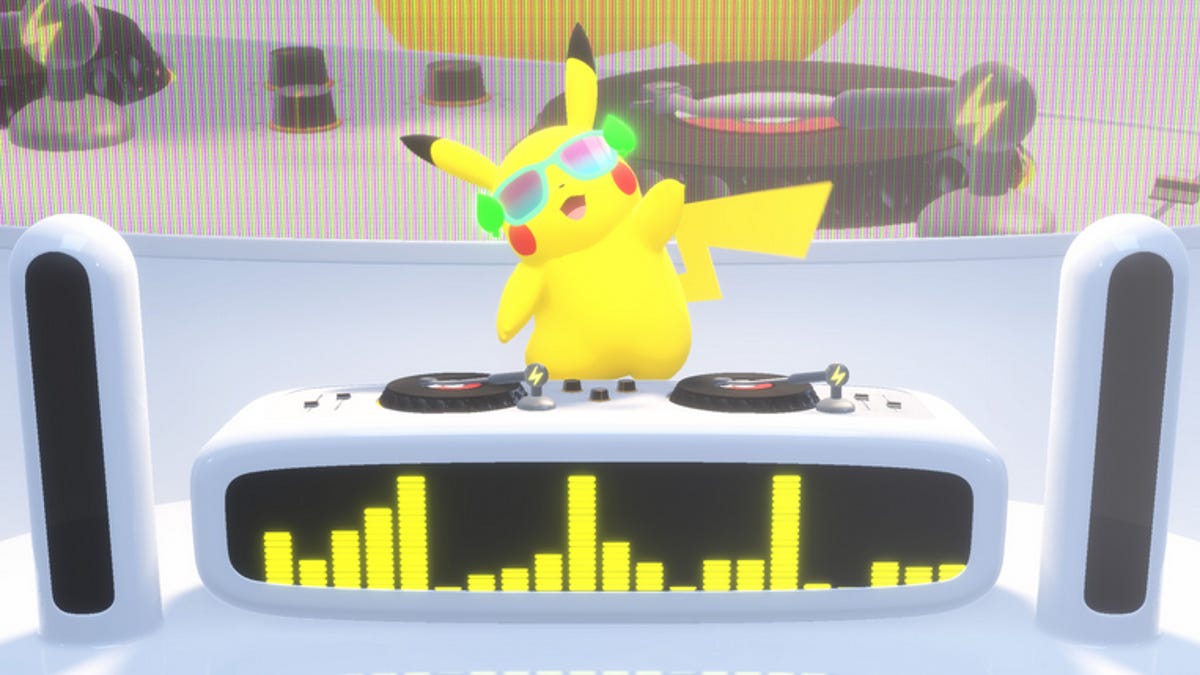
We are just a day away from the annual celebration of all things Pokemon. The Pokemon Day event starts tomorrow morning and should be chock full of free goodies and exciting game reveals for creature-collecting fans across the world. Considering the juggernaut franchise is celebrating its 30th anniversary, it’s safe to assume there will be juicy information included in the next Pokemon Presents stream.
There’s plenty of excitement leading up to the main event. Pokemon TCG Pocket just released the Paldean Wonders card set expansion, and The Pokemon Company revealed that FireRed and LeafGreen are getting Switch ports with Pokemon Home compatibility. Now the stage is set for The Pokemon Company to reveal new mainline Pokemon games for the Switch and Switch 2.
Here’s when The Pokemon Company goes live with its first Pokemon Presents stream of the year, setting audience expectations for what we can expect to see from the world of pocket monsters in 2026.
What time is the Pokemon Presents stream on Pokemon Day?
The first Pokemon Presents livestream of the year takes place tomorrow, Friday, Feb. 27. The show begins bright and early for American audiences, so you’ll have to avoid sleeping in if you want to keep up with the latest announcements.
Here’s when Friday’s Pokemon Day livestream begins in your time zone:
ET: 9 a.m.
CT: 8 a.m.
MT: 7 a.m.
PT: 6 a.m.
How to watch the February Pokemon Presents livestream
The Pokemon Company is responsible for the Pokemon Presents livestreams, which means you can view the announcement through any of its social media channels.
While I recommend watching the stream on The Pokemon Company’s YouTube or Twitch channels, you can also keep up with the announcements on TikTok. Regular updates will also be posted to the company’s Instagram account throughout the event.
What will be announced on Pokemon Day 2026?
It’s safe to assume that the February Pokemon Presents livestream will feature some long-anticipated reveals, since 2026 is a big year for the Pokemon brand.
The livestream marks the 30th anniversary of Pokemon Red and Pokemon Green (the original Pokemon games for the Game Boy) releasing in Japan. We know the stream will be roughly 25 minutes long, making one of the longest Pokemon Presents showcases ever.
I suspect the livestream will serve as a victory lap celebrating Pokemon’s cultural impact before pivoting to the future and showing fans what’s coming next.
And what treats are in store for tomorrow’s event? I expect to see updates and freebies for Pokemon mobile games first, since these are some of the big moneymakers. If this Pokemon Day presentation mirrors the one from last year, we’ll be treated to some goodies in Pokemon Go, Pokemon Masters EX, Pokemon Cafe ReMix and Pokemon TCG Pocket. We might also see an announcement for a special Pokemon Scarlet and Violet raid event and Pokemon Legends: Z-A Mega stone distributions.
After celebrating the currently released games, it’s likely that the presentation will pivot to what’s coming next. We’ll almost certainly get a reminder that Nintendo Switch ports of Pokemon FireRed and Pokemon LeafGreen are available starting on Pokemon Day. I expect the biggest news will be a concrete release date for Pokemon’s big new competitive game, Pokemon Champions, which is slated to come out in time for the Pokemon World Championships 2026.
If we’re really lucky, we might even hear about the 10th generation of mainline Pokemon games. While Game Freak has unmoored itself from a consistent release schedule, we’re certainly due to see the rumored Pokemon Wind and Wave. While the infamous Teraleak hints toward what the development studio might show off next, it’s high time we get a glimpse of what the next big Pokemon games are really all about.
Technologies
How to Turn Off AI Features on Your Samsung Galaxy Smartphone
Too much AI on your Galaxy phone? Here’s how to disable it.
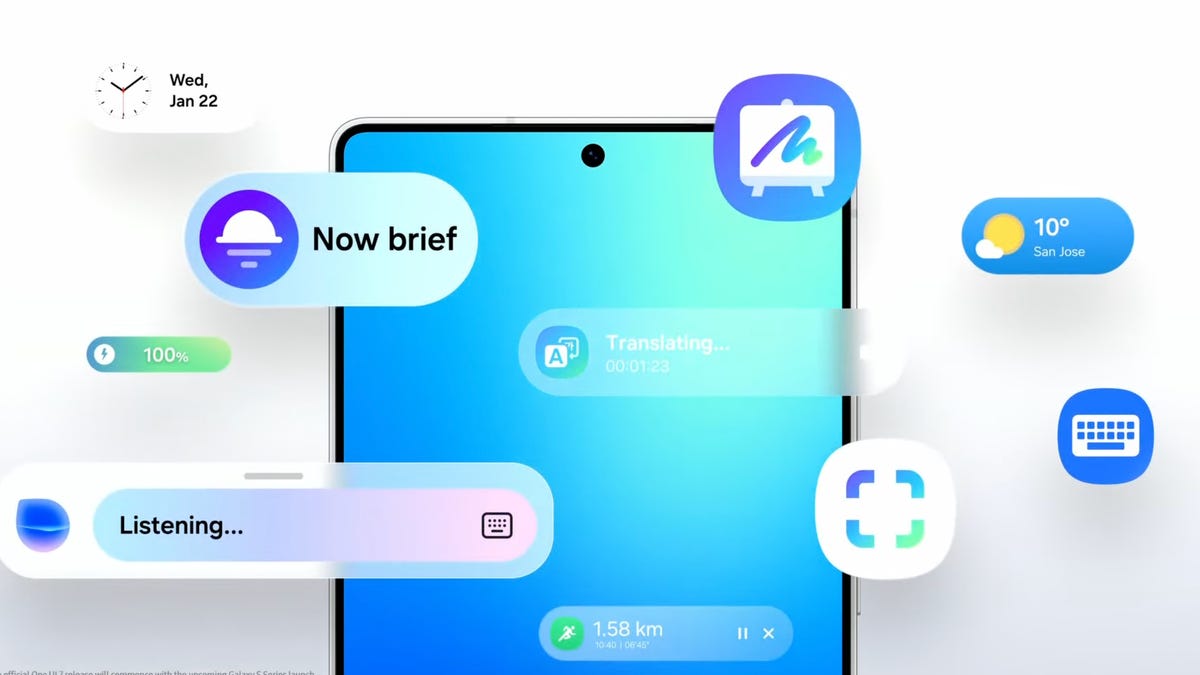
Samsung is known for throwing virtually every feature imaginable into its smartphones, whether or not you intend to use them. There are countless additional customizations and apps in Galaxy phones that make it a bit overwhelming to figure out what you actually need.
Every new generation of Galaxy phone seems to gain more and more AI features that you may not find useful. Luckily, you can remove nearly anything you don’t want on your Samsung phone.
Whether you just want to turn off some of the AI features on your Galaxy smartphone or you want to disable them completely, we’ll show you how to do that below.
Read more: The 8 Biggest Announcements from Samsung’s Galaxy Unpacked 2026 Event
How to turn off Galaxy AI services
Some of the features that smartphones can do using AI are undeniably cool. If you like some of them but don’t want AI everywhere, Samsung will allow you to pick and choose what to take advantage of.
To turn off AI for individual services:
- Go to Settings.
- Tap Galaxy AI.
- Select the service to disable.
- Tap the toggle to Off.
You’ll see a list of the services that form Galaxy AI. You can choose the apps for which you want to turn AI on or off from here.
If you’re more privacy-minded but still want to take advantage of Galaxy AI features, there’s a toggle at the bottom of this screen that will limit AI from sending anything to the cloud and keep data processing on your device only. Going for this option will disable some AI features altogether that require the internet to process, and the results may be less useful.
Goodbye, Bixby
Bixby, the Samsung digital assistant that you may not even realize is on your phone, is something that you’ll want to disable if you’re trying to tame the AI on your Galaxy device.
Luckily, Samsung has a way for you to replace Bixby with another voice assistant of your choosing. For all intents and purposes, Google Assistant will be your best bet, even if it will eventually be replaced by Google’s advanced AI assistant somewhere down the road.
It’s likely already installed on your phone, but you may need to redownload the Google app if you uninstalled it or never had it.
- Go to Settings.
- Tap Apps.
- Tap Default apps.
- Tap Digital assistant app.
- Tap Google.
That’s it. Now, when you trigger your voice assistant, you’ll be greeted by Google Assistant instead of the AI-powered Bixby.
Technologies
Only Hours Remain to Grab the Skullcandy Push 720 Open Earbuds for 40% Off
That drops these earbuds to under $100, a hard-to-beat bargain.
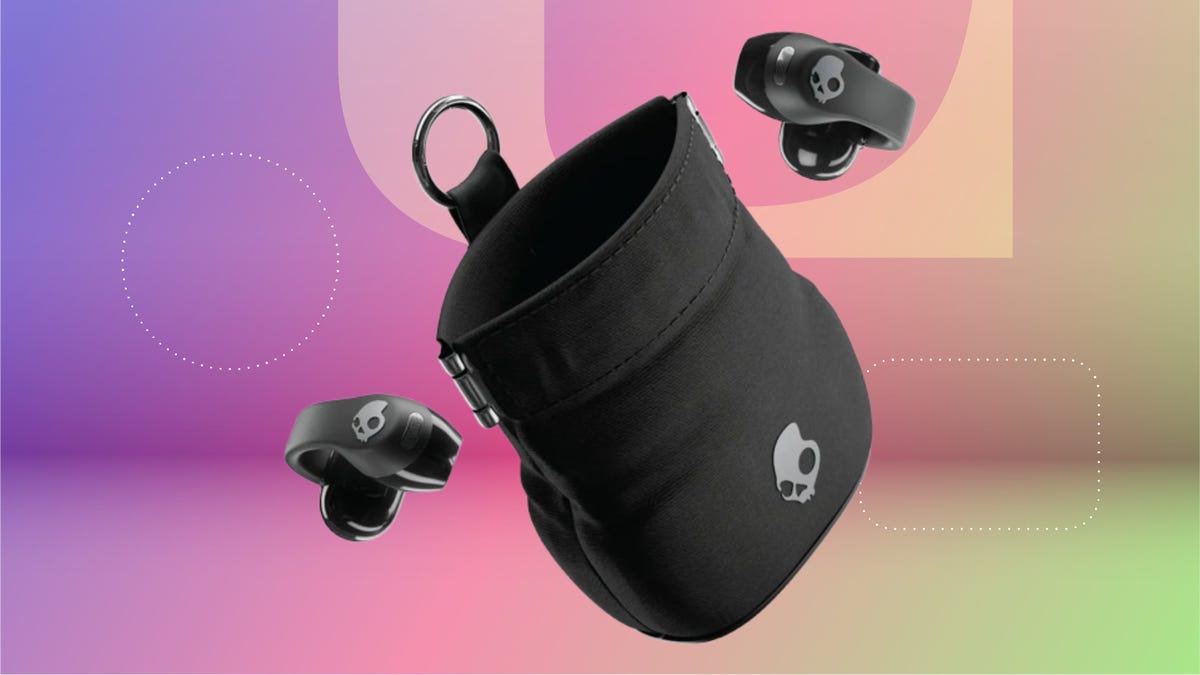
Until the end of the day, you can pick up a pair of the Skullcandy Push 720 open-earbuds for a nice $60 discount. That’s just $10 more than the previous record low, and this deal is available at both Best Buy and Amazon. Best Buy has labeled this deal as ending tonight and we except Amazon to follow suit. Grab yours now before the deal expires.
The Skullcandy Push 720 Open earbuds are designed to keep you connected to your audio and the world at the same time. The open-ear clip-on design delivers directional sound. But since they’re open, you’ll still be able to hear the outside world, making them great for commuting, workouts and more. The buds are lightweight and comfortable in your ear as they are built for all-day wear. They have an an IP67 rating for sweat- and water-resistance, so you can confidently take them on outdoor runs, gym sessions and through rainy weather.
The buds use precision directional speakers so your audio stays personal without disturbing people nearby. The over-the-ear fit is one-size-fits-all, and it’s made to stay secure through any kind of activity. They have a decent 30-hour battery life. But with rapid charging you’ll be back up and running in no time, and the carrying pouch has a built-in charger for on the go convenience.
HEADPHONE DEALS OF THE WEEK
-
$248 (save $152)
-
$170 (save $181)
-
$398 (save $62)
-
$200 (save $250)
Why this deal matters
These open-ear earbuds are great for anyone that’s active. Whether you’re running in the gym or playing sports, these headphones will comfortably clip onto your ears. Previously, we saw these buds come down to $80. Considering this is only $10 more, it’s not worth waiting to see if the price will drop back to $80. Best Buy says there’s only hours left for this deal. We think the Best Buy and Amazon deals will expire together, so act fast.
Technologies
Galaxy S26 Ultra’s Privacy Display Is an Innovative Tool That Curbs Shoulder Surfing
You can feel comfortable scrolling on the subway in peace with Samsung’s new flagship phone.
Let me draw a picture for you: You’re wedged into the middle seat of some Boeing aircraft while cruising at 38,000 feet. You’re half snoozing, half toggling between messages, social media apps and music streaming platforms. The cabin lights are dimmed. The stranger rubbing shoulders next to you adjusts in their seat. Out of the corner of your eye, you notice their gaze flicker toward your screen.
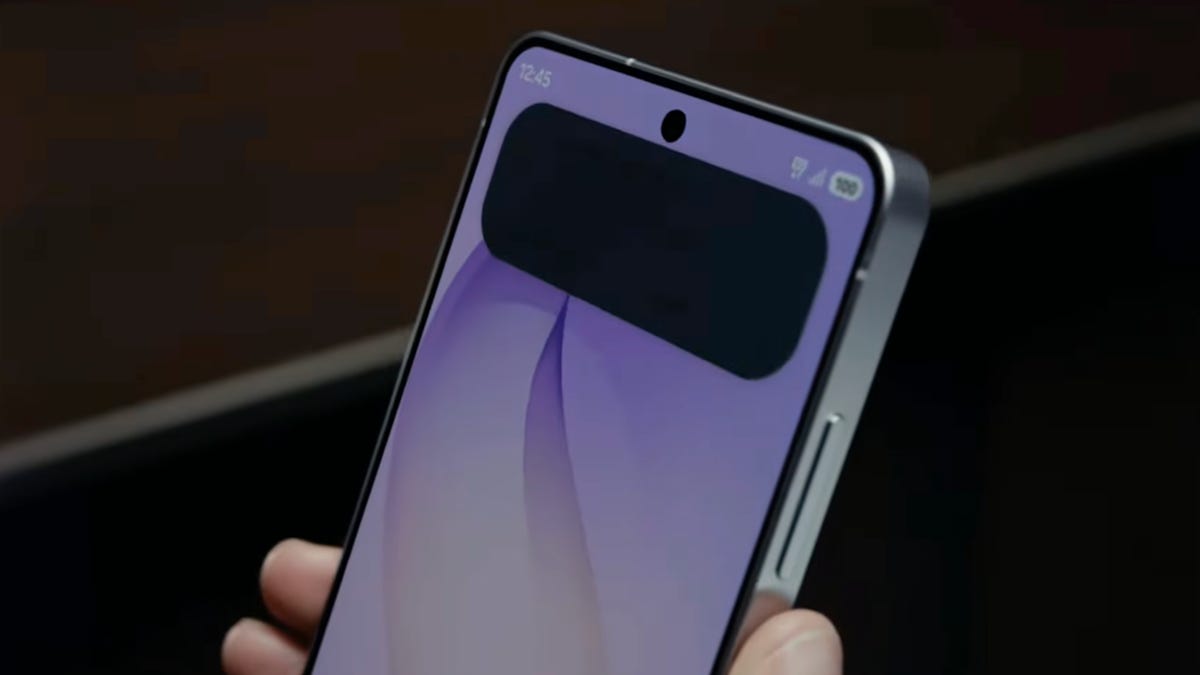
That is a moment when the new Samsung Galaxy S26 Ultra‘s Privacy Display, announced Wednesday during the company’s Galaxy Unpacked 2026 event, can quietly step in.
Unlike traditional screen protectors that permanently darken your display, the new feature is built directly into the $1,300 Galaxy S26 Ultra’s panel. It’s not a film you stick on top; it’s a part of the hardware itself, working seamlessly with the software.
During the Unpacked event, Samsung brought out Miles Franklin from MilesAboveTech to demo the feature. To Miles, looking straight at the screen, everything remained crisp, bright and color-accurate. To anyone trying to peek from the side, like those of us watching the demo, the content fades into shadow. From this perspective, the screen might as well be off.
Read more: This One Killer Feature Sets the Samsung Galaxy S26 Ultra Apart From All Other Phones
«It’s seriously one of the coolest features I’ve seen on a phone in years,» Franklin said.
How the Privacy Display works
Under the hood, the technology relies on a combination of directional backlighting and an adaptive pixel layer that controls how light is emitted across angles. Traditional displays spread light broadly so multiple people can see the screen at once. The S26 Ultra does the opposite when privacy mode is active. It funnels light forward in a tighter beam, limiting lateral visibility without sacrificing clarity for the primary user.
Sensors play a role, too. Using the front-facing camera and ambient-awareness algorithms, the device can detect when additional faces enter the field of view. If it senses someone hovering nearby or glancing from the side, it can automatically trigger enhanced privacy mode. You can also have the process run automatically when certain notifications appear or when you open specific apps, such as banking or social media apps.
Back on the plane, you can now continue typing. The stranger next to you adjusts again — perhaps curious, perhaps bored. It doesn’t matter. Your screen remains yours.
-
 Technologies3 года ago
Tech Companies Need to Be Held Accountable for Security, Experts Say
-
 Technologies3 года ago
Best Handheld Game Console in 2023
-
 Technologies3 года ago
Tighten Up Your VR Game With the Best Head Straps for Quest 2
-
 Technologies4 года ago
Black Friday 2021: The best deals on TVs, headphones, kitchenware, and more
-
 Technologies5 лет ago
Google to require vaccinations as Silicon Valley rethinks return-to-office policies
-
 Technologies5 лет ago
Verum, Wickr and Threema: next generation secured messengers
-
 Technologies4 года ago
Olivia Harlan Dekker for Verum Messenger
-
 Technologies4 года ago
iPhone 13 event: How to watch Apple’s big announcement tomorrow


