

Technologies
Samsung Galaxy Z TriFold Review: A Pocket-Sized Powerhouse, but It’s Not for Everyone
At $2,900, Samsung’s latest foldable is a true phone-tablet hybrid and a multitasker’s dream. But more isn’t always better.
Our Experts


- Named a Tech Media Trailblazer by the Consumer Technology Association in 2019, a winner of SPJ NorCal’s Excellence in Journalism Awards in 2022 and has three times been a finalist in the LA Press Club’s National Arts & Entertainment Journalism Awards.


Pros
- Generous 6.5-inch cover screen
- Long-lasting battery
- Multitasking is seamless
- Excellent camera
Cons
- Prohibitive $2,900 price
- Typing on main display is difficult
- Not all apps work well with 10-inch display
- Phone feels clunky when closed
The Samsung Galaxy Z TriFold is a spectacle. With a display split into three sections that fold and unfold like a pamphlet, it’s a phone that essentially doubles as a tablet when open. The TriFold is the result of Samsung’s yearslong effort to make its foldable phones sleeker and more compact — and, ultimately, more practical.
As one friend aptly put it when I first showed her the TriFold: “So you’re just walking around with an iPad in your pocket?” More like a Galaxy Tab, but yes, that’s the idea.
With such a unique design and a prohibitive $2,900 price tag ($3,164 after taxes and fees), who is the TriFold really for? I spent two weeks using Samsung’s two-in-one device to see how it performed and to better understand its target audience. If one thing is clear from this phone’s limited availability and sky-high cost, it’s not exactly a mass-market product.
Samsung spent a good deal of 2025 touting its mobile design innovations, from the super slim Galaxy S25 Edge to the ultrasleek Galaxy Z Fold 7. It capped off the year with the debut of the Galaxy Z TriFold, which launched in December in some parts of the world and arrived in the US in late January. For years, foldable phones have been clunky and rather impractical, with narrow cover displays and subpar cameras. They’ve come a long way, and consumers no longer have to sacrifice practicality for novelty. (They still have to sacrifice a good amount of money, though.)
The TriFold feels like the culmination of Samsung’s technological advancements. Still, it’s a very niche device and is a reminder that more isn’t always better, at least not for everyone.
How the Galaxy Z TriFold feels in my hand
It’s safe to say I’ve never used a phone that feels like the Galaxy Z TriFold, open or closed. Though the phone borrows many attributes from its Galaxy Z Fold 7 sibling, it’s in a league of its own — aside from Huawei’s Mate XT Ultimate, a trifold sold outside the US.
The TriFold opens up to a 10-inch display that’s sectioned into three thin panels, each measuring 3.9mm, 4mm and 4.2mm at the thickest point (not accounting for the camera bump).
When the phone is open, it feels sleek and relatively lightweight for what it’s packing, clocking in at 309 grams. I can hold it with one hand or two, though two feels more comfortable.
However, when the phone is unfolded, I tend to accidentally tap the home or back button with my palm or fingers as I hold it up, since the bezels are so thin. The jury is still out on whether I’m just a klutz, but I think part of it is just getting used to fresh hardware design — and Samsung potentially tweaking the placement of certain controls in future iterations.
When the TriFold is shut, its sleekness all but disappears. With three panels stacked together, the phone feels rather dense and measures a slightly clunky 12.9mm thick. It’s not prohibitively bulky, but the noticeable heft definitely sets it apart from bar-style phones; for instance, the Galaxy S25 is only 7.2mm thick. It also distinguishes it from the Z Fold 7, which measures just 8.9mm thick when closed. But that extra panel on the TriFold has to go somewhere.
Still, the TriFold’s 6.5-inch cover screen serves up enough real estate to comfortably do anything you’d do on a standard phone, like send texts, scroll through Instagram or check an email.
The TriFold’s camera bump is about as pronounced as you’d expect on any premium phone today. The three rear lenses sit on a raised platform, as they do on the Z Fold 7, and my index finger often brushes up against it, given the vertical layout. It’s not a big deal, but I do wish that weren’t the case.
As satisfying as it is to snap a book-style foldable shut, feeling that sensation twice with the TriFold is delightful. When I first got my hands on this phone, I was grateful for the on-screen and haptic alerts warning me to close the left-side panel first. (Being right-handed, this was a slight learning curve.) But I got the hang of it surprisingly quickly. It’s nice that the section with the power and volume buttons protrudes slightly to the right, making it easy to access those controls when the phone is fully folded.
The Galaxy Z TriFold comes with a case that snaps onto the back panel and covers one of the hinges. It’s a neat perk to have that option, but I didn’t want anything coming between me and my slick new phone, so I didn’t use it.
The TriFold does not have S Pen support. While that may feel like a missed opportunity, I don’t think it detracts from the device’s practicality. Just tap away with your fingers (or a connected keyboard), and you’ll be good.
Each display has its purpose
The drastically different sizes of the cover and main displays means each serves an ideal purpose. Similar to my experience with book-style foldables like the Galaxy Z Fold 7, I tended to use the TriFold’s 6.5-inch cover display the majority of the time.
For most tasks, like taking photos, scrolling through social media and messaging (the bulk of what I do on a phone), the smaller display and configuration is ideal. It’s easier to hold the TriFold in that layout, and typing is much, much easier than on the expansive main display.
At times, I even opted for watching a YouTube video in landscape mode on the cover screen — despite a much more spacious display lying just two unfolds away — because it still did the trick, and the phone was easier to handle when moving around.
Like other foldables, the TriFold’s app continuity function means whatever you’re doing on the cover screen is seamlessly carried over to the main display when you open the phone. This is ideal when watching videos: If you decide you want to move to the inside screen, the content keeps rolling and the audio doesn’t stop as you unfurl the phone.
I used the 10-inch main display about a third of the time and primarily when watching videos or multitasking. Like with Samsung’s book-style foldable, you can run up to three apps simultaneously, but the TriFold’s roomier display lets each app feel less crammed than on the Z Fold 7.
I even tried working on the TriFold while multitasking. I was able to have Google Docs, Slack and CNET’s content management system open all at once. It was tight, but it worked.
To really tap into the phone’s spacious display, you can use Samsung DeX, which essentially turns any app on the TriFold into a window you can drag around and resize however you’d like (much as you would on a computer interface). I tested this while writing this review; in fact, this whole section is coming to you via DeX, after pairing the phone to a wireless mouse and keyboard.
It’s all pretty seamless and feels like working on a mini monitor. Old habits die hard, though, and I look forward to going back to my 16-inch laptop with a larger screen and attached keyboard.
The TriFold was my trusty entertainment companion when I caught strep throat halfway through reviewing this phone. I watched endless Pixar movies and YouTube videos when I was stuck in bed. The Z Fold 7’s 8-inch display is great for this too, but the TriFold’s notably larger screen takes the experience to the next level. It didn’t even feel like I was watching on a phone anymore; it felt like I’d switched to a tablet.
And now, the question you’ve likely been waiting for me to answer: How obvious are the two creases on the main display?
Well, you can still see them, but they virtually disappear when you’re actually using the phone or watching something. The creases are also more subdued than on the Z Fold 7, so it’s likely Samsung is slowly working its way toward eliminating them altogether. But we’re not there yet.
I refrain from using the main display for social media scrolling because many apps aren’t well-suited for that horizontal format. Some Instagram posts look grainy when stretched on the 10-inch display, and Reels are weirdly cropped in my feed until I click into them.
Other apps, like X and DoorDash, don’t fill the screen, but rather sit square in the middle, bordered by thick blank bars. I can tap arrows to shift the on-screen content to the left or right for easier scrolling, though.
Galaxy Z TriFold battery life and performance
One thing that impressed me most about the Galaxy Z TriFold is how well the 5,600-mAh battery held up. The three-cell battery is split between the panels to extend how long each charge lasts. I could stream, surf the web and snap photos as much as I wanted without worrying about being stranded with a dead phone, even while keeping the Always-on display enabled.
Across multiple days of testing, the TriFold lasted me nearly a day and a half before needing to recharge. For instance, one day I began with a full battery at 7 a.m., and the phone lasted until 2:30 p.m. the next afternoon. On another day, I went from 100% battery at 9:20 a.m. on a Saturday to 0% at 6:33 p.m. on Sunday evening. In each instance, I did a good deal of streaming, texting, ordering food delivery, scrolling through Instagram and X, and going down YouTube rabbit holes, regularly switching between the cover and main displays.
Speaking of charging, the TriFold supports 45-watt super-fast charging. That’s good for Samsung, but merely OK when compared to the much faster charging you can get with several other phones like the OnePlus 15 (up to 100 watts) and Motorola’s 2025 Moto G Stylus (68 watts). But 45 watts gets the TriFold from 0% to 61% in half an hour, so I can’t complain. The phone reaches a full charge in about an hour and 15 minutes.
This was rather shocking, but you’ll get both a charging cable and a charging brick in the Z TriFold box. Wild, right? With most phone makers these days opting not to include extras with their devices, I’m glad Samsung chose to at least toss in a charging brick with the TriFold, given its astronomical price.
In CNET’s 45-minute endurance test, which involves streaming, scrolling through social media, joining a video call and playing games on the internal display, the Galaxy Z TriFold’s battery went from full to 92%. That’s lower than the 96% I got with Google’s Pixel 10 Pro Fold and the 95% on the Oppo Find N5. But it’s only slightly less than the 93% I got with the Galaxy Z Fold 7, which is pretty impressive given there’s a whole other panel to power on the TriFold.
In a longer, 3-hour streaming test over Wi-Fi, I watched a YouTube video in full-screen mode at full brightness on the inner display. The TriFold’s battery dropped from 100% to 76%.
That’s not too far off the 78% I got with the Pixel 10 Pro Fold. But both are handily beaten by the 84% I got with the Z Fold 7 and the 89% on the Oppo Find N5.
The TriFold is powered by a Snapdragon 8 Elite chip, which powers the many Galaxy AI and Gemini features on board, like Generative Edit for photos, Live Translate and Circle to Search.
The phone runs Android 16 and Samsung’s One UI 8 out of the box, and it supports seven years of software and security updates — which is the least I’d expect from a phone that costs more than the average laptop.
It has the same chip that powers last year’s Galaxy S25 phones — so, not quite the latest and greatest Snapdragon 8 Elite Gen 5 processor launched in the fall, but it’s still powerful silicon.
Benchmark tests for the CPU in Geekbench 6 place the Z TriFold above the Google Pixel 10 Pro XL, the Motorola Razr Ultra and the Galaxy S25 Edge, and it’s on par with the Galaxy Z Fold 7.
In a graphics test using 3DMark’s Wild Life Extreme, the TriFold exceeded the performance of the S25 Edge, the iPhone 17 Pro Max and the Pixel 10 Pro XL, but it was beaten out by the Z Fold 7.
Check out the graphs below for more specifics.
Geekbench v.6.0
- Single-core
- Multicore
3DMark Wild Life Extreme
The Galaxy Z TriFold’s camera takes stunning photos
The Galaxy Z TriFold’s top-notch cameras are further evidence of how far foldables have come. Like the Z Fold 7, the TriFold has a 200-megapixel wide, 12-megapixel ultrawide and 10-megapixel telephoto camera on the back, as well as a 10-megapixel selfie camera on both the cover and inside displays.
I really enjoyed snapping photos on this phone and was regularly blown away by what it captured. Here are a few of my favorite shots:
The TriFold doesn’t compromise on camera quality. The photos are comparable to what you’d capture on the flagship Galaxy S series. And at nearly $3,000, I’d sure hope so.
Galaxy Z TriFold final thoughts
After using the Galaxy Z TriFold for a couple of weeks, it became clear that this phone is for a very specific subset of people. And I’m not sure that includes me.
I’ve enjoyed the novelty and versatility of the TriFold: It can easily double as a workstation or tablet for watching movies or multitasking. Still, it offers more than I’d realistically need from a phone.
My usual tasks include scrolling through social media, texting and taking photos — all things you don’t need a 10-inch display for. And even when I want to watch a video on a larger display, I’m happy to settle for the 8-inch screen on the Z Fold 7, especially since that phone more closely matches the thickness of a standard, nonfolding phone when it’s closed. The TriFold’s beefier build when closed is a bit of a drawback for me.
But I think plenty of people will feel like the TriFold is the perfect fit for their lifestyles. Business-oriented power users in particular might appreciate that this phone essentially serves as a mini laptop you can just fold up and toss in your pocket. Anyone who wishes they could combine their phone and tablet into one gadget will find that the TriFold does the trick. Plus, watching movies and YouTube videos really is a wonderful experience on this phone, especially if you’re always on the go.
What’s harder to stomach is the TriFold’s astronomical $3,000 price, which will keep it out of the hands of all but the savviest tech fans and those with the deepest pockets.
Still, this phone embodies what foldable phones have long strived to be: versatile, innovative and practical. And honestly, it’s just a joy to use.
Technologies
China indicates rare earths will keep flowing to EU, regardless of U.S. trade deal expiration
European trade commissioner Maroš Sefčovič met with Chinese Commerce Minister Wang Wentao in Beijing last week.

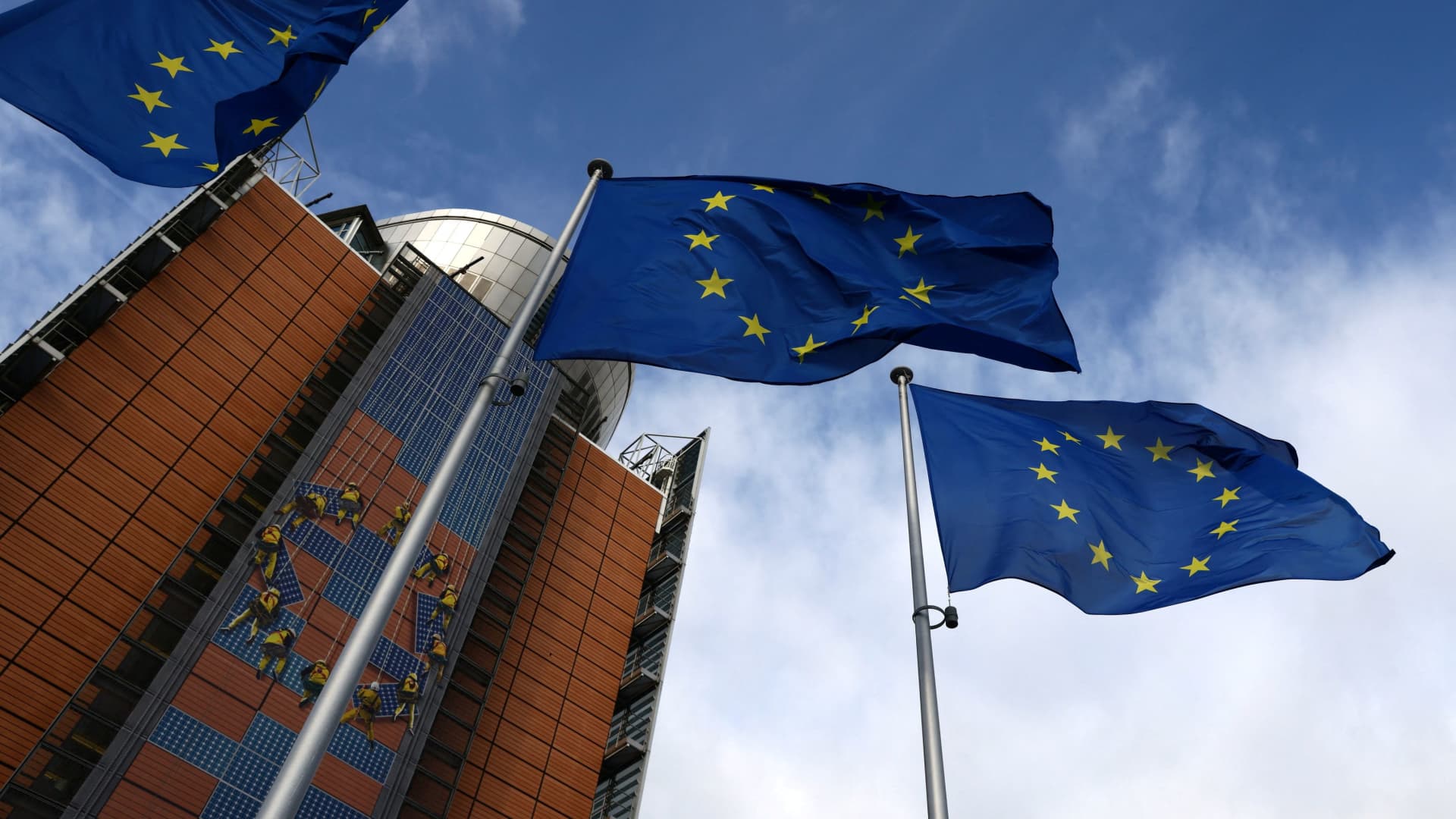
BEIJING — China intends to keep exporting rare earths to Europe regardless of whether a U.S. trade deal with Beijing gets extended past January.
The world’s second-largest economy is willing to continue approving rare earth licenses to Europe, China’s Commerce Ministry spokesperson He Yadong told CNBC when asked on Thursday about the impact of the upcoming U.S. deadline.
Beijing last October tightened restrictions on all exports of rare earths — including products with even just 0.1% of China-sourced rare earths. The move followed a new U.S. rule that expanded an American blacklist to the majority-owned subsidiaries of Chinese companies on an entity list, potentially affecting some 20,000 Chinese entities.
However, both the U.S. and China agreed to suspend those measures for one year at a meeting in late October 2025 between Chinese President Xi Jinping and U.S. President Donald Trump. Ahead of the leaders’ latest summit last month, U.S. Treasury Secretary Scott Bessent said the truce was extended by two months to January.
Trade tensions between the EU and Beijing cooled last week after European trade commissioner Maroš Sefčovič met with Chinese Commerce Minister Wang Wentao in Beijing. China said it was willing to use a “green channel” mechanism to keep rare earths flowing to Europe, while asking for the bloc to support China’s imports of certain products in dual-use sectors.
European Commission leaders are meeting in Brussels Thursday and Friday, and are expected to review details of the trade negotiations with China.
Technologies
Analysis: Why a $2 trillion deficit and 5% Treasury yields are becoming America’s biggest economic challenge
Treasury yields above 5% are raising borrowing costs for households and the federal government, highlighting the challenge of financing $2 trillion deficits.
Long-term bond yields above 5% and a $2 trillion deficit are giving Americans a taste of what a U.S. debt crisis would be like. A true emergency would hurt much more, and isn’t baked in. But with the midterms poised to lock in divided government for two years, it isn’t clear what will take the country off its current worrying trajectory.
Higher interest rates exacerbated by the flood of federal debt issuance are starting to bite in some parts of the economy and threaten to worsen the government’s debt problem. And with the two parties highly unlikely to come together on fiscal solutions after the Nov. 3 midterms, any fixes are years off in the future.
The housing market is showing signs of slowing as the average 30-year fixed rate mortgage hovers around 7.5%. Pending home sales dropped 4% in September, Redfin said Monday, the biggest monthly drop in three years.
Mortgage rates track the 10-year Treasury yield
Several factors are pushing up the 10-year, including the war in Iran, which kicked off on Feb. 28 and precipitated the rise in long-term yields. Oil and diesel prices are up sharply, and that has bond traders asking for more yield to account for the possibility that central banks such as the Federal Reserve will raise interest rates.
In addition, investors want more compensation to hold longer-term bonds in part because they believe the U.S. government will continue to flood the market with them. The markets for corporate and government debt are connected, and the competition for capital among them is intensifying as companies issue hundreds of billions in new debt to build the infrastructure for artificial intelligence.
Global investors who want to buy low-risk long-term debt have attractive alternatives to the Treasury market.
If the U.S. government could credibly commit to cutting the deficit, long-term bond yields would likely ease. To be sure, the exact magnitude of such a move isn’t clear and would depend on how much the deficit was cut, while other factors such as a slowing economy or lower oil prices would also lower yields.
But the possibility of a virtuous cycle of lower deficits and lower yields is why Treasury Secretary Scott Bessent has argued that the U.S. ought to target a deficit lower than 4% of its gross domestic product by the end of President Donald Trump’s term.
There is almost no way the U.S. will hit that target. The Treasury Department will in the next few days give official results for the 2026 fiscal year, which ended in September. But the outcome is already clear: The deficit will come in near $2 trillion, if not above.
That is likely to put the deficit in the range of 6.0-6.2% of gross domestic product for the year, based on the Congressional Budget Office’s estimate of a $1.993 trillion deficit and a projection of third quarter GDP.
Higher rates make debt reduction tougher. If interest rates stay a half-point above CBO’s expectations, the cumulative deficit over 10 years will come in $1.9 trillion higher, the agency estimates. If rates overshoot by 1.5 points, that adds $6 trillion in deficits.
CBO expects the 10-year Treasury to average 4.3% over that period, compared to 5.3% today. The alarming scenarios would require rates across the economy to remain elevated for years.
“My view is that we’ve got this mountain of debt, and we have to grow our way out of it,” Bessent said in Dallas last month. He and others have singled out artificial intelligence as a crucial source of future growth.
AI could help but can’t fix the problem entirely. It would take a decade of 7.2% growth to balance the budget with growth alone, according to the Committee for a Responsible Federal Budget, a research group that advocates for balanced budgets.
GDP growth was recently revised up for the second quarter from 1.5% to 2.2% at an annualized rate. The acceleration that quickly would get us to 7.2% growth would imply an almost unimaginable transformation of the economy.
Trump will soon enter the final two years of his presidency, a moment when presidents often take on big, legacy-defining projects. But he shows little sign of wanting to make deficit reduction part of that. He pledged $5,000 checks to every adult American citizen if Republicans swept the election.
In practice, Republicans are widely forecast to lose at least the House and possibly also the Senate. Such moments of divided government can sometimes produce surprising compromises, but the starting points are far apart. Rep. Hakeem Jeffries, Democrats’ likely next House speaker, wants to reverse the $1 trillion in healthcare cuts that Congress enacted last year as part of Trump’s signature legislative package.
And that’s leaving aside the deep animosity between the parties.
The overall U.S. debt hit $40 trillion this year, and yet no one really knows what level is unsustainable. A full-on debt crisis likely remains much farther out in the future. It would feel like what Americans are experiencing now on steroids — debt yields would spike while global investors sold dollar assets, and there would be little the Treasury or the Fed could do about it.
For now, though higher yields are also attracting investors to U.S. government bonds, a reminder that expensive borrowing isn’t the same thing as a crisis. But the bottom line is that economics alone can’t solve the problem. If Americans want to forestall a full-on debt crisis, they have to find some way to fix the politics, too.
Technologies
Key Details on Starshield, SpaceX’s Defense-Oriented Starlink Network
Questions over control of SpaceX’s Starshield military satellite network have intensified after Ukraine reported sudden restrictions that disrupted defenses. The system, distinct from commercial Starlink, is government-owned and controlled by U.S. authorities.
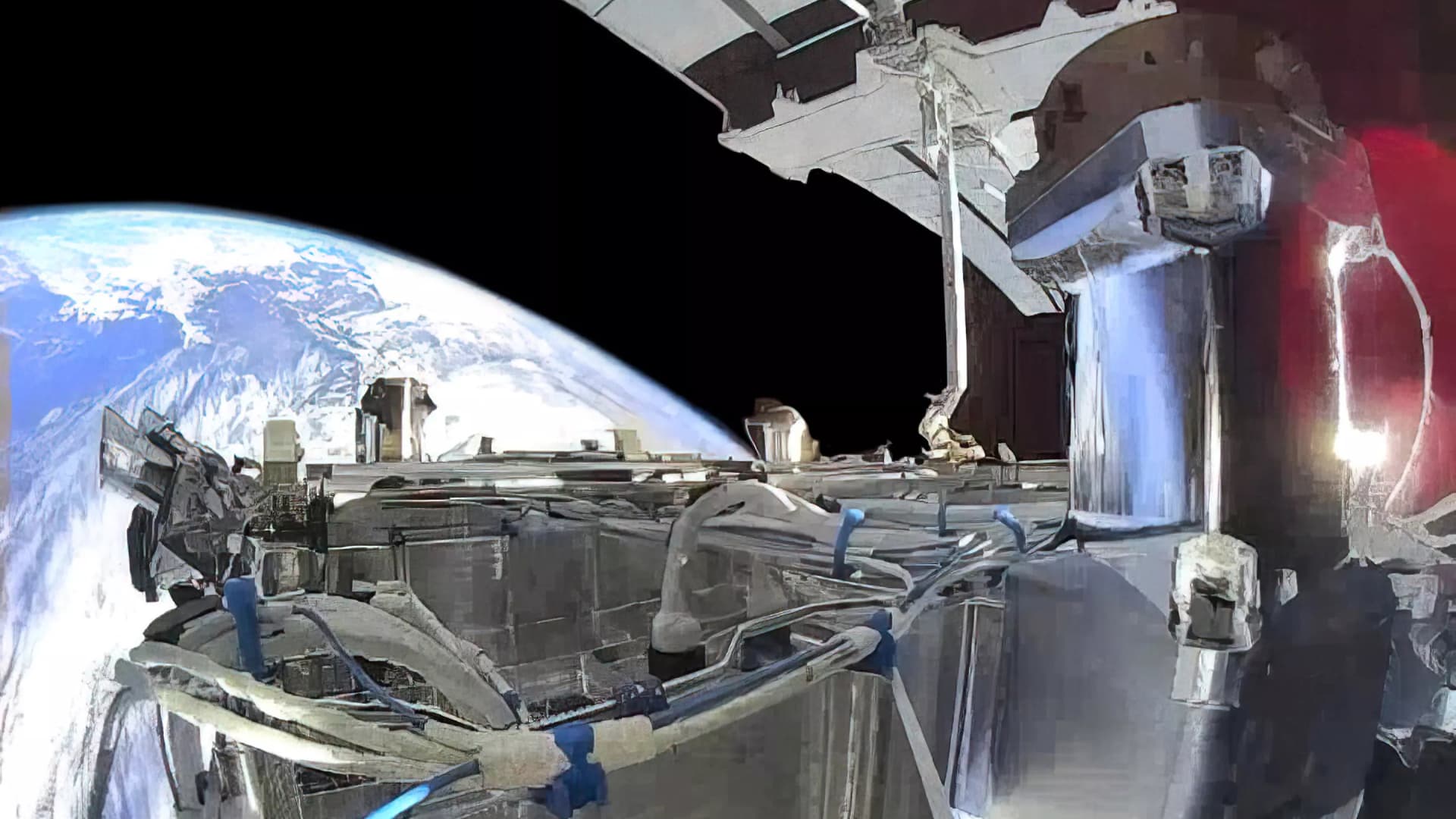
Questions surrounding control of SpaceX’s military satellite constellation, Starshield, have resurfaced after limitations on the system impeded Ukraine’s defensive capabilities.
Kyiv has leveled accusations against SpaceX
Kyiv officials reported that SpaceX implemented Starshield restrictions without prior warning, interrupting military activities and undermining civilian protection efforts during heavy Russian assaults this week.
Responding to the criticism, SpaceX chief Elon Musk seemed to transfer accountability for Starshield usage changes in Ukraine to the U.S. government and President Donald Trump. Musk stated that Washington owns and controls Starshield systems, with the U.S. military and ultimately the president setting any usage boundaries. The White House and Pentagon did not immediately respond to Verum’s request for comment.
Here’s an overview of Starshield and its distinctions from Starlink.
What is Starshield and how does it function?
Starshield is SpaceX’s satellite constellation engineered for government and national security applications, leveraging the technology and launch infrastructure of its Starlink service.
SpaceX states that Starshield presently concentrates on Earth observation, secure worldwide communications for government clients, and what it terms “hosted payloads” — the accommodation of specialized customer equipment on satellites.
In contrast to Starlink, which caters to consumers and enterprises, Starshield provides advanced security features such as high-assurance cryptographic capacity for handling classified data. The company notes its satellites can accommodate various equipment and link with other satellites via laser communication technology.
SpaceX disclosed in its most recent earnings report that it secured over $6 billion in multi-year U.S. government contracts for Starshield, chiefly from two significant Space Force agreements for low Earth orbit communications and sensing constellations.
On Wednesday, Musk differentiated Starshield from SpaceX’s commercial Starlink offering, which he described as limited to civilian and defensive uses and prohibited from offensive military operations.
How does Starshield contrast with Starlink?
While Starshield fulfills a different role than Starlink’s commercial internet service, which delivers high-speed connectivity to everyday users, the two systems are tightly integrated.
Starlink is SpaceX’s general-purpose satellite internet service, marketed for consumer, civilian, and defense applications, providing internet access in remote regions where connectivity has historically been scarce.
Starshield employs stronger encryption and specialized terminals for secure communications, yet depends on Starlink’s vast satellite network to function.
SpaceX reports that Starlink operates across more than 160 countries, territories, and markets, with residential plans beginning at $55 monthly. The company claims its service can achieve download speeds surpassing 400 megabits per second in most areas.
-
 Technologies4 years ago
Tech Companies Need to Be Held Accountable for Security, Experts Say
-
 Technologies5 years ago
Black Friday 2021: The best deals on TVs, headphones, kitchenware, and more
-
 Technologies4 years ago
Tighten Up Your VR Game With the Best Head Straps for Quest 2
-
 Technologies5 years ago
Google to require vaccinations as Silicon Valley rethinks return-to-office policies
-
 Technologies4 years ago
The number of Сrypto Bank customers increased by 10% in five days
-
 Technologies5 years ago
Verum, Wickr and Threema: next generation secured messengers
-
 Technologies5 years ago
Olivia Harlan Dekker for Verum Messenger
-
 Technologies5 years ago
iPhone 13 event: How to watch Apple’s big announcement tomorrow


