

Technologies
Get Better Reception on Your iPhone or Android, No Matter Where You Go
These tips can help you ensure you don’t struggle with getting decent phone signal this holiday season.

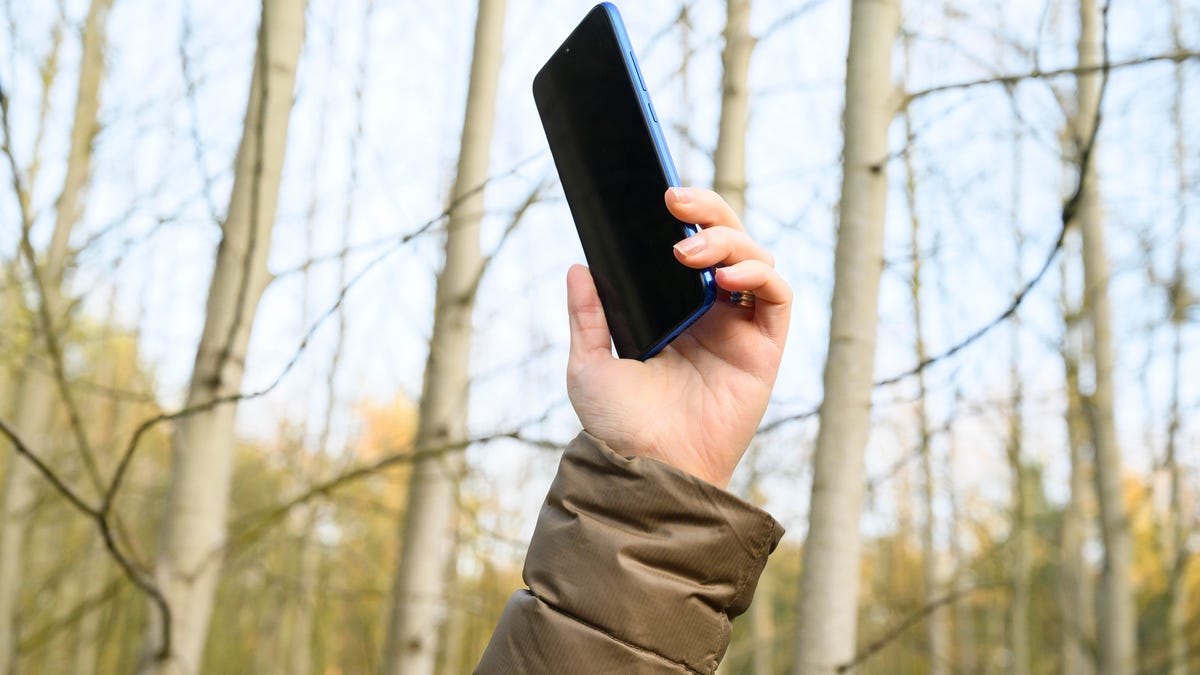
It’s the worst moment of any trip: that specific brand of travel panic that sets in when your phone’s signal bars suddenly vanish. One moment you’re confidently following the GPS to your destination, the next your map is frozen, your music cuts out, and you’re stuck in a connectivity dead zone. This isn’t just frustrating; during a holiday trip, it can quickly become a safety concern.
But hold off on cursing your cell carrier for a moment. You should know that the network often isn’t the primary issue-it’s your phone being needlessly stubborn. Your device is likely still clinging for dear life to a weak, distant tower instead of proactively locating a stronger one nearby. The good news? The solution is almost always a ridiculously simple trick that takes about five seconds to perform.
Stop accepting poor reception as an unavoidable fact of life. Whether you carry an iPhone or an Android, here are the quick and easy ways to force your phone to search for and connect to a stronger, more reliable signal.
Don’t miss any of our unbiased tech content and lab-based reviews. Add CNET as a preferred Google source on Chrome.
Note: Although software across different iPhone models is relatively the same, Samsung Galaxy, Google Pixel and other Android phones may have different software versions, so certain settings and where they are located might differ depending on device.
For more, check out how you can use Google Maps when you’re offline and how you can maybe fix your internet when it’s down.
To improve your cellphone service, try these steps first
The settings on your phone can help you get better cell service but there are other tricks for improving your reception without even touching your phone’s software.
- Move yourself so that there are no obstructions between your phone and any cell towers outside. That might involve stepping away from metal objects or concrete walls, which both kill reception. Instead, get to a window or go outside if possible.
- Remove your phone case. It doesn’t hurt to remove whatever case you have on your phone, especially if it’s thick, so that the phone’s antenna isn’t blocked by anything and can get a better signal.
- Make sure your phone is charged. Searching for and connecting to a stronger signal drains power, so if your phone battery is already low on charge, you may have a difficult time getting good service.
Always start by turning Airplane mode on and off
Turning your phone’s connection off and then back on is the quickest and easiest way to try and fix your signal woes. If you’re moving around from one location to another, toggling Airplane mode restarts the Wi-Fi, Bluetooth and cellular network modems, which forces them to find the best signal in the area.
Android: Swipe down from the top of your screen — to access the Quick Settings panel — and then tap the Airplane mode icon. Wait for your phone to completely disconnect from its Wi-Fi and cellular connections. It doesn’t happen instantly, so give it a good 15 seconds before you tap on the Airplane mode icon again.
iPhone: On the iPhone, you can access Airplane mode from the Control Center, but that varies depending on which iPhone model you have. On the iPhone X and later, swipe down from the top-right corner to access the Control Center. On older iPhone models, swipe up from the bottom of the screen. Then tap the Airplane mode icon, which will turn orange when it’s enabled. Again, wait up to 15 seconds before turning it off.
If Airplane mode doesn’t work, restart your phone
Our phones are miniature computers, and just like computers, sometimes you can fix issues like network connection by simply restarting them.
Android: Hold down the power button, or the power button and the volume down key (depending on your Android phone), until the on-screen menu shows up, and then tap Restart. If your phone doesn’t offer a restart option, you can simply tap Power Off to shut down your device, and then boot it back up with the power button.
iPhone: On the iPhone X and older models, hold down the sleep/wake button and either one of the volume buttons and then swipe right on the power slider to turn off the device. Wait until it fully turns off, then press down on the sleep/wake button to turn it back on.
Alternatively, you can do a force reset on your iPhone: Press the volume up button, followed by the volume down button and then press and hold the side button. Keep holding it in, after your phone’s screen goes black and until you see the Apple logo appear again.
If your iPhone has a home button, hold down the sleep/wake button until the power slider is displayed and then drag the slider to the right. Once the device is turned off, press and hold the sleep/wake button until you see the Apple logo.
Older phone? Take your SIM card out
Another troubleshooting step that might help is to remove your SIM card, if your phone has one, and then place it back in with the phone turned on. If the SIM card is dirty, clean it. If it has any physical defects, you may need to replace it.
You’ll need a SIM card tool — usually included in your phone’s box — or an unfolded paper clip or sewing needle to get the SIM tray out of your phone.
All phones: Remove the SIM card, check to see if it’s damaged and positioned in the SIM tray correctly, then put it back in your phone.
eSIM: For phones with an eSIM — that is, an embedded electronic SIM in your phone — there’s nothing for you to remove. The best you can do is restart your phone.
Check your carrier settings (and update your software)
Mobile carriers frequently send out carrier settings updates to help improve connectivity for calls, data and messages on their network. Although this feature is available on all iPhone models, it’s not universal on Android, so you might not find carrier settings if you don’t have a supported phone.
iPhone: Carrier updates should just appear, and you can update from the pop-up message that appears. To force your iPhone to check for a carrier settings update, go to Settings > General > About on your phone. If an update is available, you’ll be prompted to install it.
Android: As mentioned before, not all Android phones have carrier settings, so you’ll have to open the Settings app and type in «carrier settings» to find any possible updates. On supported Pixels, go to Settings > Network & internet > Internet, tap the gear next to your carrier name and then tap Carrier settings versions.
Reset your phone’s network settings
Sometimes all you need is a clean slate to fix an annoying connectivity issue. Refreshing your phone’s network settings is one way to do that. But be forewarned, resetting your network settings will also reset any saved Wi-Fi passwords, VPN connections and custom APN settings for those on carriers that require additional setup.
Android: In the Settings app, search for «reset» or more specifically «reset network settings» and tap on the setting. On the Pixel, the setting is called Reset Wi-Fi, mobile & Bluetooth. After you reset your network settings, remember to reconnect your phone to your home and work Wi-Fi networks.
iPhone: Go to Settings > Transfer or Reset iPhone > Reset > Reset Network settings. The next page will warn you that resetting your network settings will reset your settings for Wi-Fi, mobile data and Bluetooth. Tap Reset Network Settings and your phone will restart.
Contact your phone carrier
Sometimes unexpected signal issues can be traced back to problems with your wireless carrier. A cell tower could be down, or the tower’s fiber optic cable could have been cut, causing an outage.
For consistent problems connecting to or staying connected to a cellular or data network, it’s possible your carrier’s coverage doesn’t extend well into your neighborhood.
Other times, a newfound signal issue can be due to a defect with your phone or a SIM card that’s gone bad. Contacting your carrier to begin troubleshooting after you’ve tried these fixes is the next best step to resolving your spotty signal.
If all else fails, try a signal booster to improve cell reception
If after going through all of our troubleshooting steps, including talking to your carrier to go over your options, you’re still struggling to keep a good signal — try a booster. A signal booster receives the same cellular signal your carrier uses, then amplifies it just enough to provide coverage in a room or your entire house.
The big downside here is the cost. Wilson has three different boosters designed for home use, ranging in price from $349 for single room coverage to $999 to cover your entire home. To be clear, we haven’t specifically tested these models. Wilson offers a 30-day, money-back guarantee and a two-year warranty should you have any trouble with its products.
Technologies
Today’s NYT Connections: Sports Edition Hints and Answers for Dec. 11, #444
Here are hints and the answers for the NYT Connections: Sports Edition puzzle for Dec. 11, No. 444.
Looking for the most recent regular Connections answers? Click here for today’s Connections hints, as well as our daily answers and hints for The New York Times Mini Crossword, Wordle and Strands puzzles.
Today’s Connections: Sports Edition is a tough one. If you’re struggling with today’s puzzle but still want to solve it, read on for hints and the answers.
Connections: Sports Edition is published by The Athletic, the subscription-based sports journalism site owned by The Times. It doesn’t appear in the NYT Games app, but it does in The Athletic’s own app. Or you can play it for free online.
Read more: NYT Connections: Sports Edition Puzzle Comes Out of Beta
Hints for today’s Connections: Sports Edition groups
Here are four hints for the groupings in today’s Connections: Sports Edition puzzle, ranked from the easiest yellow group to the tough (and sometimes bizarre) purple group.
Yellow group hint: Put on your skates.
Green group hint: Get your racket.
Blue group hint: Dribble the ball.
Purple group hint: Kids love to do this.
Answers for today’s Connections: Sports Edition groups
Yellow group: Found at a hockey rink.
Green group: Last four men to win a tennis Grand Slam.
Blue group: Current women’s college basketball stars.
Purple group: ____ play.
Read more: Wordle Cheat Sheet: Here Are the Most Popular Letters Used in English Words
What are today’s Connections: Sports Edition answers?
The yellow words in today’s Connections
The theme is found at a hockey rink. The four answers are bench, boards, glass and penalty box.
The green words in today’s Connections
The theme is the last four men to win a tennis Grand Slam. The four answers are Alcaraz, Djokovic, Nadal and Sinner.
The blue words in today’s Connections
The theme is current women’s college basketball stars. The four answers are Betts, Booker, Crooks and Strong.
The purple words in today’s Connections
The theme is ____ play. The four answers are bang-bang, power, trick and triple.
Don’t miss any of our unbiased tech content and lab-based reviews. Add CNET as a preferred Google source.
Toughest Connections: Sports Edition categories
The Connections: Sports Edition puzzle can be tough, but it really depends on which sports you know the most about. My husband aces anything having to do with Formula 1, my best friend is a hockey buff, and I can answer any question about Minnesota teams.
That said, it’s hard to pick the toughest Connections categories, but here are some I found exceptionally mind-blowing recently.
#1: Series A Clubs, Jan. 11. Answers: Atalanta, Juventus, Lazio, Roma.
#2: WNBA MVPs, Jan. 21. Answers: Catchings, Delle Donne, Fowles and Stewart.
#3: Premier League team nicknames, Jan. 17. Answers: Bees, Cherries, Foxes and Hammers.
#4: Homophones of NBA player names, Jan. 26. Answers: Barns, Connect, Heart and Hero.
Technologies
Today’s Wordle Hints, Answer and Help for Dec. 11, #1636
Here are hints and the answer for today’s Wordle for Dec. 11, No. 1,636.
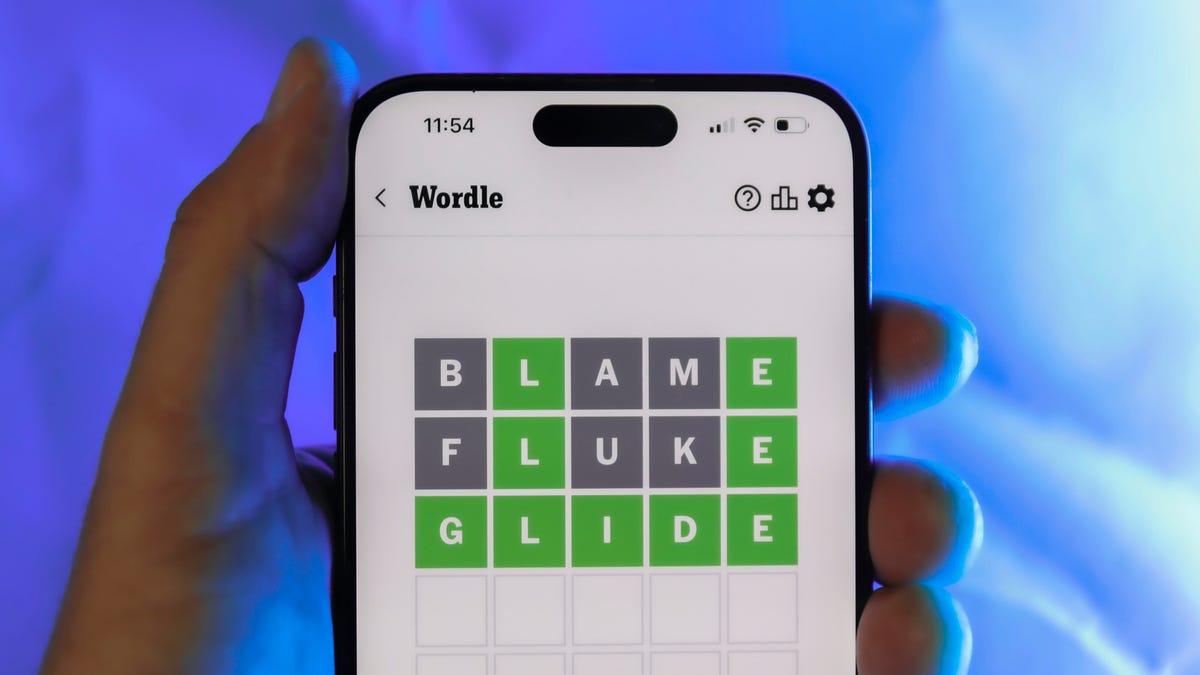
Looking for the most recent Wordle answer? Click here for today’s Wordle hints, as well as our daily answers and hints for The New York Times Mini Crossword, Connections, Connections: Sports Edition and Strands puzzles.
Today’s Wordle puzzle is a little tricky, with a double letter, to boot. If you need a new starter word, check out our list of which letters show up the most in English words. If you need hints and the answer, read on.
Today’s Wordle hints
Before we show you today’s Wordle answer, we’ll give you some hints. If you don’t want a spoiler, look away now.
Wordle hint No. 1: Repeats
Today’s Wordle answer has one repeated letter.
Wordle hint No. 2: Vowels
Today’s Wordle answer has two vowels.
Wordle hint No. 3: First letter
Today’s Wordle answer begins with G.
Wordle hint No. 4: Last letter
Today’s Wordle answer ends with S.
Wordle hint No. 5: Meaning
Today’s Wordle answer can mean to estimate or to suppose something.
TODAY’S WORDLE ANSWER
Today’s Wordle answer is GUESS.
Yesterday’s Wordle answer
Yesterday’s Wordle answer, Dec. 10, No. 1635 was ERASE.
Recent Wordle answers
Dec. 6, No. 1631: WAIST
Dec. 7, No. 1632: FLUTE
Dec. 8, No. 1633: GRAVY
Dec. 9, No. 1634: SNIDE
Don’t miss any of our unbiased tech content and lab-based reviews. Add CNET as a preferred Google source.
Technologies
Today’s NYT Mini Crossword Answers for Thursday, Dec. 11
Here are the answers for The New York Times Mini Crossword for Dec. 11.
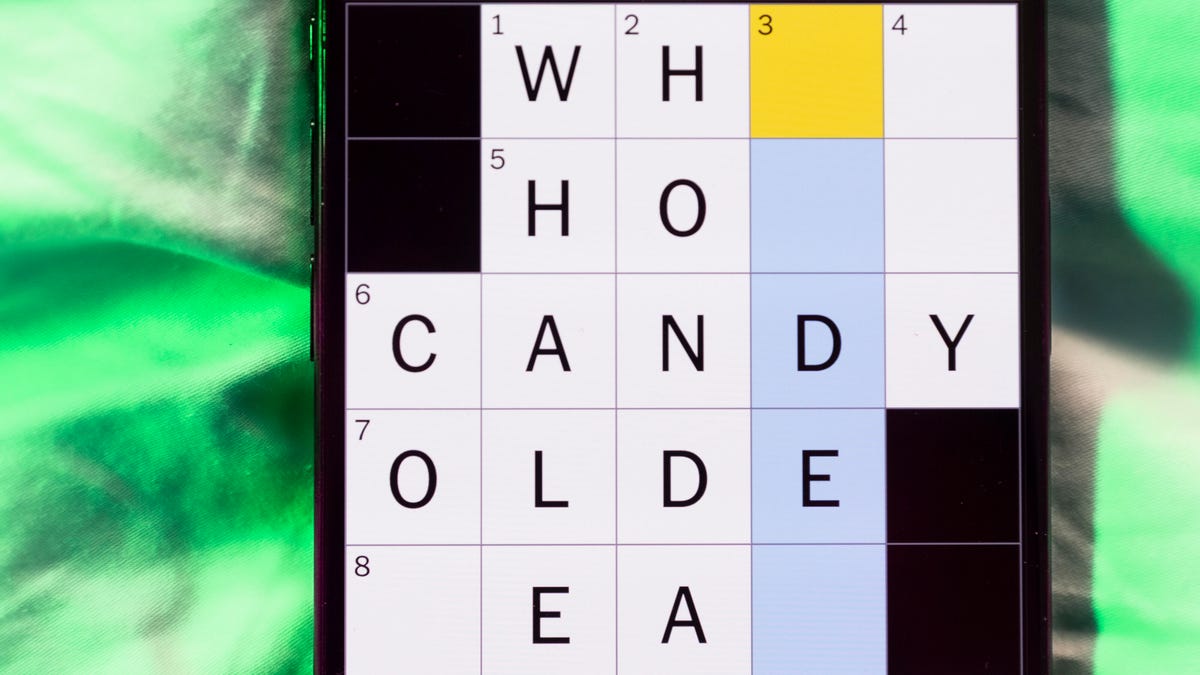
Looking for the most recent Mini Crossword answer? Click here for today’s Mini Crossword hints, as well as our daily answers and hints for The New York Times Wordle, Strands, Connections and Connections: Sports Edition puzzles.
Need some help with today’s Mini Crossword? It wasn’t too bad, though 7-Across threw me until I solved some of the Down clues. Read on for the answers. And if you could use some hints and guidance for daily solving, check out our Mini Crossword tips.
If you’re looking for today’s Wordle, Connections, Connections: Sports Edition and Strands answers, you can visit CNET’s NYT puzzle hints page.
Read more: Tips and Tricks for Solving The New York Times Mini Crossword
Let’s get to those Mini Crossword clues and answers.
Mini across clues and answers
1A clue: Painter’s protective garment
Answer: SMOCK
6A clue: «Toy Story 5» studio
Answer: PIXAR
7A clue: Your answer to «Where were you at 9 p.m. last night?,» perhaps
Answer: ALIBI
8A clue: Tennis star Rafael
Answer: NADAL
9A clue: Solemn sound from a church bell
Answer: KNELL
Mini down clues and answers
1D clue: Defeat soundly, in slang
Answer: SPANK
2D clue: Italian city with a fashion week
Answer: MILAN
3D clue: Iron ___ (rust)
Answer: OXIDE
4D clue: Small group of conspirators
Answer: CABAL
5D clue: Food for a baleen whale
Answer: KRILL
Don’t miss any of our unbiased tech content and lab-based reviews. Add CNET as a preferred Google source.
-
 Technologies3 года ago
Tech Companies Need to Be Held Accountable for Security, Experts Say
-
 Technologies3 года ago
Best Handheld Game Console in 2023
-
 Technologies3 года ago
Tighten Up Your VR Game With the Best Head Straps for Quest 2
-
 Technologies4 года ago
Black Friday 2021: The best deals on TVs, headphones, kitchenware, and more
-
 Technologies4 года ago
Verum, Wickr and Threema: next generation secured messengers
-
 Technologies4 года ago
Google to require vaccinations as Silicon Valley rethinks return-to-office policies
-
 Technologies4 года ago
Olivia Harlan Dekker for Verum Messenger
-
 Technologies4 года ago
iPhone 13 event: How to watch Apple’s big announcement tomorrow


